




Cutout Image — Cut Out Any Photo Online

One-click background removal with fine edges. Export transparent PNGs free online.
A photo with its background removed on a transparent canvas Before
A photo with its background removed on a transparent canvas After
Before
After
Upload Image
* JPEG, JPG, PNG or WebP image allowed.
No image? Try one of these
A photo with its background removed on a transparent canvas
Upload Image
Free to try. Pro Editing at Your Fingertips.
Desktop
Buy Now
Buy Now

What You Can Do with Evoto's Image Cutout Tool

Auto-mask any subject, export a clean transparent PNG, swap in a new background, and keep even hair and fur edges sharp.

Cut Out Subjects with One Click

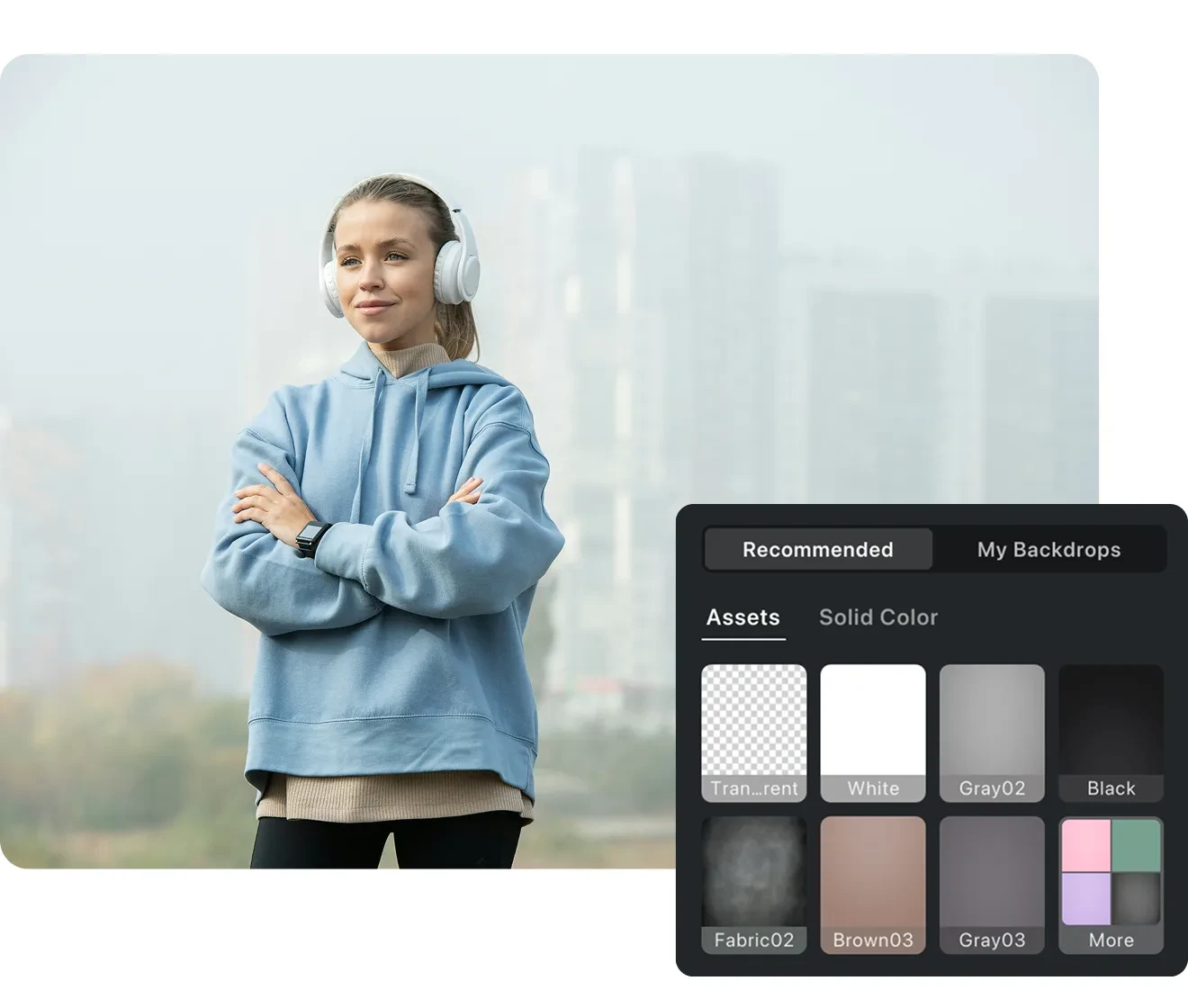
Evoto's AI automatically detects your subject and builds the mask for you — no lasso, no pen tool, no manual tracing. People, products, pets, or everyday objects are isolated from the scene automatically, turning a slow selection job into a hands-off image cutout.

Desktop
Cut out person from photo and cut out shape from image — subject auto-masked in Evoto
Before
After

Create Transparent PNG Images

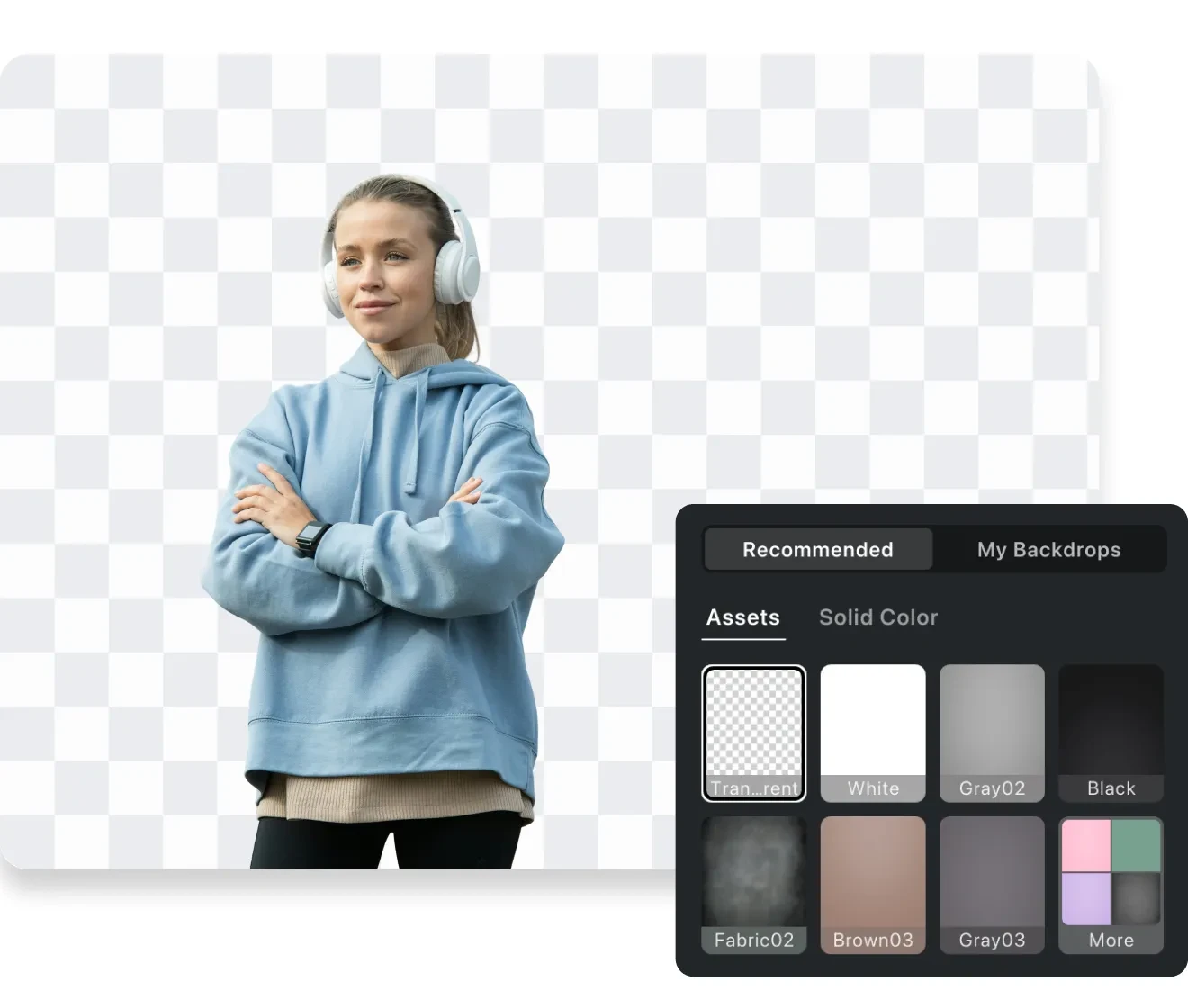
Every cutout exports as a true transparent PNG with a real alpha channel — not a white box behind your subject. Drop it onto any layer, slide, or web page and it sits cleanly on whatever's behind it, ready for design, e-commerce, and marketing work.

Desktop
A transparent PNG cutout shown on a checkerboard background in Evoto

Precision Cutouts for Complex Edges

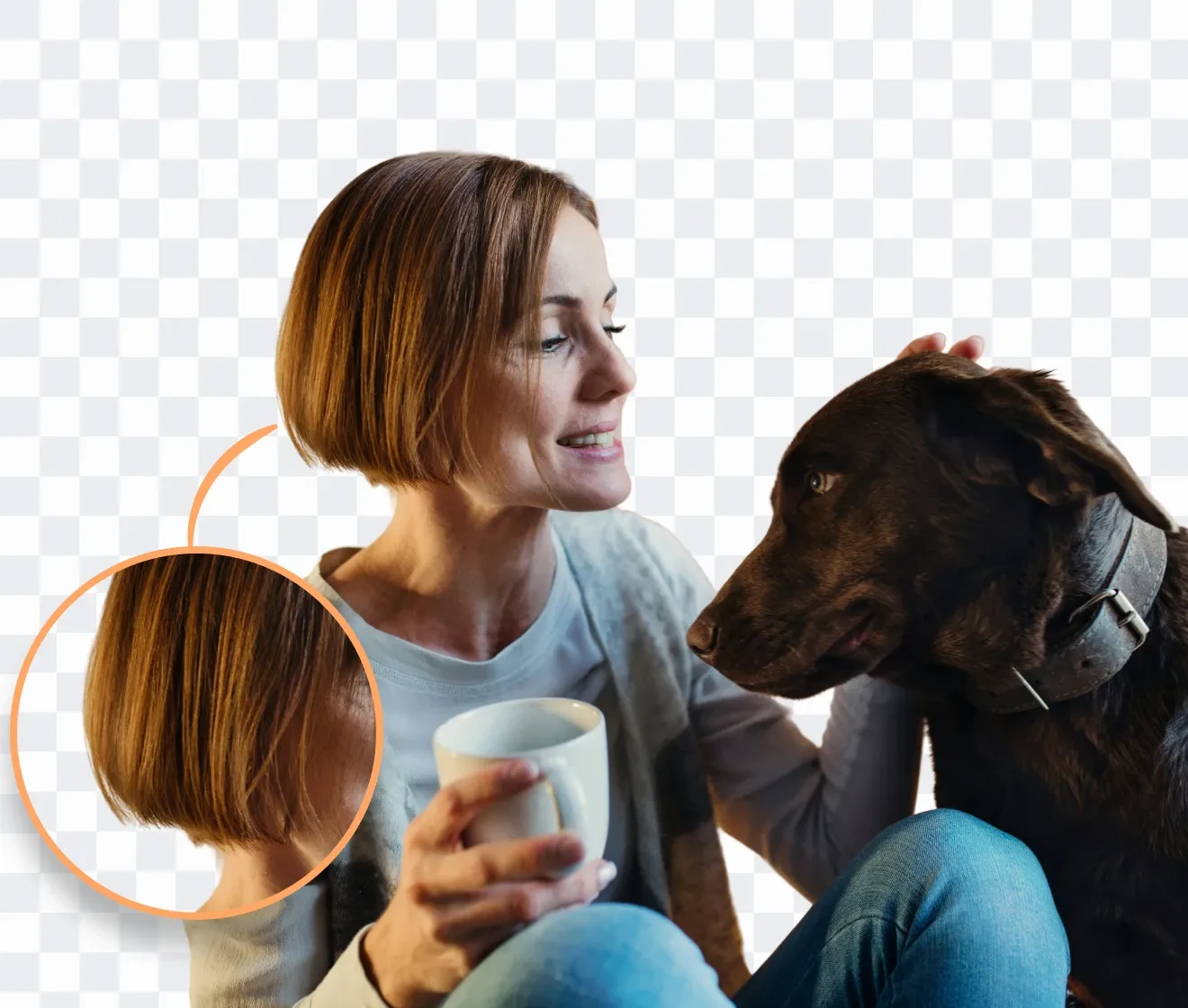
Hair strands, pet fur, veils, and soft, translucent edges are where most tools fail. Evoto's AI segmentation detects them at the pixel level, preserving natural textures and clean outlines instead of the jagged edges and unnatural cutout artifacts common with basic cutout tools.

Desktop
Close-up of sharp hair-strand and pet-fur edges in an Evoto cutout
Before
After

Replace Backgrounds in Seconds

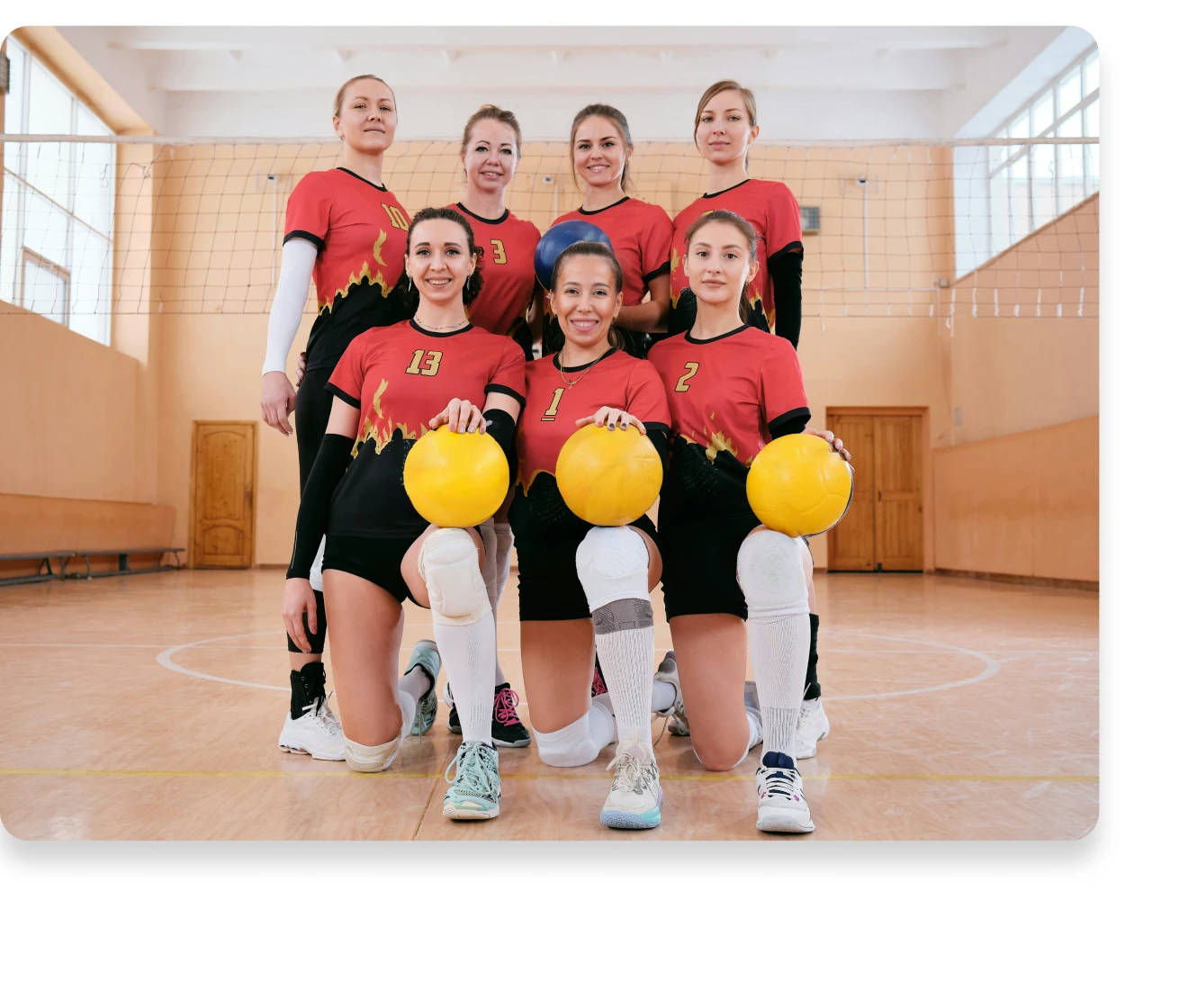
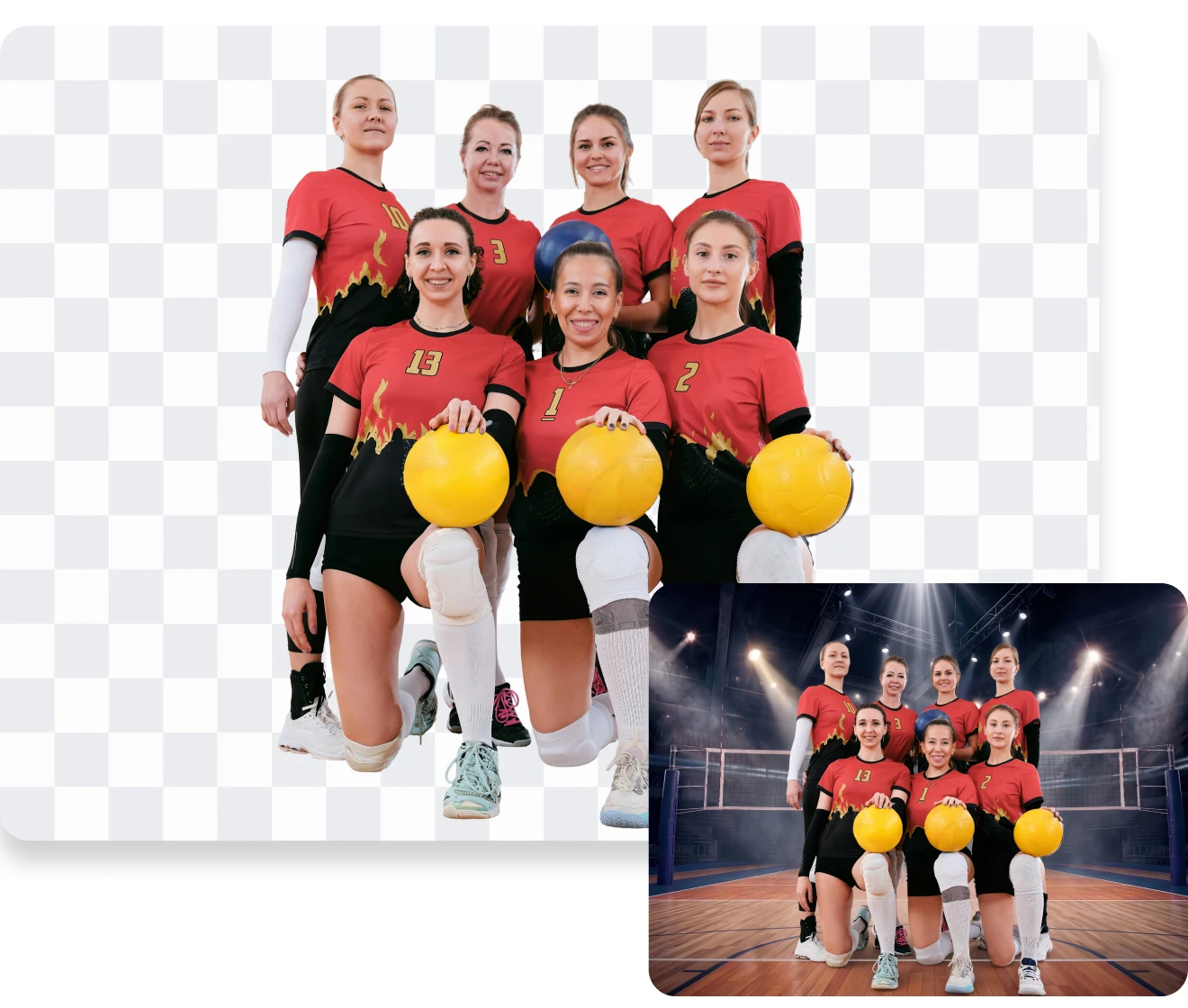
Once the subject is cut out, drop in a solid color, gradient, custom image, or branded backdrop. Fine-tune the new background or add a natural shadow with Evoto's background replacer, so the result looks shot in place rather than pasted together.

Desktop
Sports team photo background replacement made easy with Evoto
Before
After

Why Photographers Choose Evoto to Cut Out Images

Not just a cutout tool. Edit, batch process, and export with professional quality.

Desktop
  • Evoto editing a cutout — retouch, color grade, and export in one app

    All-in-One Editing Workflow

    A cutout is rarely the finish line. In Evoto you can retouch skin, color grade, and export at full quality in the same app — no bouncing between a web cutout tool and Photoshop to finish the job.
  • Evoto cutting out a full catalog of photos in batch

    True Batch Cutout

    Online tools cut out images one at a time. On Evoto desktop, import a whole shoot and cut out every photo at once — hundreds of images with one consistent background, in a fraction of the time, so high-volume catalog and event work ships faster.
  • A full-resolution RAW cutout exported without quality loss

    Full Resolution & RAW

    Evoto cuts out your subject at the photo's original resolution. For RAW files, use the desktop app to preserve every detail with no downscaling or compression—ready for print and client delivery, not just screen-size web exports.
  • Free image cutout in Evoto

    Free, Online & Desktop

    Cut out your first images online free, with no watermark on the result. Download Evoto to unlock batch cutout, RAW support, and the full retouching workflow — try it on your own photos before you commit.


How to Cut Out an Image

Desktop
cut out picture online — uploading a photo to Evoto
1.Upload Your Image234
Open the Evoto cutout image page and drag your photo in, or click to browse — cut out a picture or photo in JPG, PNG, or WebP.
  1. 1. Upload Your Image

    Open the Evoto cutout image page and drag your photo in, or click to browse — cut out a picture or photo in JPG, PNG, or WebP.
  2. 2. Cut Out the Background

    Evoto detects your subject and cuts out the background in seconds. Pick a transparent background and refine any edge if needed.
  3. 3. Download a Transparent PNG

    Export and save your cutout as a transparent PNG at full resolution — no watermark, no quality loss. JPG is also available.
  4. 4. Go Further on Desktop

    For batch cutout, RAW files, background replacement, and retouching, download Evoto for Mac, Windows, or iPad — free to try.
Desktop

From Our Blog

Ready to Cut Out Your Image?

Clean edges, transparent PNG, batch ready — free to try, no watermarks.

Desktop

FAQs

  • What is an image cutout?

  • How do I cut out an image in Canva for free?

  • Can I cut out a person from a photo?

  • How do I make a sticker cutout from a photo?

  • Is the image cutout tool free?

  • Can I cut out images in batch?

  • Can I manually refine the edges the AI missed?

  • Is it safe to upload private or commercial photos?

  • How is Evoto different from online cutout tools like Canva or remove.bg?

  • How do I cut out a subject and paste it into another photo?

Last updated: 2026-07-03. Reviewed by: Evoto Product Team. Results may vary depending on image quality, lighting, subject pose, file format, and selected settings.