Realistic Shadows Made Easy with AI

Transform your photos instantly — add, customize, and blend shadows seamlessly using smart AI shadow generator.

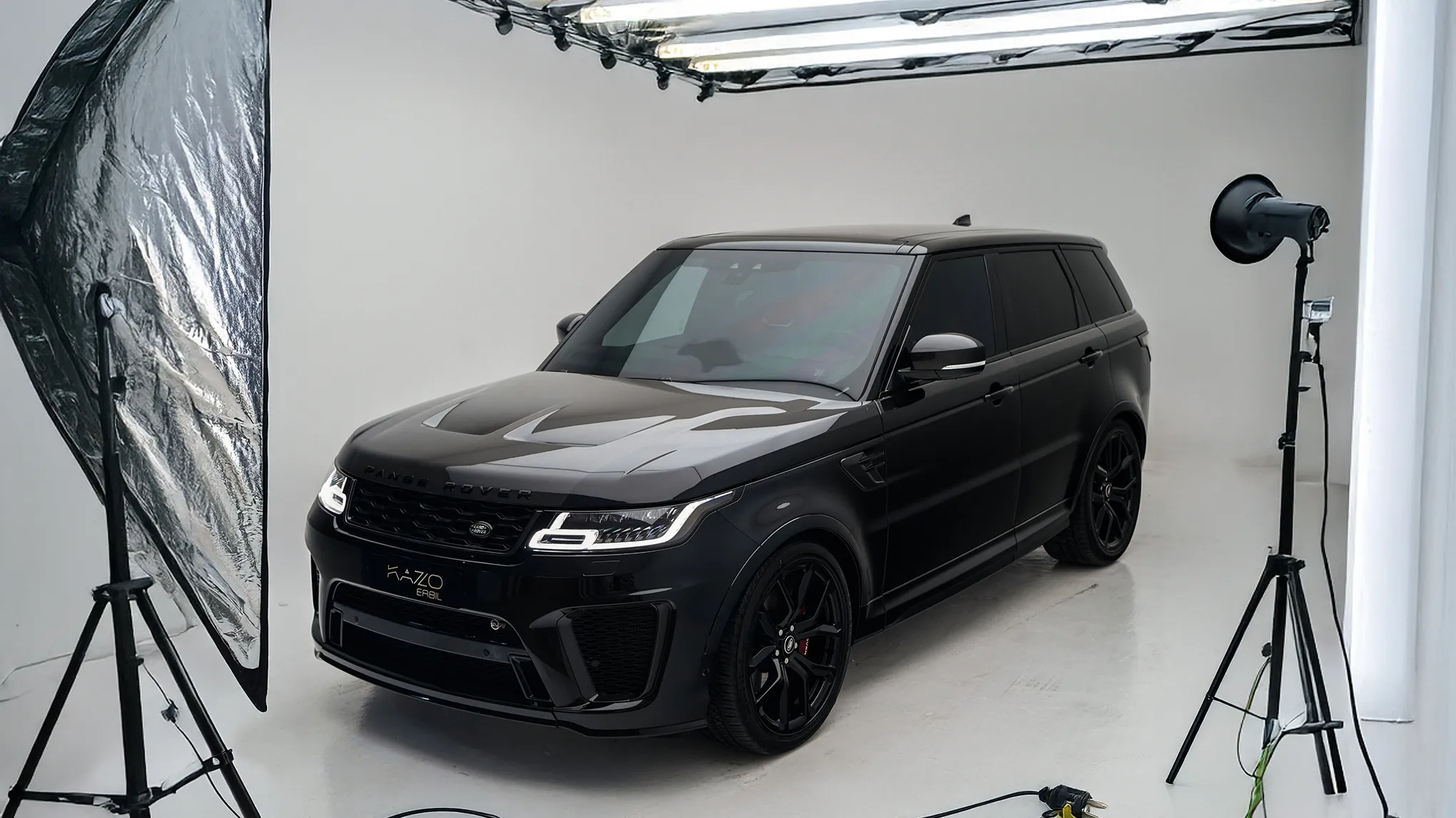
Car in studio photo
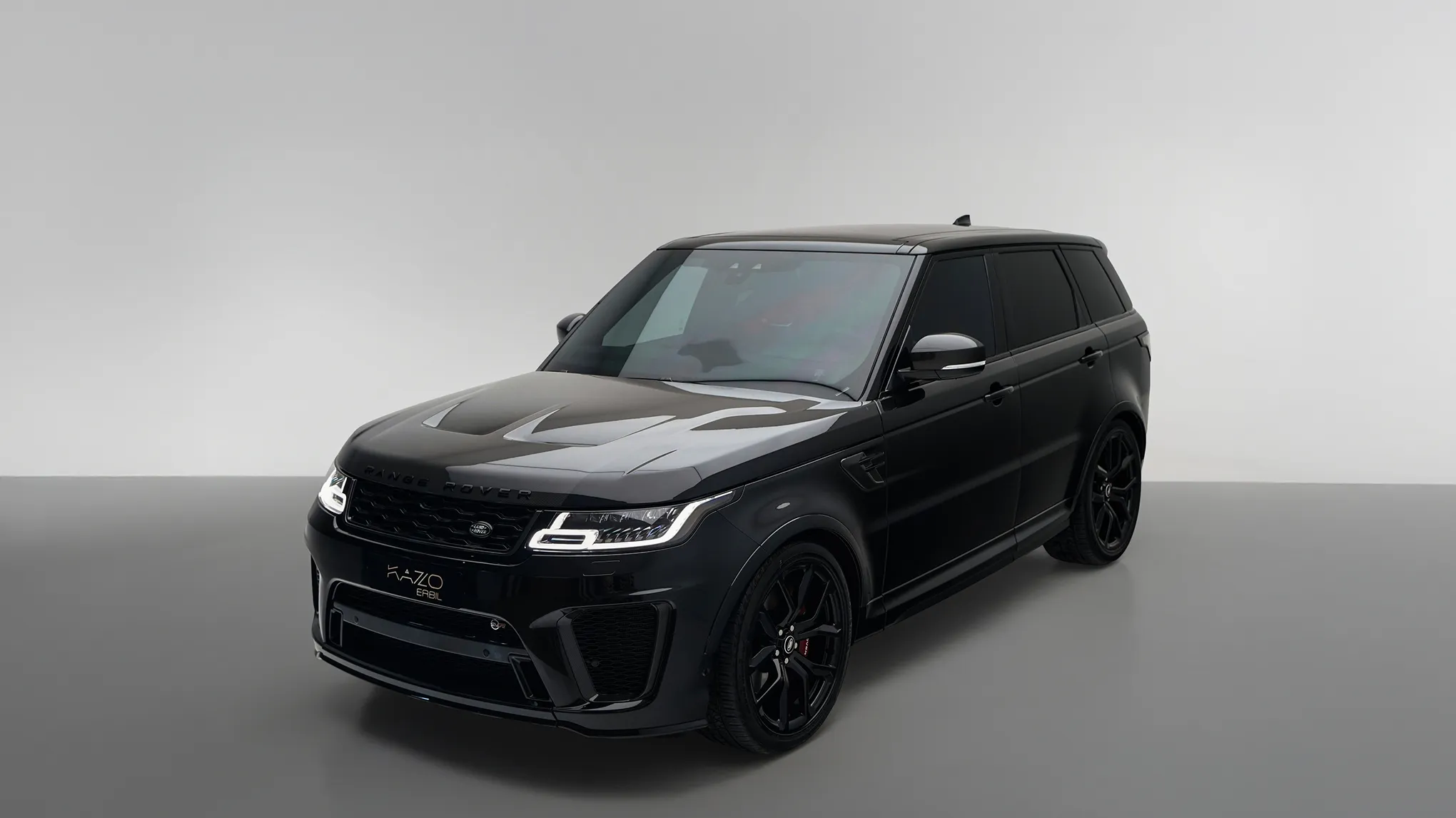
Replace background but keep shadow
Before
After
Upload Image
* JPEG, JPG, PNG or WebP image allowed.
No image? Try one of these
Car in studio photo
Model with mess background
Upload Image
Free to try. Pro Editing at Your Fingertips.
Desktop
Buy Now
Buy Now

Bring Your Photos to Life with Realistic Shadows

Create natural-looking shadows that enhance depth, lighting, and mood—with smart presets, AI-powered retention, and full creative control.

Retain Natural Shadows with AI

Want to keep the original lighting feel? Just turn on AI Retain Shadows to preserve the subject’s natural shadow and add realism, great for especially for product and portrait shots.

Desktop
AI Replace Background
AI Retain Shadows
Before
After

Add Realistic Shadow in One Click

Choose Soft, Hard, or Drop shadows and let AI handle the rest. Whether for consistency or creative flair, Evoto’s Shadow Maker delivers natural, studio-quality depth, fast.

Desktop
shadow maker
Add Realistic Shadows in photo
Before
After

Adjust Every Shadow Detail, Your Way

Make your shadow blend in or stand out. After generating a shadow with one click, you can adjust blend mode, opacity, blur, and gradient fade. Intuitive sliders, pro-level control, realistic results.

Desktop

Control Shadow Placement with Ease

Slide to adjust horizontal/vertical position, distance, and angle, or just drag it directly on canvas. The built-in Shadow Anchor makes it easy to align shadows with the light source for a photo that looks real—not retouched.

Desktop

Why Still On the Fence?

We get it. Sometimes you just gotta try it out for yourself.

Desktop
  • Efficient shadow maker

    Saves Time on Complex Edits

    Skip the manual masking and layering, Evoto Shadow Maker does the hard part for you with AI and intuitive controls.

  • Powerful shadow maker for photo

    Perfect for Any Photo Style

    Whether it’s studio portraits, ecommerce shots, or creative edits, the tool adapts to your subject and lighting.

  • Realistic shadow maker

    Boosts Depth and Dimension

    Shadows add realism and structure to your image, helping your subject pop without over-editing.

  • user friendly shadow maker

    Creative Freedom, Zero Learning Curve

    From subtle adjustments to bold effects, Shadow Maker gives you pro-level tools without the pro-level complexity.

Do More with Evoto AI Photo Editor

From professional skin retouching to color grading and more, we’ve got you covered.

How to Add Shadows in Photo?

Desktop
Uploading a photo into Evoto
1.Import Photos234

Click “Import” to upload your image. Evoto supports RAW, TIFF, PNG, JPG, and more, ideal for high-quality edits.

  1. 1. Import Photos

    Click “Import” to upload your image. Evoto supports RAW, TIFF, PNG, JPG, and more, ideal for high-quality edits.

  2. 2. Select a Shadow Style

    Go to the “Background” panel and change your backdrop. Then, select Soft, Hard, or Drop shadow, or turn on AI Retain Shadow for natural lighting.

  3. 3. Adjust the Details

    Use sliders to adjust opacity, blur, blend mode, and gradient. Or drag the shadow into place or refine its position, angle, and distance with easy manual controls.

  4. 4. Save the Results

    Once you’re satisfied, click “Export” to save your edited photos directly to your Mac, Windows, or iPad device.

Desktop

Faster Edits, Finer Control.

Transform your photos with Evoto AI shadow maker today. Available for Windows, macOS, and iPadOS.

Desktop

FAQs

  • How does Shadow Maker improve my photos?

  • Is the shadow effect hard to control?

  • Can I use the shadow generator on any type of photo?

  • How can I add realistic shadows to my photos?

  • What’s the best way to create natural-looking shadow effects in photo editing?

  • Is there a photo editor that lets me customize shadows manually?

  • Can I blend shadows into different backgrounds?

  • Can I use Shadow Maker for batch photo shadow editing?

  • How do I keep image quality high while adding shadows?

  • Is the Evoto shadow generator compatible with different image formats?