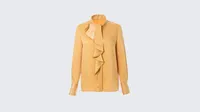
AI Dress & Clothes Color Changer — Fast, Realistic, and Effortless
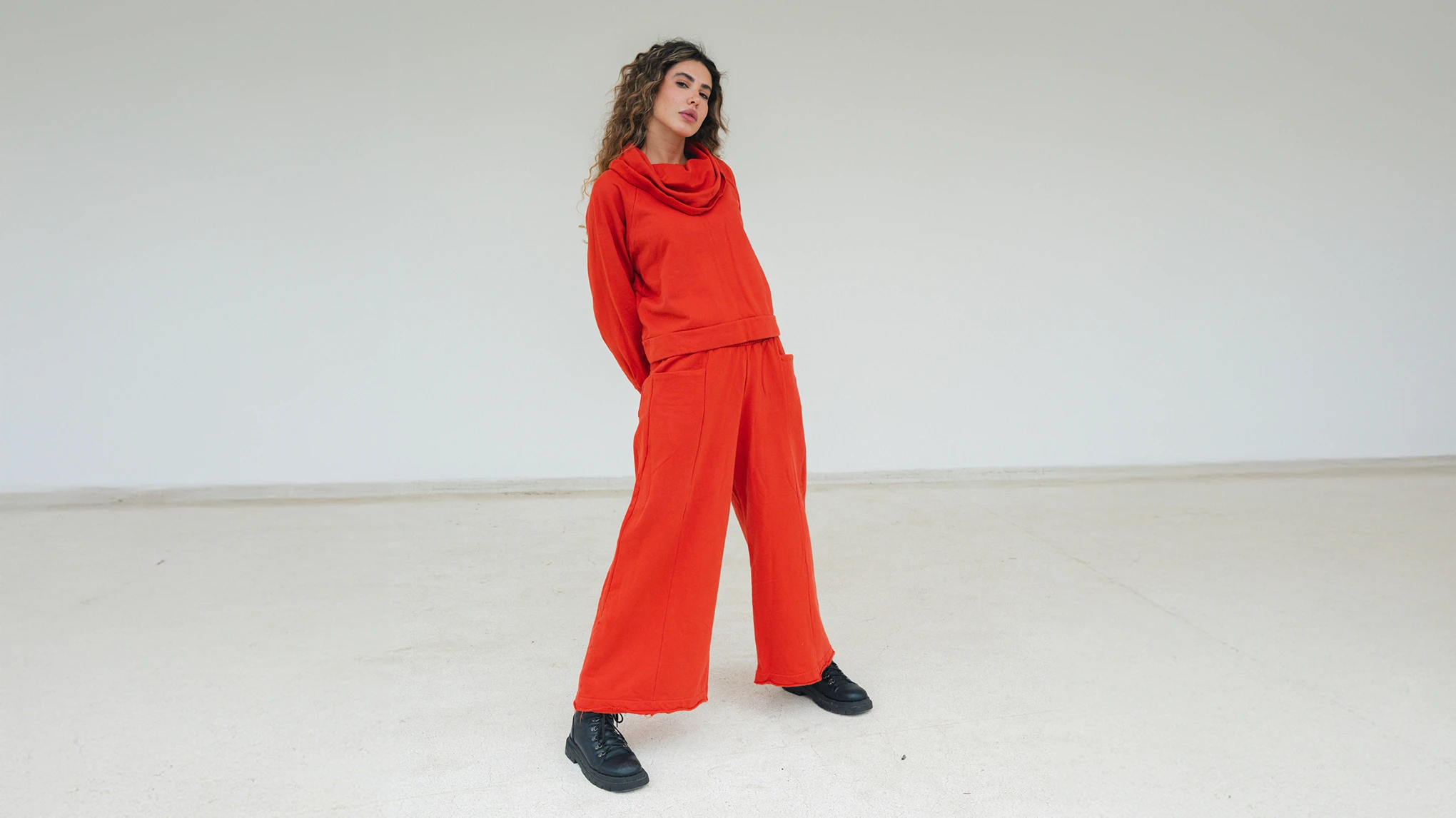
Recolor outfits instantly online and turn a single model photo into a full set of multi-color product images, ideal for e-commerce sellers, designers, and creators.
One-Click Clothing Color Change
Recolor any garment instantly with a single click. Fully online, intuitive, and effortless—no software or complex steps required.
Evoto’s AI detects clothing and fabric textures with precision, preserving natural details and delivering clearer, higher-resolution results than typical AI models. Fully meets 2K e-commerce image standards.
Apply color changes to multiple photos at once. Ideal for online stores, catalogs, or brands managing numerous products—fast, consistent, and time-saving.
Perfect for e-commerce, fashion designers, social media creators, and personal projects. Quickly recolor clothing to match brand themes, seasonal campaigns, or creative ideas.
AI automatically detects multiple clothing items and fabric textures, creates multiple color variations from a single photo, and preserves the model’s skin tones during correction.
Time-Saving & Efficient
Generate multiple color variations from a single image, eliminate the need for reshoots, and quickly prepare products for e-commerce or social media.
Precision on Every Detail
Achieve precise and accurate color changes while keeping the image natural.
Instant Color Magic Anywhere
Transform clothing colors in a click, online and on the go—professional results without any software or delays.
Upload a photo of your clothing item or outfit. Evoto AI will automatically detect the clothing area.
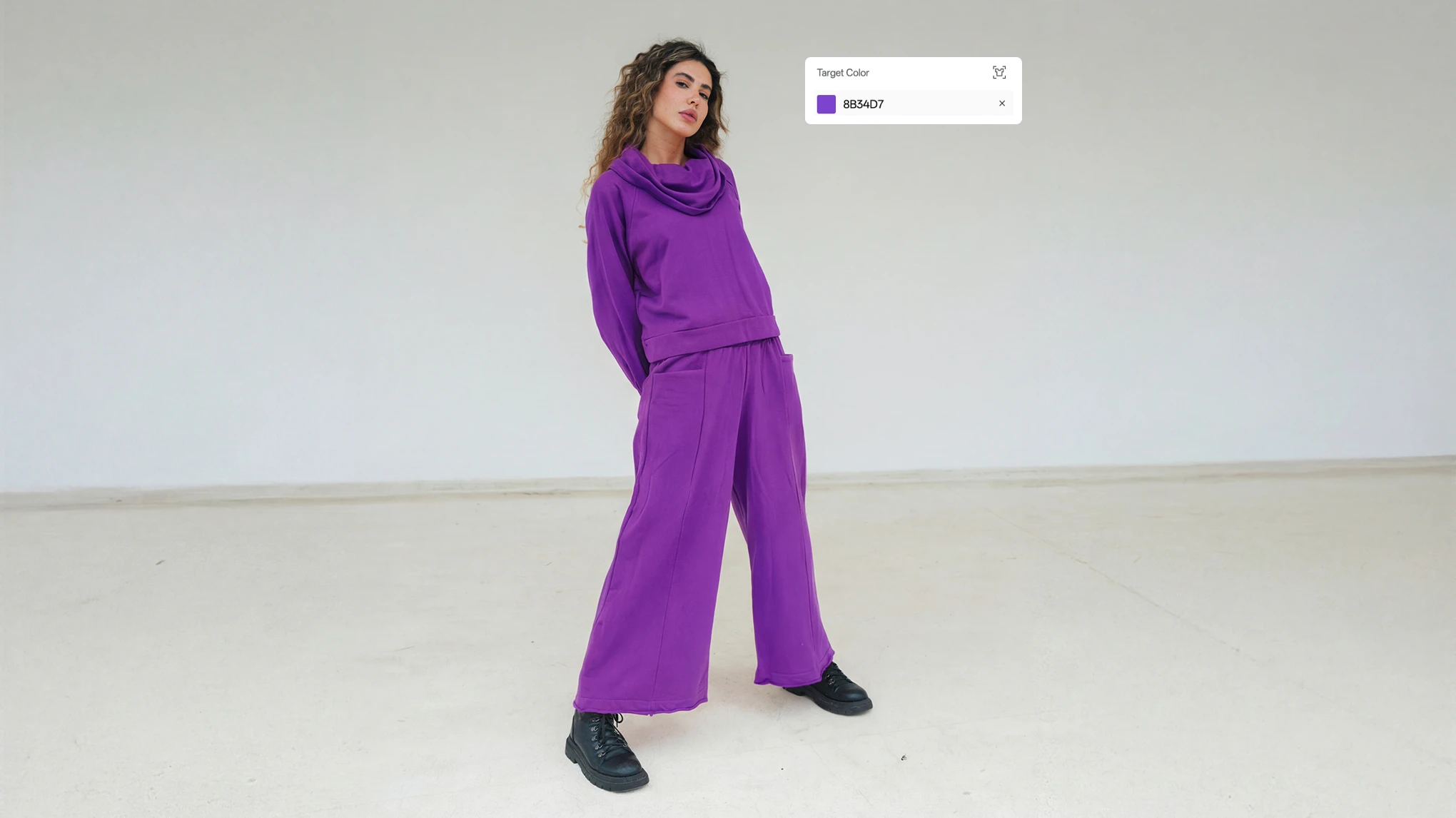
Describe or select the clothing area you want to recolor, or let Evoto auto-detect it for you. Pick a target color or upload a reference product image for AI color matching. Choose how patterns, stripes, prints, or logos should be handled—keep, recolor, or remove.
Apply your color settings to multiple photos in one go. Batch editing ensures consistent results across lookbooks, product sets, campaign images, and any large photo collection.
Preview your result and export the edited clothing photo in high resolution. Use it directly for product listings, ads, catalogs, or social media with accurate and consistent color representation.
1. Upload Your Photo
Upload a photo of your clothing item or outfit. Evoto AI will automatically detect the clothing area.
2. Select Area & Target Color
Describe or select the clothing area you want to recolor, or let Evoto auto-detect it for you. Pick a target color or upload a reference product image for AI color matching. Choose how patterns, stripes, prints, or logos should be handled—keep, recolor, or remove.
3. Batch Edit Multiple Photos
Apply your color settings to multiple photos in one go. Batch editing ensures consistent results across lookbooks, product sets, campaign images, and any large photo collection.
4. Export Your Final Image
Preview your result and export the edited clothing photo in high resolution. Use it directly for product listings, ads, catalogs, or social media with accurate and consistent color representation.
How does AI Clothes Color Changer help online sellers?
A
It allows you to create multiple color variants from a single product photo, reducing reshoots and accelerating product launches. Consistent colors improve listing quality and help customers make confident buying decisions.
Q
How do I change the color of shirts, dresses, or other garments online?
A
Upload your photo and choose the clothing area. The AI identifies the garment automatically, and you can apply a new color with one click. You can also upload a reference image to match an exact shade.
Q
Can I recolor only part of the clothing?
A
Absolutely. You can recolor a single area or multiple selected regions at once. The tool lets you freely choose which parts to modify — such as full body, lower body, inner wear, coat, shoes, bag, belts, bows, and more. This flexibility ensures precise, customizable color changes across a wide variety of garment types.
Q
Will the AI keep the original fabric texture?
A
Yes. The recoloring engine maintains textures such as knit, denim, silk, or cotton, keeping shadows, folds, and stitching natural and untouched.
Q
Can the tool handle patterns or logos?
A
You can choose whether patterns, prints, stripes, or logos stay the same, recolor together with the fabric, or be removed entirely for clean catalog-style images.
Q
Are the recolored images allowed for commercial use?
A
Sure. The images you generate can be used for product listings, ads, social media, and commercial projects as long as you follow the usage policies of the platforms where you publish them.
Q
Does the tool support batch clothing color changes?
A
Of course. You can recolor an entire photoset at once, making it ideal for brands managing large catalogs or multiple SKUs that require consistent color variations.
Q
How to match colors from another clothing image?
A
To match colors from another clothing image, upload a reference product or flat clothing photo. The AI will automatically detect and replicate the color onto your target photo, ensuring consistent shades for e-commerce, catalogs, or marketing visuals.
Q
Will recoloring affect the model’s skin tone or background?
A
Not at all. The tool isolates the garment accurately, ensuring skin tones, hair, and background remain untouched during the color-change process.
Q
What export formats are supported?
A
You can download high-resolution images in JPG format, ready for online stores, marketing campaigns, printing, or social media use.
Last updated: 2026-02-24. Reviewed by: Evoto Product Team. Results may vary depending on image quality, lighting, subject pose, file format, and selected settings.