
Download the app for a 7-day free trial and 50 free credits!Download Evoto

AI Image Enlarger — Enlarge Photos Without Losing Quality Online

Enlarge your photos without settling for a blurry result. Increase image size while enhancing clarity and detail, with support for 2K, 4K, 6K output. Download in full resolution with no watermark.
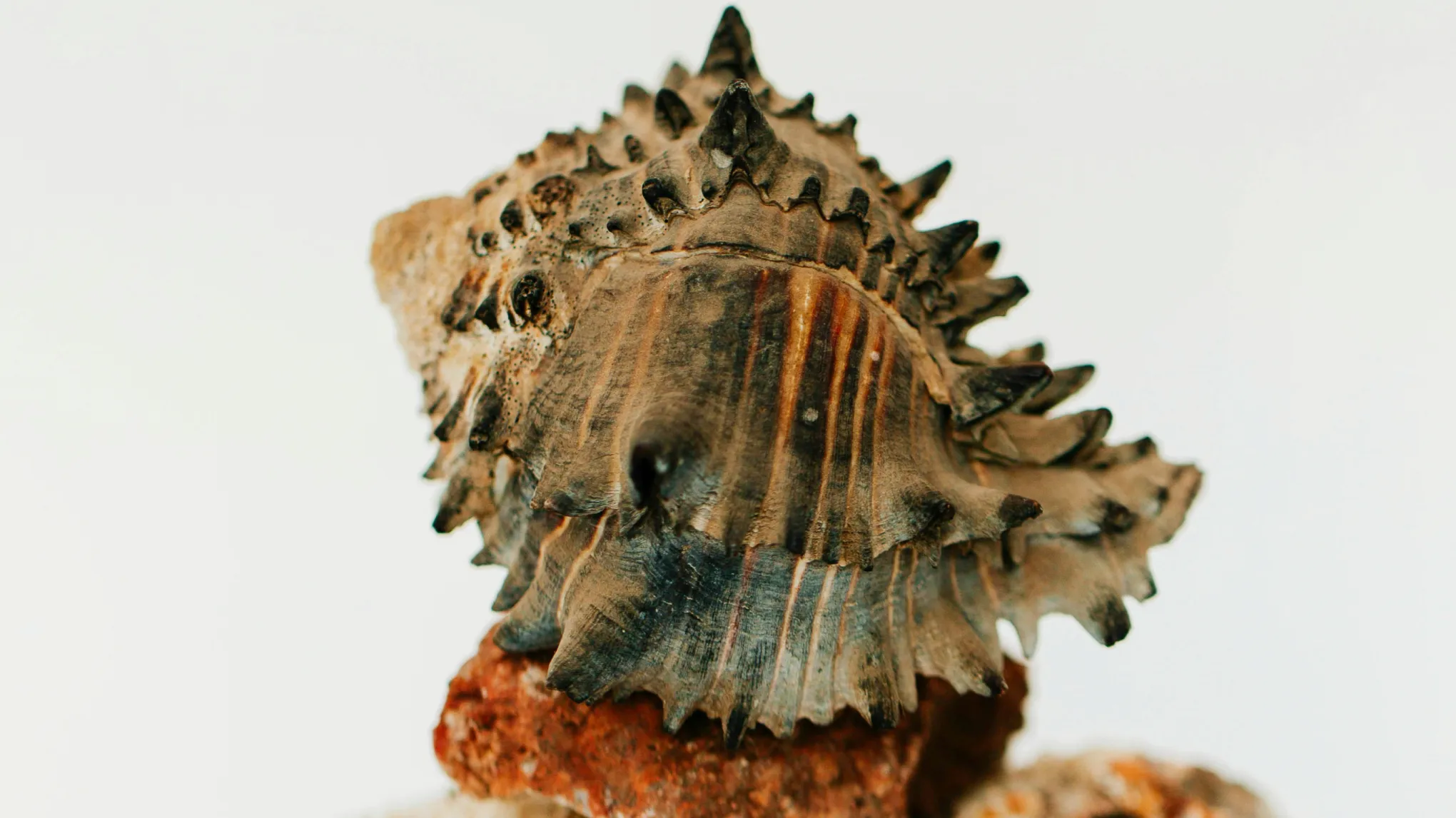
A low-resolution photo enlarged to 4K in Evoto, shown before and after Before
A low-resolution photo enlarged to 4K in Evoto, shown before and after After
Before
After
Upload Image
* JPEG, JPG, PNG or WebP image allowed.
No image? Try one of these
A low-resolution photo enlarged to 4K in Evoto, shown before and after
Try Evoto Free
Free to try. Pro Editing at Your Fingertips.
buy now
buy now

AI Image Enlarger — Make Images Bigger & Clearer

An image enlarger increases a photo’s size and resolution while enhancing clarity and detail. Unlike simple resizing, AI-powered upscaling can reconstruct additional detail as the image gets larger.

Choose the Output Size You Need

Choose the output size you need without guessing at pixel dimensions. Evoto sets your image’s longest edge to 2K, 4K, or 6K and automatically keeps the original aspect ratio. Preview the estimated output size before upscaling, then turn a smaller photo into a larger file for delivery, display, or print.
Evoto image enlarger with 2K, 4K, and 6K output options and the estimated output size displayed

Enlarge Images Without Pixelation or Soft Edges

A standard resize stretches the pixels you already have, which is why enlarged photos go soft and blocky. Evoto's AI reconstructs detail as it scales — edges, hair, fabric, and skin texture are rebuilt at the new size, so you enlarge a photo without losing quality and the file reads as if it were shot at that size rather than resized up.
Close-up comparison of a photo enlarged in Evoto, showing rebuilt hair and fabric detail instead of blur

Get Print-Ready Resolution for Albums and Posters

A photo that looks sharp on screen may not have enough pixels for a large print. AI Image Enlarger increases the image’s pixel dimensions, giving you more resolution to work with for albums, posters, canvas prints, and other large-format projects.
For a complete print-prep workflow, continue in Evoto Desktop to crop, upscale, and set the output DPI or PPI before exporting.
A portrait upscaled to 6K in Evoto and laid out for a large album print

Make Picture Bigger — Phone Shots, Screenshots, Old Scans

Not every image starts as a high-resolution camera file. Use Evoto to enlarge phone photos, screenshots, web images, old scans, or a tight crop from a larger photo. You do not need a RAW file to start. Blow up a small image and it comes back as a bigger image you can actually use, at the size you picked.
For old or damaged photos, combine enlargement with restoration, denoising, or sharpening tools when needed.
A small phone photo and an old scan enlarged in Evoto, shown before and after at full size Before
A small phone photo and an old scan enlarged in Evoto, shown before and after at full size After
Before
After

Why Use Evoto to Enlarge Images

Keep more detail, get more from low-resolution photos, and upscale in less time.
  • A photo enlarged in Evoto with edges and texture kept sharp instead of blurry

    Preserve More Detail

    Evoto rebuilds real detail as it scales, so edges, textures, and fine detail come through sharper — the enlarged image looks clearer, not just bigger and blurrier.
  • A low-resolution photo enlarged in Evoto and made usable for print and web

    Get More from Low-Resolution Images

    Turn small or low-resolution photos into files you can actually use — big and sharp enough for printing, websites, social media, and client work.
  • A photo enlarged in Evoto with no artifacts or over-sharpened, artificial look

    Keep Images Looking Natural

    Enhance image resolution without the tells of cheap upscaling — no distracting artifacts, no over-sharpened edges, no plastic, artificial look.
  • An image upscaled quickly in Evoto without complicated settings

    Upscale in Less Time

    Skip complicated settings and get your enlarged images faster, so you spend less time upscaling and more on the work that matters.

Complete Your Image Enlarger Workflow

Enlarging is one step in getting a file ready to deliver. These handle the rest, in the same Evoto workspace.

How to Enlarge a Photo Online

Uploading a photo to the Evoto image enlarger
1.Upload Your Photo234
Drag your image onto the Evoto image enlarger, or click to browse. JPG, PNG, and WEBP are supported.
Upload limit note: The maximum supported upload size is 6K on the longest edge. Images larger than 6K cannot be uploaded.
  1. 1. Upload Your Photo

    Drag your image onto the Evoto image enlarger, or click to browse. JPG, PNG, and WEBP are supported.
    Upload limit note: The maximum supported upload size is 6K on the longest edge. Images larger than 6K cannot be uploaded.
  2. 2. Choose Your Resolution

    Pick the output size you need. Evoto shows the estimated dimensions before it runs, so you can see exactly how large the file will be. Only sizes bigger than your current longest edge are offered — if a photo is already 6K, there's nothing left to upscale.
  3. 3. Generate and Download

    Click Generate and Evoto's AI upscales the photo, rebuilding detail as it scales. Compare it against the original at 100%, then download the enlarged image at full resolution with no watermark.
  4. 4. Take It Further in Evoto Desktop

    Need more than image enlarging? Continue editing in Evoto Desktop. Retouch portraits, adjust colors, edit RAW files, and batch-edit multiple photos — all in one place, without switching between different apps.

Ready to Make Your Photos Bigger & Clearer?

Upload your photo, choose 2K, 4K, or 6K, and let Evoto AI handle the upscaling. Free to try, no watermark on your download.

FAQs

  • What is an AI image enlarger?

  • Can I enlarge an image without losing quality?

  • Can I upscale an image to 4K?

  • What's the difference between an image enlarger, an upscaler, and a resizer?

  • How do I make a picture bigger and increase the DPI for printing?

  • What image formats can I upscale?

  • Is there a free image enlarger?

  • Will AI upscaling make my image look blurry or artificial?

  • Can I use the AI image enlarger for product photos?

  • Is AI image enlargement good for old photos?

Last updated: 2026-06-11. Reviewed by: Evoto Product Team. Results may vary depending on image quality, lighting, subject pose, file format, and selected settings.