.webp)
.webp)
Film & Cinematic Production
Lock in a signature cinematic look and carry it across every scene. Match footage from different cameras and lighting setups to one reference frame, so your film holds a unified film color grading from opening shot to credits.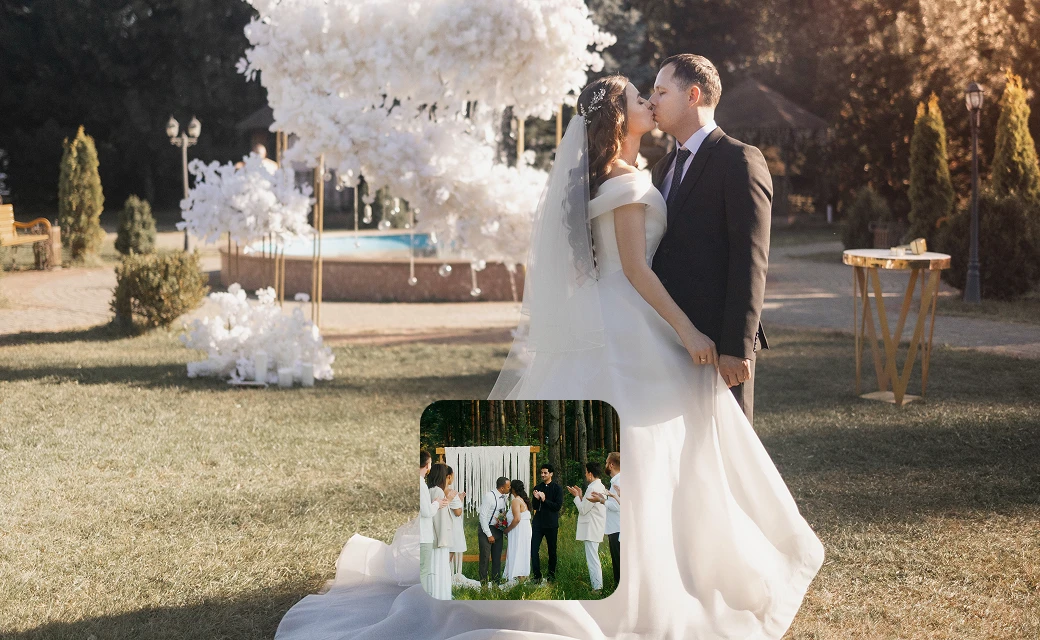
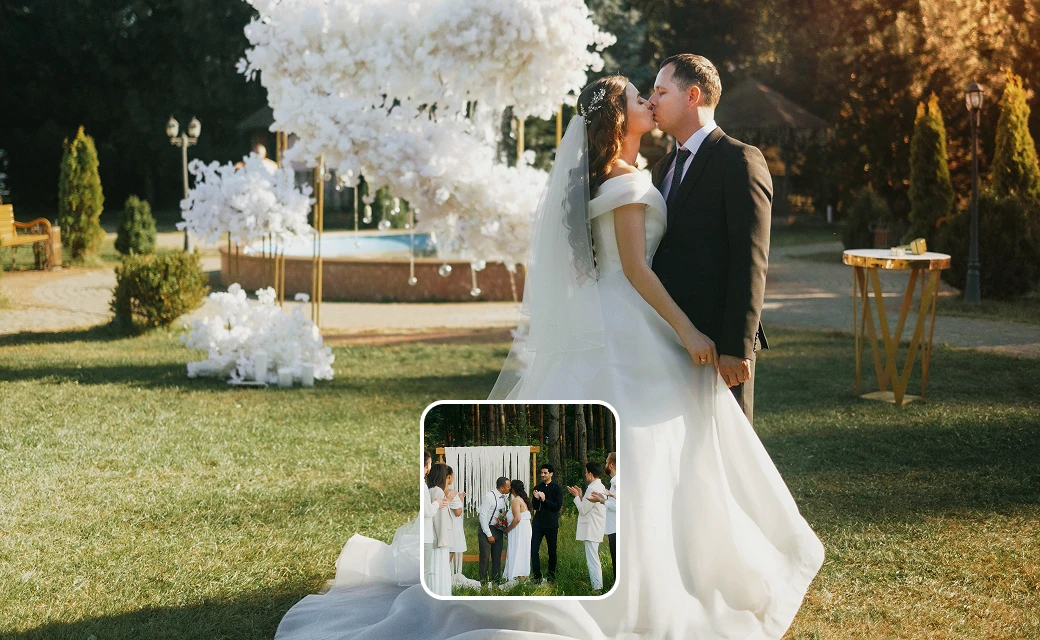
Wedding & Event Videography
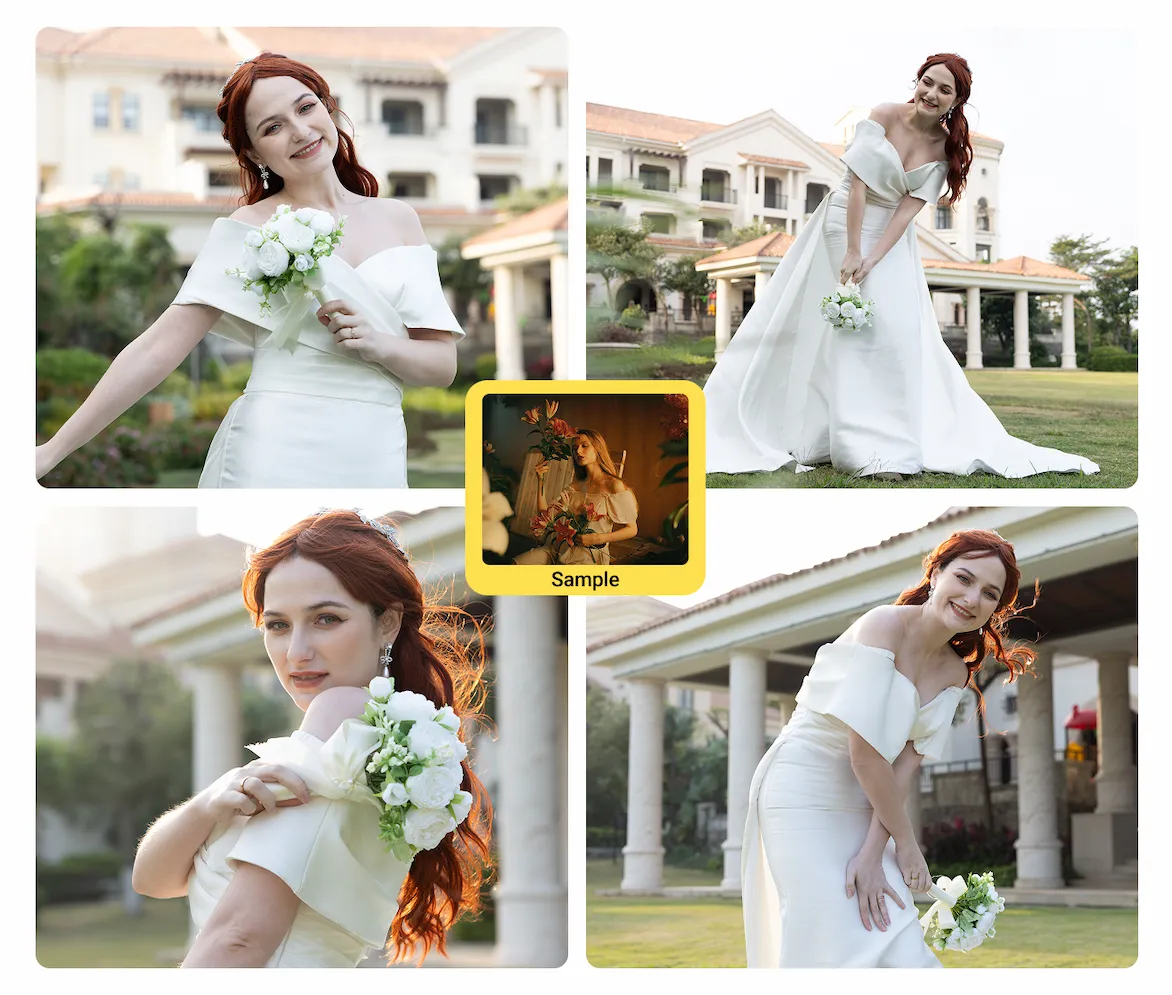
Deliver a dreamy, consistent grade across a full day of changing light. Match the ceremony, reception, and golden-hour portraits to one warm reference, then sync it so the entire highlight reel feels like a single film.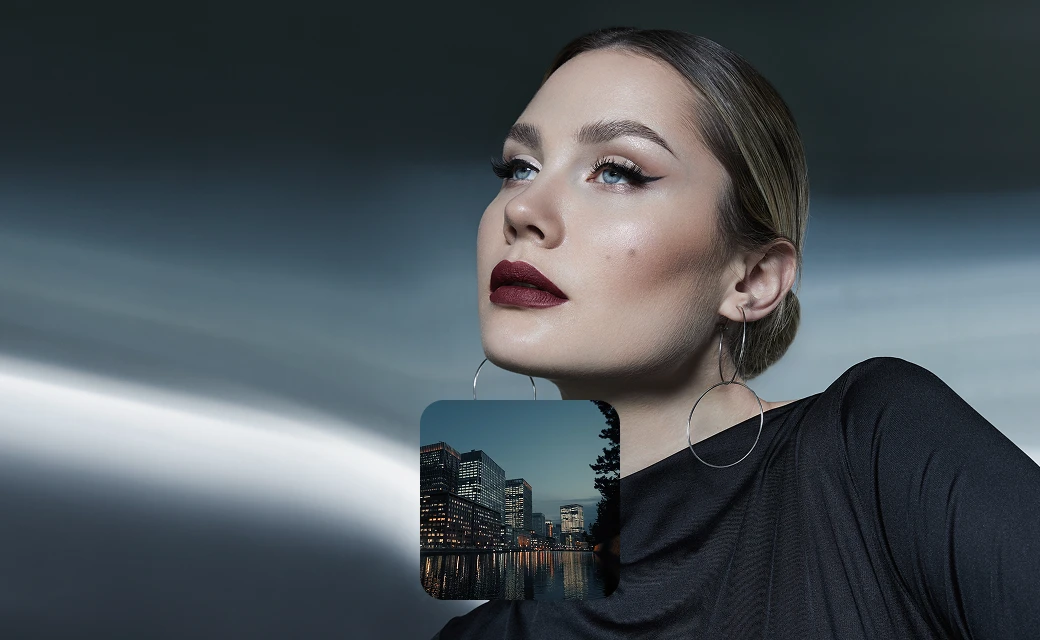
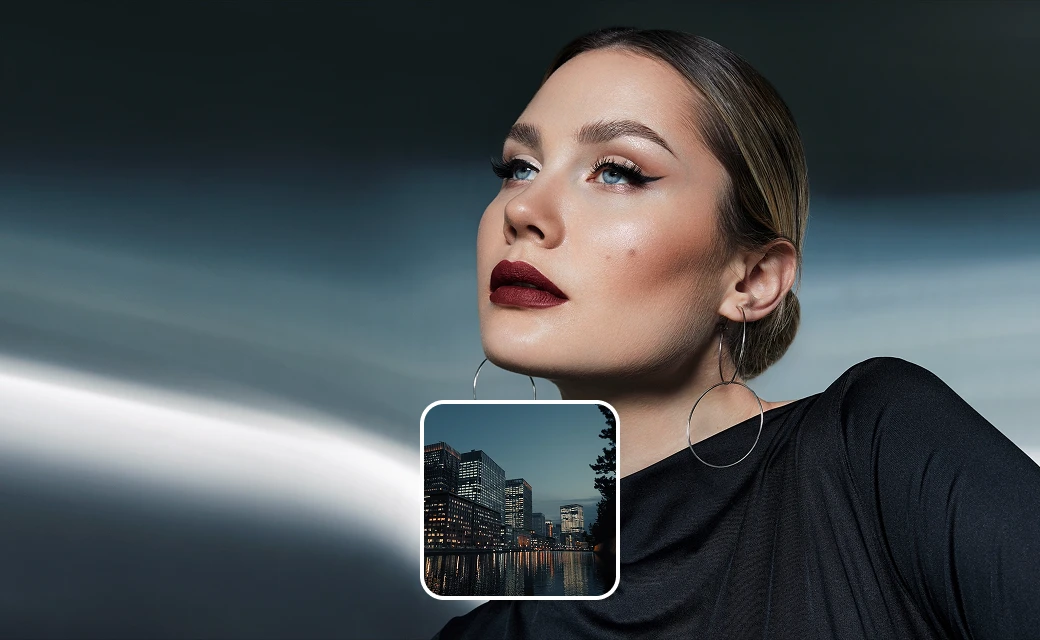
Advertising & Commercial Video
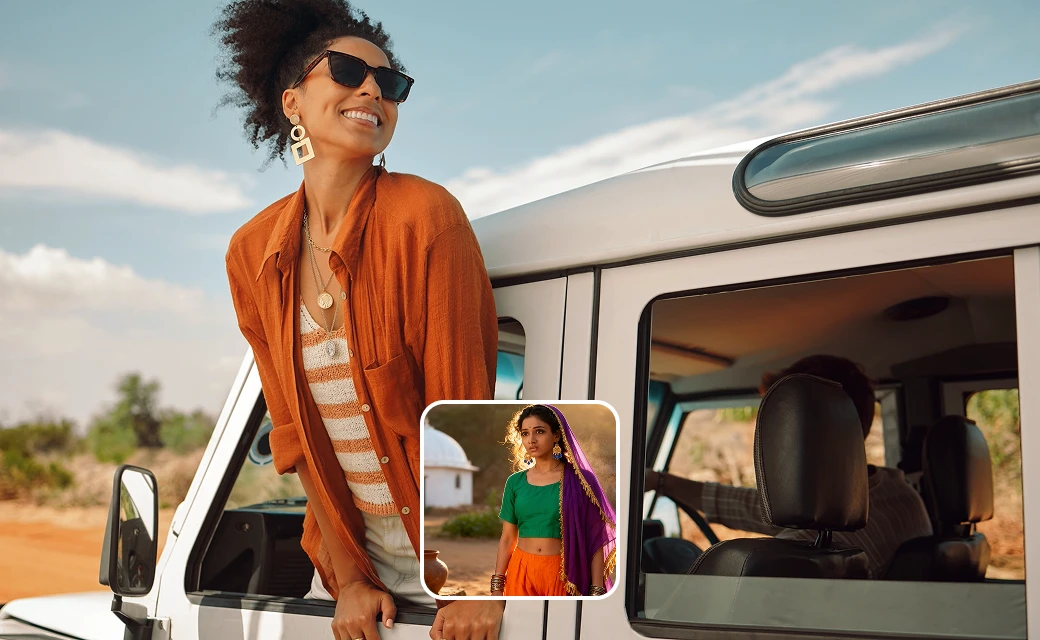
Keep product and brand videos perfectly on-brand — with people looking their best. Match every clip to your brand's reference palette for uniform results across demos, ads, and promos, while AI subject detection keeps talent's skin tones natural and flattering. No colorist required.
Social Media & Short-Form Content
Build a recognizable channel aesthetic in seconds. Pick a trendy reference or preset that fits your style, and give every vlog, reel, and short the same polished, on-brand color — ready to post.
AI Color Match for Video — Color Grade Any Footage in One Click
Transfer the color palette of any photo, film still, or preset to your video automatically. Evoto Video's AI Color Match analyzes your reference, detects subjects in the frame. No color wheels, no nodes, no complex manual grading — just pick a reference and let the AI match it.
From Reference to Graded Footage in One Click
Evoto's acclaimed AI Color Match, rebuilt for video — match any reference, keep color consistent across shots, and grade like a pro without one.
Match Color from Any Reference
Upload any photo or film still and Evoto Video reads its tone, brightness, contrast, and hue, then maps them onto your whole clip. Want a blockbuster teal-orange look or golden-hour warmth? Drop in the reference and AI Color Match recreates it instantly.
Smart Detection for Natural Skin Tones
This takes video color correction beyond a blanket filter. The AI detects subjects — skin, hair, sky, background — and maps the reference colors to each corresponding area. Skin tones stay natural while the background takes on the mood you want. The result is a unified, professional AI color grading video look that respects the people in your shot.
A Preset Style Library for Every Mood
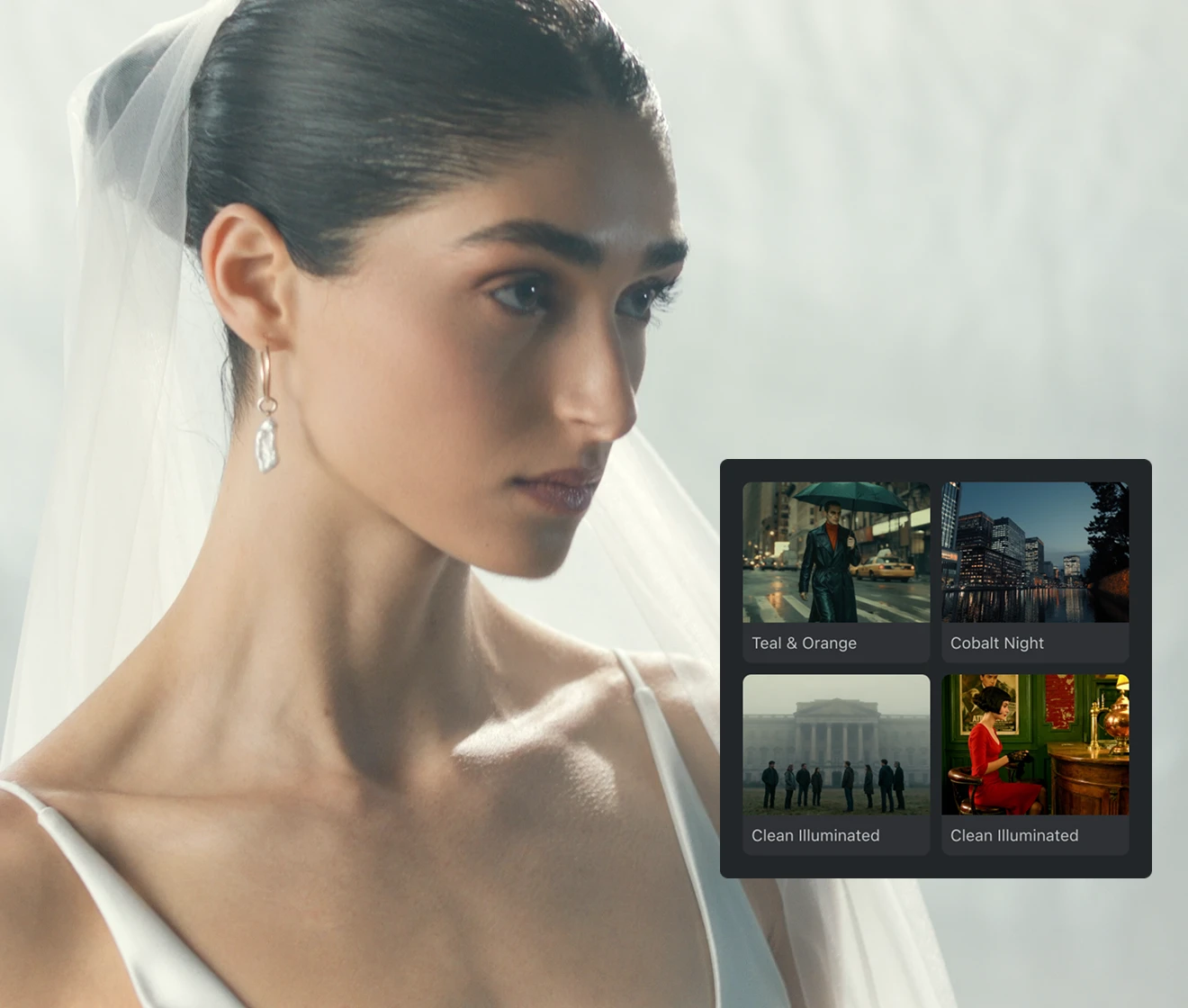
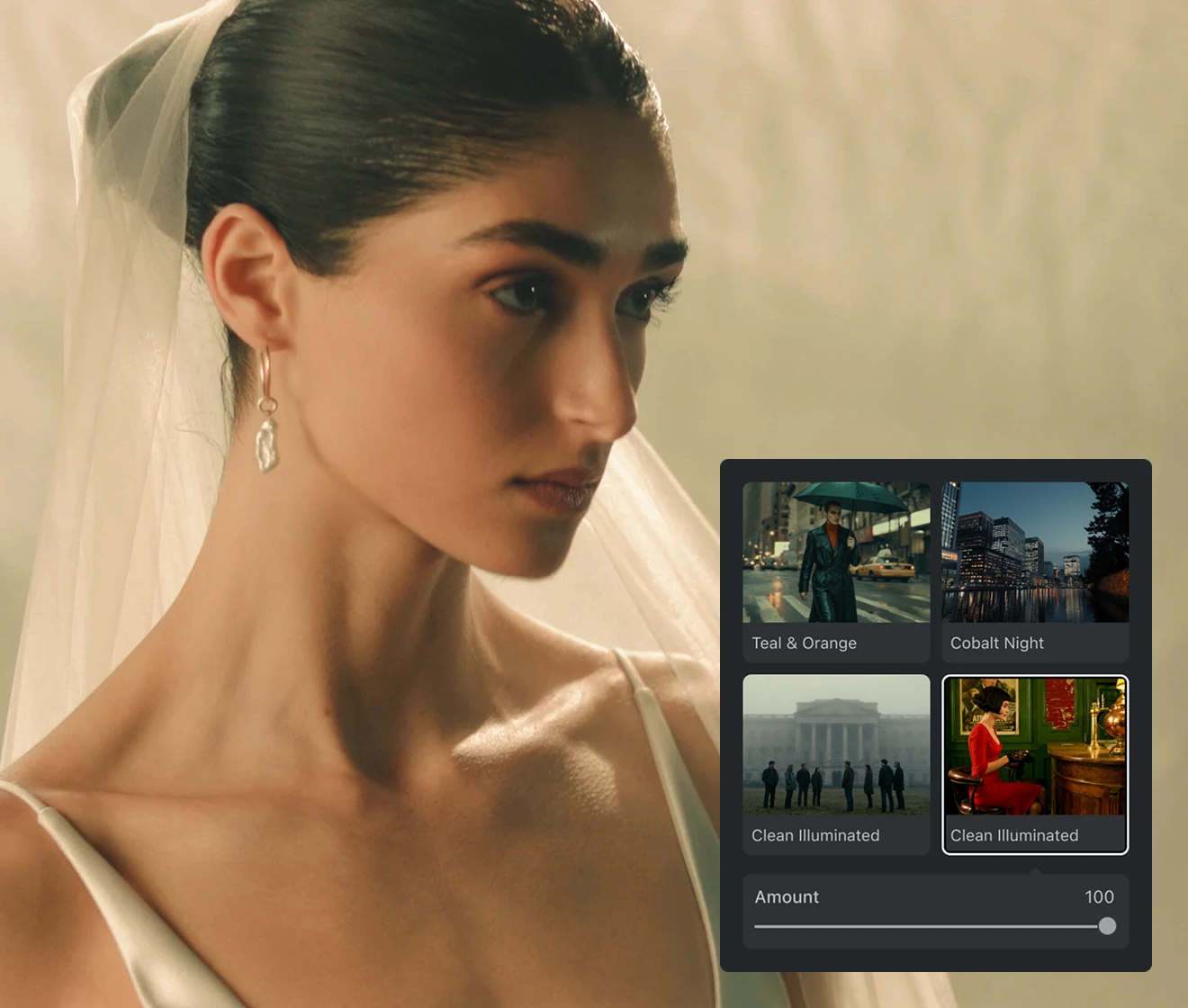
No reference on hand? Browse Evoto Video's built-in style library — from cinematic color grading to vintage, warm, and moody looks — and apply one in a click. Each preset acts like a smart reference, adapting to your footage instead of being forced on like a fixed LUT. Then drag a single slider to dial the color match intensity up or down until it feels right.
Sync One Look Across Your Whole Project
Apply one matched look across your whole project so every clip shares the same color — shot matching made effortless across angles, scenes, and shooting days. With support for 4K, high frame rates, and Rec.709 output, your output meets the quality standards for big-screen playback and commercial delivery.
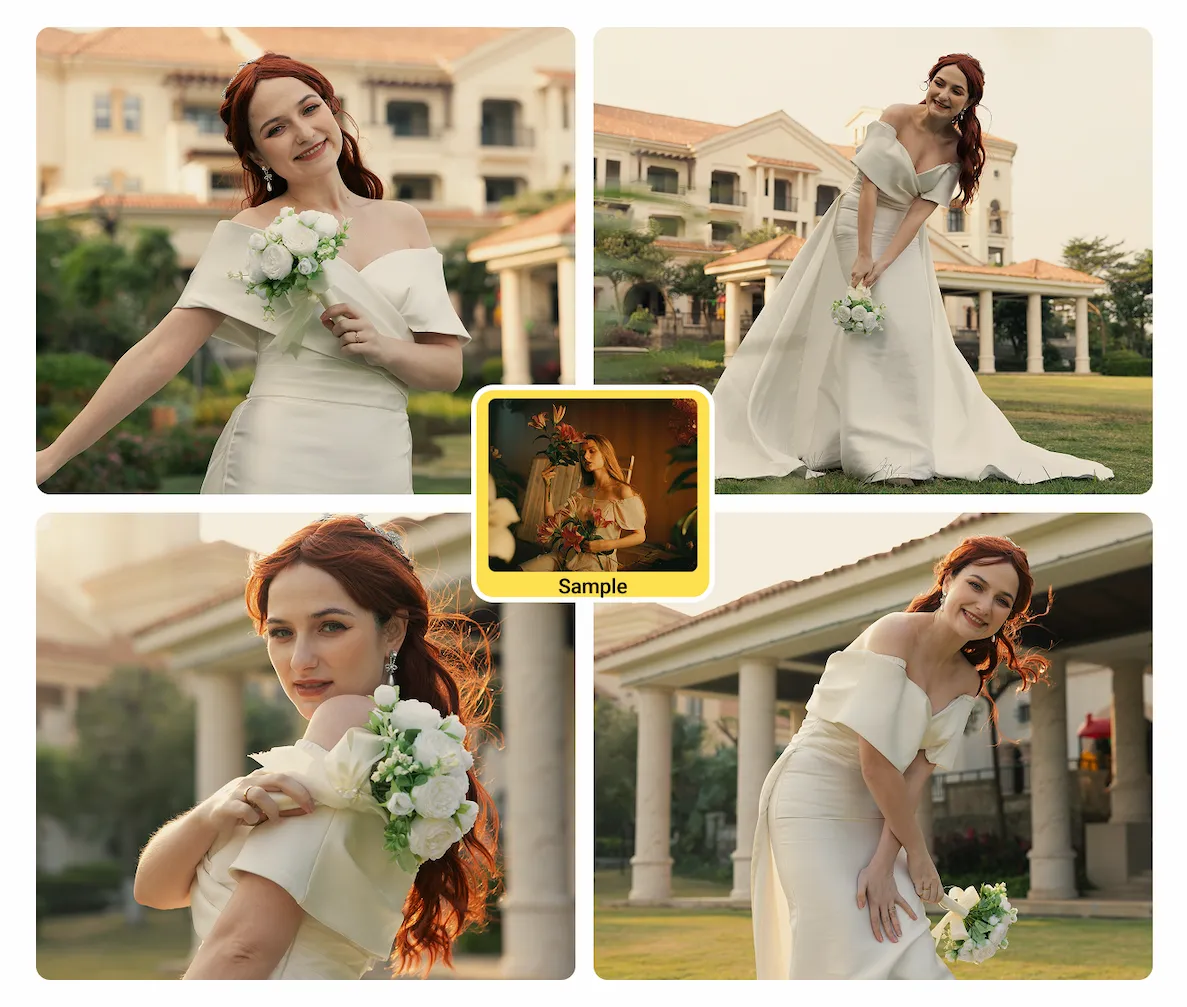
Color Match for Every Kind of Video
Evoto Video's AI Color Match serves diverse industries and creative needs — from cinematic films to social reels, match any reference and deliver a consistent, professional grade.
Why Evoto Video for Color Match
Reference-based color grading, rebuilt for moving images — fast, consistent, and built for creators, not colorists.
Advanced Professional Color Algorithms
Powered by Evoto's latest AI color engine, it reads tone, brightness, contrast, and hue from your reference and rebuilds them on your footage for professional-grade results.Stable, Reliable Subject Detection
Multi-layer per-person tracking holds through profiles, movement, and partial occlusion, so skin tones stay stable even with several people in the frame.Built to Professional Quality Standards
With 4K, high frame rates, and Rec.709 output, your grade stays sharp from cinema screen to phone — ready for professional and commercial delivery.One Consistent Look, Faster Delivery
Apply one matched look across every clip for instant, timeline-wide consistency — straight from footage to delivery-ready video, no repetitive grading.
How to Color Match Video with AI — 4 Steps
1.Import Your Video234
Open Evoto Video and import your clip. Supports MP4, MOV, and M4V at resolutions up to 4K. Your footage appears on the timeline, ready for color grading.
Discover More about Video Color Grading
FAQs
What is AI Color Match for video?
What can I use as a reference?
Can I control how strong the color match is?
Can I save my own reference looks to reuse?
Can it match shots from different cameras, lighting, or locations?
How long can my video be?
What if there are several people in the shot?
Does it support high frame rates and professional delivery?
Is my video kept private and secure?
What's the difference between color match and color correction?
Last updated: 2026-07-20. Reviewed by: Evoto Product Team. Results may vary depending on image quality, lighting, subject pose, file format, and selected settings.