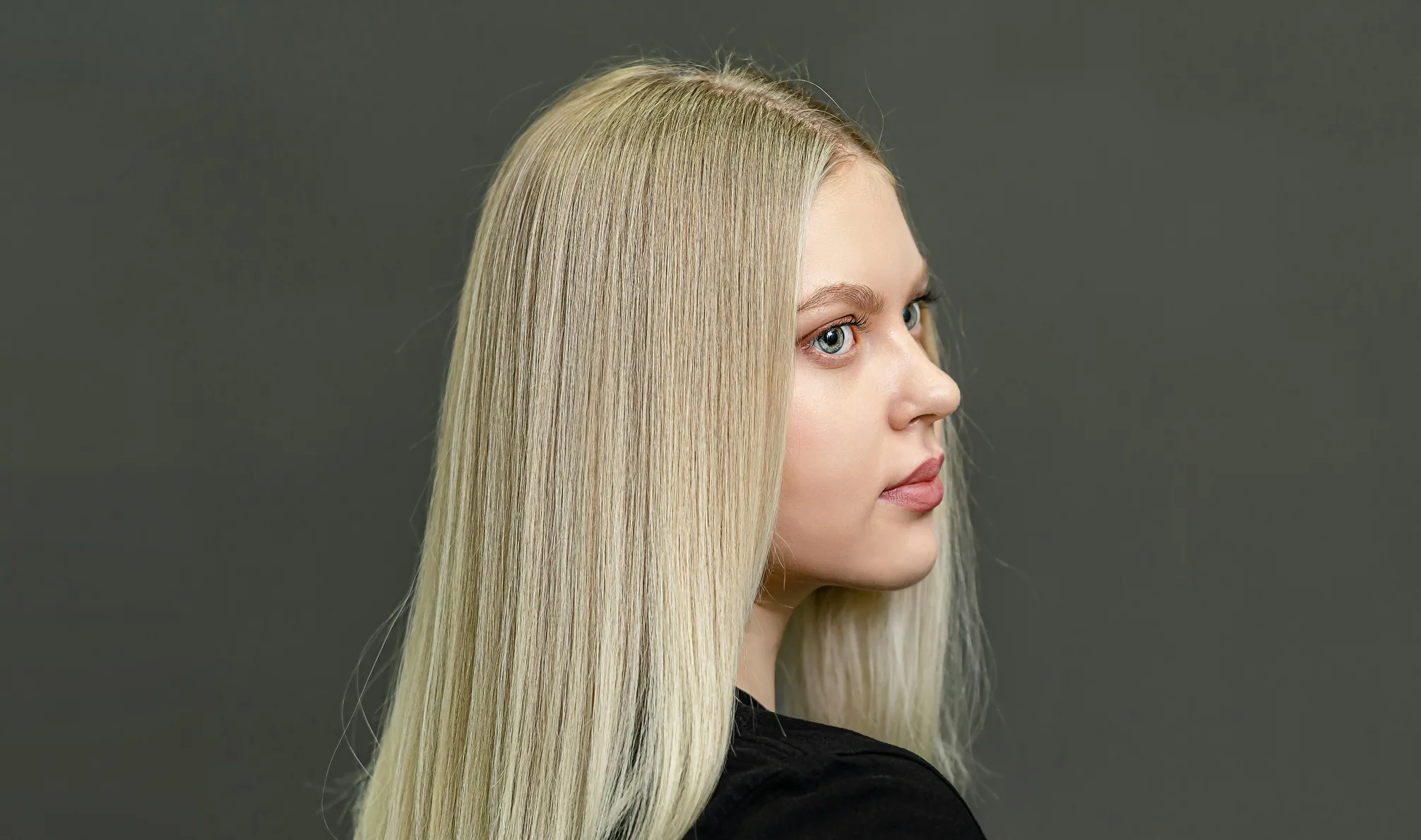
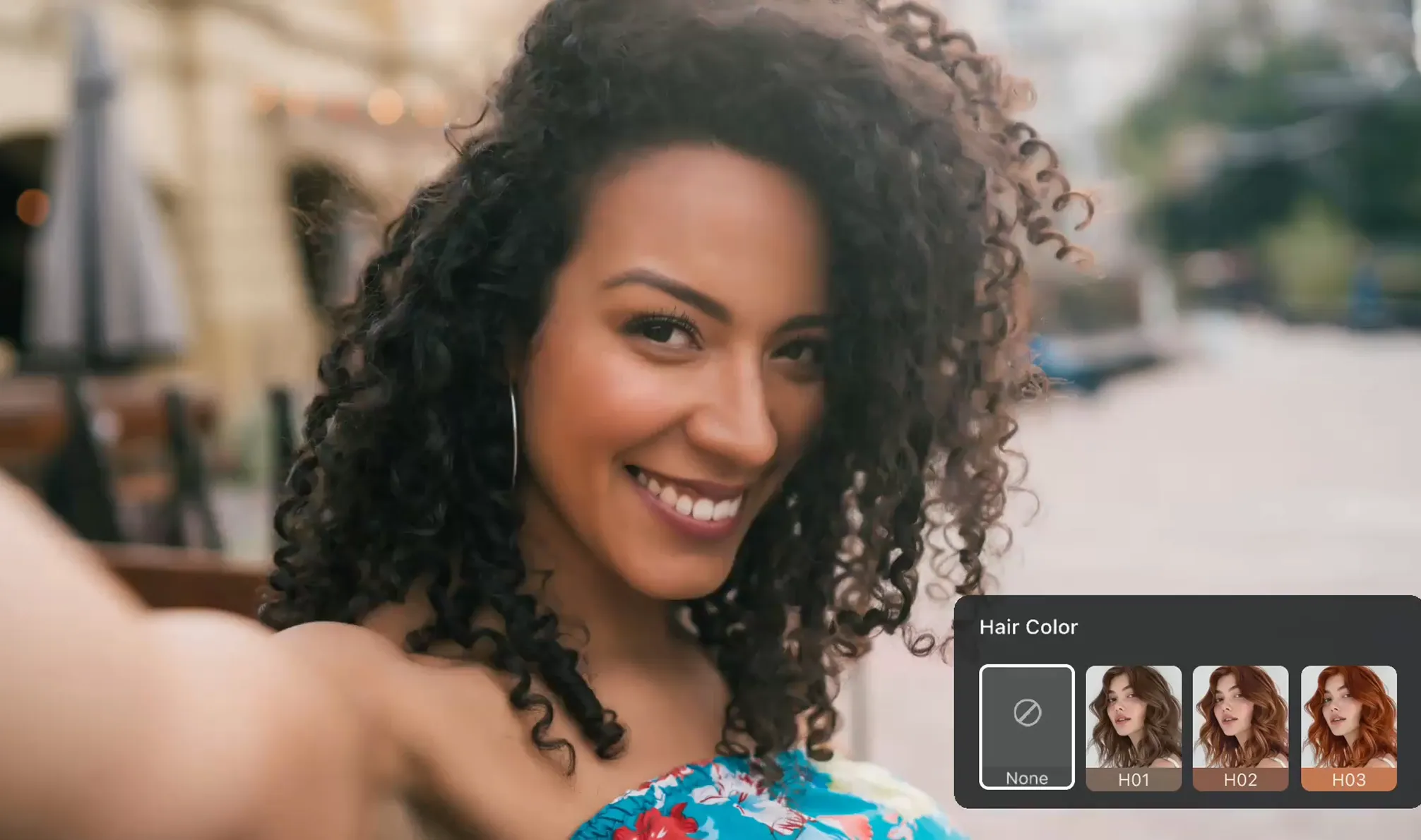
Pro-Grade AI Hair Editor

Evoto AI Hair Editor - Retouch hair effortlessly with AI precision.

Desktop
AI Hair Editor for Best Hair Retouching Before
AI Hair Editor for Best Hair Retouching After
Before
After
AI Hair Editor for Best Hair Retouching Before1
Detect Hair Area with AI2

Explore AI-Powered Hair Retouching

Evoto AI transforms hair editing with precision tools for controlling volume, shine, and frizz, ensuring flawless hairstyles.

Efficient Flyaway Hair Removal

Seamlessly remove unwanted flyaway hair on the outer perimeter of head or within the hair mass. Achieve neat, clean portrait photos without manual effort.

Desktop
Tame Flyaway Hair
Tame Flyaway Hair
Before
After

Lustrous & Smoothing Hair

Tame frizzy hair, enhance texture, and add vibrant shine. Achieve silky-smooth strands while boosting natural color and luster for an elegant look.

Desktop
Smoothing Hair Texture
Before
After

Perfect Hair Style & Volume

Adjust the hair part line for a balanced look, modify side or top hair volume for fuller or sleeker styles, and fine-tune the hairline for a natural finish.

Desktop
Enhance Hairline and Volume in Photo
Before
After

Hair Retouching with Masking

Retouch hair with AI Hair Masking. Auto-detect hair area and create a local mask for further hair color grading using basic curves, HSL, and detail enhancements.

Desktop

Still on the fence?

Effortless, professional, and precise AI-driven hair editing for stunning photos.

Desktop
  • AI Precision Hair Editing App

    AI Precision Edits

    Advanced AI image algorithms enable pinpoint control over hair color, volume, shine, and frizz for perfect results.

  • Batch Professional Hair Retouch

    Pro-Grade Hair Fix

    One-click to execute detailed and professional hair retouching in batches, from flyaway hair to texture refinement.

  • Hair Editor with Intuitive Interface

    User-Friendly Design

    Say goodbye to software with complex learning curves. Our AI Hair Editor makes hair editing accessible for all.

  • Edit Hair in Photo of Multiple Formats

    Broad Platform & File

    Our hair editor app is compatible with multiple device OS and supports a wide range of image formats.

Do More with Evoto AI Photo Editor

From professional hair retouching to color grading and more, we’ve got you covered.

How to Retouch Hair with Evoto AI Hair Editor

Desktop
Image upload in Evoto AI
1.Import a Photo234

Launch the AI hair editor app and upload your photo. The app supports formats like RAW, TIFF, PNG and JPG, ensuring quick compatibility with your photos.

  1. 1. Import a Photo

    Launch the AI hair editor app and upload your photo. The app supports formats like RAW, TIFF, PNG and JPG, ensuring quick compatibility with your photos.

  2. 2. Find the Hair Editing Section

    Navigate to the “Portrait Retouching” panel from the right side and get access to the “Hair” section. This is your go-to for achieving glossy and silky hair effects.

  3. 3. Personalize Hair Adjustments

    Adjust sliders to retouch hair, like the hair part line, volume, stray hair removal, smoothness and hair shine, to achieve a polished look.

  4. 4. Save the Result

    If you are satisfied with the edits, click “Export” to save the edited photo to your device.

Desktop

Faster Edits, Finer Control.

Transform your photos with AI Hair Retouching today. Available for Windows, macOS, and iPadOS.

Desktop

FAQ

  • What makes the AI hair retouching tool unique?

  • Can AI handle different hair types in photos?

  • How fast does this AI photo editor process hair retouching?

  • Is the stray hair removal feature customizable?

  • Does the AI Hair Editor offer non-destructive editing?

  • Can beginners use this AI tool for hair retouching?

  • What formats does this AI Hair Editor support for image uploads?

  • Can this AI Hair Editor app enhance hair shine and color?

  • Is batch editing available in the AI hair retouching tool?

  • How does this AI Hair Editor ensure realistic hair edits?