





AI Magic Eraser: Brush Away Imperfections and Distractions

Swipe the Magic Eraser brush over blemishes, spots, scratches, stray marks, and small distractions, and Evoto cleans them up in seconds while keeping skin and textures looking natural. Need to remove a large object or a whole person? Use Evoto's dedicated AI Object Remover instead.
Upload Image
* JPEG, JPG, PNG or WebP image allowed.
No image? Try one of these
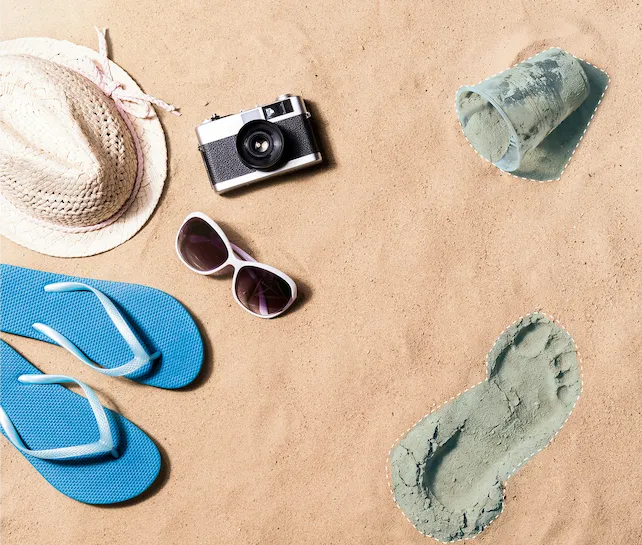
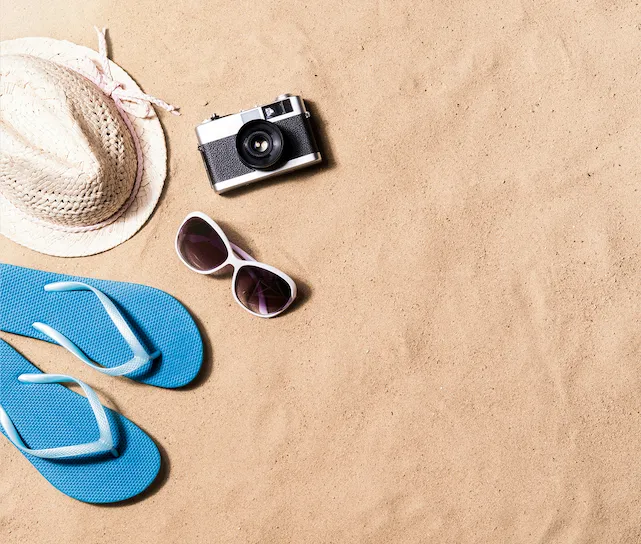
Portrait with skin blemishes and small distractions before using the Magic Eraser brush
Try Online Free
Free to try. Pro Editing at Your Fingertips.
Desktop
Buy Now
Buy Now

Instant Speed. Flawless Accuracy.

Harness advanced AI to wipe away distractions in seconds and seamlessly rebuild backgrounds with pixel-perfect control.

One-Tap Fast Removal

Brush over a blemish, spot, or small distraction and it disappears in a single tap—no masks, layers, or fiddly selections. Cleanups that used to take minutes now take seconds.

One tap erasing a blemish instantly with the Magic Eraser brush
Before
After

Smart AI Fill

Target and refine specific color channels with our intuitive HSL panel. The AI doesn't just delete—it rebuilds the area you erased, matching the surrounding color, texture, and grain so the spot blends in seamlessly.

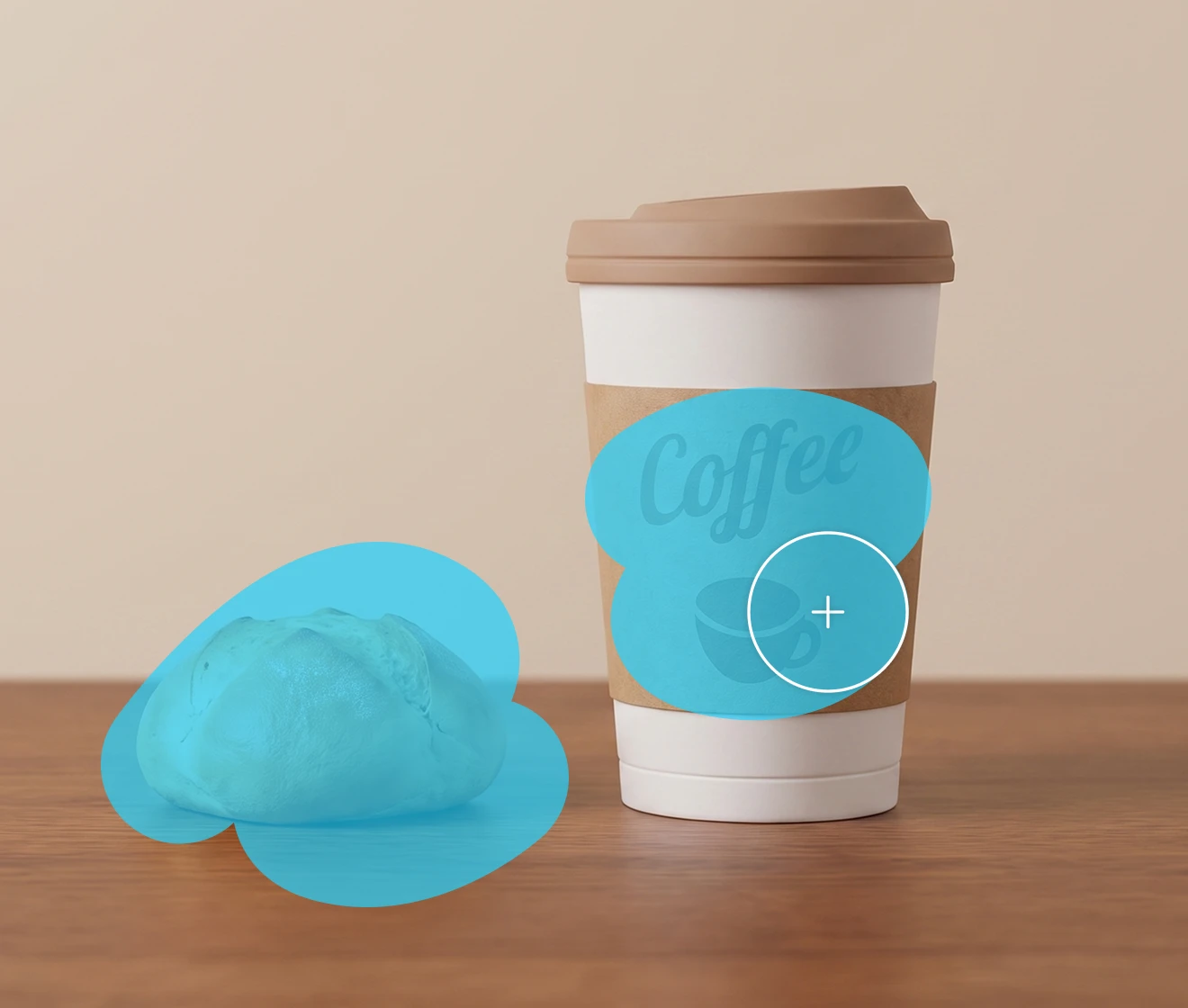
AI smart-filling the area behind an erased spot to match the background
Before
After

Pixel-Precise Removal

Size the brush down to the finest detail to clean up tiny spots, stray hairs, and edges with pixel-level accuracy—without over-erasing the parts you want to keep.

Finely sized brush removing a tiny detail with pixel precision
Before
After

Made for Every Kind of Photo

Whether it’s travel, event, lifestyle, or product photography, the Evoto Magic Eraser is your go-to solution for pristine images. Effortlessly sweep away background clutter, sensor dust, and small environmental distractions across all your shoots.

Magic Eraser cleaning up portrait, product, and travel photos side by side
Before
After

Why Photographers Use Evoto AI Magic Eraser

Precise, natural retouching at the speed your shoots demand—here's what sets Evoto's Magic Eraser apart.

Desktop
  • Free AI magic eraser tool with zero subscription fees and no watermark on export.

    Free to Use

    Access advanced AI capabilities at absolutely zero cost. Effortlessly remove text, cables, or unwanted clutter from your captures without hidden paywalls, subscription fees, or mandatory watermarks on export.
  • Intuitive photo editing interface demonstrating simple object and blemish removal with a brush tool.

    Easy to Use

    Professional retouching made simple. With our intuitive interface, you can achieve complex object and blemish removal smoothly and effortlessly—no steep learning curve or advanced masking skills required.
  • High-resolution image export showing zero compression artifacts and intact EXIF metadata.

    Full-Resolution Output

    Export your distraction-free photos at full pixel resolution with EXIF metadata intact. Evoto ensures professional-grade accuracy with zero compression artifacts or lost details in the erased and filled areas.
  • Secure cloud server processing with encrypted data protection and automated photo deletion.

    Photos Stay Private

    Your images are processed securely using encrypted cloud servers. Once the generation is complete, your data is permanently deleted—never stored, never shared, and never used for AI training.
Do More with Evoto AI Photo Editor

From professional skin retouching to color grading and more, we’ve got you covered.

How to Use the Magic Eraser in 4 Easy Steps

Importing a photo into Evoto's Magic Eraser
1.Upload Your Photo234
Upload a photo to the online AI Magic Eraser. Image formats like PNG, JPEG, JPG and WEBP are available.
  1. 1. Upload Your Photo

    Upload a photo to the online AI Magic Eraser. Image formats like PNG, JPEG, JPG and WEBP are available.
  2. 2. Brush Over the Imperfections

    Swipe the Magic Eraser brush across blemishes, spots, or small distractions, resizing it for fine detail.
  3. 3. Let the AI Clean It Up

    Click “Remove” and AI will recognize your selected area and then remove the objects from your photo.
  4. 4. Export The Photo

    Click “Download” to save the edited photo to your device.

Discover More about Evoto AI Magic Eraser

Faster Edits, Finer Control.

Try Evoto's AI Magic Eraser and brush every shot to a clean, natural finish in seconds.

Desktop

FAQs

  • What is the Magic Eraser tool?

  • How is the Magic Eraser different from the AI Object Remover?

  • Is Evoto's Magic Eraser free to use?

  • Will my photo still look natural after erasing?

  • What kinds of flaws can the brush remove?

  • Do I need retouching experience?

  • Does it work on portraits and skin?

  • What formats and resolutions are supported?

  • Are my photos kept private?

Last updated: 2026-07-03. Reviewed by: Evoto Product Team. Results may vary depending on image quality, lighting, subject pose, file format, and selected settings.