Flat Stomach Photo Editor for Natural, Realistic Results
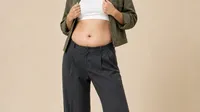
Refine the midsection naturally without over-smoothing skin or warping the background. Evoto helps you subtly reduce tummy bulge in portraits effortlessly, offering real-time preview and a seamless export workflow.
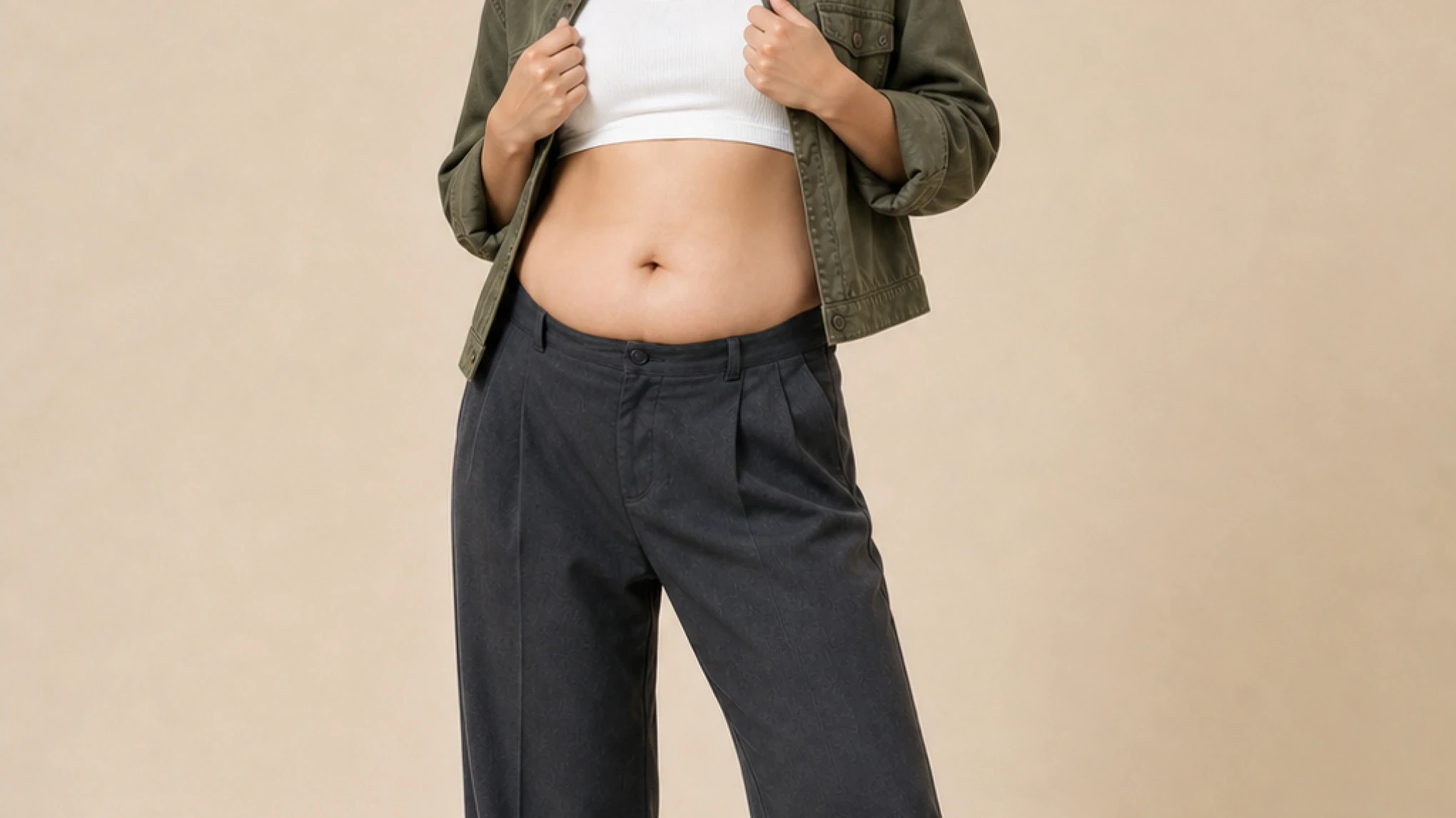
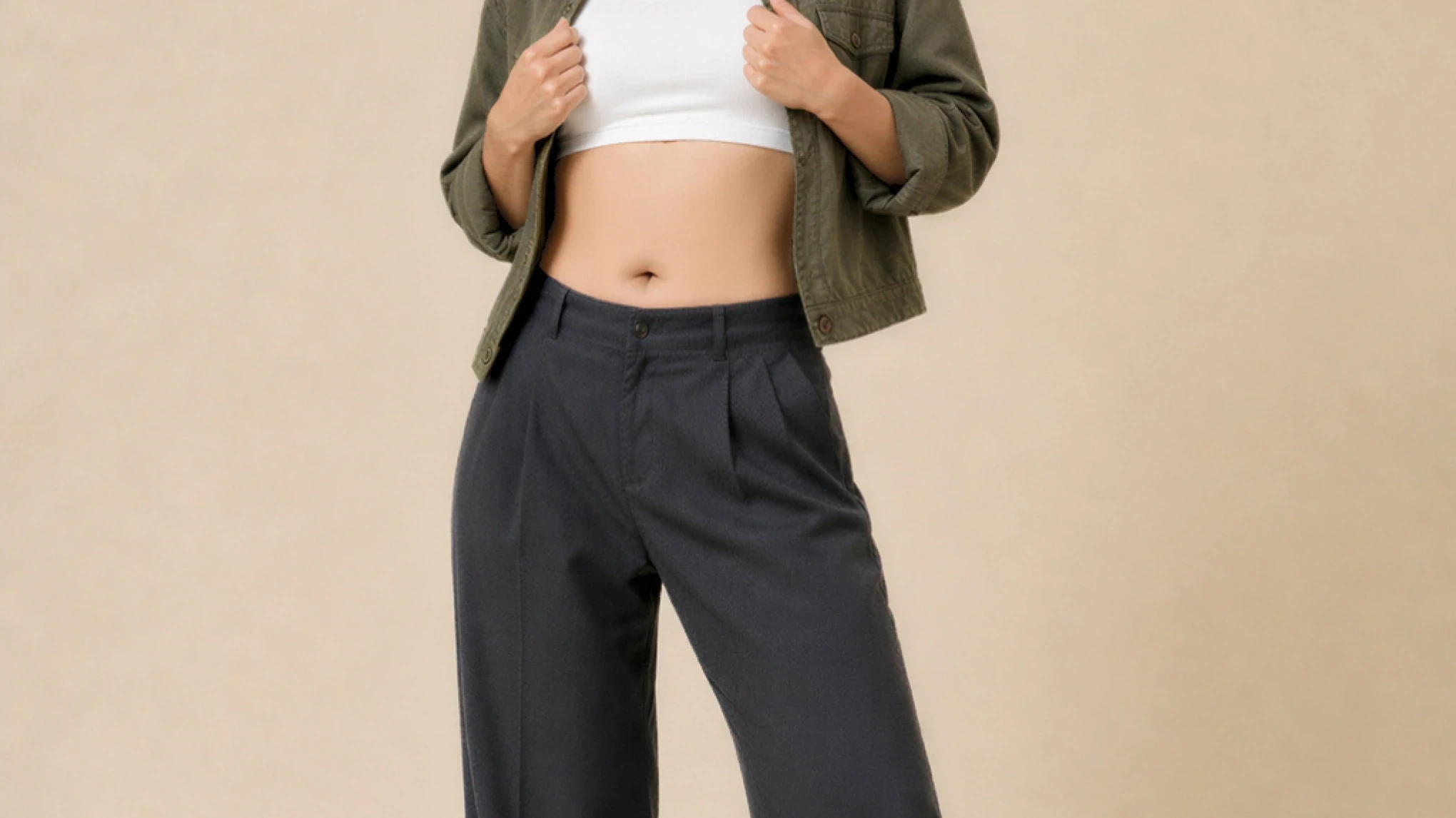
Evoto reduces lower-belly bulge and refines the waistline while keeping skin texture, fabric folds, and body proportions intact—so every edit looks like a better photo, not a filter.
Stomach Edits That Hold Up to a Zoom-In
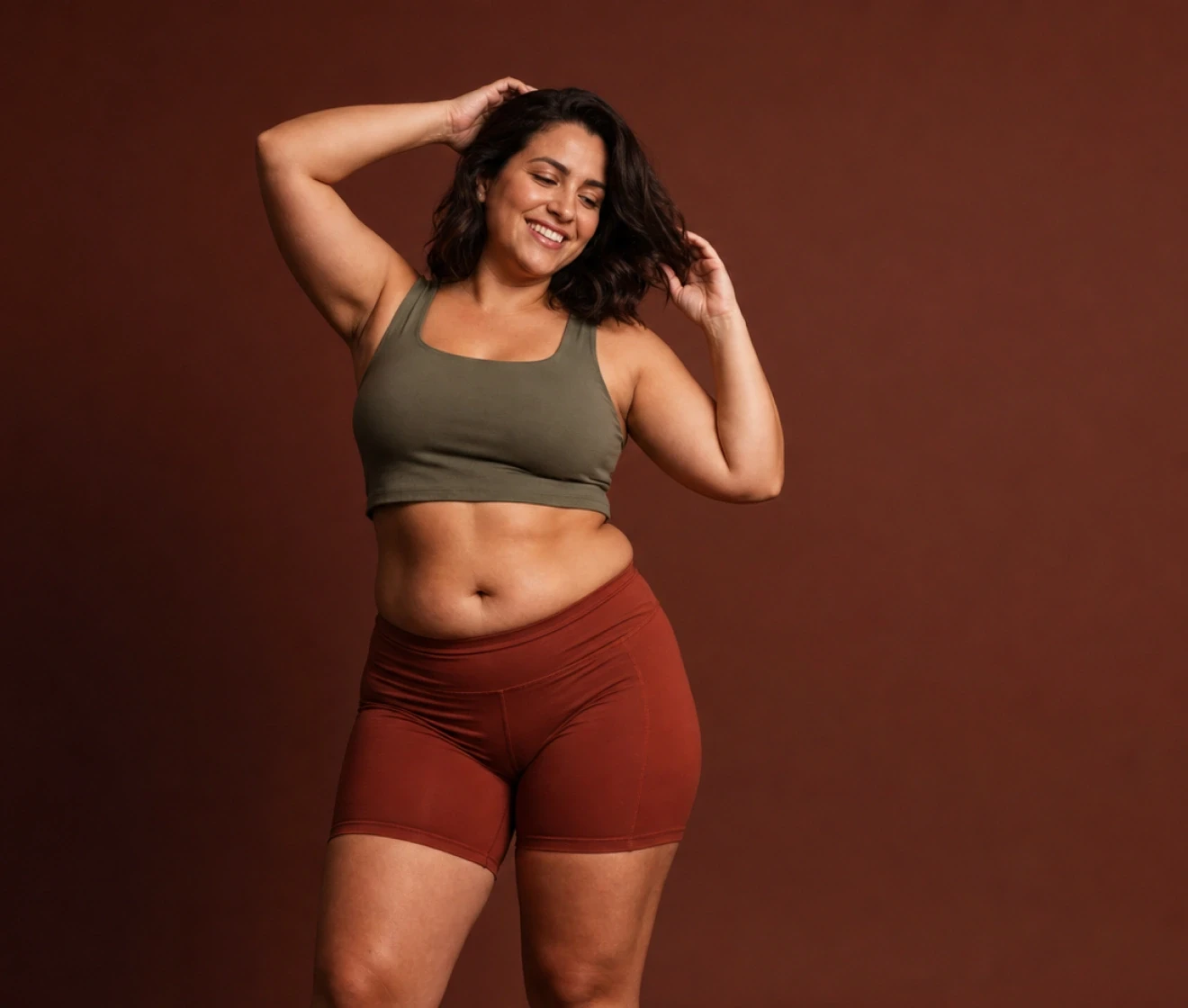
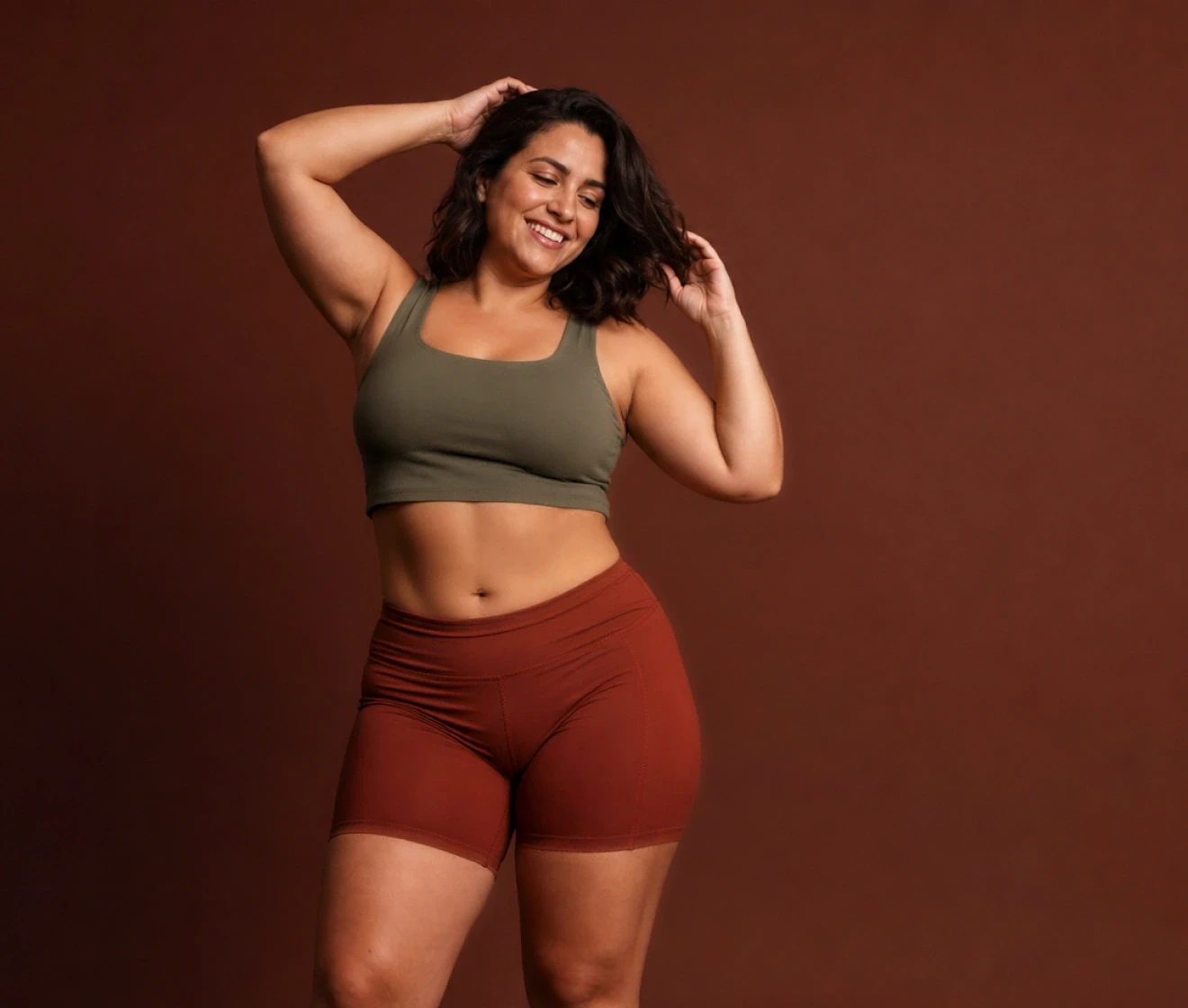
Most “flat stomach” edits break down on close inspection—fabric folds vanish and the waistline looks pasted. Evoto reduces abdominal volume gradually and preserves skin micro-texture and highlights, so the result stays believable even at full resolution.
Slim the Belly Without Warping the Rest of the Body
Targeted controls focus on the midsection so arms, hips, and the background stay exactly where they belong. No stretched door frames or bent horizons—just balanced proportions across the whole frame.
Refine the midsection, smooth skin, and finish the portrait without switching apps or rebuilding a Photoshop stack. One workflow takes you from body shaping to skin and face retouching in a few clicks.
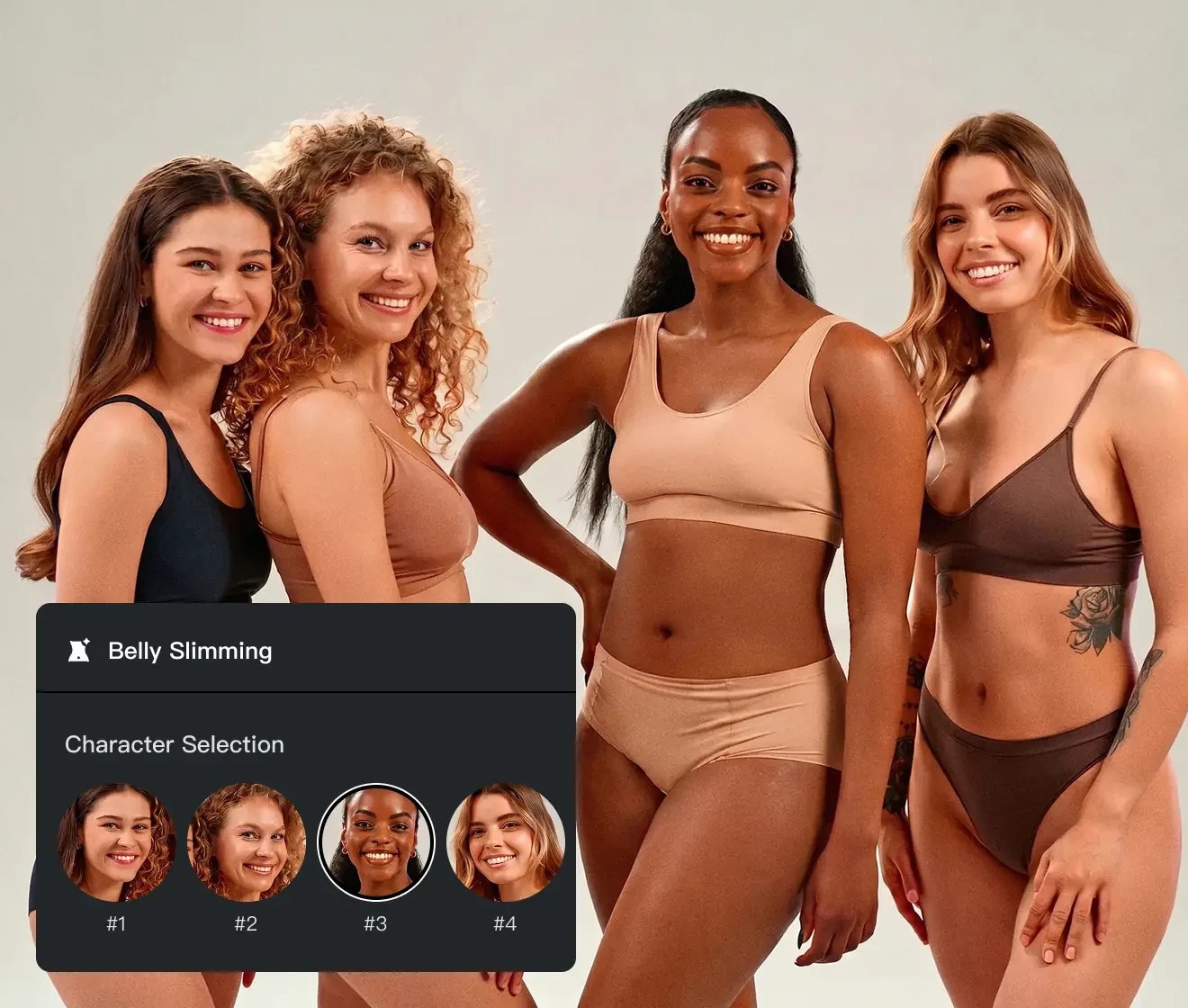
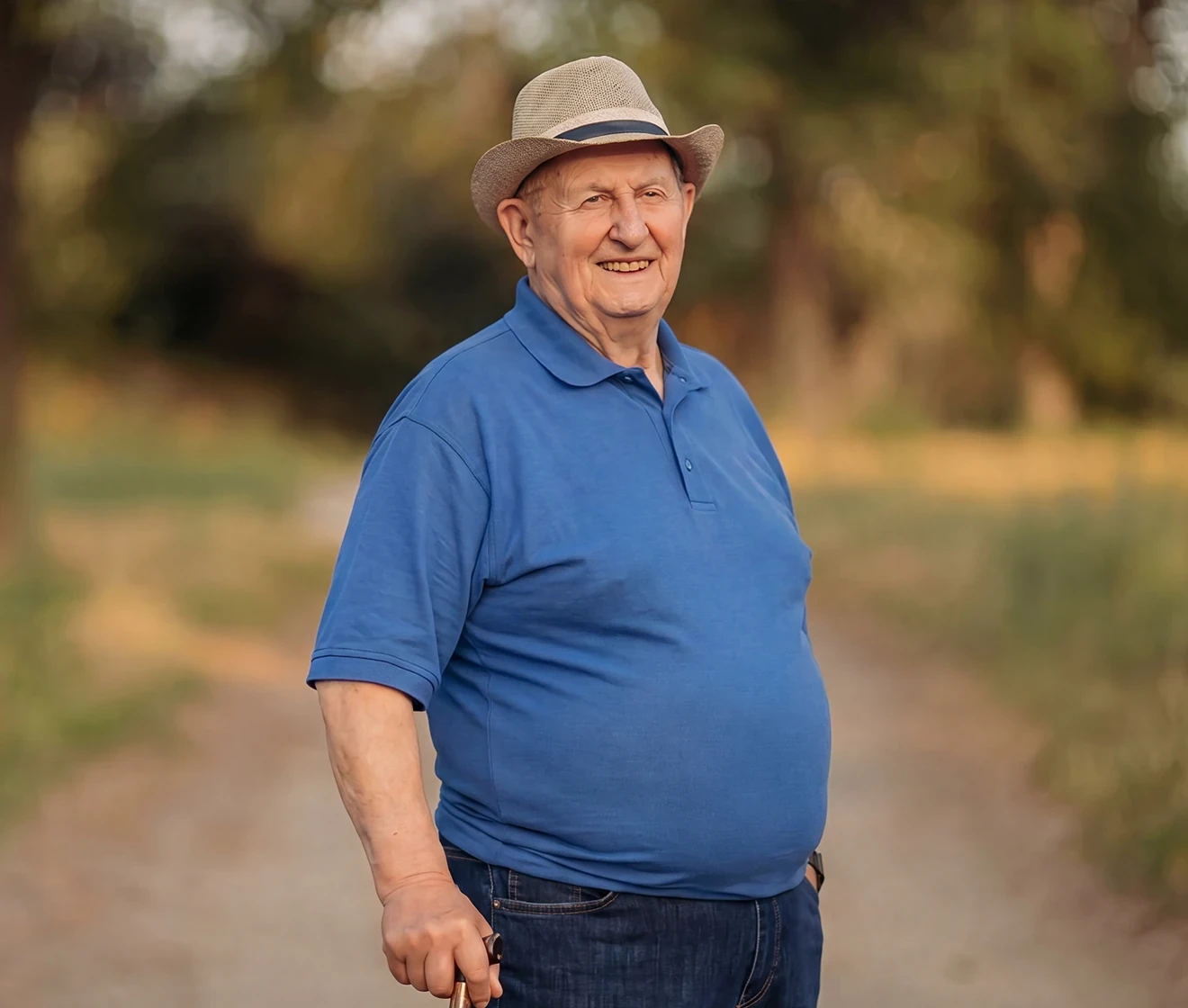
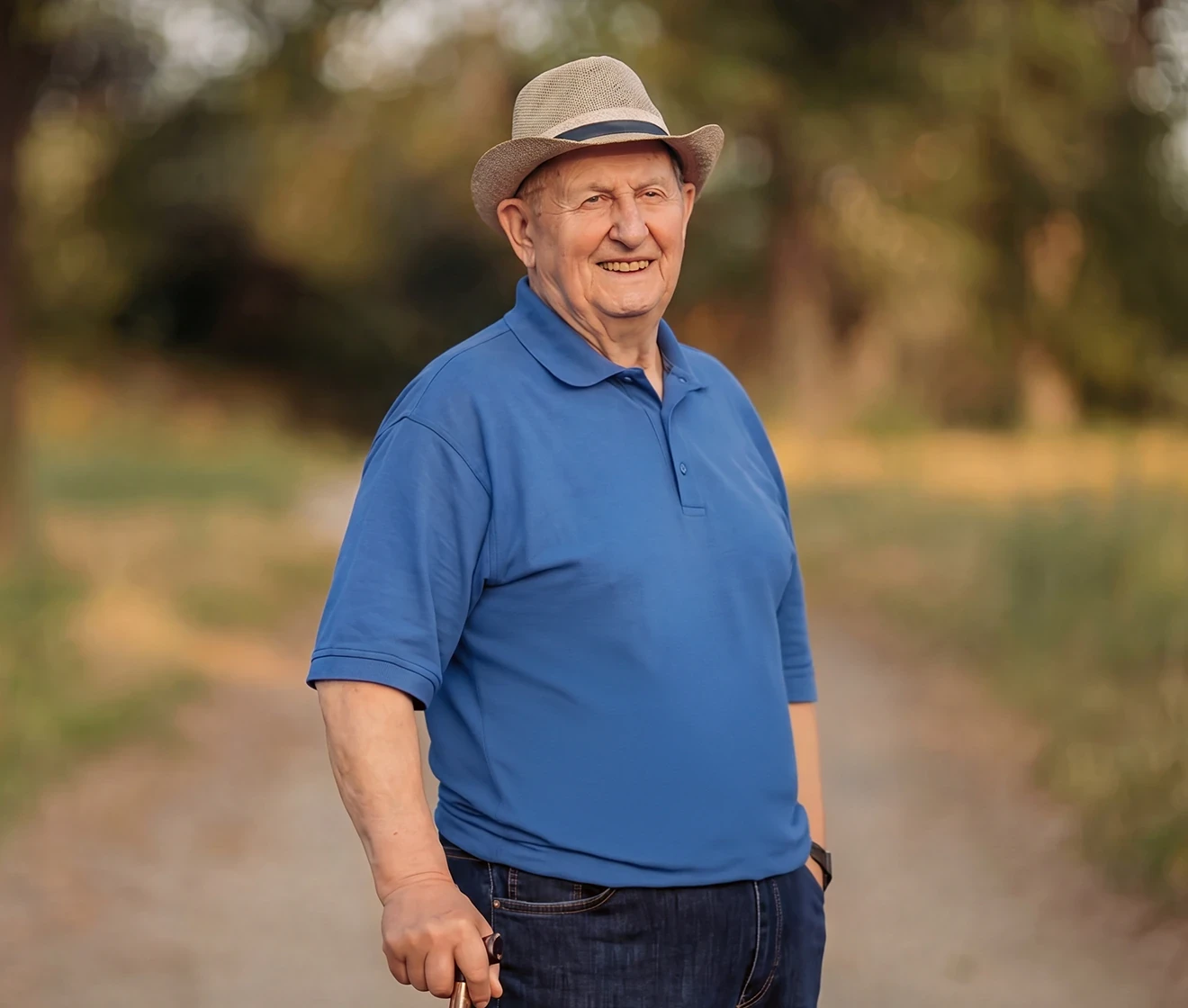
Evoto applies natural body shaping across different subjects, including male body types, ensuring balanced and realistic results in every photo. Whether it is portrait, wedding, or e-commerce photography, every image maintains a consistent and natural look.
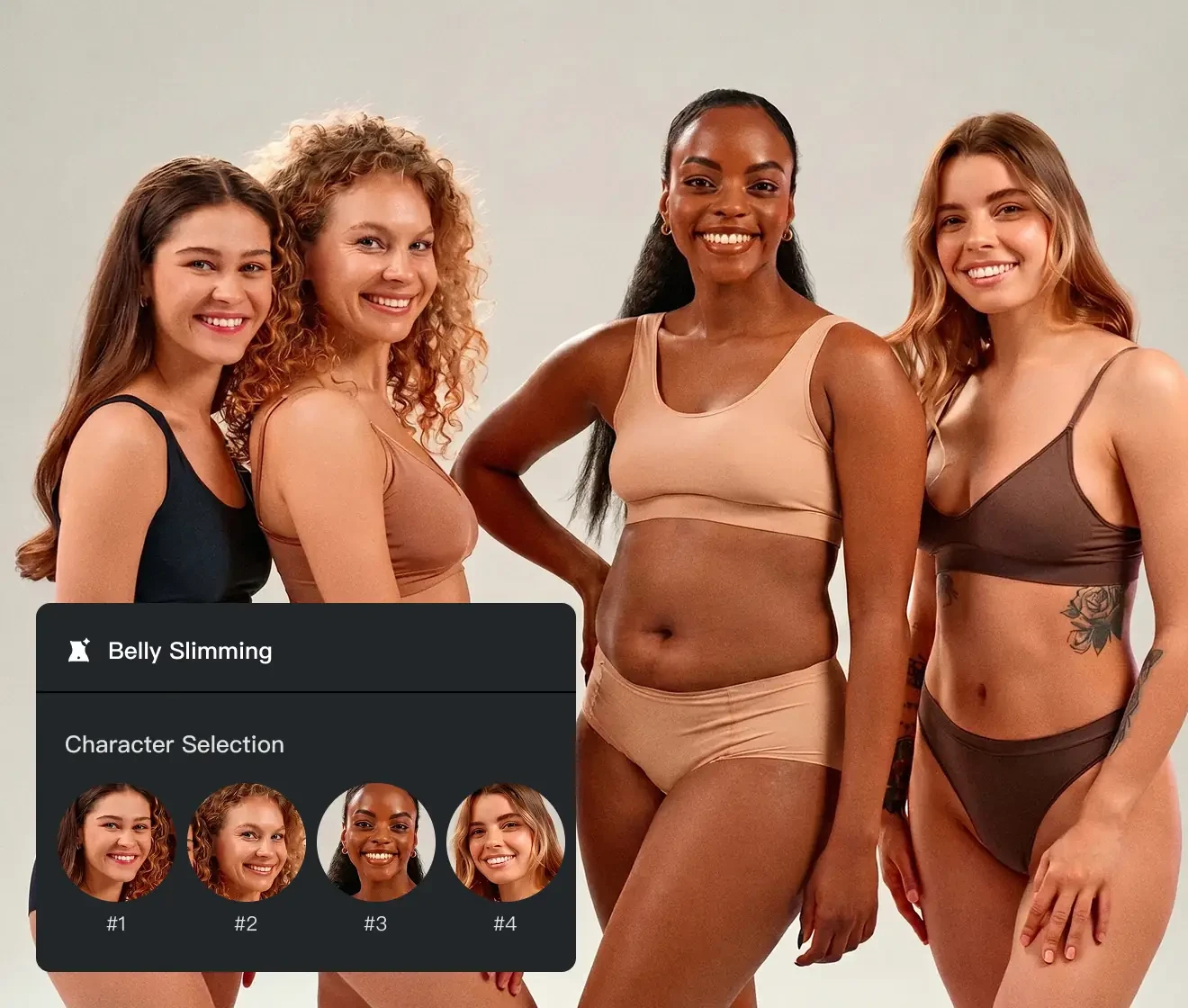
Shape a flattering silhouette with the best AI belly slimming tool. Combine efficient, AI-tailored body correction with professional high-res output for results that feel truly authentic.
The Evoto AI algorithm analyzes body structure to accurately identify the abdominal area. When applying belly slimming, it preserves other body proportions and features, making AI-powered body shaping easier and more natural.
Natural and realistic results
Gently adjust the abdominal area to create a smooth, natural-looking silhouette without over-editing. Evoto’s body shaping tools give you full control over every detail of your image.
One-Click Belly Slimming, Pro-Level Results
With one-click belly slimming and real-time preview, even beginners can easily perform natural abdominal retouching.
All-in-one finishing in Evoto
Keep body shaping, skin, tone, and color in one pipeline so exports stay consistent from hero shots to thumbnails.
Do More with Evoto AI Photo Editor
From professional skin retouching to belly slimming, color grading, and more, we’ve got you covered.
Transform your photos with Evoto Belly Slimming today. Available for Windows, macOS, and iPadOS.
FAQs
Q
Is this the same as a “skinny filter”?
A
No—and the difference is obvious the moment you zoom in. A “skinny filter” warps the whole image, bending backgrounds and straight lines, and often distorting arms or facial features along with the waist.
Evoto, however, only edits what you target. With AI Labs, it analyzes body shape and naturally refines the waist and midsection while keeping the background, limbs, fabric folds, and skin texture unchanged. Adjustments are optimized for each body type and can be applied consistently across a full set of photos.
Q
Does the AI work differently depending on body type?
A
Yes. The AI intelligently adapts to different body shapes and proportions, ensuring that adjustments look natural across a wide range of subjects without creating unrealistic or repetitive results.
Q
Will the result still look natural without over-editing?
A
Evoto's AI refines the body and midsection gradually, preserving fine skin texture, natural highlights, and clothing details so the result stays realistic and free of distortion. And if the overall composition feels unbalanced, adjusting the crop or straightening the shot first often gives a more natural final result with less reshaping.
Q
Can I use it on tight clothing?
A
Yes, it works well on tight dresses and fitted shirts. The AI maintains garment structure and texture while naturally refining body shape, ensuring that seams and fabric details remain intact for a realistic finish.
Q
Can I combine this feature with other retouching tools?
A
Yes. Skin retouching, color grading, and other body adjustments can be used together within the same workflow.
Q
Will it affect fabric or background?
A
No. The goal is to maintain natural fabric folds and avoid background distortion while refining body shape.
Q
What image formats are supported?
A
Evoto commonly supports RAW, TIFF, JPEG, JPG, and PNG. Confirm the latest list in-app for your release.
Q
Can I quickly compare the original and edited versions during the workflow?
A
Yes, the workflow includes a real-time comparison feature that allows you to switch between original and edited versions instantly. This helps you evaluate subtle changes and ensure the final result remains natural and consistent.
Q
Can I batch keep the same standard across many photos?
A
For high-volume work, use sync/preset-style workflows where available, then spot-check outliers so every frame stays natural.
Q
Is my photo data kept private?
A
Yes. Evoto is designed for professional editing workflows and ensures project data is securely processed. For full details, please refer to the official Privacy Policy.
Last updated: 2026-07-09. Reviewed by: Evoto Product Team. Results may vary depending on image quality, lighting, subject pose, file format, and selected settings.