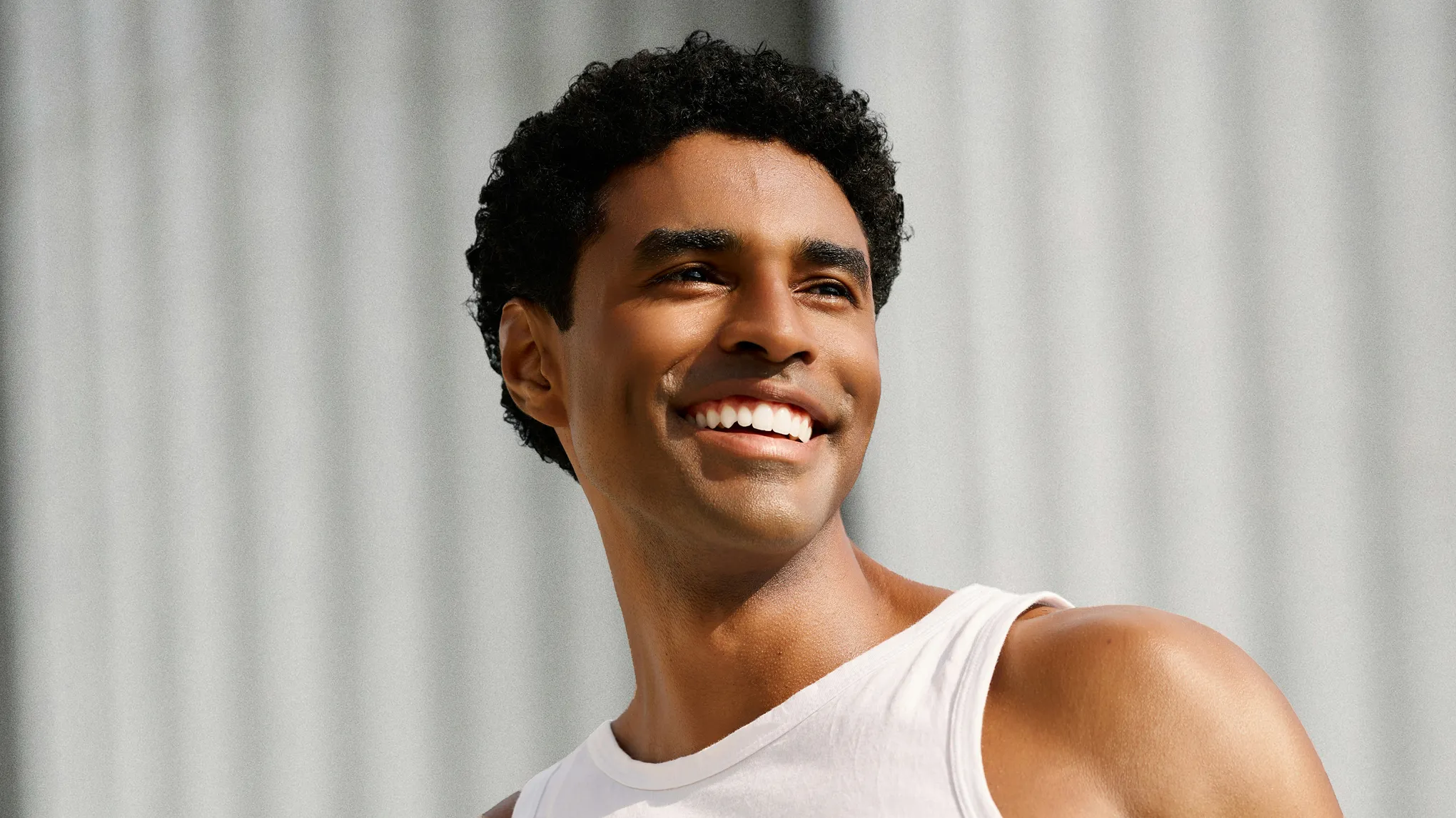
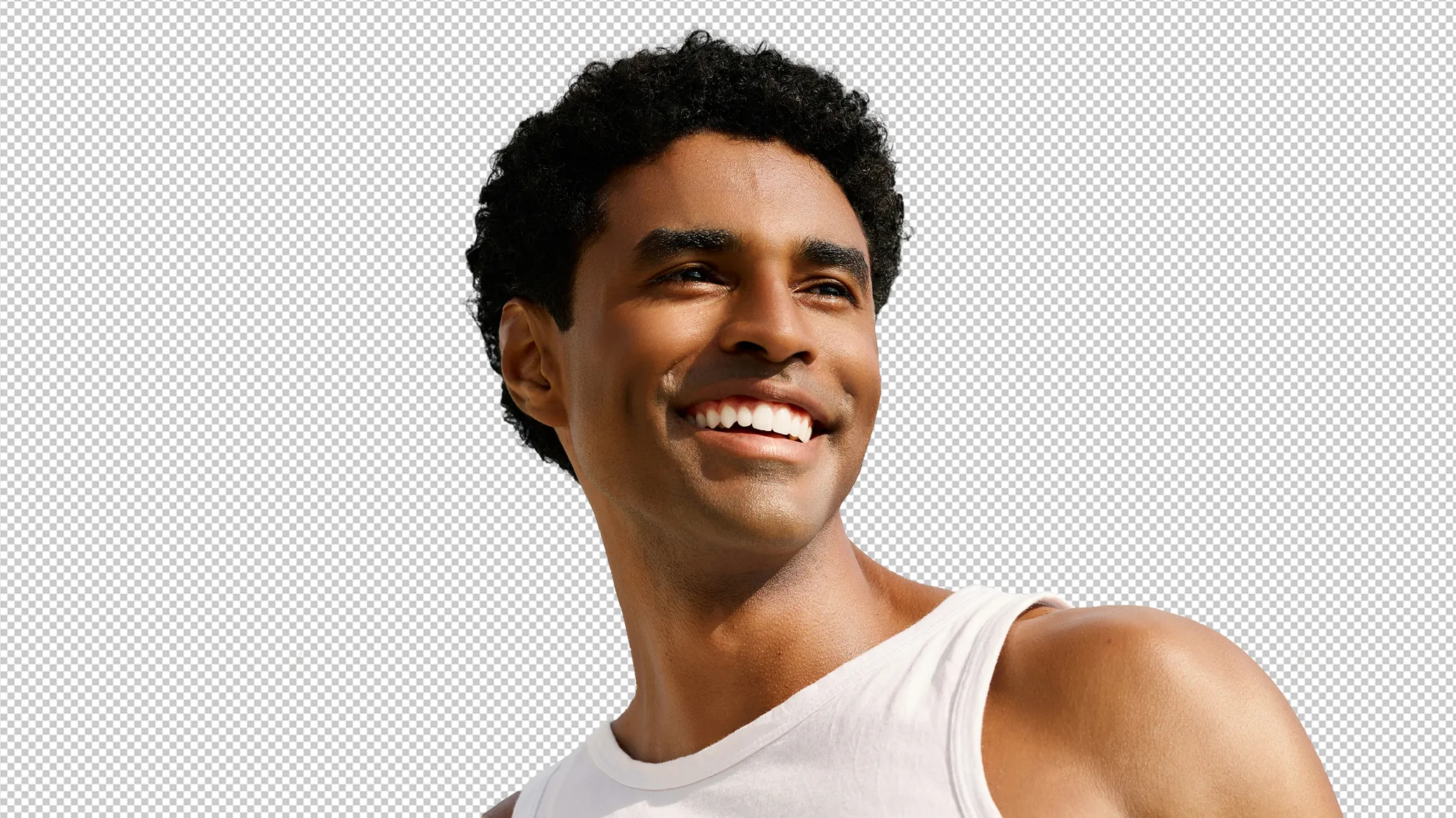
Use the ultimate background replacer to change and edit photo backgrounds, especially for professional and ID photos.
Replace Background with Ease
Replace photo background in one click with optional free solid-color or textured material backdrops. Change backgrounds for ID photos, driver licenses, professional headshots, profile pictures and more, getting professional look for multiple types of files.
Upload up to 100 preferred pictures as your professional photo backgrounds. Customize professional backgrounds with various themes such as LinkedIn, gray, meeting room, real estate and more.
Apply background customization options to adjust the photo background angle, size and clarity. Fine-tune the horizontal and vertical alignment, ensuring a flawless and seamless fusion with the foreground figure.
Enable precise subject recognition in photos and selectively manage background objects. Remove clutter from background to isolate figures or retain associated objects in the background with powerful AI algorithms.
Evoto AI Background Replacer is perfect for editing on passport, visa and driver’s license photos. Crop photo to standard size and change background to white or any solid color to meet official requirements.
Professional Headshot Photography
Add professional backgrounds to photos, from business employee's card portraits to actor headshots. Choose from neutral tones or company-themed backgrounds to align with your business branding.
School Portrait Photography
Create a professional headshot photo for school ID card, teacher ID, graduate image or student certificate. Replace ID photo background to the custom school badge backdrop in our Background Replacer.
Personal Profile Photo Editing
For LinkedIn, social platforms or online dating sites, you can replace image backgrounds and customize PFP photos with our background changer for a polished and professional look.
Replace Background in an Efficient Way
Say good-bye to toughly manual background editing. Say hi to AI Background Replacer!
Import a portrait photo to Evoto AI Photo Editor for headshot editing.
Go to Background Adjustment > Backdrop Changer. Select a recommended solid color background or upload your image in “My Background” to customize the photo background.
Scroll down and use background editing sliders to fine-tune the background edge, opacity, size, angle, etc.
Once you are satisfied with the AI background replacement result, press Export to save the photo to your local folder on Windows, MacOS or iPad OS device.
1. Import a Photo
Import a portrait photo to Evoto AI Photo Editor for headshot editing.
2. Replace Photo Background
Go to Background Adjustment > Backdrop Changer. Select a recommended solid color background or upload your image in “My Background” to customize the photo background.
3. Fine-tune the Photo
Scroll down and use background editing sliders to fine-tune the background edge, opacity, size, angle, etc.
4. Export the Photo
Once you are satisfied with the AI background replacement result, press Export to save the photo to your local folder on Windows, MacOS or iPad OS device.
Success Stories of Using Evoto Background Replacer
Batch Professional Headshots
A professional photographer edited passport photos by batch replacing backgrounds with a clean white backdrop or solid color backdrops, achieving consistency across all photos.
An ID photo studio created diverse ID photos with a variety of background colors and styles for the same client, ensuring high accuracy and a professional look in each photo.
A company edited their employee professional images by replacing backgrounds with company-themed settings, enhancing their team’s professionalism for the website and marketing materials.
A job seeker replaced a plain background with a professional solid color on his LinkedIn profile photo, attracting the attention of recruiters and landing job opportunities on the social media platforms.
A background replacer is a tool that helps you change or remove background of a photo. You can replace photo background online free with colors or images for a professional look.
Q
Can I replace the background of an ID photo?
A
Yes, Evoto is perfect for replacing ID photo backgrounds, including passport and driver’s license photos. You can replace background with white or other plain backdrop colors.
Q
How can I replace my photo background for free?
A
Utilize free AI background replacement tools like Evoto AI to replace your photo background online at no charge.
Q
How do I change background color in a photo?
A
Simply import your photo on Evoto, select the background color you want in “Background Changer”, and the AI will automatically change the image background.
Q
Does Evoto support batch background replacement?
A
Yes, the AI background replacer supports batch processing, allowing you to replace the background of multiple photos at once.
Q
Can I remove unwanted objects from the background?
A
The AI tool accurately identifies the subject and background, letting you remove or retain nearby objects for a cleaner photo.
Q
Can I replace the background with a sky or outdoor scene?
A
Yes, Evoto also offers sky replacement and other outdoor background options.
Q
Is Evoto suitable for creating professional headshots?
A
Absolutely! Evoto’s background editing tools are ideal for business portraits, headshots, and professional photos.
Q
Can I edit tethered photos immediately after taking them?
A
Yes, with the right software, tethered photos can be immediately imported and edited, making the process faster and more seamless. You can use Evoto AI background replacer and other tools right after the shoot for real-time editing.
Q
Is the background replacement process easy to use?
A
Yes, Evoto is designed for ease of use. You can use the simple and intuitive sliders to replace backgrounds quickly.
Last updated: 2026-06-11. Reviewed by: Evoto Product Team. Results may vary depending on image quality, lighting, subject pose, file format, and selected settings.