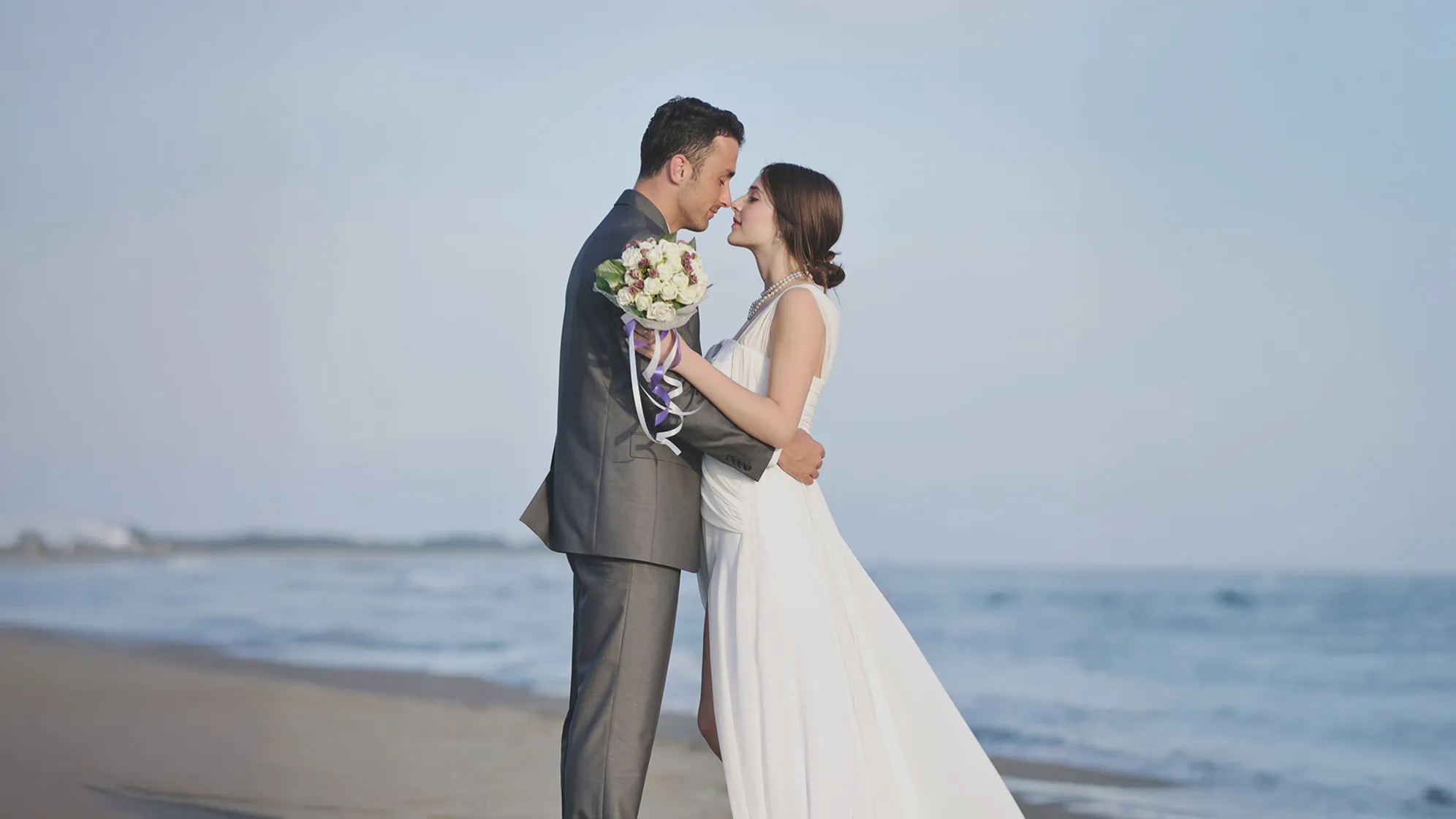
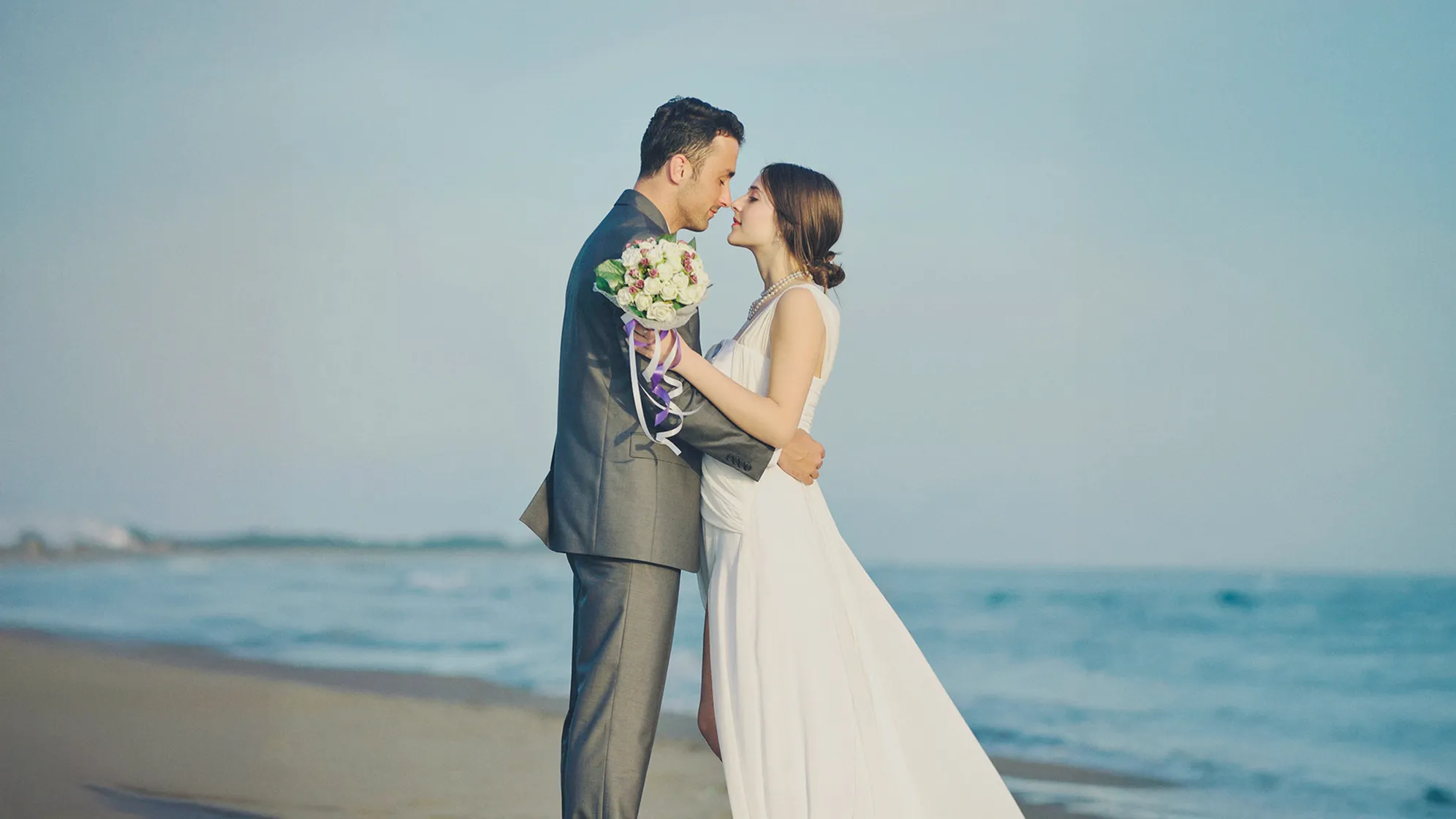
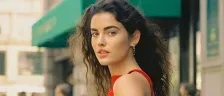
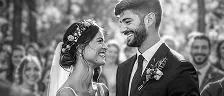
Transforms images with AI photo color looks, ensuring vibrant, consistent, and personalized color grading.
Adaptive Color Looks
Effortlessly apply predetermined AI color presets to your photos. Algorithms auto-detect and correct photo colors to the preset vibe, offering a unified and natural style.
20+ pro-grade color sets solutions for photos, from vintage film, B & W schemes to bright tones and warm vibes. Get professional color grading in one click and enhance creativity.
Create custom color presets or define your aesthetic color scheme using reference images. Tailor shadow tones and subject colors for a unique, creative output.
Harmonize photo color matches for stunning visual storytelling with flexible color masking color and color correction tools like white balance, tone balance, HSL, Curves, and Filters.
Color Correction Presets Built for Creative Professionals
Evoto AI photo color changer is your go-to solution for wedding photographers, portrait artists, and creative professionals seeking top-notch color grading and consistency.
Our AI image color algorithms adapt to diverse lighting and exposure, ensuring auto-consistent and professional color correction across photos.
Flexible Color Solution
Freely combine AI Color Looks, AI Color Match, Color Presets, or manual color correction tools to create amazing color palettes adding magic to photo sets.
Batch Color Editing
Apply pre-made color solutions in batches to efficiently unify color styles across multiple photos, boosting color grading processing speed and creative productivity.
User-Friendly & Accessible
Simple color editing sliders are designed for all skill levels, ensuring quick, professional color correction results without the complexity of traditional tools.
Open or drag photos into the workspace or click “Create Project” to import the image. You're all set to explore “Color Adjustment” panel.
Navigate to the “AI Color Adjustments” and expand the section. Select “Color Looks” tab under “Recommended” to explore official color baselines for your image.
Choose a Color Look that suits your style. Adjust the color slider for a personalized touch. Click “Sync” to apply the color edits to photos in batches if needed.
Click “Export” to save the color-corrected photo in RAW, TIFF, JPG, or PNG format. Set a specific file size or adjust the quality percentage from 1 to 100.
1. Import a Photo
Open or drag photos into the workspace or click “Create Project” to import the image. You're all set to explore “Color Adjustment” panel.
2. Find the AI Color Adjustments
Navigate to the “AI Color Adjustments” and expand the section. Select “Color Looks” tab under “Recommended” to explore official color baselines for your image.
3. Apply AI Color Looks
Choose a Color Look that suits your style. Adjust the color slider for a personalized touch. Click “Sync” to apply the color edits to photos in batches if needed.
4. Export the Edited Photo
Click “Export” to save the color-corrected photo in RAW, TIFF, JPG, or PNG format. Set a specific file size or adjust the quality percentage from 1 to 100.
A portrait photographer adjusted the portrait's skin tone for a natural and healthy look and corrected the background color to set off the person with pre-made color solutions, creating different shooting styles and atmospheres.
E-commerce business owners saw a sales boost with batch AI grading for unique colors on product advertising images, creating a brand atmosphere and improving online visual appeal and customer engagement.
Food photographers and influencers enhanced the color of food with warm AI poto color presets, making the dishes look more appealing and highlighting the freshness and deliciousness.
A boudoir and fine art photographer imitated the color texture of film cameras and added graininess to the picture to give the photo a retro charm with AI film color looks, creating a nostalgic and romantic atmosphere.
Evoto AI photo color editor is built with advanced algorithms that can detect and analyze image color and generate proper color solutions. It simplifies color correction and grading by adapting to each image's characteristics, offering consistent, professional results with minimal effort.
Q
What makes AI-powered Color Looks adaptable?
A
AI Color Looks adjust for varying exposures and white balance, ensuring each photo receives the perfect color correction and grading effortlessly.
Q
How does AI Color Match differ from AI Looks?
A
AI Color Match replicates the exact style of a reference image, while AI Looks apply a color preset that can auto-create consistent color tendency across different photos.
Q
Can I create custom styles with the AI photo color changer?
A
Yes, the AI photo color changer allows you to define unique styles using personal images or artworks as references, offering extensive creative freedom.
Q
How do AI Color Looks maintain consistency?
A
By applying unified color tendencies, AI Color Looks ensure a cohesive style across all your images, perfect for consistent visual storytelling.
Q
Can beginners use AI photo color changer effectively?
A
Absolutely, AI photo color changer is a smart color solution designed for all skill levels, enabling beginners to achieve cinematic styles without mastering complex tools.
Q
Is it possible to save and reuse styles?
A
Yes, you can save your color edits as presets, ensuring a consistent personal style for future edits with ease.
Q
What image formats are supported by this AI image color changer?
A
You can run our AI image color changer on devices like Windows, MacBook, iPad, and it supports RAW, TIFF, PNG, and JPG images, providing flexibility in editing while maintaining high-quality results.
Q
Can AI Color Match handle complex image sets?
A
AI Color Match excels in maintaining uniformity across complex image sets, making it ideal for projects requiring consistent aesthetics.
Q
Why choose AI tool for color grading?
A
AI color solution offers unmatched adaptability and consistency, empowering users with professional-grade color correction and grading and creative control.
Last updated: 2025-05-07. Reviewed by: Evoto Product Team. Results may vary depending on image quality, lighting, subject pose, file format, and selected settings.