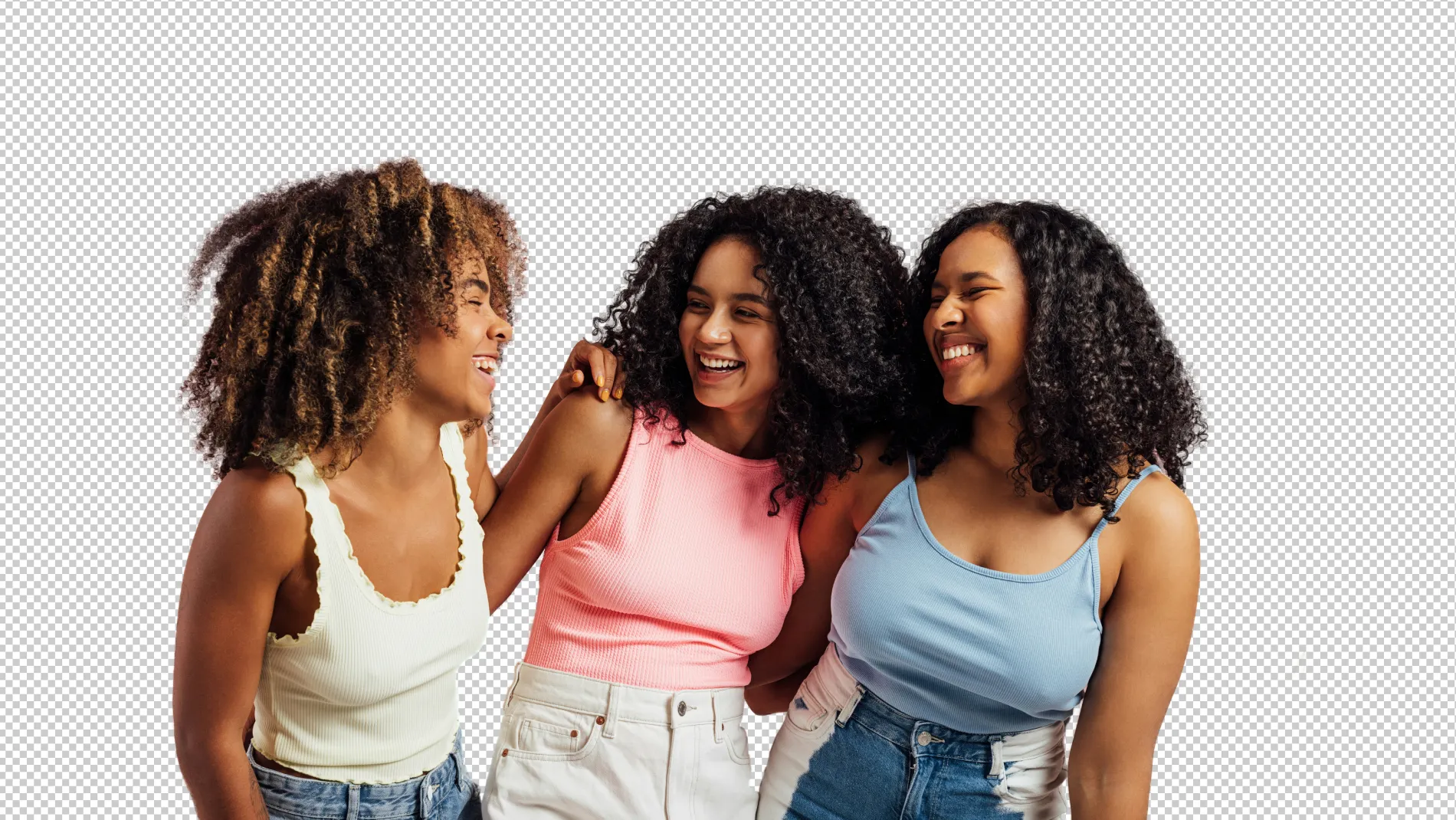
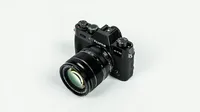
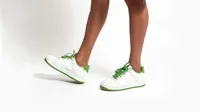
One-click to remove portrait or product background, create transparent background photos, or add a shadow to backdrops with Evoto AI Background Remover.
Cut out the unwanted background from photos and export a transparent background photo for more editing. Make your portrait photos or eCommerce product photos stand out!
Create Transparent Portrait Backgrounds
AI auto-detects and removes vinyl studio backdrop, creating transparent background to your studio or headshot photo. Add plain color instantly, freeing you from tedious manual background cutting out and replacement.
Quickly erase product backgrounds and change it to white, making your product pop. Evoto’s background editor is ideal for integrating product images into e-commerce websites, commercial ads, and marketing materials.
From product images to professional photography works, turn photos into natural by adding drop shadows to background, or keeping the original shadow on photos after background removal.
One click to remove background or apply a white backdrop to multiple product photos. Change color, texture or even sky in bulk by batch editing. Let AI reduce your time on background editing.
Evoto is always by your side whether you are running a brand eCommerce or small sell business or preparing a fashion model portfolio even wedding portrait shoot.
Boost online sales with clean product backgrounds. AI shines at creating transparent background for your clothes, beauty, jewelry, skin care, and more products.
Before
After
Portrait Photography
Change backdrop to white, light gray, black, and more for your professional photoshoot. Focus on subjects and highlight facial features without distractions.
Before
After
Studio Photography
Achieve studio-quality shots easily. Adjust for natural shadows, edit out props and equipment, and change backdrop colors, all for focusing on the model or product.
Before
After
Wedding Photography
Enhance wedding photos by removing backdrop wrinkles in the studio or replace bg of outdoor. Keep the beautiful moments, making each shot memorable.
Before
After
School Photography
Make each student stand out on their picture day. AI Background Remover processes school pictures background in batches and frees you from manual editing.
Still on the fence?
We get it. Sometimes you just gotta try it out for yourself.
Online store increased sales after using our AI Background Remover for product background removal. Cleaner images led to better customer engagement and conversions.
Photographer used our AI background changer for a wedding shoot. They removed distracting guests from the background, highlighting the couple beautifully.
AI photo background remover cuts out unwanted portrait or product backgrounds, making your photos clean and professional-looking.
Q
Can I create transparent backgrounds with AI?
A
Yes, you can easily create transparent backgrounds for ecommerce photography works or professional headshots, perfect for websites, social media, and marketing materials.
Q
How do I replace background colors with this AI tool?
A
You can quickly replace background colors to white, black, off-white or an image with just one click in “Background Adjustments” panel. Whether it’s a solid backdrop, texture or blurred background, the AI photo editor can replace the background in seconds.
Q
Can I customize product photo backgrounds?
A
Yes, personalize your product backgrounds by uploading an image of scenic views, festive themes, or any custom backdrop.
Q
Why should I choose Evoto for product background removal?
A
Evoto is built on the latest AI image algorithm that helps highlight your subject, removes product background and distractions, and converts more viewers into buyers.
Q
Does Evoto AI support batch background removal processing?
A
Absolutely, you can remove backgrounds on multiple images in batches, saving time and effort with our high-end AI technology.
Q
What makes this AI Background Remover unique?
A
Our online free background remover comes with advanced AI algorithm, offering precision, handling complex outlines and fine details effortlessly in bg editing.
Q
Who needs an AI background remover?
A
Anyone from e-commerce photography editors to wedding photographers needing clean, attractive photos will benefit. This tool can instantly detect the backdrops and outline of subjects, and then delete the background for further photo editing. It’s convenient and frees photographers from time-wasting manual editing.
Q
Is Evoto user-friendly for beginners?
A
Absolutely, our background remover is intuitive, even for those new to photo editing or photography.
Q
Can this AI Background Remover edit shadows in a photo?
A
Yes, the photo background remover can detect shadows in a photo and remove them or keep the shadows for your needs. You can add a shadow or adjust the original shadows after removing background from photo.
Last updated: 2026-06-11. Reviewed by: Evoto Product Team. Results may vary depending on image quality, lighting, subject pose, file format, and selected settings.