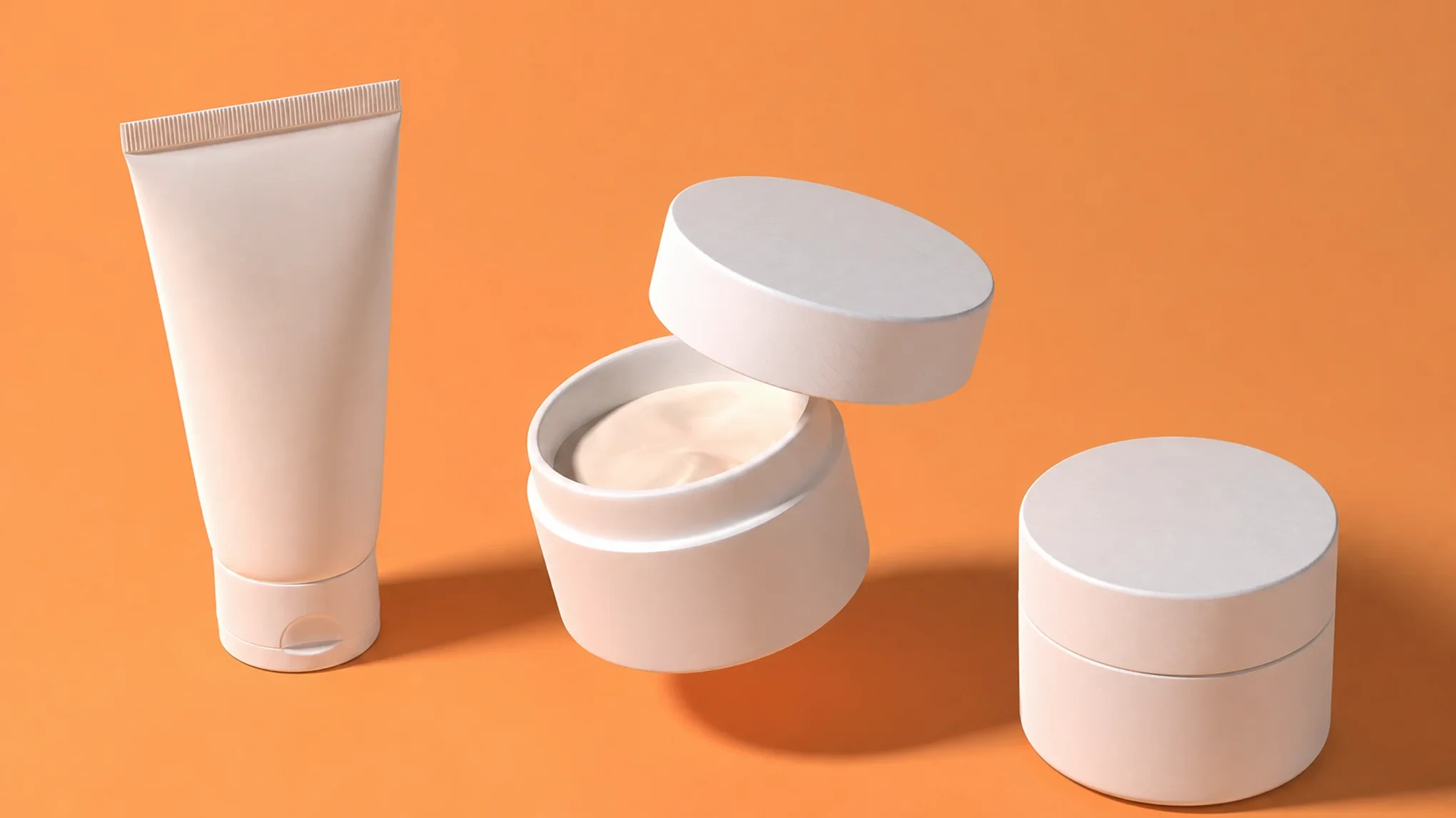
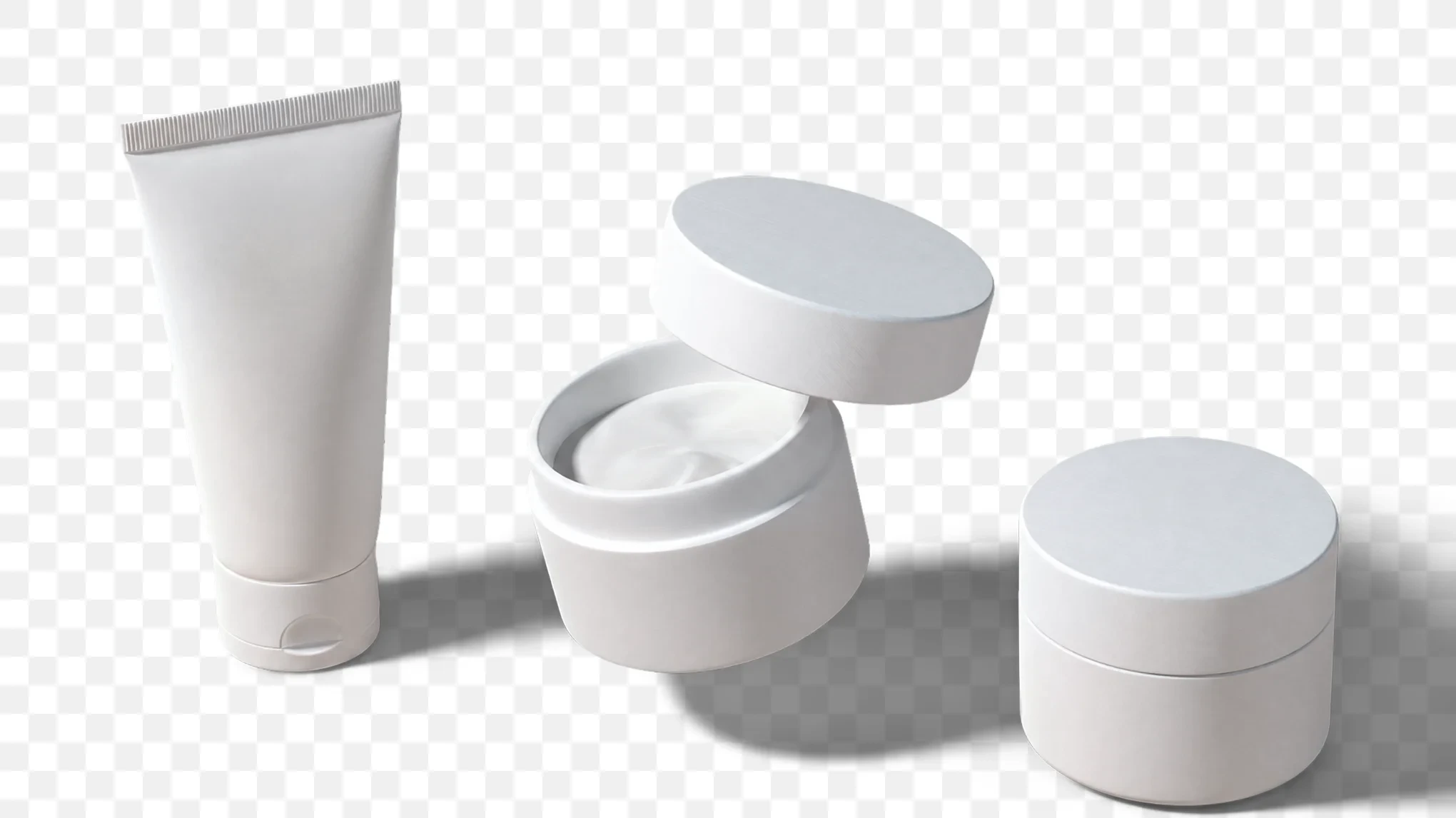
remove.bg, the standalone site closes on 1 December 2026. But remove bg alternatives in Evoto route you to the tool that matches the file you still need.
A listing wants white, and a layout wants air around the subject. Evoto groups background tools around the file you still need.
Free Background Removal for Transparent PNG
Sticker sheets and marketplace listings still want the subject on a see-through layer. Remove bg alternatives for that familiar auto-cutout keep the sitter and export a transparent PNG. Hair, jewelry gaps, and bottle rims stay ready to place. Flyaways stay in the file. Catalog cutouts. Layout files.
A white wall behind white handbags still asks for a painted field. Evoto lays a white background, a black sweep, or a chosen studio color. Headshots, ID sets, and bottle listings sit on a solid or custom backdrop. Visa portraits take a specified RGB. Shelf-ready color. Same subject.
A gloomy sky over a bridal lawn still wants a usable photograph. Evoto writes a new scene, swaps the sky, or fuses the subject into another frame. Landscape plates and lookbook composites can gain canvas from Image Extender. Tight crops pick up extra sky. New weather. Same sitting.
An office headshot still wants the office, quieter behind the sitter. Lens blur and bokeh hold the room while the face stays sharp. Cleanup, floor reflection, and shadow finish a tabletop while People Remover clears passersby. Recital stages keep the hall behind the dancer. The room stays. The subject leads.
Transform your photos with Remove.bg Alternatives on Evoto today.
FAQs
Q
1. When does the remove.bg site stop working?
A
The standalone site and accounts stop on 1 December 2026 at 09:00 CET. Consumer background removal then moves to Canva, the official consumer path for that upload. Dates follow remove.bg's published FAQ, the source for that closing hour. Recheck that FAQ if remove.bg updates the published time before you migrate a catalog.
Q
2. Do I have to finish my photos in Canva?
A
Canva is where the consumer site goes after the standalone upload page closes. Evoto is a separate editor among remove bg alternatives for photo work. Pick the result on this page, then open that tool. Rank the file you still need, then choose the matching Evoto page for that sitting.
Q
3. Which Evoto page is closest to the old transparent PNG upload?
A
AI Background Remover, Transparent Background Maker, or PNG Maker match that familiar cutout from the standalone site. Cutout Image is the page for hair and fur edges on rims and jewelry gaps. Green Screen Remover is for chroma-key plates shot on green. Those cards live under background removal on this page, grouped by result.
Q
4. Where do white product photos go now?
A
White Background Changer and Change Background Color cover white background product photos for marketplace listings. Headshots and ID-style solids can use a color changer for a specified field. Custom rooms use Background Replacer when the brief names a scene. Match the backdrop to the listing spec before you export the SKU set.
Q
5. Will hair and fur edges hold on my photos?
A
Preview flyaways on Web at 100 percent against both light and dark fills. Fine strands, jewelry gaps, and glass often finish on Desktop edge tools after that preview. Review the hairline where backlight meets the mask on the cutout. Complex fur still deserves a last look before client delivery of the set.
Q
6. What if the clothes are white and the wall is white?
A
A white sleeve on a white wall can share the same luminance, so the mask may eat a cuff. Preview the keep-range before you export the catalog set. Tighten that range on Desktop when cloth melts into the sweep. Confirm the cuff at 100 percent on a dark fill and a light fill.
Q
7. Is batch the same as free?
A
Batch means the same edit across a set of photos, which is a separate fact from price. Six Web jobs run without credits: background removal, color change, replacement, cutout, PNG, and transparent. Sky replacement, backdrop cleanup, floor reflection, and shadow use credits on those pages. Current terms live on each tool page, so read that page before a large set goes out.
Q
8. Why does my transparent file look white?
A
JPG fills empty pixels with white, which reads as a solid field in a browser window. Export PNG when the file must stay see-through on a layout or sticker sheet. Renaming .jpg to .png leaves the old fill in place. Designers call that empty layer an alpha channel in the PNG.
Q
9. What happens to the API, Photoshop plugin, and unused credits?
A
Self-service API traffic moves to Leonardo.Ai when the consumer site closes in December. Enterprise API stays with the remove.bg team under that contract. Unused PAYG credits expire on 1 December 2026, so export invoices first. Plugin users are pointed to Affinity or Canva Pro for a desktop host after that date.
Q
10. Are these remove bg alternatives private on Web and Desktop?
A
Web processing happens in the cloud on encrypted servers, then the file can be deleted after the job. Desktop can keep files on the machine for a local finish of client work. Your Content is not used to train generative models unless you opt in. Professional retouching with ethical AI treats uploads as client files under Evoto terms.
Last updated: 2026-11-12. Reviewed by: Evoto Product Team. Results may vary depending on image quality, lighting, subject pose, file format, and selected settings.