




Online Black Background Changer for Professional Photos

Make the background black in seconds with Evoto AI. Add a solid black backdrop to create clean product photos and striking portraits, while preserving fine details.
AI black background changer Before
AI black background changer After
Before
After
Upload Image
* JPEG, JPG, PNG or WebP image allowed.
No image? Try one of these
AI black background changer
Upload Image
Free to try. Pro Editing at Your Fingertips.
Bulk Edits
Buy Now
Buy Now

A Powerful Black Background Editor for Professional Results

Turn ordinary photos into high-impact visuals with a deep, studio-style black backdrop. Add a solid black background to photos with clean edges, rich contrast, and consistent studio-quality results.

One-Click AI Black Background Replacement

Make the background black with AI-powered subject detection. Evoto replaces the background with a clean, plain black backdrop to boost contrast and keep the focus on your subject — no extra editing steps needed.

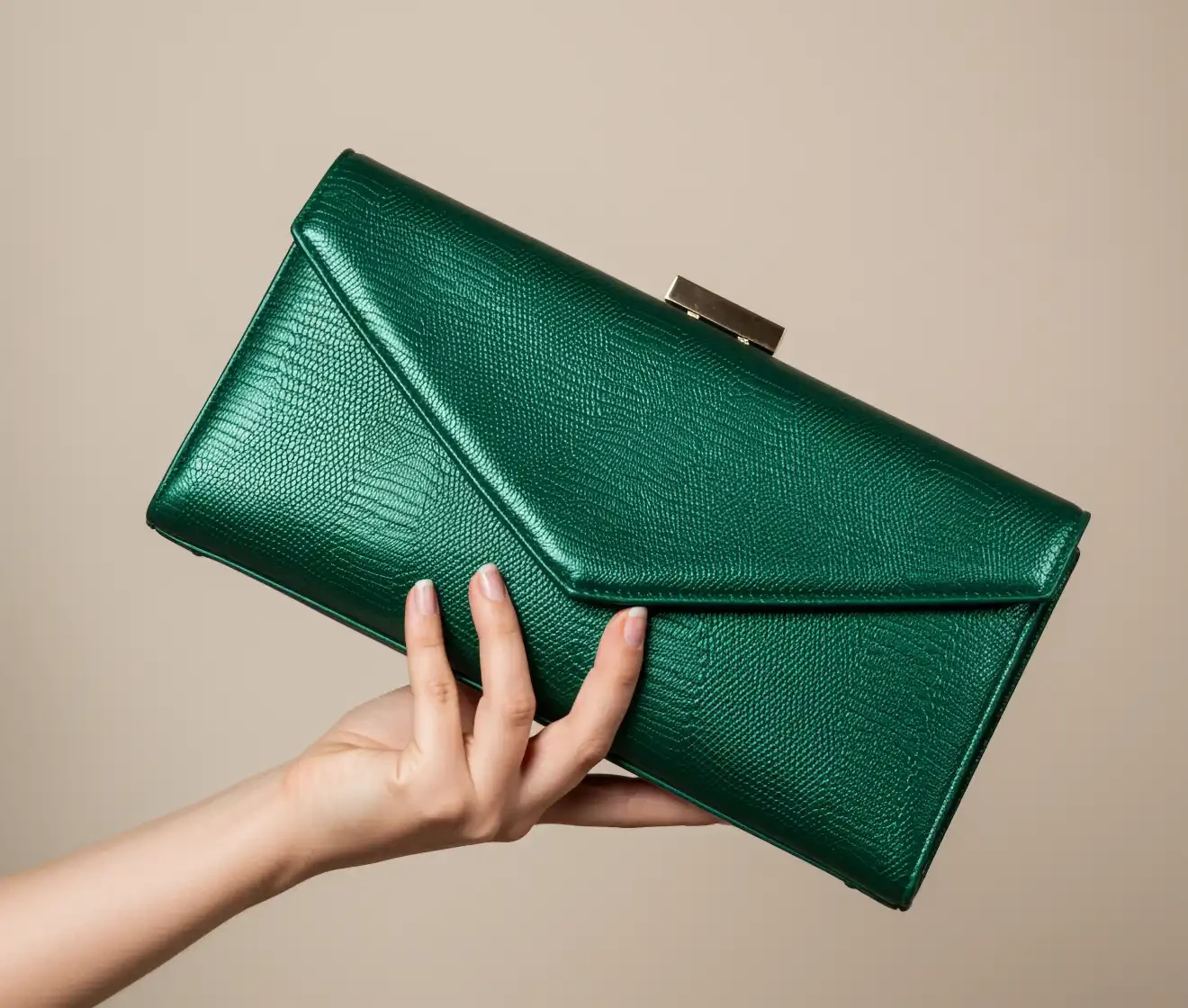
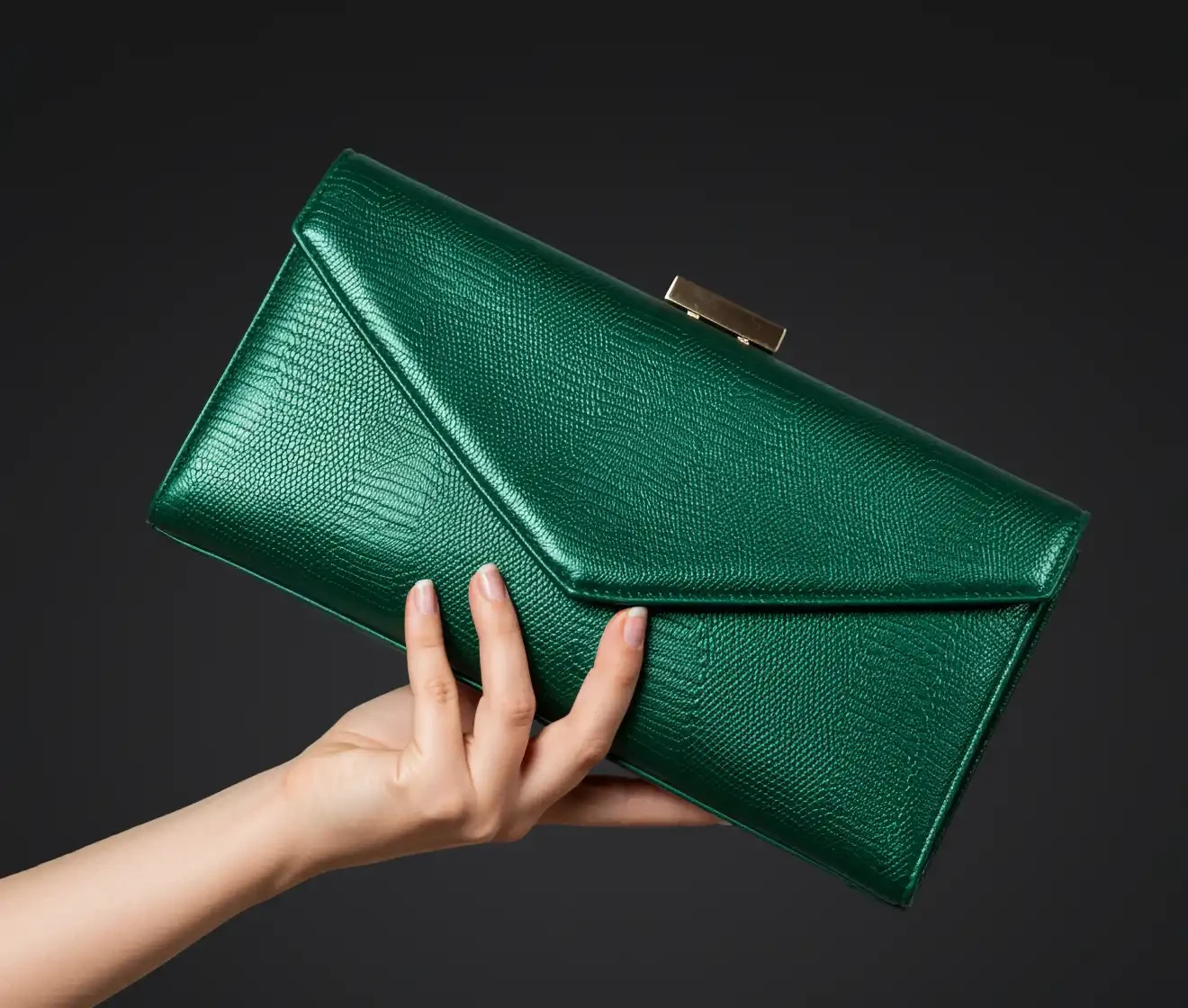
Before-and-after comparison showing a photo changed to a plain black background

Black Backgrounds Built for Product Photos

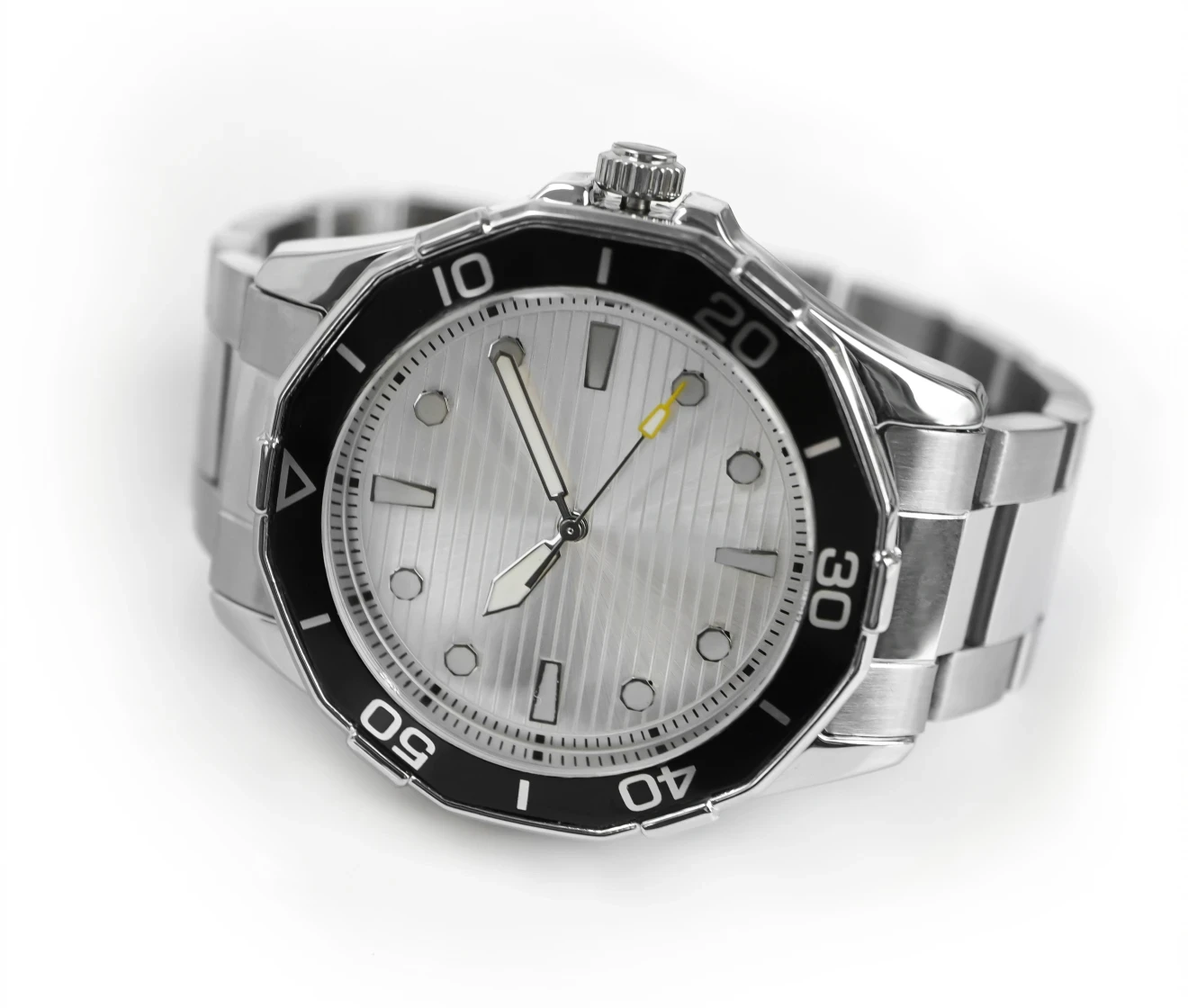
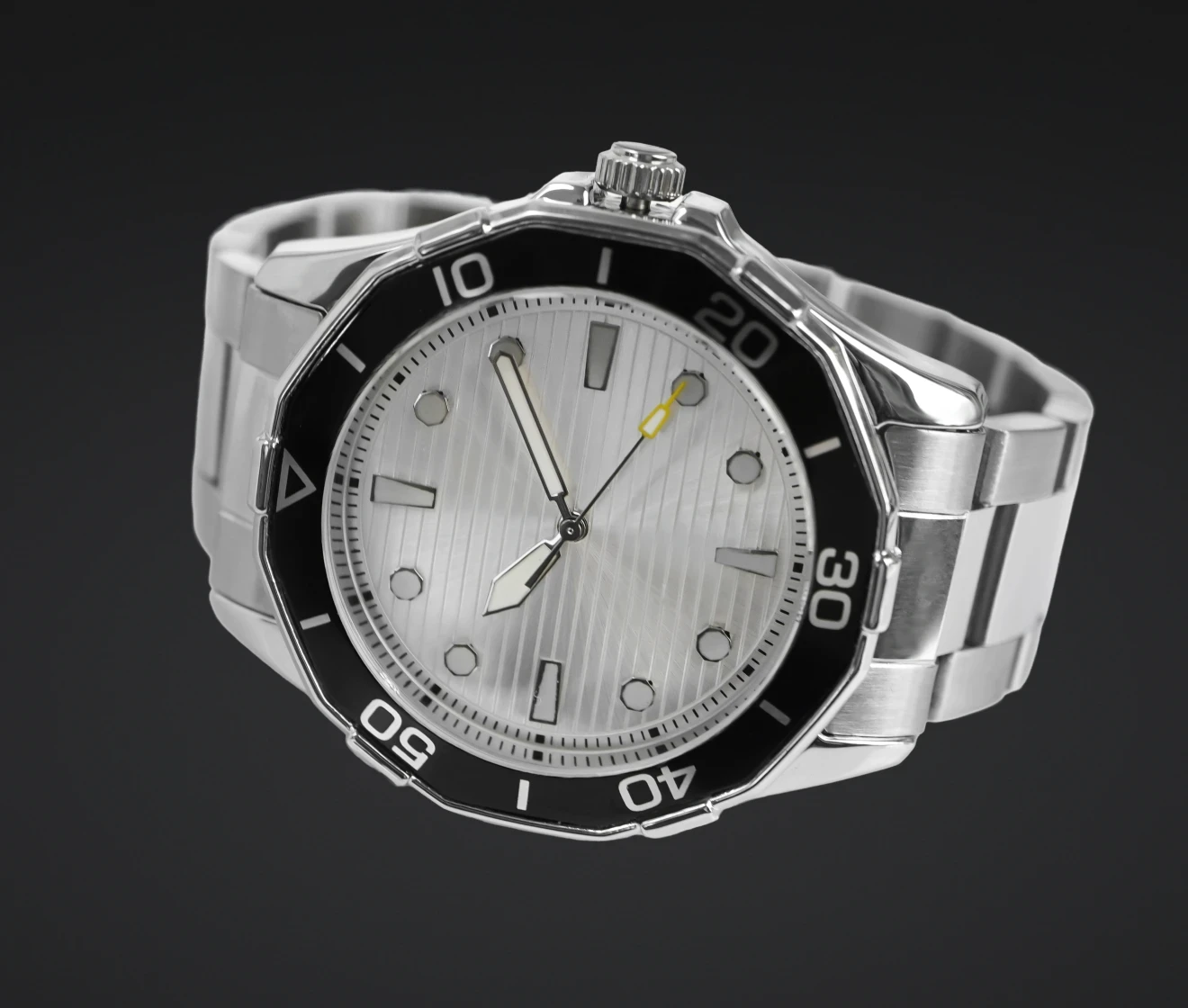
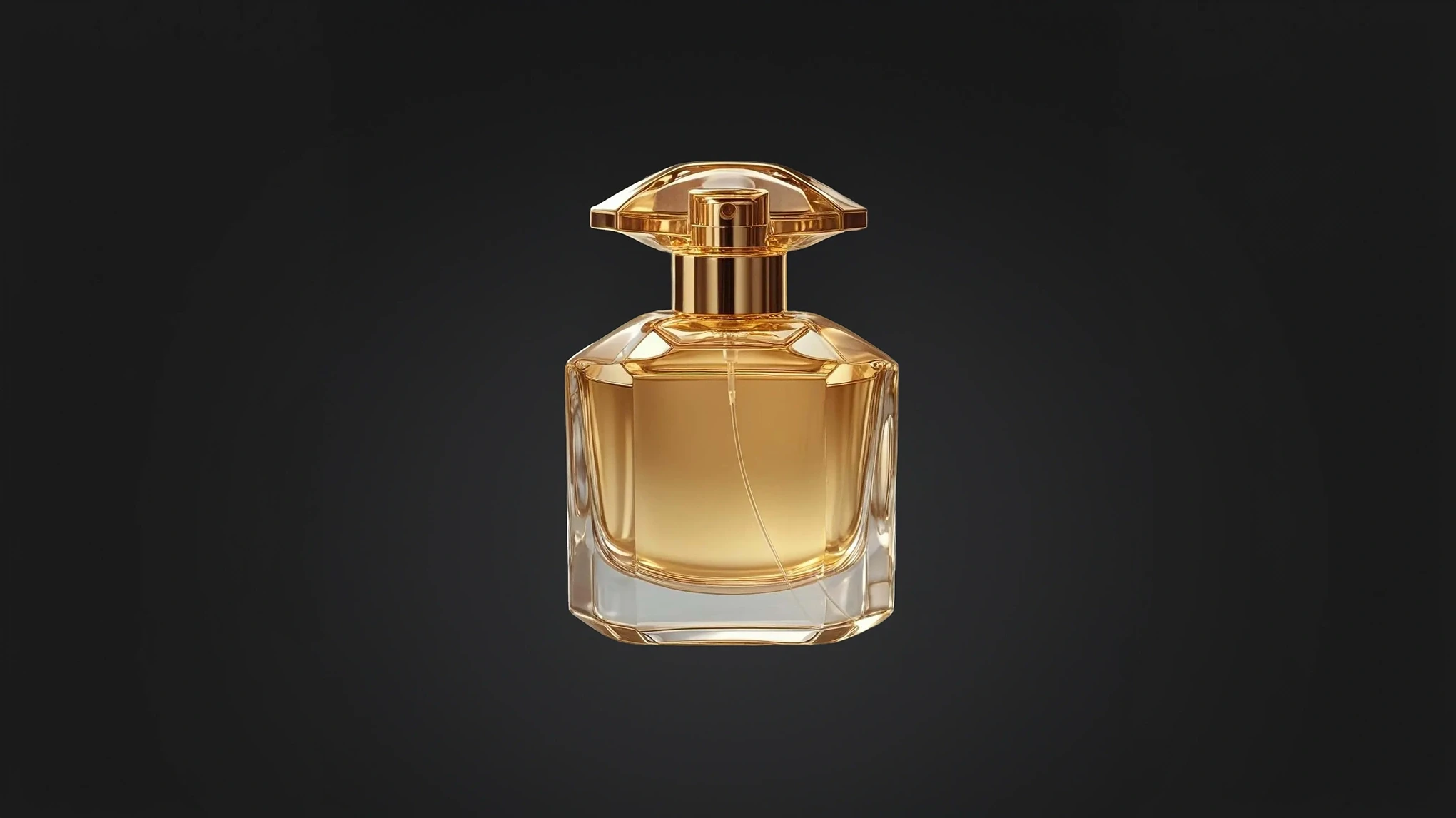
Use a black product background to emphasize shape, texture, and material details. This product background style keeps product photos clean and consistent for e-commerce listings, catalogs, and promotional creatives.

E-commerce product image with a consistent black background
Before
After

Black Profile Photos with a Clean Look

Create portrait photos with a clean, professional look on a dark background. A plain black background reduces distractions and helps facial features stand out clearly across profiles, portfolios, and portrait collections.

Black background portrait with a clean and professional look
Before
After

Preserve Fine Details on Dark Backgrounds

Evoto preserves fine details such as hair, fur, and complex outlines, so subjects look natural against a dark, neutral background. Clean edge handling helps you avoid light halos and rough cutouts for a smooth, studio-ready finish.

Hair and fur details preserved cleanly against a black background
Before
After

Why Choose Evoto AI Black Background Changer?

Evoto AI combines one-click background replacement with fine-detail preservation, making it easier to create solid black backgrounds at scale.

  • Clean black background highlighting the main subject

    AI-Powered Auto Detection

    Evoto automatically detects your subject and applies a clean black backdrop in one click. No manual masking needed — fine edges and textures stay natural.
  • Batch editing with consistent black backgrounds

    Consistent Results at Scale

    Create a consistent black backdrop across a full set of images with batch editing. This is ideal for e-commerce teams handling large volumes of product photos that need uniform backgrounds and fast turnaround.
  • Background color selection with pure black option

    Pure Black & Custom Colors

    Choose a pure black background (#000000) for maximum contrast, or switch to custom dark tones and other solid colors to match brand guidelines. Maintain consistent color without rebuilding the scene or reshooting.
  • High-resolution export with clean black background

    High-Resolution Export

    Export high-resolution images while keeping edges clean and details sharp. Your final exports stay clear for online listings, marketing assets, and professional delivery.

Do More with Evoto AI Photo Editor

From professional skin retouching to color grading and more, we’ve got you covered.

How to Change Background to Black Online

Upload a photo to Evoto to make the background black online
1.Upload Your Image234
Drag and drop your photo into the Evoto online background editor. We support JPG, PNG, and WebP formats.
  1. 1. Upload Your Image

    Drag and drop your photo into the Evoto online background editor. We support JPG, PNG, and WebP formats.
  2. 2. Select Black Background & Let AI Work

    Choose the Black preset to add a pure black backdrop (#000000), or fine-tune a darker tone if needed. Evoto’s AI detects the subject automatically and replaces the original background with a clean, plain black backdrop in seconds.
  3. 3. Batch Editing (Optional)

    For larger sets of images, download Evoto and use batch editing to apply consistent black backdrops across multiple photos while keeping results uniform and efficient.
  4. 4. Download Your Image

    Export your black backdrop photo in high resolution — ready for product images, black background portraits, or professional content on websites and listings.

Discover More about Black Background Changer

Faster Edits, Finer Control.

Transform your photos with Evoto Black Background Changer today.
Available for Windows, macOS, and iPadOS.

FAQs

  • Is it free to make the photo background black online?

  • How can I add black background to my photo?

  • What types of photos work best with a black background?

  • Can I apply a black background to multiple photos at once?

  • What image formats are supported with Evoto online background changer?

  • Will my image quality decrease?

  • Does Evoto support pure black and custom background colors?

  • Can I edit images on mobile devices?

  • Can I edit RAW files with background changer online?

  • Do I need photo editing skills to add a black background?