




White Background Changer for Professional Photos

Instantly add a pure white background to your product photos, headshots, and ID photos.
online change bag background to white for free Before
online change bag background to white for free After
Before
After
Upload Image
* JPEG, JPG, PNG or WebP image allowed.
No image? Try one of these
online change bag background to white for free
change white background for headshot
White background changer for car photos
Upload Image
Free to try. Pro Editing at Your Fingertips.
Bulk Edits
Buy Now
Buy Now

The Ultimate White Background Editor

Change background to white for products, profiles, and professional images.

Make Backgrounds White in One Click

Change photo background to white instantly with AI-powered detection and clean edge handling. Replace backgrounds without manual masking, keeping fine details like hair, product edges, and transparent areas natural and sharp.

AI white background changer removing background and creating a clean white background with natural edges

Add White Backgrounds to Product Photos

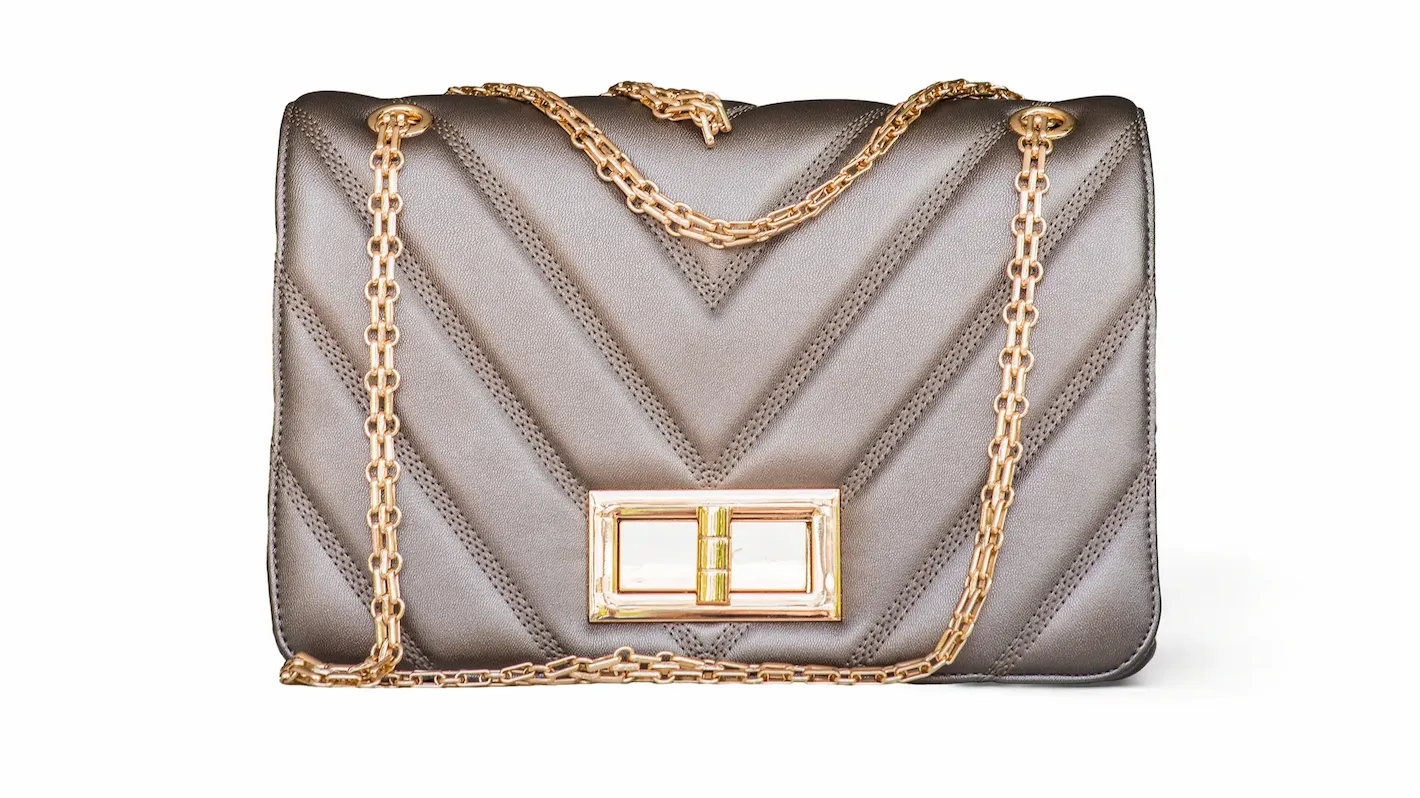
Apply pure white backgrounds that match common image standards on major marketplaces like Amazon, eBay, and Shopify. Create clean, distraction-free product photos that look consistent, professional, and ready for online listings.

Product photo with a clean white background optimized for e-commerce marketplaces

Create Clean White Backgrounds for IDs and Profiles

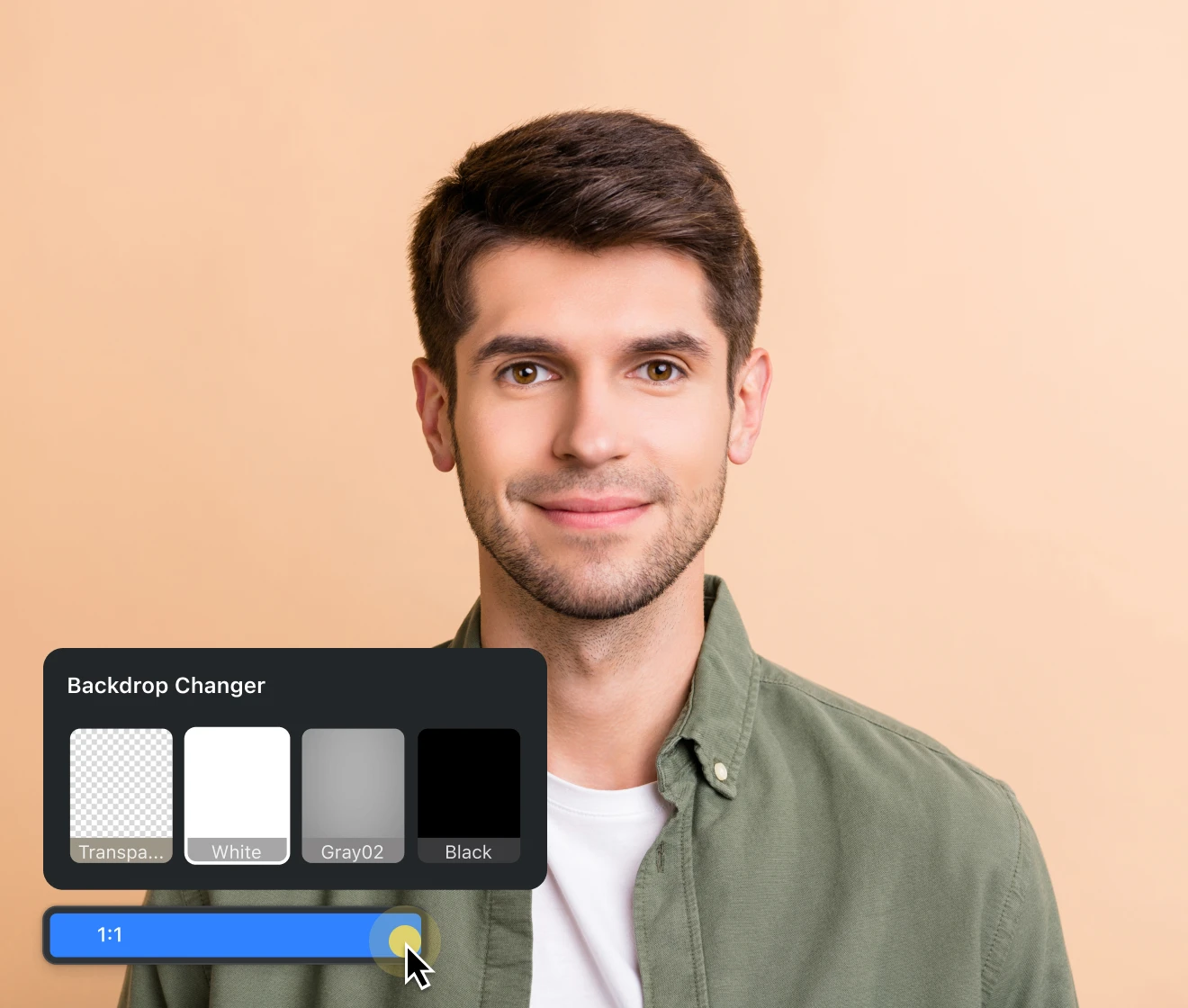
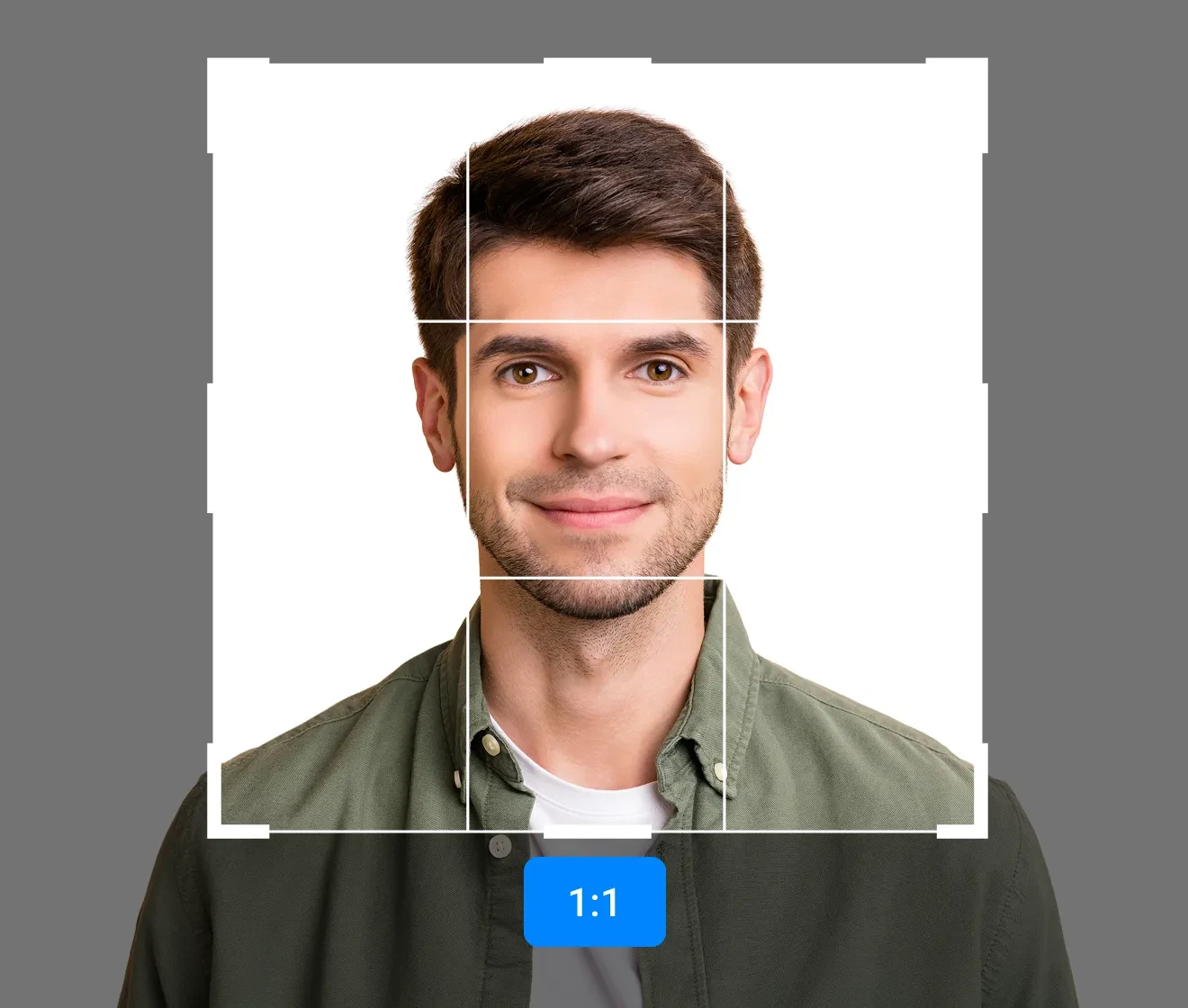
Replace backgrounds with clean white or soft off-white for ID photos, passport images, LinkedIn profiles, resumes, and professional headshots. Support common photo sizes and crops to ensure a polished, compliant appearance across platforms.

Professional headshot and ID photo with a clean color background
Professional headshot and ID photo with a clean white background
Before
After

Add White Backgrounds to Photos in Bulk

Apply white backgrounds to multiple photos at once with batch processing. Quickly edit large sets of product images, profile photos, or content libraries while keeping background color and quality consistent.

Batch processing multiple photos with consistent white backgrounds
Before
After

Why Choose Evoto White Background Changer?

Achieve flawless white backgrounds with precision and customization.

  • AI automatically detecting the subject and separating it onto a clean white background

    AI Auto-Detection

    Automatically identifies your subject and separates it from the background, eliminating the need for manual tracing.
  • pure white background color

    Pure White & Custom Colors

    Apply pure white or custom background colors to match e-commerce requirements and brand identity.
  • Smart Edge Refinement

    Smart Edge Refinement

    Preserves fine details like hair, fur, and transparent edges, delivering clean, natural-looking white backgrounds.
  • High-Resolution Export

    High-Resolution Export

    Export images in high definition while maintaining original quality, ensuring sharp results for listings and print.

Do More with Evoto AI Photo Editor

From professional skin retouching to color grading and more, we’ve got you covered.

How to Change Image Background to White Online

Upload a photo to the Evoto editor for changing the background to white
1.Upload Your Image234
Drag and drop your photo into the Evoto online background editor. We support JPG, PNG, and WebP formats.
  1. 1. Upload Your Image

    Drag and drop your photo into the Evoto online background editor. We support JPG, PNG, and WebP formats.
  2. 2. Select White Background & Let Evoto Work

    Click the ‘White’ preset or choose a custom color. Evoto’s AI automatically detects your subject and change the image background into white in seconds.
  3. 3. Batch Processing (Optional)

    For multiple images, download Evoto and use batch processing to change backgrounds or perform further retouching efficiently.
  4. 4. Download Your Image

    Export your new image in high resolution, ready for your website, e-commerce listing, or profile photo.

Discover More about Evoto White Background Changer

Faster Edits, Finer Control.

Transform your photos with Evoto White Background Changer today. Now available on Windows, macOS, iPadOS, iOS, and Android – transform anytime, anywhere!

FAQs

  • Is it free to change photo background to white?

  • How do I change my photo background to white?

  • Can I batch edit multiple photos at once?

  • Does Evoto background editor support transparent backgrounds?

  • What image formats are supported with Evoto online background changer?

  • Will my image quality decrease?

  • Can I choose a different background color besides white?

  • Can I edit images on mobile devices?

  • Can I edit RAW files with background changer online?

  • Do I need design or photo editing skills to make a white background?