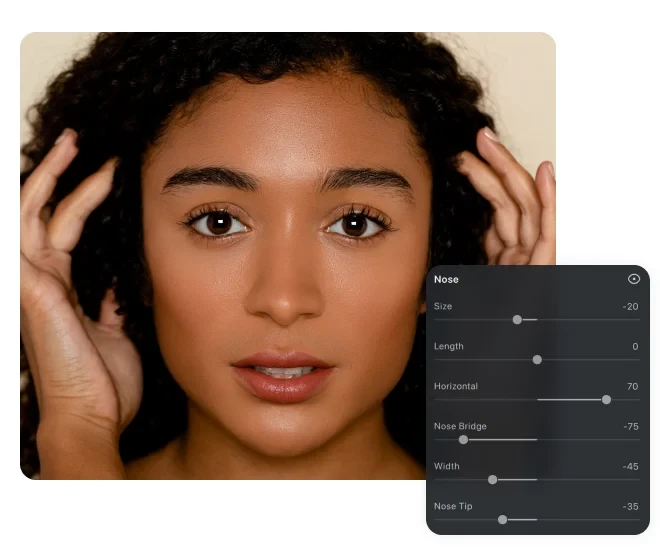
AI Nose Job Simulator for Portrait Photos

Slim, reshape, and refine every nose detail with AI-powered sliders – no surgery needed. Trusted by
portrait photographers as one of the best AI Nose Job Simulator for portrait retouching.
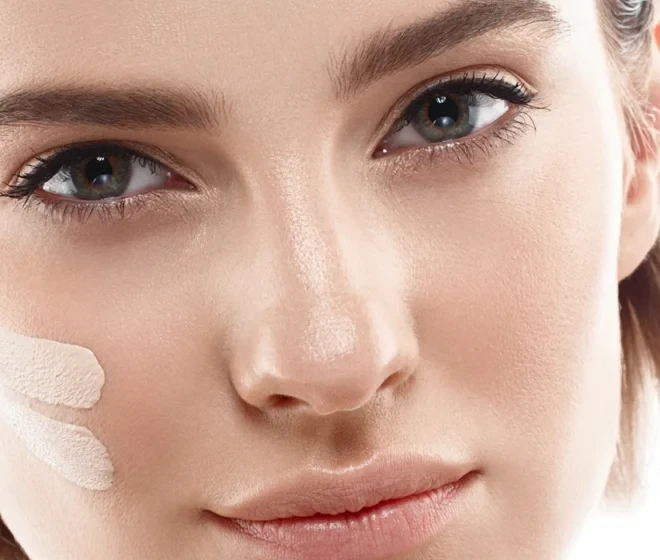
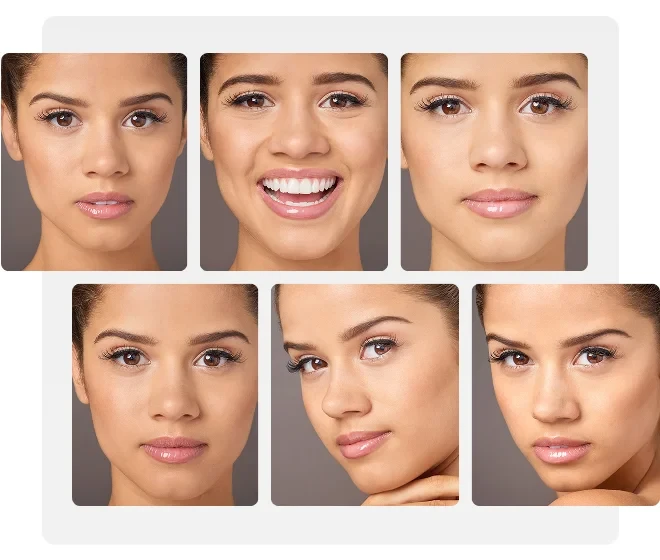
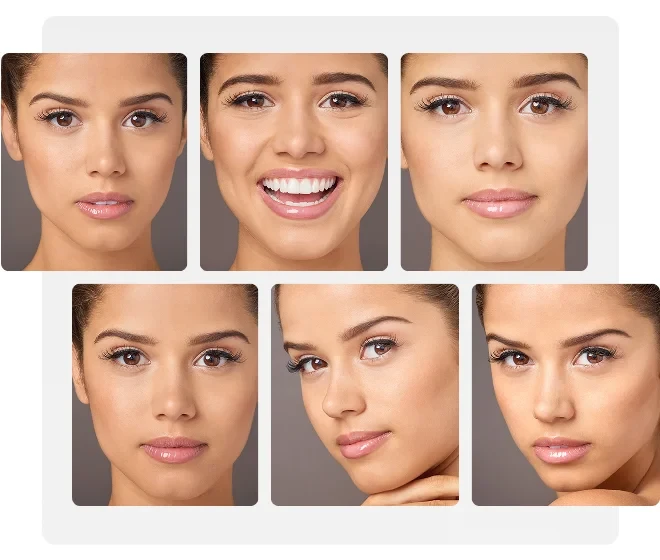
Evoto AI Nose Job Simulator Reshapes Nose with Sliders Before
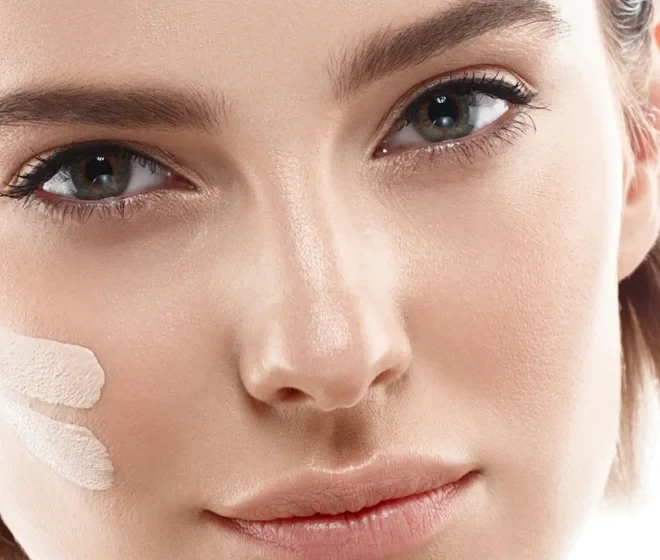
Evoto AI Nose Job Simulator Reshapes Nose with Sliders After
Before
After
Upload Image
* JPEG, JPG, PNG or WebP image allowed.
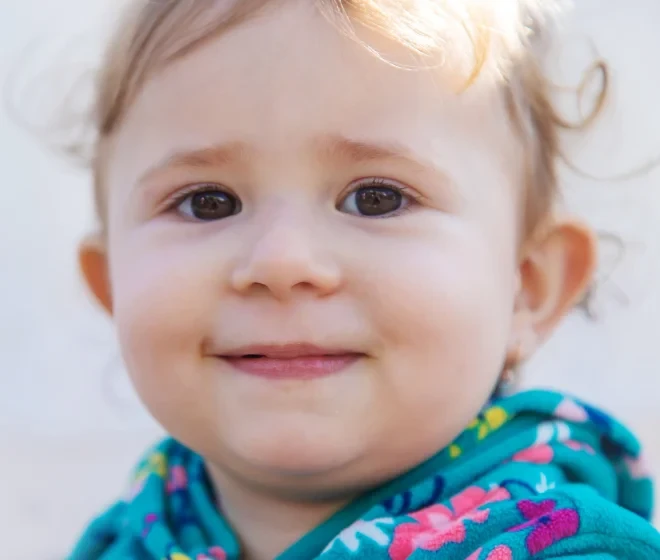
No image? Try one of these
Evoto AI Nose Job Simulator Reshapes Nose with Sliders
Evoto AI Nose Job Simulator Reshapes Nose with Contouring
Evoto AI Nose Job Simulator Retouches Nose with Sliders
Upload Image
Free to try. Pro Editing at Your Fingertips.
Desktop
Buy Now
Buy Now

Reshape Every Nose Detail with Precision AI

Independent nose editing sliders cover tip shape, bridge height, wing width, and overall length. Every adjustment delivers
professional nose reshaping for portrait photographers – fully reversible.

Precise Nose Shape Adjustment

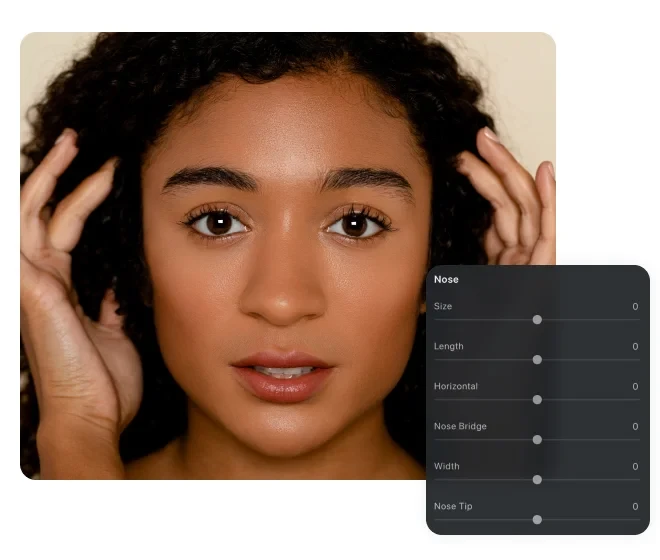
Six AI-powered sliders target each nose dimension independently: Size, Length, Horizontal position, Nose Bridge height, Width, and Nose Tip shape. Applied at pixel level with smooth edge blending. Ideal for nose tip reduction, a slim nose look, or any custom nose job refinement – on any face shape.

AI Nose Shape Adjustment with Independent Sliders for Tip Bridge Wing Width and Length Before
AI Nose Shape Adjustment with Independent Sliders for Tip Bridge Wing Width and Length After
Before
After

Nose Contouring for Visual Depth

Applied like a makeup artist's contouring technique – AI renders highlight along the bridge and shadow on the sides, making the nose appear slimmer and more defined without reshaping any geometry. A fast, painterly route to nose job filter effects in commercial and editorial photo retouching.

Nose Contouring Effect in Portrait Retouching Adding Highlight and Shadow for Slimmer Looking Nose Before
Nose Contouring Effect in Portrait Retouching Adding Highlight and Shadow for Slimmer Looking Nose After
Before
After

Nose Hair and Nostril Cleaning

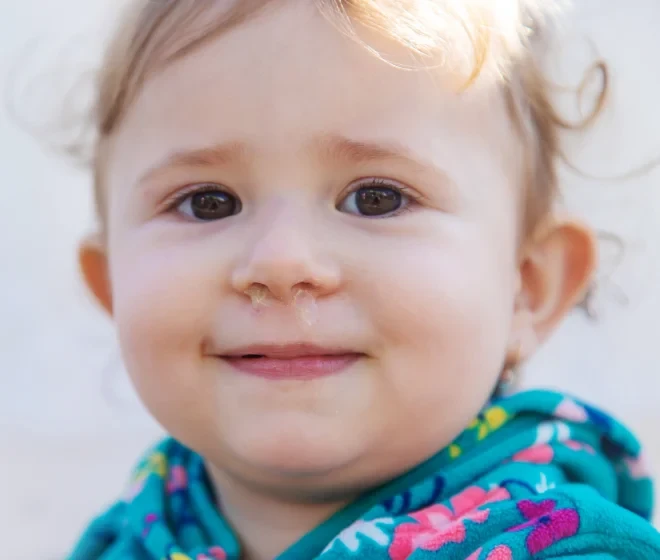
AI nose editor automatically detects and removes visible nose hair, mucus, blood, and nostril debris in one click – the clean-up step every professional portrait demands. Critical for wedding photography, ID photo studios, and newborn sessions where every detail shows in high-resolution delivery.

Nose Hair Removal and Nostril Cleaning Before and After AI Cleaning Nose Detail for Professional Portrait Delivery Before
Nose Hair Removal and Nostril Cleaning Before and After AI Cleaning Nose Detail for Professional Portrait Delivery After
Before
After

Sync across Portrait Session

Once you dial in nose adjustments on one portrait, sync those settings to every individual photo in the same session with one click – no slider work repeated. Ideal for headshot sessions, ID photo batches, and studio portrait series. Pair it with Teeth Fixer and Wrinkle Remover to complete your portrait retouching in one session.

AI Nose Editor Syncs Nose Settings Across Portrait Session Applying Same Adjustments to Multiple Individual Photos Before
AI Nose Editor Syncs Nose Settings Across Portrait Session Applying Same Adjustments to Multiple Individual Photos After
Before
After

Nose Reshaping Tool Built for Professional Photographers

Built for non-destructive portrait editing with precise controls and lossless output. A professional-grade
nose editor that fits seamlessly into any retouching workflow.

  • Precise Slider Control Icon Representing Nose Adjustment Parameters

    Precise Slider Control

    Nose editing sliders for Size, Length, Horizontal, Nose Bridge, Width, and Nose Tip, giving you exact control. No black-box results.
  • Live Before After Preview Icon Representing Instant Non Destructive Preview in Nose Retouching Tool

    Live Before/After Preview

    Switch between "Original" and "After" views instantly – no rendering delay. Review every adjustment live before exporting.
  • Lossless Full Resolution Export Icon Representing RAW TIFF PNG JPG Output from Nose Editor

    Lossless Full-Res Export

    Export as JPG, PNG, TIFF, or RAW at the original resolution with zero compression, print-ready for commercial portrait delivery.
  • Privacy and Data Security Icon Representing Local Image Processing in Nose Reshaping Tool

    Your Photos Stay Private

    Safe AI nose job simulator. All processing happens on your device. No user data is stored, shared, or used to train any AI model.
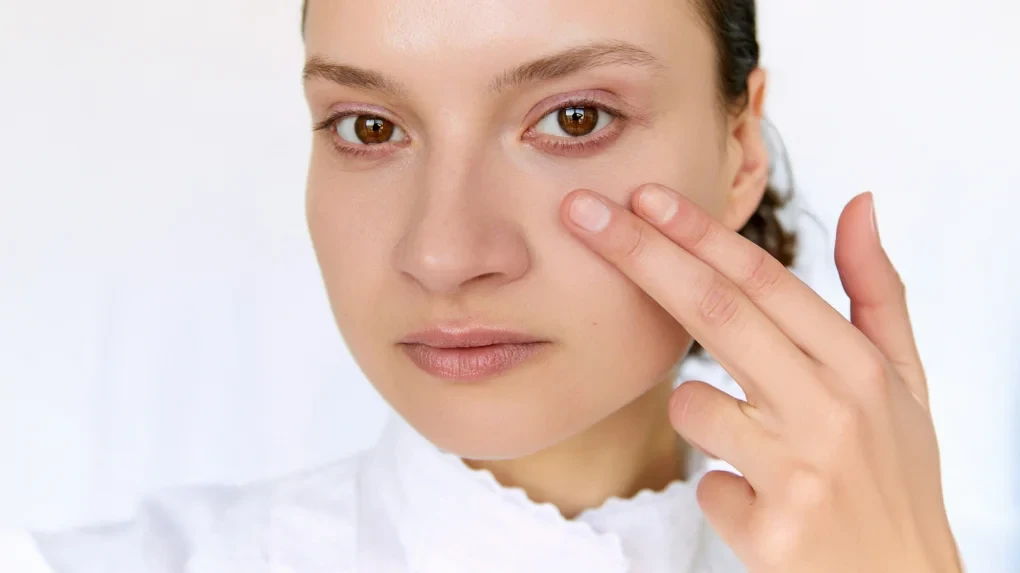
How to Use the AI Nose Job Simulator

Evoto Desktop Import Interface Showing Portrait Upload with Supported File Formats JPG PNG TIFF RAW
1.Import Your Portrait234
Open Evoto Desktop and import your portrait. Click "Import" or drag your file into the workspace. Supported formats: JPG, PNG, TIFF, and RAW. For a session batch, drag the entire folder at once.
  1. 1. Import Your Portrait

    Open Evoto Desktop and import your portrait. Click "Import" or drag your file into the workspace. Supported formats: JPG, PNG, TIFF, and RAW. For a session batch, drag the entire folder at once.
  2. 2. Find Portrait Retouching

    Click "Portrait Retouching" on the right panel. Under "Facial Reshape", click the "Nose" tab. Editing sliders appear: Size, Length, Horizontal, Nose Bridge, Width, and Nose Tip, plus a "Symmetrize" toggle for balanced adjustments.
  3. 3. Adjust Sliders and Preview

    Drag any slider to reshape. Switch between "Original" and "After" views at the top of the canvas to preview changes instantly. Adjustments are non-destructive – reset any slider to zero at any point.
  4. 4. Sync and Export

    Optionally click "Save Preset" to reuse these settings. Click "Sync" to apply the nose adjustments to other portraits in the session. Then hit "Export" to save the edited image to your Windows or MacOS device.

Explore Nose Retouching in Depth

Faster Edits, Finer Control.

Transform your photos with Evoto Nose Job Simulator today.
Available for Windows, macOS, and iPadOS.

FAQs

  • Is Evoto's AI nose job simulator free to use?

  • What would I look like after nose reshaping in a photo?

  • Can I slim down a wide nose or reduce the nose tip?

  • How do I fix a crooked or bumpy nose appearance in a photo?

  • What types of portraits work best with Evoto's nose retouching tool?

  • What nose adjustments can I make?

  • Can Evoto remove nose hair and clean the nostrils in portraits?

  • Is my photo secure when I use Evoto's AI nose reshaping tool?

  • How does AI nose reshaping preserve natural-looking results?

  • What image formats does Evoto's nose job simulator support?