
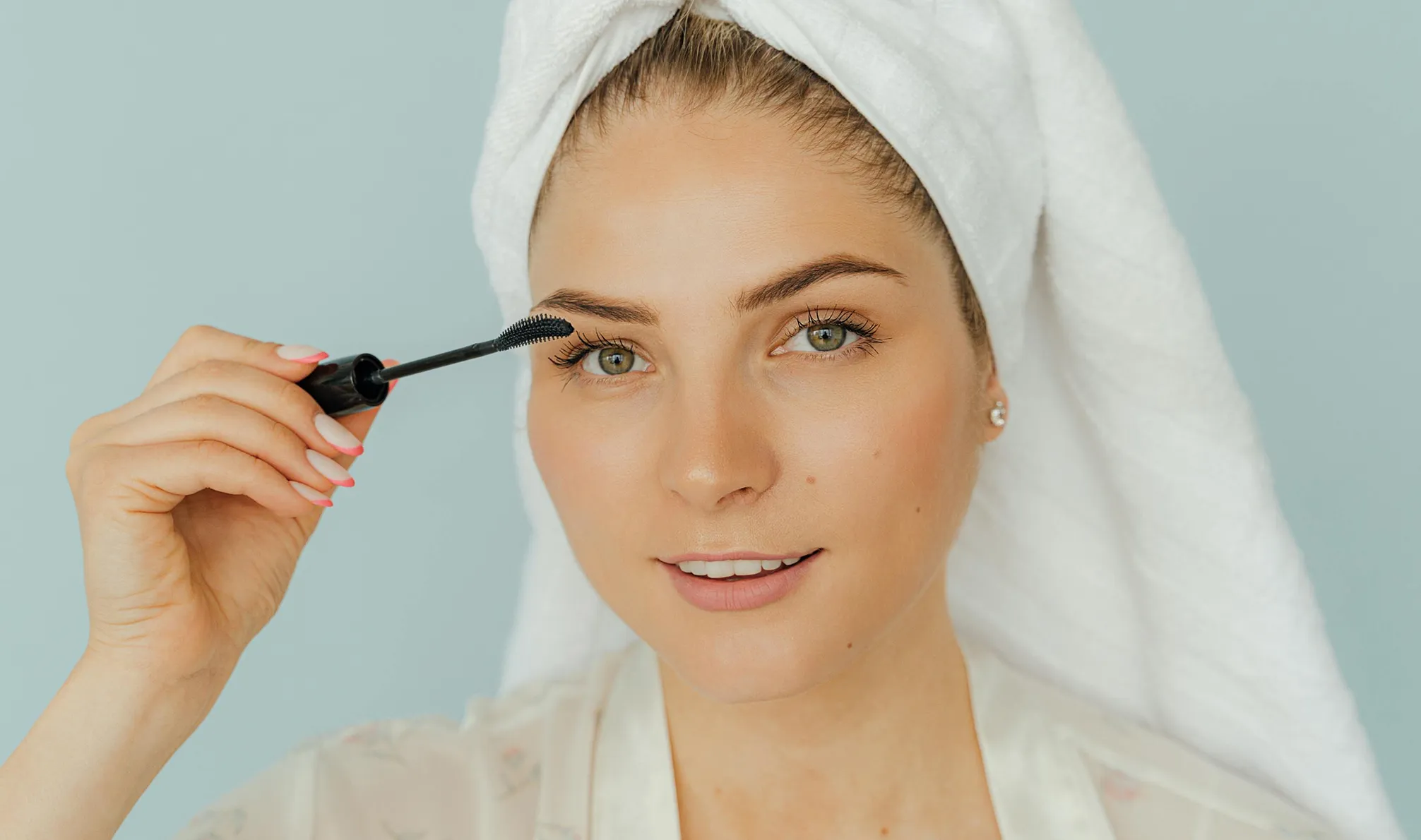
Face Reshaping Tool – Precise & Natural Results

Sculpt jawlines, refine features, and perfect symmetry with precision. Evoto’s Face Reshaping tool gives you total control, naturally beautiful results in seconds.

Desktop
Evoto Face Reshaping
Before
After
Evoto Face Reshaping1
Evoto Face Reshaping2

Effortless Face Reshaping with Evoto

Evoto’s Face Reshaping Tool offers precise, natural-looking edits with intuitive controls. From subtle enhancements to defined transformations, reshape faces with confidence and ease.

Flawless Face Reshaping Tool

Sculpt the perfect look in seconds. Refine jawlines, lift cheekbones, and smooth facial contours—effortlessly stunning results for every portrait.

Desktop
Face Reshaping Tool
Face Reshaping Tool
Before
After

Precision Facial Feature Editor

Control every detail of the face—resize eyes, refine brows, reshape the nose, or adjust the mouth. Evoto’s tools offer separate control for left and right features to ensure natural, high-precision results for every portrait.

Desktop

Targeted Face Reshape

Evoto’s smart tool detects individual faces in group or wedding photos and subtly corrects asymmetry. One click brings balanced, natural-looking results without losing authenticity.

Desktop

AI Symmetry & Pose Fix for ID Photos

Evoto’s AI tools instantly correct head tilt, off-center gazes, and uneven smiles—perfect for creating clean, front-facing ID photos, especially for kids.

Desktop
Head pose adjustment
Before
After

Still On the Fence?

No worries, sometimes you just need to see it in action.

Desktop
  • beginner friendly face reshape editor

    Pro-Level Results, Instantly

    Achieve studio-quality facial edits in seconds—no retouching experience needed.

  • high-end face reshape tool

    Precision Without Complexity

    Fine-tune every facial feature with intuitive sliders for effortless, pinpoint accuracy.

  • All-in-One Photo Editing Tools

    All-in-one Tools. Better Value.

    Why pay more? Get pro edits fast—backgrounds, color, retouching—all in one tool.

  • Try Free Photo Editing Tools

    Multi-Device Compatibility

    Edit on multiple devices. Work from desktops, laptops, tablets, and even the web-based editor. 

Do More with Evoto AI Photo Editor

From professional skin retouching to color grading and more, we’ve got you covered.

How to Do Face Reshaping in a Photo Naturally?

Desktop
Import and Organize Photos on Evoto
1.Upload Your Photo234

Import a high-quality portrait into Evoto’s editor to get started.

  1. 1. Upload Your Photo

    Import a high-quality portrait into Evoto’s editor to get started.

  2. 2. Open Facial Reshape Panel

    Go to “Edit” and find the "Portrait Retouching" panel on the right side. Expand the "Facial Reshape" section.

  3. 3. Adjust Facial Features

    Use intuitive sliders to reshape jawline, eyes, nose, and more — adjust left and right sides independently for precision.

  4. 4. Preview & Export

    Check your changes in real-time, then click the “Export” button and set the image quality. Save the edited photos to your local disk.

Desktop

Faster Edits, Finer Control.

Transform your photos with face reshaping tool today. Available for Windows, macOS, and iPadOS.

Desktop

FAQ

  • What is Evoto’s Face Reshaping Tool?

  • Can I reshape just one side of the face?

  • Does face reshaping work on all face types?

  • Is the reshaping effect natural-looking?

  • What facial features can I adjust with Evoto?

  • Can I use face reshaping for group portraits?

  • Is this tool beginner-friendly?

  • What image formats does this face reshaping tool support?

  • Will reshaping affect skin tone or texture?

  • Do I need editing experience to use it?