


Remove Shadow from Photo for Natural Portrait Results

Remove unwanted face shadows in one click. Evoto automatically corrects uneven lighting on your portraits — restoring natural skin tone for clean, polished results.
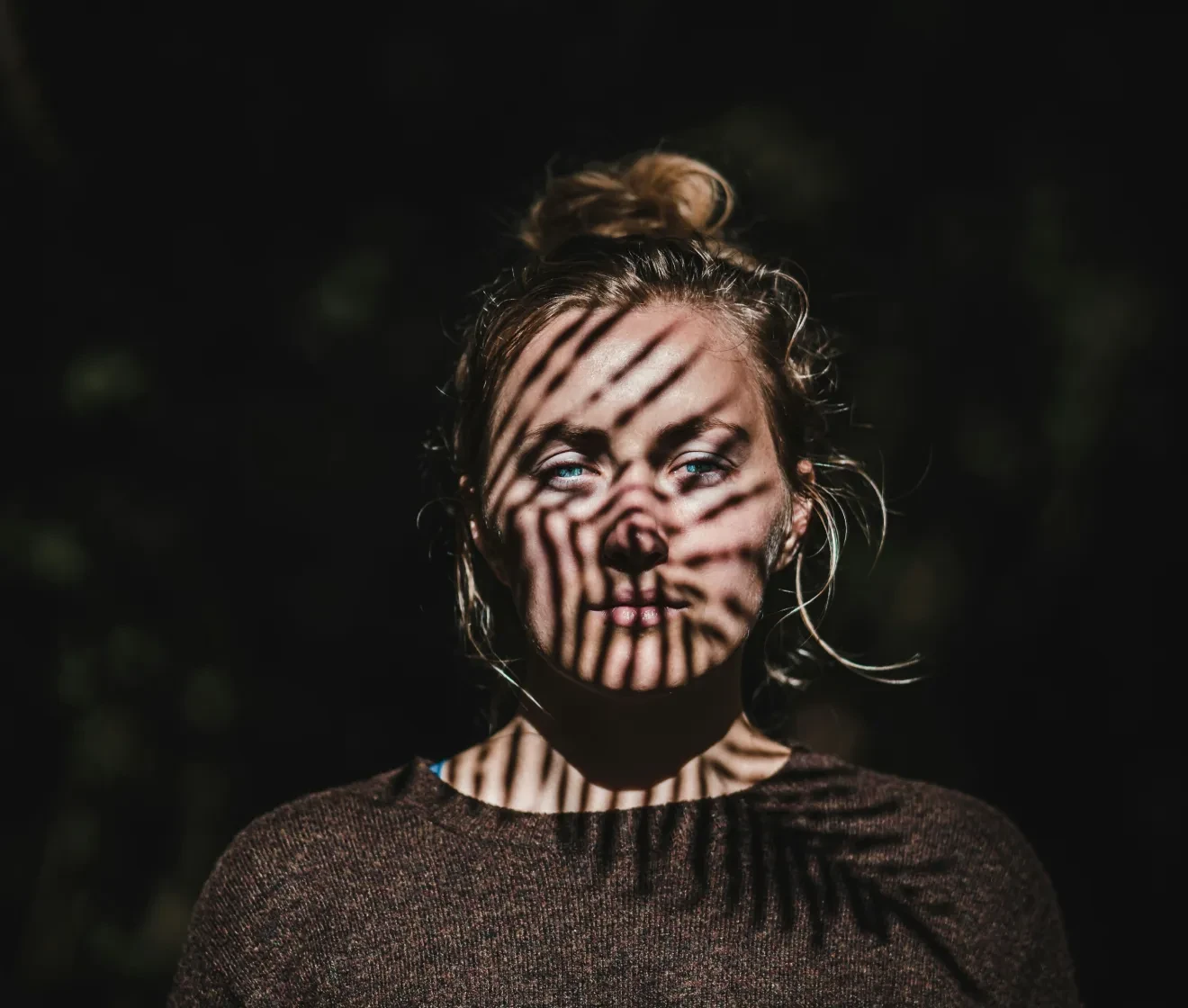
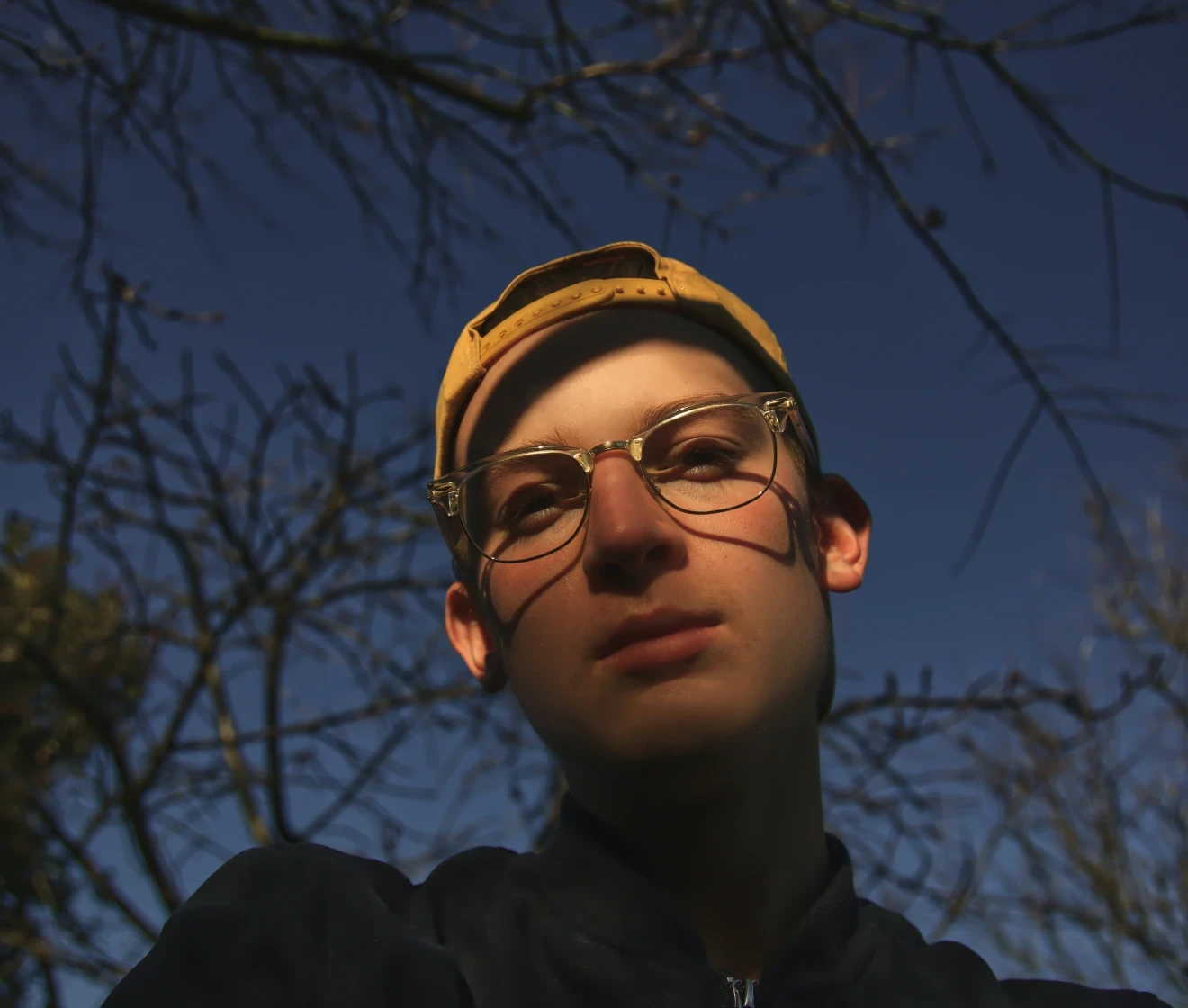
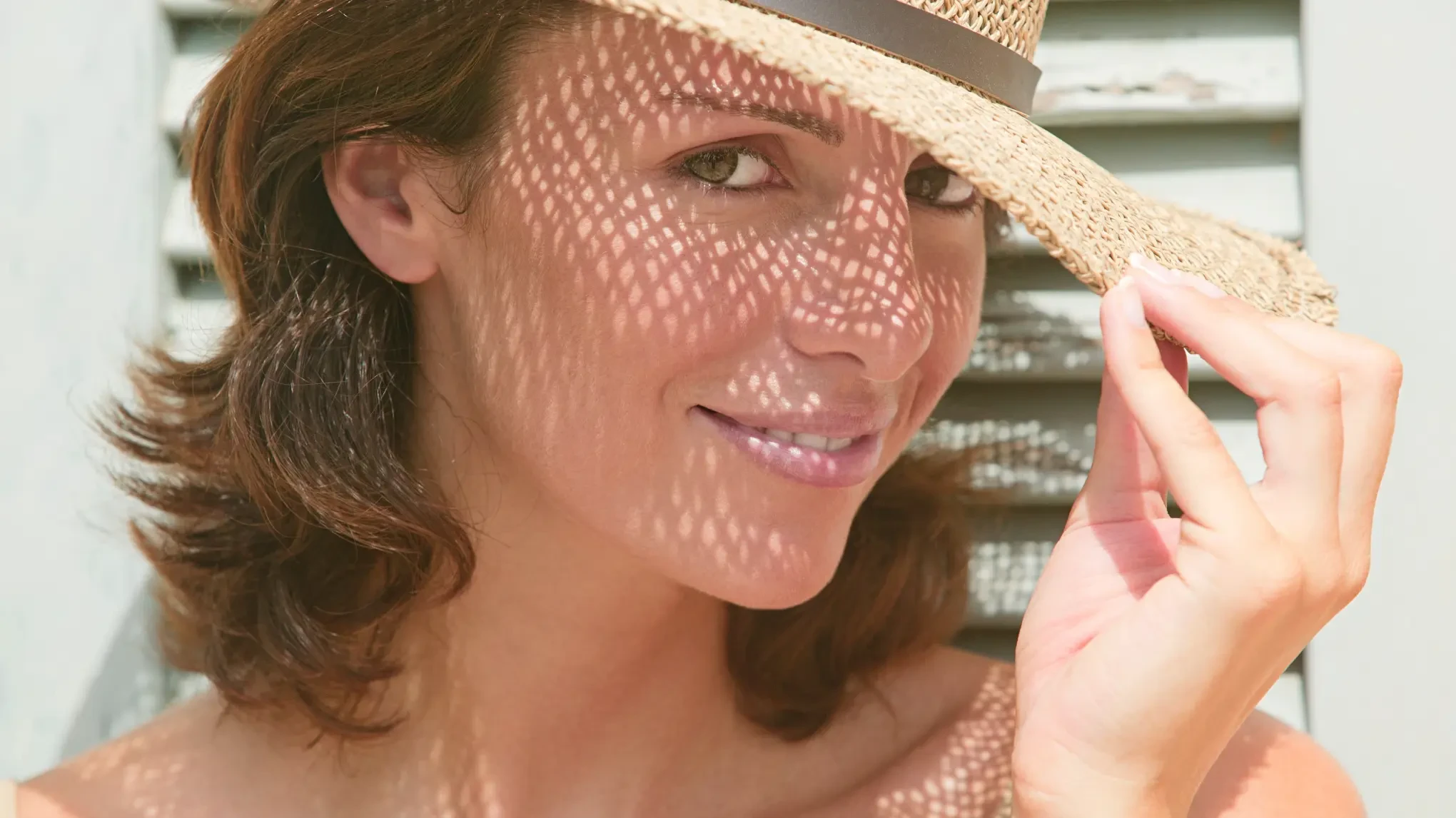
Before and after removing face shadow from portrait with Evoto Before
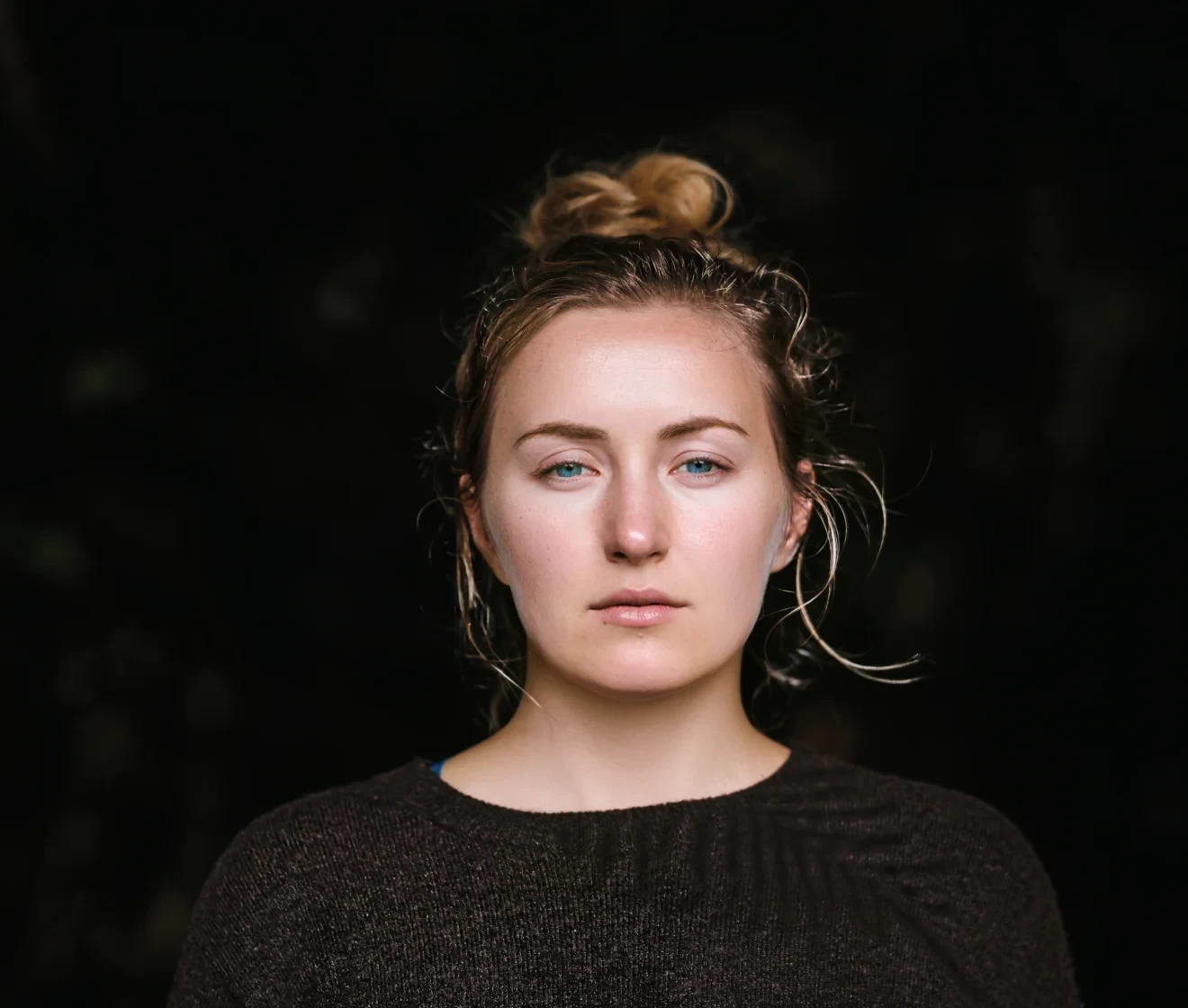
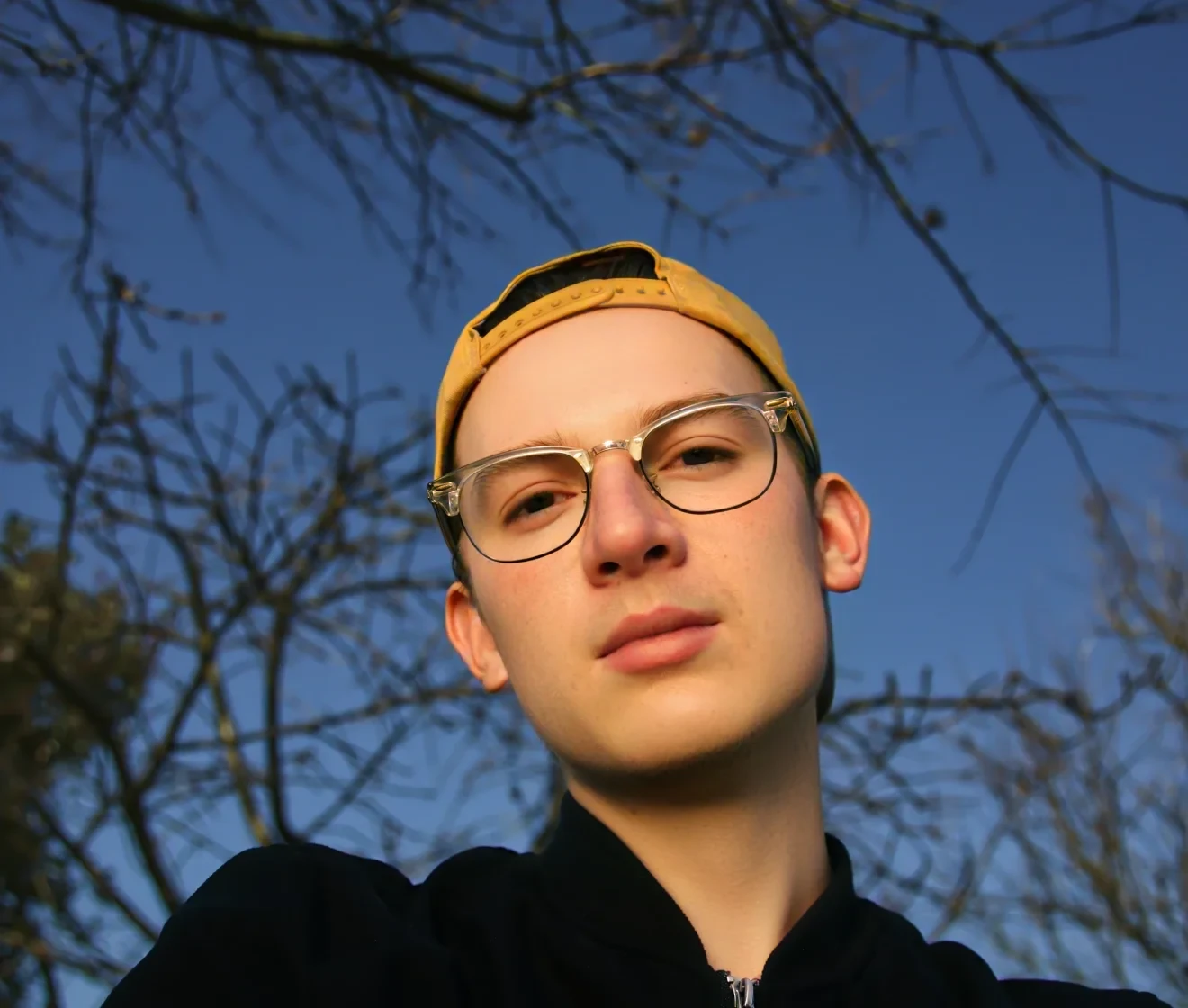
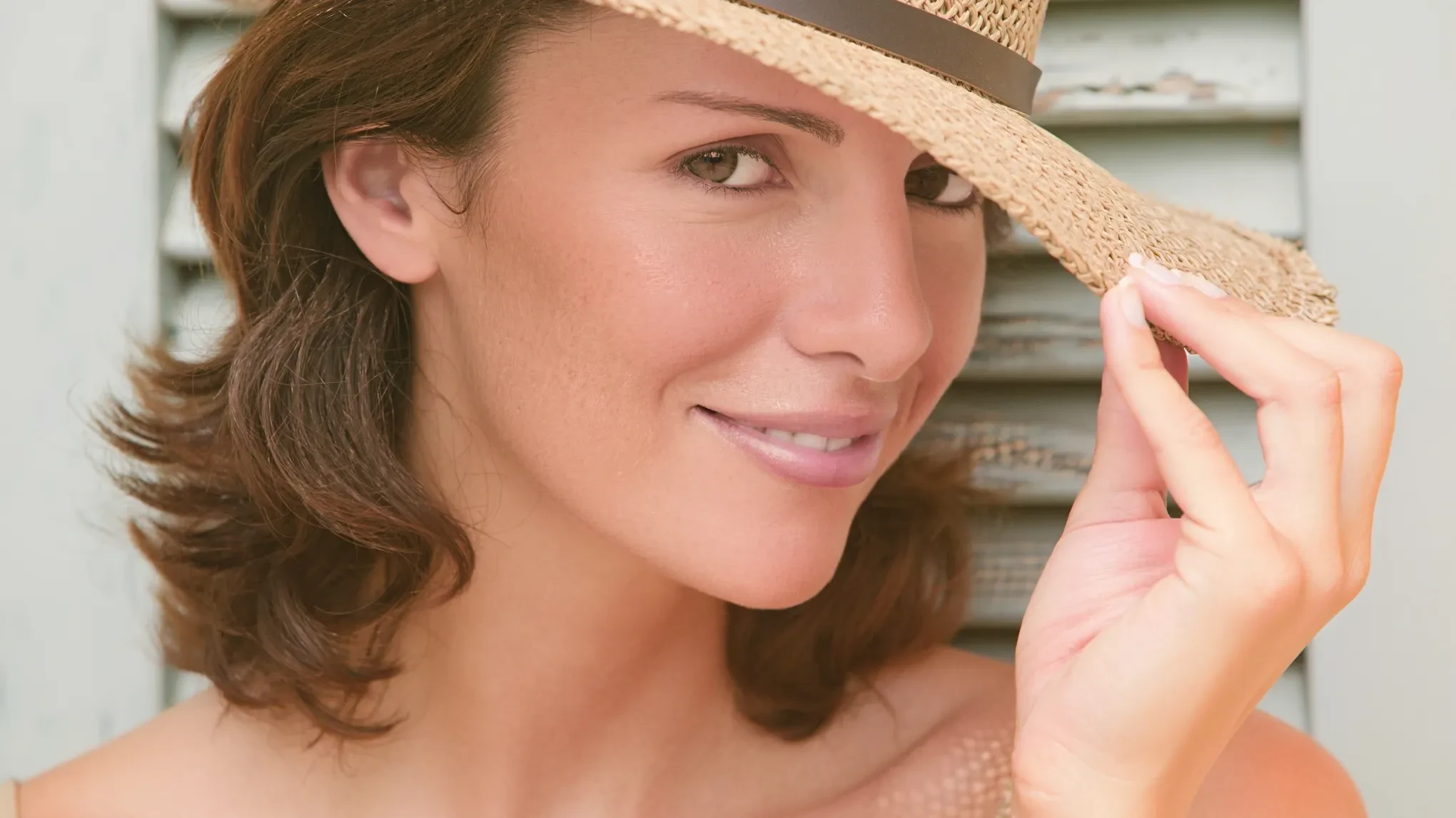
Before and after removing face shadow from portrait with Evoto After
Before
After
Upload Image
* JPEG, JPG, PNG or WebP image allowed.
No image? Try one of these
Before and after removing face shadow from portrait with Evoto
Remove Shadow Now
Free to try. Pro Editing at Your Fingertips.
Download Evoto
Buy Now
Buy Now

Powerful Shadow Removal for Your Portraits

Direct sun, hat brims, or uneven lighting can create distracting shadows across the face in portraits. Upload your image and remove shadow from face in one click — fast, precise correction for any portrait.

One-Click Face Shadow Removal

Upload your portrait and click once — Evoto's shadow remover automatically detects and corrects shadow areas across the face, delivering natural-looking results in seconds. No manual brushing, no prompt, no selection required.

One-click remove shadow from face in portrait photo
Before
After

Any Lighting, Proven Results

From strong outdoor light to brim shadows and inconsistent indoor light — Evoto corrects a wide range of facial shadow issues. After processing, compare the original and corrected portrait in a before-and-after view to check every detail before downloading.

Remove face shadow from portrait in harsh lighting before and after with Evoto
Before
After

Natural Skin Tone Restored

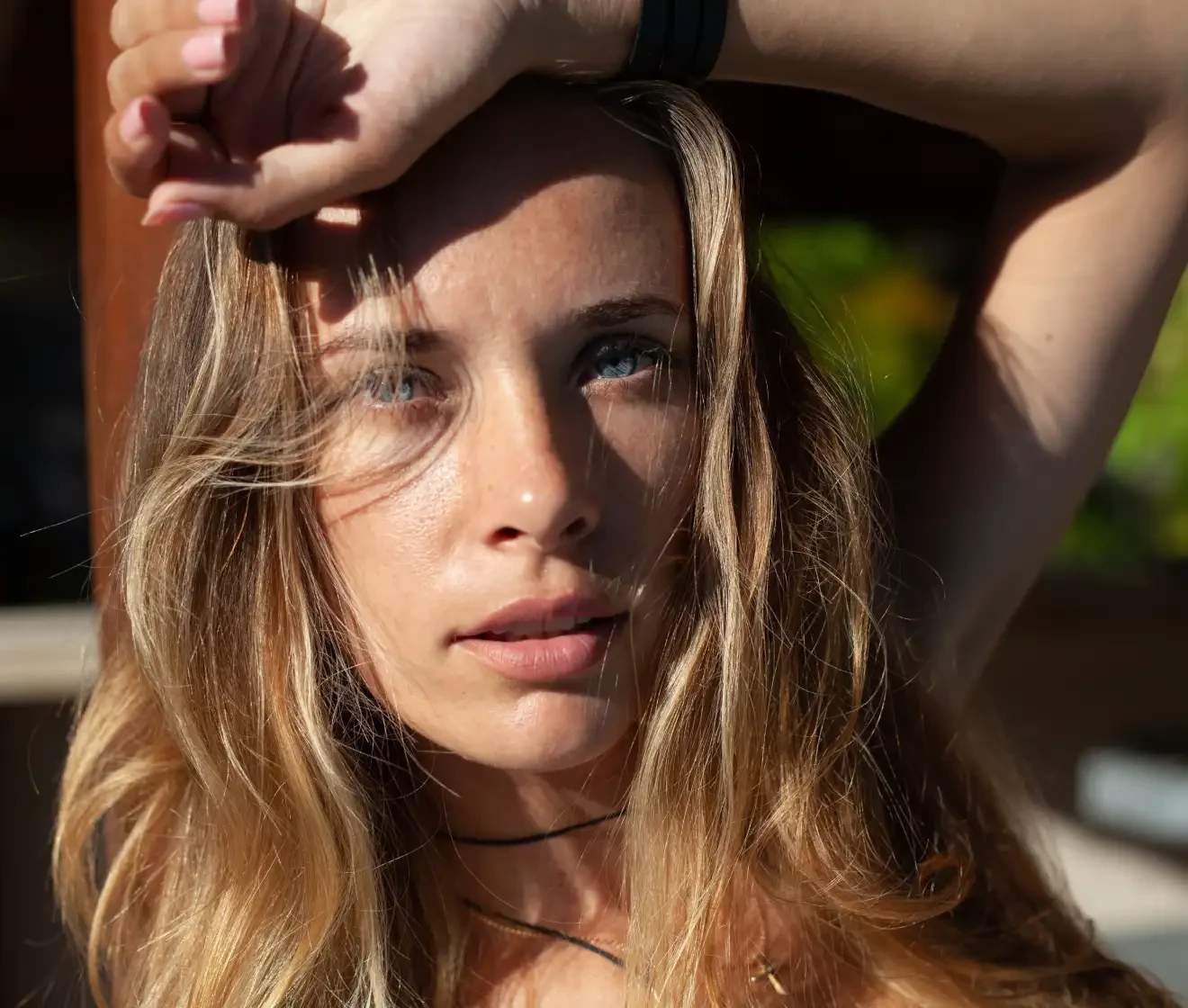
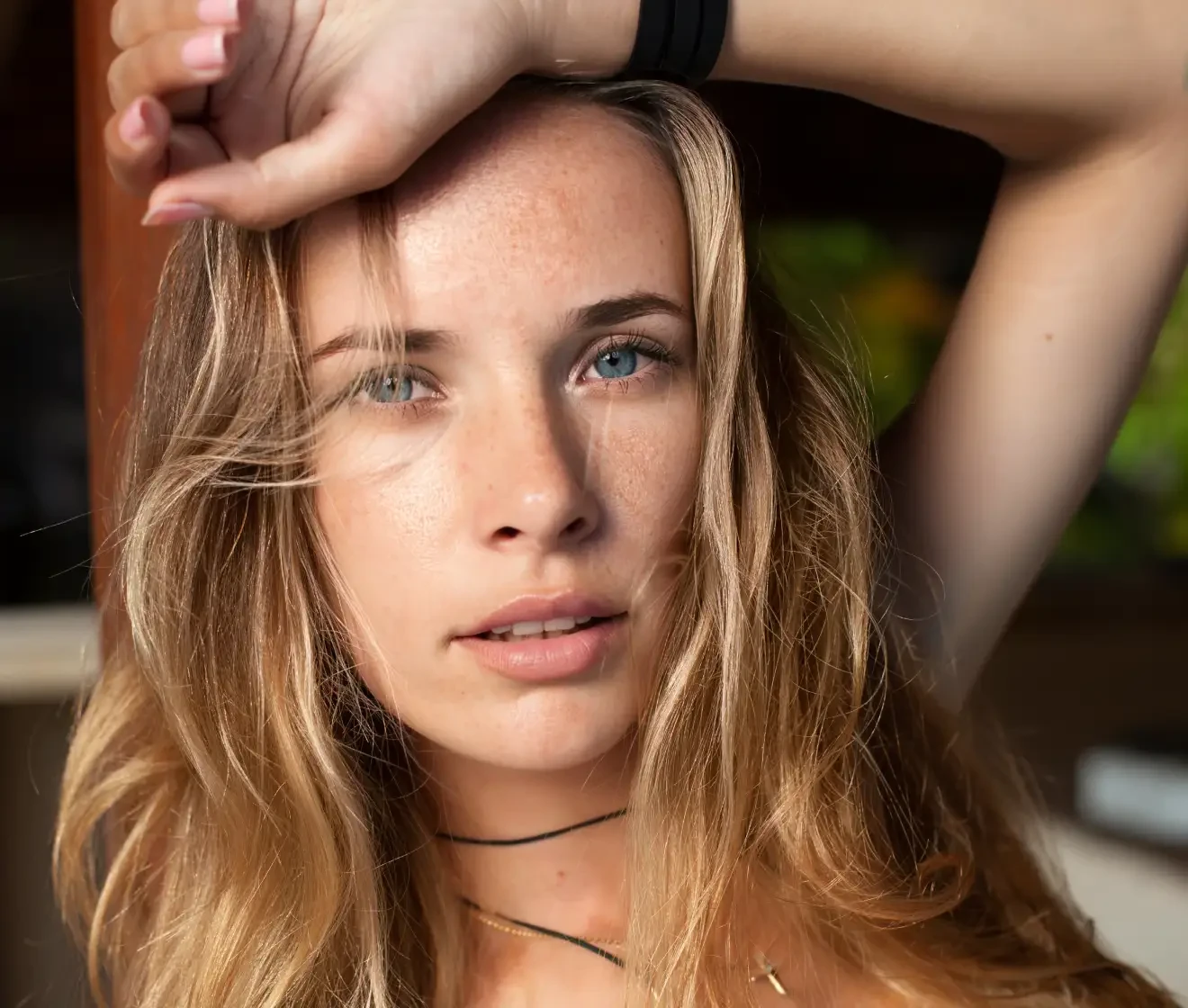
Evoto goes beyond basic brightening — it restores natural, even lighting across the face while preserving authentic skin tone. Pair it with skin retouching for even finer control. No color shifts, no unnatural highlights, delivering results that look like the shadow was never there.

Face shadow removed with natural skin tone preserved
Before
After

Full-Resolution Output for Any Use

Every photo is processed at its original resolution — no compression, no quality loss. Ideal for passport photos, corporate headshots, and large-format prints where every pixel matters.

Full resolution portrait after shadow removal for ID and print use
Before
After

Why Choose Evoto Photo Shadow Remover

Built for fast, precise shadow correction with professional-grade output. A shadow correction tool that fits seamlessly into any portrait editing workflow.

  • One-click shadow removal with no editing skills required

    No Editing Skills Needed

    No layers, no brushes, no complex masking required. Upload your portrait, click once, and Evoto corrects face shadows automatically — results ready to download in moments.
  • Free online shadow remover with no download needed

    Free Online Access

    Try Evoto's shadow remover directly in your browser. Sign up free to get 3 uses and see the results for yourself — no software download required.
  • Evoto protects your photos with privacy and no AI training

    Your Photos Stay Yours

    Your photos are for your edits only -- never stored, never shared, never used to train AI models. Full control over your creative work and client images stays with you.
  • High quality portrait with original resolution preserved after shadow removal

    Professional Output Quality

    Evoto preserves original resolution, skin texture, and fine detail in corrected areas. No blur, no distortion, no compression — whether you need compliant ID photos or polished portraits for client delivery, the output is ready to use right away.
How to Remove Shadow from Photo with Evoto

Upload portrait photo with face shadows to Evoto shadow remover
1.Upload Your Photo234
Upload your portrait and remove shadow from photo in seconds. Supported formats include JPG, JPEG, PNG and WebP.
  1. 1. Upload Your Photo

    Upload your portrait and remove shadow from photo in seconds. Supported formats include JPG, JPEG, PNG and WebP.
  2. 2. Let AI Do the Work

    Click "Generate" and Evoto handles the rest — sign up for free and get 3 uses to start, no download required.
  3. 3. Preview Your Corrected Portrait

    Once processing is complete, check the before-and-after comparison to see how shadows have been corrected. Verify that skin tone and lighting look natural across the face.
  4. 4. Download Your Photo

    Download the shadow-free portrait at its original resolution — ready for ID compliance, client delivery, or personal use.

Read More about Evoto Shadow Editor

Faster Edits, Finer Control.

Remove shadow from photo in one click with Evoto today.
Start online in your browser with 3 free uses after sign-up.

FAQs

  • Is Evoto's shadow remover free to use?

  • What types of shadows can Evoto remove?

  • Does it work on face shadows specifically?

  • Will the result look natural or fake?

  • Do I need to manually select or paint over the shadow areas?

  • How is this different from removing shadows in traditional editing software?

  • Will shadow removal affect my photo resolution or quality?

  • How long does processing take?

  • Is Evoto suitable for passport and ID photos?

  • Does Evoto store or use my photos for AI training?