Edit RAW photos, batch-process images, and streamline your workflow.Download Evoto

Online Lip Plumper for Fuller Lips in Photos

Give lips fuller volume in portraits with lip plumper of Evoto. Add depth without stretching the outline. Preview lip enhancement through a flexible lip filler filter online or in App.
Evoto Lip Plumper Before
Evoto Lip Plumper After
Before
After
Upload Image
* JPEG, JPG, PNG or WebP image allowed.

Private processing ยท Preview without signing up

No image? Try one of these
Evoto Lip Plumper
AI Photo Editor
AI Photo Editor
Upload Image
New users get 3 free HD exports
buy now
buy now

Control Every Detail of Your Lip Enhancement

Bring volume, shape, and texture into one thoughtful lip enhancement workflow. The lip filler filter gives every portrait room for subtlety.

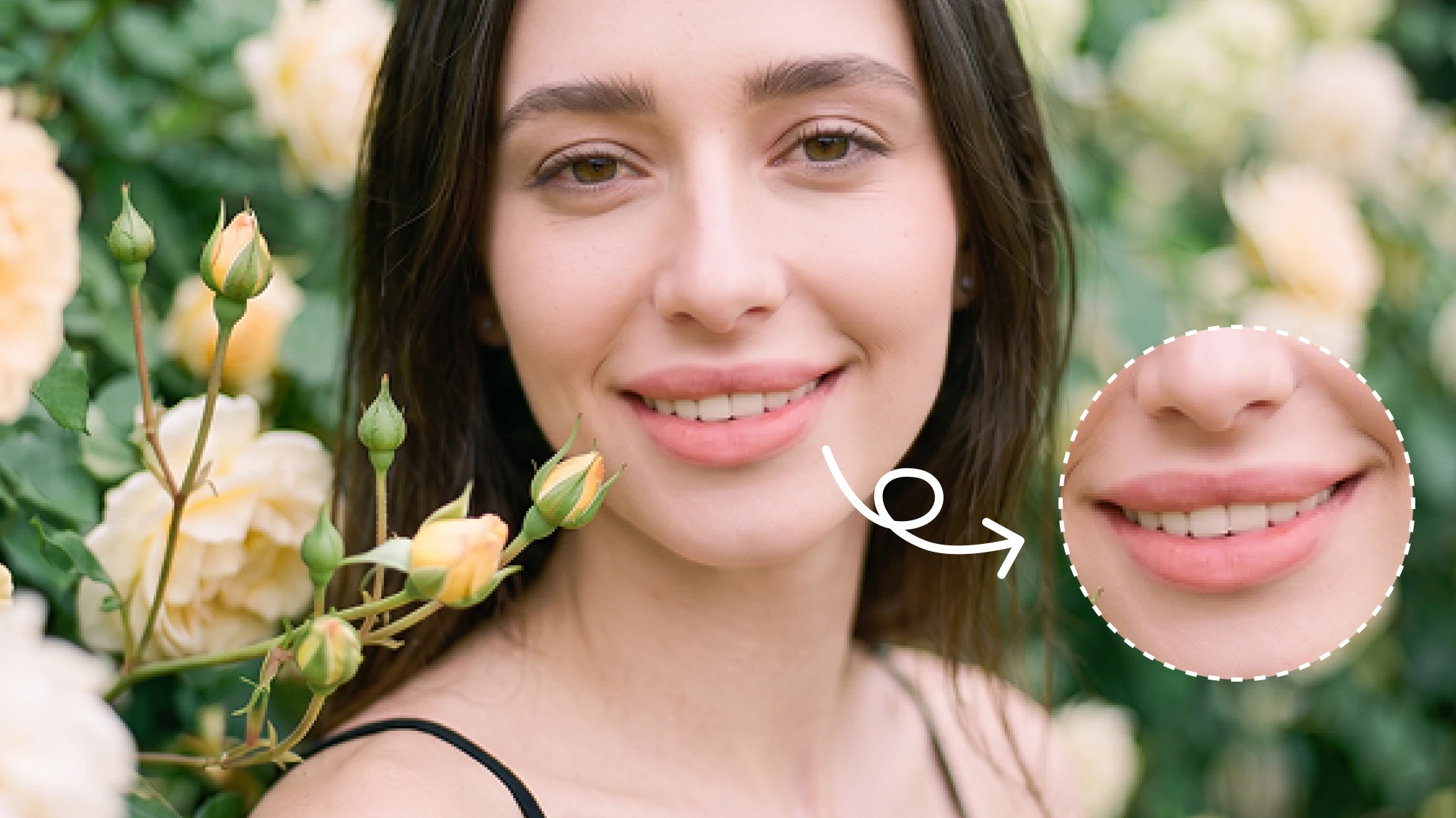
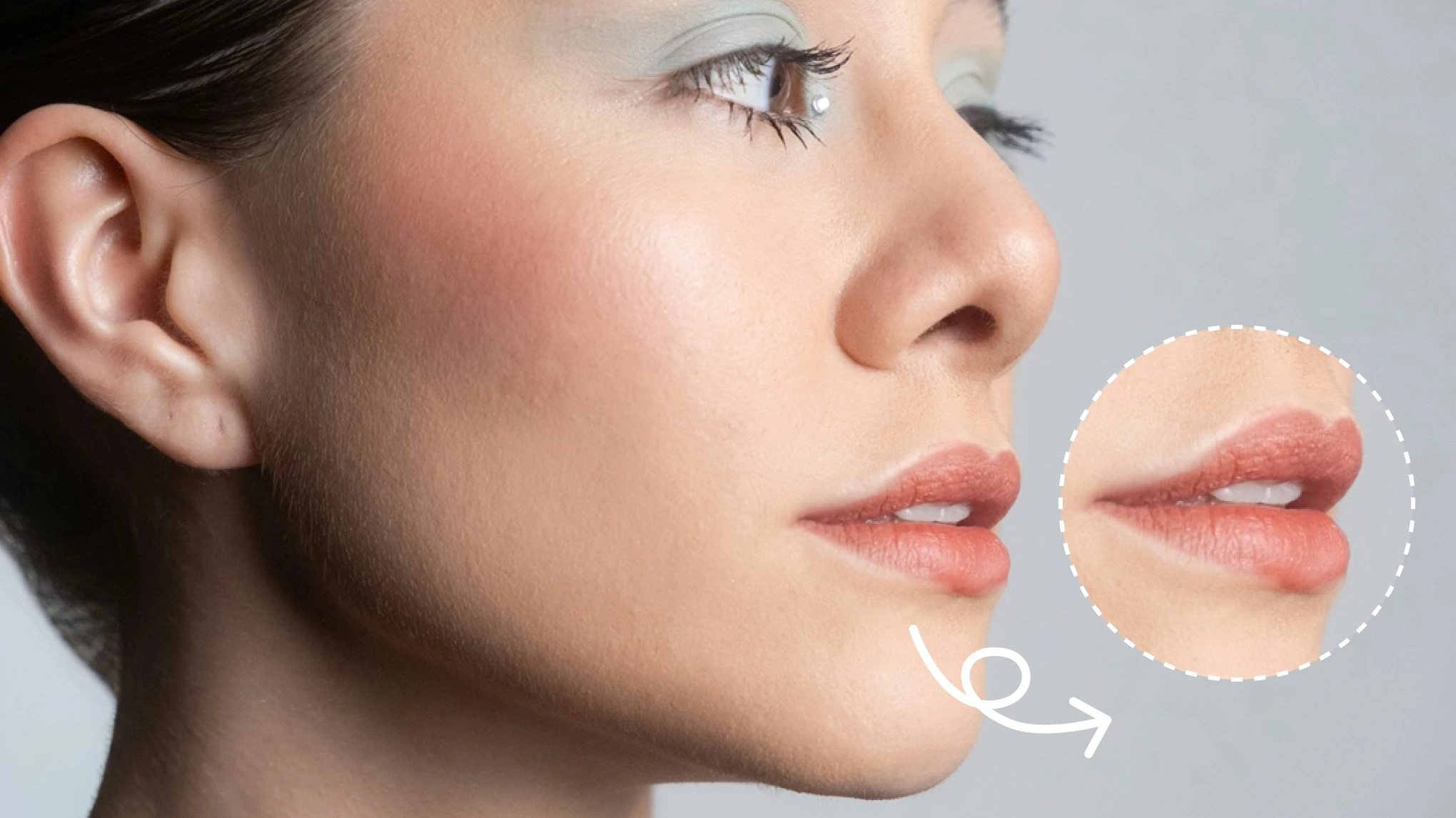
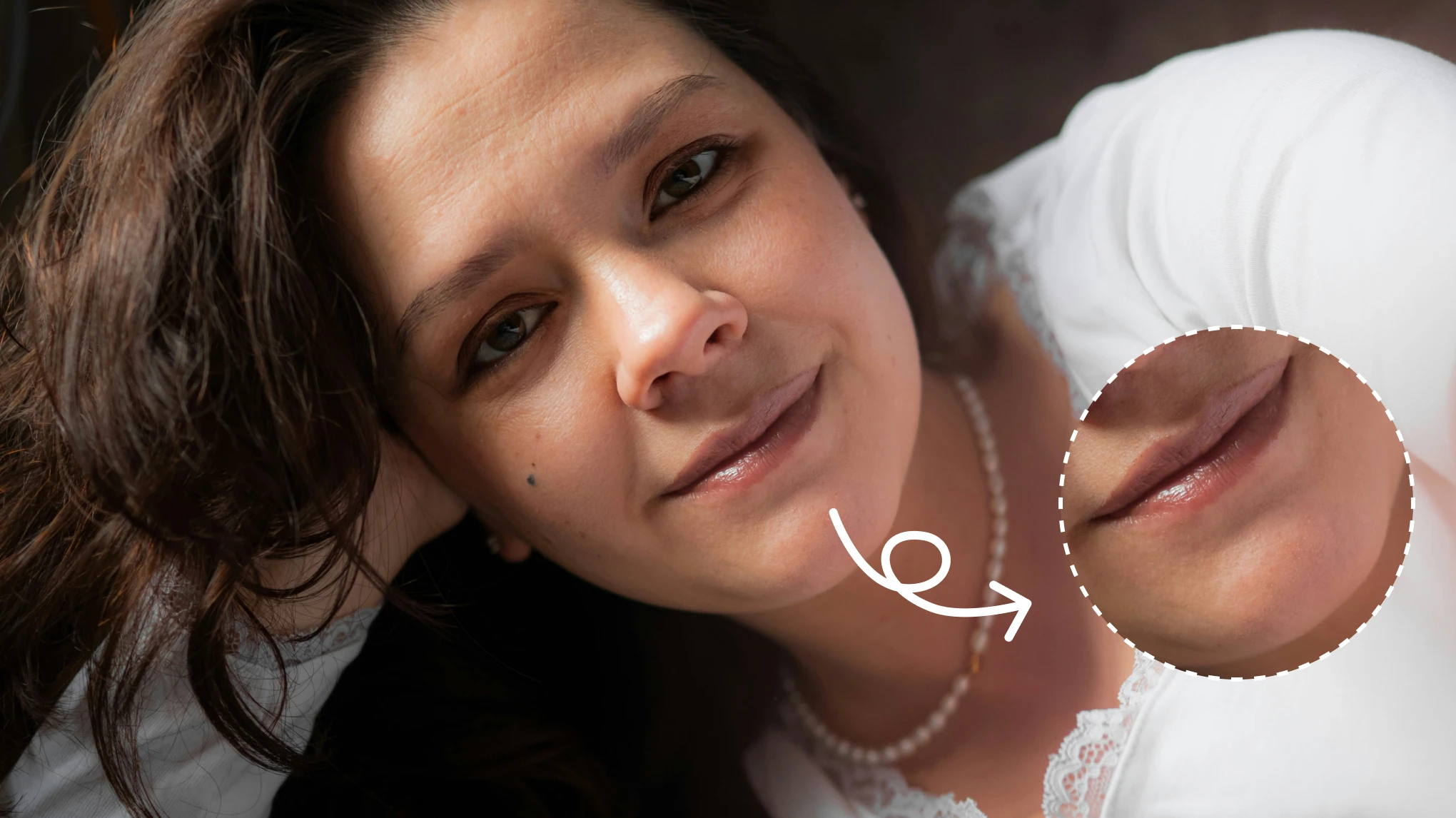
3D Volume from Every Angle

Build depth where flat reshaping can look stretched. Evoto lip plumper adds volume, light, and texture around your existing lip shape. Unlike a fixed lip filler filter, the 3D lip enhancement holds dimension across front and angled portraits. Fuller should still feel believable.

lip plumper adds depth from every angle
Before
After

Shape Your Lips Your Way

Shape a balanced smile without making every lip equally large. Upper Lip, Lower Lip, and M-shaped Lips complement the lip plumper for tailored lip enhancement. The adaptable lip filler filter suits headshots, visible asymmetry, and beauty closeups. Your proportions stay in charge.

custom upper lower and M shaped lip controls

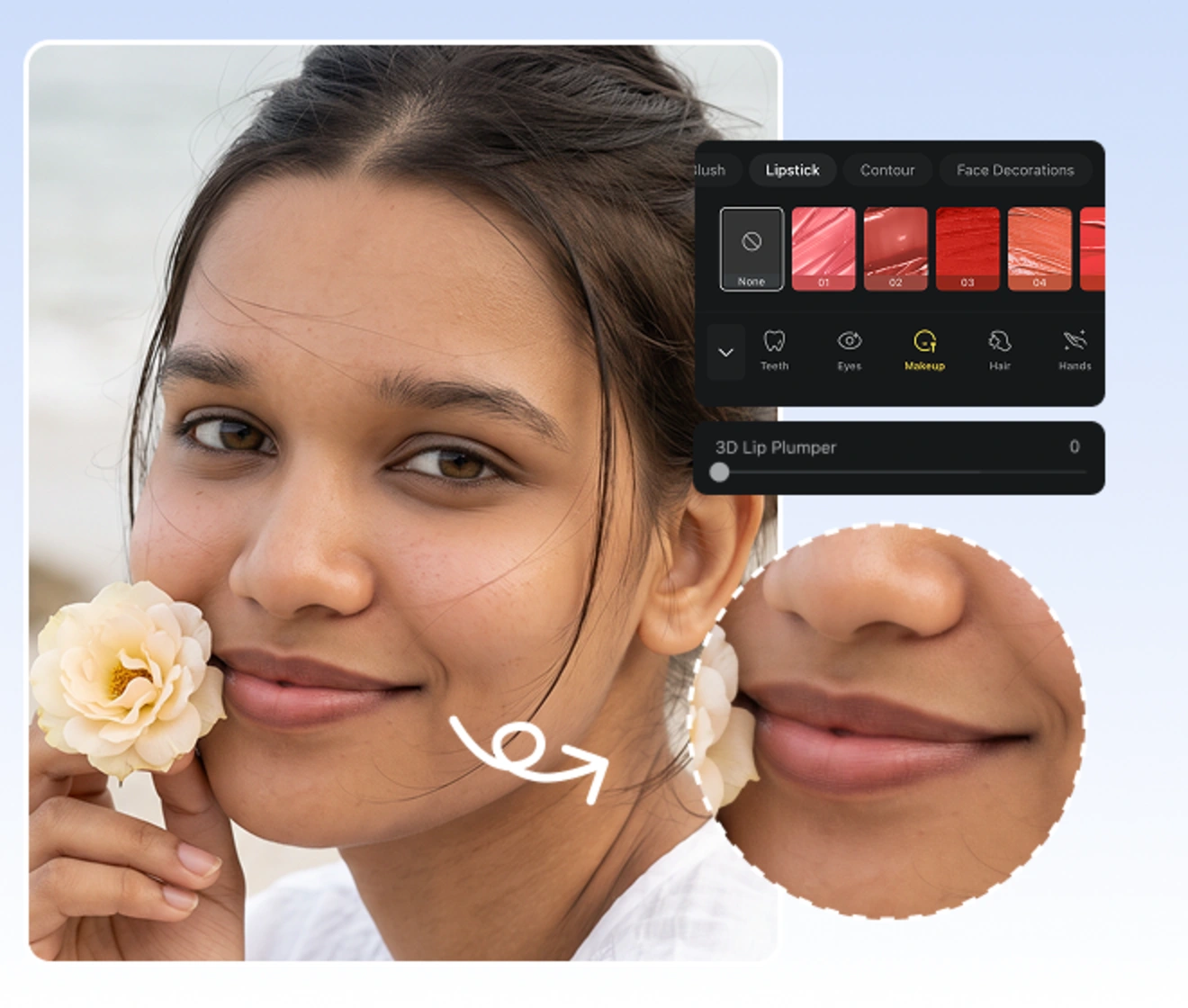
Add Gloss for a Juicier Finish

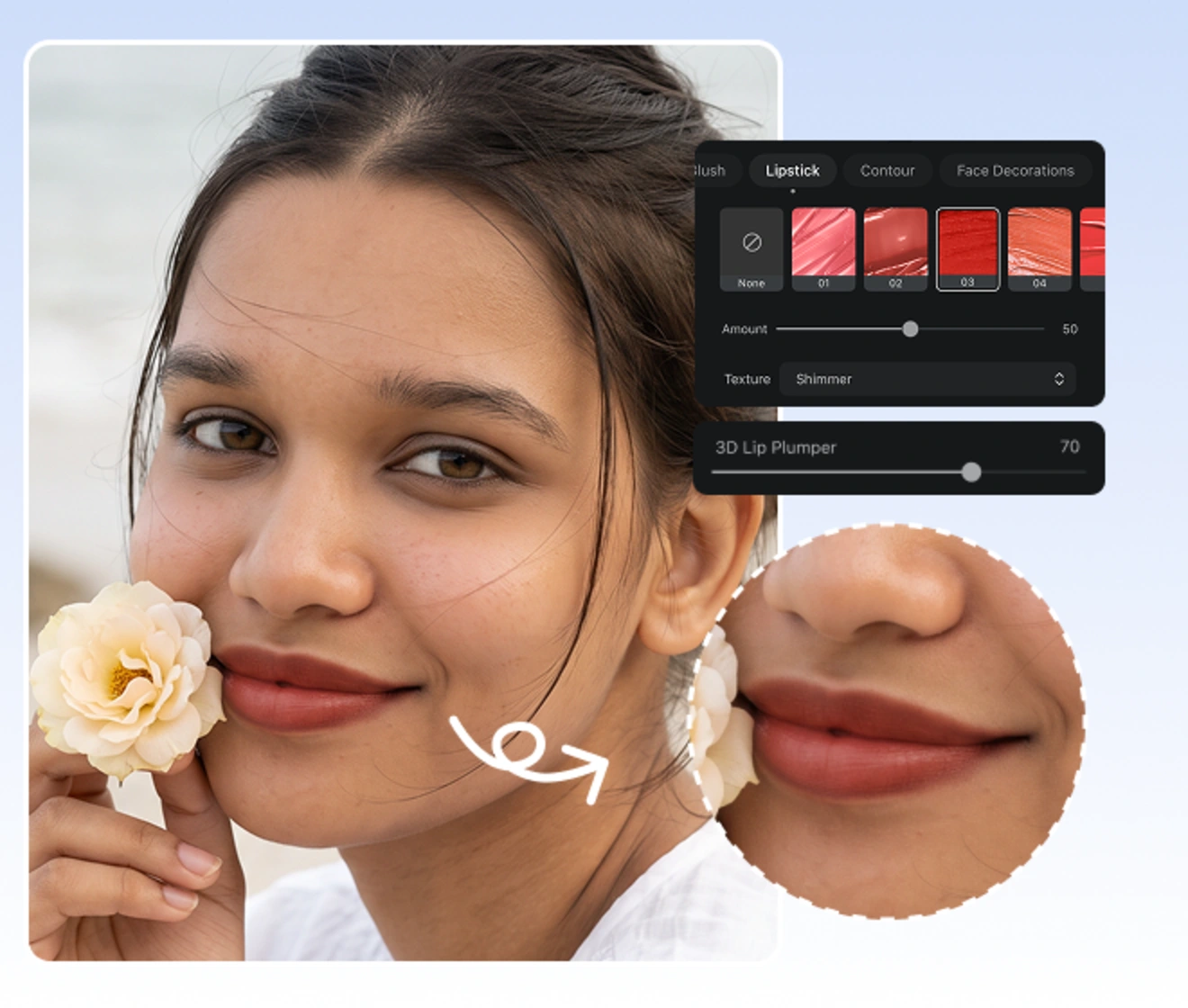
Layer gloss and texture onto a lip filler filter result that already feels dimensional. Lipstick gives lip enhancement a dewy finish, so the 3D lip plumper reads as polished rather than flat. It suits beauty portraits, editorial closeups, and evening makeup shots. Shape creates fullness. Light makes it glow.

glossy lip enhancement for a fuller finish
Before
After

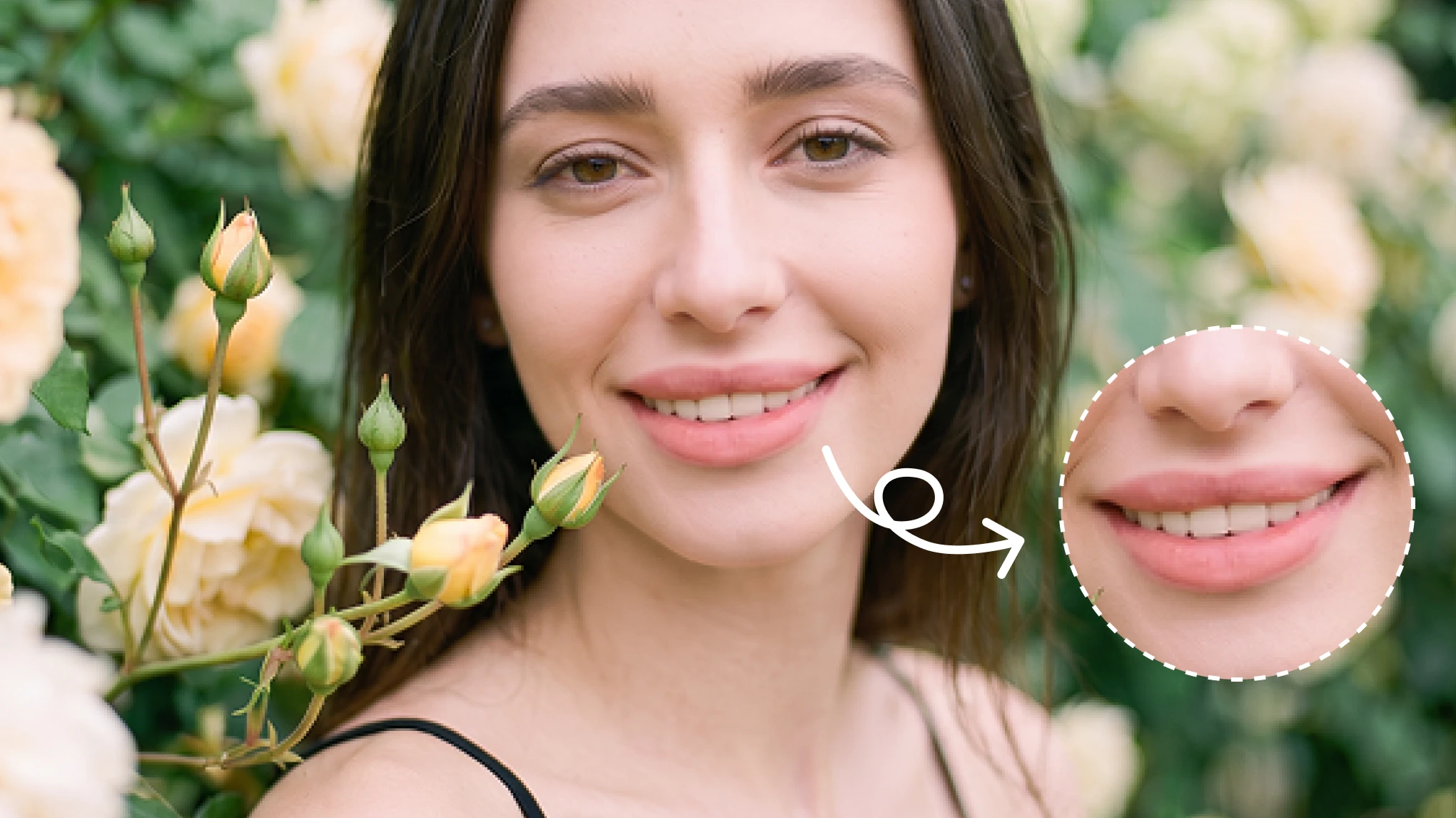
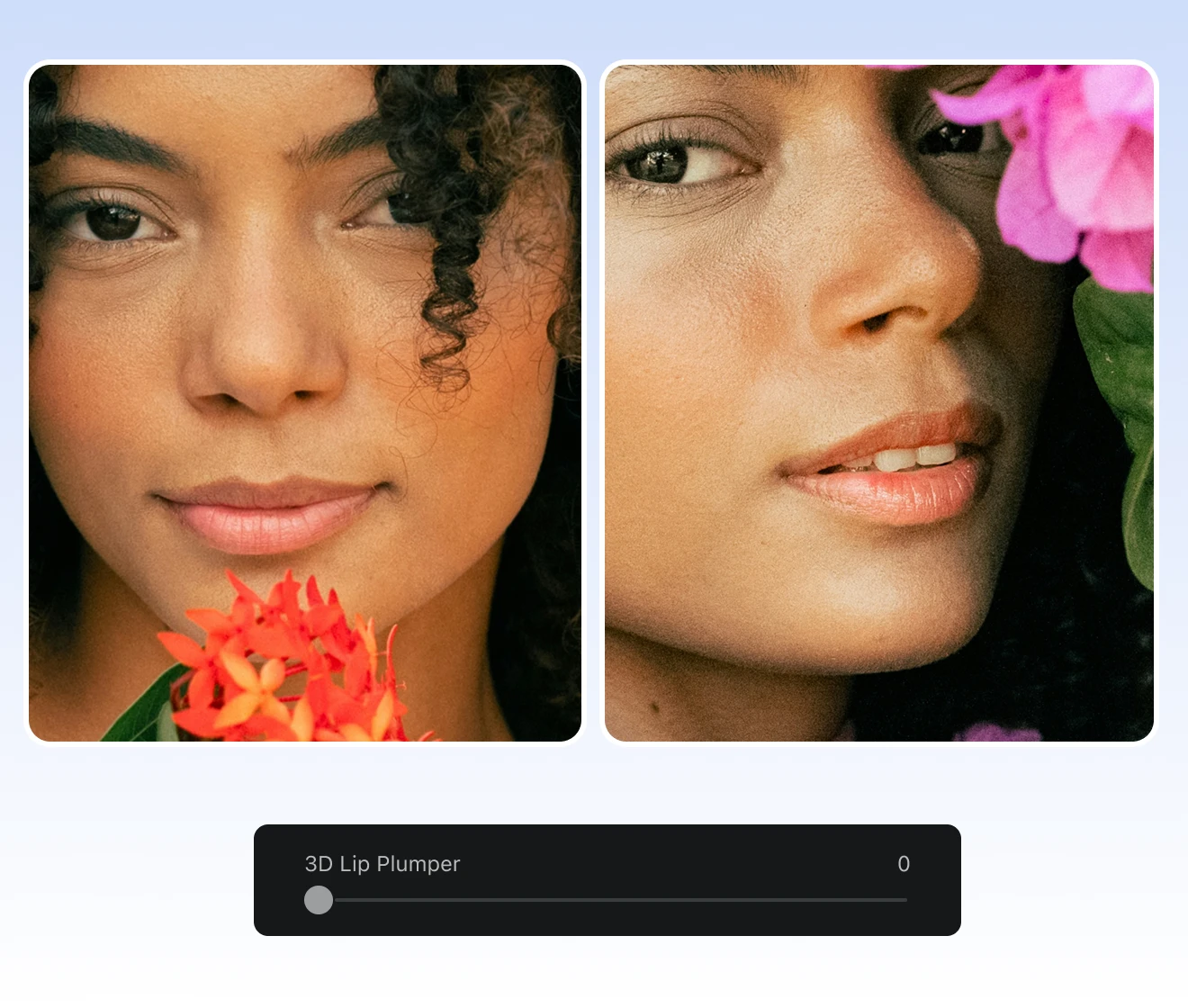
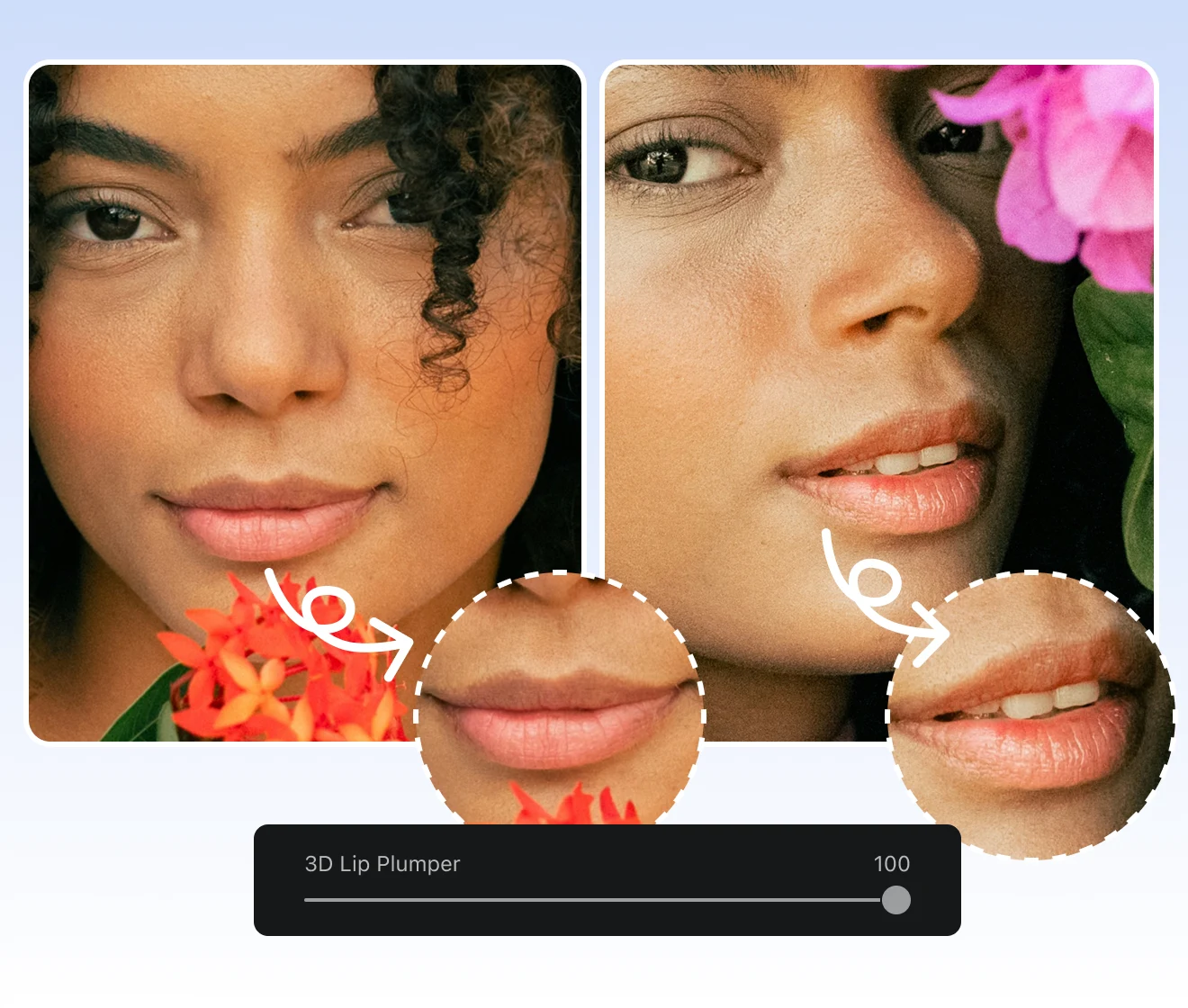
Choose How Full You Go

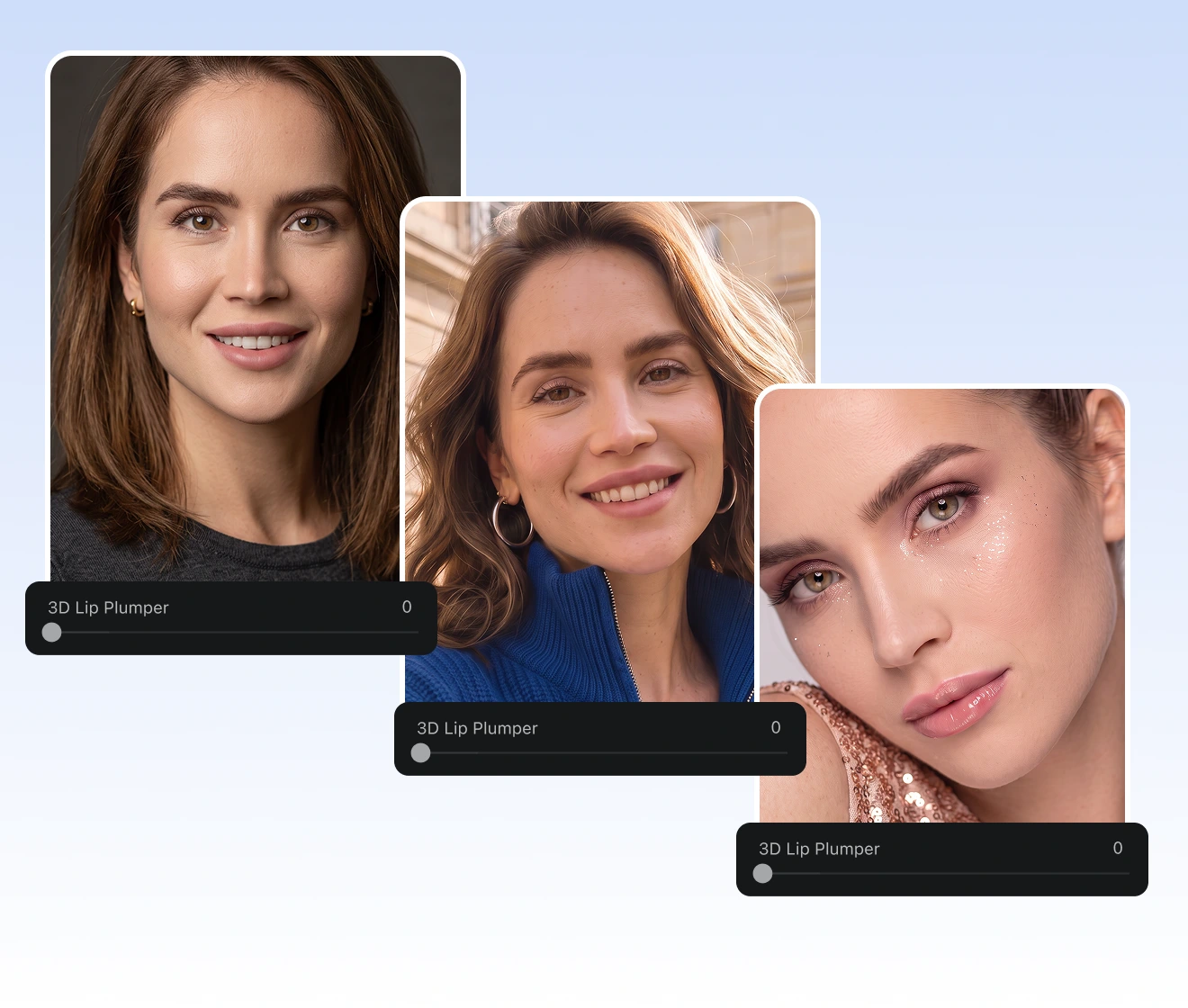
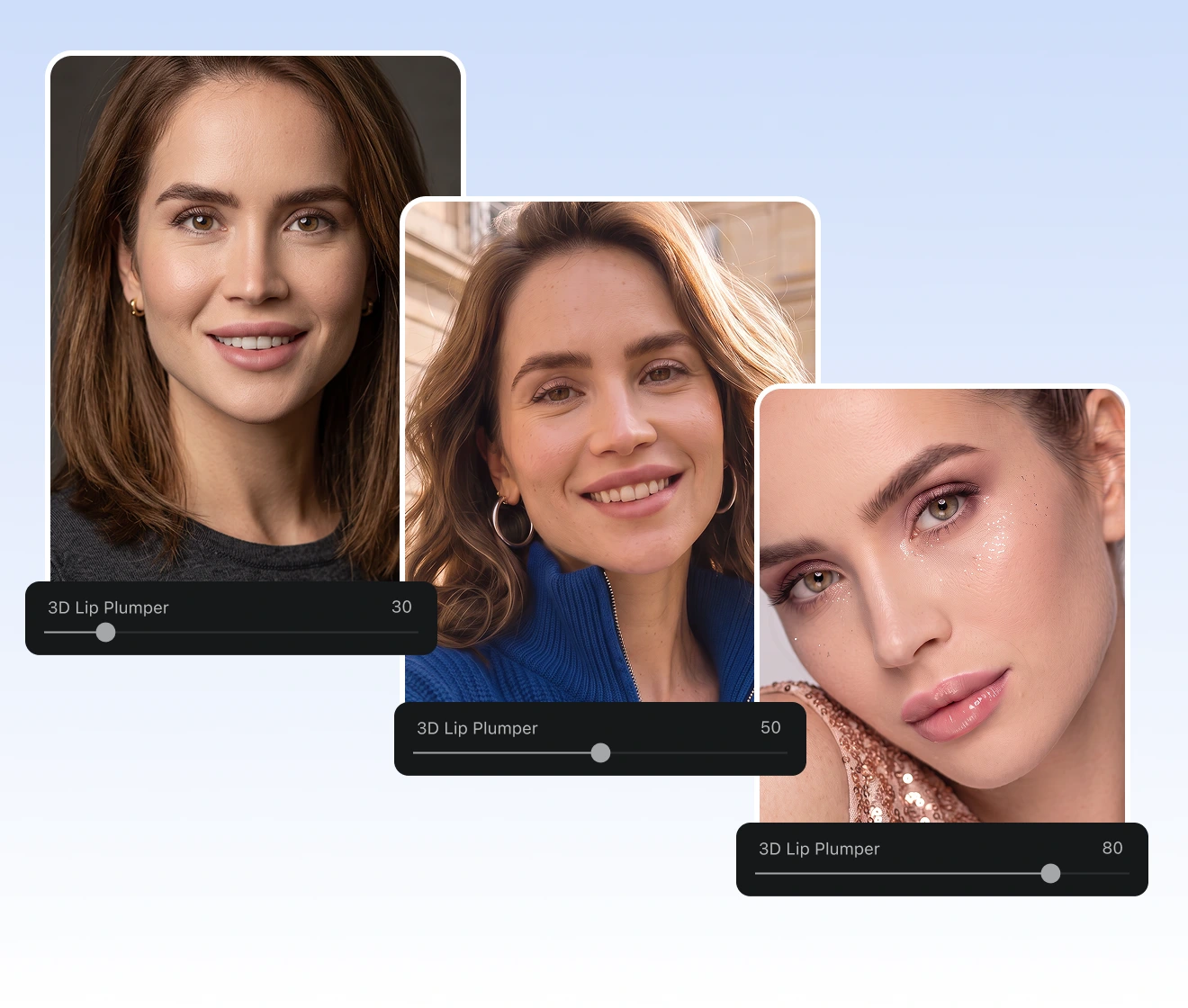
Choose restraint for a professional headshot or turn up fullness for a bold beauty edit. The 0 to 100 lip plumper range keeps each lip enhancement intentional. A tunable lip filler filter adapts to selfies, portraits, and social posts without forcing one preset result. Fullness stays yours to direct.

adjustable lip filler filter strength for portraits
Before
After

Lip Plumper Benefits Beyond Fuller Lips

A polished lip enhancement should fit your workflow, not interrupt it. Evoto lip plumper answers common concerns around access, control, privacy, and finishing.
  • online preview and Evoto App editing icon

    Preview Online, Refine in App

    Start with an online lip filler filter preview. Also, continue detailed portrait refinement in the Evoto App when the photo deserves more control.
  • direct lip controls without prompt rewriting

    Direct Controls, No Prompting

    Use named sliders instead of rewriting prompts for a generative lip filler filter. Your lip enhancement updates immediately without regenerating the whole face.
  • private portrait editing and secure upload icon

    Your Photos Stay Private

    We protects uploaded content and follows the policy. Your portrait photos are not used for generative AI training without explicit opt in. Photos are in yours.
  • complete portrait workflow beyond a lip filter

    More Than a Lip Filter

    Finish the portrait with reshape, makeup, color, and portrait retouching. Your lip filler filter becomes part of a complete editing workflow.

How to Use 3D Lip Plumper in Evoto

step one open a clear portrait photo
1.**Open a Portrait**234
Open the lip plumper tool online or launch the Evoto App. Add a clear portrait with a visible mouth for accurate lip enhancement and responsive controls.
  1. 1. Open a Portrait

    Open the lip plumper tool online or launch the Evoto App. Add a clear portrait with a visible mouth for accurate lip enhancement and responsive controls.
  2. 2. Find the Mouth Controls

    In "Pro Mode", open "Portrait", choose "Facial Reshape", then select "Mouth". In "Easy Mode", open "Size", then "Mouth" for the same lip enhancement controls.
  3. 3. Raise 3D Lip Plumper and Refine

    Find "3D Lip Plumper". Move the slider and compare the lip filler filter preview at each strength. Also, fine tune shape with "Upper Lip", "Lower Lip", or "M-shaped Lips". Add "Lipstick" texture in "Makeup" if needed.
  4. 4. Export the Image

    Choose "Export" when the lip enhancement feels right.

Try Lip Plumper on Your Photo Today

Open your portrait and shape a thoughtful lip enhancement. Compare every lip plumper strength before exporting your preferred look.

FAQs

  • What Is Evoto 3D Lip Plumper?

  • How Is It Different From Upper Lip and Lower Lip Controls?

  • Does 3D Lip Plumper Work on Angled Portraits?

  • Is 3D Lip Plumper Available on Desktop?

  • Is Photo Lip Enhancement the Same as Lip Filler or Lip Augmentation?

  • What Would I Look Like With Lip Filler?

  • What Is the Difference Between a Lip Flip and a Lip Filler Filter?

  • Does Evoto Use My Photos to Train Generative AI?

  • How Should I Use AI Lip Editing Responsibly?

  • Is Evoto a Free Lip Plumper Online?

Last updated: 2026-11-04. Reviewed by: Evoto Product Team. Results may vary depending on image quality, lighting, subject pose, file format, and selected settings.