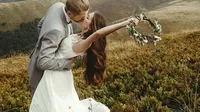
Double Exposure Photo Editor Online

Blend two worlds into one frame: double exposure effect for portraits, wildlife, landscape, cityscapes, and abstract textures.
Use web-based double exposure editor with AI mask control and blend modes by Evoto.
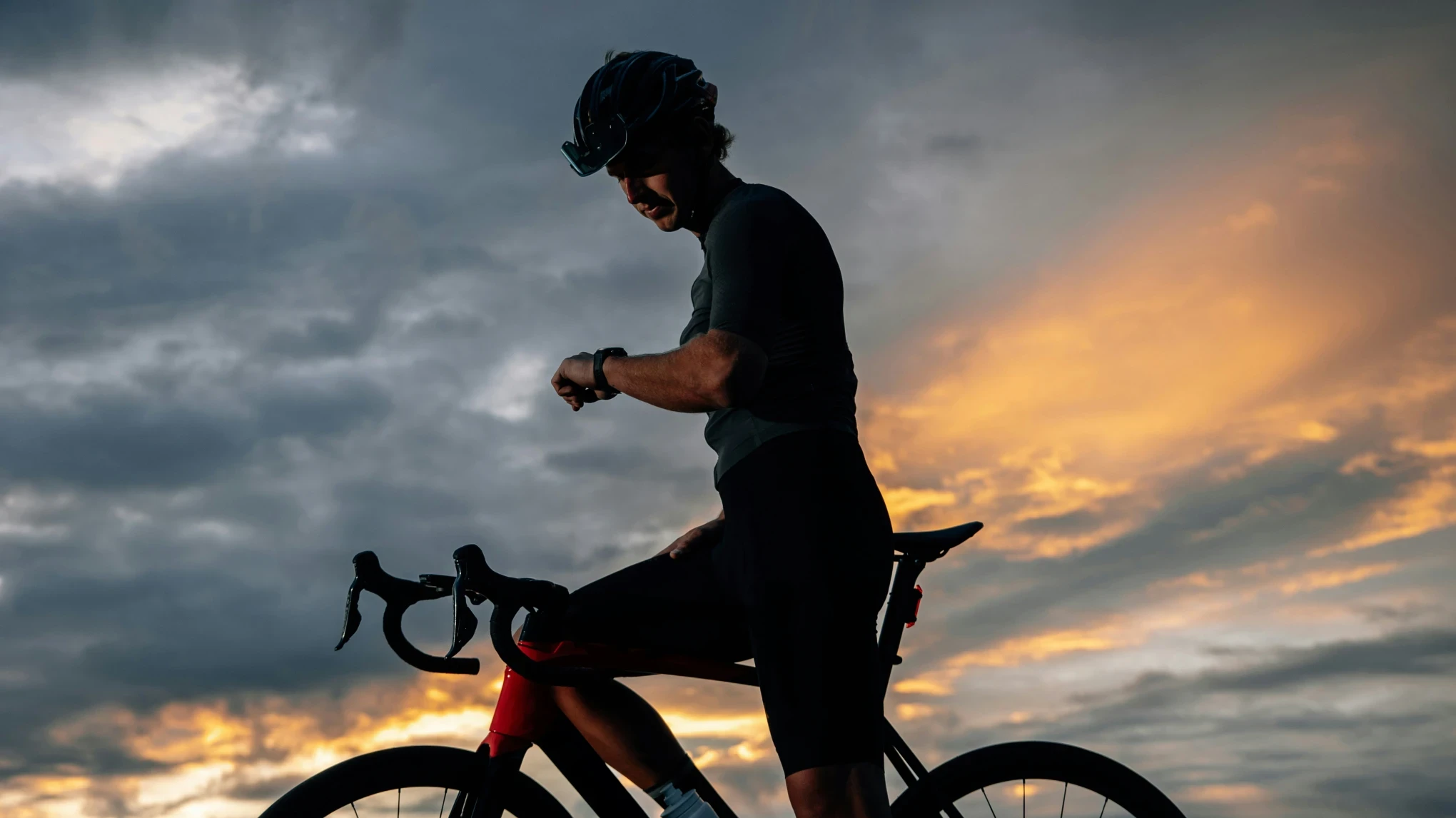
Evoto Double Exposure Editor Before
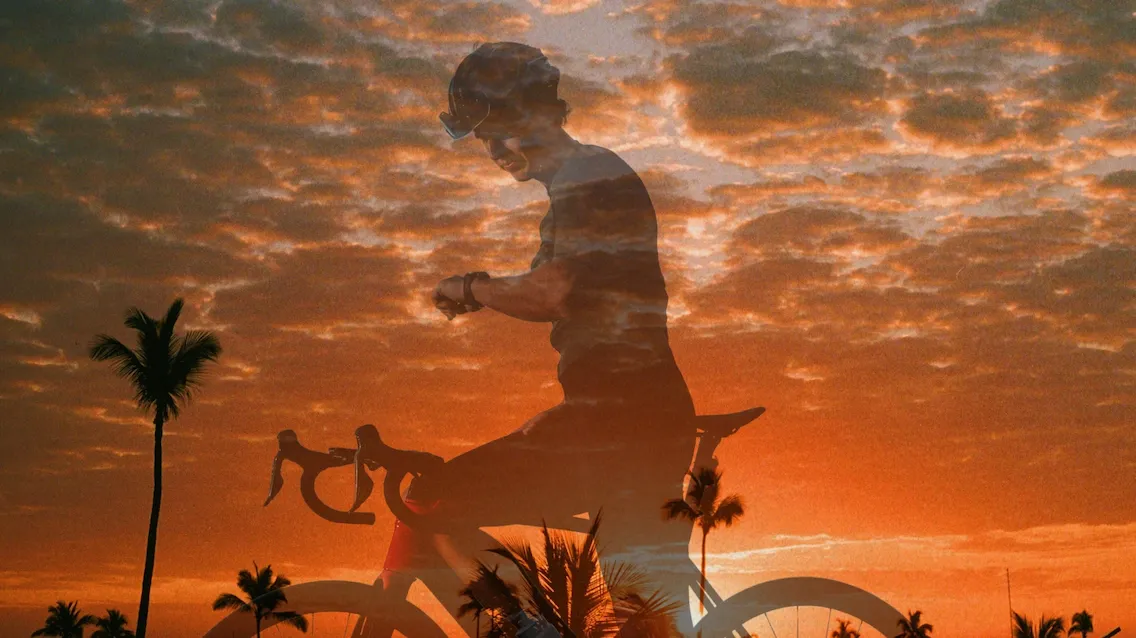
Evoto Double Exposure Editor After
Before
After
No image? Try one of these
Evoto Double Exposure Editor
Try For Free
Free to try. Pro Editing at Your Fingertips.
Buy now
Buy now

Create Double Exposure Photography for Trendy Images

Turn portraits, wildlife, and cityscapes into dreamy double exposure photography with surreal overlays. From wedding art prints to editorial posters,
one double exposure frame can tell two stories at once.

Two-Layer Photo Combiner

Upload a subject image and an overlay image to combine two photos in one frame. Match a leopard profile with forest rivers for wildlife galleries, or a city portrait with neon lights for editorial covers. JPG, PNG, and WebP welcome. Two layers. One vision.

Animal double exposure forest canopy river combine two photos

Overlay Images Blend Modes

Layer bright skies, soft florals, or gritty textures with Overlay, Screen, Soft Light, or Multiply to overlay images and blend two images with intent. Dial tone sliders to shape mood for dance recitals, fashion lookbooks, album art, and social creatives chasing ethereal or cinematic tone. Your blend. Your mood.

Double Exposure Mask Control

Default mask cutout on the subject image with Edit Mask refinement keeps hair, fur, and group edges believable. Reveal texture through silhouettes: wedding couples filled with wildflower meadows, gallery crowds behind geometric glass, performers wrapped in star fields. Surreal vision. Polished delivery.

Abstract still life group portrait geometric mask blend

Canvas Layer Transform

Drag, scale, rotate, and flip layers until the double exposure effect lands exactly where you want it. Compose poster-ready double exposure art for film campaigns, music releases, and travel brands. Offset profile heads against smoky cities, or center a cyclist inside desert dusk. Frame it. Own it.

Layered profile heads dark thriller poster blend

Double Exposure Online: Simple, Light, and Yours

Open a browser, upload two photos, and ship surreal art in minutes. No installs, no layer maze: a double exposure workflow built for speed and creative control.
  • Free online double exposure web editor try in browser

    Open Instantly, Free

    Open instantly. Launch the double exposure editor in any browser. Superimpose images online from laptop, tablet, or desktop without installing software first.
  • Guided simple workflow no learning curve icon

    No Learning Curve

    Skip the stack. Bypass the double exposure traditional layer maze entirely. No layer workflow required: No sprawling menus, no steep learning curve.
  • Client delivery album social same day export icon

    Photo-Ready in One Flow

    Shoot today. Deliver today. Turn photo session selects into double exposure photography art for albums, prints, or social while the work is still fresh.
  • Secure upload privacy online photo editing icon

    Your Photos Stay Private

    Your files. Your session. Data privacy for online photo editing matters on client work. Uploads are processed for your session only; Evoto does not use your files to train public AI models.

How to Create a Double Exposure Photo

Step 1 upload subject image with mask toggle on
1.**Upload a Subject Image**234
Click "Upload Image" to start. Upload your subject image (JPG, PNG, or WebP). The editor sizes the canvas to your file and applies a default mask cutout with the mask toggle on.
  1. 1. Upload a Subject Image

    Click "Upload Image" to start. Upload your subject image (JPG, PNG, or WebP). The editor sizes the canvas to your file and applies a default mask cutout with the mask toggle on.
  2. 2. Import an Overlay Image

    Add your overlay image (background): a landscape, texture, or scene works best. With two layers loaded, blend mode options unlock.
  3. 3. Adjust Mask, Blend, Tone, and Layer Position

    Choose "Overlay", "Screen", "Soft Light", or "Multiply." Set "Opacity", then fine-tune "Brightness", "Exposure", and "Contrast". Open "Edit Mask" to refine the subject. Drag, scale, flip or rotate the layer as needed.
  4. 4. Export the Double Exposure Image

    Preview the finished double exposure effect image. Click “Export” to download your double exposure photography file.

Faster Edits, Finer Control.

Transform your photos with Evoto Double Exposure Editor today. Explore more AI photo editing tools available on Windows, macOS, and iPadOS.

FAQs

  • What is double exposure photography and how does it work?

  • What is the difference between double exposure and multiple exposure?

  • How do I create a double exposure effect without spending hours in manual layer editing?

  • Should I export a standard preview or a high-resolution double exposure file?

  • What blend modes work best for double exposure photos?

  • Should I use an image combiner or a double exposure tool to combine two photos?

  • What image formats are supported? Which image should be the subject vs overlay?

  • What does the Mask toggle do? When should I use Edit Mask?

  • Is the tool free to try? Is my data private?

  • What creative styles suit double exposure delivery?

Last updated: 2026-07-30. Reviewed by: Evoto Product Team. Results may vary depending on image quality, lighting, subject pose, file format, and selected settings.