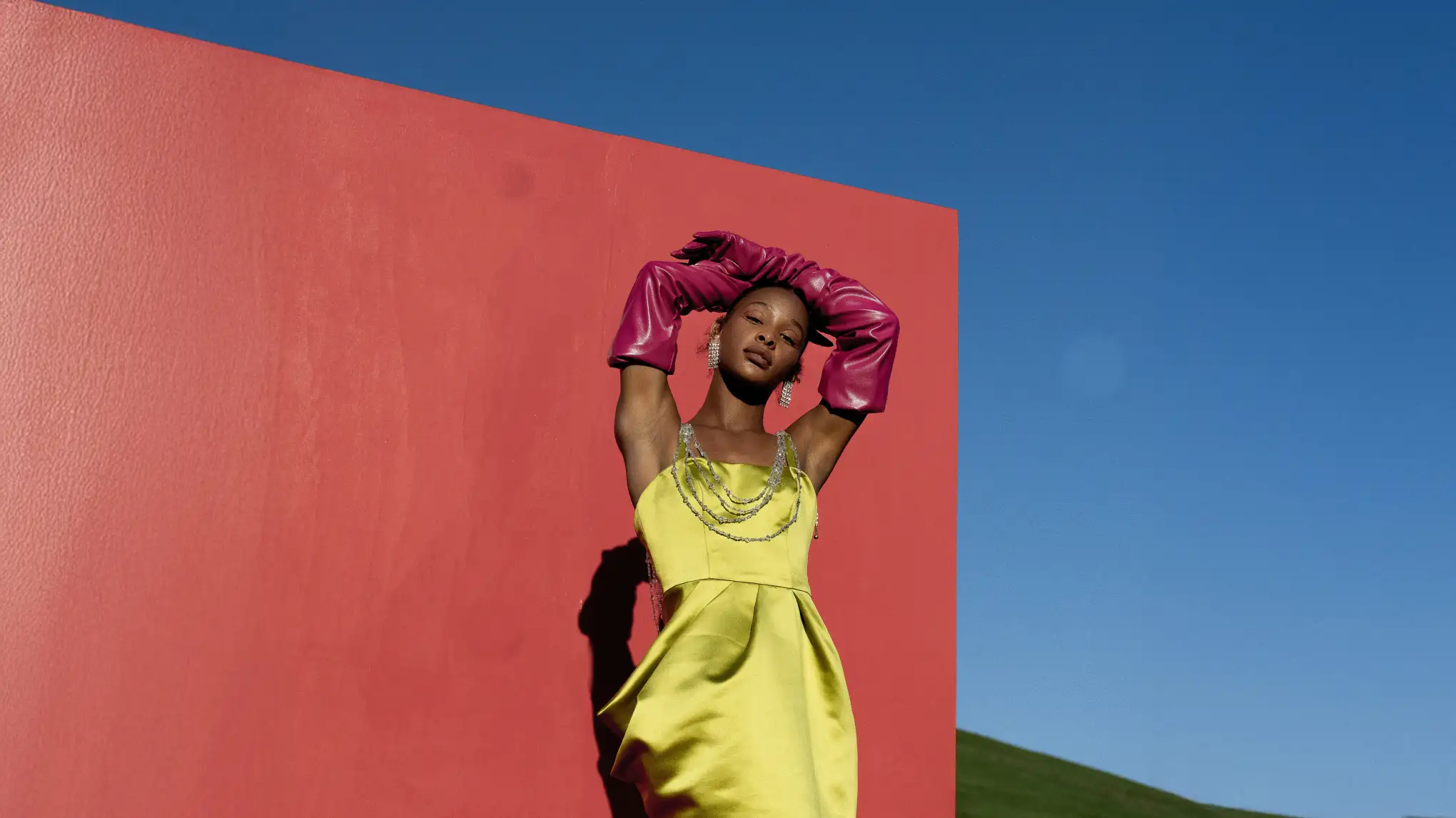
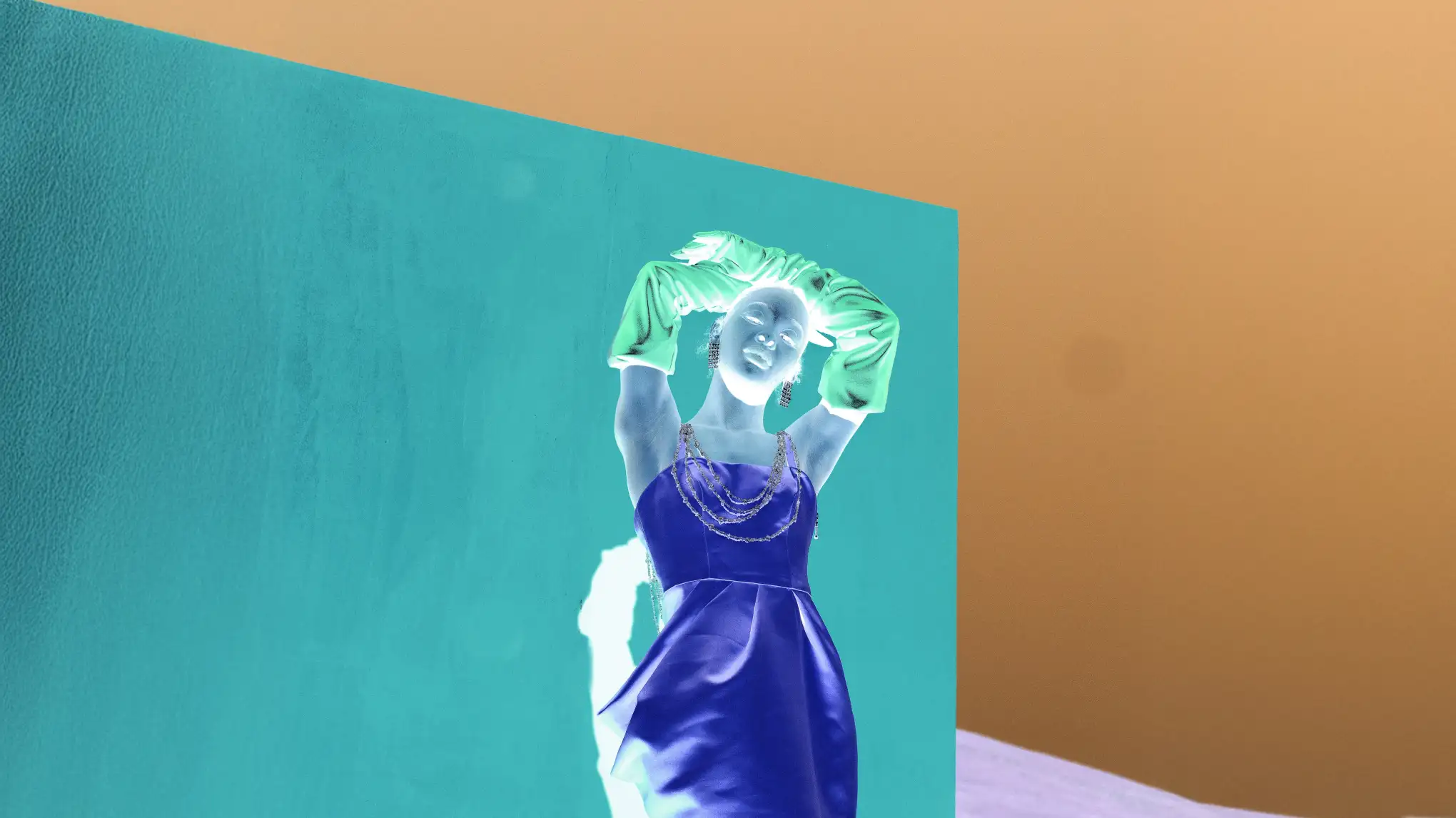
Upload any photo and one-click flip every pixel to its exact complementary color — Image Inverter, perfect for creating negative effects, restoring film scans, or exploring bold creative visuals.
From precise RGB flips to film negative restoration and dark mode simulation — our image inverter covers every use case to invert colors online.
Full-Image Color Inversion with Precision
Replaces each channel value with 255 minus the original. Apply an instant RGB true color inversion across every pixel — every color replaced with its exact complement with zero hue drift. Ideal for advanced selective color adjustment in photo workflows: Expose hidden highlight and shadow detail.
Film Negatives Restoration to Full-Color Positives
Your negative image converter! Flip scanned film negatives back to their original colors — shadows become highlights, highlights become shadows, with every color precisely mapped. Photo to negative detail preserved: fine grain and edge lines remain artifact-free. Best for digitizing archival film rolls or inverting X-ray scans for analysis.
Invert colors to make photo black and white, revealing contour and structure in high contrast against a dark field. X-ray/Inverted Filter to uncover outlines and detail layers instantly, optimized for luminance masking on high-contrast portrait, botanical and architectural photos. One-click result for social media covers, thumbnails, and surrealist digital art.
Reverse colors on a light-mode screenshot to instantly preview how a UI holds up in dark mode. Change colors in photo to evaluate text and icon legibility on dark backgrounds. Generate high-contrast versions for color vision accessibility for UI/UX dark mode testing, and make your design accessible for low-vision audiences.
Drag and drop or click to upload image to the color inverter. Supports JPG, PNG, and WebP. Works in desktop and mobile browsers — including iPhone Safari and Chrome for Android, no app installation needed.
Click " Invert Colors Now." Every pixel flips to its complementary value across all RGB channels instantly — canvas updates right away, no rendering wait.
Save the inverted image to your computer or iPhone device from the online image inverter.
1. Upload Your Image
Drag and drop or click to upload image to the color inverter. Supports JPG, PNG, and WebP. Works in desktop and mobile browsers — including iPhone Safari and Chrome for Android, no app installation needed.
2. Invert Image Colors
Click " Invert Colors Now." Every pixel flips to its complementary value across all RGB channels instantly — canvas updates right away, no rendering wait.
3. Download Inverted Image
Save the inverted image to your computer or iPhone device from the online image inverter.
Image color inversion swaps each pixel to its complementary color using the formula 255 – original RGB value. Light/dark areas reverse, and hues shift to the opposite spectrum. Unlike brightness/contrast adjustments, inversion mirrors tones around a midpoint, creating a negative-style effect instead of just a lighter or darker image.
Q
What are opposite colors, and how does color inversion use them?
A
Opposite colors — also called complementary colors — are pairs that sit directly across from each other on the color wheel. In the RGB model used by digital images, the three complementary pairs are: red and cyan, green and magenta, and blue and yellow.
Color inversion applies this relationship to every pixel at once. A pixel that was pure red becomes pure cyan. A medium blue becomes a medium yellow. Mixed colors shift to their own complements proportionally. The result is an image where the entire color relationship has been mirrored — which is exactly why inverted images look like photographic negatives.
Q
What is the opposite color of green, red, and blue?
A
In the RGB color model:
• The opposite color of green is magenta (a mix of red and blue). • The opposite color of red is cyan (a mix of green and blue). • The opposite color of blue is yellow (a mix of red and green).
These relationships explain why color film negatives look the way they do — warm skin tones (red-orange) appear as murky blue-green on the negative, and blue skies come out orange. When you run a negative through a color inverter, those complementary values flip back to the originals.
Q
How do I convert a photo to a negative image online?
A
Using our image inverter, converting a photo to negative takes three steps:
1. Upload your photo — drag it onto the image color inverter or click to browse. JPG, PNG, and WebP are all supported. 2. Click "Invert Colors." The tool applies a full RGB inversion to every pixel instantly, and the negative image appears on your canvas. 3. Download your result.
No Photoshop required, no software to install. The negative photo is generated entirely in your browser.
Q
How to invert colors on iPhone?
A
Two ways to invert colors on iPhone:
- Accessibility iPhone settings (Smart/Classic Invert) only changes screen display in real time, no exportable file. - Evoto online color inverter: upload in Safari/Chrome, invert, and save a full-resolution, shareable image.
Choose the online tool for a usable inverted photo file.
Q
Does inverting colors reduce image quality or resolution?
A
Color inversion is lossless and won’t lower image quality or resolution. However, as the image inverter is still in beta, some complex 3D-style graphics may not invert perfectly. We’re actively improving this.
Q
Is my photo stored on your servers after I upload it?
A
No. As one of the best image inverter tools, Evoto respects the work and privacy of photographers and creators. To protect your privacy, images uploaded to the Evoto color inverter are used only during your session. Files are deleted once you download results or close the tool. They are never used for analysis, ML training, or shared with third parties.
Q
How does Evoto handle image security and ethical use?
A
All file transfers between your browser and our servers are encrypted via HTTPS to protect data in transit. Evoto do not analyze, review, or store your uploaded images. The photo editing tool processes files ethically for legitimate editing use. Users must comply with laws and guidelines; misleading, defamatory or infringing content is prohibited.
Q
What image formats are supported, and does this tool work on mobile?
A
The image color inverter supports JPG, PNG, WebP for upload and export, fitting standard photos, transparent graphics, and modern web use. It runs fully on mobile browsers like Safari and Chrome with a responsive interface, no app installation needed.
Q
Can I use other editing tools besides Evoto Image Inverter?
A
Yes! You can combine the online image color inverter with retouching, color grading, and masking tools in Evoto for unique creative looks while preserving image quality.
Last updated: 2026-06-11. Reviewed by: Evoto Product Team. Results may vary depending on image quality, lighting, subject pose, file format, and selected settings.