
AI Photo Sharpener Online

Sharpen photos, fix blur, remove haze, and refine details with Evoto AI Photo Sharpener. Use simple sliders or

one-click tools to boost image clarity for any photography project.

Evoto AI Photo Sharpener
Before
After
Upload Image
* JPEG, JPG, PNG or WebP image allowed.
No image? Try one of these
Evoto AI Photo Sharpener
Upload Image
Free to try. Pro Editing at Your Fingertips.
Desktop
Buy Now
Buy Now

AI-Powered Image Sharpener Ever

Level up blurry photos to crisp clarity with smart AI Photo Sharpener. Fix haze, pixelation, and soft edges for sharp, detailed images every time.

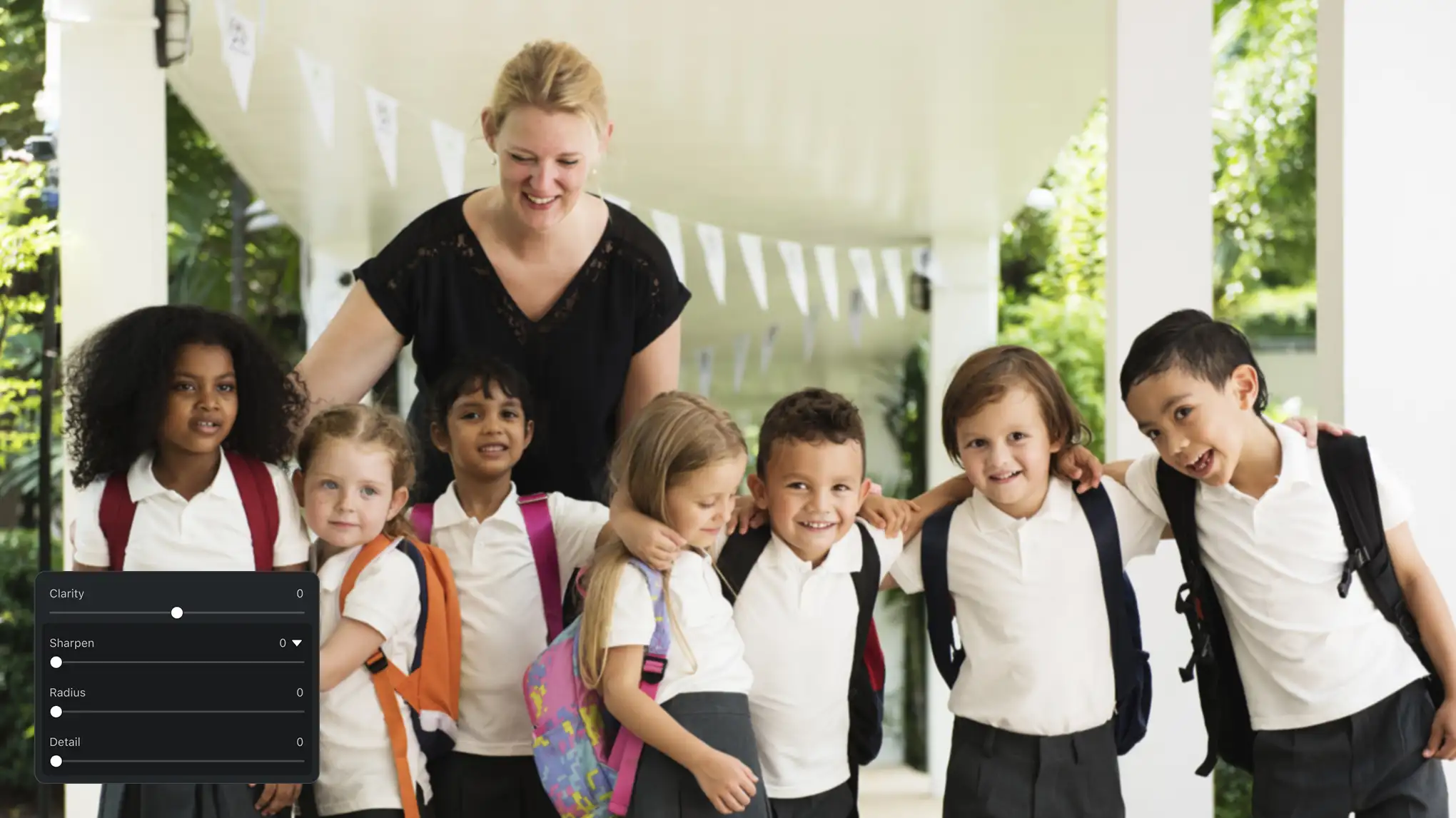
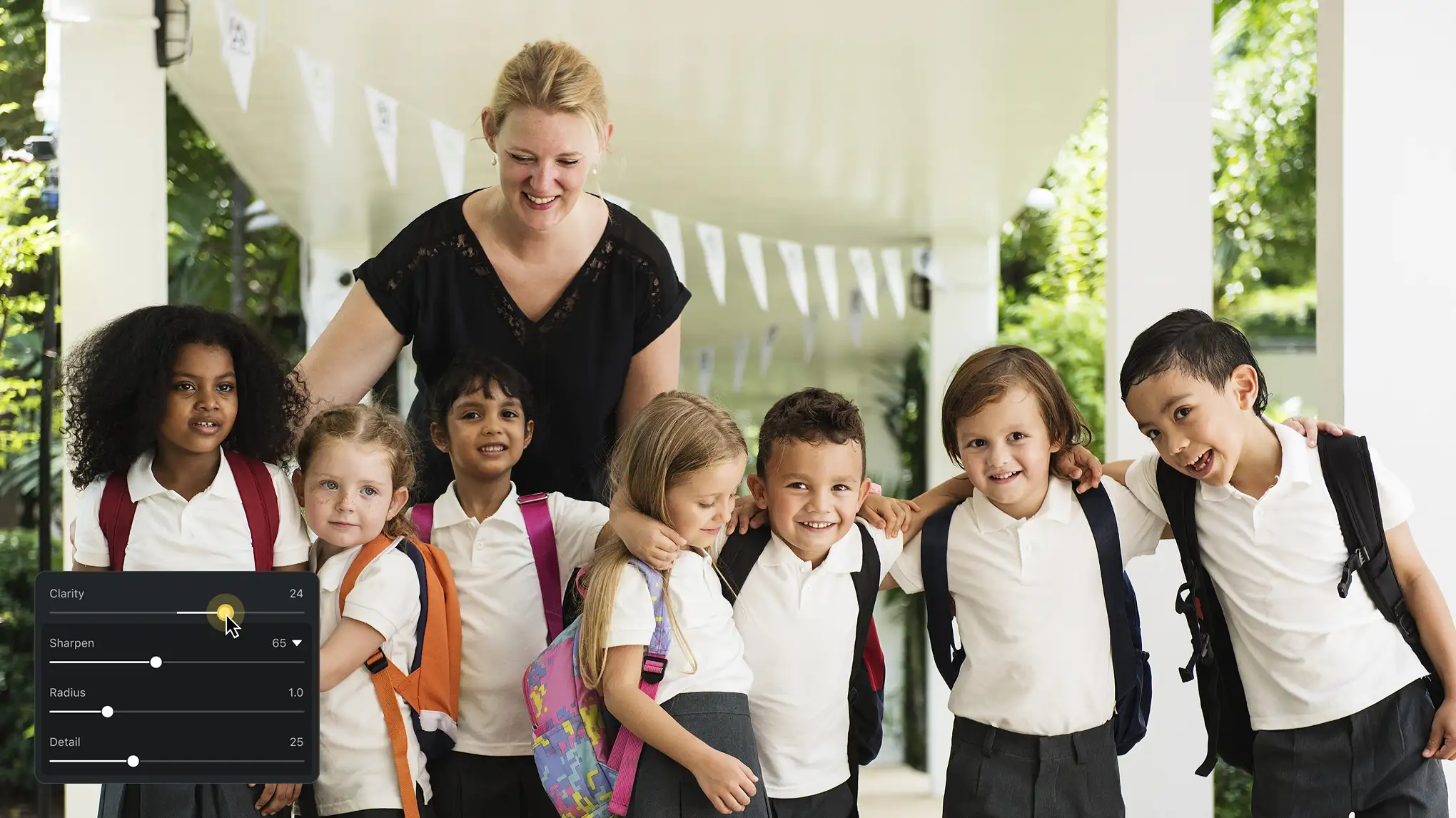
Custom Photo Sharpening

Use a simple slider to adjust sharpness intensity with ease. Tweak radius and detail levels to match your needs, whether sharpening swimsuit fabric or beach sand. It’s ideal for portraits requiring natural sharpness or product shots needing fine details.

Desktop
Simple Sliders to Adjust Sharpness in Photo
Before
After

Image Clarity Enhancement

Sharpen edges and adjust light contrast to make subjects stand out. Define portrait outlines, highlight object contours, or emphasize focal points. The Clarity tool ensures photo clarity in any lighting scenario of your photography session.

Desktop
Enhance Clarity and Details in Photos

One-Click Haze & Blur Remover

Remove blur, haze, and pixelation in seconds. Let AI fix blurry photos and make image clear. Bump resolution, turn soft shots into sharp and brings out hidden details. It’s ideal for restoring old photos or clearing up low-res photoshoots.

Desktop
Enhance Resolution and Unblur Image for Free
Before
After

Powerful Sharpness Editing Tools

Works with brightness, contrast, noise removal, and color grading tools to deepen image depth. Enhance clarity, refines details, and boosts image quality for your lifestyle, school, wedding, event, or commercial photography projects.

Desktop
More AI Sharpener Tools to Make Photo Clear

Still on the fence?

We get it. Sometimes you just gotta try it out for yourself.

  • Automatically Identify Subject and Sharpen Photo

    Smart Auto-Sharpening

    Identify blurry contours, sharpen out-of-focus images automatically, remove haze, and make subjects stand out with enhanced clarity.

  • Highly Efficient Photo Sharpener

    Batch & Preset Efficiency

    Sync sharpness edits across multiple images in seconds or save custom image sharpening settings as presets to speed up project workflows.

  • Sharpen Photo to Professional Level Results

    Pro-Grade AI Precision

    Trained AI sharpness models deliver high-def, unblurred and detailed editing results, matching the sharpness quality of professional photo editors.

  • Powerful AI Color Grading Tools to Sharpen Image

    Powerful Color Enhancer

    Pair with AI color tools like Color Match to refine tones, making sharpened images look more polished and professional in all kinds of photography.

Desktop

How to Sharpen Blurry Photos

Desktop
Add Photo That Require Image Sharpening
1.Import Photos234

Click the “Import” button to add photos you need to sharpen. Evoto Photo Sharpener support image formats like RAW, TIFF, PNG, JPG and more.

  1. 1. Import Photos

    Click the “Import” button to add photos you need to sharpen. Evoto Photo Sharpener support image formats like RAW, TIFF, PNG, JPG and more.

  2. 2. Sharpen Photos and Remove Blur

    Go to “Color Adjustments” panel and find “Detail” section. Move the “Sharpen” sliders to remove image blur lines and make the image clear.

  3. 3. Enhance Image Quality

    Further improve and fine-tune the picture through sliders under the “Basic” section, like Clarity, Dehaze, Contrast, Brightness, Saturation, and more.

  4. 4. Save the Results

    Click the “Export” button to save the sharpened photos to your Windows, Mac OS or iPad OS device.

Desktop

Faster Edits, Finer Control.

Transform your photos with Evoto AI Photo Sharpener today. Available for Windows, macOS, and iPadOS.

Desktop

FAQ

  • What is an AI photo sharpener?

  • How does Evoto AI image sharpening work?

  • Is it a free online image sharpener?

  • Is this AI photo sharpener better than manual sharpening?

  • Does this AI image sharpening work for batch editing?

  • What’s the difference between sharpen and clarity tools?

  • Can a photo sharpener fix haze in outdoor shots?

  • Can I save custom sharpen settings as presets?

  • Does a photo blur remover work on old photos?

  • Do you have a paid tool for the best sharpen results?