Free Object Remover to Clean up Photos with Precision
Erase unwanted elements to focus on your subject. From clutter to people, the object remover uses smart AI algorithm to remove distractions, keeping photos crisp and professional - no reshoots needed.
Smart Objects Recognition
AI identifies and removes objects, text, or unwanted elements effortlessly. Perfect for cleaning product shots by erasing labels, or travel photos stripping out crowds, keeping focus on what matters most.
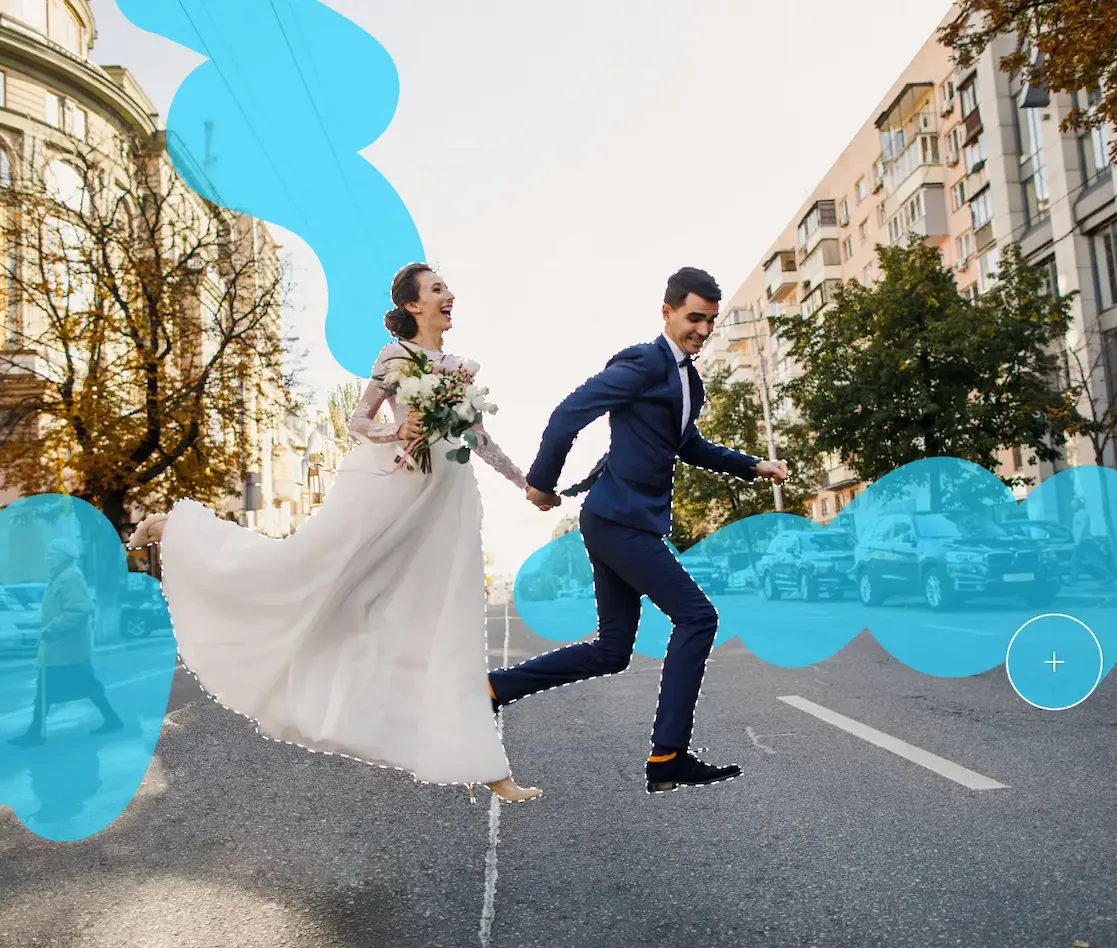
Clean up background clutter like trash or signs in one click, then AI content-aware fill rebuilds background naturally. Ideal for lifestyle photos removing cables or outdoor wedding shots erasing street signs.
Adjust brush tool size, hardness, and eraser settings to tackle any object size. Great for small fixes like cables, skin blemishes or defect. Also ideal for big edits like removing furniture, car, buildings.
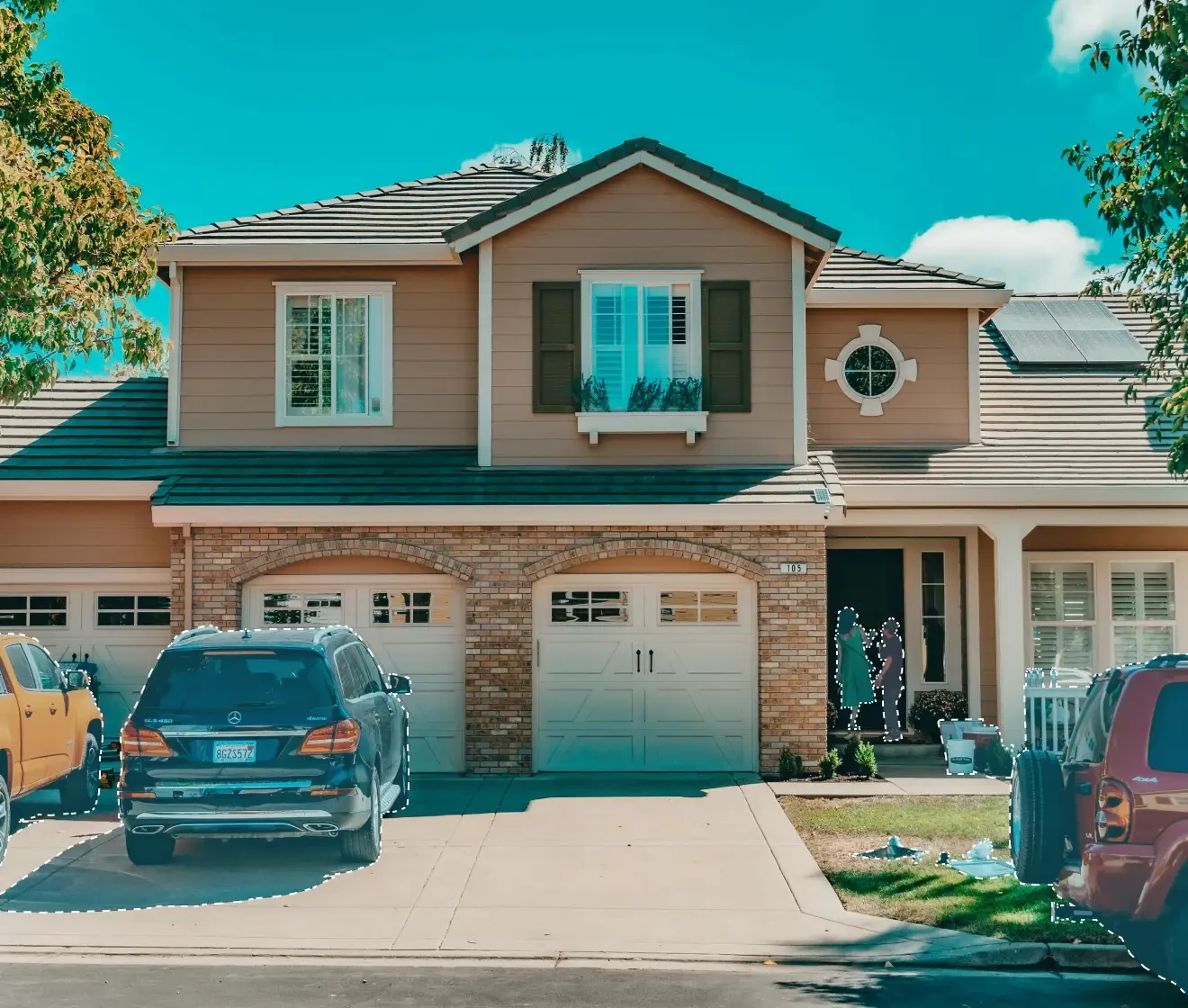
Use the online magic eraser to wipe passerby, random objects, signs, trash, or distractions. Saves time on photo editing in travel, product, or portrait shots. Fix flaws fast and make your photography a masterpiece.
Remove people, trash, or street signs from scenic shots. AI magic eraser wipes distractions, letting mountains, beaches, or streets shine without cluttered backgrounds.
Before
After
Event Photography
Remove unwanted attendees, equipment, or signs from concerts, parties, or conferences. Keeps the focus on performers, speakers, or guests for dynamic, engaging shots.
Before
After
Lifestyle Photography
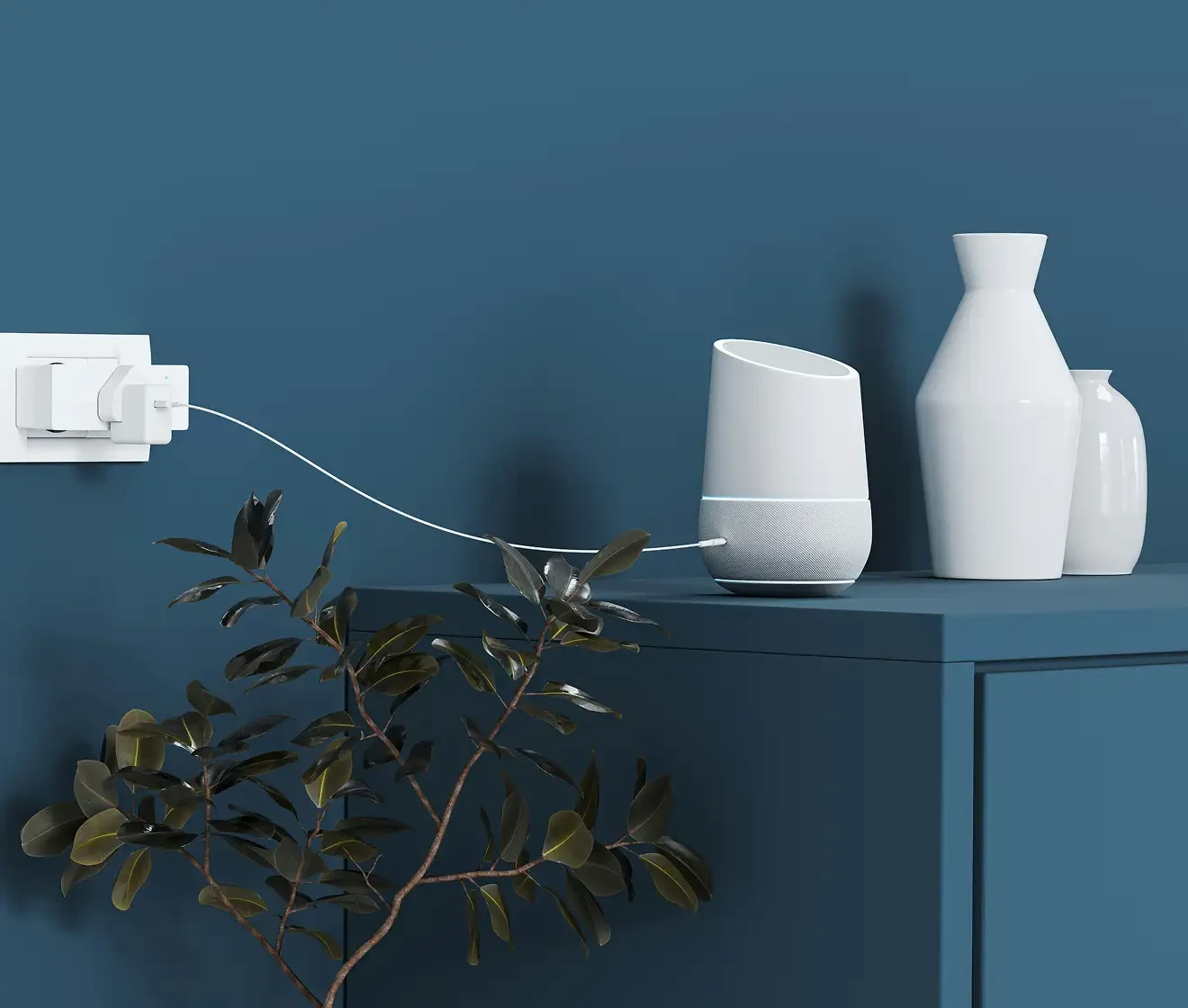
Remove unwanted objects, cables, messy toys, or out-of-place items from home or office shots. The image object remover cleans scenes, creating a cohesive, styled look on photos.
Before
After
Product Photography
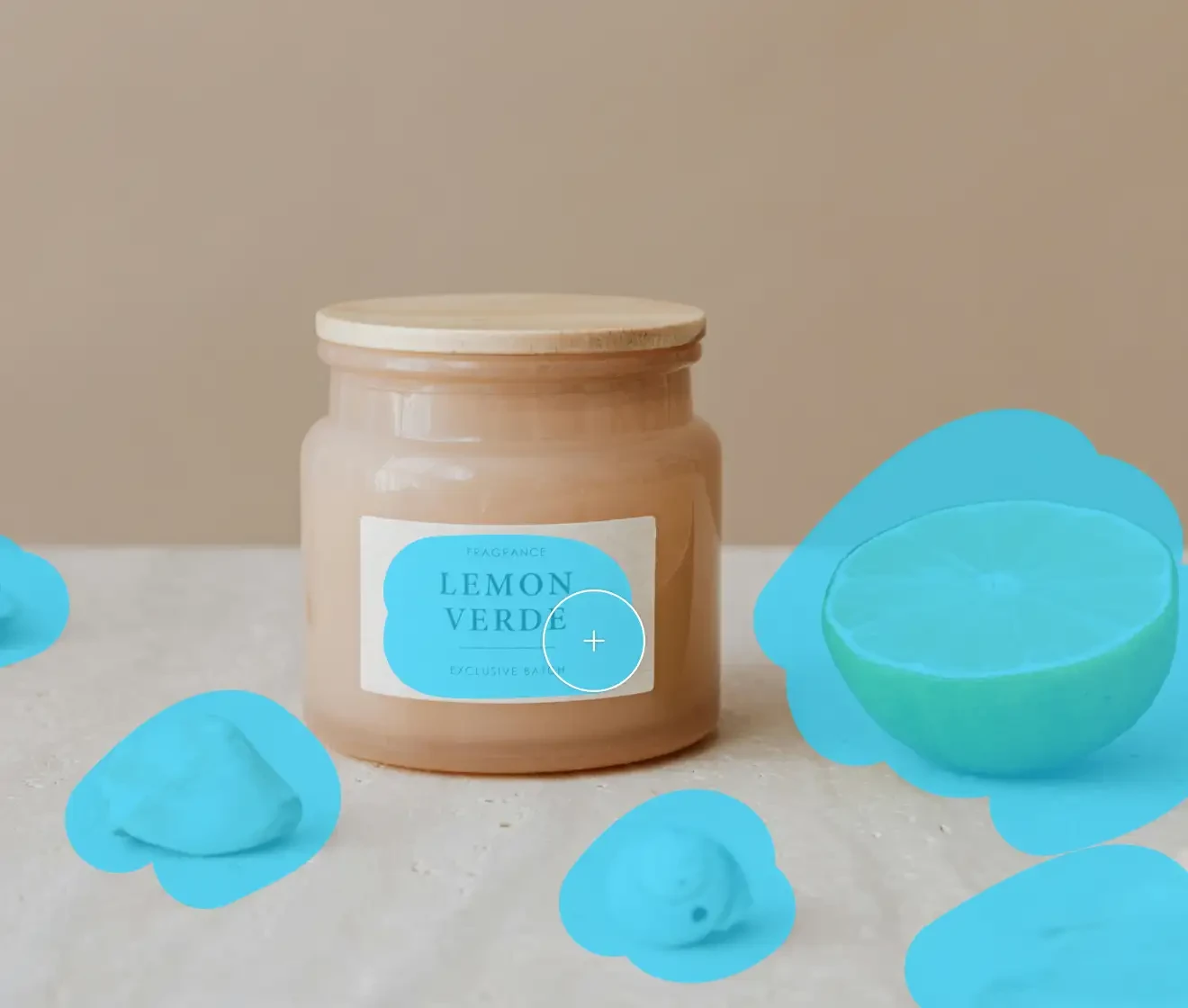
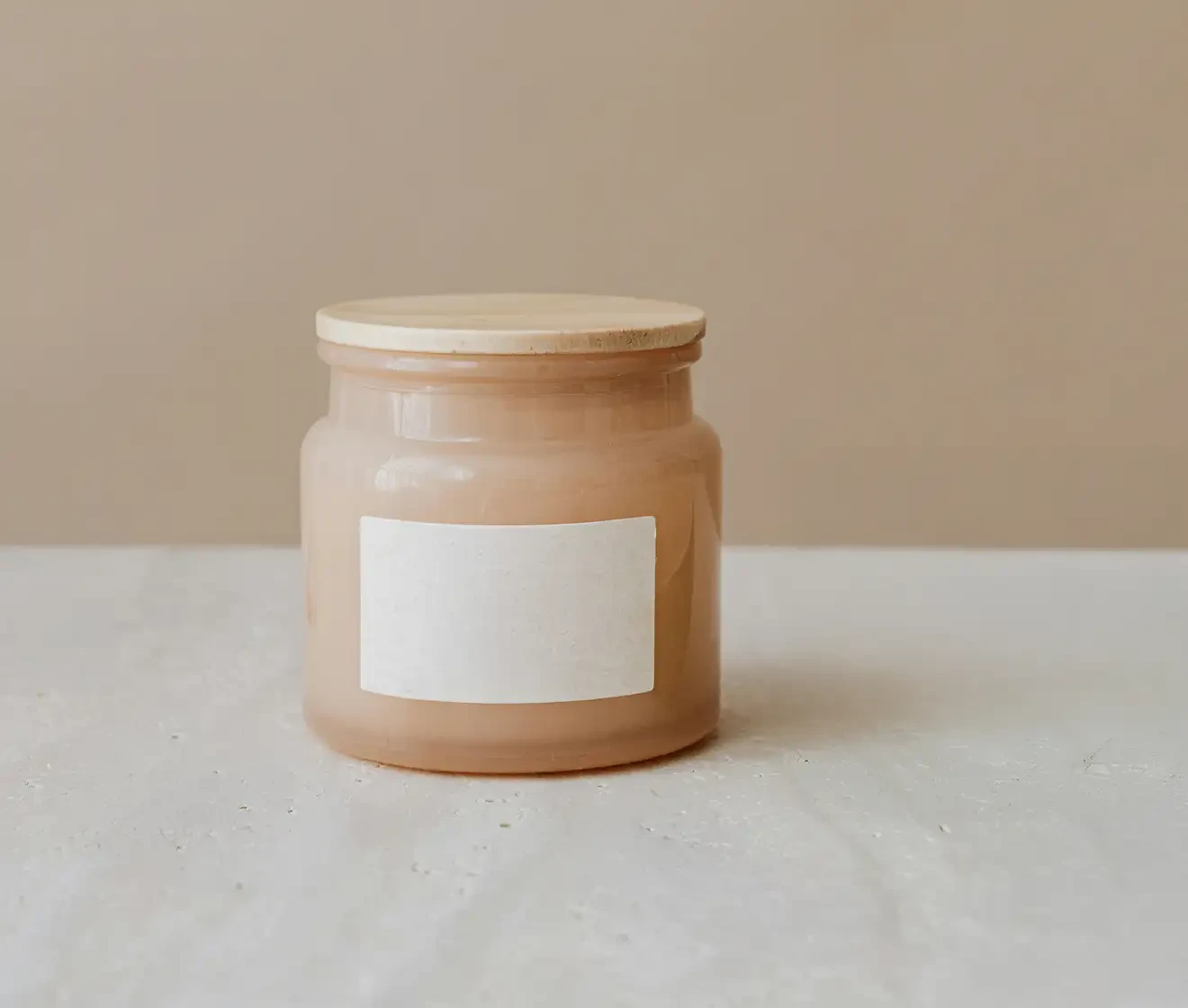
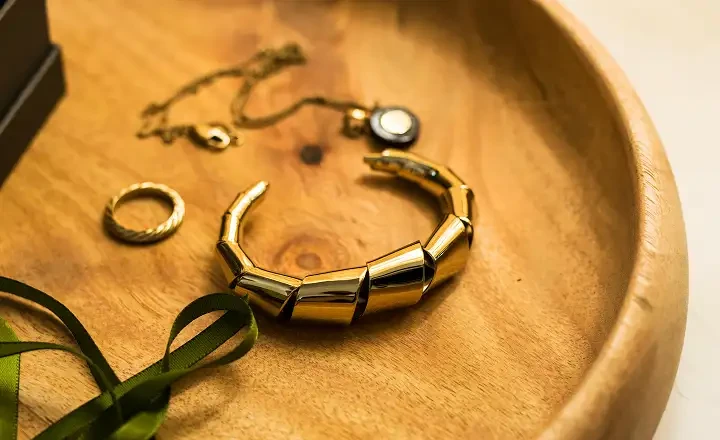
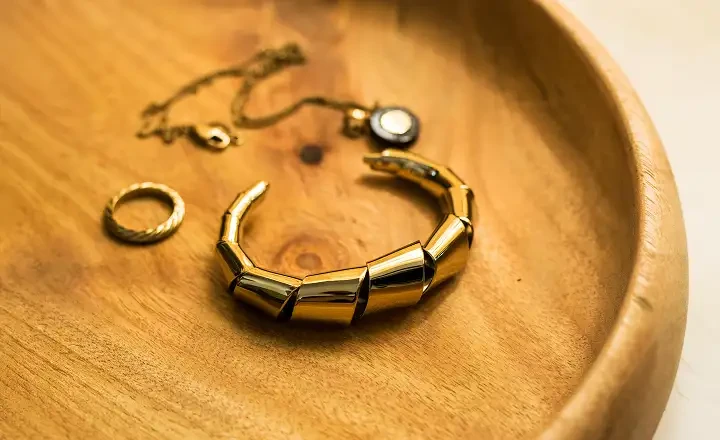
Erase labels, text, smudges, distractions or unwanted logos from product shots, making products the focus, ideal for e-commerce listings that need clean, professional visuals.
Still on the fence?
We get it. Sometimes you just gotta try it out for yourself.
A café owner and food blogger erased crumbs and messy backgrounds from recipe photos. The AI Object Remover made his online menu look fresh and appetizing, boosting increasing customer orders.
A decor influencer cleaned cables and clutter from room setups photos. The AI photo cleaner created cohesive, stylish visuals that resonated with followers and landed brand partnerships.
A homestay host erased clutter and stray items from property photos. Clean images of rooms and gardens highlighted charm, attracting more booking inquiries from travelers.
A car seller erased parking lot signs, debris and other vehicles from car photos. Crisp images of vehicles highlighted features, increasing auto inquiries from potential buyers.
AI object remover is a photo editing tool that uses AI image algorithms to erase unwanted elements like clutter, people, or text from photos, keeping focus on your subject. Evoto AI Photo Eraser can erase objects from photo and generate natural background in seconds.
Q
What can Evoto Object Remover remove from photos?
A
The AI eraser can delete objects, text, logos, crowds, trash, signs, cables, and other distractions, great for cleaning up any cluttered shot.
Q
Can the photo eraser remove large objects like furniture or cars?
A
Absolutely. It can recognize big items like furniture, cars, or buildings, as well as small flaws like smudges or cables, and then remove the items from photos.
Q
Can beginners use this AI magic eraser easily?
A
Very easily. No editing skills required. The AI does most of the work, so anyone can remove objects quickly.
Q
Can it remove text from images?
A
Sure. It is an AI text remover that can erases text, road signs, logos or labels from photos.
Q
Will this AI photo cleaner lower my photo quality?
A
No. It keeps images crisp and clear after the object removal, so details stay sharp for prints or online use.
Q
What image formats does this AI photo eraser support?
A
This online photo editing tool works with common formats like PNG, JPEG, JPG, and WEBP, easy to upload most photo types.
Q
Can I adjust the strength of the object removal?
A
Yes. Use brush hardness and size settings to control precision. Soften edges for subtle removals or sharpen for defined areas like text or small objects.
Q
Will removing objects from photos damage the background?
A
No. AI content-aware fill blends seamlessly with natural backgrounds. The background around erased objects is rebuilt to match texture and color.
Q
Can I preview the result before finalizing the removal?
A
Yes. The AI Object Remover shows a real-time preview after the removal. Check how the image looks or re-generate a new one before saving the final version.
Last updated: 2026-05-27. Reviewed by: Evoto Product Team. Results may vary depending on image quality, lighting, subject pose, file format, and selected settings.