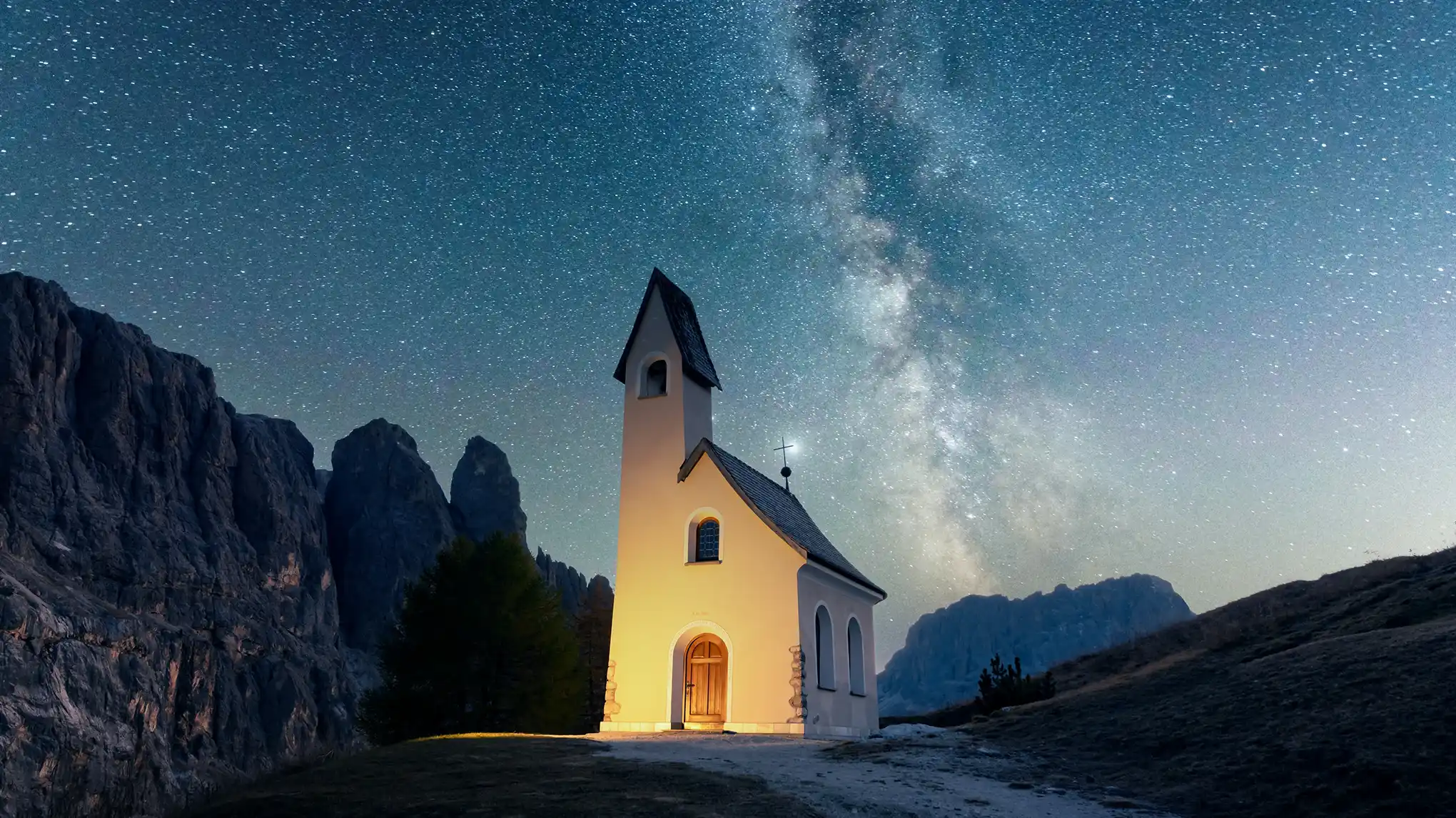
AI-powered noise remover to reduce noise, color artifacts, blur, and grain while keeping details sharp. Fix grainy shots in any lighting.
Precise Image Noise Removal
Smooth out unwanted brightness grain using an easy-to-adjust denoising slider. Our image denoiser removes grain from dim environments or long-exposure shots, keeping subject textures natural. It’s perfect for fixing grainy night landscapes or indoor low-light portrait photos.
Target and eliminate distracting red, green, or blue color noise with advanced AI image algorithm. It maintains true skin tones and clothing hues, making it perfect for denoising low-light event photos, indoor family shots, or dim restaurant portraits.
Adjust sharpness radius with the noise remover to reduce noise impact on details. Deblur pictures, restore crisp edges, and enhance visual clarity for crystal-clear images. Our AI denoiser refines compressed or scanned photos that lost detail to noise, turning blurry shots into sharp, clear works.
Use best noise reduction software to batch remove noise in low-light night city skylines, sharpen grainy phone shots from family gatherings, clear scans of travel photos, and restore old portrait photos. Denoise from images while keeping key details for pristine results.
Use noise removal slider to adjust noise intensity, get crystal-clear professional results in seconds, boost post-processing efficiency and streamline workflow.
Cross-Platform Noise Reducer
More than an online AI image denoiser, it supports noise removal and photo enhancement on Windows, Mac OS, and iPad, fit multi-device editing needs.
Simple One-Click Removal
Upload photos, apply one-click AI grain cleaner, then export noise-free images. No learning curves and professional skills, suit beginners for quick portrait denoising.
More Than Grain Cleaner
Our AI photo editor supports grain adding, color grading, and more color adjustment, working as all-in-one AI photo noise remover to meet various editing demands.
Do More with Evoto AI Photo Editor
From professional skin retouching to color grading and more, we’ve got you covered.
Import photos with grain or color noise to Evoto AI Photo Denoiser. You can add images in RAW, JPG, JPEG, PNG, or TIFF format.
Go to “Color Adjustment” panel, find “Detail” section. Move the “Noise Reduction” or “Color Noise Reduction” sliders to denoise the photo.
Use shortcut “Ctrl/ Command + C” to copy the edits. Multi-select other grainy photos in the project, and apply shortcut “Ctrl/ Command + V” to bulk denoise the photos.
Click “Export” and choose the image quality you want, then save the noise-free images to your device.
1. Add Noising Photos
Import photos with grain or color noise to Evoto AI Photo Denoiser. You can add images in RAW, JPG, JPEG, PNG, or TIFF format.
2. Remove Noise from the Photo
Go to “Color Adjustment” panel, find “Detail” section. Move the “Noise Reduction” or “Color Noise Reduction” sliders to denoise the photo.
3. Denoise Photos in Batches (Optional)
Use shortcut “Ctrl/ Command + C” to copy the edits. Multi-select other grainy photos in the project, and apply shortcut “Ctrl/ Command + V” to bulk denoise the photos.
4. Save Clear Images
Click “Export” and choose the image quality you want, then save the noise-free images to your device.
Photo noise refers to unwanted visual artifacts, like tiny bright/dark specks or discolored dots, caused by dim environments, long-exposure shots, high ISO settings, or low-quality sensors. It disrupts clarity and makes images look unrefined.
Q
What does denoise mean in photo editing?
A
Denoise in photo editing means using tools like an image denoiser or noise remover to eliminate unwanted noise/grain from photos. It helps restore sharpness and create a noise-free image without losing key details.
Q
Why are my photos grainy even in good light?
A
Grainy photos in good light may result from high ISO settings (accidentally enabled), low-quality camera sensors, or excessive photo compression. An AI noise reducer can still fix this by targeting and removing unnecessary grain.
Q
What’s the difference between blur, noise vs grain in photos?
A
Blur is soft, with indistinct edges (from motion or focus issues). Noise is often electronic interference (from low light/ISO), causing random specks. Grain can be noise or intentional texture (e.g., film grain). An AI deblur photo tool fixes blur, while an AI denoiser tool targets unwanted noise, and grain may be kept if desired; even the AI photo editor can add grain texture to an image.
Q
Can I use noise reduction online for free?
A
Yes, many platforms offer free online image enhancer tools with built-in online noise remover. These let you upload photos, apply AI denoise in one click, and download the noise-free image without installing software.
Q
Can I remove background noise from photos
A
Definitely! Our image noise removal tools target background noise (e.g., grain in dim room backgrounds) without affecting the main subject. The AI noise remover isolates noise in less important areas, keeping the subject sharp and the background clean.
Q
Is denoise AI as effective as manual noise removal in Photoshop?
A
Yes, denoising images with AI is often more efficient. Unlike manually image denoise in Photoshop (which needs skill to avoid blur), AI auto-detects noise types, applies precise fixes, and gets crystal-clear images faster.
Q
Can batch denoise multiple grainy photos at once?
A
Yes, best denoiser tools like Evoto can batch denoise images. You can copy edits from one photo (e.g., slider settings) and apply them to multiple shots, saving time when processing groups (like travel or event photos).
Q
How does an AI noise remover enhance visual clarity?
A
Our AI photo denoiser and enhancer uses advanced algorithms to identify and eliminate noise, then enhances clarity and detail by sharpening edges and refining textures. This turns blurry, grainy shots into visually striking photographs with depth.
Q
What makes it the best noise reduction software?
A
The best image denoiser combines AI denoise accuracy, batch processing, detail preservation, multi-format support, and user-friendliness. It fixes noise in all scenarios (low light, scans, compression) and delivers pristine and refined results consistently.
Last updated: 2026-06-11. Reviewed by: Evoto Product Team. Results may vary depending on image quality, lighting, subject pose, file format, and selected settings.