Pro-Grade AI Face Editor

Evoto AI Face Editor - The ultimate solution for face editing with advanced AI algorithms.

Desktop
Evoto AI Face Editor
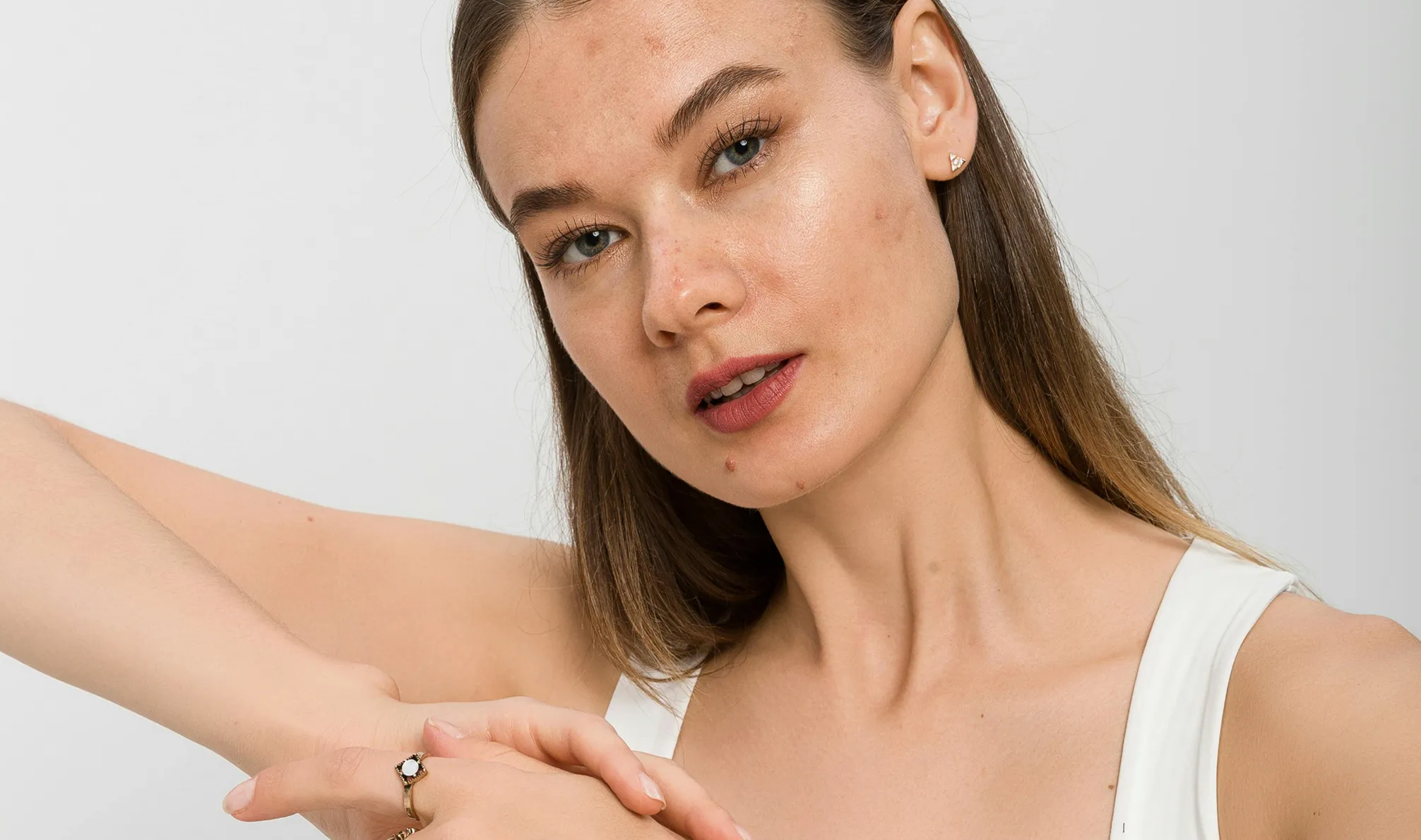
Before
After
Evoto AI Face Editor 1
Evoto AI Face Editor 2

All-in-One Face Retouching Editor

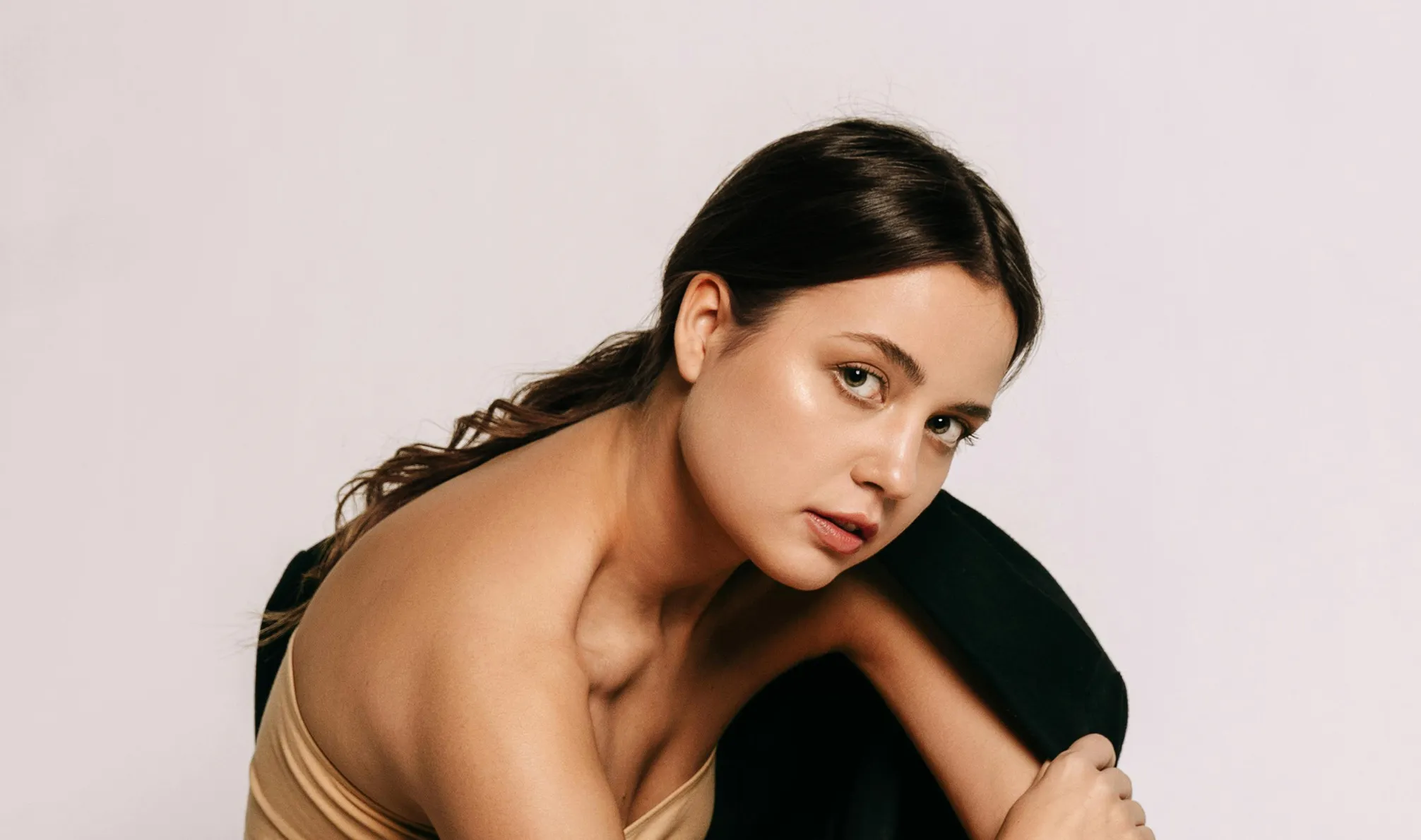
With the latest AI photo retouching algorithms, Evoto AI Face Editor turns your portrait edits into something truly professional.

Flawless Skin Look with Ease

Ready to capture portraits in real-deal natural beauty? Our AI skin retouching tool is here to change your photography workflow! Remove blemishes, smooth wrinkles, and adjust skin tone with just a few clicks. Say goodbye to over-edited looks and embrace flawless, healthy, natural-looking portraits.

Desktop
Flawless Skin Photo
Flawless Skin Photo
Before
After

Face Contouring in Expert-Level

Perfecting facial features is a breeze with Evoto AI Face Editor. Reshape faces, brighten eyes, whiten teeth, adjust facial symmetry, and add smiles to photo in seconds. With just a few clicks, turn ordinary shots into masterpieces. Ideal for photographers and retouchers aiming for top-notch results!

Desktop
Enhanced Facial Features
Before
After

Dazzling Makeup for Trendy Looks

Edit from subtle enhancements to fully glam makeovers with our AI makeup tools. Effortlessly apply natural-looking makeup on eyes, eyebrows, lips and more. Get instant transformation with preset looks and change hair colors. Photographers' one-stop face editor for stunning-makeup portraits!

Desktop
Enhance Makeovers
Enhance Makeovers
Before
After

Effortless Portrait Photo Scaling

Simplify ID-photo work and save time. Crop photo and resize portraits with ease, whether using preset sizes for passports and licenses or creating custom ratios. Fix photo symmetry for a polished look. Get portrait reposition with unparalleled ease while preserving quality.

Desktop
Resize And Reposition Photos
Before
After

Still on the fence?

Experience unparalleled face editing with AI-driven precision, ease of use, and free access.

Desktop
  • AI Flawless Complexion Photo

    AI-Driven Blemish Removal

    Built in advanced AI, Evoto Face Editor automatically detects and removes facial blemishes, ensuring a flawless finish without the manual hassle.

  • Natural Face Editing App

    Natural and Realistic Results

    Adjust facial features subtly to achieve a naturally beautiful look. Our face editor gives you complete control over your photo editing.

  • No need for complex tutorials or professional skills. Our face editor makes retouching as easy as learning ABC, accessible from newbies to experts.

    Effortless Software Usability

    No need for complex tutorials or professional skills. Our face editor makes retouching as easy as learning ABC, accessible from newbies to experts.

  • Complete Face Editing Toolkit

    Comprehensive Editing Tools

    From teeth whitening to skin tone adjustments, our all-in-one editing tools allow for detailed and complete face editing, making us the only face editor you'll need.

Easy Face Editing Guide with AI Face Editor

Desktop
Upload Portrait Photo to Evoto Face Editor
1.Import a Photo234

Import a portrait photo to Evoto on your Windows, macOS, or iPad OS device.

  1. 1. Import a Photo

    Import a portrait photo to Evoto on your Windows, macOS, or iPad OS device.

  2. 2. Select Portrait Panel

    Go to “Portrait Retouching” Panel. Expand the facial retouching menus, like “Blemish Removal”, “Skin Retouching”, “Facial Reshape”, “Makeup” and more.

  3. 3. Apply Facial Edits

    Move the sliders to control the face editing effects you like.

  4. 4. Export Edited Photo

    Click “Export” to save the photo to your device. You could decide the output file format and quality as you need.

Desktop

Faster Edits, Finer Control.

Transform your photos with Evoto AI Face Editor today. Available for Windows, macOS, and iPadOS.

Desktop

FAQs

  • How does Evoto AI Face Editor enhance facial features?

  • Can Evoto AI adjust facial expressions?

  • Is Evoto AI suitable for professional headshots?

  • What file formats are supported by Evoto AI Photo Editor?

  • Are there any tutorials available for using the face editor features?

  • Can I remove blemishes and acne using Evoto AI?

  • Is Evoto AI Face Editor free to use?

  • How does Evoto ensure privacy and security in photo editing?

  • Do I need professional skills to use Evoto AI Face Editor?

  • What sets Evoto AI Face Editing app apart from other face editing apps?