
Edit RAW photos, batch-process images, and streamline your workflow.Download Evoto
Take a full retouching toolkit wherever you go. Edit anytime and save your results with ease.Download Evoto

AI Photo to Sticker Maker

Turn selfies, pets, and fan favorites into stickers with photo to sticker tool online. Get clean cut-outs, AI stylized looks,
and sharp 2K transparent PNG stickers from photos worth sharing.
Evoto Photo to Sticker Before
Evoto Photo to Sticker After
Before
After
Upload Image
* JPEG, JPG, PNG or WebP image allowed.

Private processing ยท Preview without signing up

No image? Try one of these
Evoto Photo to Sticker
Upload Image
Free to try. Pro Editing at Your Fingertips.
buy now
buy now

Photo to Sticker Looks You Will Love

Your camera roll already holds the good stuff. Turn favorite faces, pets, and passions into stickers from photos,
ready to share wherever your people gather.

From Realistic to AI Stylized

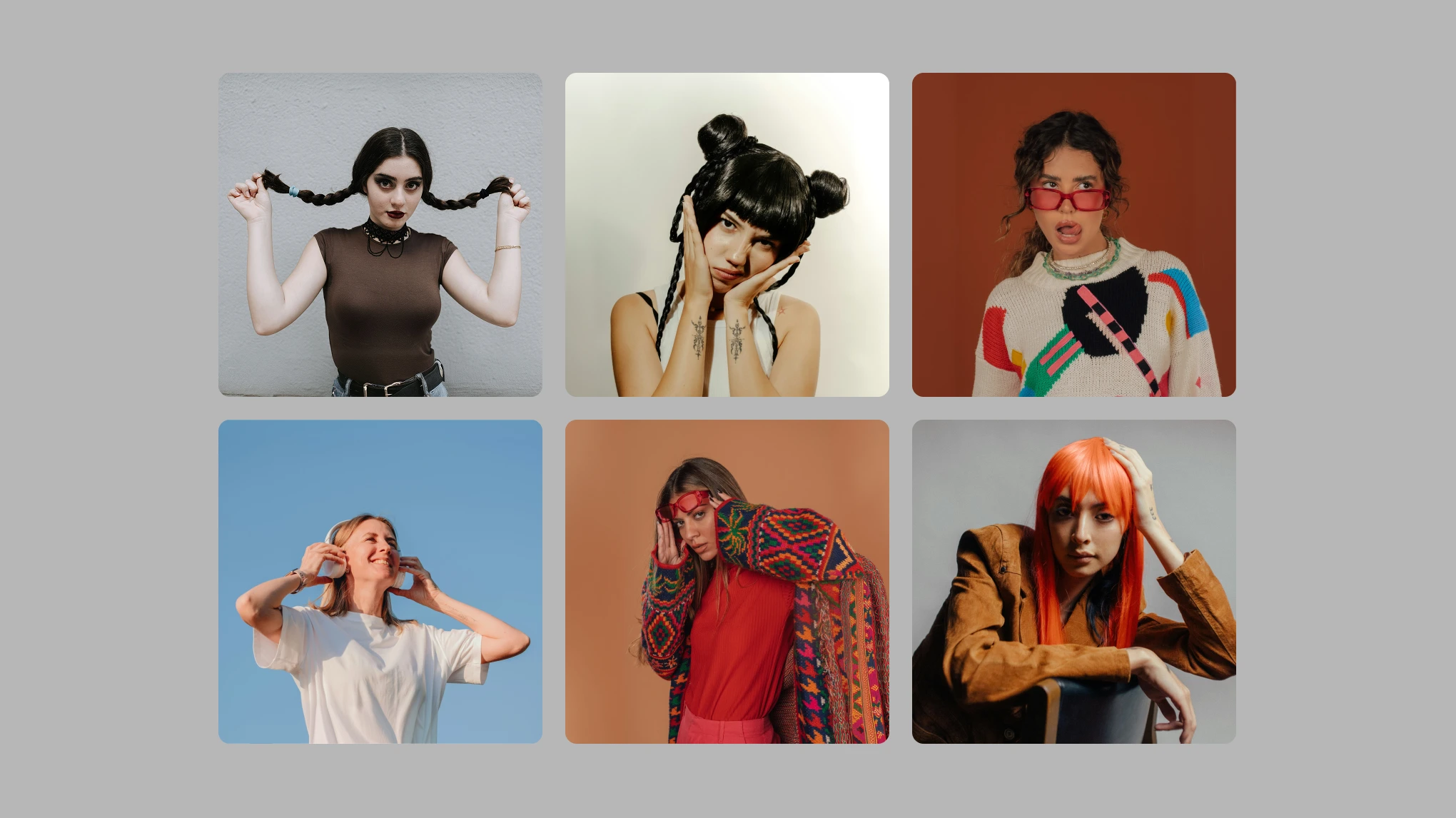
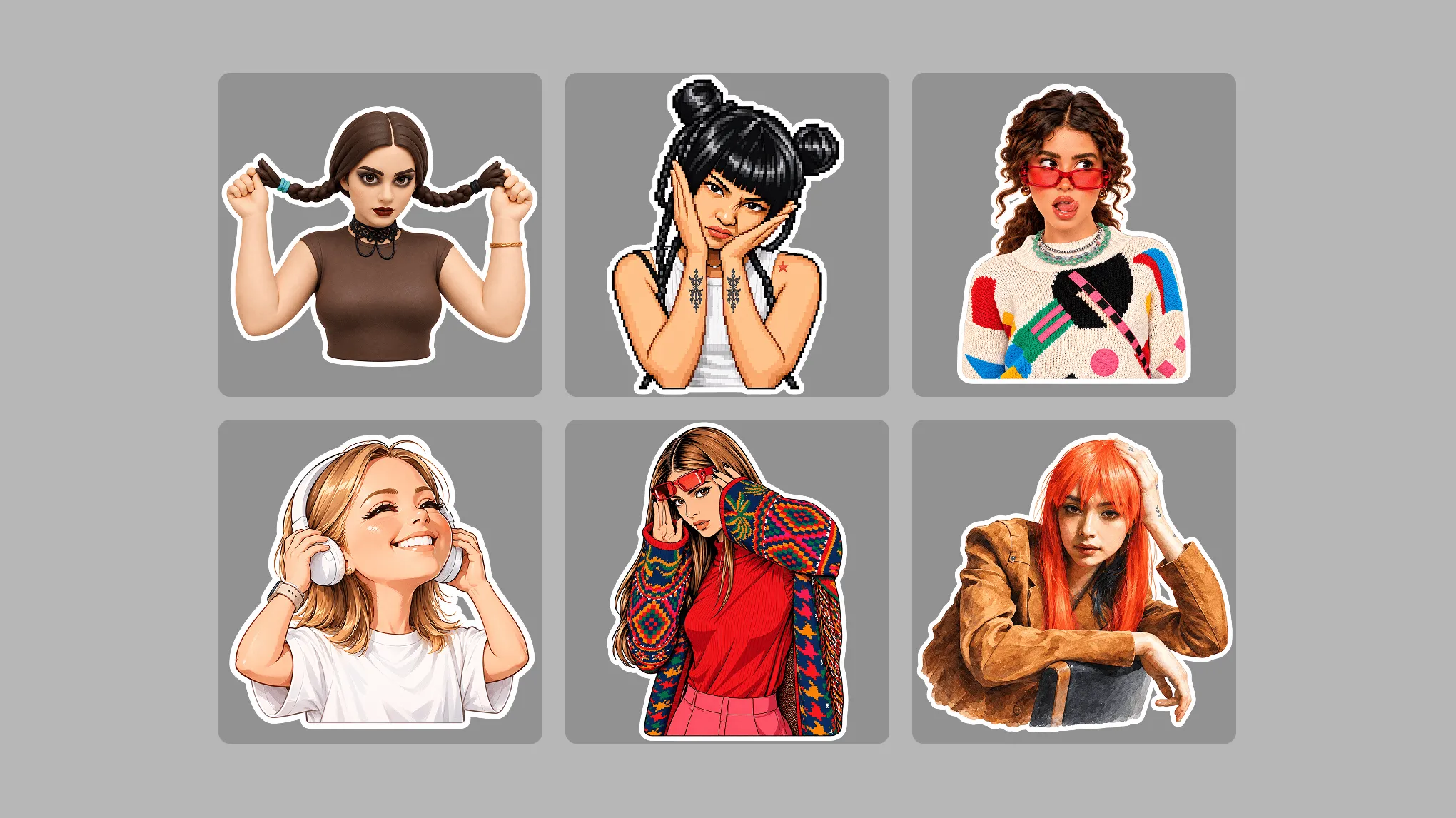
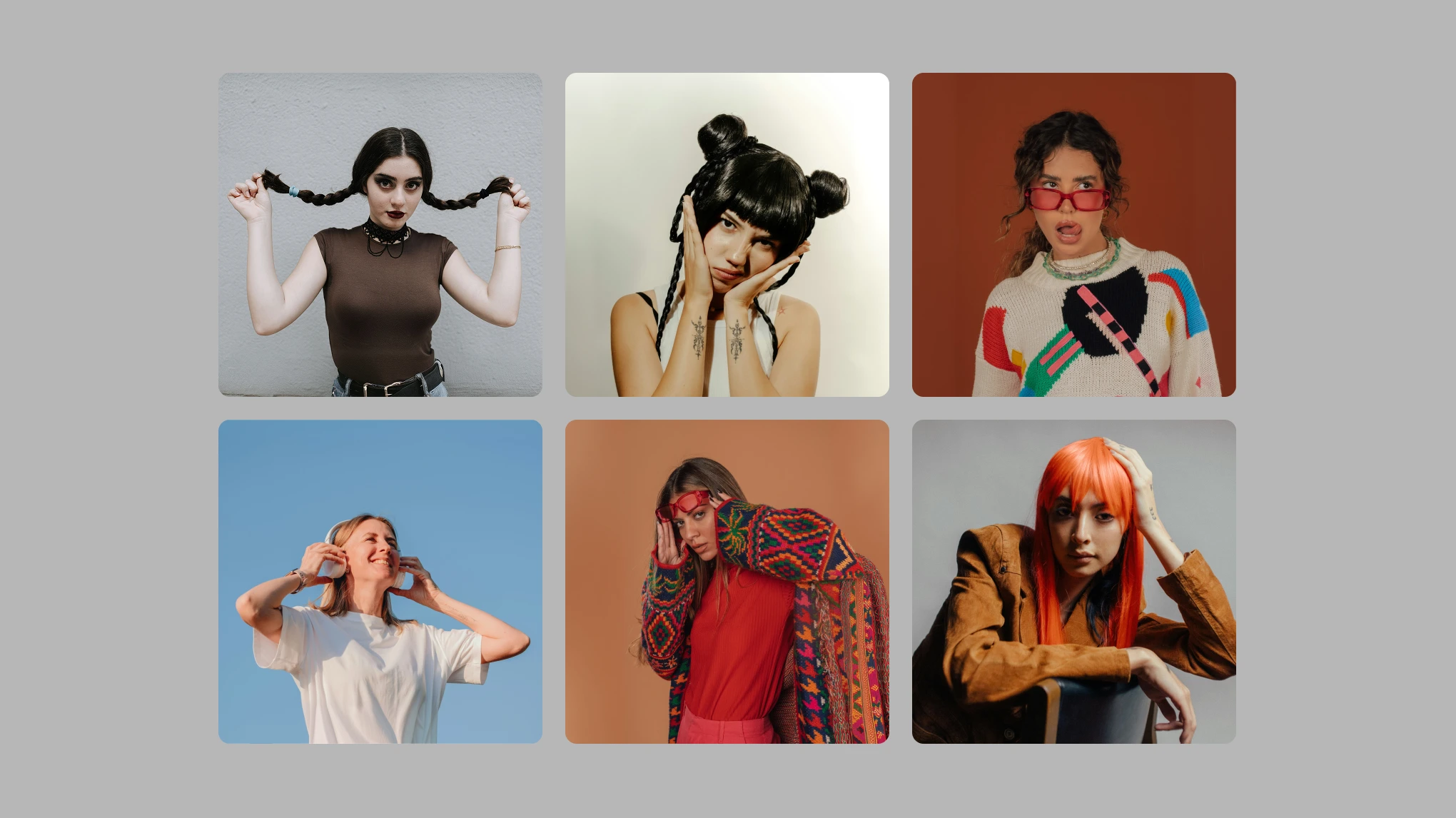
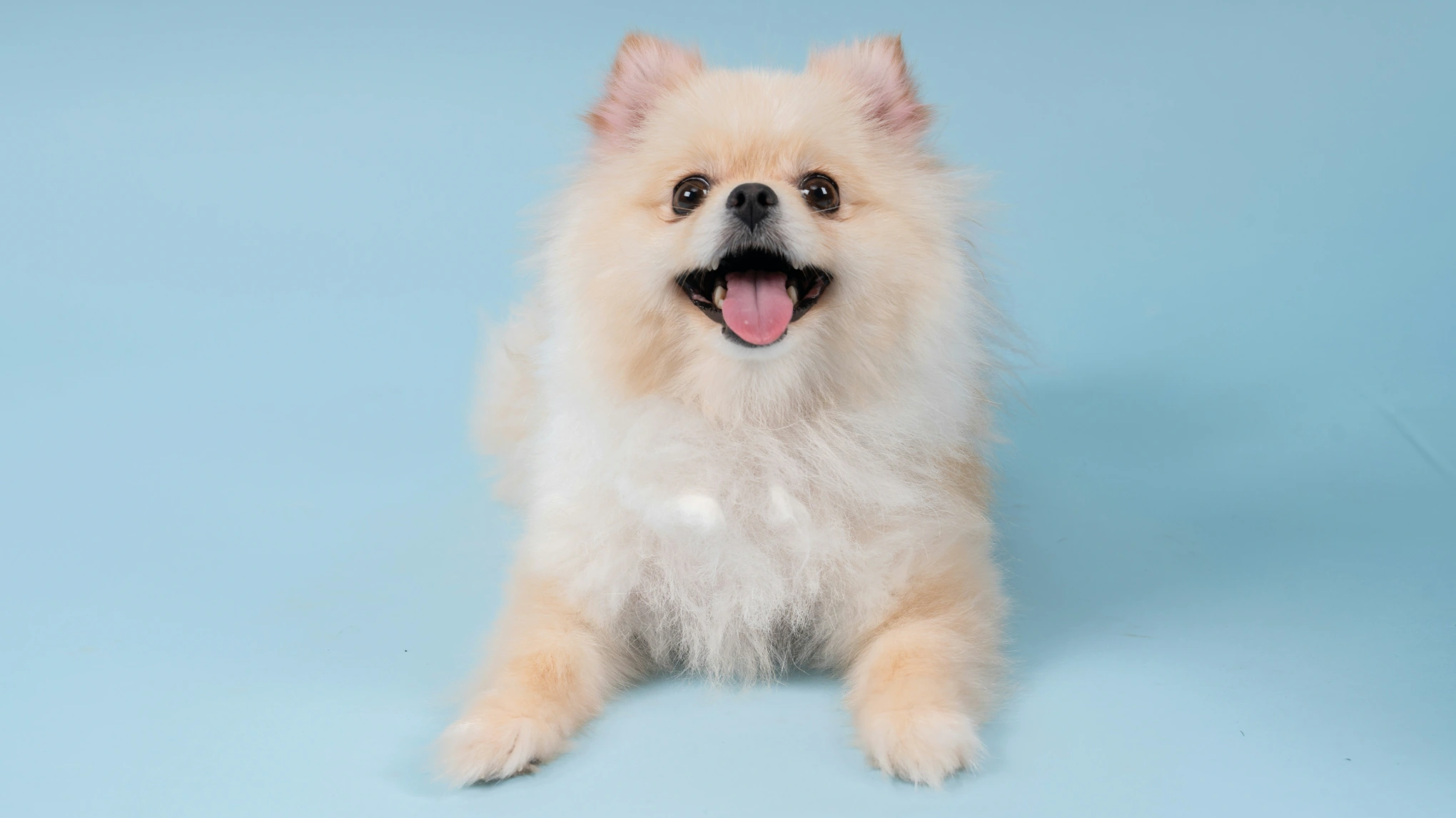
Some photos already feel like stickers. Others ask for a little magic. Keep a realistic cut-out that still looks like you, background cleared and a crisp white outline. Or wander into anime, pixel art, and chibi moods from one style gallery. Selfie reactions, pet portraits, and character-inspired moments stay unmistakably yours. Pick the personality that fits.

realistic and stylized photo to sticker looks

Cut-Out Stickers That Read

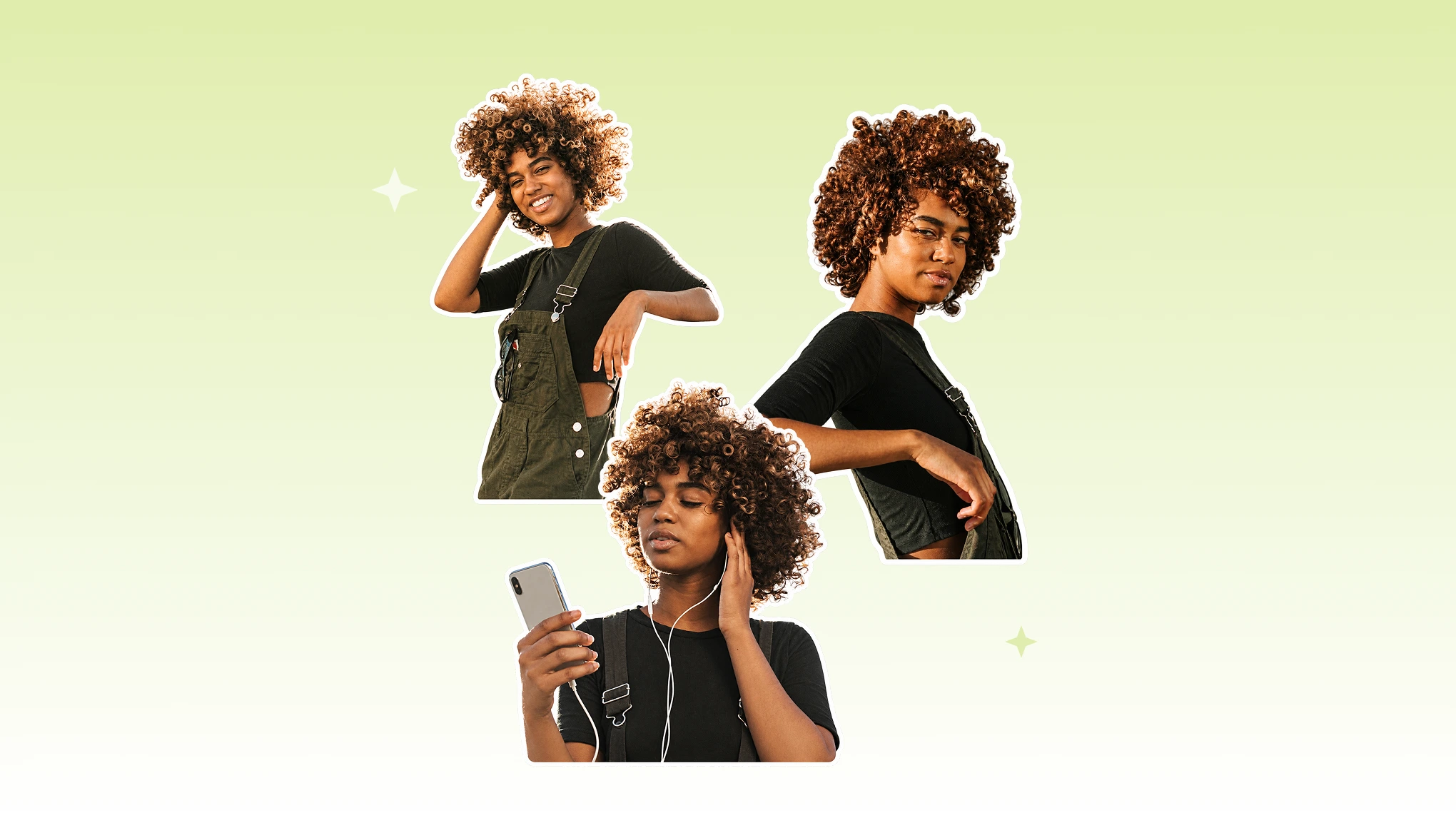
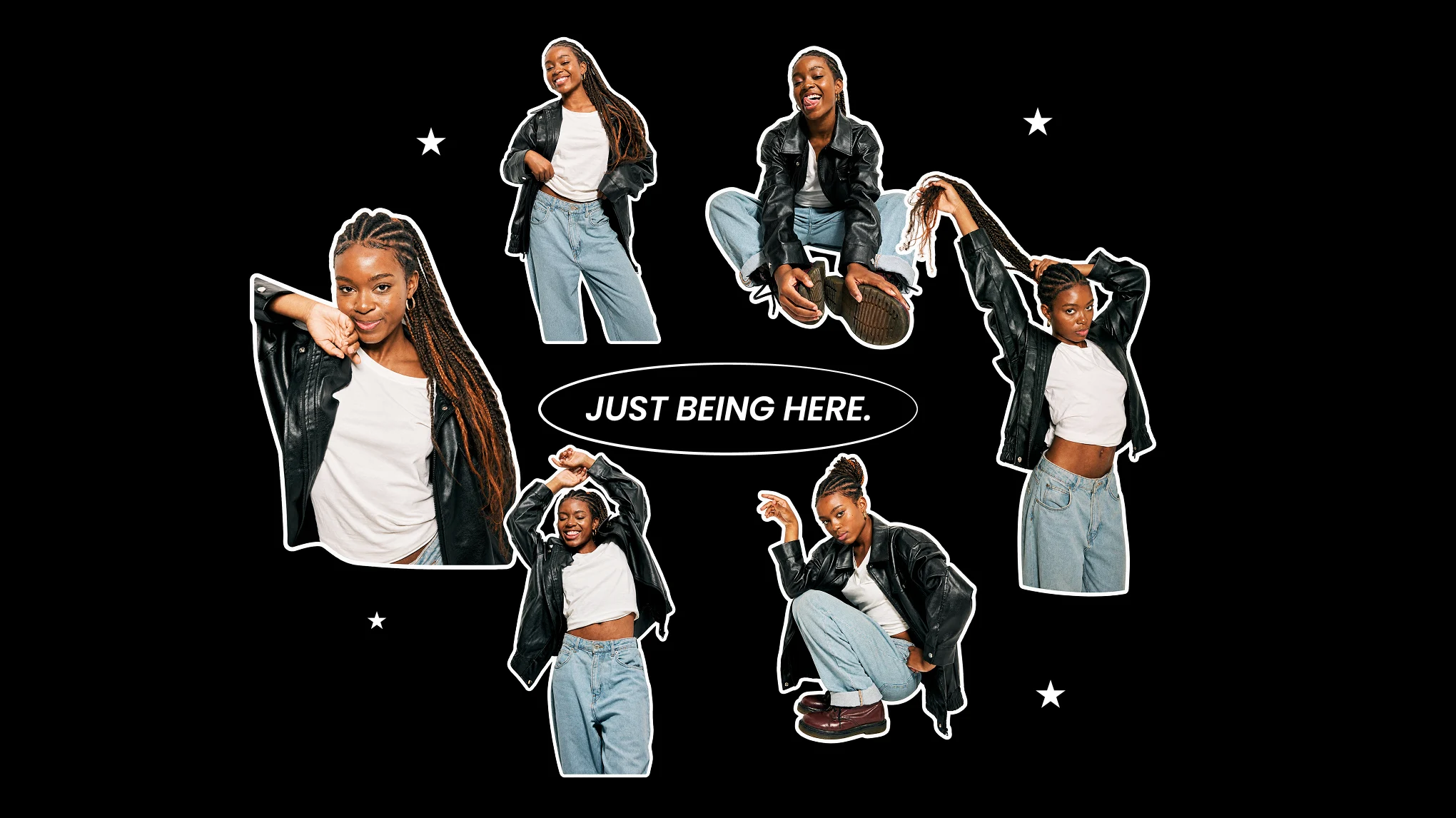
Busy chat wallpapers love to swallow a reaction? Evoto lifts your subject onto a transparent background and wraps it in a crisp white outline so the sticker stays readable on light or dark scenes. Drop it into group chats, stories, or photo overlays. Every reaction finally lands.

cut-out photo sticker with white outline

Full Stylized Cards Too

Floating cut-outs are not always the vibe. When journals, packaging, and posts need a cleaner look, your subject with white outline sits on a solid square with a crisp and stylized mood. Sealing labels, tape stickers, logo marks, and pages you print again and again. Print ready. Share ready.

square stylized sticker from a photo on gray background

Stickers for Fanart Community

A great sticker deserves somewhere to live. Layer your transparent PNG into chats and posts, craft an anime fandom badge, ita bag, or turn a favorite photo into community flair. Keep that PNG as a master file for WhatsApp sticker pack apps later. Share what you love, wherever your people gather.

stickers from photos for chats and fandom

Faster Stickers, Fewer Tool Hops

Go from a favorite photo to a polished sticker in one browser workspace. Keep your creative momentum and carry the result anywhere.
  • online sticker maker on any device icon

    Create on Any Device

    Open the online sticker maker in a modern browser on your laptop, tablet, or phone. Your next reaction can start wherever inspiration finds you.
  • sharp 2K transparent photo sticker export icon

    Sharp 2K PNG Export

    Export a crisp 2K transparent PNGs with clean edges in batches. It is ready for digital sharing or as quality artwork for your own printing.
  • private photo upload sticker maker icon

    Your Photos Stay Private

    Uploads support your edit session, and Evoto does not use your images to train AI models. Your personal moments stay yours.
  • sticker ready after portrait color and clothing adjustment

    Sticker-Ready in One Pass

    Polish with portrait retouching or color grading in our AI photo editor first. Then convert the same photo to sticker without switching apps.

How to Make a Sticker from a Photo with Evoto

step 1 upload photo to sticker maker online
1.**Upload Your Photo**234
On the Sticker Maker page, click "Upload" and add a JPG, PNG, or WebP image. The editor opens with your original photo on the canvas, ready for a new sticker look.
  1. 1. Upload Your Photo

    On the Sticker Maker page, click "Upload" and add a JPG, PNG, or WebP image. The editor opens with your original photo on the canvas, ready for a new sticker look.
  2. 2. Pick a Style and Cut-Out Preference

    Choose a realistic cut-out look or a stylized mood from the style gallery. Leave "Background Remover" on for a transparent cut-out sticker with a white outline, or turn it off for a square sticker on a soft gray background.
  3. 3. Generate Your Sticker

    Click "Generate" to convert your photo to sticker. Preview the new look on the canvas and make sure it matches your sticker mood.
  4. 4. Export a High-Quality PNG

    Click "Export". Cut-out stickers keep their transparent background. Every 2K result stays sharp for sharing or later print use.

Photo to Sticker Online Today

Open the editor, pick a look, and export a paste-ready sticker from your own photo. Your camera roll is full of possibilities.

FAQs

  • What does Evoto Photo to Sticker Maker do?

  • Is this the same as an AI sticker generator from a text prompt?

  • How is this sticker maker different from a PNG maker?

  • Cut-out sticker or full stylized card: how do I choose?

  • Does Evoto use my photos to train AI, and is my sticker data private?

  • Can I overlay the sticker on chats or other photos?

  • Can I make a WhatsApp sticker?

  • Is this online sticker maker the same as "add stickers to a photo"?

  • Can I print stickers from my export? Do you ship prints?

  • Is Evoto a free sticker maker online to convert photo to sticker?

Last updated: 2026-10-27. Reviewed by: Evoto Product Team. Results may vary depending on image quality, lighting, subject pose, file format, and selected settings.