



Motion Blur Effect — Blur the Background, Make Your Subject Stand Out

Add a motion blur effect to your background in one click. AI separates your subject automatically — sharp subject, dynamic background, done in seconds.
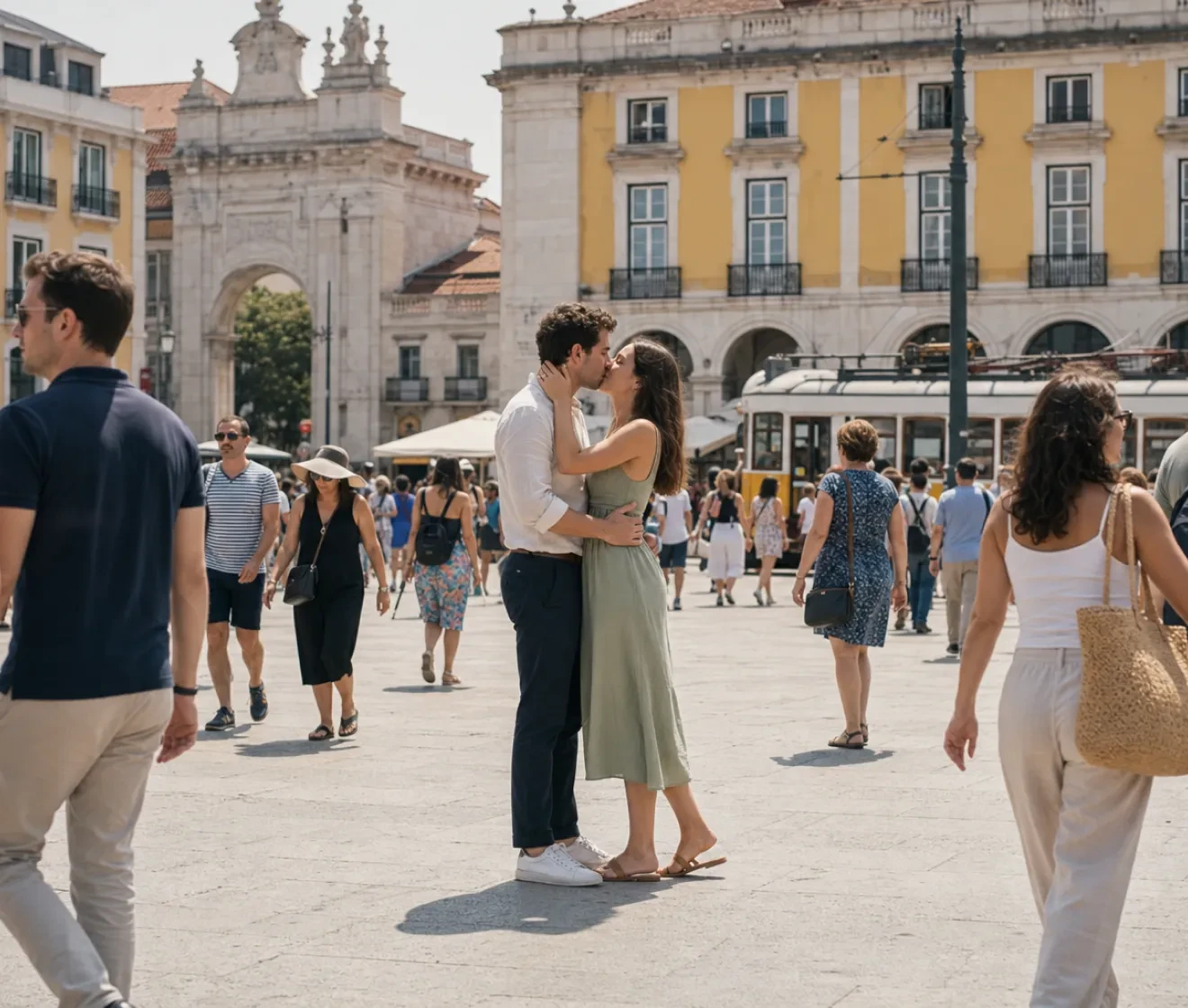
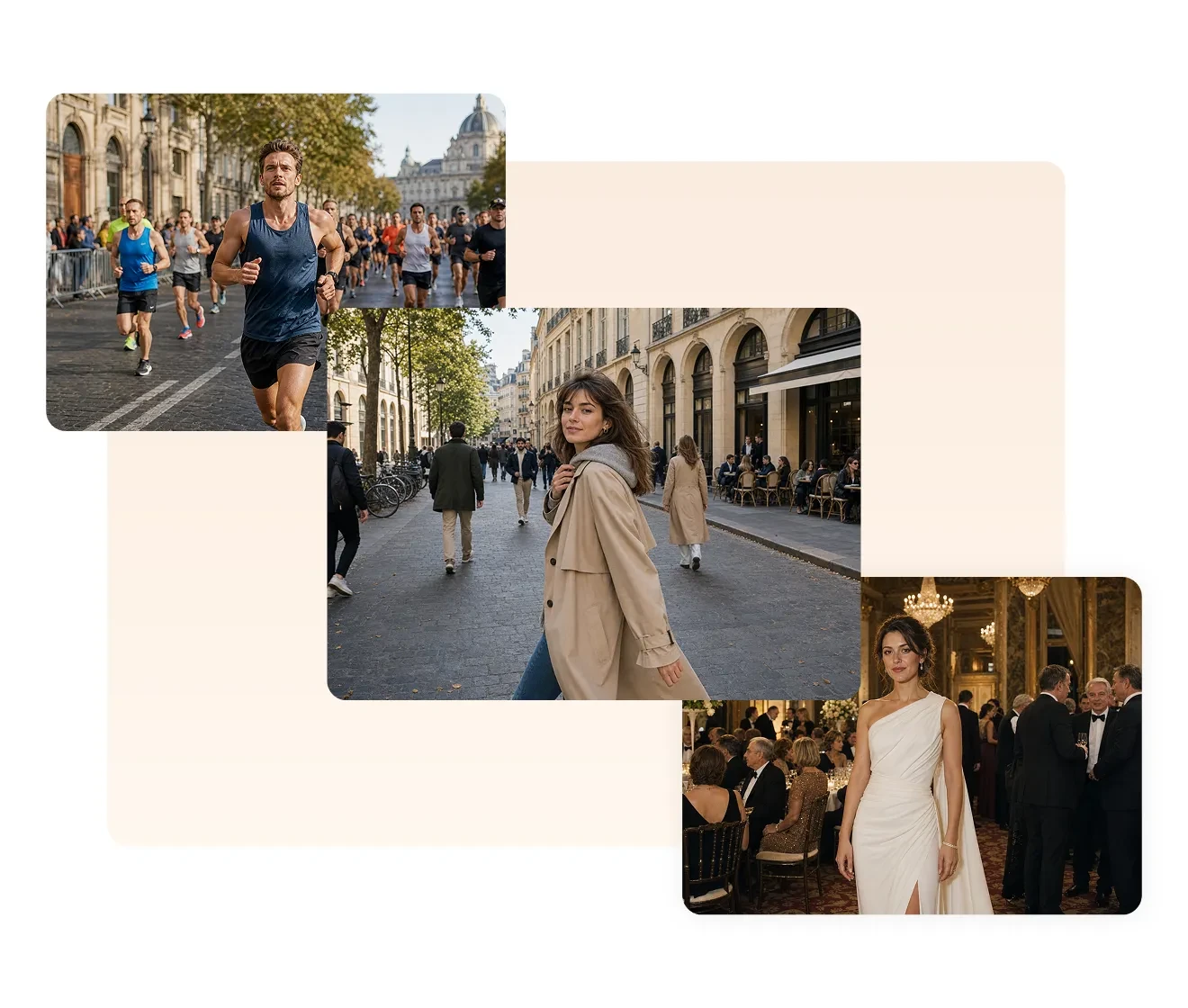
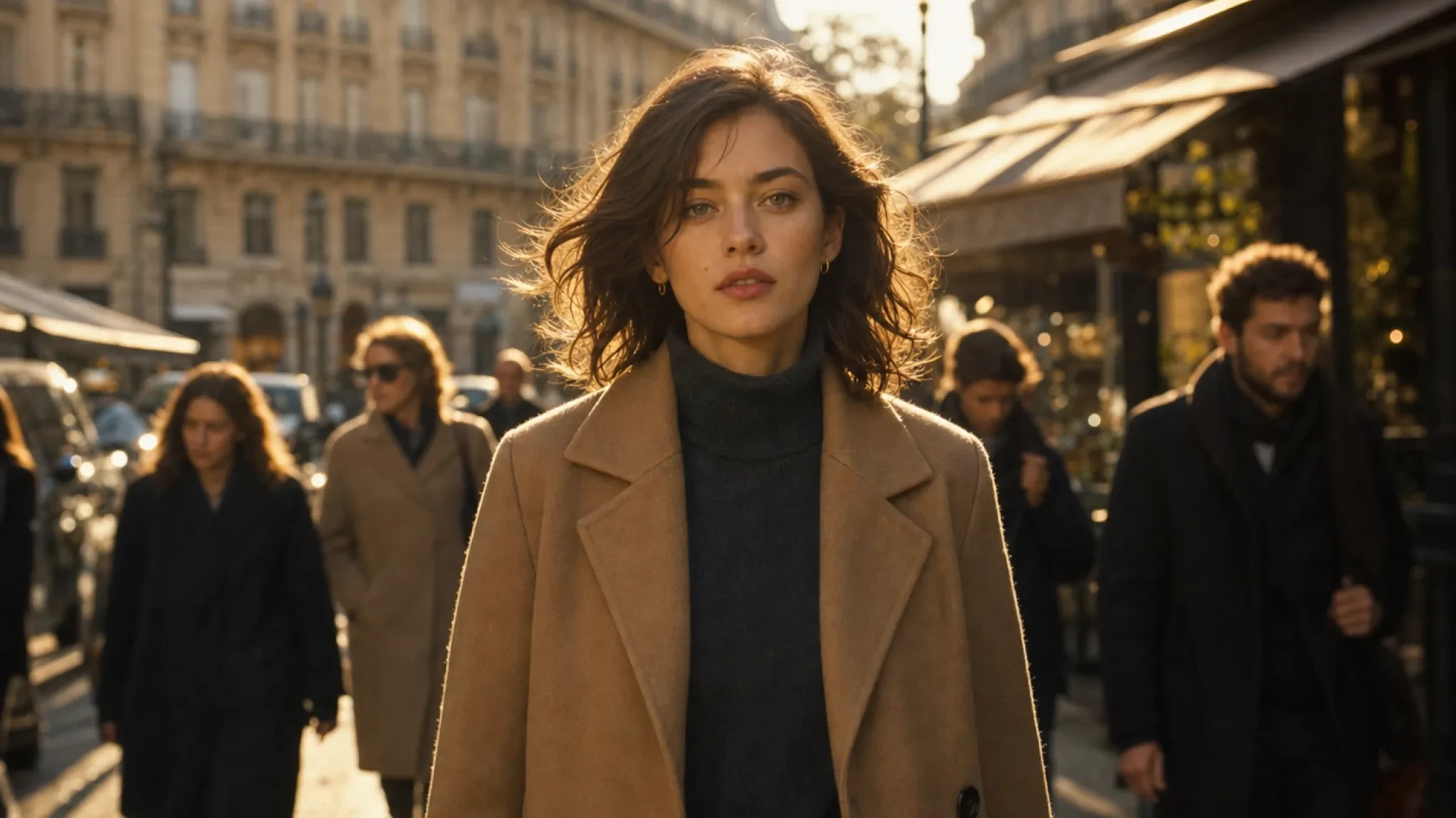
A portrait photo applying Evoto's motion blur effect Before
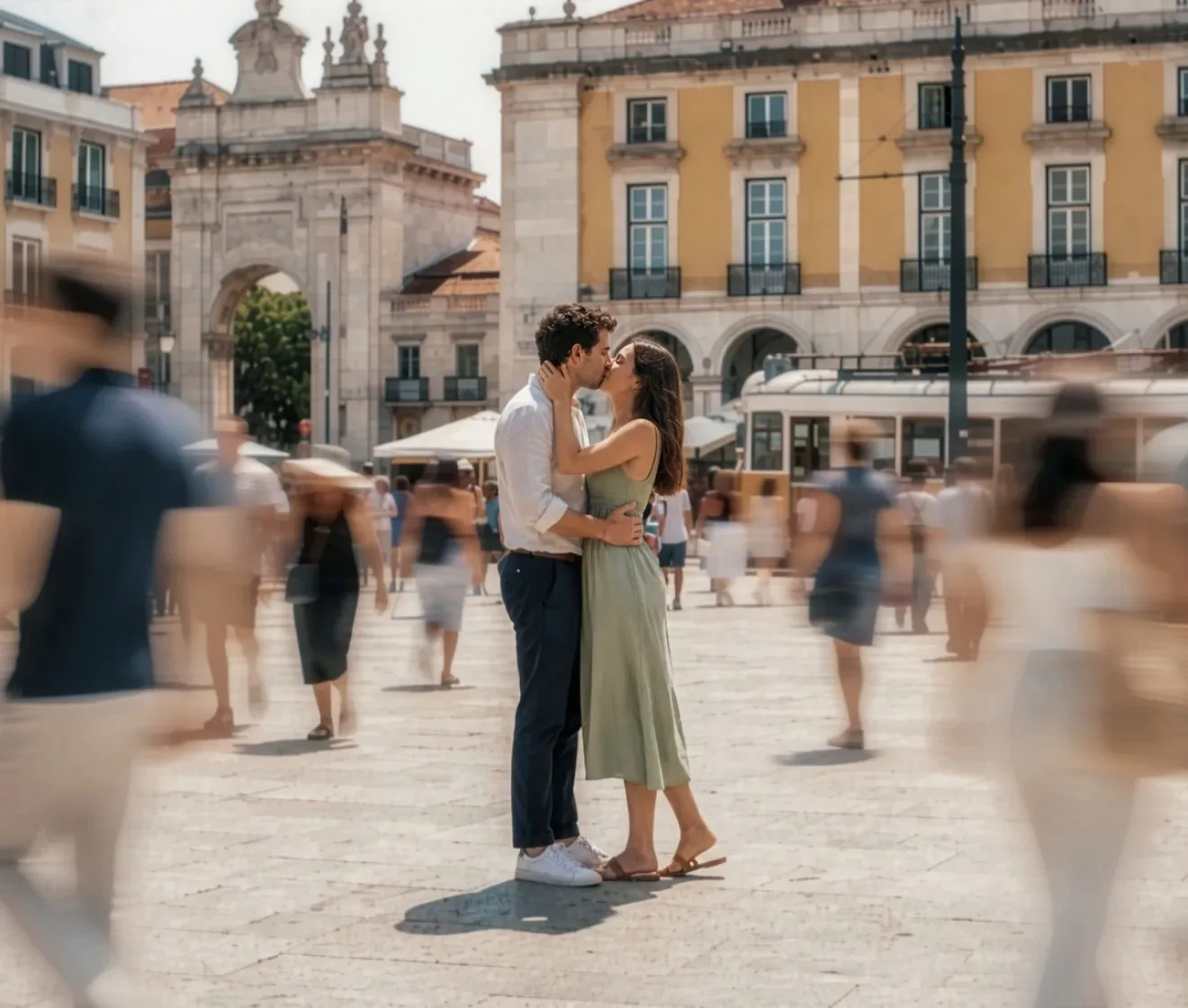
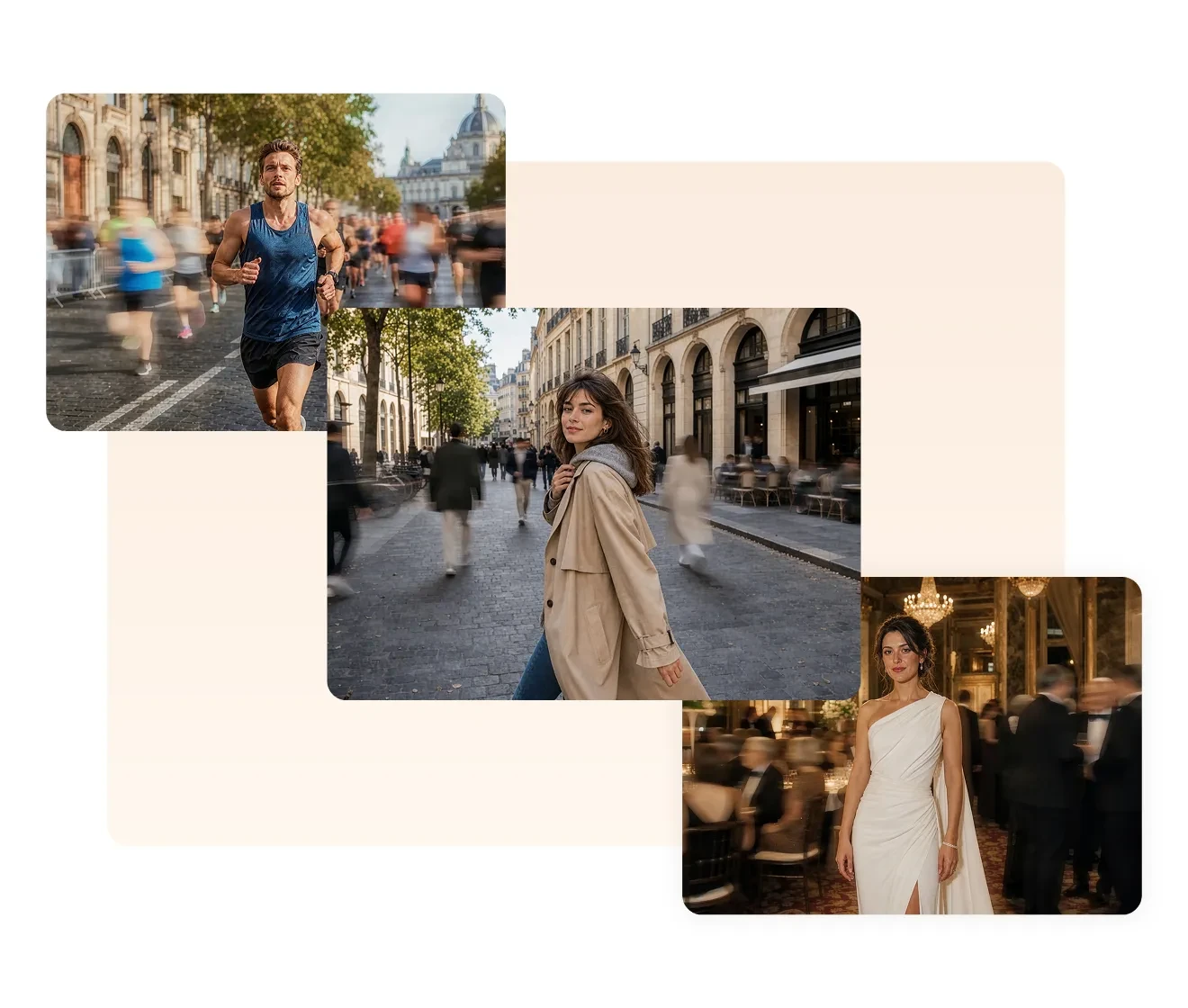
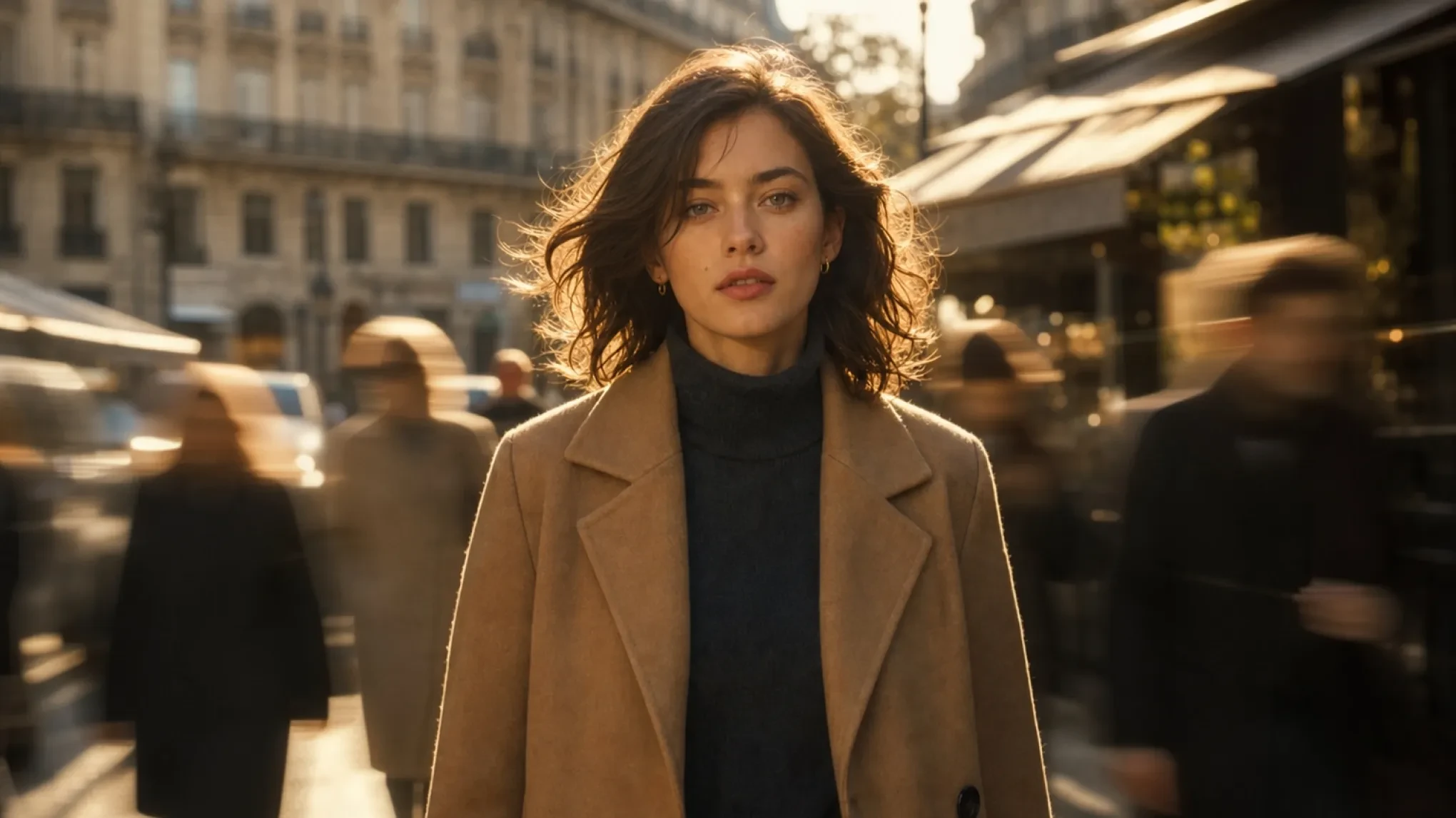
A portrait photo applying Evoto's motion blur effect After
Before
After
Upload Image
* JPEG, JPG, PNG or WebP image allowed.
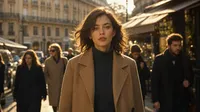
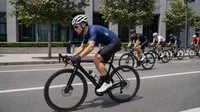
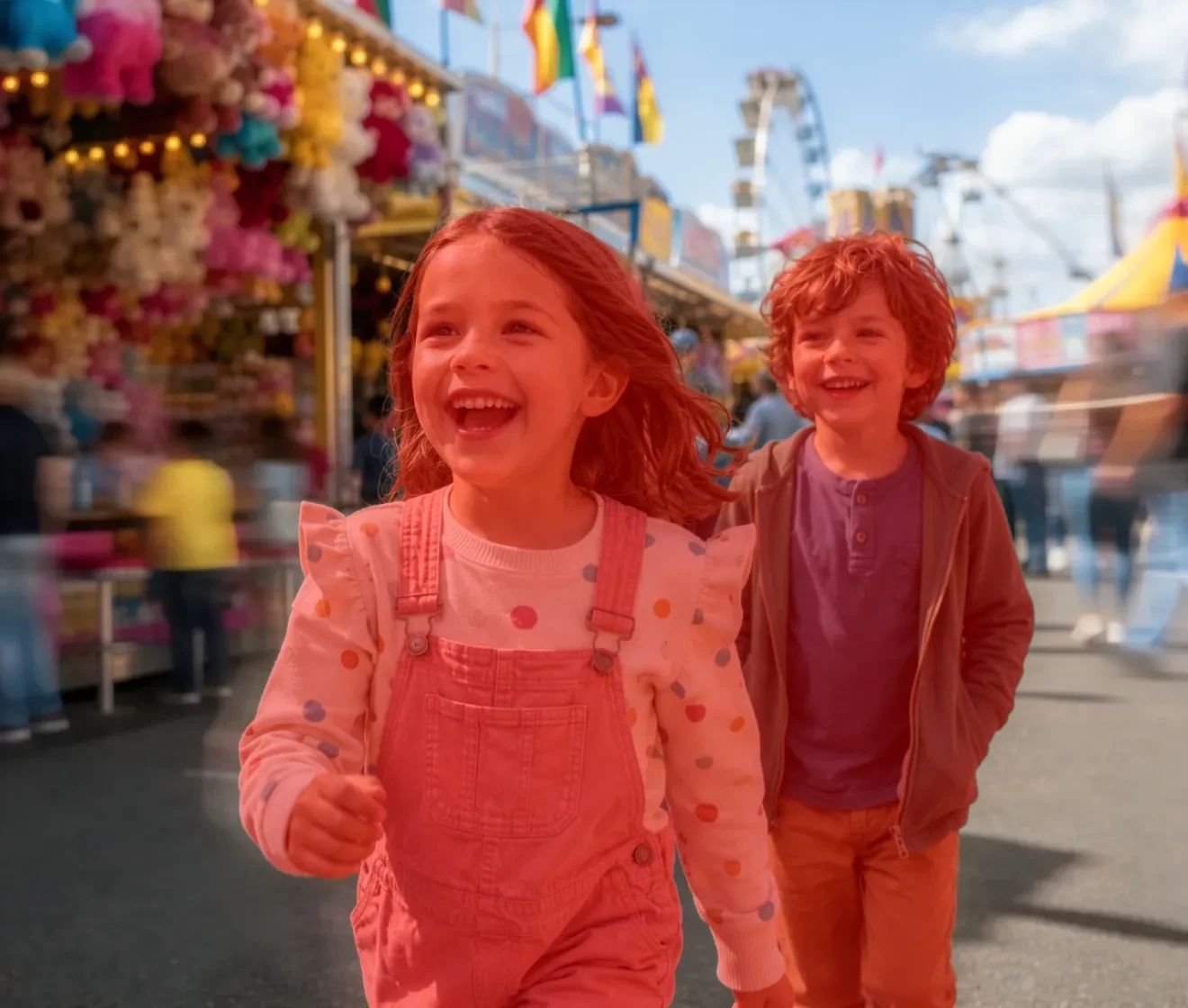
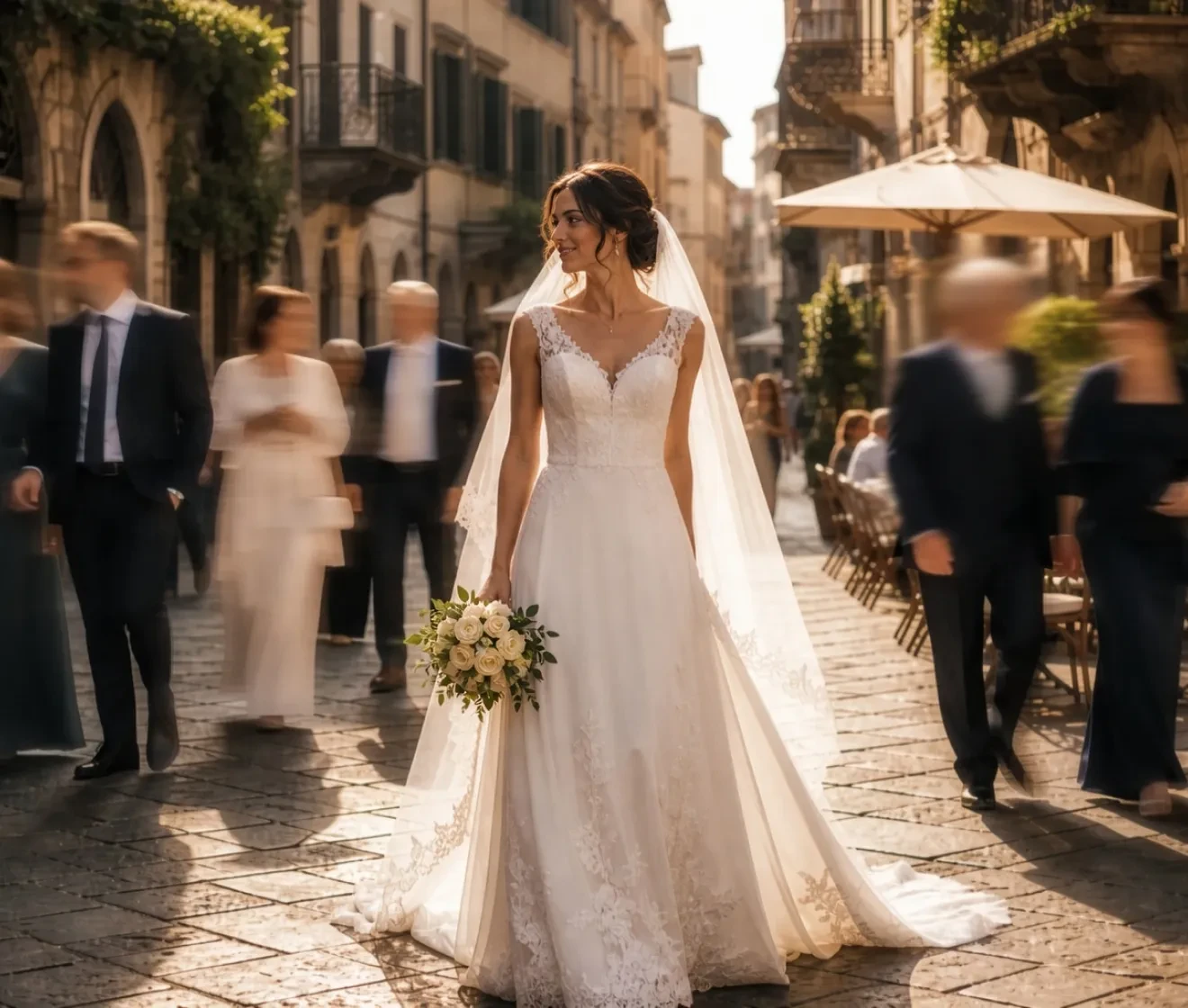
No image? Try one of these
A portrait photo applying Evoto's motion blur effect
Upload Image
Free to try. Pro Editing at Your Fingertips.
Desktop
Buy Now
Buy Now

Make Your Subject Stand Out with Background Motion Blur

Turn a busy photo into a more cinematic image — background people blurred, your subject sharp and undistracted.

Add Natural Motion Blur to a Busy Background

Crowded backgrounds can make a strong portrait feel flat or distracting. Evoto adds a motion blur effect to background people, simulating the look of a fast shutter speed or panning shot, so the background recedes and your subject takes the frame.

Desktop
Portrait photo with background people blurred
Before
After

AI Subject Detection — No Manual Masking Needed

The hardest part of background blur isn't the blur — it's getting clean edges around hair, shoulders, and loose clothing without spending an hour in Photoshop. Evoto's AI automatically identifies your subject and protects them from the blur, with no jagged cutouts or halo artifacts.

Desktop
Evoto AI mask showing a precise edge around the main subject
Before
After

Works Across Every Shooting Scenario

Street portraits with crowded sidewalks. Event photos where the stage background is full of people. Sports shots where the crowd needs to feel alive but secondary. Evoto's motion blur effect adapts to any scene — delivering a consistent, professional result regardless of background complexity.

Desktop
Professional headshot and ID photo with a clean color background
Professional headshot and ID photo with a clean white background
Before
After

Retouch, Grade, and Export — Without Leaving the App

Once the background motion blur is done, keep going. Evoto handles skin retouching, color grading, background replacement, and full-res export in the same place. No round-tripping. No file juggling.

Desktop
Evoto desktop interface showing skin retouching
Before
After

Why Photographers Use Evoto for Background Motion Blur

Fast to apply. Precise at the edges. Free to use. Here is what sets it apart from doing this manually or with a web-based tool.

Desktop
  • Free motion blur effect for photo

    Always Free

    Motion blur is a free feature in Evoto Online. Open the page, import your photo, apply the effect, and export at full resolution — no subscription, no watermark.
  • Auto AI Masking

    Auto AI Masking

    Evoto's AI reads the photo and builds the mask automatically, with accurate edges around hair strands, shoulders, and loose clothing. You get a clean result in seconds, not half an hour.
  • A full-resolution photo export with motion blur effect

    Full-Resolution Output

    The blur is rendered at the full pixel resolution of your original file. Export as JPEG or PNG, with EXIF metadata intact. No compression artifacts, no detail lost in the blurred area, no softening introduced to the subject.
  • Evoto processing photos locally

    Photos Stay Private

    Your images are never uploaded to a cloud server or processed remotely. For photographers handling client portraits, that matters — nothing leaves your device, and no third party ever has access to the photos you edit.
How to Add Motion Blur to a Photo

Desktop
upload image for motion blur editing
1.Upload Your Image234
Open the Evoto motion blur effect page and drag your photo in — or click to browse. Supports JPG, WebP and PNG.
  1. 1. Upload Your Image

    Open the Evoto motion blur effect page and drag your photo in — or click to browse. Supports JPG, WebP and PNG.
  2. 2. Apply Background Motion Blur

    Evoto's AI automatically detects your subject and applies the motion blur effect to the background. One click — done.
  3. 3. Export at Full Resolution

    Hit Export and save at full resolution. No watermark, no quality loss — ready for delivery, print, or social sharing.
  4. 4. Need More? Try Evoto Desktop

    For batch processing, skin retouching, color grading, and RAW support — download Evoto for Mac, Windows, or iPad. Free to try.
Desktop

From Our Blog

Ready to Make Your Subject Stand Out?

Free, instant, and completely private. No watermarks. No quality loss.

Desktop

FAQs

  • What does Evoto's motion blur effect do?

  • How is background motion blur different from background blur (bokeh)?

  • How do you add motion blur to a photo in post-processing?

  • What image formats does Evoto support?

  • Does Evoto motion blur effect work on iPhone or mobile?

  • How do you make a photo look more dynamic?

  • Will my photos be uploaded to the cloud when I use Evoto?

  • What photography scenarios work best with background motion blur?

  • Is there a free motion blur photo editor?

  • How does Evoto detect which part of the photo is the subject?