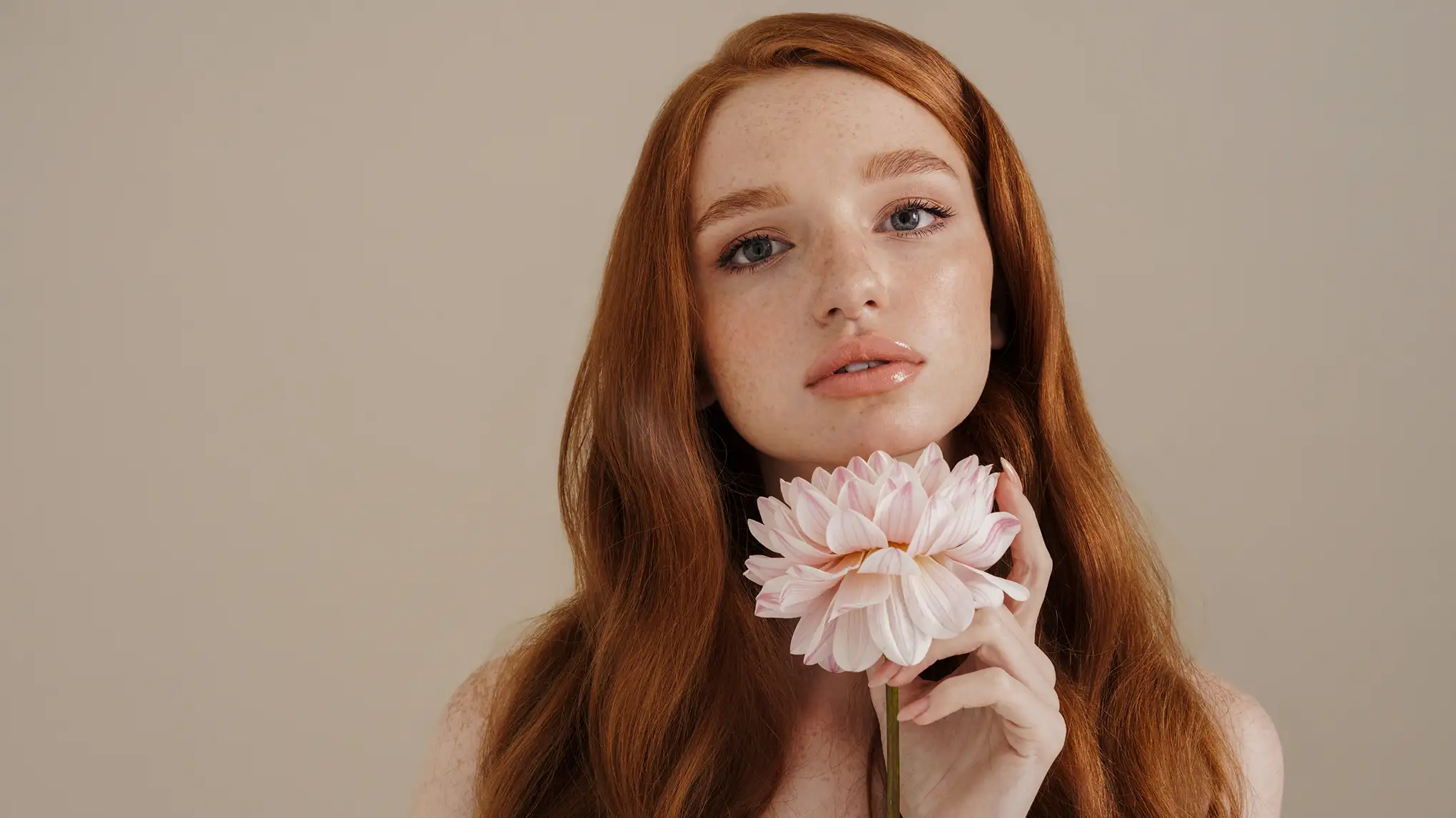
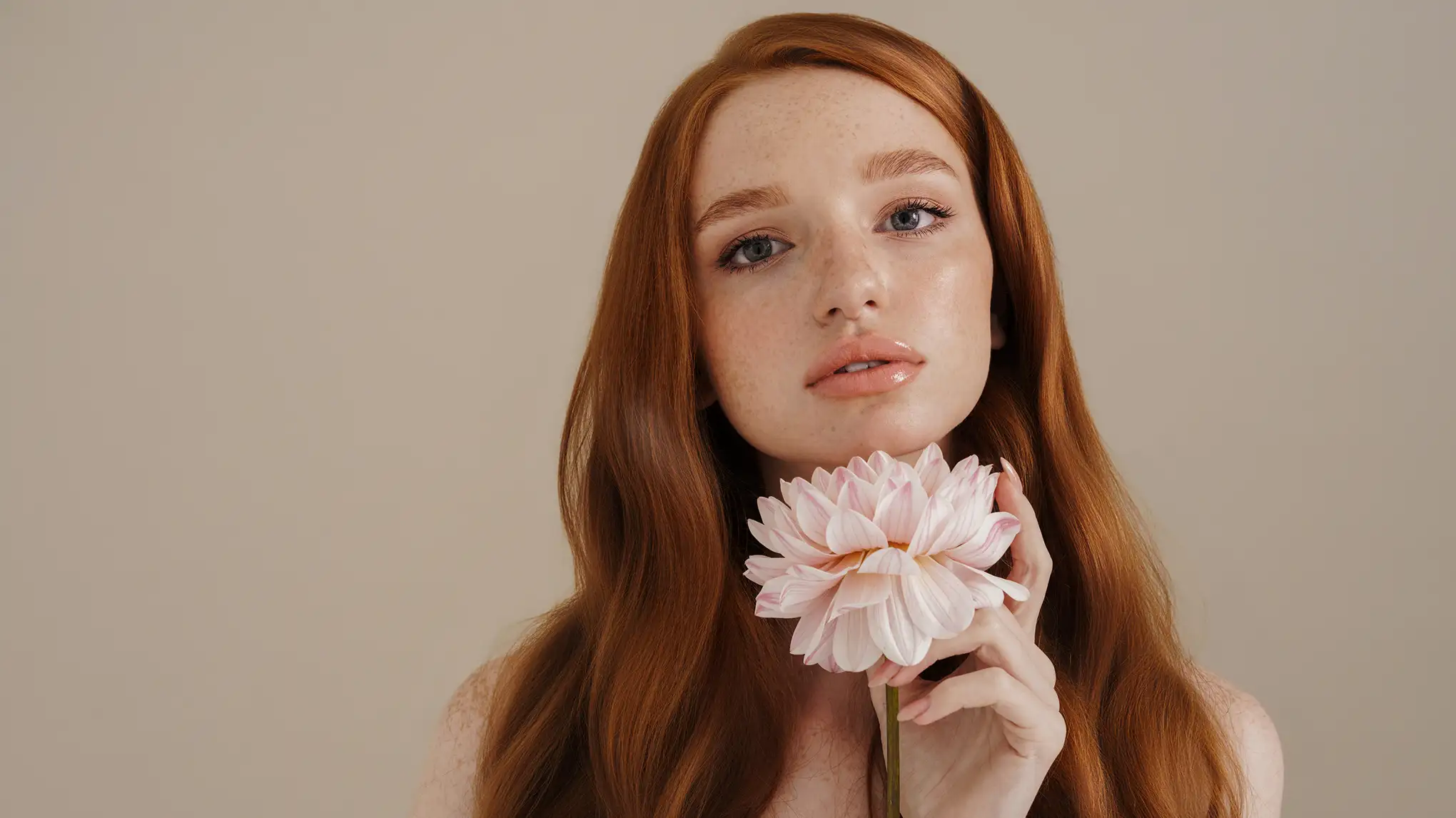
Fix frizzy hair and get smooth silky hair with online Evoto AI hair frizz remover. Make your every portrait photo shiny in tangle-free, soft and smooth hair.
Tame unruly hair in photos in seconds, whether straight, curly, or wavy, with AI hair editor that smooth frizz, refine texture, and boost polish.
Fix All Frizzy Hair
Remove frizz from hair in photo with ease. Works across straight hair, curly coils, and wavy styles to turn rough, dry, frizzy strands into smooth silky hair with a natural shine, perfect for portrait photos needing a polished finish.
Use simple sliders to remove messy hair tangles. Adjust intensity to suit any hairstyle, from sleek updos to loose waves, creating tangle-free hair that enhances precision and neatness in lifestyle or fashion photos.
Auto-identify individuals in group shots to focus on specific subjects. Smooth stray hairs, trim baby hairs, and add subtle shine to selected people's hair, ideal for family portraits, event or team photos needing consistent polish.
Go beyond hair smoothing with versatile edits: Change hair color to match moods, refine hairlines for a natural frame, and boost crown volume for fuller locks, great for beauty shoots or personalizing hair details in portraits.
What’s the difference between frizzy hair and flyaways?
A
Frizzy hair refers to overall dry, tangle,d or rough strands that appear puffy or unruly across the entire head. Flyaways are small, stray hairs (often around the hairline) that stick out from the main hairstyle, even if the rest of the hair is smooth. Evoto targets frizzy hair by smoothing rough, dry strands across the entire head for a silky finish. For flyaways, the smooth hair editor trims or blends small stray hairs to keep hairlines neat without altering the main hairstyle.
Q
What defines “healthy-looking hair” in photos?
A
Healthy-looking hair in photos appears smooth, shiny, and uniform, with no excessive frizz, tangles, or dryness. Strands look soft, with natural movement and a subtle glow that suggests moisture and vitality. Our AI Smooth Hair editing tool can refine the photo and make the portrait look great with healthy-looking hair.
Q
Does this frizzy hair fixer work on curly hair, or only straight hair?
A
It works on all hair types in photos, including straight, curly, wavy, or coiled. Tames frizz and smooths strands regardless of texture for silky results.
Q
Will it remove hair accessories by accident?
A
No. The hair frizz remover targets smoothing hair strands specifically, preserving clips, bands, or accessories while smoothing surrounding frizz.
Q
Do I need professional editing skills to use it?
A
No. Our smooth hair editor is beginner-friendly. Simple editing tools and sliders make smoothing hair easy, no prior editing experience required.
Q
What’s the difference between “taming frizz” and “over-smoothing”?
A
Taming frizz reduces rough, unruly strands while keeping natural movement. Over-smoothing makes hair look flat or plastic—this tool avoids that by preserving subtle texture for realism. Our AI Smooth Hair tool detects irregular, rough strands that disrupt overall smoothness (unwanted frizz) while preserving intentional texture (like natural waves or curls), keeping styles looking natural and authentic.
Q
Can the tool enhance hair without changing the original hairstyle?
A
Absolutely. Our hair editor smooths hair frizz, adds shine, and trims flyaways while keeping the original haircut, curl pattern, or style intact, just refining it for a healthier look. It balances smoothing with natural texture, adds subtle shine (not harsh gloss), and preserves small details like gentle movement in curls or waves. This keeps hair looking real, just healthier.
Q
Is the hair smoothing tool available for online use?
A
Yes, there's an online version for you to smooth hair. It even offers a free trial so you can test the hair smoothing features without any commitment. This is great for a quick fix or to see if it suits your needs before further investment.
Q
What image file formats does it support?
A
Our AI Smooth Hair tool supports common image formats like RAW, JPEG, JPG, PNG, and TIFF. This means you can work with high-quality photos straight from your camera (RAW) or use more web-friendly formats (JPEG, PNG) without any issues when editing hair.
Q
Can I use it on my iPad or tablet?
A
Yes, it's available for iPadOS as well. You can use the app on your iPad to edit photos and smooth hair, making it convenient for on-the-go editing. Our AI Smooth Hair Editor also works on Windows and macOS devices.
Last updated: 2026-06-11. Reviewed by: Evoto Product Team. Results may vary depending on image quality, lighting, subject pose, file format, and selected settings.