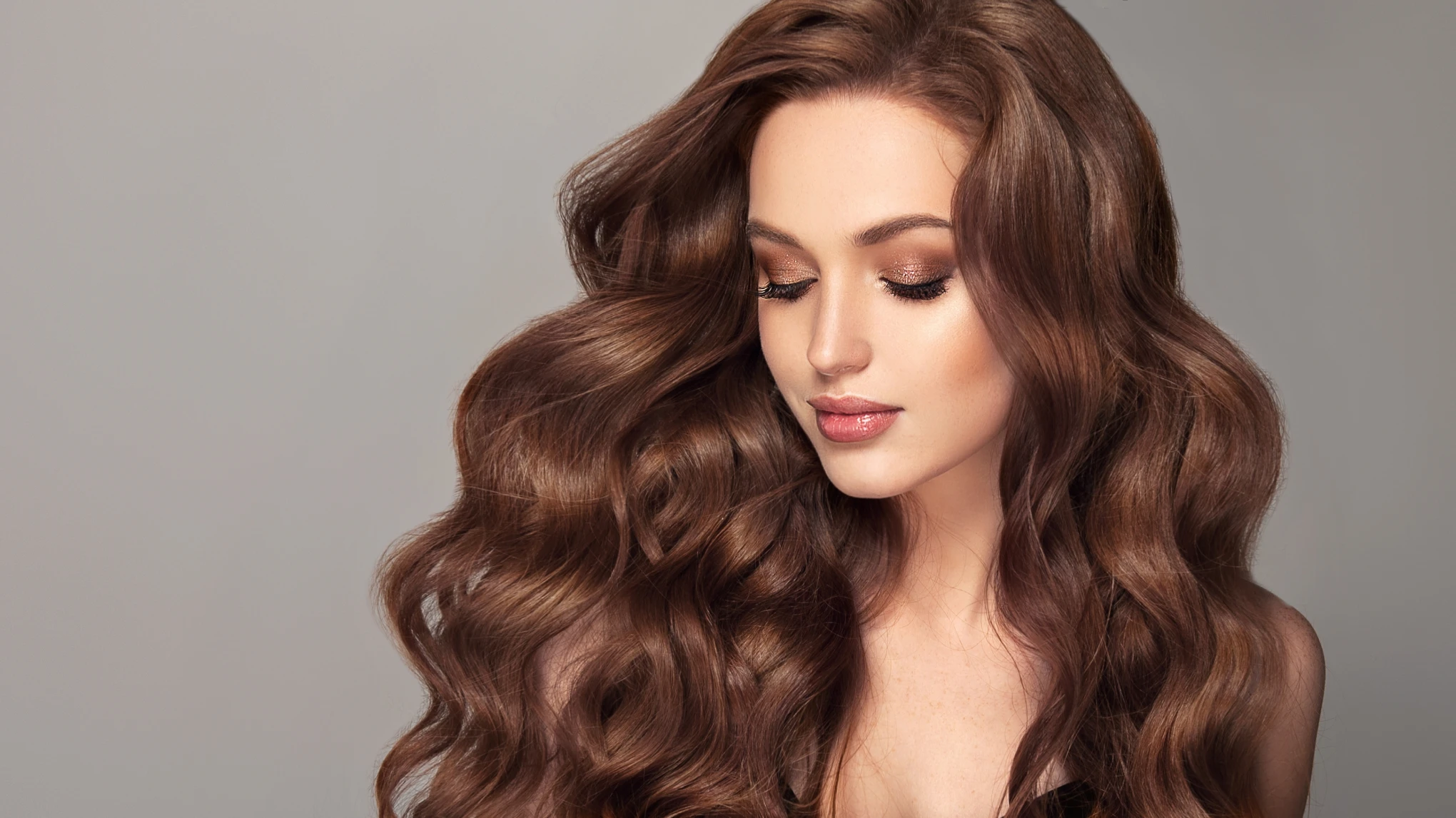
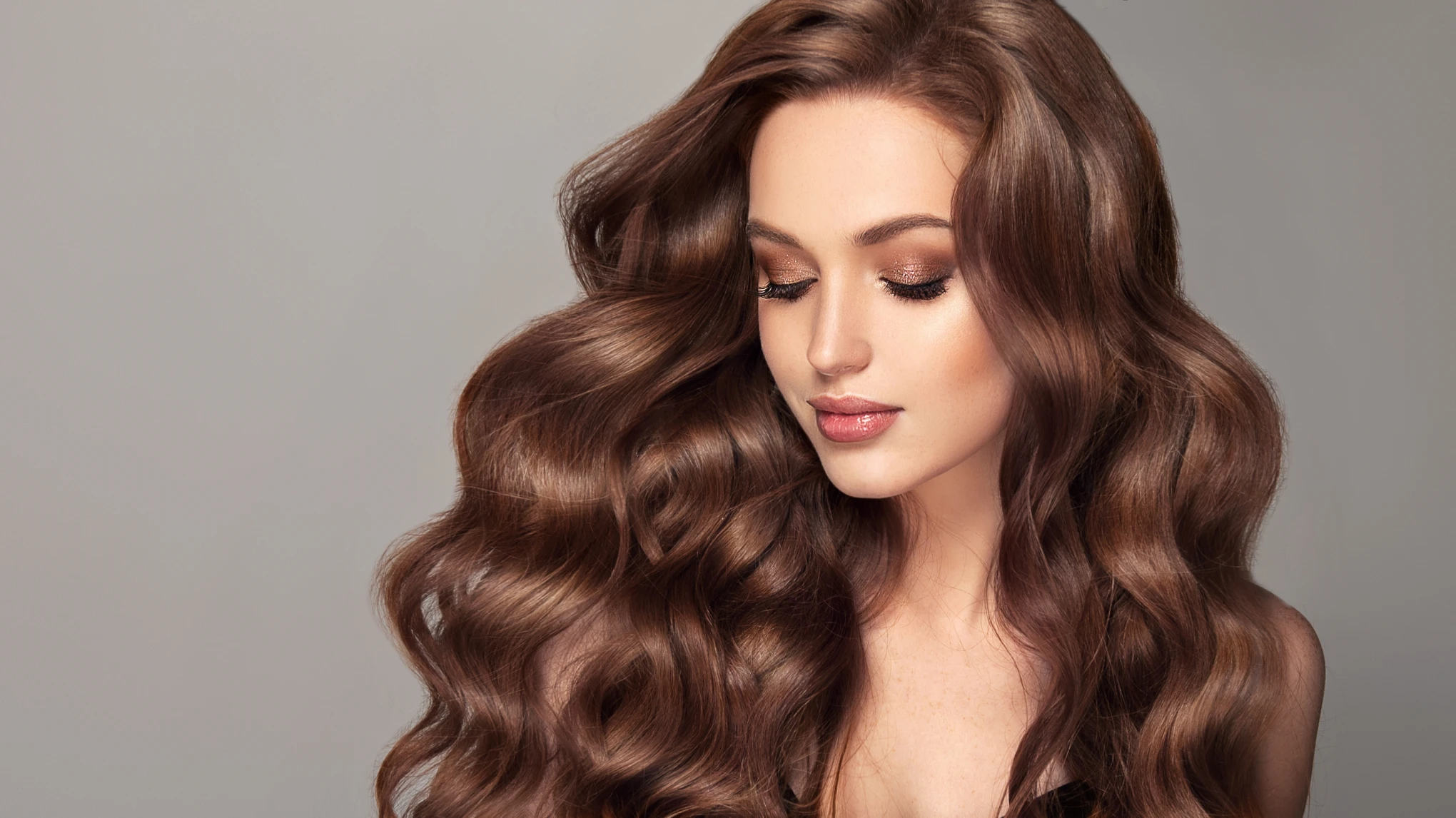
Transform dull hair into vibrant, healthy-looking strands instantly. Evoto AI's smart tools bring salon-quality shine to your photos with just a few clicks.
AI-Powered Instant Hair Shine Adjustment
Evoto’s AI instantly detects hair in your photo and intelligently applies natural-looking shine without overexposing or distorting textures.
Designed for beginners and pros alike—Evoto’s intuitive interface makes it effortless to to achieve shiny hair effects without advanced editing skills.
Customizable Shine Intensity
Adjust the level of shine with simple sliders. Whether you want a soft gloss or a bold glow, you’re in complete control.
Instant Hair Shine Enhancement
Achieve shiny, vibrant hair in seconds with Evoto’s fast, AI-powered processing—no manual masking or complex steps needed.
Comprehensive Hair Editor
Get total control over your hair edits. Easily add shine, perfect the part line, boost volume, remove stray hairs, reshape hairline, and even change hair color—all in one intuitive workspace.
Do More with Evoto AI Photo Editor
From professional skin retouching to color grading and more, we’ve got you covered.
Launch Evoto AI and upload your portrait photo that needs add shine to hair.
Go to the “Portrait Retouching” panel, then navigate to “Hair” > “Hair Shine Enhancement.”
Use the sliders to fine-tune the hair shine effect. Instantly preview the before-and-after results in real time.
Click “Export” to save your image in JPG, PNG, RAW, or TIFF format. Pro Tip: Use Ctrl + C / Ctrl + V to copy and paste settings for batch processing multiple photos.
1. Import Your Image
Launch Evoto AI and upload your portrait photo that needs add shine to hair.
2. Locate the Hair Shine Enhancement
Go to the “Portrait Retouching” panel, then navigate to “Hair” > “Hair Shine Enhancement.”
3. Enhance Hair Shine
Use the sliders to fine-tune the hair shine effect. Instantly preview the before-and-after results in real time.
4. Export Your Edited Photos
Click “Export” to save your image in JPG, PNG, RAW, or TIFF format. Pro Tip: Use Ctrl + C / Ctrl + V to copy and paste settings for batch processing multiple photos.
Hair Shine Enhancement is a digital feature that makes hair in photos appear shinier, healthier, and more vibrant using AI-powered editing tools.
Q
How does the AI add shine to hair?
A
Our advanced AI automatically detects hair in your photo and intelligently applies a realistic glow, enhancing highlights and making hair shine naturally without manual effort.
Q
How can I achieve good hair shine in photographs?
A
Lighting is key. Use natural or soft lighting angled to reflect off your hair. Smooth your hair with a brush before the shoot, and sometimes a light mist of water can enhance natural sheen.
Q
Why is hair shine important in portrait photography?
A
Hair shine adds depth, vitality, and realism. It helps define the hair’s shape and texture, contributing to a polished, professional look in portraits.
Q
What makes Evoto AI different from other photo editors for hair shine?
A
Evoto uses smart AI to detect hair automatically and apply shine with precision—no manual masking, no complex steps, and always natural-looking results.
Q
Does the hair shine feature work on all hair types?
A
Yes. It works on straight, wavy, curly, and coily hair, and enhances shine across all shades—blonde, brunette, black, gray, and more.
Q
Can I apply hair shine enhancement to multiple photos at once?
A
Yes, Evoto supports batch editing, so you can apply the same shine settings to multiple photos quickly and consistently.
Q
How does hair color influence shine in photos?
A
Darker hair colors (like black or dark brown) tend to reflect shine more dramatically. Lighter tones (like blonde or silver) show a softer, more diffused shine. Highlights and lowlights also help catch and reflect light beautifully.
Q
Can I make gray hair shine in photos?
A
Absolutely. Evoto’s AI adds a soft, natural-looking shine to gray hair while preserving its elegant, silver tone.
Q
Are there specific camera settings or techniques to optimize hair shine in photos?
A
Using a wider aperture (smaller f-number) can create a shallower depth of field, helping to isolate your hair and make it stand out. Soft, diffused lighting (e.g., golden hour, overcast days, or a softbox) will generally produce the best shine. Avoid harsh direct flash, which can flatten hair and create unflattering reflections.
Last updated: 2026-06-11. Reviewed by: Evoto Product Team. Results may vary depending on image quality, lighting, subject pose, file format, and selected settings.