
Products
Features
Resources
Pricing
Support
Download
Sign in
🎨Monthly Unlimited Color Correction plan now available! With an annual plan, AI color correction uses zero tickets
Buy Now
Evoto Color Correction

Color-correct your photos.Create the colors you imagine

From basic adjustments to AI Color Match, AI Color Looks, color consistency across multiple photos, localized color correction with AI Masking, and filters, Evoto packs a wide range of tools for photo color work. Everything from basic color adjustments to full-scale color grading is completed in a single workflow, so you can craft your ideal colors efficiently.

Start Evoto for free
\ Unlimited color correction /See the Unlimited Color Correction plan
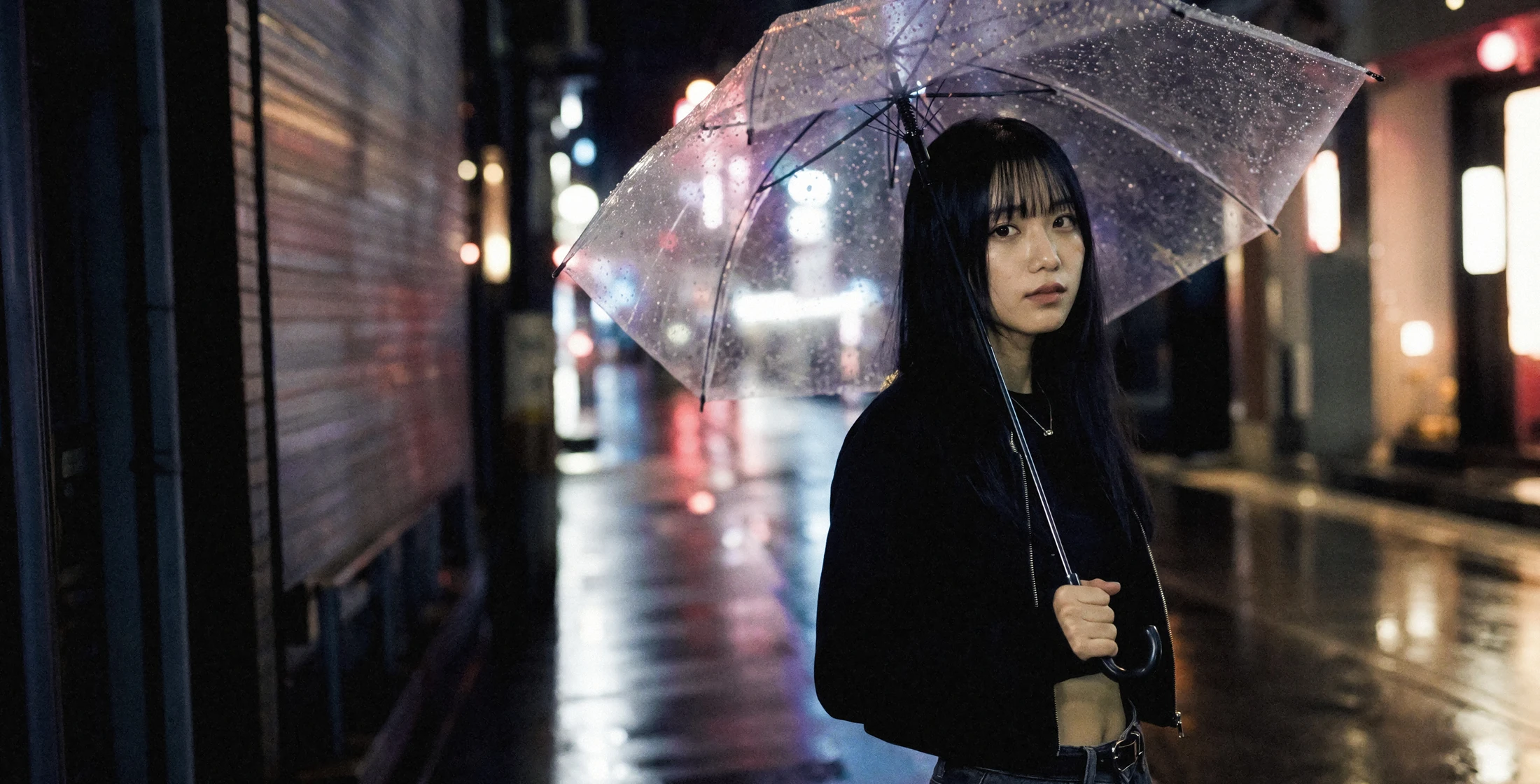
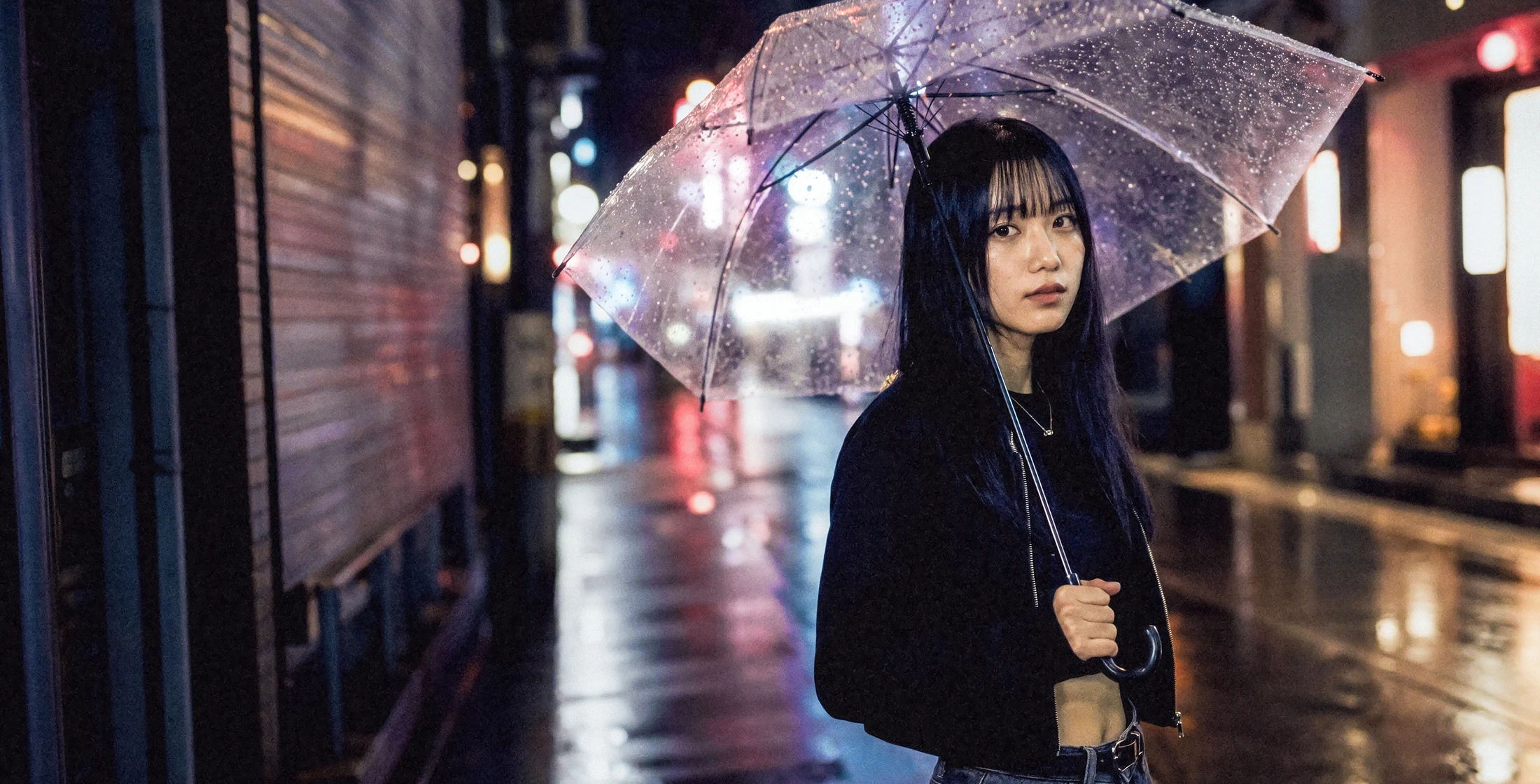
Show AI Color Match image
Before
After
Basic AdjustmentsAI Color CorrectionLocalized CorrectionFiltersBatch Correction

Essential Photo Editing Tools Built In

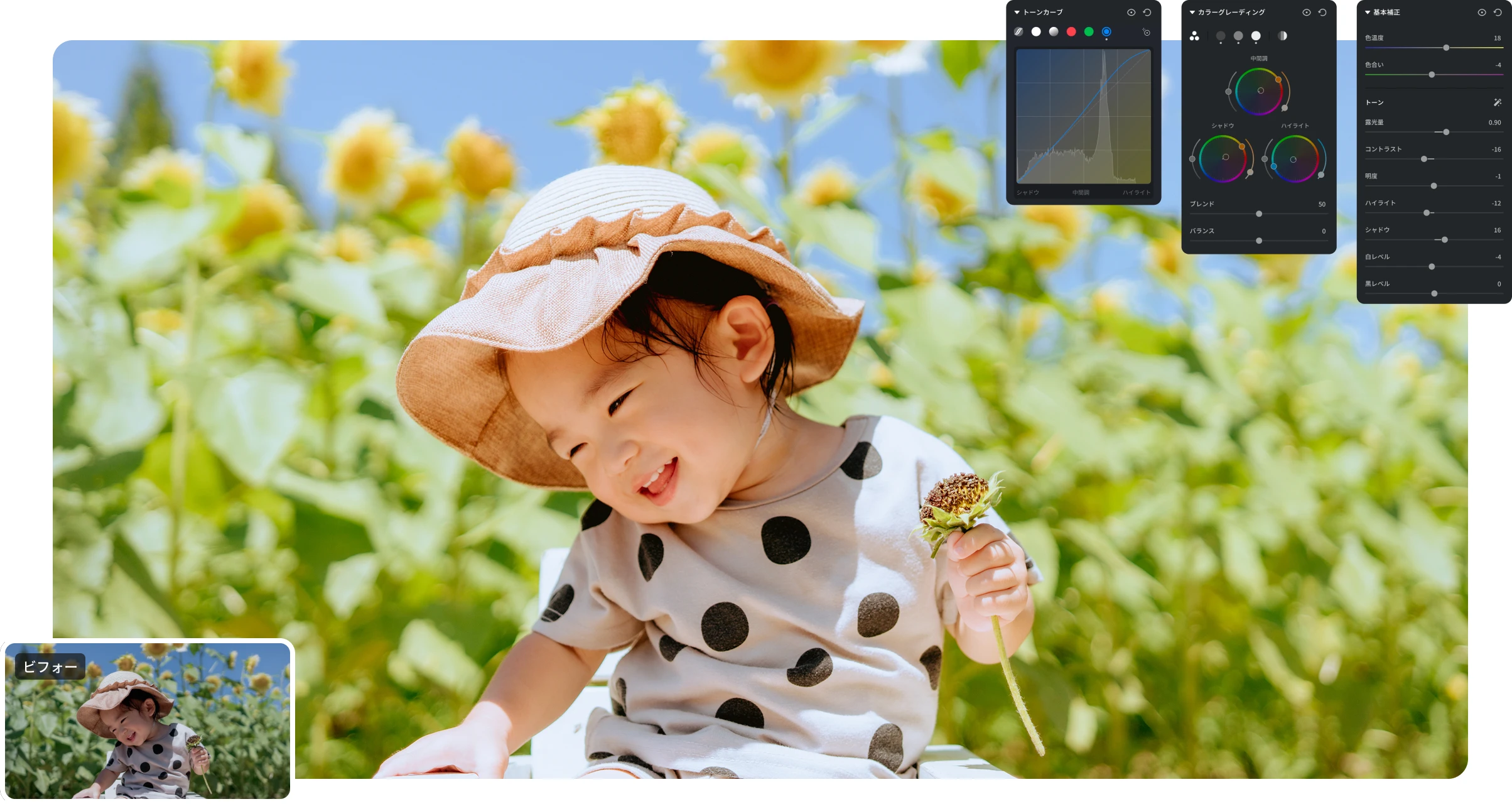
From basic adjustments such as exposure and white balance to Levels, Tone Curve, HSL, Color Grading and Selective Color, you can control brightness and color in fine detail. Detail, Grain, Lens Correction, Geometry and Calibration are included as well, so every color adjustment and correction professional photo editing requires happens in a single workflow.

Screenshot of basic color correction tools
Try for free

Make color work smarter with AI color correction

AI automatically analyzes the color and mood of your photos, with features such as automatic AI color correction, adjustments that match a reference image, color consistency across multiple photos, and building a color style of your own. These AI tools make post-shoot color adjustment efficient and deliver exactly the look you imagined.

AI Color Match

AI Color Match analyzes the color and mood of a reference image and automatically brings your photo closer to it. Just point to a photo with the colors you want, and you can easily reproduce a similar look without any complex adjustments.

Learn more
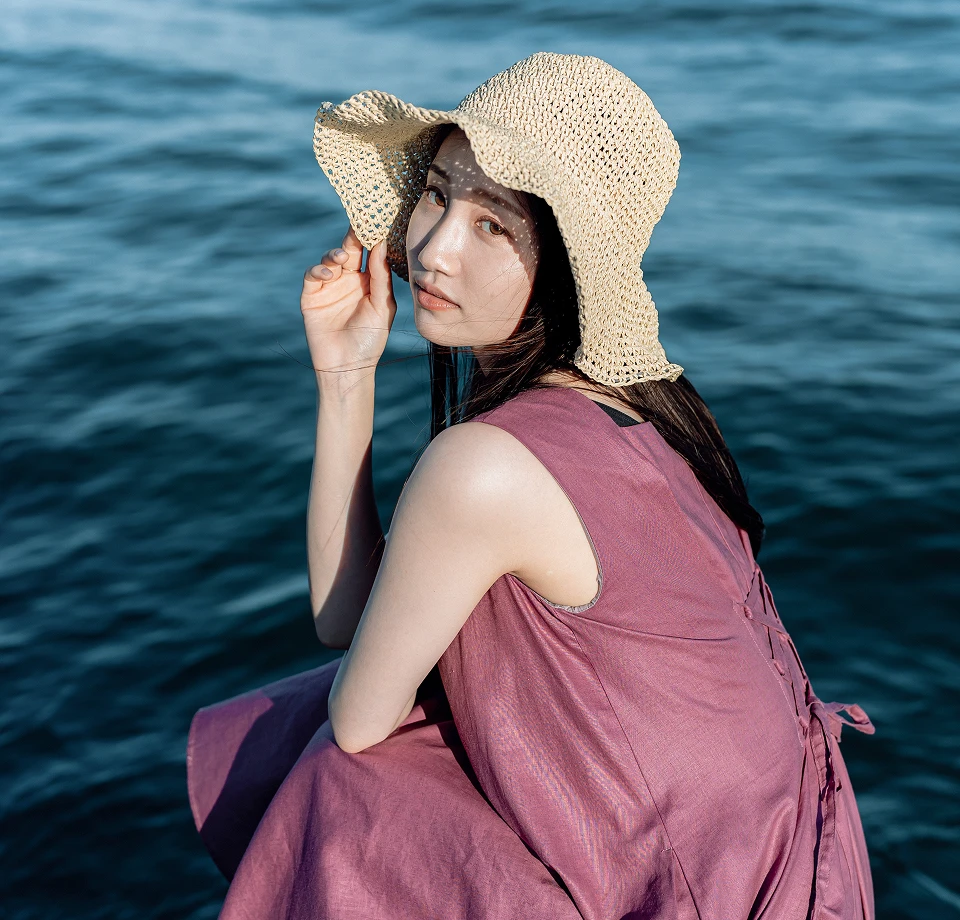
AI Multi-Photo Color Consistency

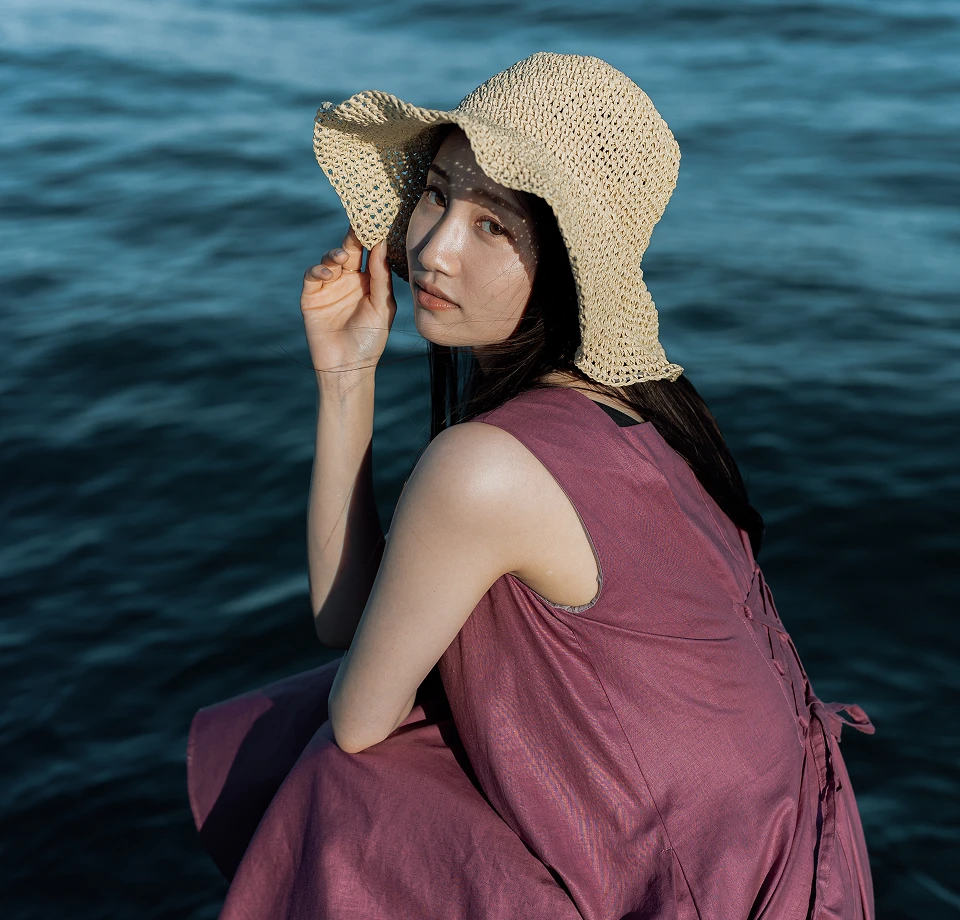
AI automatically analyzes differences in color, exposure, white balance and tone across multiple photos and corrects the variation from shot to shot. It evens out overall color and background color differences so an entire series shares a naturally consistent tone.

Try for free

My Color Style

Train the AI on your past edits and presets to create a color style of your own that reflects the way you correct color. Feeding it additional edits made in Evoto further improves the AI accuracy, so the style mirrors your editing tendencies even more closely. Applying the style you built to a wide range of photos lets you achieve your signature look efficiently and keep your editing consistent.

Learn more

AI Color Looks

Choose a style you like from a rich library of color looks, and AI analyzes each photo to adjust color, exposure, white balance and more automatically. It preserves the original mood of the photo while bringing the colors naturally in line with the style you selected.

Learn more
Neutral
Neutral
Before
After
Start Evoto for free

Adjust only the areas you need,exactly as you intend

AI Masking precisely recognizes and selects a wide range of elements in a photo, including people and individual facial parts (skin, eyes, lips and more), hair, clothing, accessories, sky and background. Apply color, brightness and tone adjustments to the selected areas only, so you can perfect every detail while keeping the whole image balanced.

Learn more

A rich filter libraryto express the colorand mood you want

Use a rich set of filters and presets to easily give each photo the color and mood that suits it. Pick a favorite from a variety of styles, and because tone, brightness and more can still be fine-tuned after a filter is applied, you can shape the result to your own taste.

Learn more
Airy
Airy
Before
After

Batch-adjust color across photosto edit more efficiently

The color and settings you adjust on 1 photo can be applied to multiple photos at once. It removes the need to repeat the same color work photo by photo, so you can edit large volumes efficiently and give every image a consistent finish.

Try for free

Why photographers choose Evoto for color correction

01

Broad format support
including RAW

Supports a variety of image formats including RAW, JPEG, TIFF and PNG. Whatever the file format, color correction stays smooth.

02

Flexibly combine AI with
manual adjustments

Automatic AI adjustments cut editing time, while manual fine-tuning is available whenever you need it, so you get both efficiency and creative freedom.

03

Color correction that
keeps natural texture

It makes the most of the original color and mood of the photo to deliver natural, balanced results. By avoiding over-correction, it brings out what makes each image appealing.

FAQ

Yes. Once you download Evoto, you can try editing features such as basic adjustments and AI color correction. Editing itself does not consume tickets, so you can walk through your real workflow and check the results as you edit.

Normally, exporting an edited photo consumes 1 credit per photo. On eligible plans, however, exporting photos edited with color correction only requires no credits at all.

Yes. On the Unlimited Color Correction plan, you can export an unlimited number of photos edited with color correction features only, with no credits consumed. On the annual and 2-year plans, photos edited only with eligible color correction features (excluding AI color correction) consume no credits when exported.

In addition, annual plan users can export color-correction-only edits that include AI color correction, such as AI Color Match, AI Color Looks, multi-photo color consistency and My Color Style, with no credits consumed.

Evoto covers a wide range, from basic color adjustments such as exposure, white balance, HSL and tone curve to AI-powered color correction, multi-photo color consistency, and localized color adjustment with AI Masking.

Yes. RAW files are supported, so you can fine-tune color and brightness while making full use of the data captured at shooting time. Image formats such as JPEG, TIFF and PNG are supported as well.

Evoto AI color correction takes the original color and mood of the photo into account and adjusts toward a natural result. Because automatic AI adjustments can be combined with manual ones, you can fine-tune color while reviewing the result.

Yes. Beyond color correction, Evoto supports a wide range of photo editing features including portrait retouching, background editing and AI generation. From color correction to retouching, all of your post-shoot work is completed efficiently in a single application.

Pro-quality color correction, even more efficiently

From basic adjustments to AI color correction, a wide range of tools for photo color work.With Evoto, you can finish the colors you care about exactly as you envision them.

Start Evoto for freeSee the Unlimited Color Correction plan
Evoto

Get Evoto Free App

ISO/IEC 27001
SOC 2 Type 2SOC 2 Type 2

Features

  • Portrait Retouching
  • AI Color Match
  • AI Background Remover
  • AI Body Editor
  • Presets
  • Batch Editing
  • See All Features

Pricing

  • Pricing
  • Loyalty Program

Resource

  • Release Notes
  • Webinar
  • Academy
©️2026 Truesight Technology Inc. | OFFICE NO. 1215 1000 N. West Street, Suite 1200, Wilmington, Delaware 19801, USA
Terms of UsePrivacyCookie Policy