Improve dark, flat, or plain photo lighting with Evoto. Apply the Natural Light preset to highlight your subject with natural sunlight, or Golden Hour for a warm sunset glow—while keeping skin tones and details natural.
Upload your photo and apply a lighting preset to brighten flat or backlit shots. Add natural depth and atmosphere without complex manual edits.
Relight Photos in One Click
Get clean lighting effects without complex prompts or tedious manual adjustments. Just pick the Natural Light or Golden Hour preset and let AI relight your photo in one click.
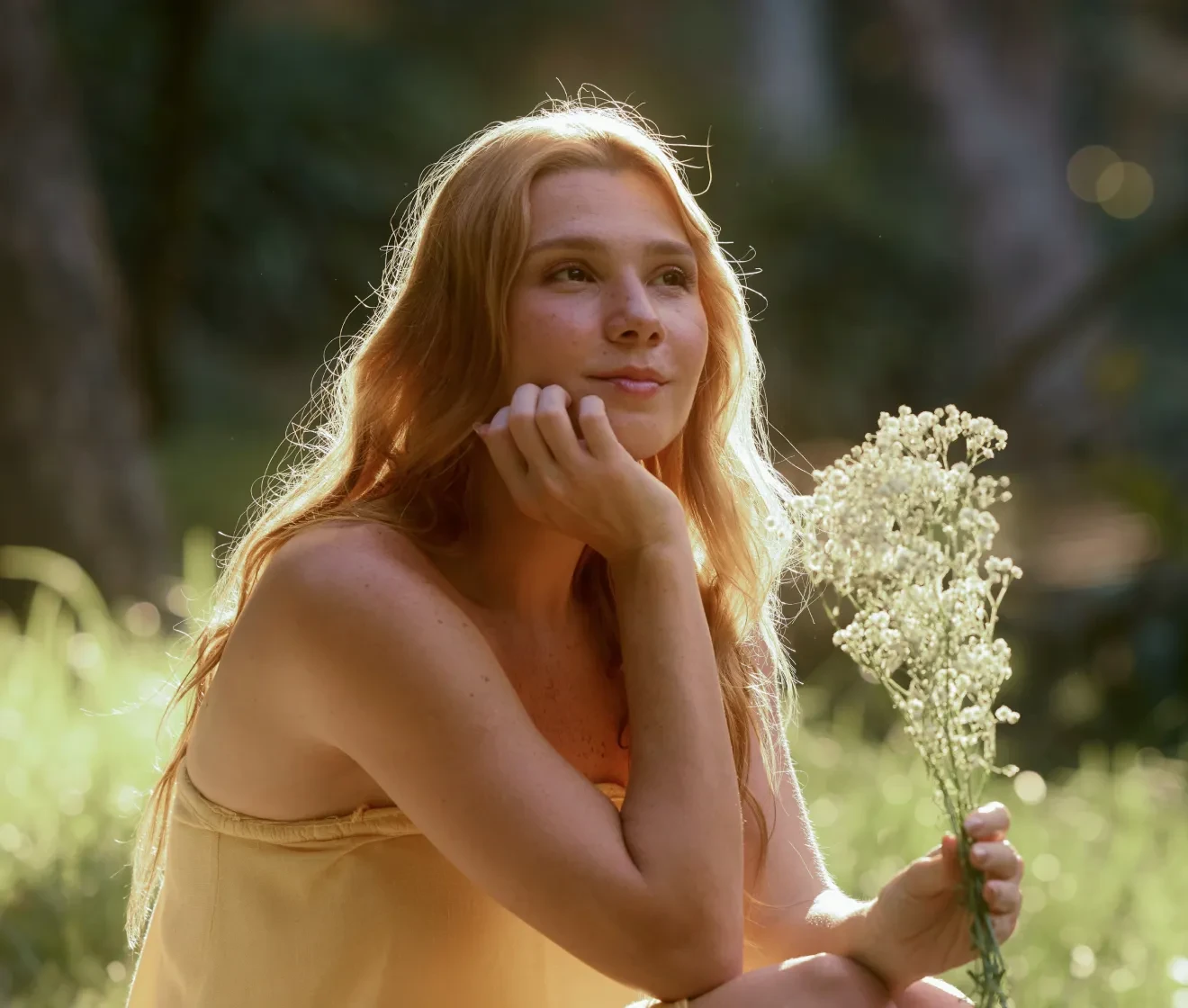
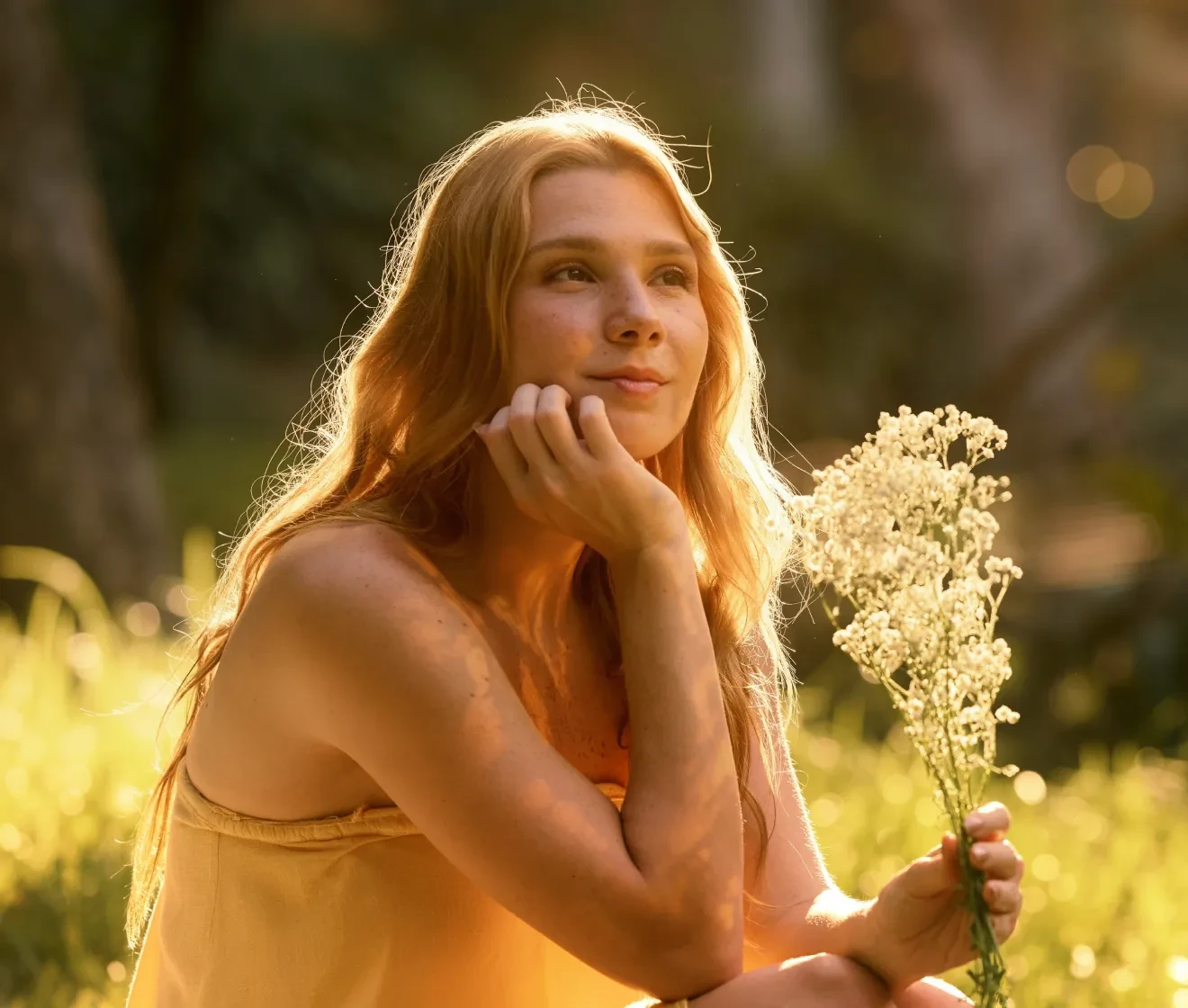
The Natural Light preset adds natural sunlight to your subject and surroundings, making the subject stand out with more depth and atmosphere. It works best on photos that already have a believable light source, such as outdoor or window-lit scenes.
Before
After
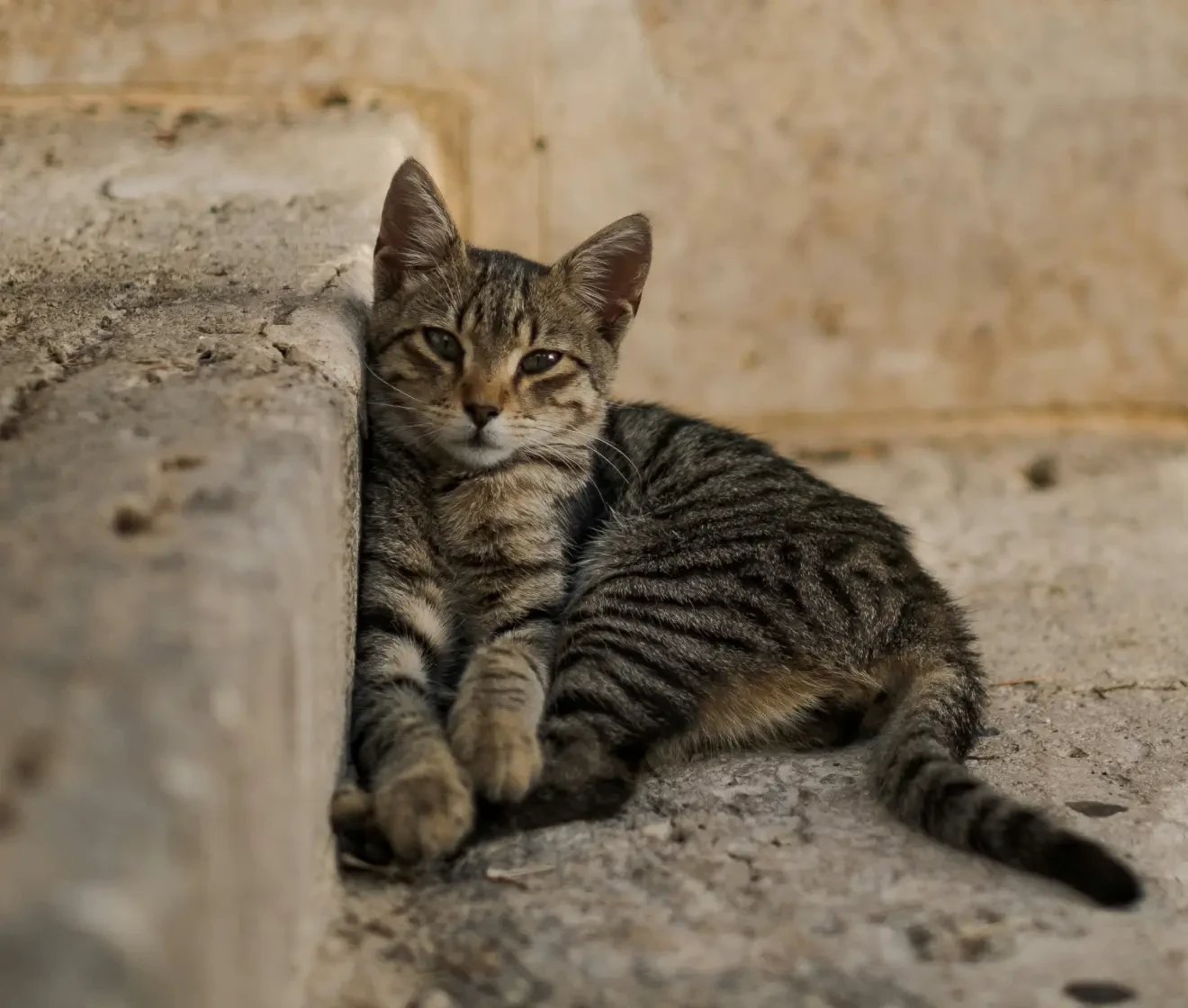
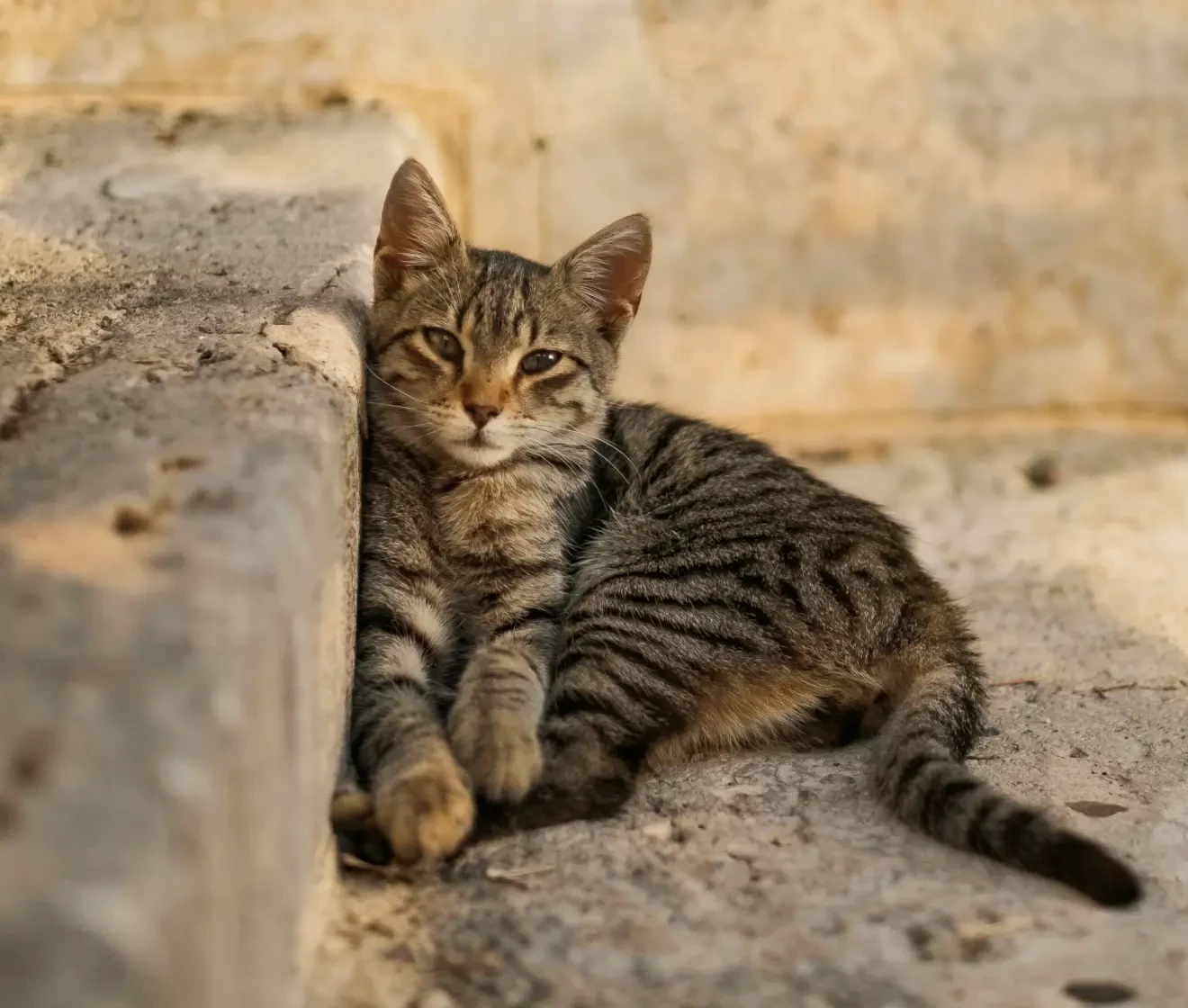
Add Golden Hour Warmth
Bring a cinematic, sunset mood to any ordinary shot. The Golden Hour preset adds warm tones and a soft glow to make your photos stand out.
Before
After
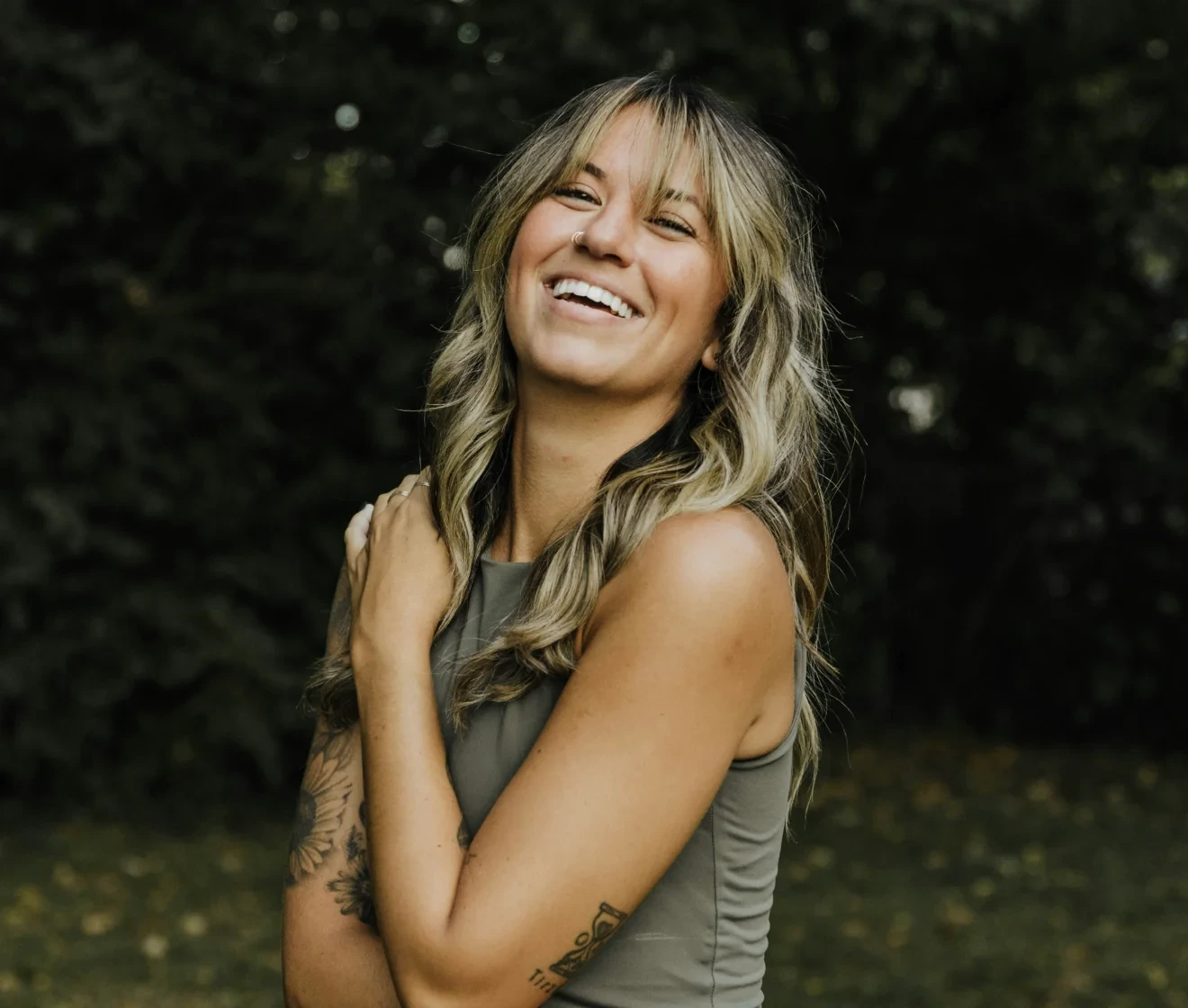
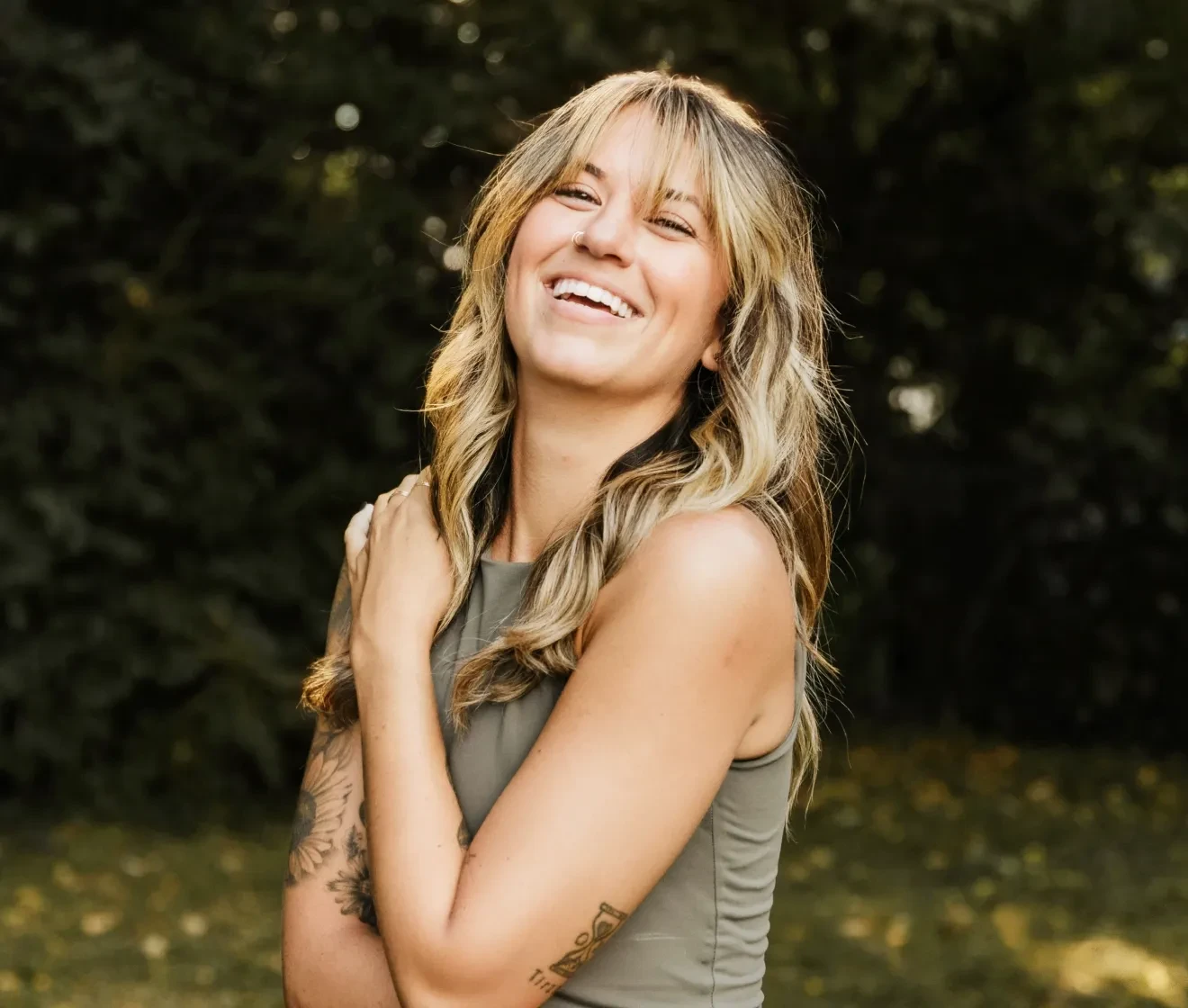
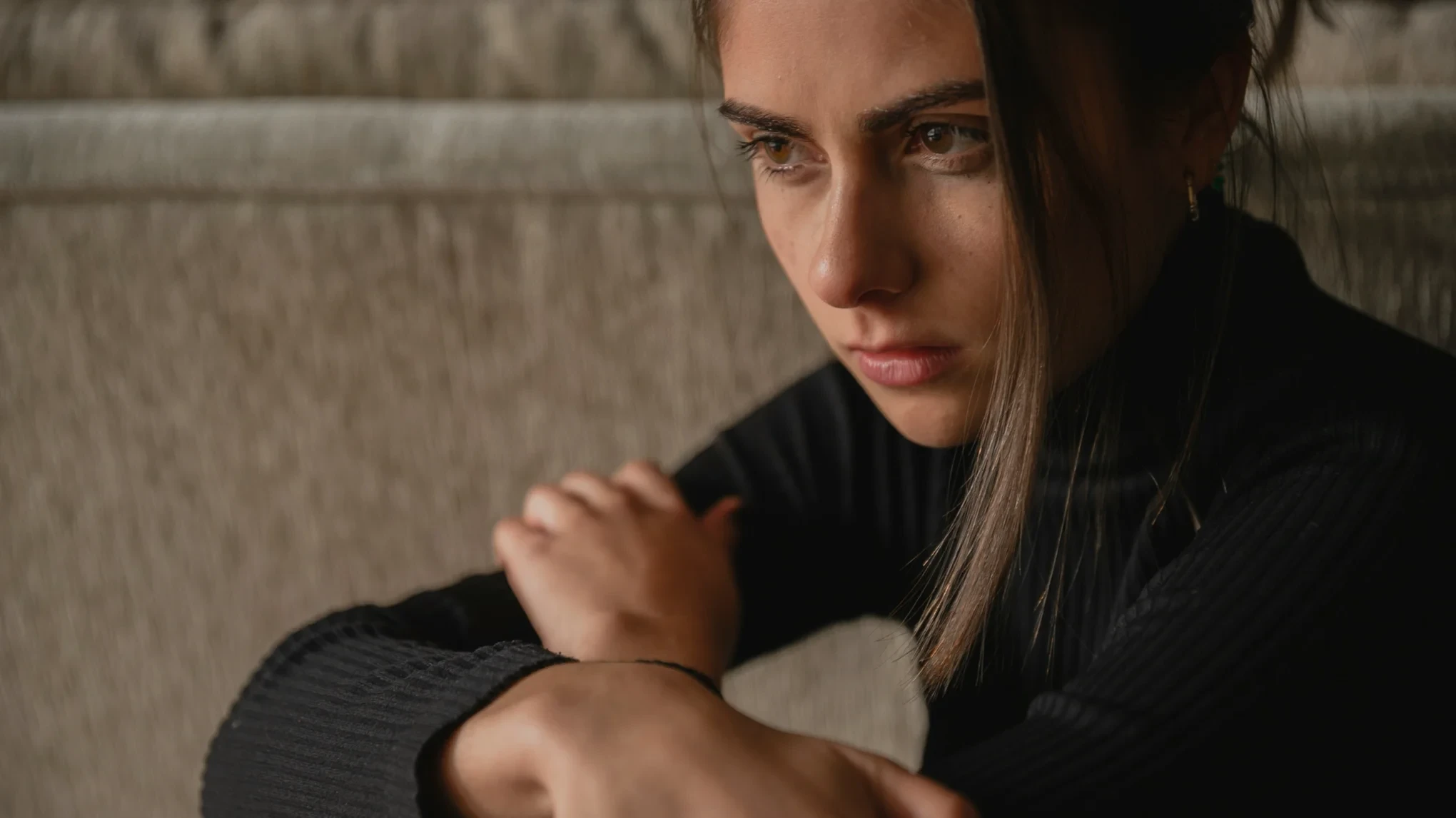
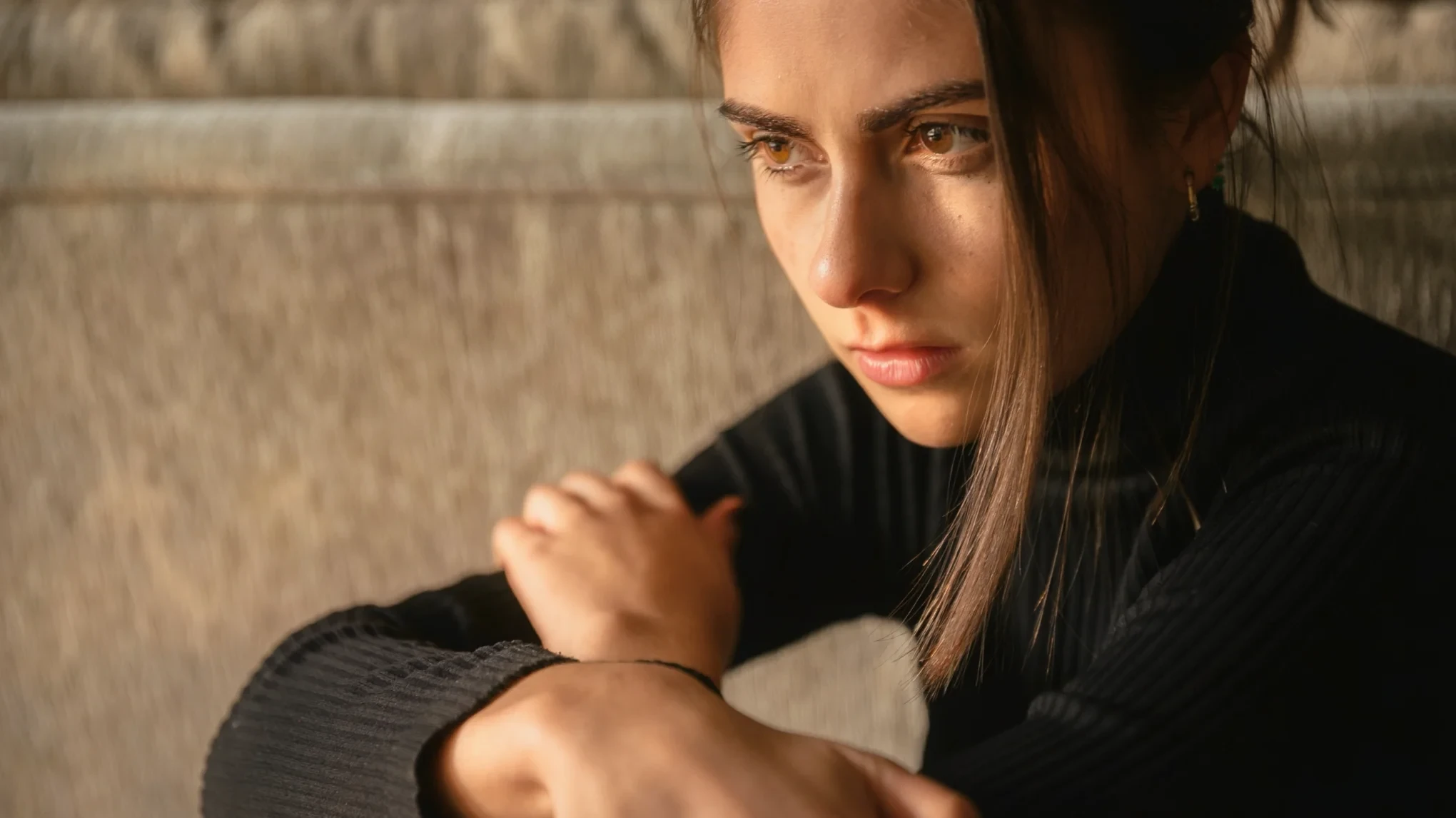
Preserve Natural Portrait Details
Relight your portraits with stunning sunlight or a warm sunset glow naturally. AI Relight protects natural skin tones, facial features, and background textures for a seamless, realistic look.
Before
After
Why Use Evoto as Your Photo Lighting Editor
Create better lighting faster with Evoto's AI Relight tool. Improve portraits and creative photos with clean, balanced, and natural-looking results.
Try our AI Relight tool directly from your browser. Upload your photos and create clean lighting effects for free without installing additional software.
Batch Edit Multiple Photos
Apply the Natural Light or Golden Hour preset to multiple selected photos. Save time on portrait sets and keep the final gallery clean and consistent.
More Tools for Portrait Editing
Evoto offers more than a relighting tool. After applying lighting presets, you can continue with skin retouching, hair editing, or dedicated face shadow removal for your portrait editing workflow.
Your Privacy Stays Yours
Your photos are used only for the edits you request. Evoto does not use them to train AI models or store your personal data. Your privacy and creative work stay protected.
Do More with Evoto AI Photo Editor
From professional skin retouching to color grading and more, we’ve got you covered.
Upload your photo to Evoto Online. The AI Relight tool supports JPG, JPEG, PNG, and WebP images for fast online editing.
Choose Natural Light for a clean, balanced look or Golden Hour for warm sunset tones. Apply the preset and preview the edited result in Evoto Online.
Check the before-and-after view to see how your photo has changed. When you are satisfied with the edited result, download the finished image as a JPG file.
Select multiple photos in grid view and click "Batch Generate" to apply the same lighting preset across the set.
1. Upload Your Photo
Upload your photo to Evoto Online. The AI Relight tool supports JPG, JPEG, PNG, and WebP images for fast online editing.
2. Apply a Lighting Preset
Choose Natural Light for a clean, balanced look or Golden Hour for warm sunset tones. Apply the preset and preview the edited result in Evoto Online.
3. Download Your Edited Photo
Check the before-and-after view to see how your photo has changed. When you are satisfied with the edited result, download the finished image as a JPG file.
4. Batch Apply Presets (Optional)
Select multiple photos in grid view and click "Batch Generate" to apply the same lighting preset across the set.
Relight your photos for free in Evoto Online or Evoto Mobile—no desktop download needed.
FAQs
Q
What is AI Relight?
A
AI Relight is a photo lighting tool that helps improve dark, flat, or backlit images. You can use Natural Light for a clean, balanced look or Golden Hour for a warmer mood in Evoto.
Q
Can I fix lighting in a photo with Evoto?
A
Yes. Upload your photo to Evoto Online, choose Natural Light or Golden Hour, and apply the preset to add light to photos that look too dark or flat. Then preview the edited result and download the finished image as a JPG file.
Q
Is Evoto AI Relight free to use?
A
Yes. Evoto AI Relight is completely free to use in Evoto Online and the Evoto Mobile app. Upload your photo, apply a preset, and download the result—no subscription or desktop install needed.
Q
What photos work best with AI Relight?
A
AI Relight works best on portraits with dark, flat or backlit lighting that still have a clear, natural light direction. It is designed mainly for portrait lighting, but also works on other photos that need a cleaner or warmer look.
Q
Can AI Relight fix dark or backlit portraits?
A
Yes. The Natural Light preset can brighten dark or backlit portraits and make the lighting feel more natural. Results may vary depending on the original photo quality and how strong the lighting issue is.
Q
Can I create a golden hour photo with AI Relight?
A
Yes. Choose the Golden Hour preset to add warm sunset tones and a softer mood to your photo. It is useful for portraits, social content, and creative images that need a warmer atmosphere.
Q
Can AI Relight remove face shadows?
A
Not directly. AI Relight adds natural sunlight or a warm sunset glow to your portraits. If you want to remove hard face shadows, use Evoto's facial shadow removal for dedicated shadow correction.
Q
Will AI Relight change facial details or skin tones?
A
No. The tool improves lighting while preserving the original skin tones, facial features, and background textures, so the final result stays clear and natural.
Q
Can I apply AI Relight to multiple photos at once?
A
Yes. You can select multiple photos and run a batch generation in Evoto Online to apply the same lighting preset across the selected images.
Q
What image formats does AI Relight support?
A
Evoto AI Relight supports JPG, JPEG, PNG, and WebP uploads. Finished images can only be downloaded as JPG files.
Last updated: 2026-08-06. Reviewed by: Evoto Product Team. Results may vary depending on image quality, lighting, subject pose, file format, and selected settings.