
Edit RAW photos, batch-process images, and streamline your workflow.Download Evoto
Take a full retouching toolkit wherever you go. Edit anytime and save your results with ease.Download Evoto

Blonde Hair Filter for Portrait Photos

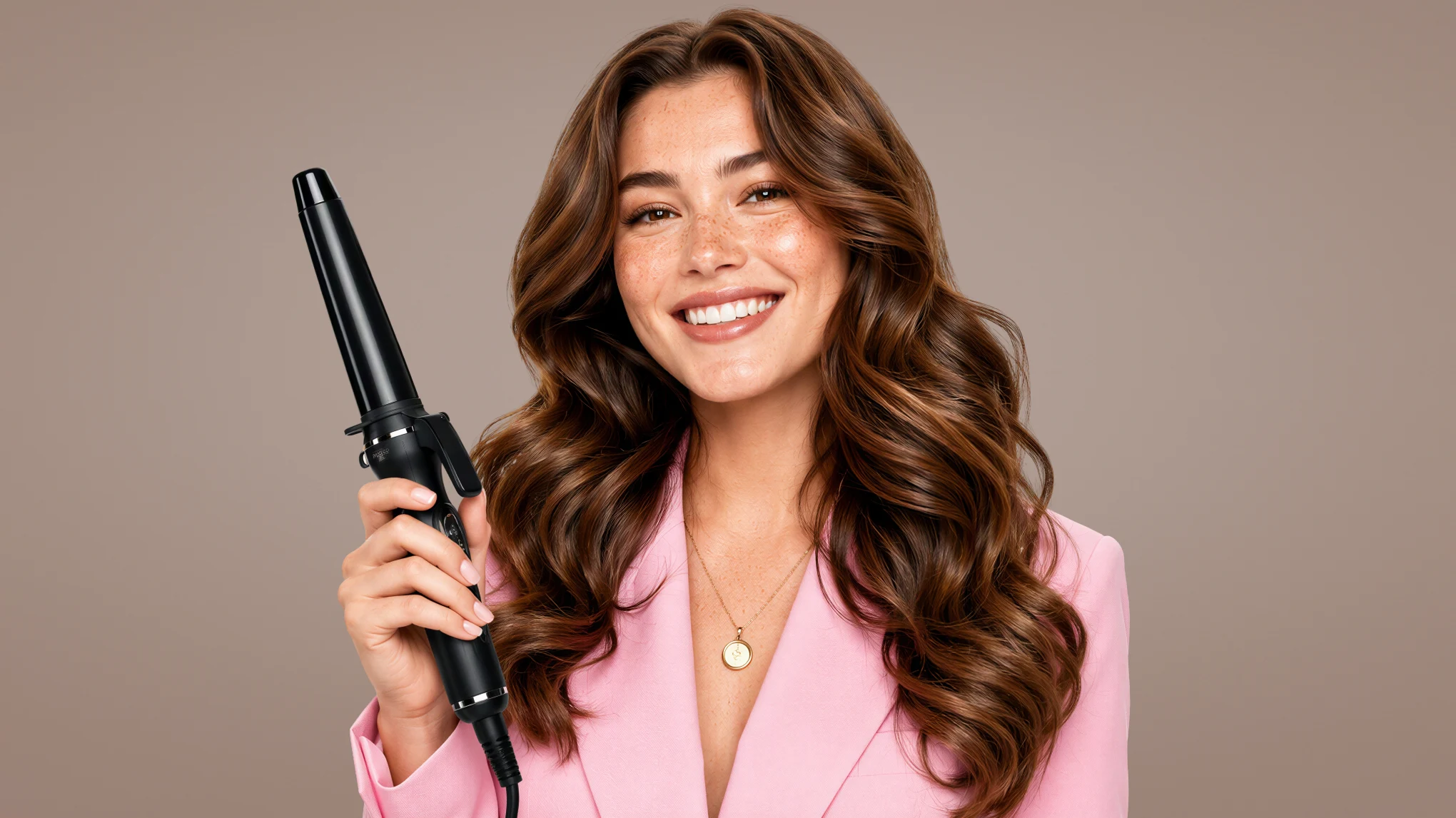
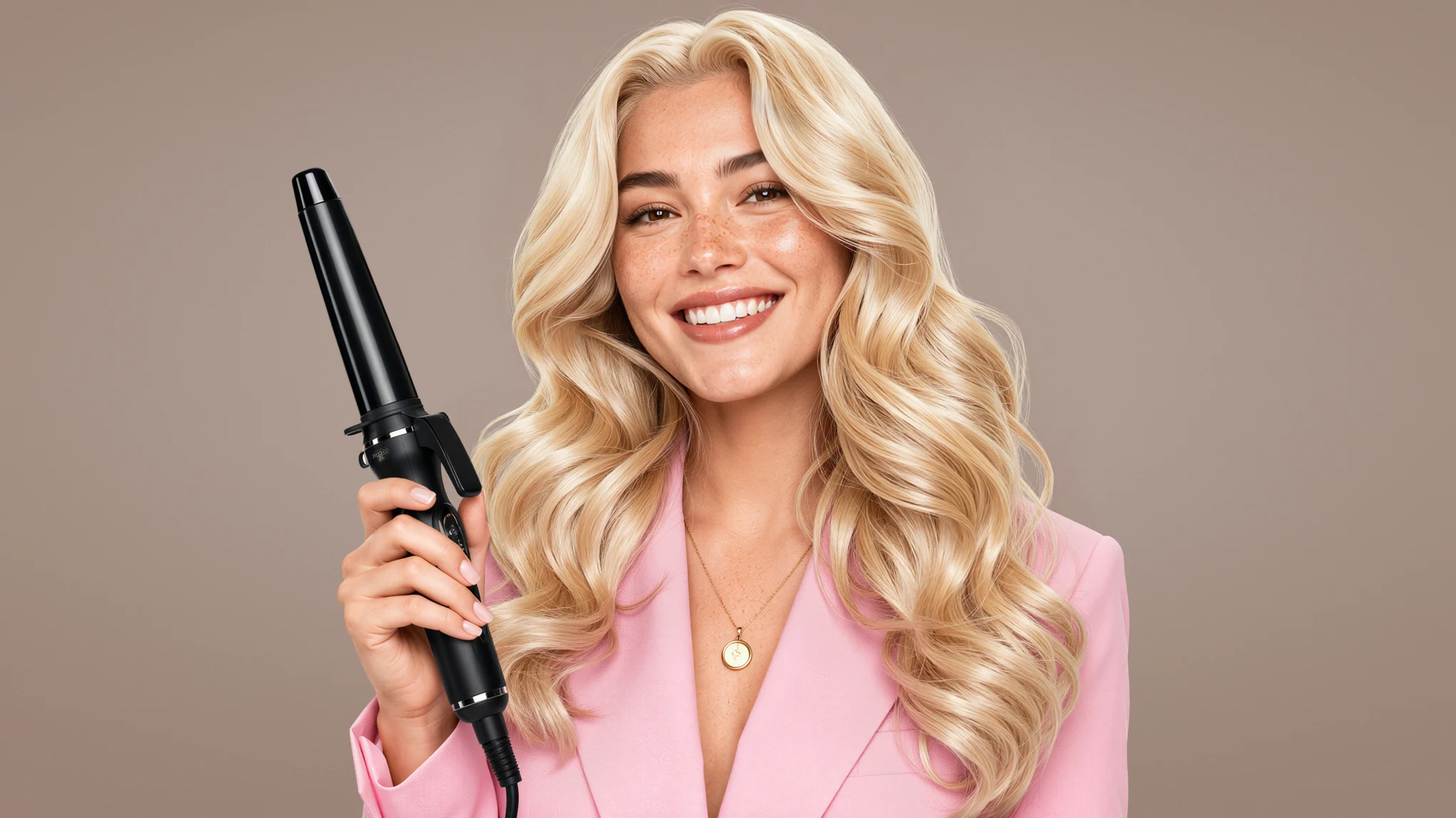
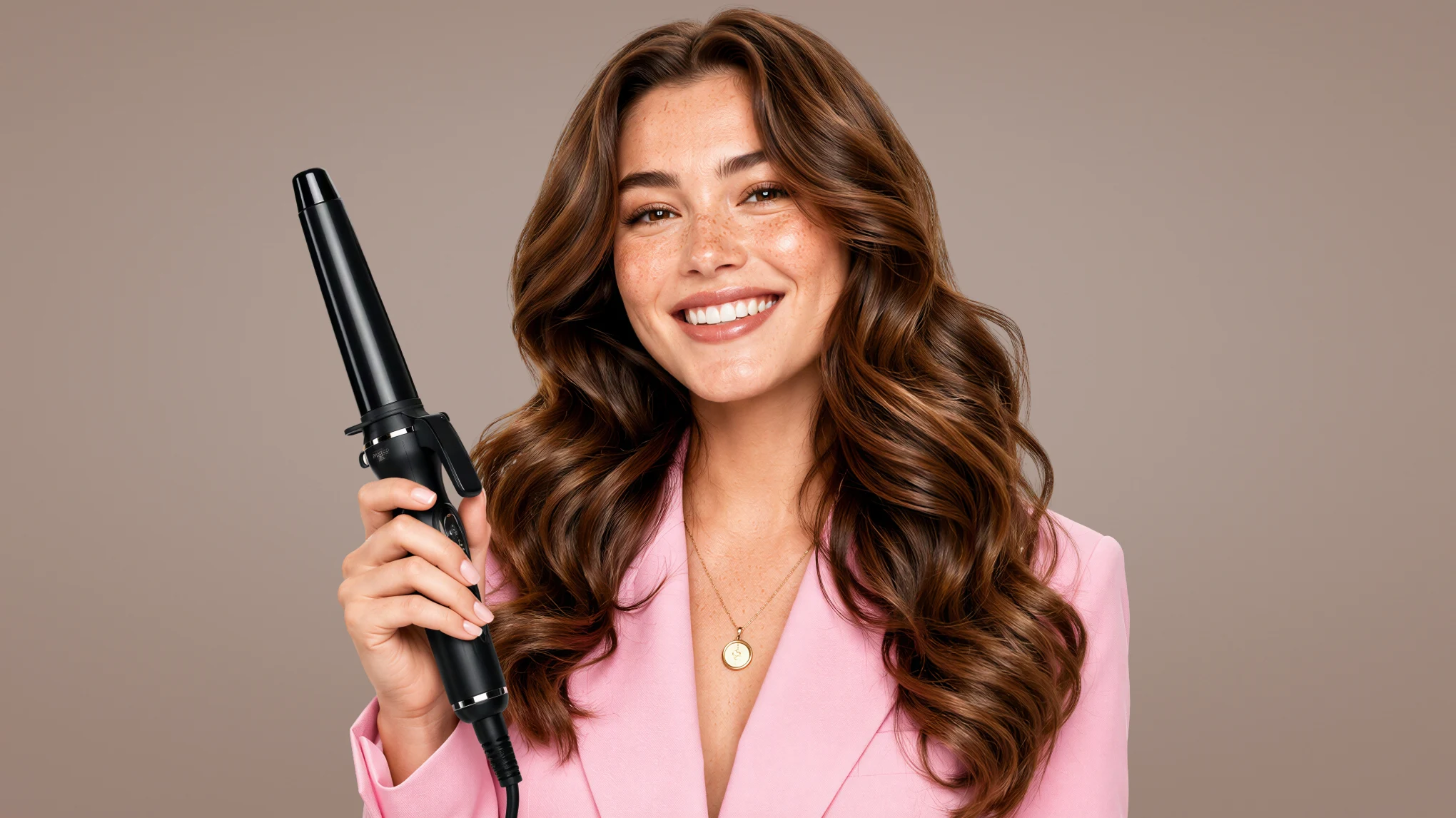
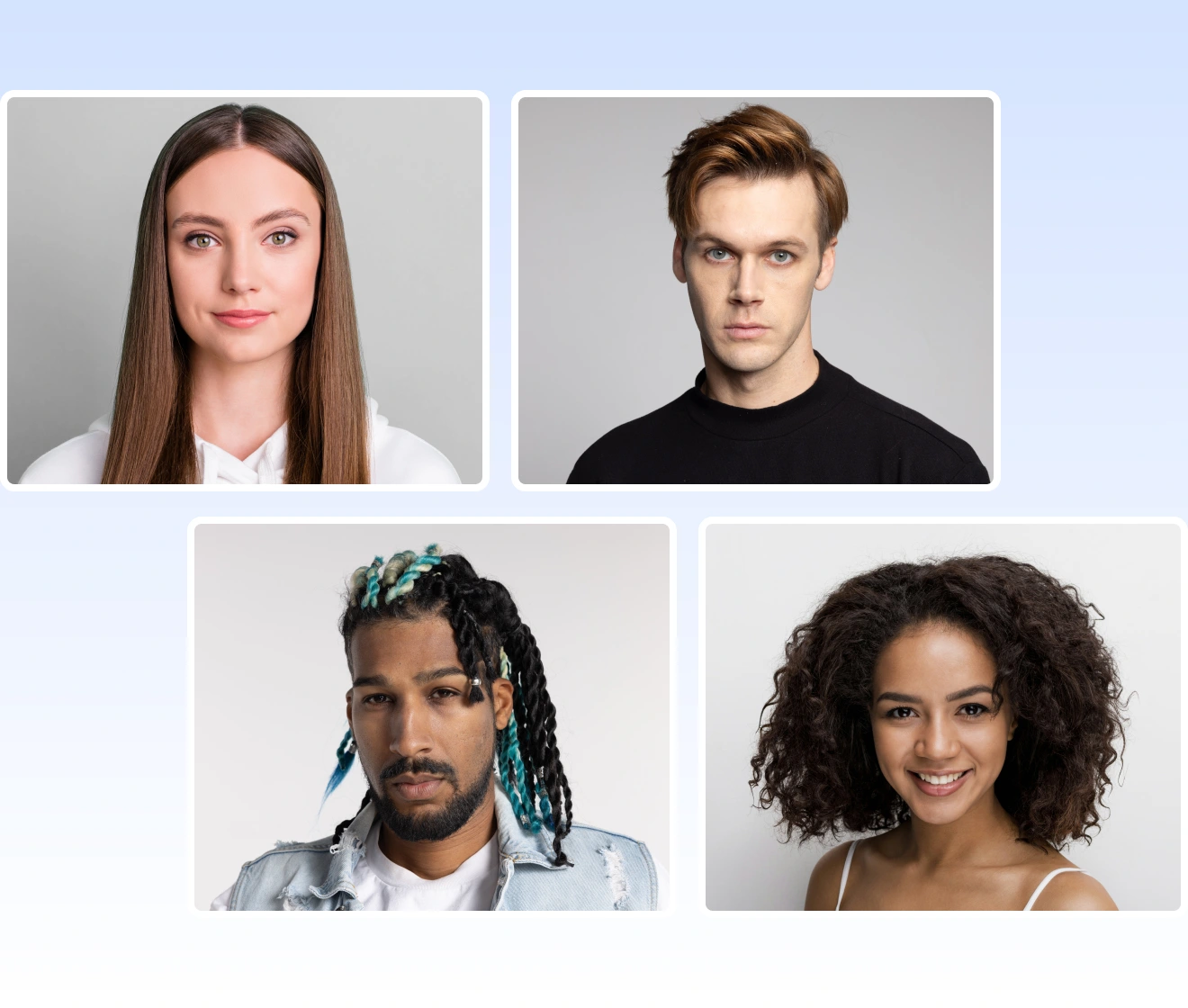
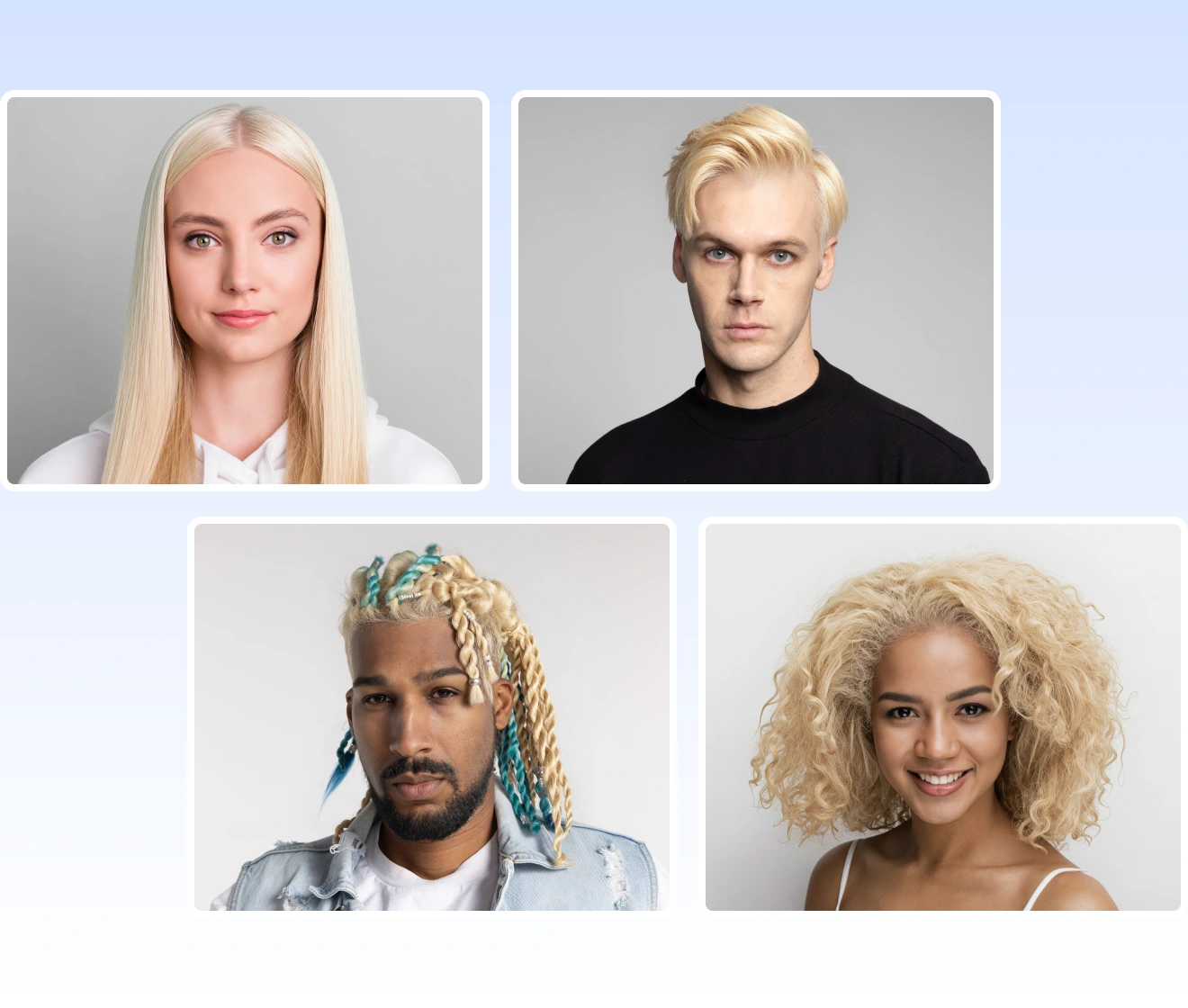
Evoto Blonde Hair Filter leaves glossy golden blonde and the face stays recognizable.
AI Photo Editor Before
AI Photo Editor After
Before
After
Upload Image
* JPEG, JPG, PNG or WebP image allowed.

Private processing ยท Preview without signing up

No image? Try one of these
AI Photo Editor
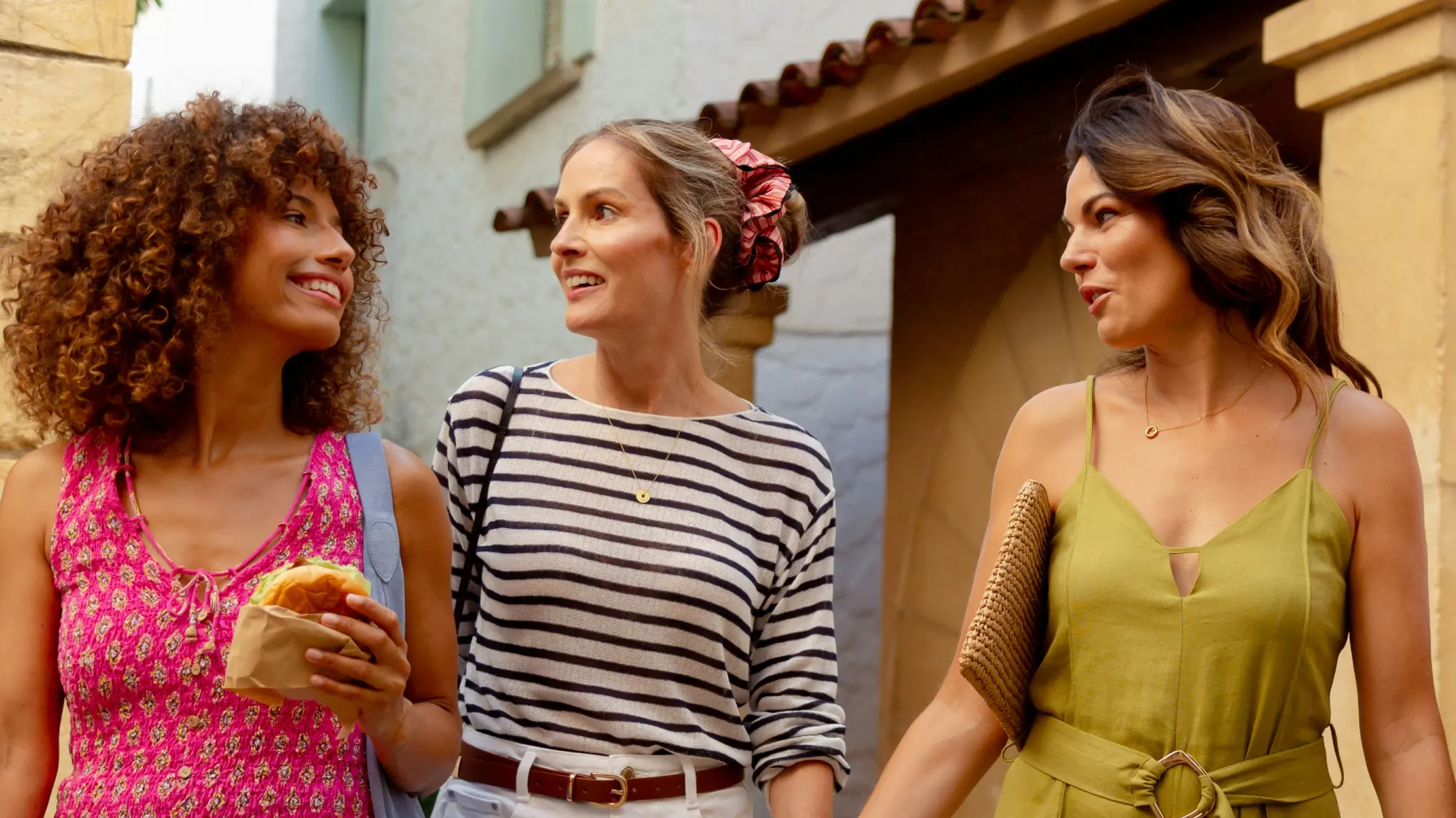
golden blonde on a group portrait photo
AI Photo Editor
AI Photo Editor
Upload Image
Free to try. Pro Editing at Your Fingertips.
buy now
buy now

Blonde Hair Filter on Photographed Cuts

Gold belongs on hair already in the portrait. The face and cut stay the ones you photographed.

Natural Gold on Every Haircut

Straight, curly, long, and short hair can all carry warm gold in the same cut. Evoto lays it along the photographed shape. Golden blonde keeps curls and strand shine on the barrel. Our blonde hair filter suits beauty closeups and everyday portraits. Same cut. New gold.

golden blonde on straight curly long and short hair
Before
After

Blonde One Person at a Time

A group portrait can take gold on one sitter at a time. The blonde hair filter lets you turn people blonde one by one, so chosen hair goes gold. Others keep their own color. Outdoor pairs and wedding groups stay themselves. One sitter. Then another.

group portrait gold one person at a time

Gold in the Delivery File

Maternity, bridal, and workplace sittings often call for gold in the delivery file. Blonde filter puts warm gold on photographed hair for delivery. Face, clothes, and styling stay as shot. The gold lives in the portrait. File gold. Real hair stays.

delivery file gold on a workplace or maternity portrait

Preview Blonde Before Other Shades

A finished portrait is the place to see what you would look like with blonde hair. Our blonde hair filter puts glossy gold on your own photo so you can decide first. Hair Color Changer then tests a lighter shade with sliders. See the gold. Choose next.

blonde preview on your photo before a lighter shade

Precise Gold on Photographed Hair

Advanced AI hair model finds strands and keeps the shine. Web shows the look, Desktop finishes the portrait.
  • hair only gold on detected hair icon

    Reads Every Photographed Strand

    AI-powered portrait hair model finds each sitter's strands and changes only that region. Faces, clothes, and backgrounds stay as photographed.
  • natural shine faster gold icon

    Natural Shine, Faster Gold

    Results keep strand gloss that manual hair painting rarely matches. Gold lands quicker than traditional retouch and looks cleaner than other AI blonde tools.
  • web look desktop workflow icon

    Web Look, Desktop Workflow

    Check golden blonde in the browser. Or finish hair, skin, and the rest of the portrait on Desktop in one workflow.
  • private portrait processing policy icon

    Private Under Evoto Policy

    Uploads follow Evoto's privacy terms. Your content is not used to train generative models without explicit opt in.

How to Use Blonde Hair Filter with Evoto

step 1 upload and open the blonde filter
1.**Upload and Open Blonde Hair Filter**234
Add the portrait on Web or Desktop, then open "Golden Blonde Hair". Desktop keeps that card under "AI Lab" and "Subject Adjustments".
  1. 1. Upload and Open Blonde Hair Filter

    Add the portrait on Web or Desktop, then open "Golden Blonde Hair". Desktop keeps that card under "AI Lab" and "Subject Adjustments".
  2. 2. Select the Person's Hair

    Choose the sitter in "Person Selection" so gold follows that hair only. In a group, pick one face at a time.
  3. 3. Generate Golden Blonde

    Click "Generate" and wait for gold on the selected hair. Repeat on another person if the group needs a second sitter.
  4. 4. Compare Results and Save

    Review the Before/After in "Results", then click "Save" when the face and cut still match the original.

Golden Blonde Try-On in a Portrait Photo

Open a finished portrait and try the gold blonde on hair you already photographed.

FAQs

  • What does Evoto do to hair in a portrait photo?

  • How can I see what I would look like with blonde hair before dyeing?

  • Is Hair Color Changer a different tool?

  • Can platinum, dirty blonde, or strawberry blonde appear?

  • Does gold show on dark hair and curls?

  • Can a group photo go blonde one person at a time?

  • Why might golden blonde filter skip a portrait photo?

  • Does the blonde filter on Web or Desktop use a credit?

  • Does Evoto edit only photographs?

  • Are my photos private with this blonde hair filter?

Last updated: 2026-11-12. Reviewed by: Evoto Product Team. Results may vary depending on image quality, lighting, subject pose, file format, and selected settings.