AI Photo Editor for Pro Workflows
Pro-grade AI Photo Editor—Speed up tether, cull, polish work across Windows & Mac, for photographers of all levels.
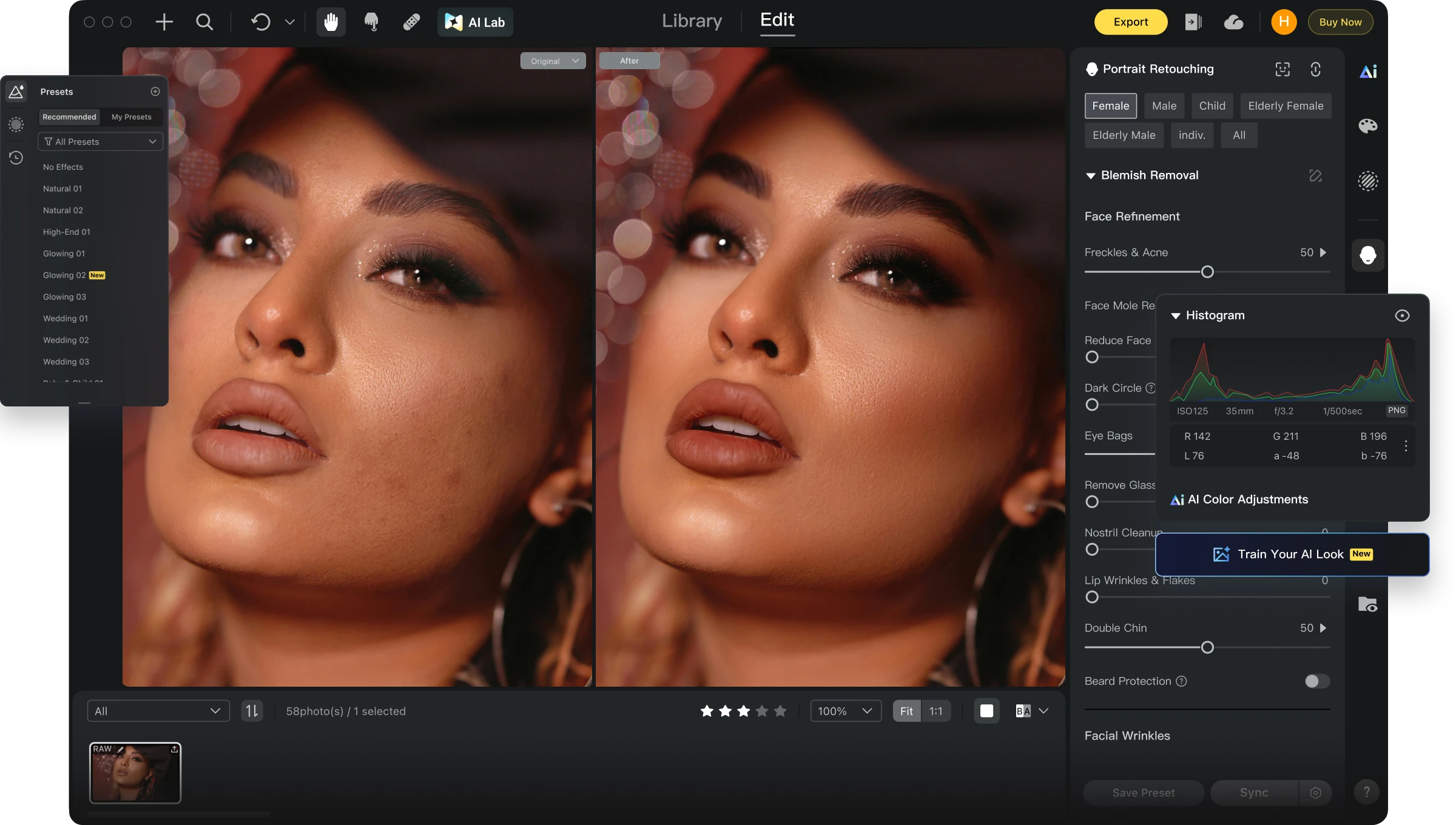
100+ AI Tools for Faster Photo Post-Production
Photo editing software for computer with magical and ethical AI features to take team work to the next level. Boost studio productivity now!
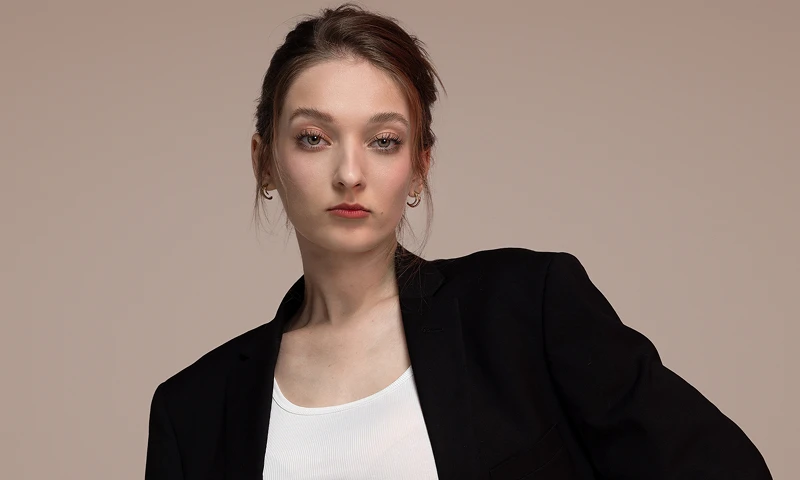
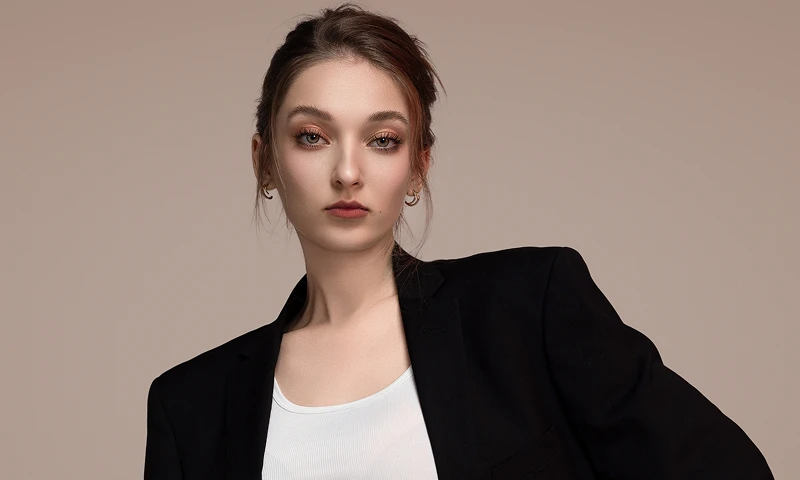


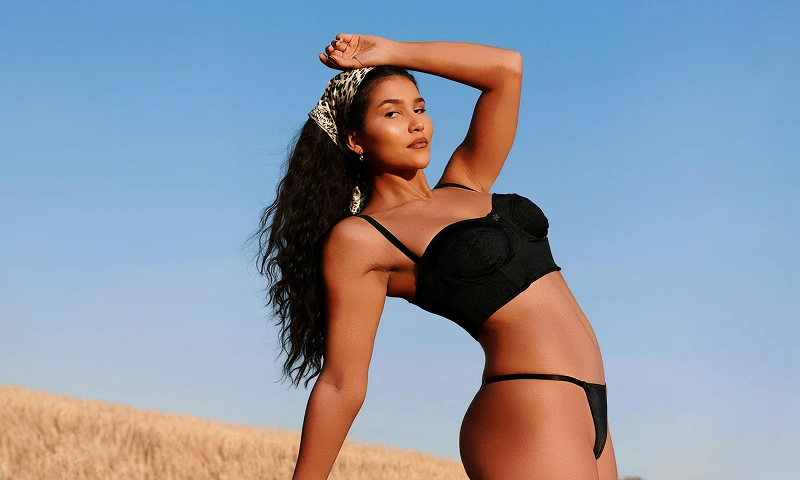

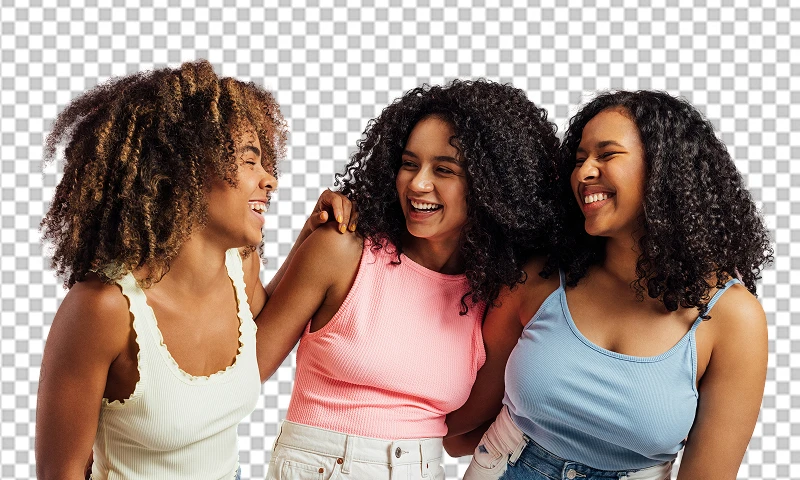


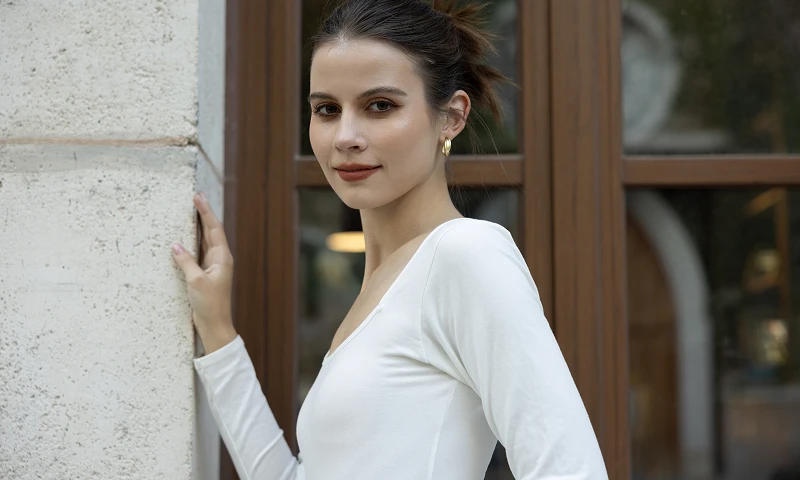
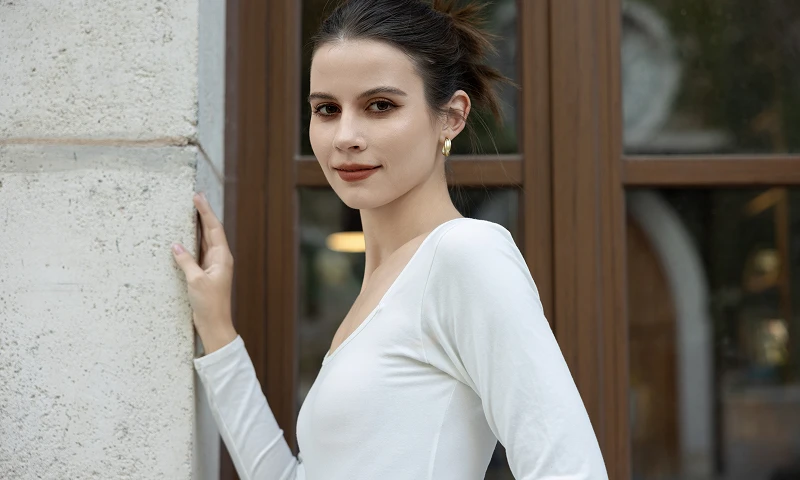
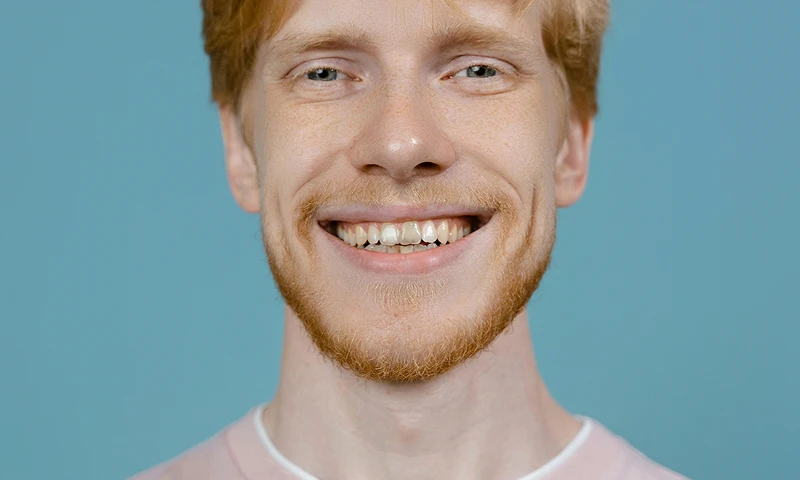
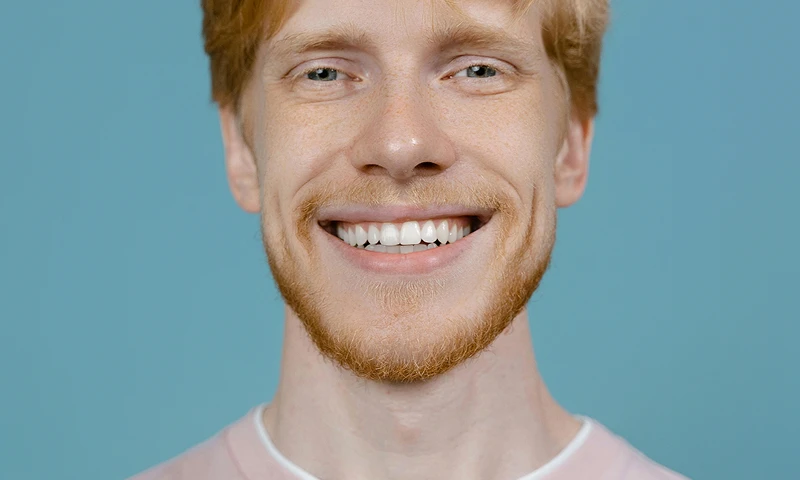

Tethered Shooting
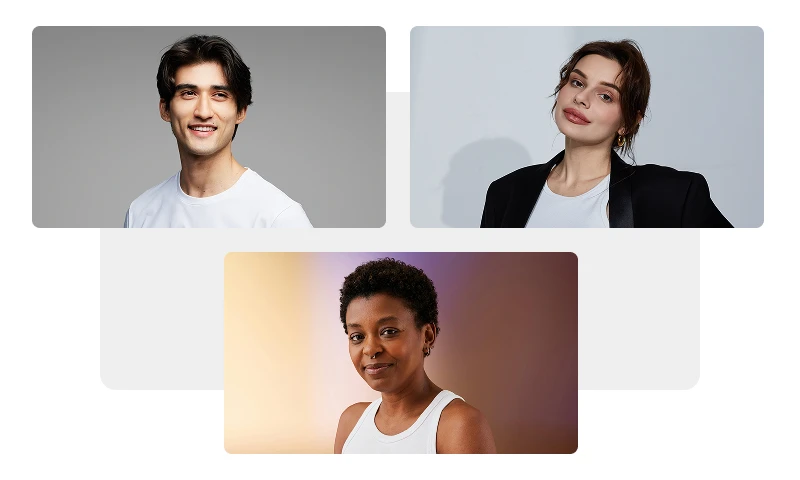
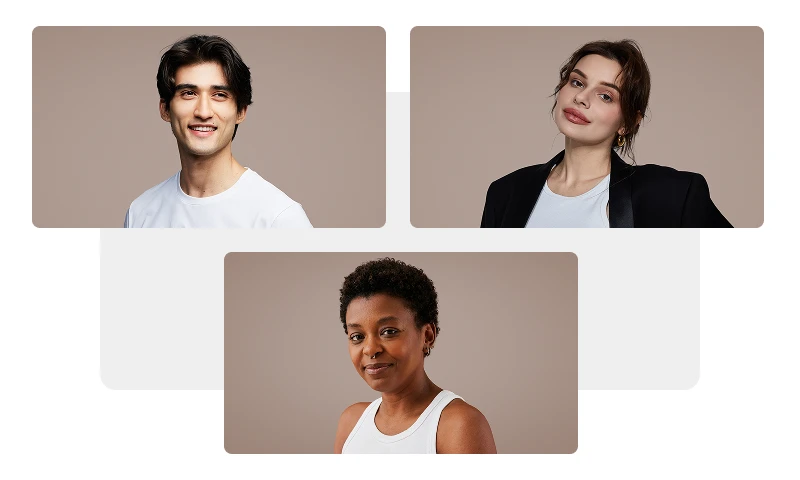
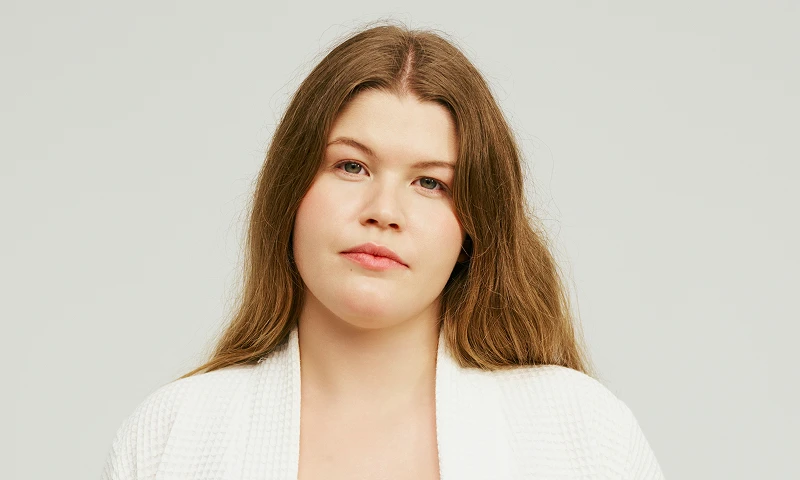
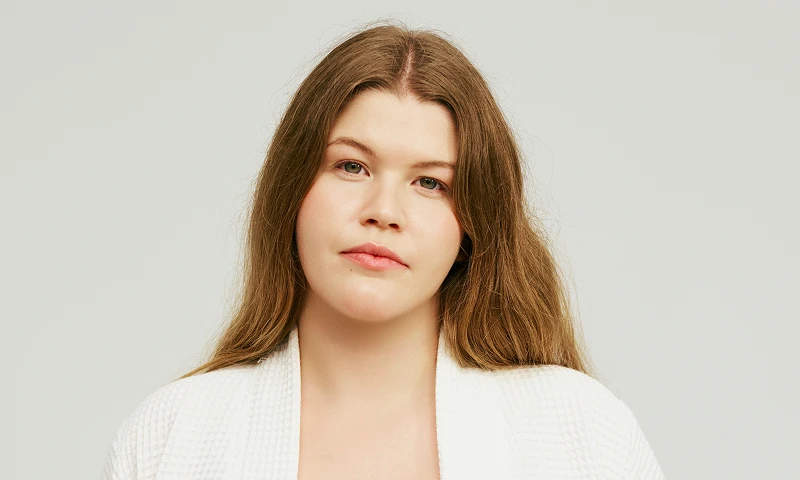
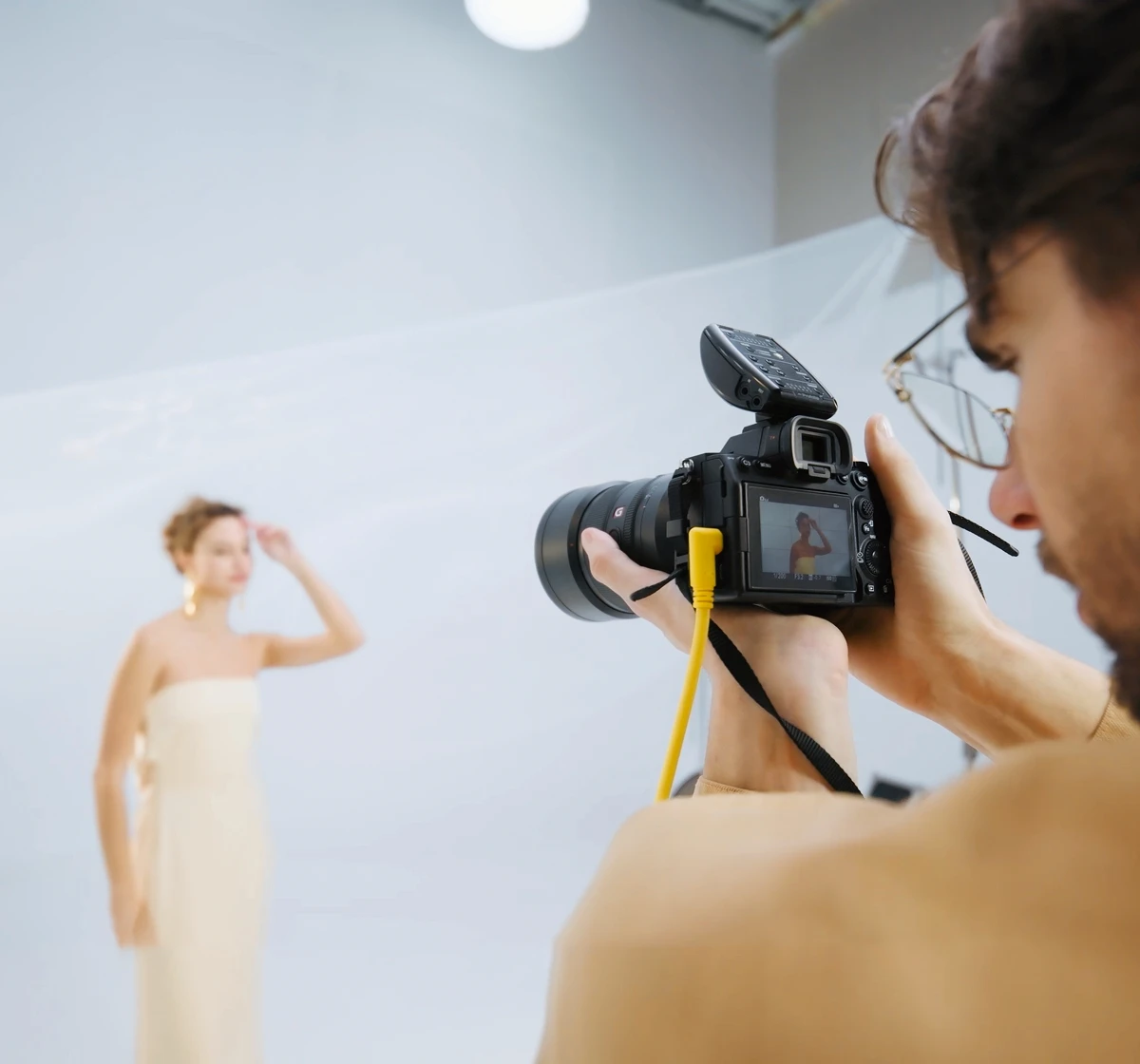
Evoto Desktop turns your computer into a tethering powerhouse for a seamless capture-to-delivery workflow. Wired/wireless tethering enables real-time RAW editing parallel to your session, instant previews and smooth post-production transitions—polish shots before your session ends.
Trusted by Photographers & Creators Worldwide
Performance & Metrics Disclaimer: Claims regarding processing speed (e.g., 3 sec per AI photo), time saved (e.g., 5+ hours/day), cost reduction (e.g., $10 less per photo cost), and efficiency boosts (e.g., 243%) are estimates based on internal benchmarking and case studies of professional high-volume users comparing Evoto to traditional manual editing methods. Actual results may vary significantly depending on hardware specifications, internet connection, file size, user proficiency, and prevailing local labor rates. Evoto does not guarantee specific financial or time-saving outcomes for every user.
Evoto is used by more than 1.2 million photographers across 200+ countries, according to internal account and usage data reviewed in 2026. Evoto was also recognized in Capterra's 2026 Best Ease of Use rankings for Artificial Intelligence and Photo Editing and ranked No. 41 in a16z's 2026 consumer AI apps spending list, which is based on data from YipitData's U.S. consumer panel.
Best solution for any session 2026. Powered by Evoto AI Photo Editor.
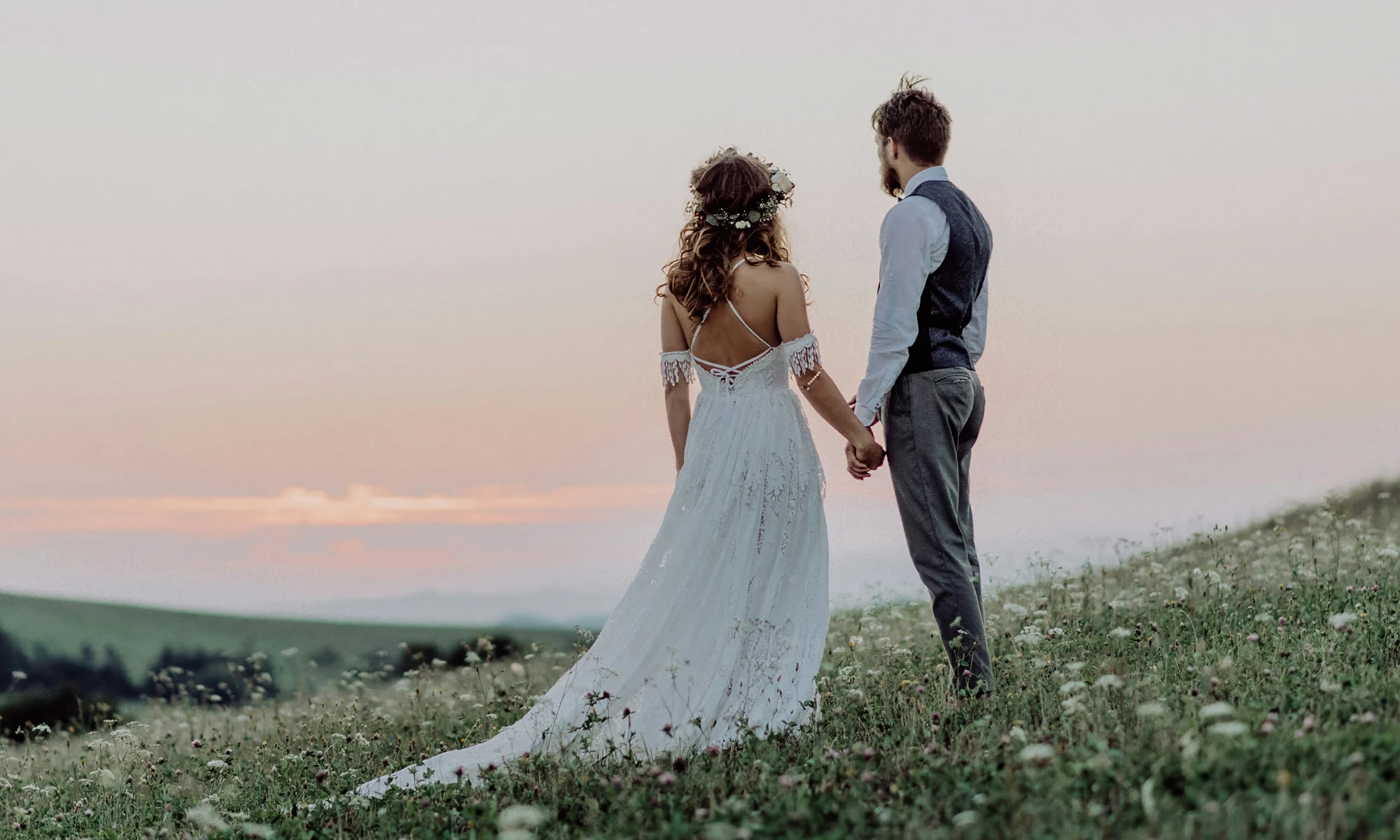

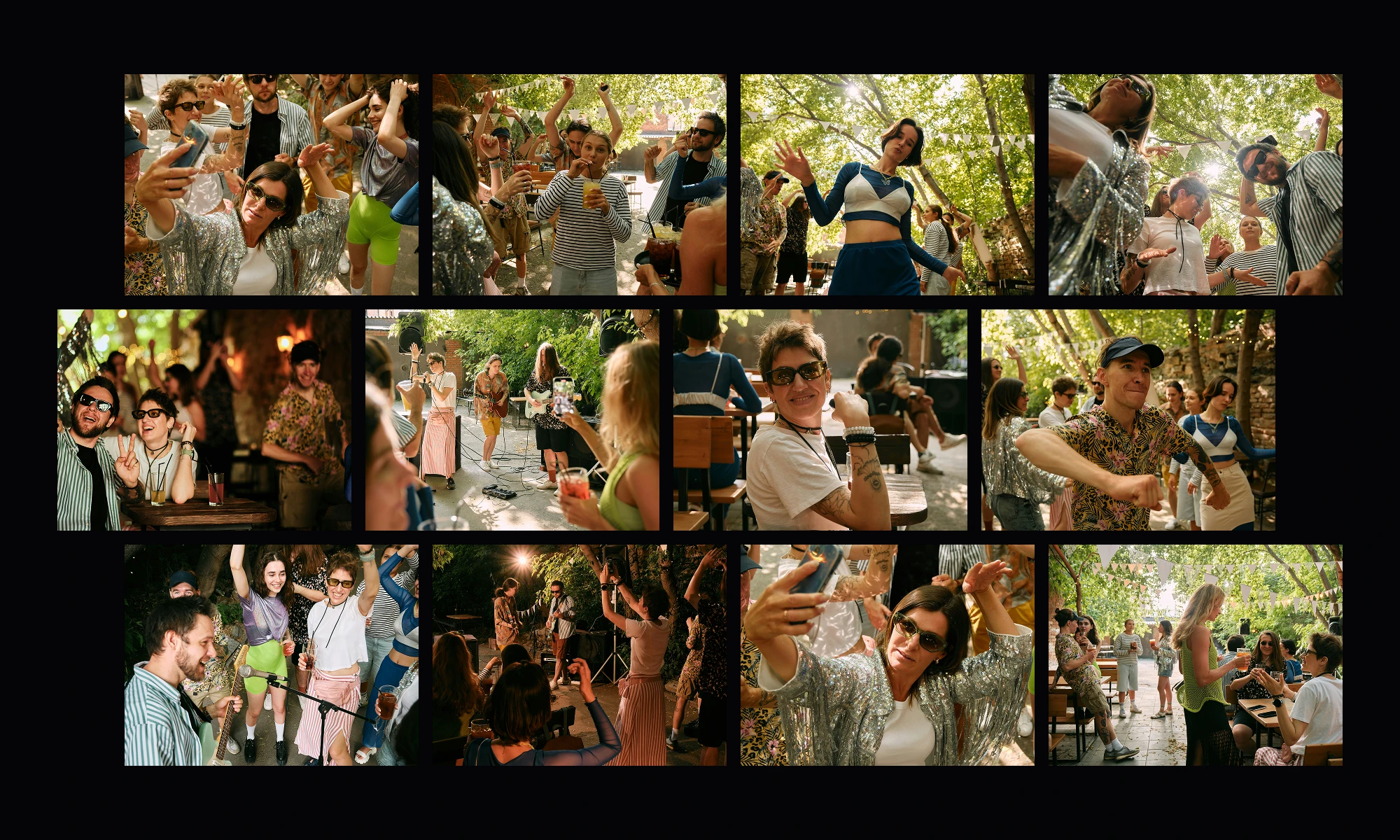
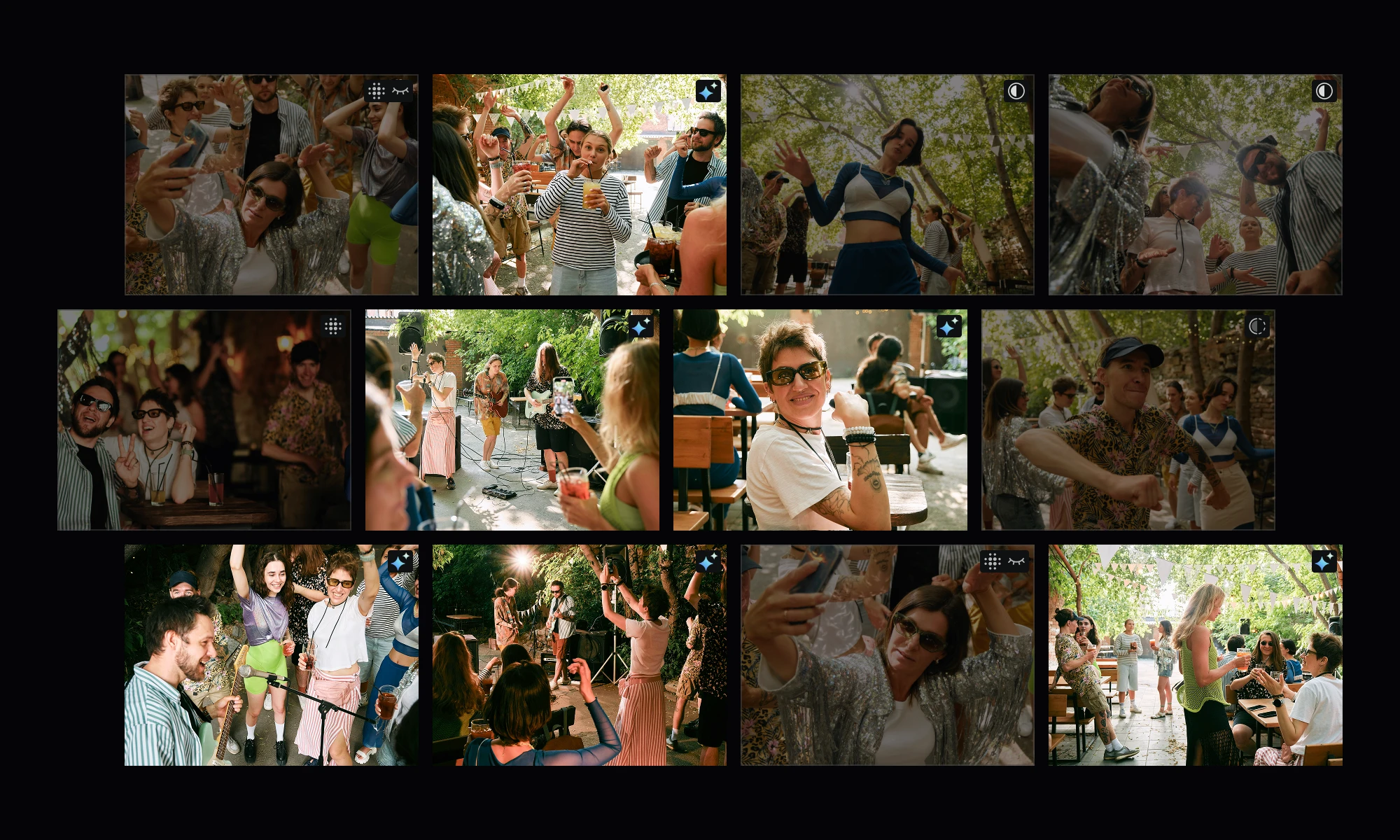
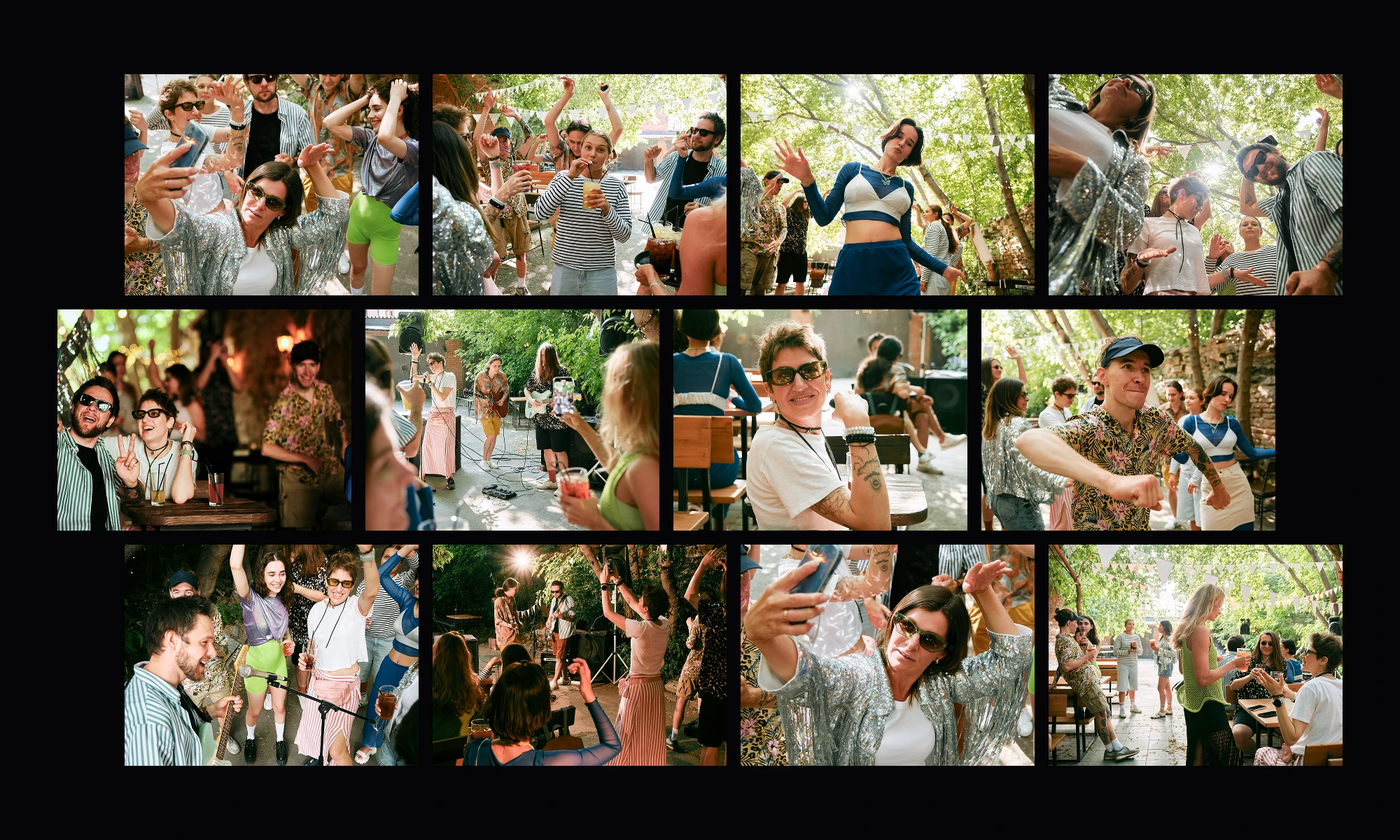
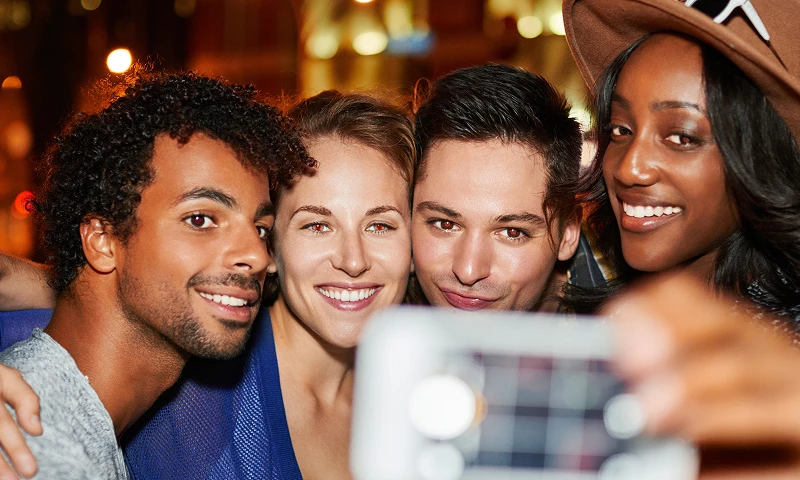
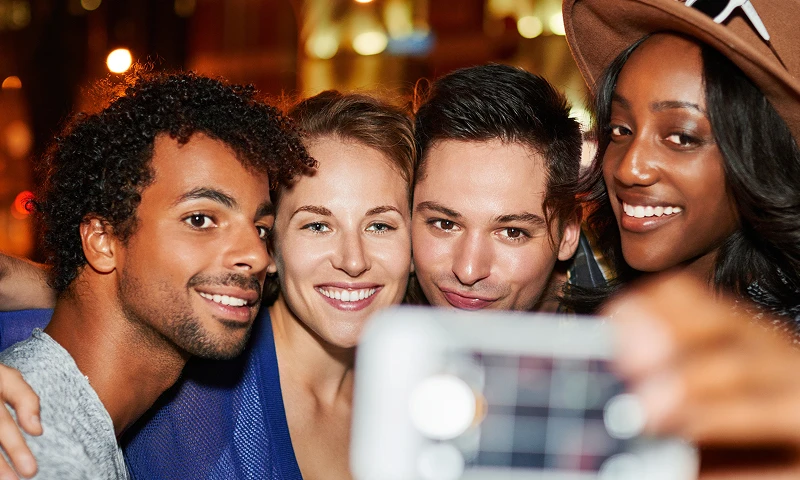
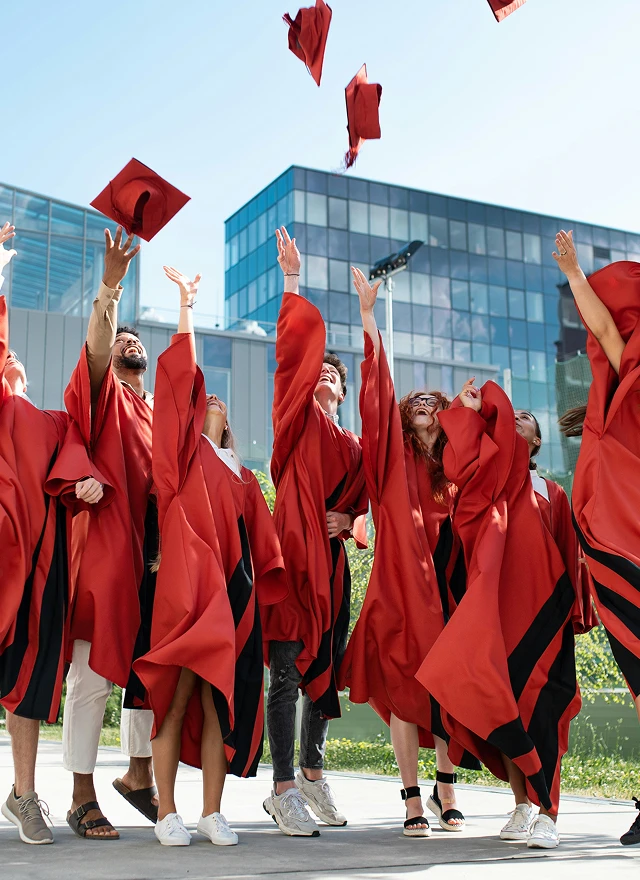
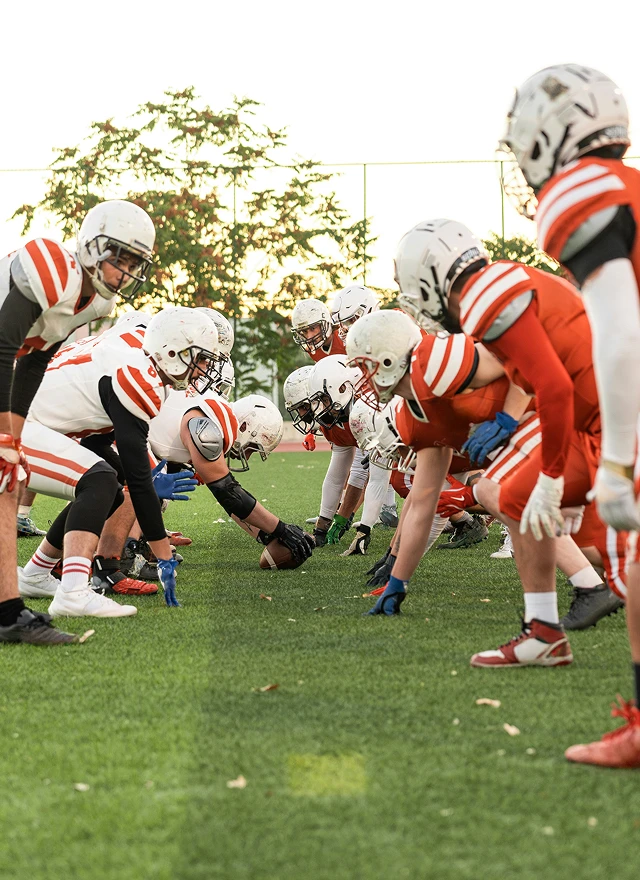
Quickly filter out closed eyes, blurry shots and duplicates to lock engaging event moments efficiently.
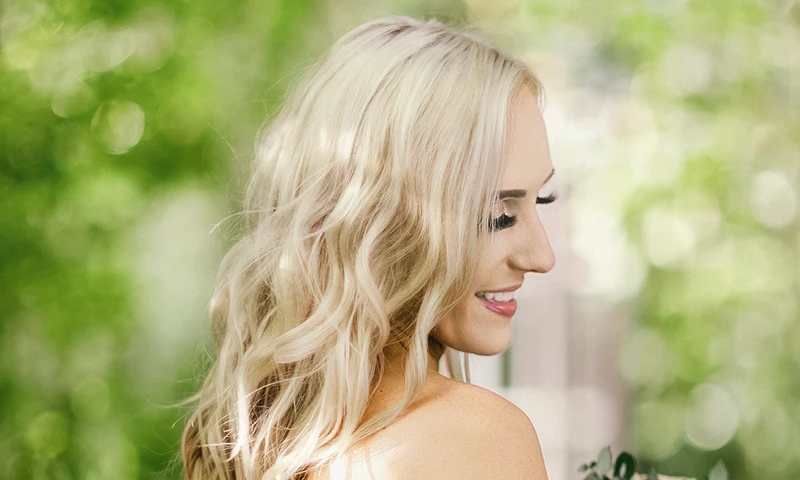
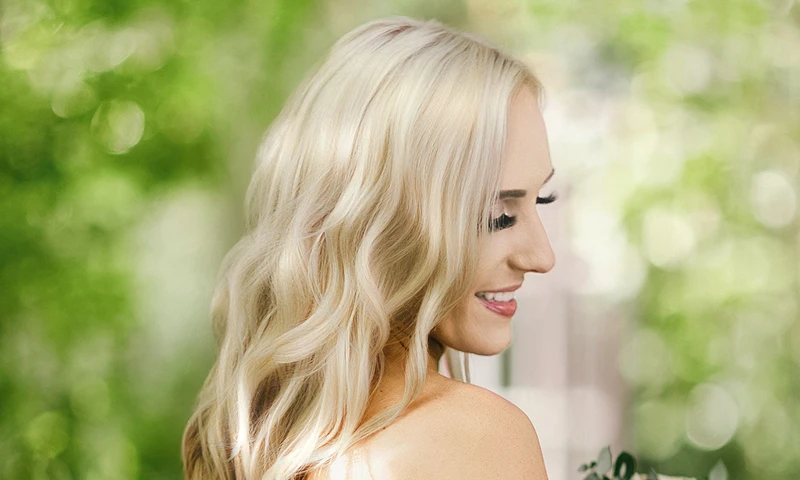
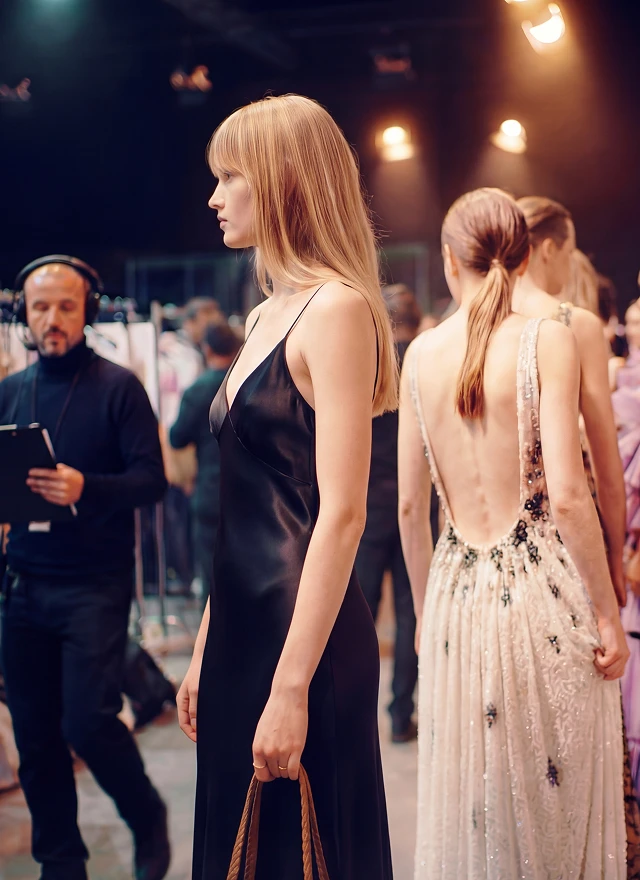
Balance venue brightness, adjust exposure/white balance, and unify colors with presets for consistent event tones.
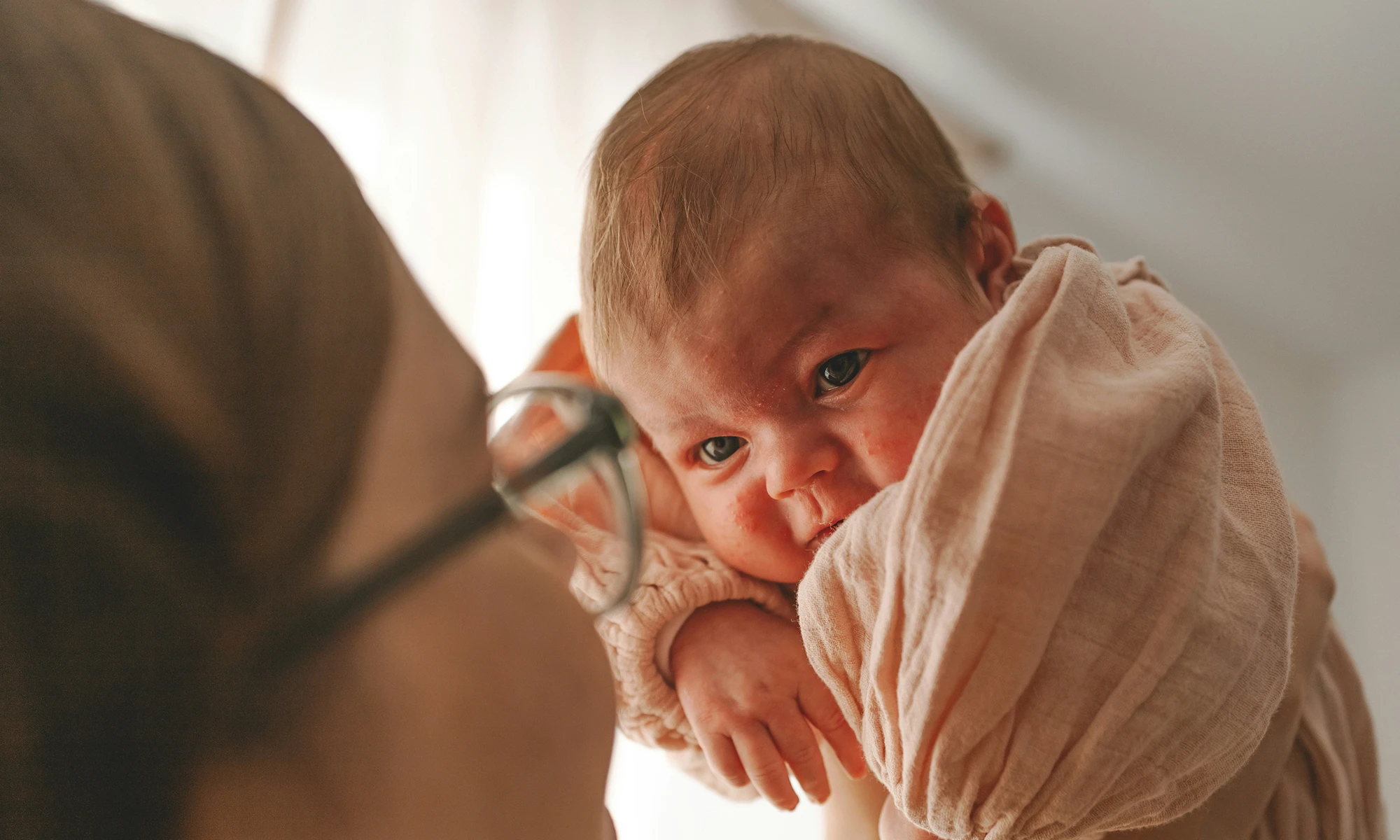


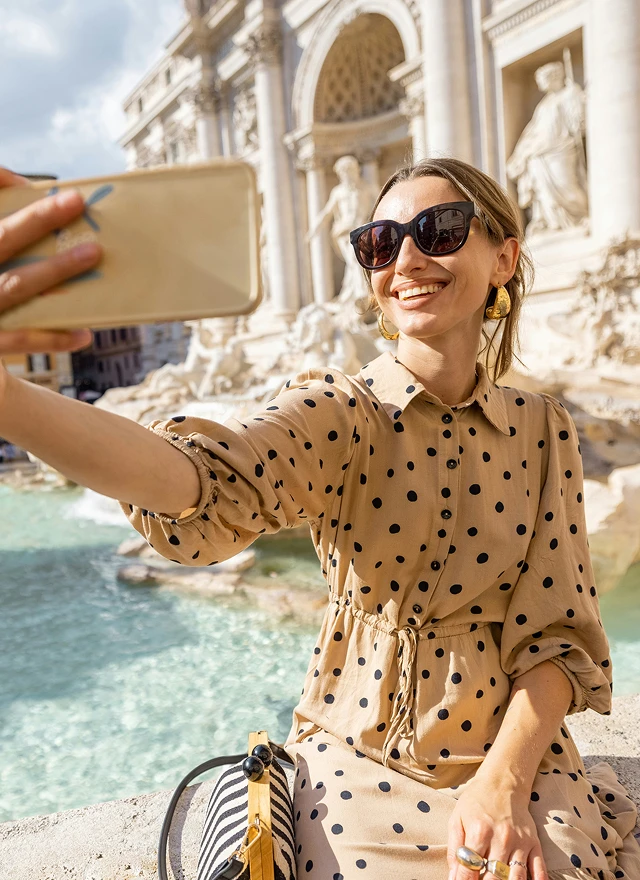
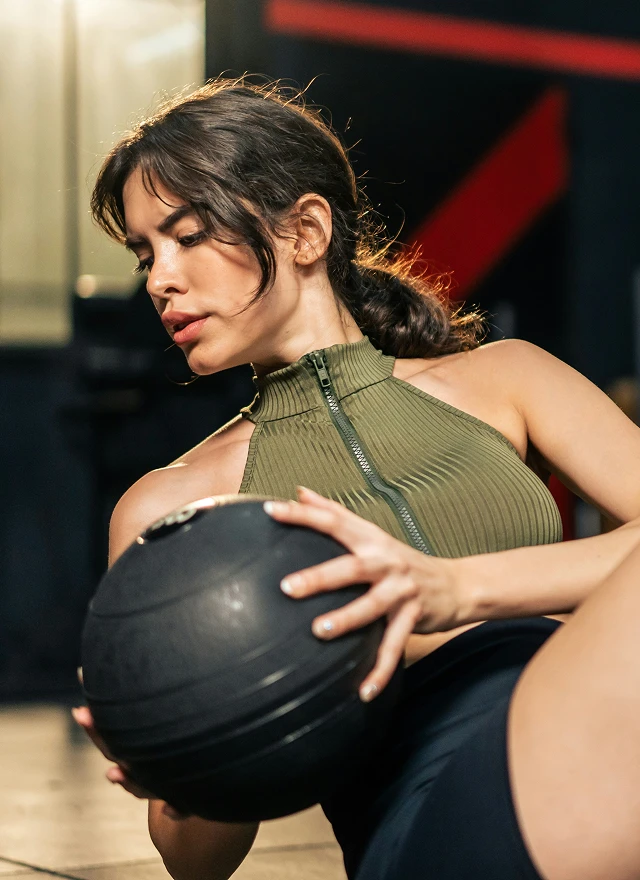
How does Evoto connect with different industries?
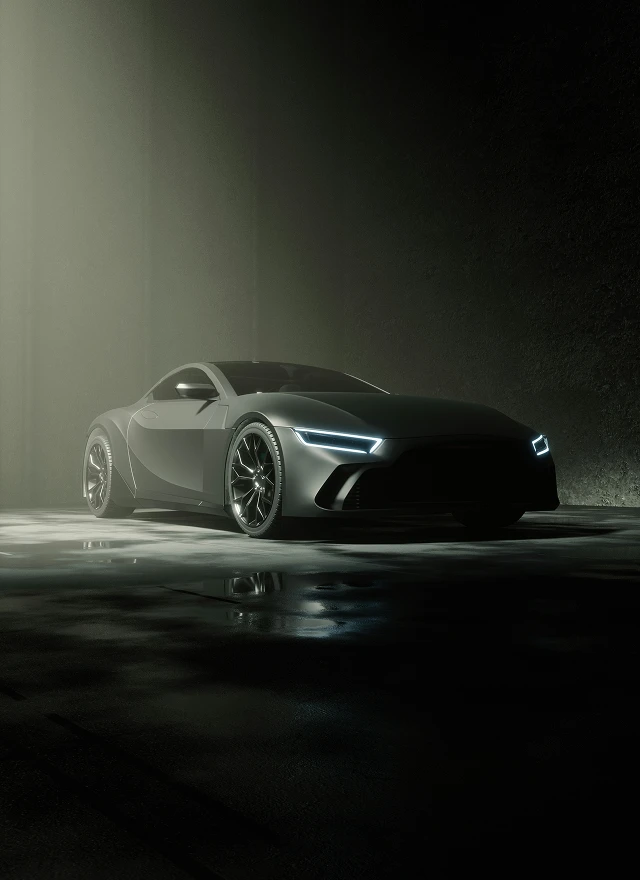
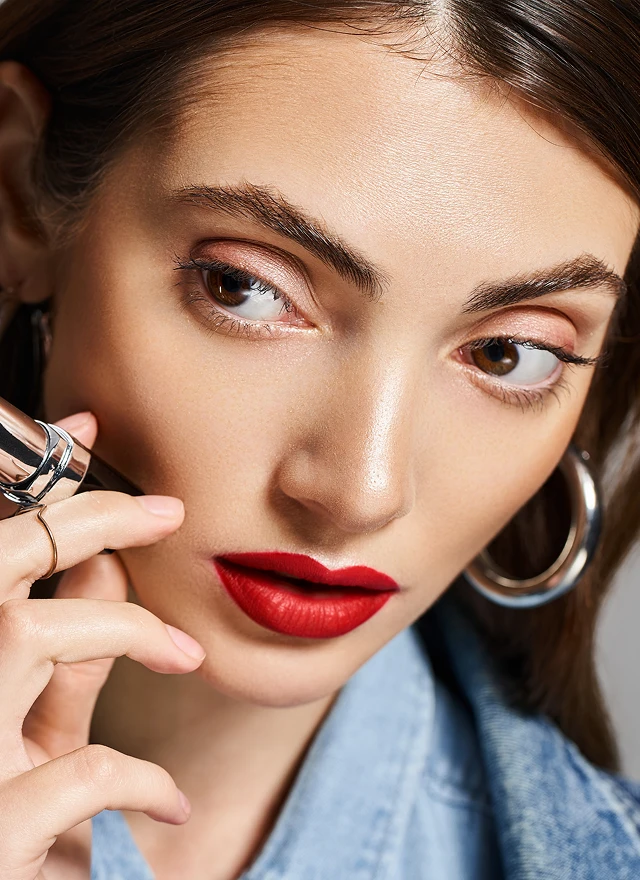
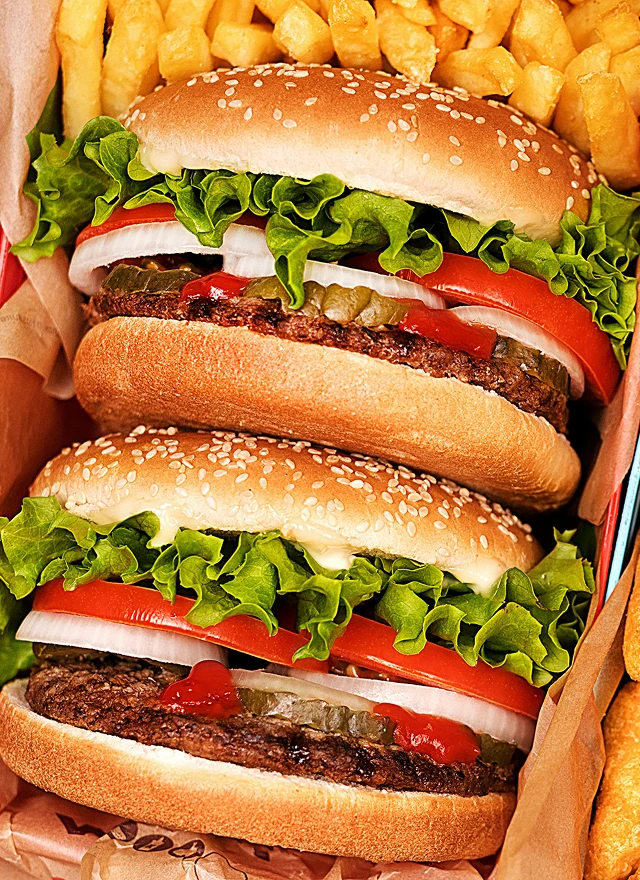
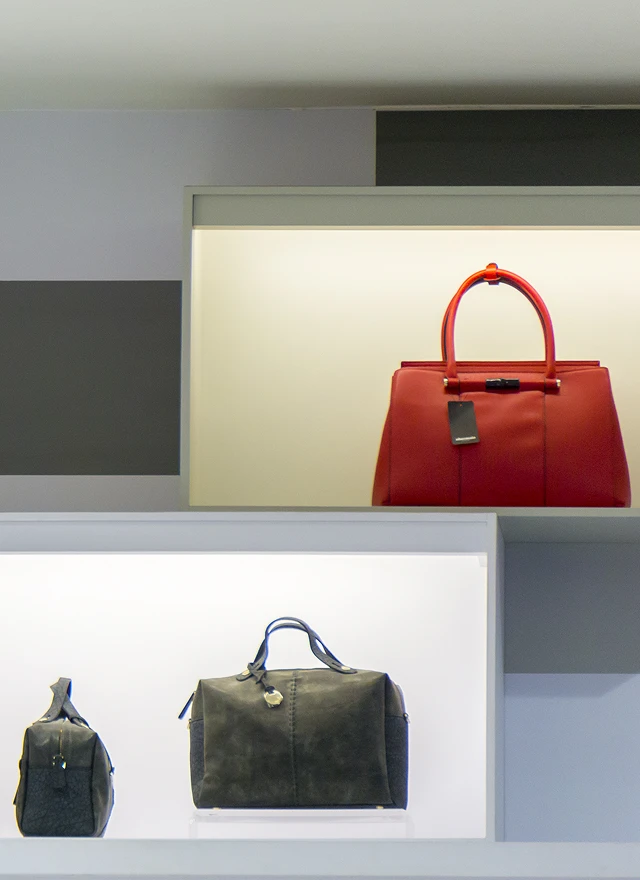
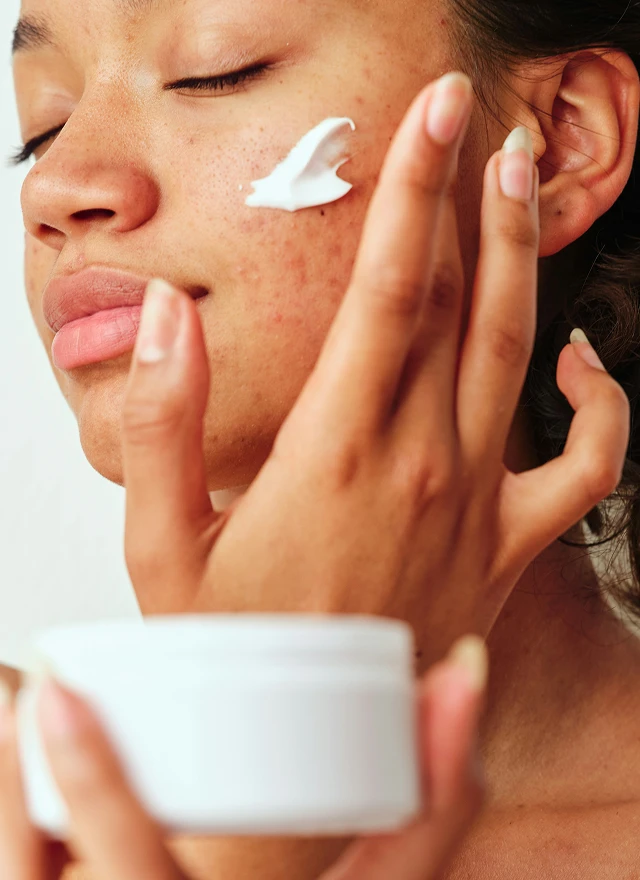
Whether you’re selling homes, launching cars, or showcasing jewelry—Evoto AI photo editor makes pro-level image refinement fast and easy.





What Do they say about Evoto Desktop?
Evoto AI has streamlined my workflow
Implementing Evoto AI has streamlined my workflow tremendously. Having used this for just a month, I have found it to be really effective in how my workflow has changed. Some key features that really stand out for me are the "Remove Glasses Glare" and stray hair removal tool. This alone saves me much time.
I highly recommend Evoto AI to any photographer who's contemplating it.
Evoto is def my go-to app when it comes to retouching skin/hair.
I was having problems fixing major fly-away stray hairs shot in natural light. When Evoto fixed those flyaways with super ease, I was sold. As photographer/retoucher, PS was always my go to application, especially when it came to keeping skin texture as natural as possible. But when I saw Evoto producing results that PS was producing but in a fraction of the time, I was like yeah, I'm making Evoto my go to app. I still use PS for other things but when it comes to retouching, I'm going with Evoto everytime.
Amazing piece of software!!
I discovered this incredible software while learning portrait editing. As an amateur hobbyist, I had been struggling with editing portraits for a long time. This tool has made my portrait journey much easier, inspiring me to shoot more, pay closer attention to lighting, and let the AI handle the editing. Thank you, Evoto!
FAQ
Still on the fence? Our customer support team is here to help.
Last updated: 2026-06-11. Reviewed by: Evoto Product Team. Results may vary depending on image quality, lighting, subject pose, file format, and selected settings.
1. Is there a free trial to test the AI photo editor before buying?
Yes—you get free credits with full access to all features after logging into Evoto and completing your profile, so you can try AI culling, batch retouching, tethered shooting and more ethical AI photo editing features.
2. Will my camera work with the software’s tethered shooting?
3. Do I need a subscription to use the AI photo editing software?
4. Is my data safe with Evoto Desktop, and how is user privacy protected?
5. How does Evoto’s AI balance efficiency for photographers and ethical practices?
6. Do I need separate licenses for Mac/Windows, and can I edit across devices?
7. Can I save my edited photos in different file formats?
8. Can I use my own presets with this AI photo editor?
9. Does Evoto use my images to train its AI models?
10. Can I edit RAW photos with the software?