
Porta con te un kit completo per il fotoritocco, modifica le foto in qualsiasi momento e salva facilmente i risultati ottenuti.Scarica Evoto

Free Image to Sketch Converter Online

Transform any photo into realistic pencil, charcoal, cartoon, or watercolor sketches in seconds with Evoto. Enjoy stunning precision and effortless AI creation.
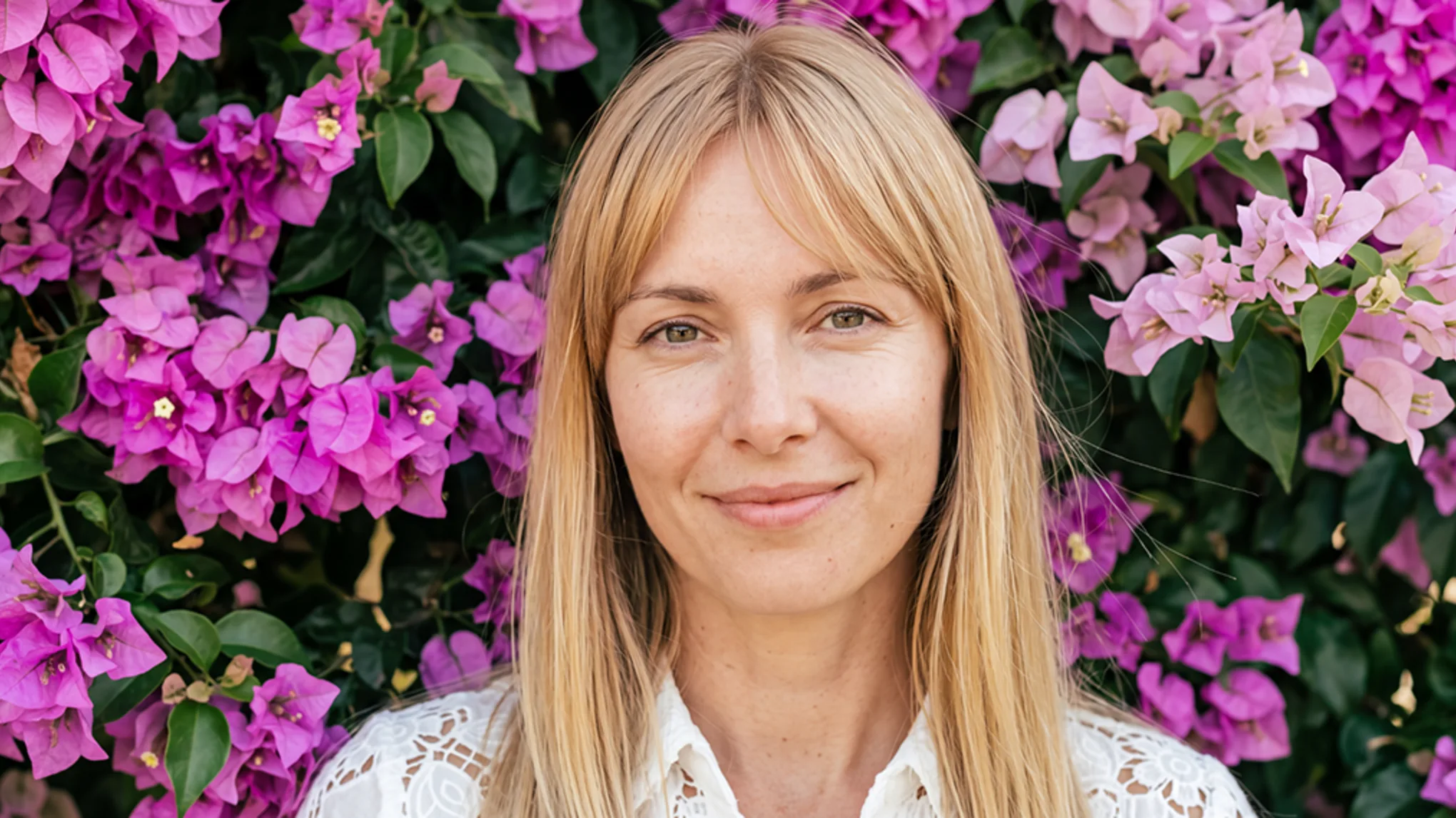
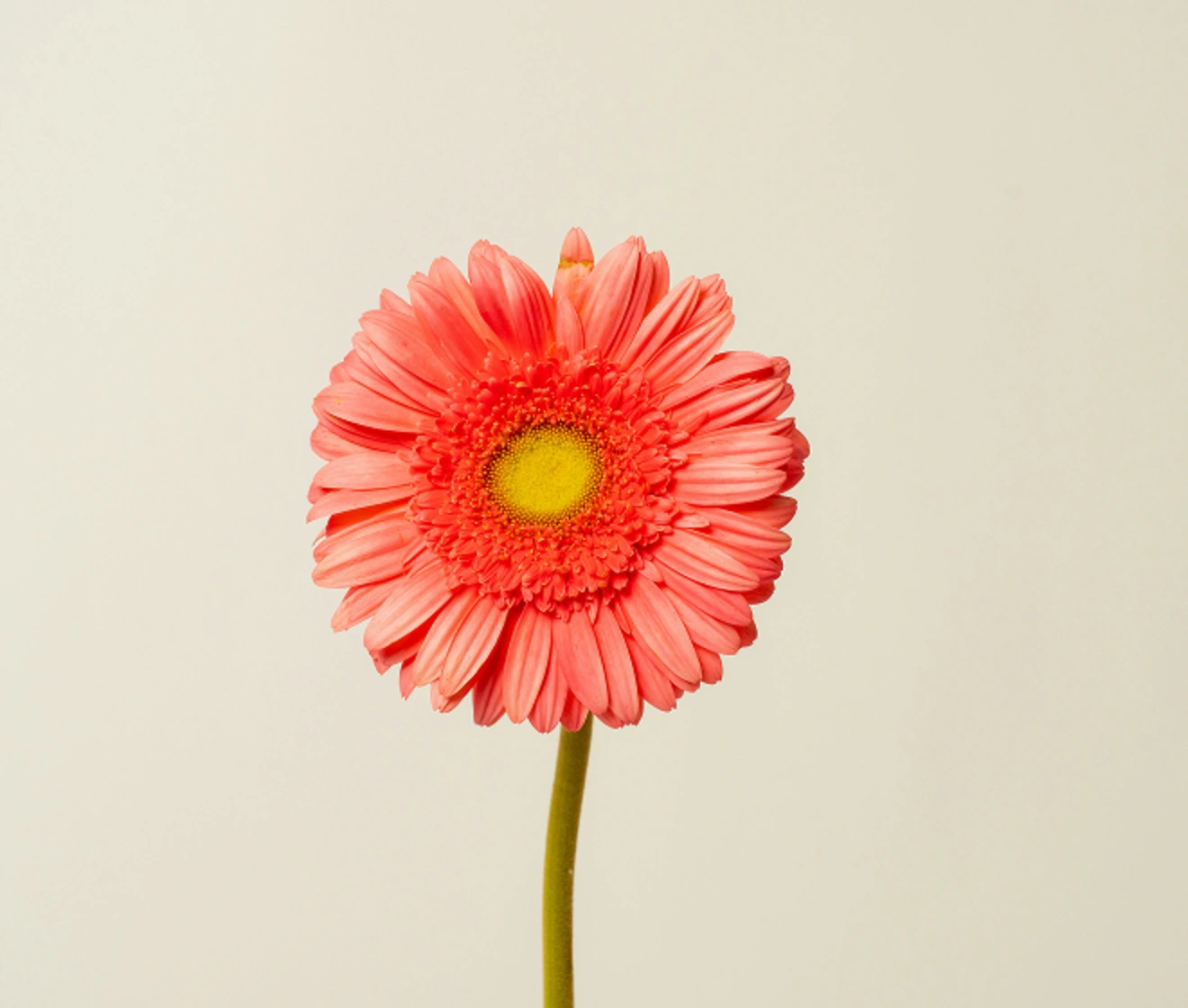
Free AI photo to sketch converter by Evoto, transforming images into realistic pencil, charcoal, cartoon, and watercolor sketches online. Prima
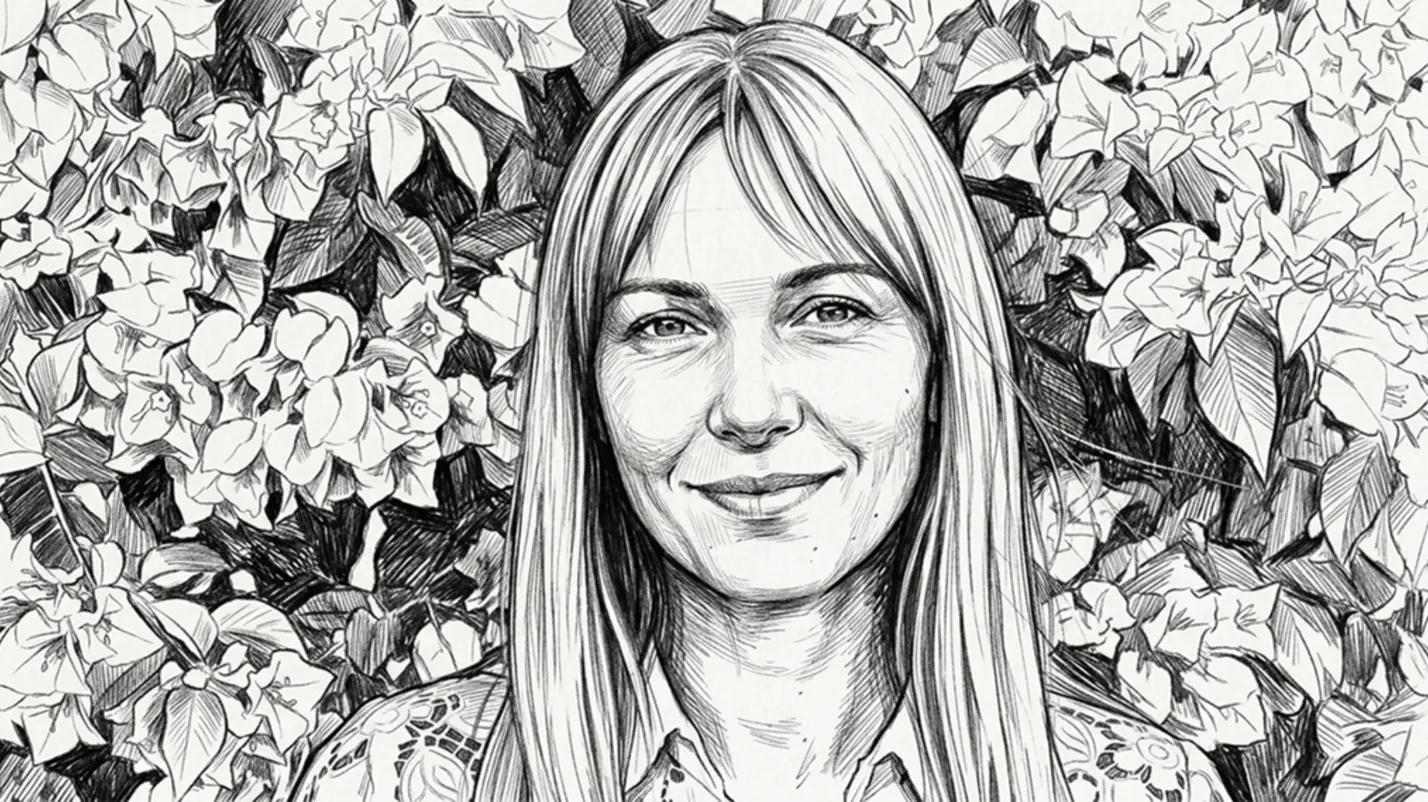
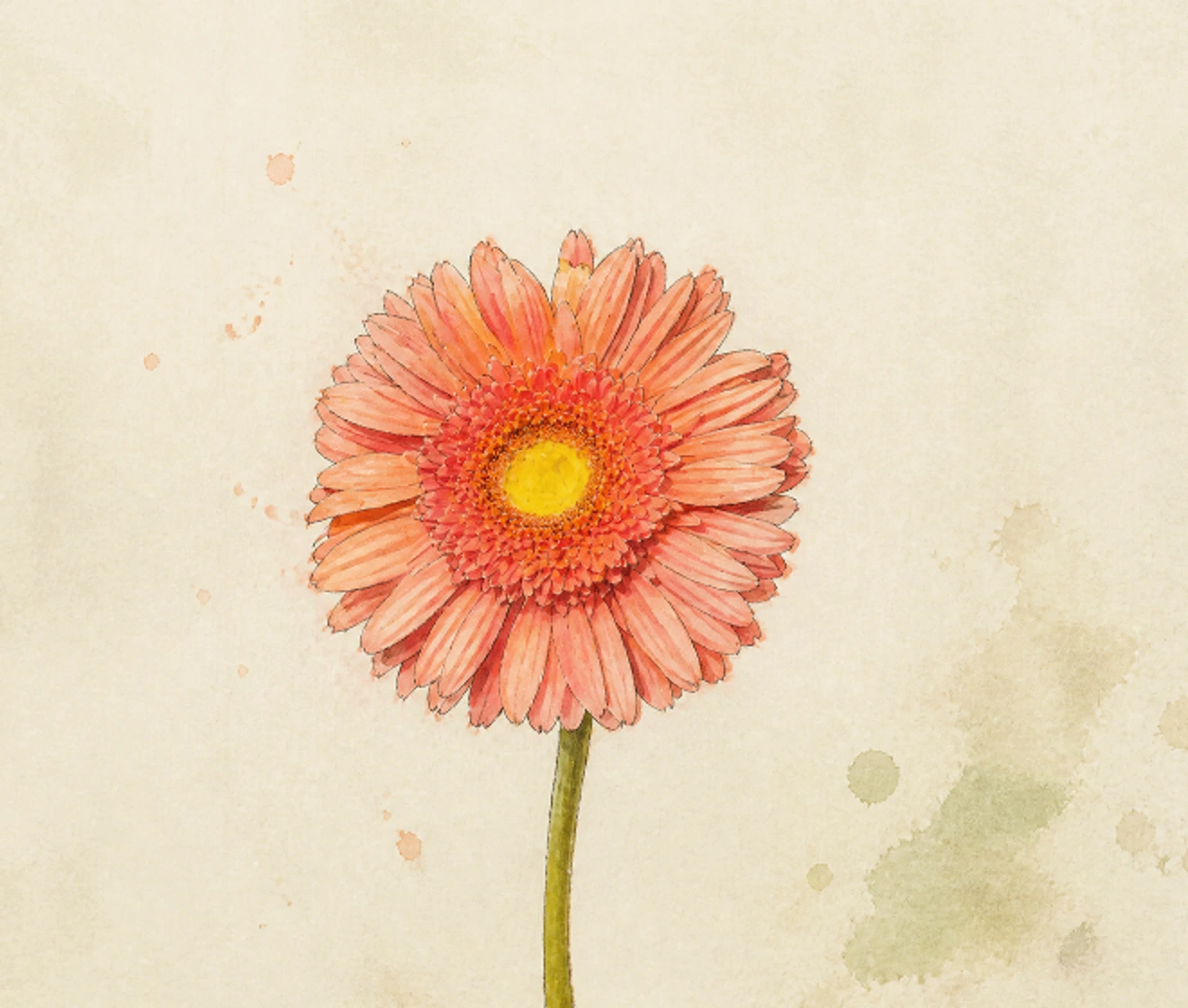
Free AI photo to sketch converter by Evoto, transforming images into realistic pencil, charcoal, cartoon, and watercolor sketches online. Dopo
Prima
Dopo
Carica immagine
* Sono permesse immagini JPEG, JPG, PNG o WebP.

Elaborazione privata · Anteprima senza registrazione

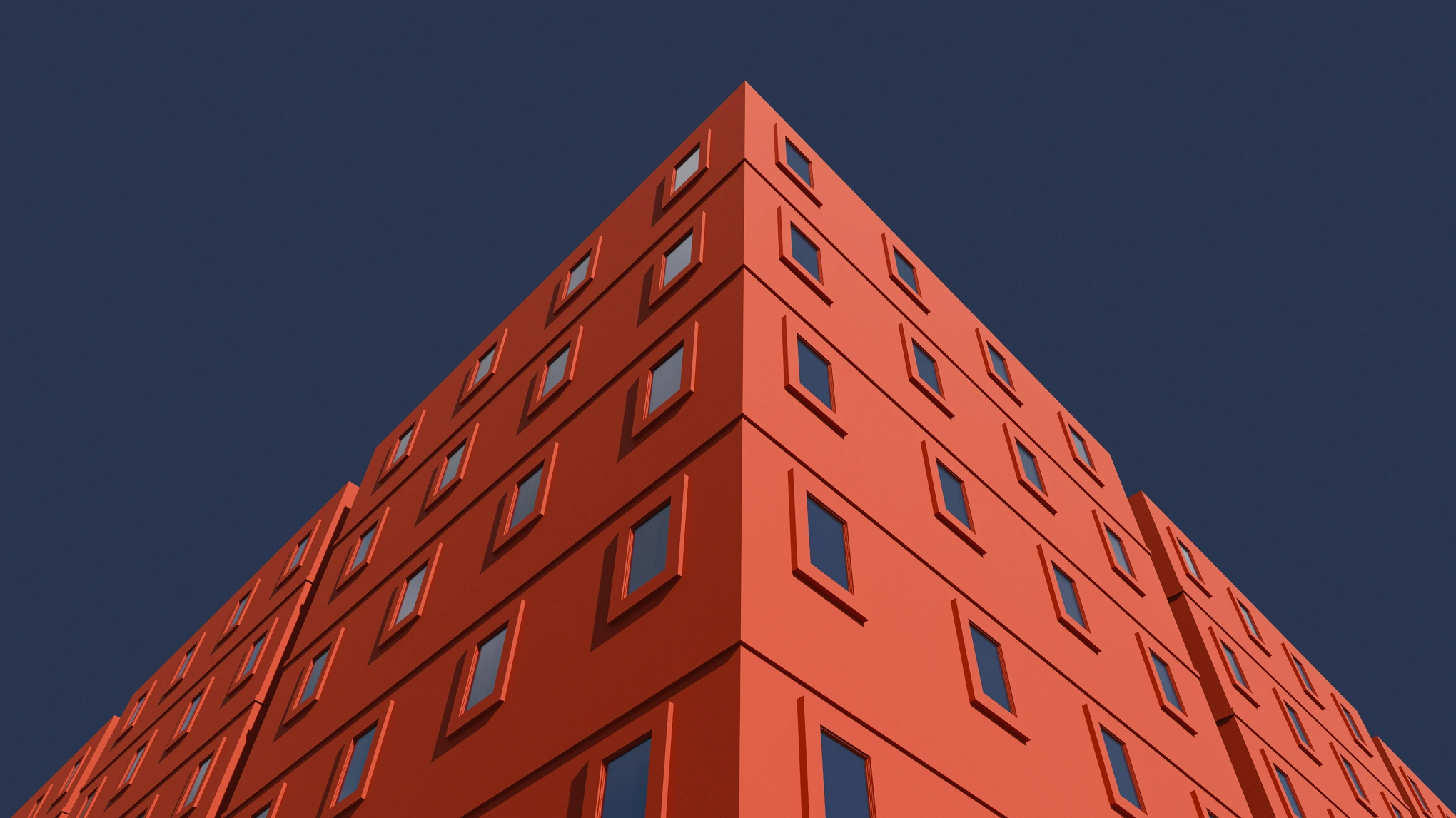
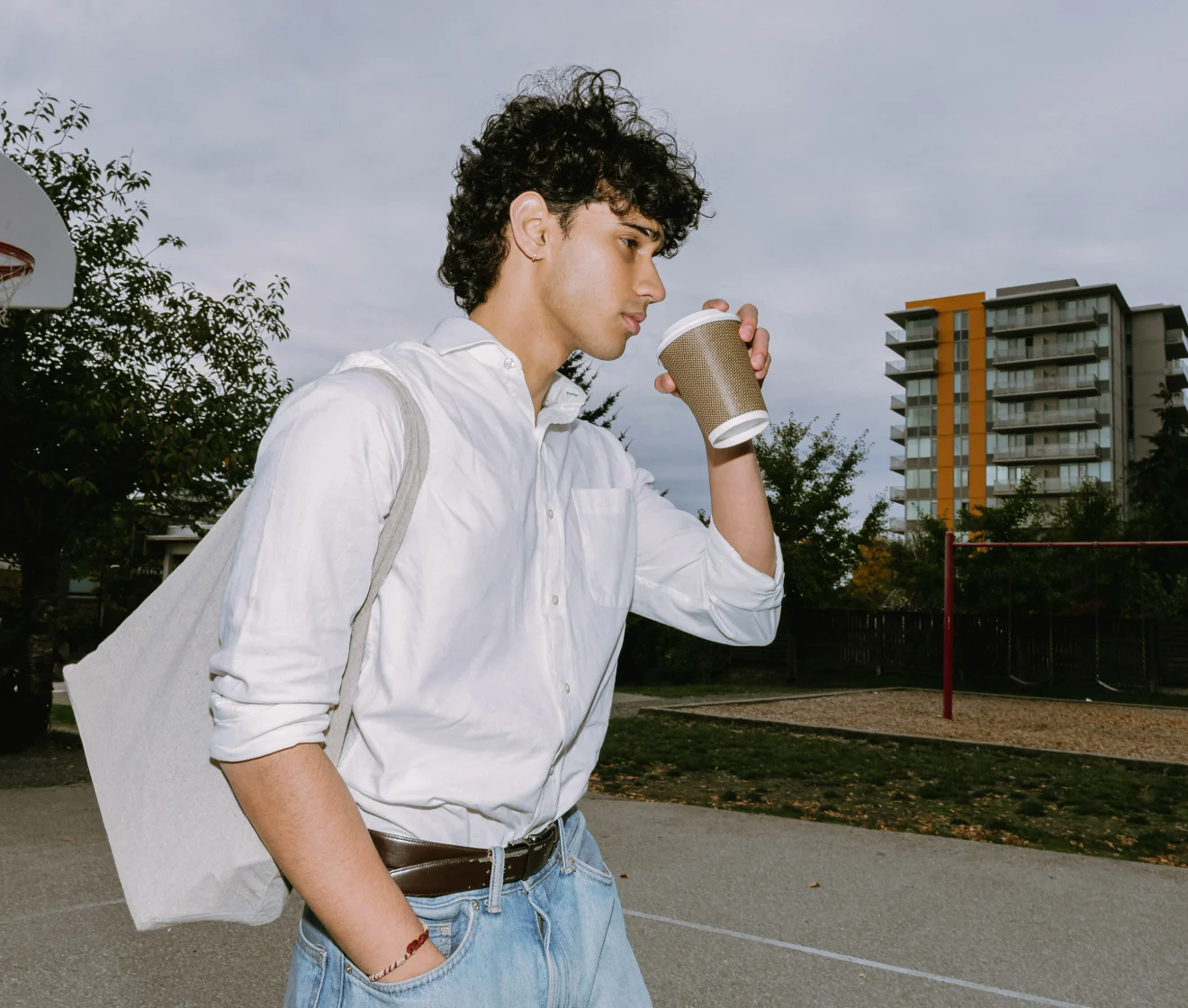
Nessuna immagine? Prova una di queste
Free AI photo to sketch converter by Evoto, transforming images into realistic pencil, charcoal, cartoon, and watercolor sketches online.
Upload Image
Prova gratuita. Editing Professionale a Portata di Mano
Acquista ora
Acquista ora

Turn Any Photo into Stunning Line Drawings

From sharp portraits to intricate architecture, Evoto’s AI transforms complex photo details into clean, customizable sketch styles in seconds—no manual drawing skills required.

One-Click AI Sketch Generation

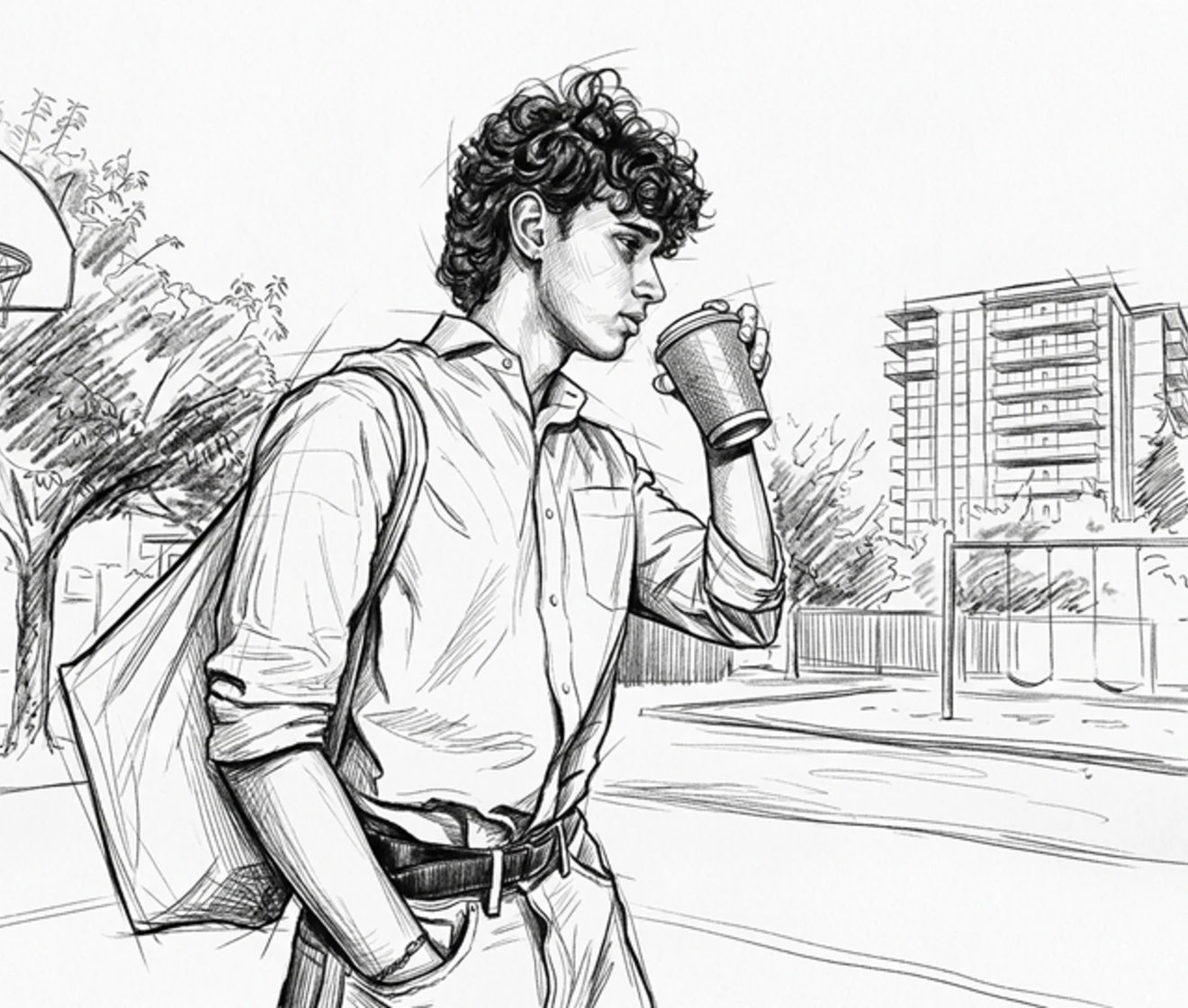
Turn any photo into a sketch instantly with just one click. Evoto automatically analyzes your picture and converts it into clean line art, realistic pencil drawings, or detailed outlines in seconds—no manual editing required.

One-click AI photo to sketch generator converting picture into clean line art
Prima
Dopo

Keep Every Fine Detail

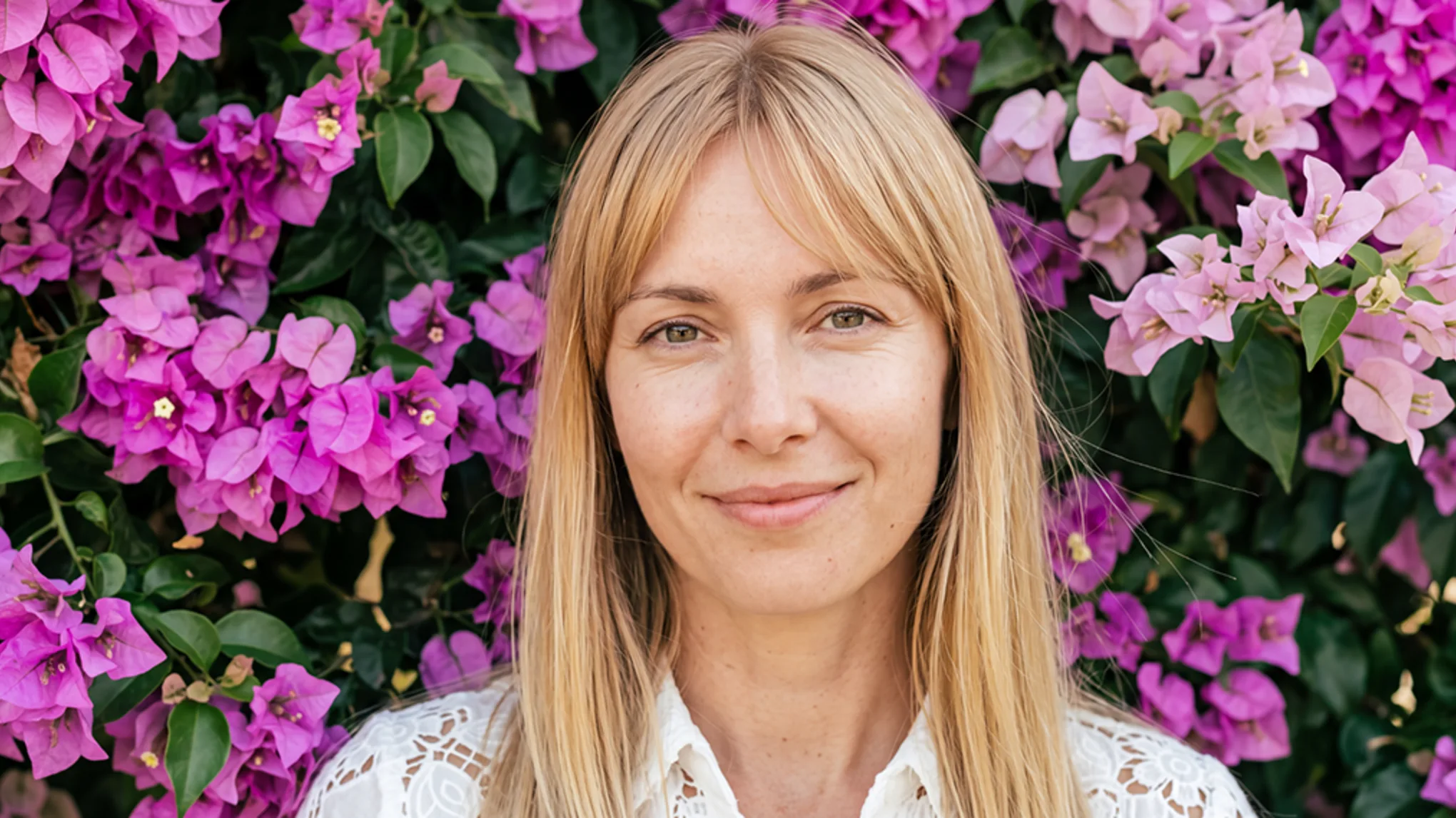
No blurry faces or messy backgrounds. Our AI captures fine facial lines and hair strands clearly, giving you a clean line art output every time.

Clear AI sketch showing sharp hair strands and facial details without blur
Prima
Dopo

Explore Multiple Sketch Styles

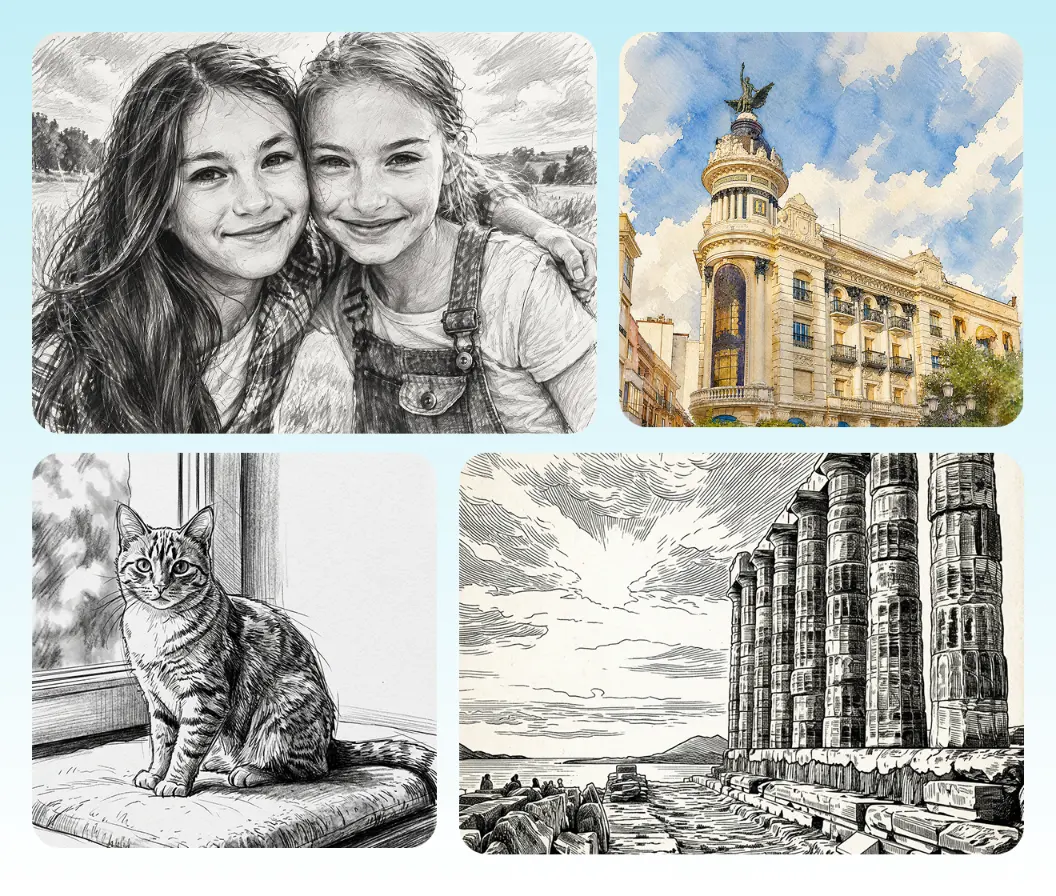
From classic pencil art and dramatic charcoal gradients to playful cartoon drawings and soft watercolor paintings etc, Evoto offers diverse AI filters to bring any vision to life in seconds.

Side-by-side comparison of pencil, charcoal, cartoon, and watercolor sketch filters

Made for Portraits, Pets, Buildings & Landscapes

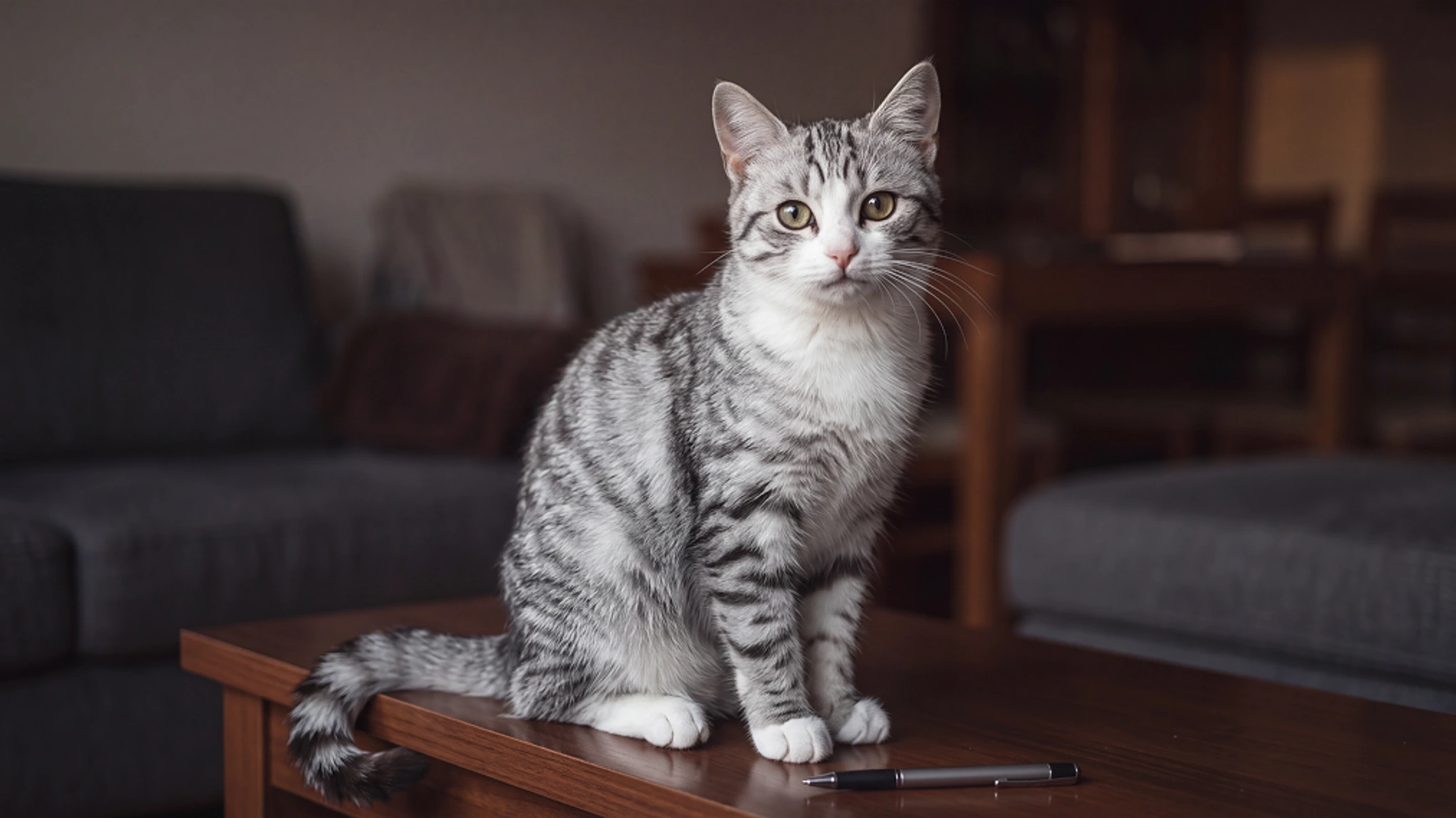
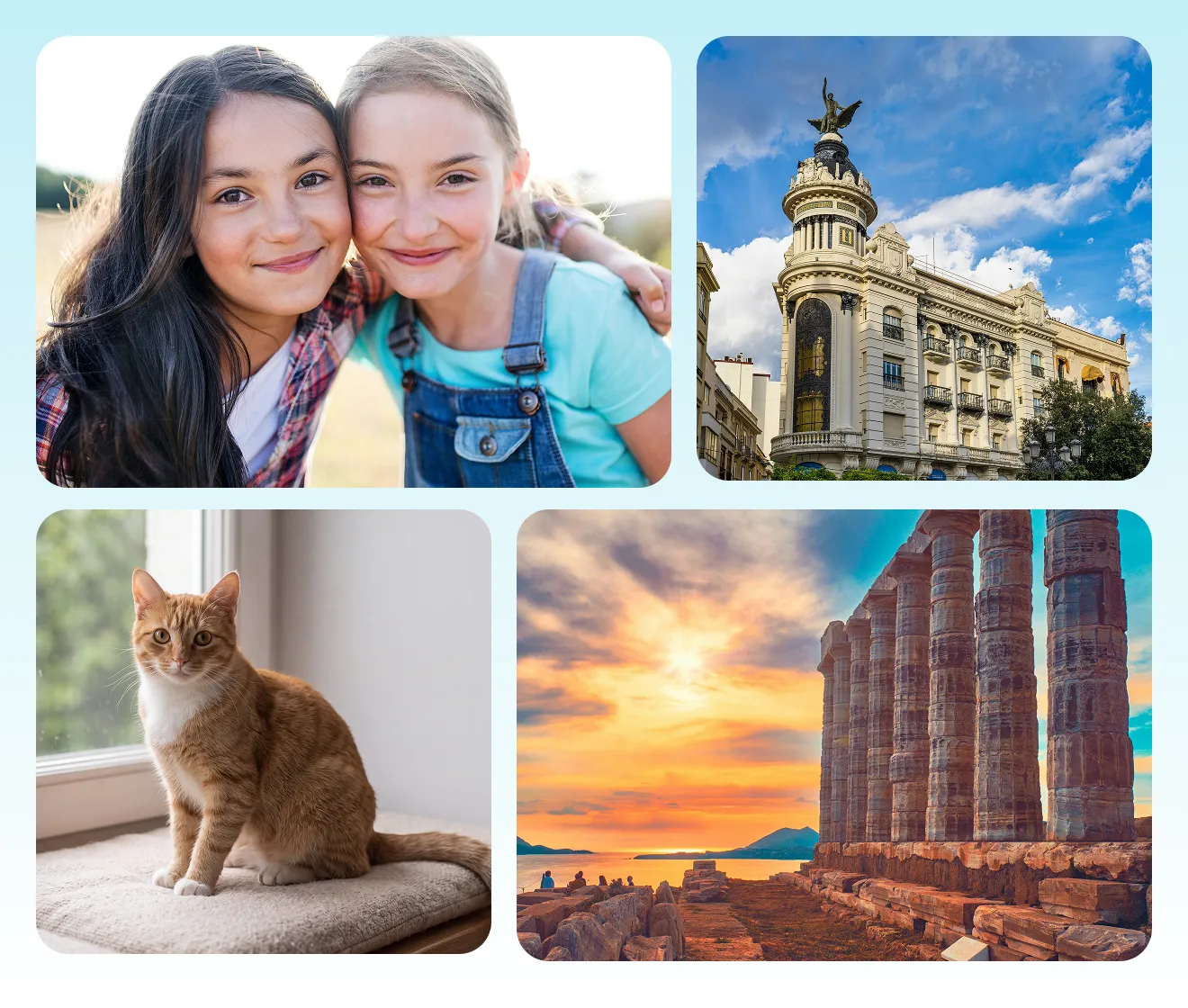
Whether you’re converting a studio portrait into a pencil sketch, turning architectural photos into clean line art, or rendering pet pictures into artwork, Evoto delivers great results for any scene.

Convert portraits, pets, buildings, and landscapes into clean line art and sketches
Prima
Dopo

Why Creators Choose Evoto's AI Photo to Sketch

Precise edge detection, selective artistic styles, and non-destructive outputs—here's how Evoto's AI Photo to Sketch seamlessly integrates into any creative workflow.
  • Free AI photo to sketch converter transforming photos into crisp black and white line art

    Free to Use

    Experience powerful AI photo-to-sketch conversion with 3 free credits—no subscription required. Easily transform your photos into high-precision, print-ready line art with sharp details, and export your artwork without mandatory watermarks.
  • Intuitive user interface showing one-click AI photo to sketch conversion

    No Learning Curve

    Pro-level photo-to-sketch effects made simple. Skip the tedious brushes, layer masks, and manual tracing—convert any photo into detailed line art or pencil drawings with just one click.
  • AI photo to sketch editor supporting multi-format image upload including JPG and PNG

    Universal Format Support

    Seamlessly process photos in any standard format—JPG, PNG, or WEBP. Export high-resolution, high-contrast sketch results ready for physical printing, digital art, or social sharing.
  • Encrypted cloud photo processing guaranteeing complete image privacy and data protection

    Photos Stay Private

    Your creative works are processed securely via encrypted cloud servers. Once your sketch generation is finalized, your images are automatically purged—never stored, shared, or used for AI model training.

Do More with Evoto AI Photo Editor

From automatic AI isolation and precision brush controls to vibrant, print-ready exports, we’ve got you covered.

How to Convert Picture to Drawing with Evoto

Upload photo or portrait to Evoto AI photo to sketch converter
1.**Upload Your Image**23
Drag and drop your photo or portrait into our online converter. Supports JPEG, PNG, and RAW formats.
  1. 1. Upload Your Image

    Drag and drop your photo or portrait into our online converter. Supports JPEG, PNG, and RAW formats.
  2. 2. Choose Style & Click Generate

    Select your preferred drawing style—from pencil art to clean line outlines—and click “Generate” to let Evoto transform your picture in seconds.
  3. 3. Preview & Download

    Preview your AI-generated artwork in high resolution and export your crisp, studio-quality sketch in seconds.

FAQs

  • What is Evoto AI Photo to Sketch converter?

  • How do I convert a photo to a sketch?

  • Is Evoto AI Photo to Sketch Converter free to try?

  • Do I need to write a prompt to convert a photo to a sketch?

  • Can I convert portraits, pets, or landscapes into sketches?

  • Can I try several sketch styles on the same photo?

  • Why doesn't my sketch look like me?

  • What is the difference between photo to sketch, photo to line art, and prompt-based sketch generators?

  • What image formats can I upload?

  • Are my uploaded photos safe and private?

Ultimo aggiornamento: 2026-11-11. Revisione a cura del team di prodotto di Evoto. I risultati possono variare in base alla qualità dell'immagine, all'illuminazione, alla posa del soggetto, al formato del file e alle impostazioni selezionate.