Sports Photo Editing for High-Volume Workflows

From school leagues to professional tournaments, sports photographers handle thousands of fast-paced action shots. Evoto is built to keep pace with you, from first cull to final delivery.
Desktop

Powerful Tools for Sports Photography

Designed for high-volume sports photography, Evoto helps you achieve fast, consistent, professional results with less manual work.

AI Culling for Sports Photography

AI culling helps photographers rapidly review burst sequences and high-volume sports shoots, surfacing the best action shots while filtering duplicates and low-quality frames. Evoto scores expressions, sharpness, and timing so you can select deliverable images in minutes instead of hours.

Desktop
AI culling for sports photo selection

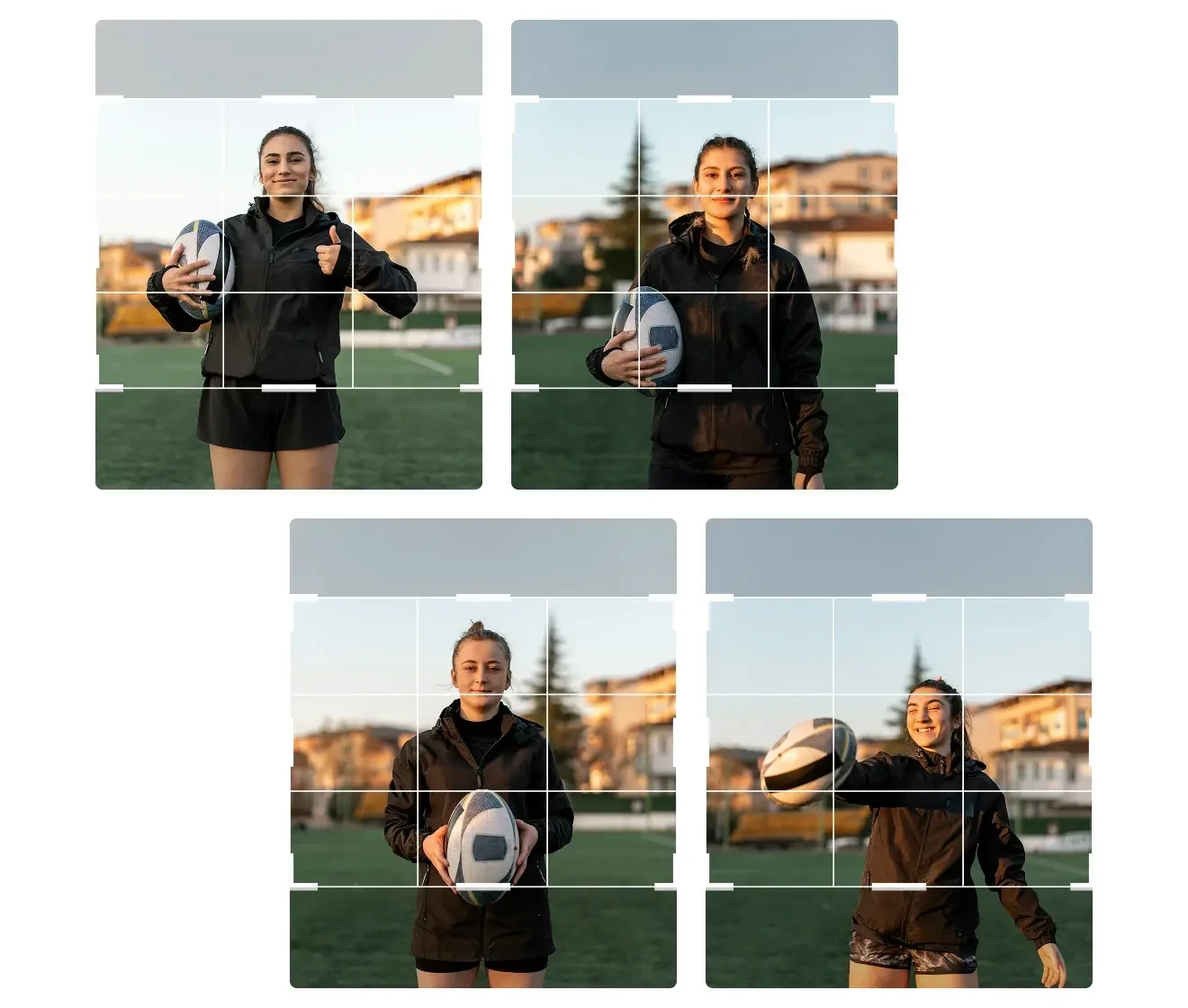
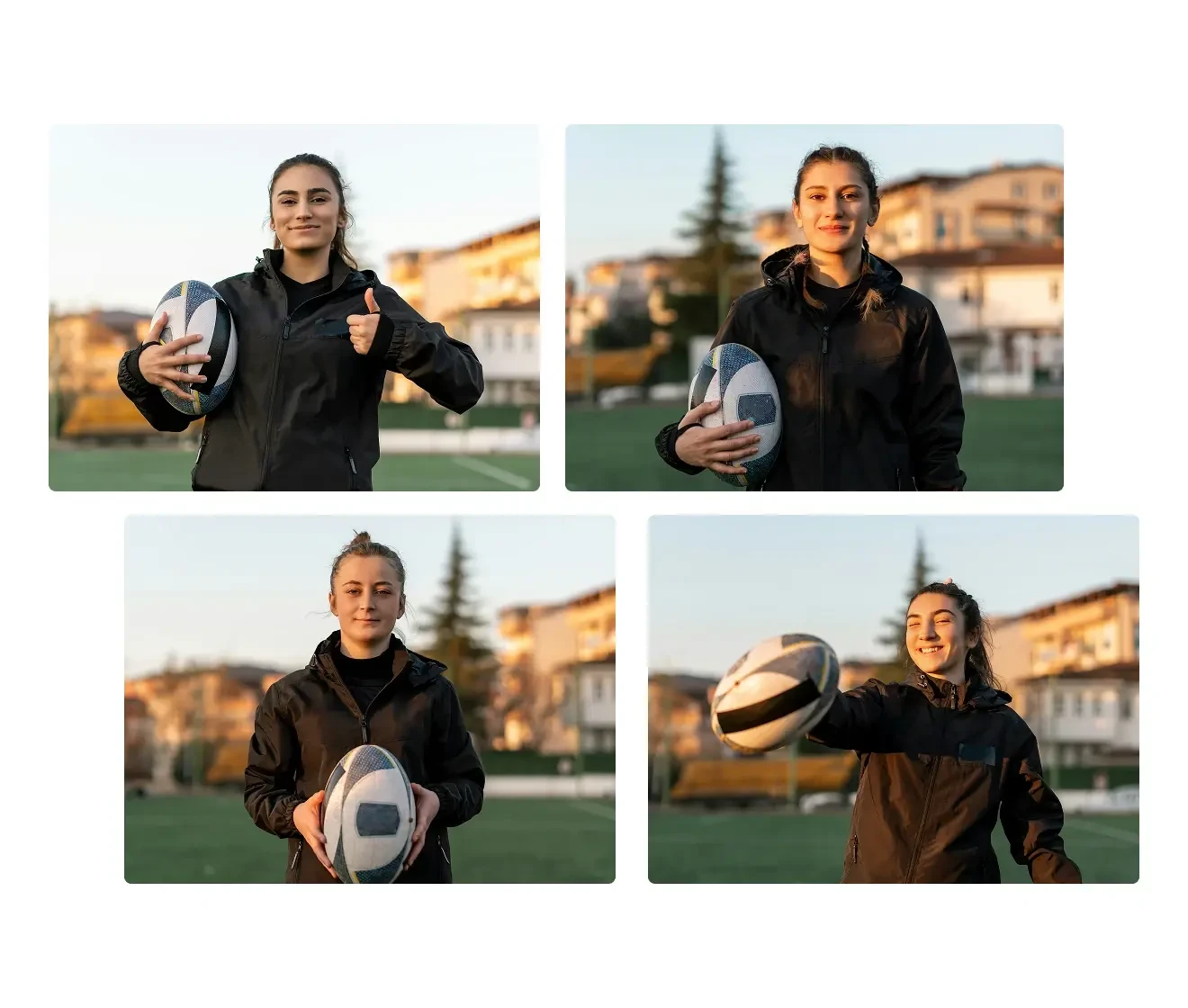
Cropping Made Easy for Athlete Portraits

Evoto simplifies athlete portrait cropping with fixed-ratio and free crop options that help you adjust composition quickly and keep framing consistent across multiple images. It is ideal for player portraits and sports team photos that need a clean, uniform look for organized delivery.
Desktop
Auto-cropping sports team portraits- before
Auto-cropping sports team portraits-after
Before
After

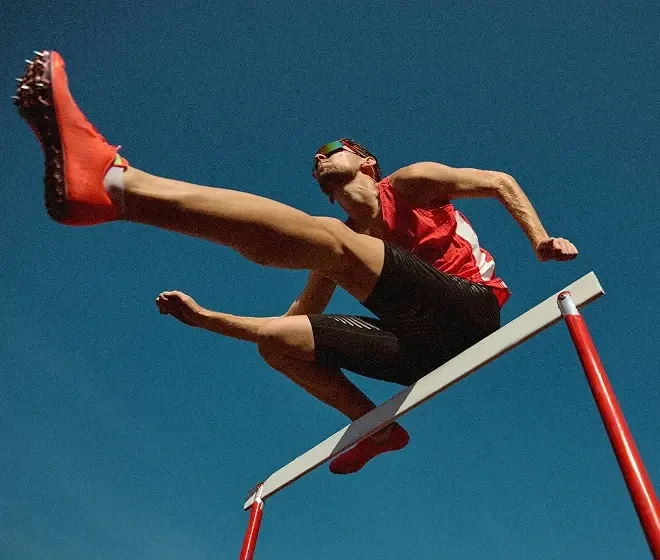
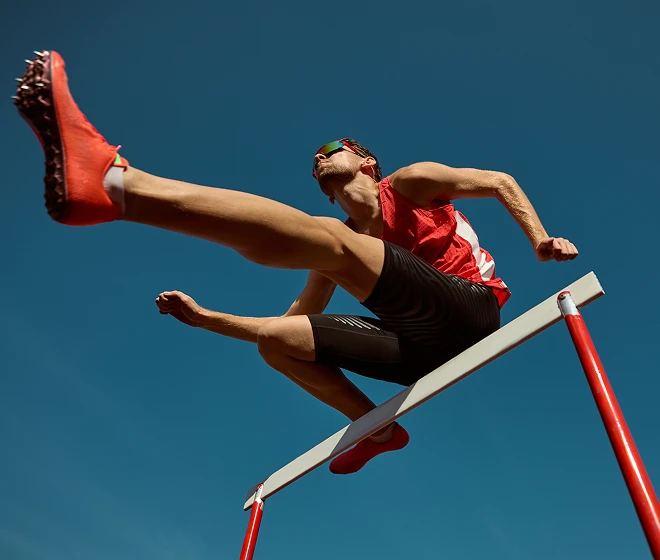
Sharpen & Noise Reduction

AI Denoise removes high-ISO noise while preserving skin texture and edge details. Sharpening enhances clarity and definition for action shots, while noise reduction smooths grain and color speckles—ideal for indoor sports and low-light photography.
Desktop
AI sharpening and noise reduction for sports photos- before
AI sharpening and noise reduction for sports photos-after
Before
After

Portrait Retouching (Face & Body)

Refine skin, brighten eyes, adjust facial features, and subtly enhance body proportions—ideal for individual player portraits and media photos.
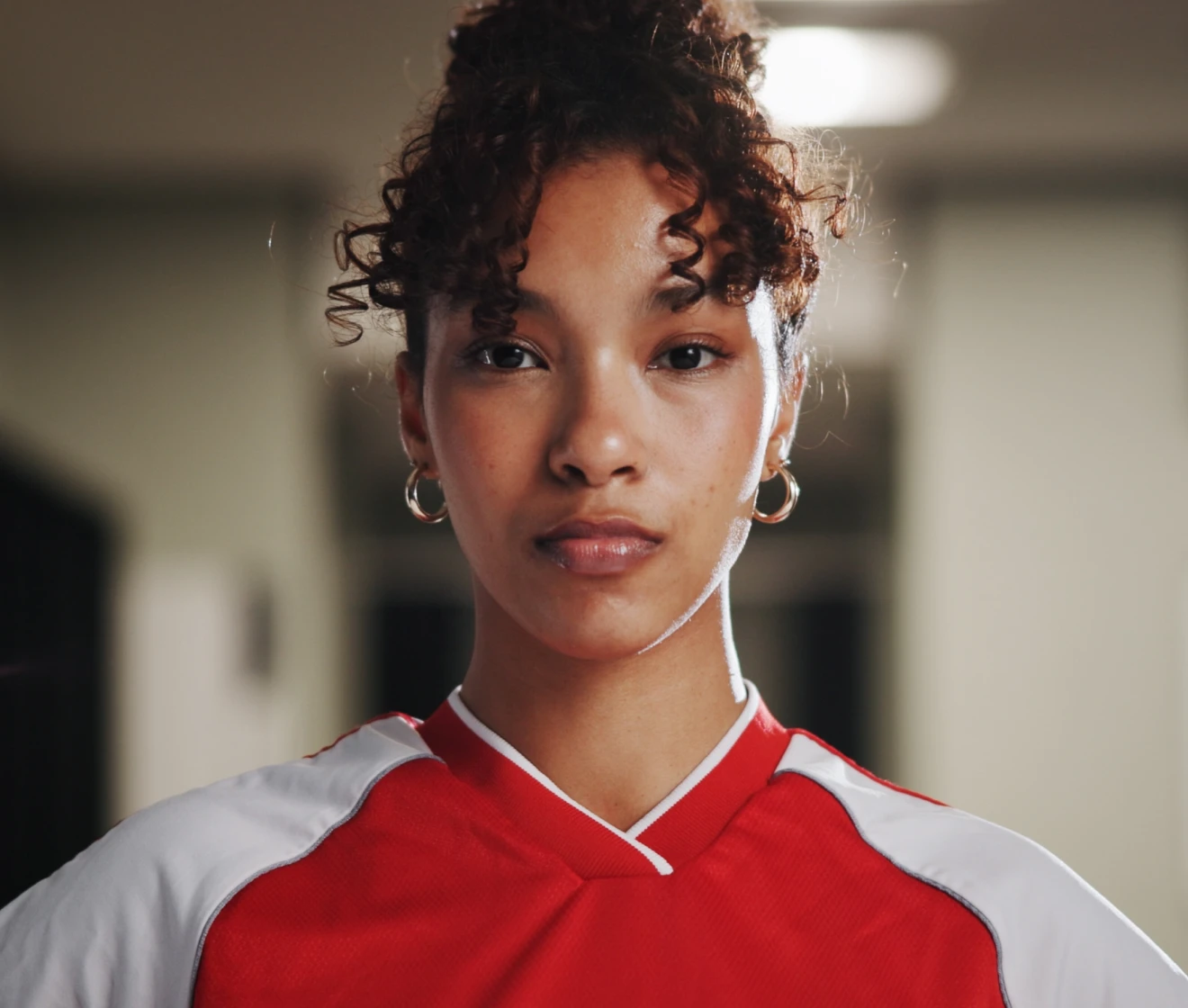
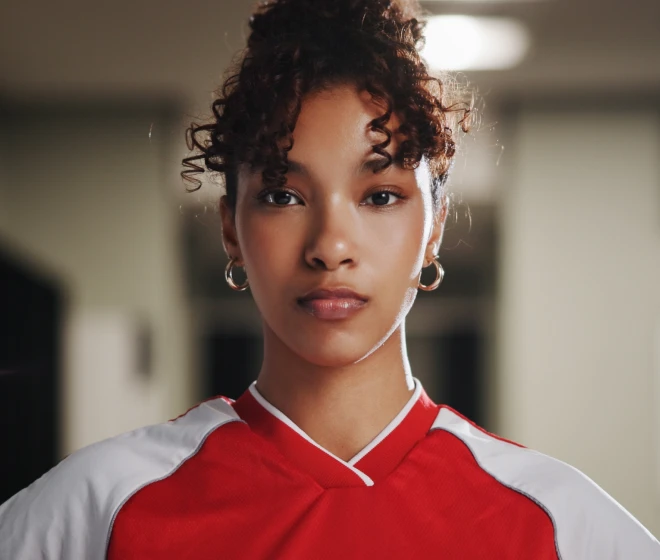
Desktop
Before
After
Before
After

Backdrop Editing

Clean up distracting backgrounds, add background blur, replace backdrops, or swap skies to create more polished sports portraits and outdoor images.
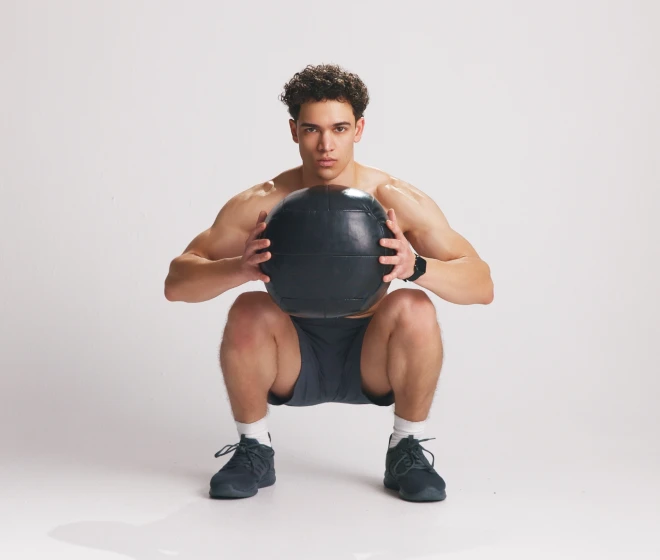
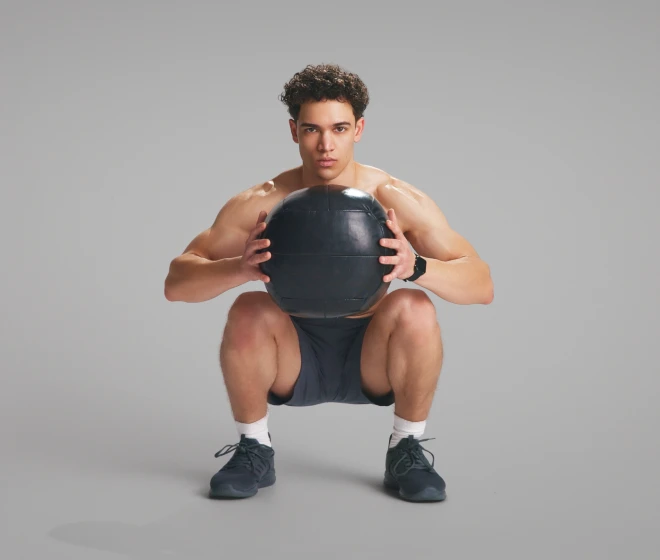
Desktop
Background cleanup and backdrop editing for sports photos-before
Background cleanup and backdrop editing for sports photos-after
Before
After

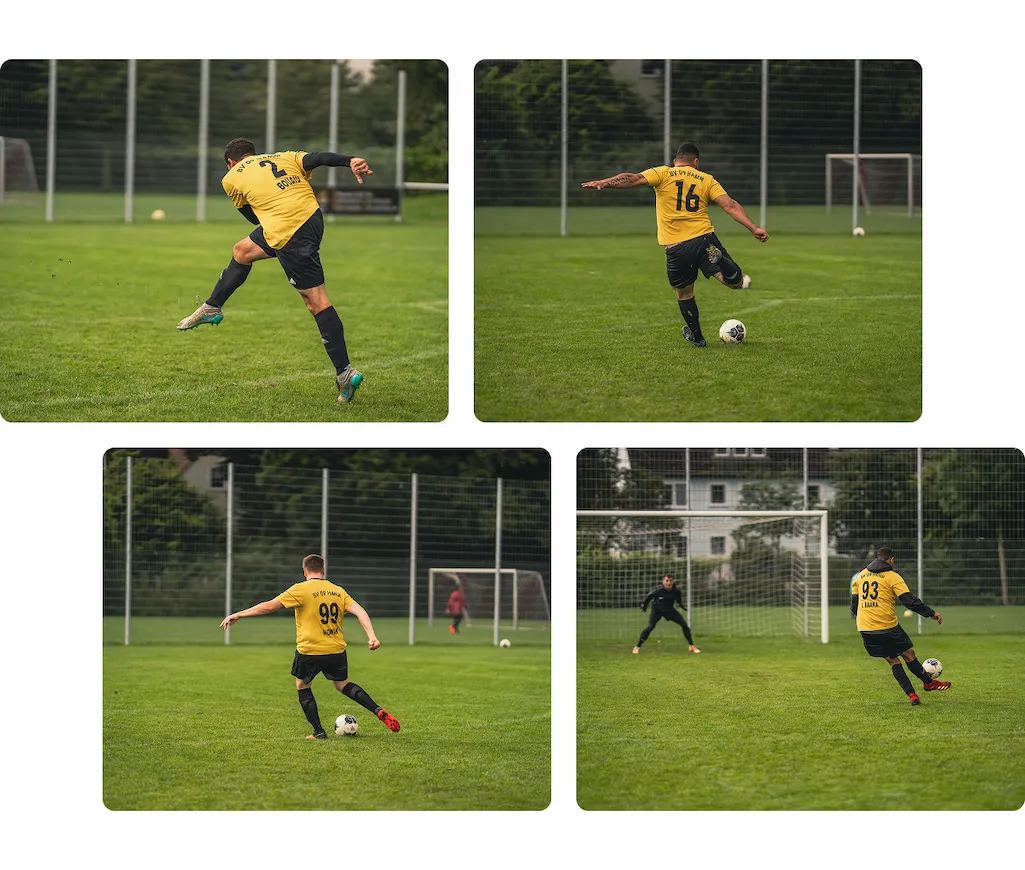
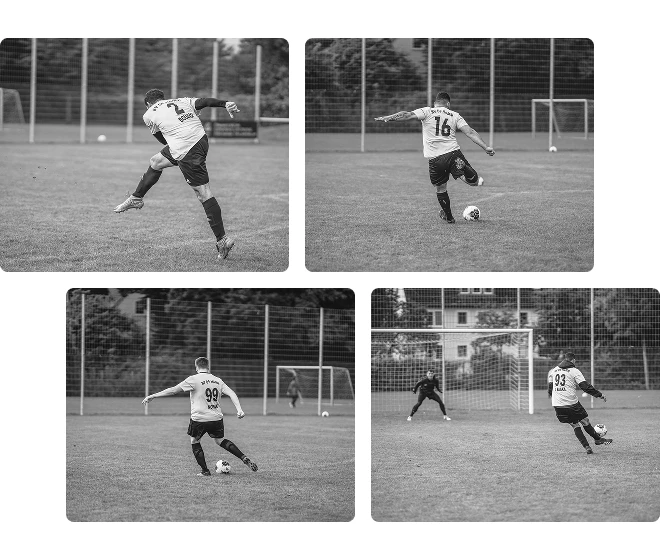
Preset Sync

Apply lighting, color, and retouching settings across hundreds of images in one click. Maintain consistent tones for entire teams or tournaments.
Desktop
Batch editing and preset sync for team photos-before
Batch editing and preset sync for team photos-after
Before
After

Do More with Evoto AI Photo Editor

From professional skin retouching to color grading and more, we’ve got you covered.

How to Edit Sports Photos with Evoto

1
Import Project and Start AI Culling
2
Crop and Straighten
3
Enhance Image Quality & Portrait Detail
4
Batch Export

Import Project and Start AI Culling

Open your project in Evoto and run AI Culling to automatically score and filter burst shots. The system identifies sharp frames and strong expressions so you can focus on the best images.
start AI culling sports project

How to Edit Sports Photos with Evoto

1

Import Project and Start AI Culling

Open your project in Evoto and run AI Culling to automatically score and filter burst shots. The system identifies sharp frames and strong expressions so you can focus on the best images.
start AI culling sports project
2

Crop and Straighten

Use Crop & Rotate with consistent ratio standards to keep athletes centered and compositions uniform. Then use Straighten to fix tilted horizons for clean, professional framing.
auto crop and straighten sports photos
3

Enhance Image Quality & Portrait Detail

Apply sharpening, noise reduction, and color enhancement to improve clarity and vibrancy. Portrait retouching refines skin and details while preserving natural textures.
enhance sports photo quality
4

Batch Export

Sync presets and export edited galleries in bulk. Deliver consistent, professional images ready for clients, teams, or event publication.
batch export sports photos

Do More with Evoto AI Photo Editor

From professional skin retouching to color grading and more, we’ve got you covered.

Desktop

FAQs

  • Is Evoto suitable for professional sports deliverables?

  • Can beginners edit sports photos in Evoto without a steep learning curve?

  • Does it support RAW files?

  • How does Evoto handle large-scale sports projects with hundreds of images?

  • How does Evoto keep team and youth sports portraits consistent across large batches?