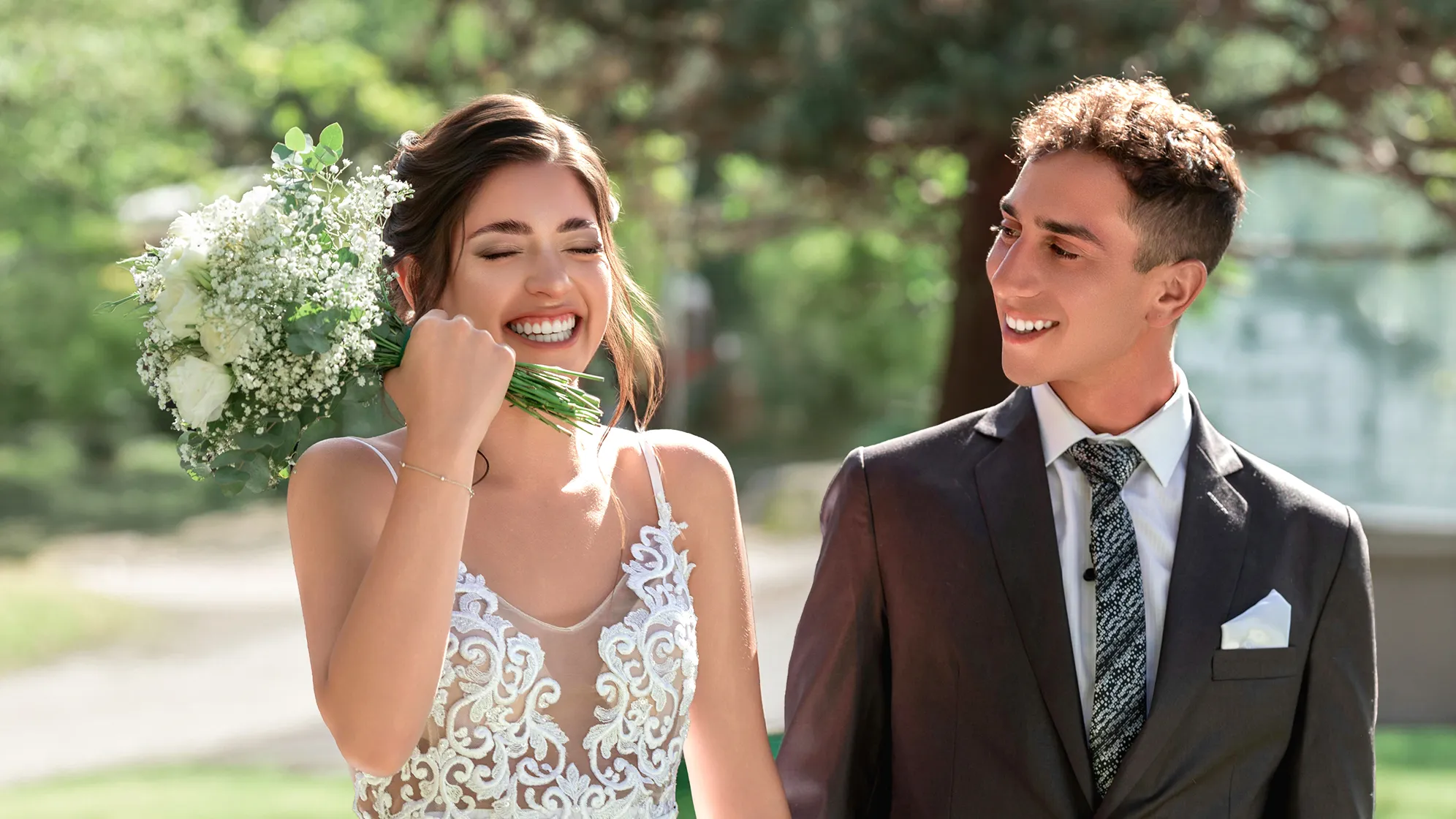
Evoto AI People Remover - Effortlessly remove people from photos for clean background in your photography of wedding, travelling, street lifestyle and more.
One click to remove people from photos and keep your photo background clean, without disturbing important objects or subjects of the photoshoot.
Smart People Background Detection
Advanced AI precisely identifies and targets people from the photo background, without mistaking important objects. Erase unwanted passersby while keep the core subject untouched.
Say goodbye to tedious masking with brushes - just one click is all it takes. Fast detect and clean up passersby or unwanted characters, saving time from heavily manual photo editing.
After the people removal, AI passersby remover automatically filles the missing background with smart inpainting technology, delivering a seamless, natural result without visible traces.
Remain image color, sharpness, texture, intactness, and all details in high- resolution quality after removing people from photo, perfect for further photo editing, printing, or professional publishing.
Powered by state-of-the-art AI algorithms, our AI People Remover ensures accurate person detection and flawless removal without losing background details.
Easy-to-Use People Remover
With just one click, anyone - from beginners to professionals - can clean up people from photo background without needing complex image editing skills.
Multi-Device Compatibility
Enjoy seamless editing whether you're on Windows, macOS, iPad OS or web editor. We adapt smoothly across devices, empowering creators anywhere.
Auto and Time-Saving Tool
Streamline your workflow and boost your volume photography post-processing. Free you from manual selection on passersby in traditional photo editing.
Upload a photo with passersby or unwanted persons from your mobile phone, Windows, mac OS or iPad device.
The AI person remover will recognize all the people from the background of the photo and automatically delete the persons you want to edit out in the photo.
Download and save the edited photo to your device.
1. Upload a Photo
Upload a photo with passersby or unwanted persons from your mobile phone, Windows, mac OS or iPad device.
2. Erase People from Photo Background
The AI person remover will recognize all the people from the background of the photo and automatically delete the persons you want to edit out in the photo.
3. Save the People Removal Photo
Download and save the edited photo to your device.
How does the AI people remover work in portrait photo editing?
A
The AI image algorithms are fine-tuned to accurately detect people in the photo background, minimizing the risk of misidentifying important elements as people. Even in crowded or complex scenes, it can precisely target and isolate individuals for removal.
Q
Is the people remover AI tool free to use?
A
Yes, we offer a free trial period or a basic version with limited feature to remove people from photos at no cost.
Q
How does the background inpainting work after using the people remover AI?
A
After the people are removed using background people remover AI, advanced inpainting technology kicks in. It analyzes the surrounding area of the removed people, studying the patterns, colors, and textures. Based on this analysis, it seamlessly fills in the gaps, creating a natural-looking background without any visible signs of the previous presence of people, resulting in a smooth and clean photo.
Q
How does the AI person remover compare to traditional tools?
A
Traditional person removers, such as manual masking with brushes in software like Photoshop, need heavy manual works, extremely time-consuming. But our photo editor to remove people from background uses AI for automated removal. This eliminates the need for painstaking manual selection and significantly reduces the time and effort required, making it a more efficient choice for modern photographers.
Q
Do I need extensive photo editing skills to use Evoto app to remove person from photo?
A
Not at all. The app to remove person from photo is designed with user-friendly interface in mind. Even beginners with no prior photo editing experience can easily navigate and use the background people editor. With just a simple click, the program can start the process of remove people from photos background, making it accessible to a wide range of users.
Q
Can I use the people remover for commercial photography projects?
A
Definitely. Given its ability to provide high-quality results and maintain image integrity, the AI people remover is well-suited for commercial projects. Whether it's for advertising campaigns, product packaging, or editorial work, it can deliver the clean, professional-looking images required for commercial use, making it a valuable asset for professionals.
Q
On which devices can I access the app to remove people from background?
A
The AI people removal tool is available on multiple devices. You can use it on Windows computers, macOS laptops, and iPad OS devices. Additionally, there is often a web-based version, allowing you to access and use the AI person remover features from mobile phones with an Internet connection and a web browser, providing great flexibility.
Q
In what photography scenarios is the people remover most beneficial?
A
For wedding photography, it can quickly remove uninvited guests in the background, enhancing the focus on the couple. In travel photography, it helps eliminate tourists from iconic backdrops. In street lifestyle photography, it ensures the spotlight stays on the subject, making it an essential tool for remove people from photos in these scenarios.
Q
Can this tool effectively remove someone from a photo while maintaining high-resolution quality?
A
Absolutely. When performing tasks like remove someone from a photo, it preserves all the details of the image. Whether it's color, sharpness, or texture, the high-resolution integrity remains intact. This makes the resulting photo suitable for various applications, including printing and professional use, even after the people removal process.
Q
Can real estate agents use Evoto to remove person from photo to enhance property photos?
A
In property photos, having people in the background can distract potential buyers from focusing on the property itself. Evoto AI People Remover enables agents to easily eliminate any individuals present in the photos, be it previous occupants or other staff. This results in cleaner, more focused property images that can better showcase the space and attract more interested buyers.
Last updated: 2026-06-11. Reviewed by: Evoto Product Team. Results may vary depending on image quality, lighting, subject pose, file format, and selected settings.