Flawless Maternity Portraits with AI Retouching

AI-powered maternity portraits—smooth skin, perfect hair, and natural body shaping for flawless results every time.

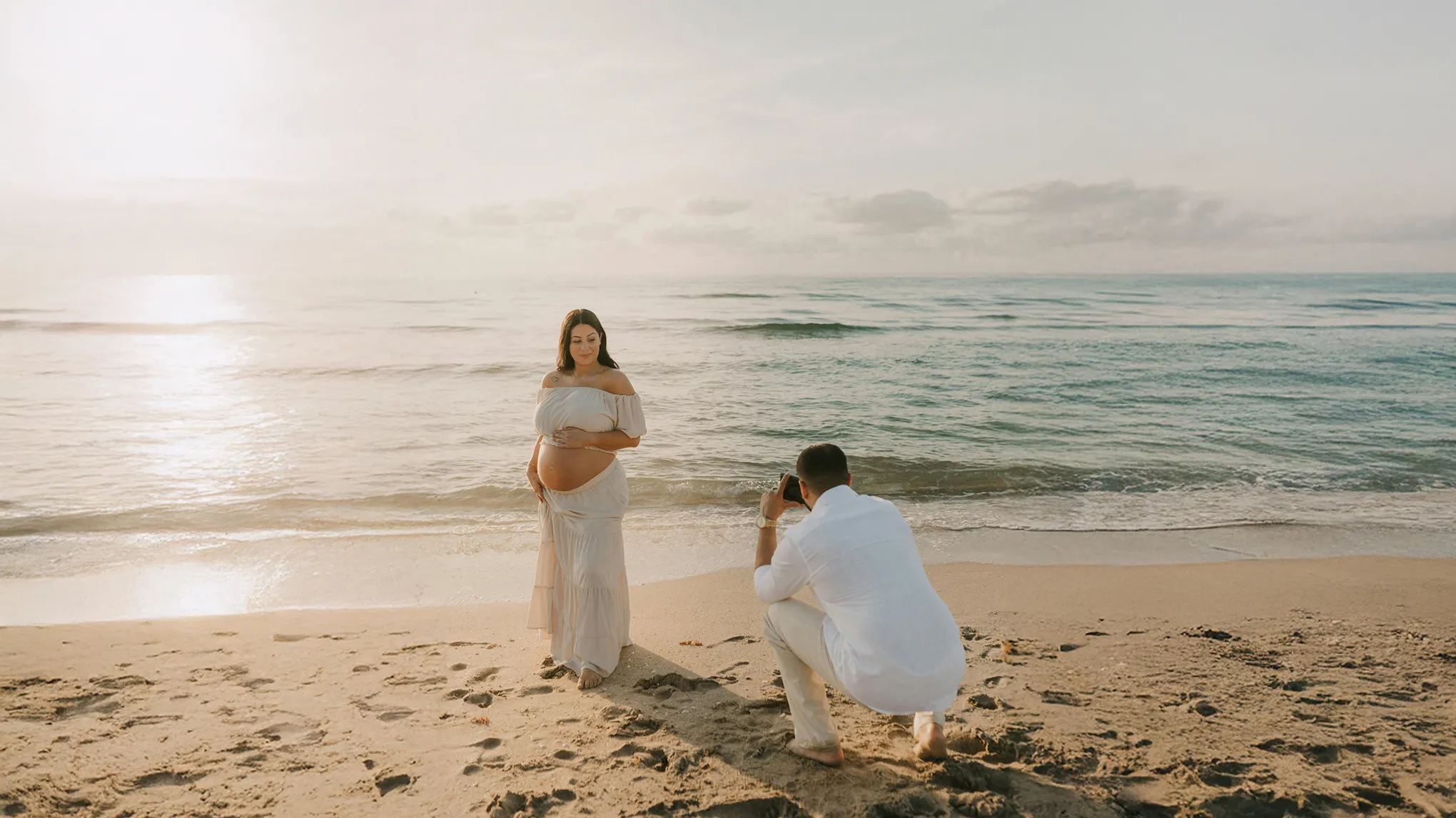
Naturally retouched maternity photo with AI
Before
After
Naturally retouched maternity photo with AI1
Naturally retouched maternity photo with AI2

Maternity Photo Editing with Powerful AI

Effortlessly retouch skin, hair, and body curves for stunning maternity portraits every time.

Celebrate Natural Pregnancy Curves – Body Shape Tool

Highlight essential curves such as the baby bump and full silhouette to add depth to your photos. AI naturally adjusts lighting and shadows to accentuate the bump and body lines while maintaining overall balance.

Soft silhouette of an expecting mother
Before
After

Flawless Natural Pregnant Skin Enhancement

The AI gently reduces stretch marks, pigmentation (including pregnancy spots/melasma), and blemishes while preserving natural skin tone and texture, adding a subtle, healthy glow rather than a makeup-like effect so mothers appear graceful and comfortable.

Preserve your natural beauty with AI-powered skin Perfection for maternity shots.
Before
After

Hair Retouching for Elegant Maternity Portraits

AI naturally smooths out messy hair and flyaways, restoring volume and shine for an elegant look. Even if managing hair during pregnancy is tough, Evoto AI makes flawless hair retouching effortless.

Elegant hair for maternity shoot
Before
After

Maternity and Newborn Photo Retouching with Batch Editing

Filters duplicates and unwanted shots to surface the best moments. Ideal for maternity and newborn shoots; supports group face retouching, batch edits and color grading.

Selects best moments

Effortless Maternity Edits with AI

Maternity picutre editing is quick and easy, allowing you to enhance skin tone, adjust lighting, and effortlessly remove imperfections.

  • Simple interface for quick, professional results.

    Fast & Easy Edits with User-Friendly Tools

    The user-friendly interface simplifies complex editing tasks, allowing users to achieve desired results with just a few clicks, without the need for advanced skills.

  • Automatically fixes imperfections for a polished look.

    Smart Auto-Edits for Flawless Finishes

    The tool automatically detects and precisely corrects imperfections in images, such as wrinkles, blemishes, and dark spots, resulting in a smooth and polished final look.

  • Manage large volumes of images easily with batch processing and high-speed editing.

    High-Speed Retouching for Maternity Photo

    With batch processing, you can edit multiple photos at once—ideal for high volumes. Perfect for pregnancy shoots, enabling fast turnaround and consistent, seamless results.

  • AI removes wrinkles and blemishes for flawless skin.

    Smart AI Touch-Up for Smooth, Clear Skin

    Automatically detects and corrects wrinkles and blemishes on the face and body, ensuring smooth, flawless skin while maintaining natural beauty.

Do More with Evoto AI Photo Editor

From professional skin retouching to color grading and more, we’ve got you covered.

Step by Step Guide to Natural Pregnancy Skin Retouching

Upload the Image
1. Import Your Image234

Start by opening Evoto and uploading the maternity pictures

  1. 1. Import Your Image

    Start by opening Evoto and uploading the maternity pictures

  2. 2. Select the Portrait Retouching Tool

    Go to Portrait Retouching in the editing menu and select Blemish Removal. Use the Body Refinement feature to correct blemishes on the body and enhance overall smoothness.

  3. 3. Adjust the Intensity of the Enhancement

    In addition to removing blemishes, enable the Pregnancy Line feature located below to gently smooth pregnancy lines while preserving the natural skin texture. Then, use the slider to fine-tune the enhancement level for a soft and natural finish without over-editing.

  4. 4. Save and Export the Image

    Preview the edits, check the before-and-after, and export in high resolution.

Faster Edits, Finer Control.

Retouch your photos with Evoto AI today. Available for Windows, macOS, and iPadOS.

FAQ

  • What should I do before starting a maternity photo edit in Evoto AI?

  • Can I use Evoto AI for both professional and casual maternity photos?

  • Can I apply AI preset filters to maternity photos?

  • Why is editing maternity photos faster with Evoto AI?

  • Can I use this tool hair retouching in maternity photos?

  • Do maternity photos still look natural after editing?

  • Can I adjust the intensity of the enhancements?

  • Can this tool handle photos with multiple people in the frame?

  • Does the original file remain after editing maternity photos?

  • What file formats are supported for maternity photo enhancement?