Create Bold Glitch Effects for Photos Online

Give any photo a bold, retro-tech edge with Evoto’s online glitch editor. Upload your image, choose a glitch style, fine-tune the details,
and preview the result before exporting.
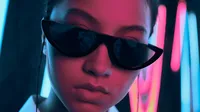
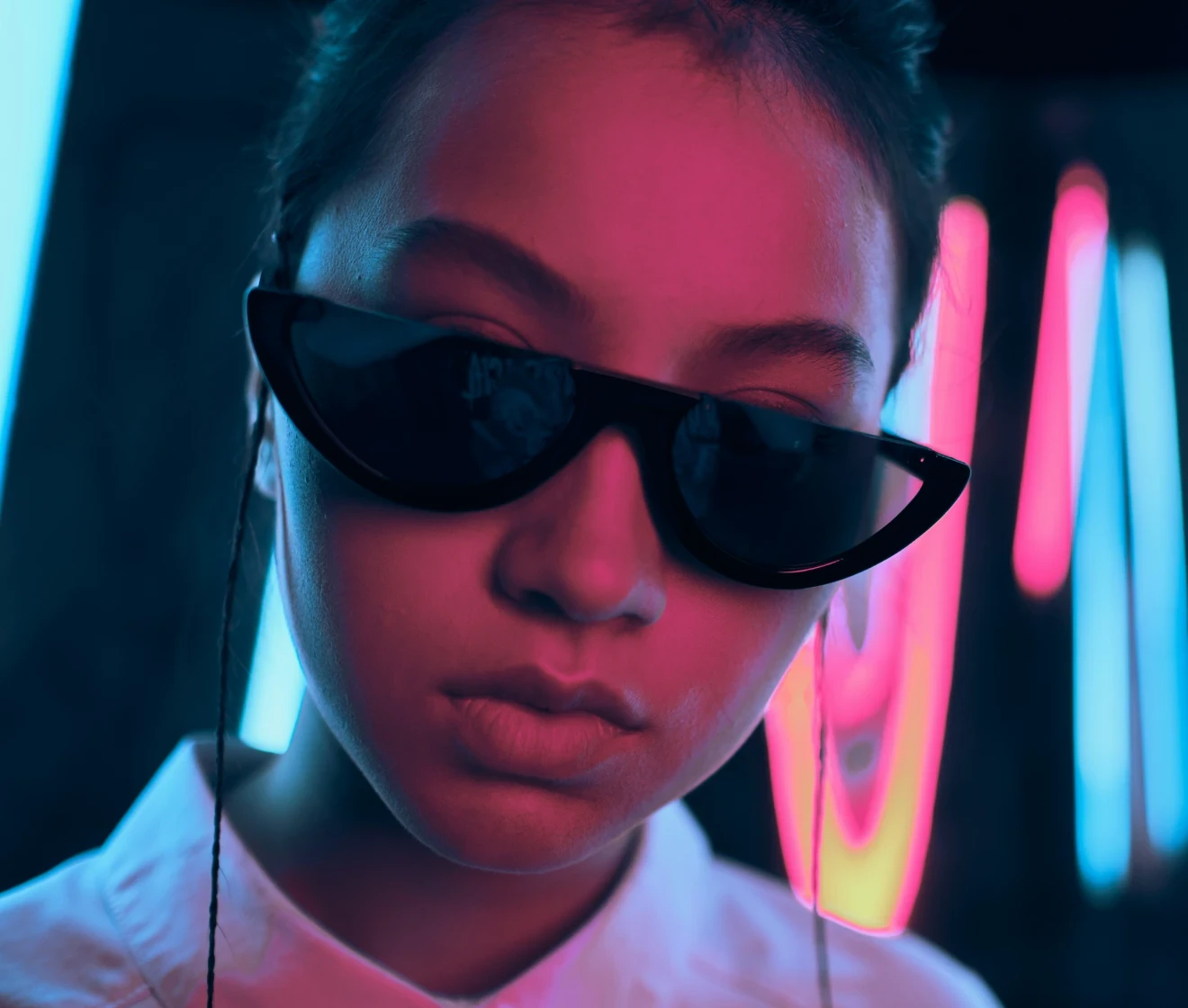
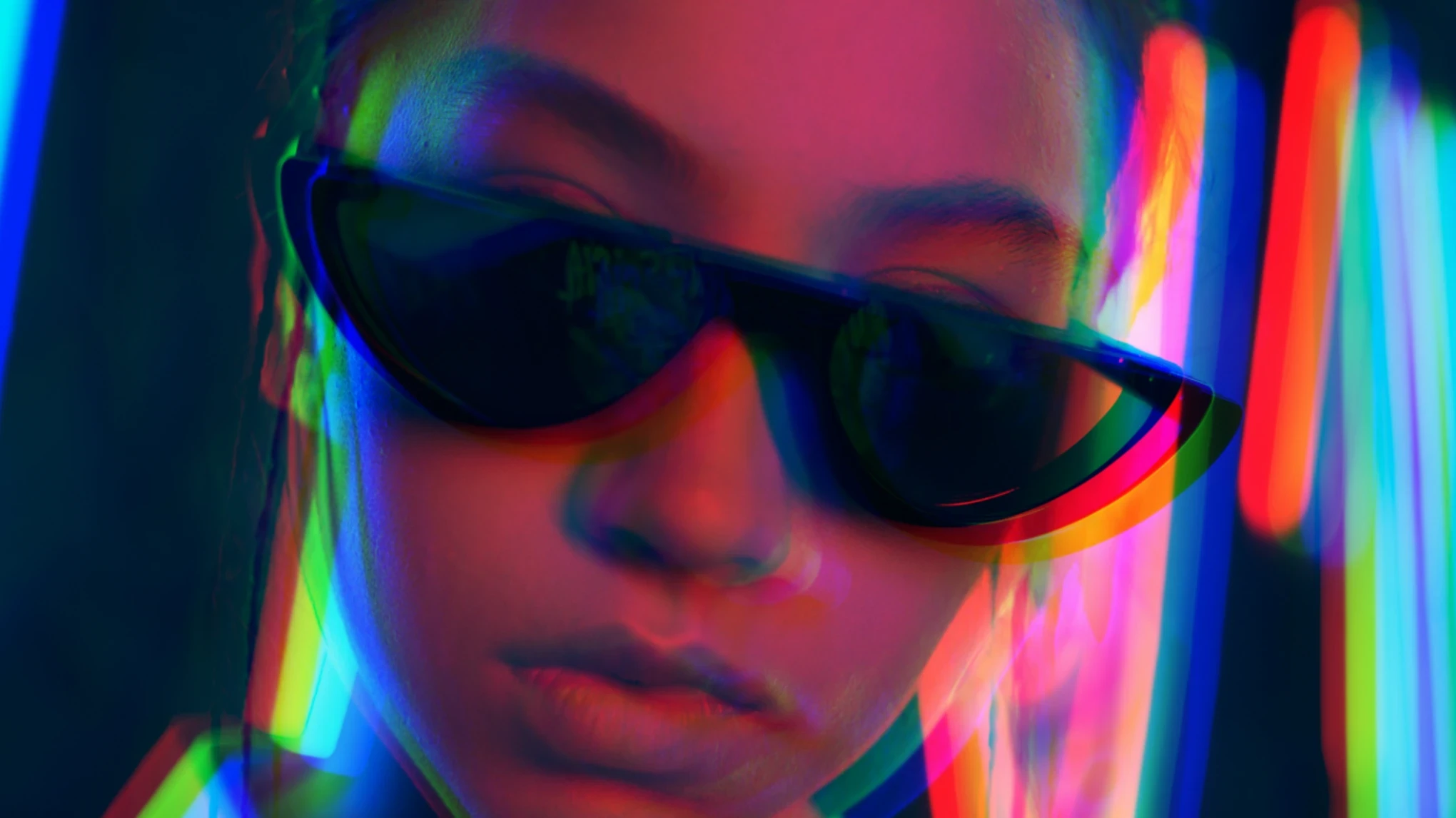
Before-and-after examples of photos edited with Evoto’s Glitch Effect Before
Before-and-after examples of photos edited with Evoto’s Glitch Effect After
Before
After
Upload Image
* JPEG, JPG, PNG or WebP image allowed.
No image? Try one of these
Before-and-after examples of photos edited with Evoto’s Glitch Effect
Upload Image
Free to try. Pro Editing at Your Fingertips.
Desktop
Buy now
Buy now

Explore Glitch Styles for Every Photo

From subtle color offsets to bold scanlines and fractured distortions, explore glitch styles that give photos a retro-tech, cyberpunk, or broken-signal look.

Start with Glitch Presets

Choose a preset to create a glitch photo effect quickly. Start with a subtle broken-signal look or a bolder digital distortion, then fine-tune the details to match your vision.

Same photo shown with four different glitch presets

Customize Every Glitch Detail

Use simple sliders to fine-tune the glitch effect and shape the final look. Adjust Amount, RGB Horizontal Shift, RGB Vertical Shift, Jitter, and Scanlines without complex editing steps.

Portrait showing a customized glitch effect with sliders

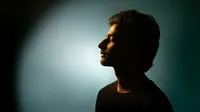
Make Social Profile Stand Out

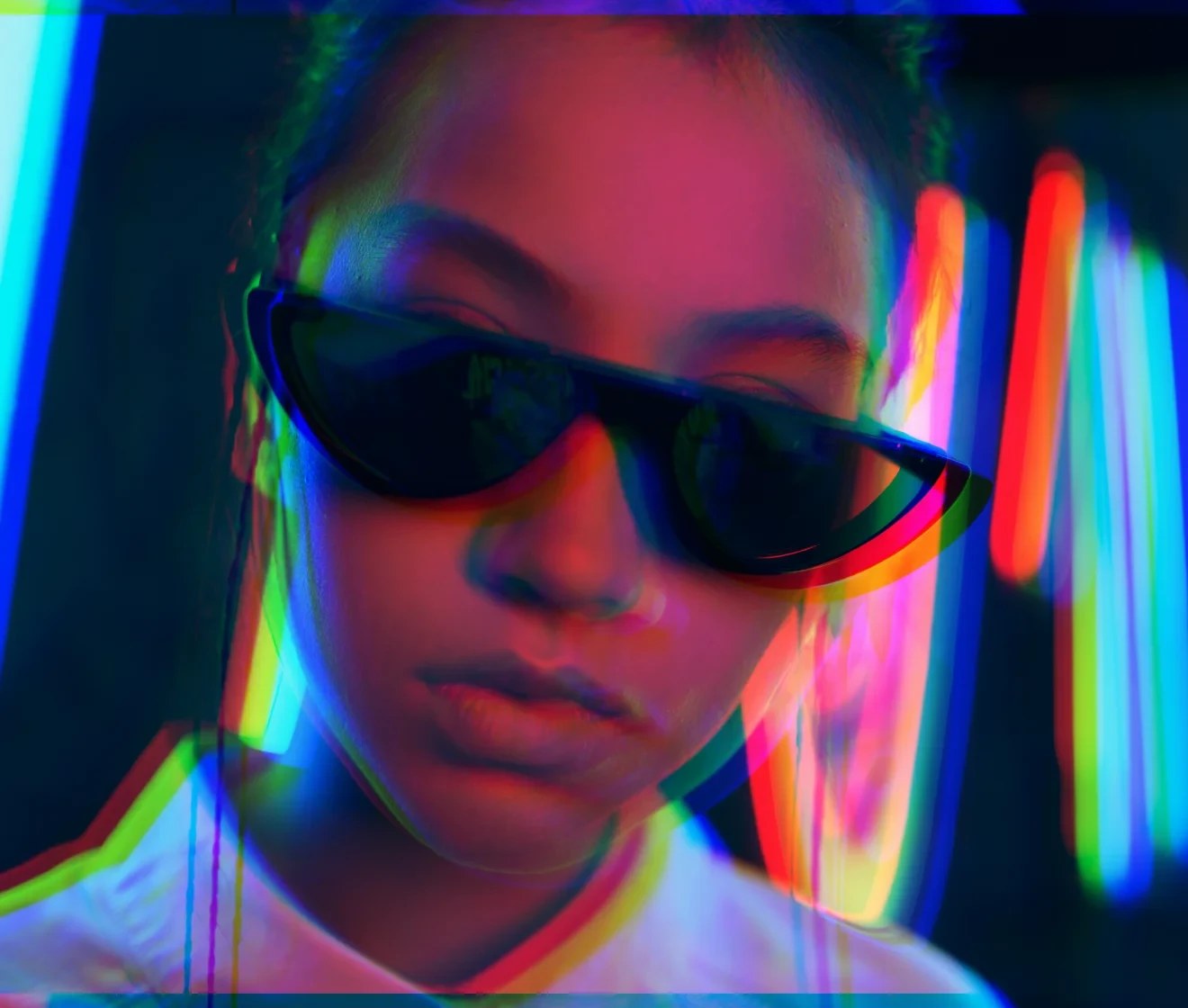
Turn an everyday portrait into an eye-catching profile image. Add color shifts and visual distortion to create a distinct look for social, gaming, and creator platforms.

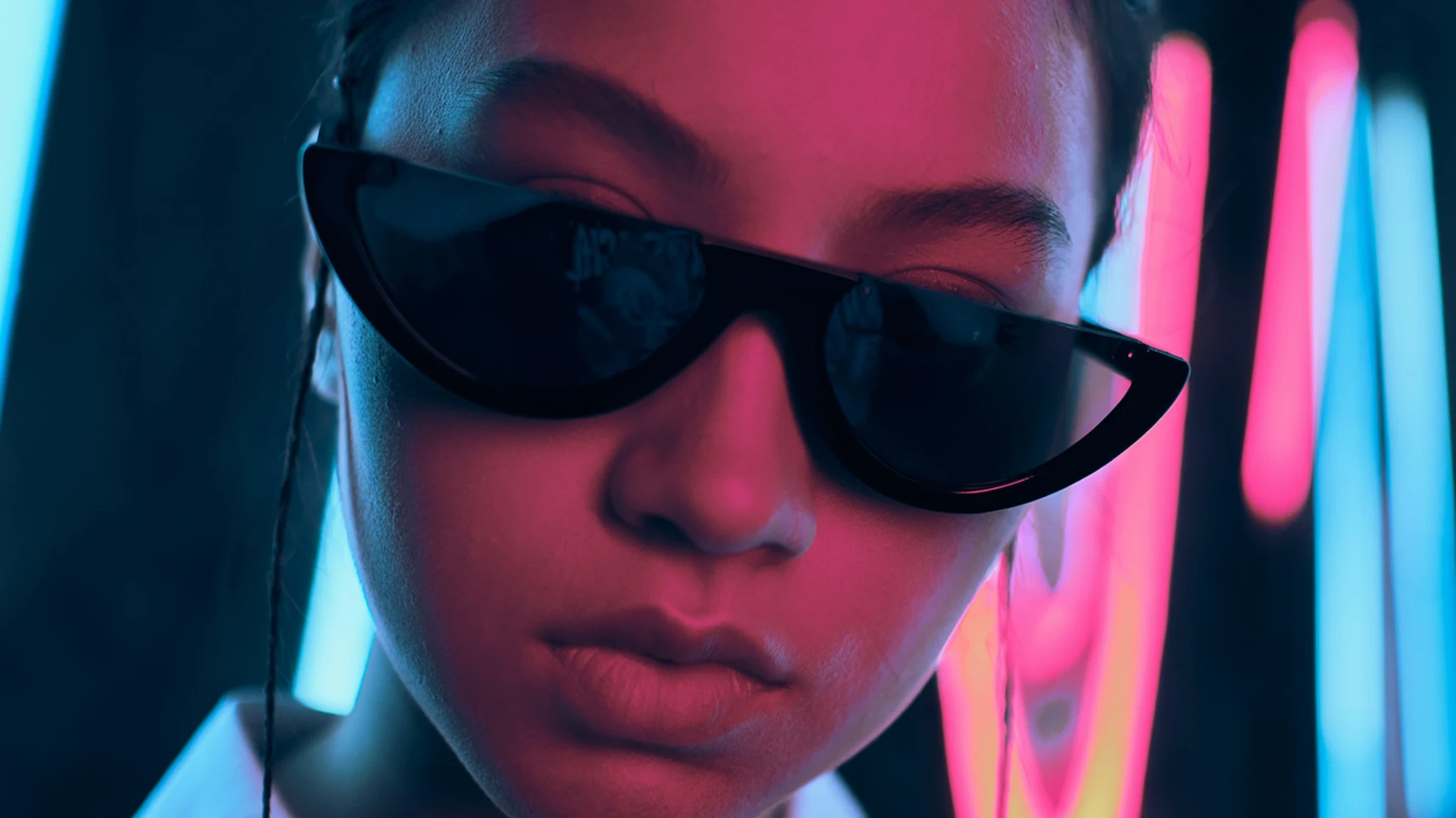
Before and after portrait showing a glitch effect for a social profile photo
Before
After

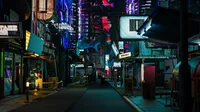
Create Cyberpunk Cover Art

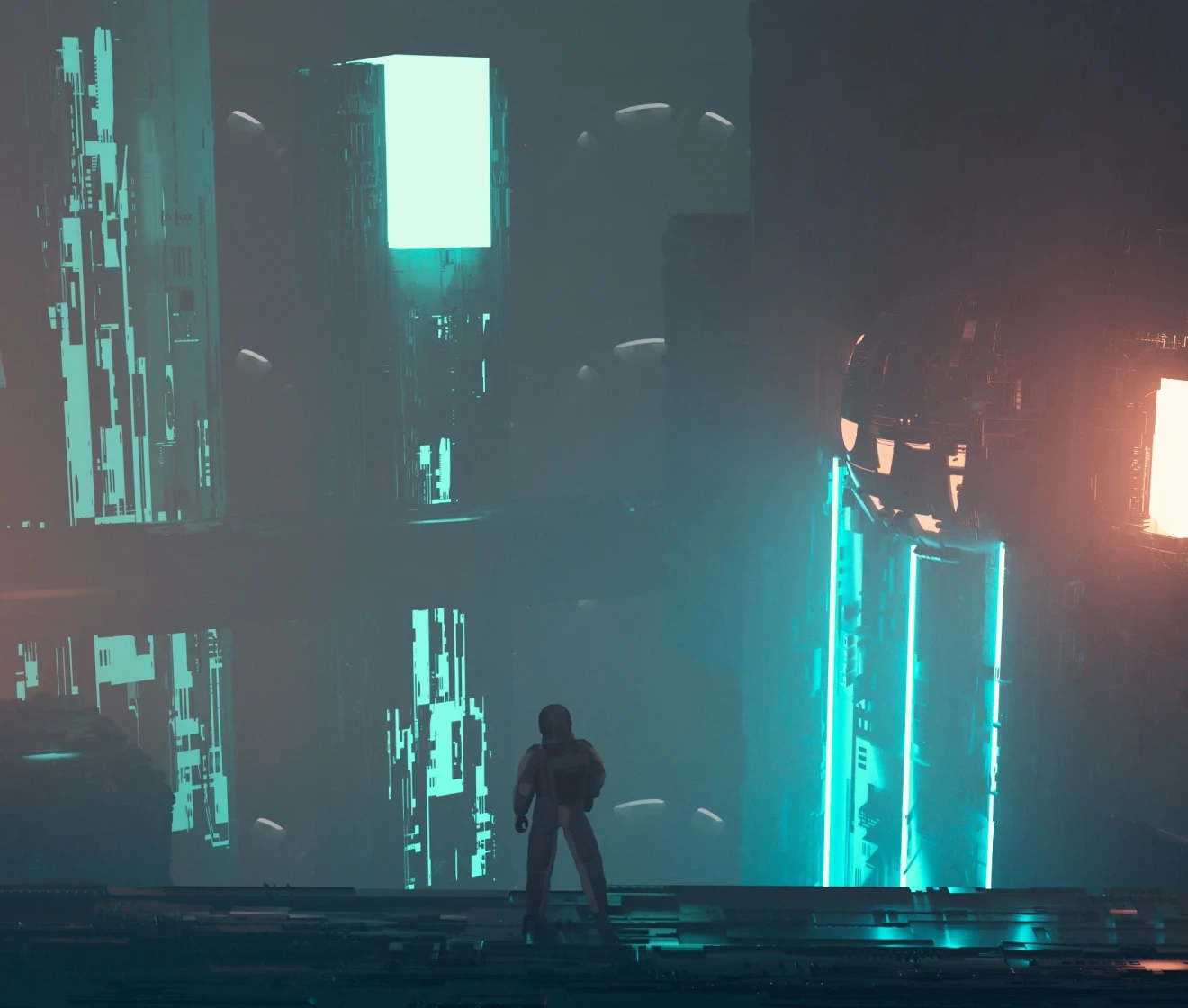
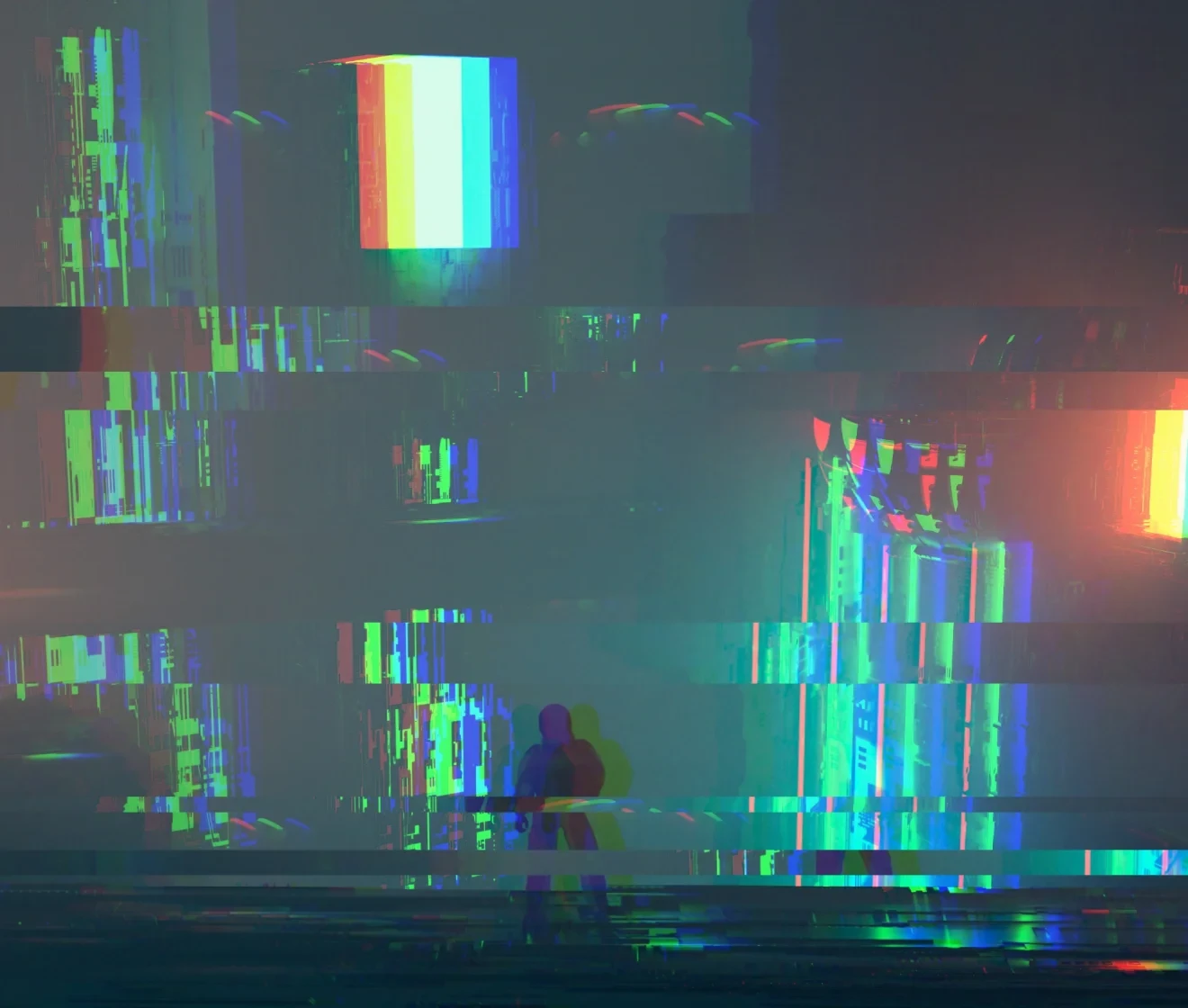
Build striking cover art with a futuristic glitch style. Give music covers, gaming graphics, and event posters strong visual impact.

Before and after cyberpunk street scene with a glitch effect for cover art
Before
After

Glitch Effects Online: Fast, Flexible, and Easy to Try

Try glitch effects online, choose a preset, and refine the final look with simple controls.

Desktop
  • Edit photos with glitch effects online

    Open and Try Online

    Start your glitch edit directly in the browser. Upload a JPEG, JPG, PNG, or WebP image, preview the effect online, and explore the look before deciding how to export.
  • Choose from glitch effect presets

    One-Click Glitch Presets

    Choose Soft Shift, Bold Split, Prism Shake, or Retro Lines to apply a glitch look instantly. Fine-tune the effect when you want more control.
  • Fine-tune glitch effects with sliders

    User-Friendly Sliders

    Fine-tune Amount, RGB Horizontal Shift, RGB Vertical Shift, Jitter, and Scanlines with clear sliders. Shape the effect visually without complex steps.
  • Keep photos private while editing

    Your Photos Stay Private

    Your images are processed securely on encrypted cloud servers. Once your edit is complete, your data is permanently deleted and never shared or used to train AI models.
Do More with Evoto AI Photo Editor

From professional skin retouching to color grading and more, we’ve got you covered.

How to Add a Glitch Effect to a Photo

Desktop
Step 1 upload image in Evoto Online
1.**Upload Your Image**234
Click or drag to upload a JPEG, JPG, PNG, or WebP image.
  1. 1. Upload Your Image

    Click or drag to upload a JPEG, JPG, PNG, or WebP image.
  2. 2. Choose a Glitch Preset

    Select Soft Shift, Bold Split, Prism Shake, or Retro Lines. Evoto applies your selected preset at its default Amount setting, so you can see the glitch effect right away.
  3. 3. Fine-Tune the Effect

    Use Amount, RGB Horizontal Shift, RGB Vertical Shift, Jitter, and Scanlines to refine the effect. Your preview updates as you adjust the sliders.
  4. 4. Preview and Export

    Compare the original and edited image in the before-and-after preview. Download a compressed image directly, or sign in to export an HD or original-quality image with 1 Credit.
Desktop

Read More About Glitch Effect

Faster Edits, Finer Control.

Transform your photos with Evoto’s online Glitch Effect Editor today.
Create bold, expressive visuals for profiles, covers, and creative projects.

Desktop

FAQs

  • What is a glitch effect in photo editing?

  • How do I add a glitch effect to a photo online?

  • Do I need editing experience to create a glitch photo effect?

  • What glitch presets are available in Evoto?

  • Can I customize the glitch effect after applying a preset?

  • Can I preview the glitch effect before exporting?

  • What image formats can I upload?

  • Is Evoto’s glitch effect free to use?

  • Can I export a glitch photo without a watermark?

  • Can I apply glitch effects to multiple photos at once?

Last updated: 2026-07-30. Reviewed by: Evoto Product Team. Results may vary depending on image quality, lighting, subject pose, file format, and selected settings.