
Edit RAW photos, batch-process images, and streamline your workflow.Download Evoto
Take a full retouching toolkit wherever you go. Edit anytime and save your results with ease.Download Evoto

Instant AI Ghost Mannequin Generator for Product Photography

Evoto’s AI removes mannequins and perfectly preserves clothing details. Convert photos into model-free images in seconds and achieve professional e-commerce results effortlessly.
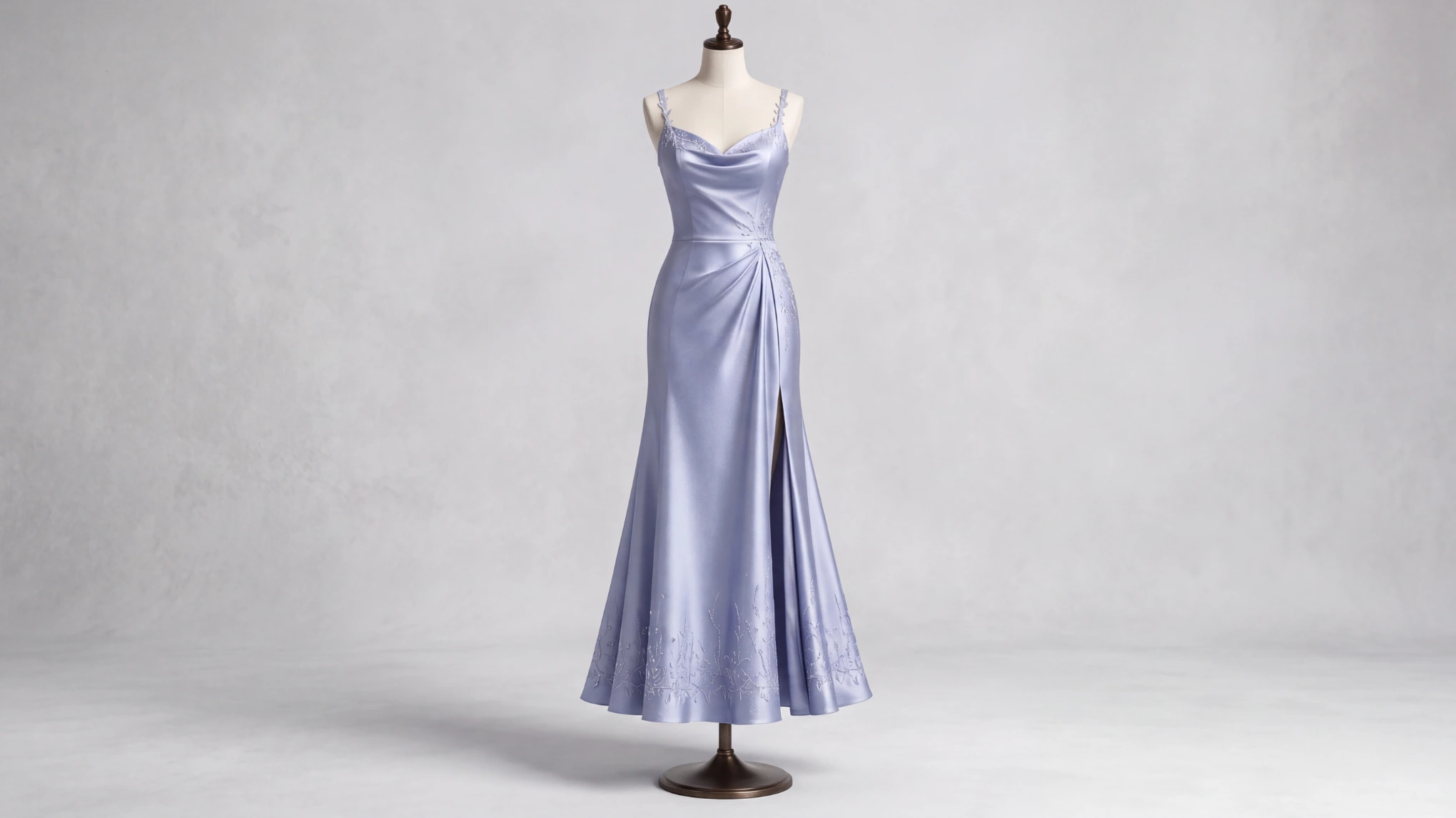
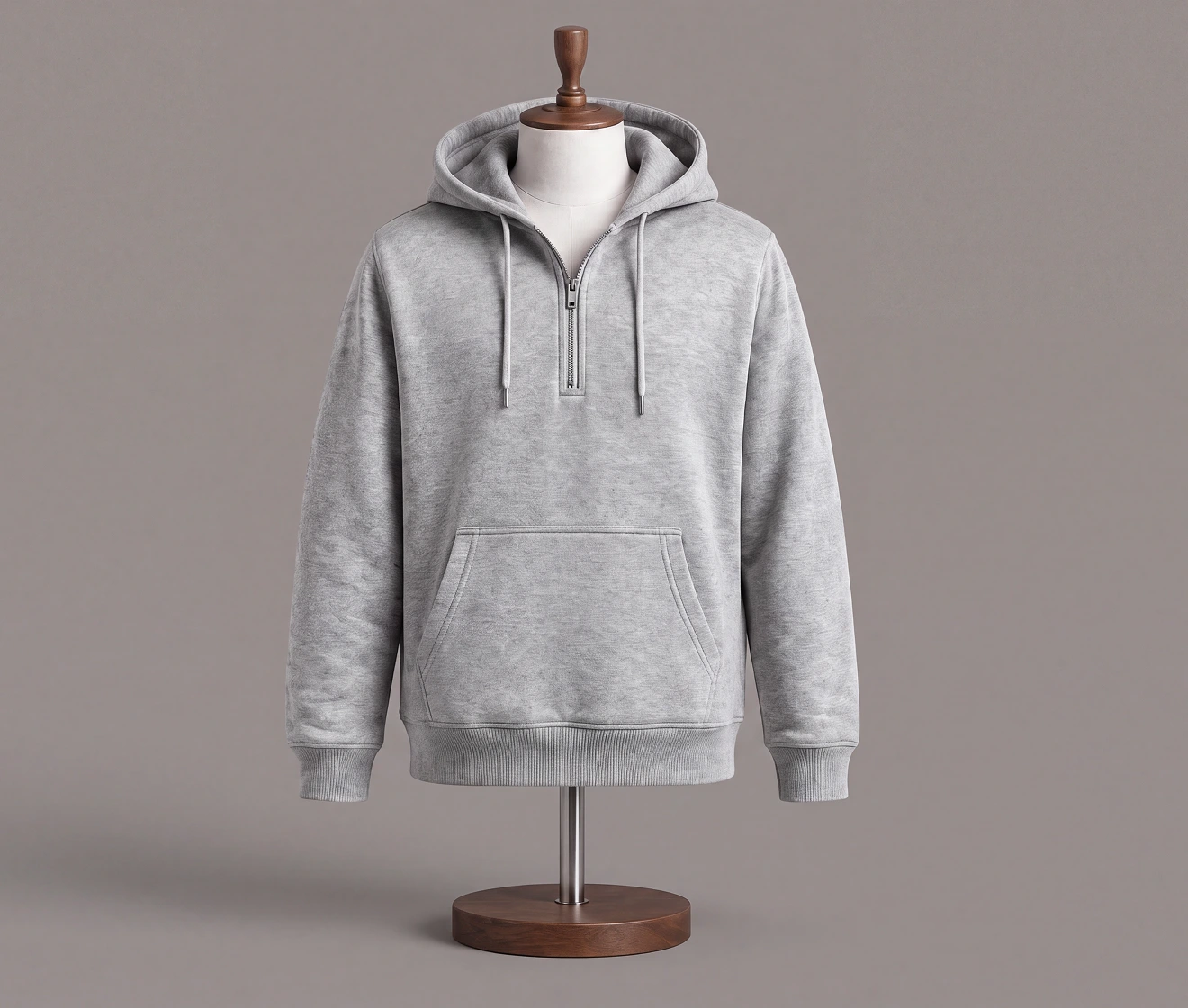
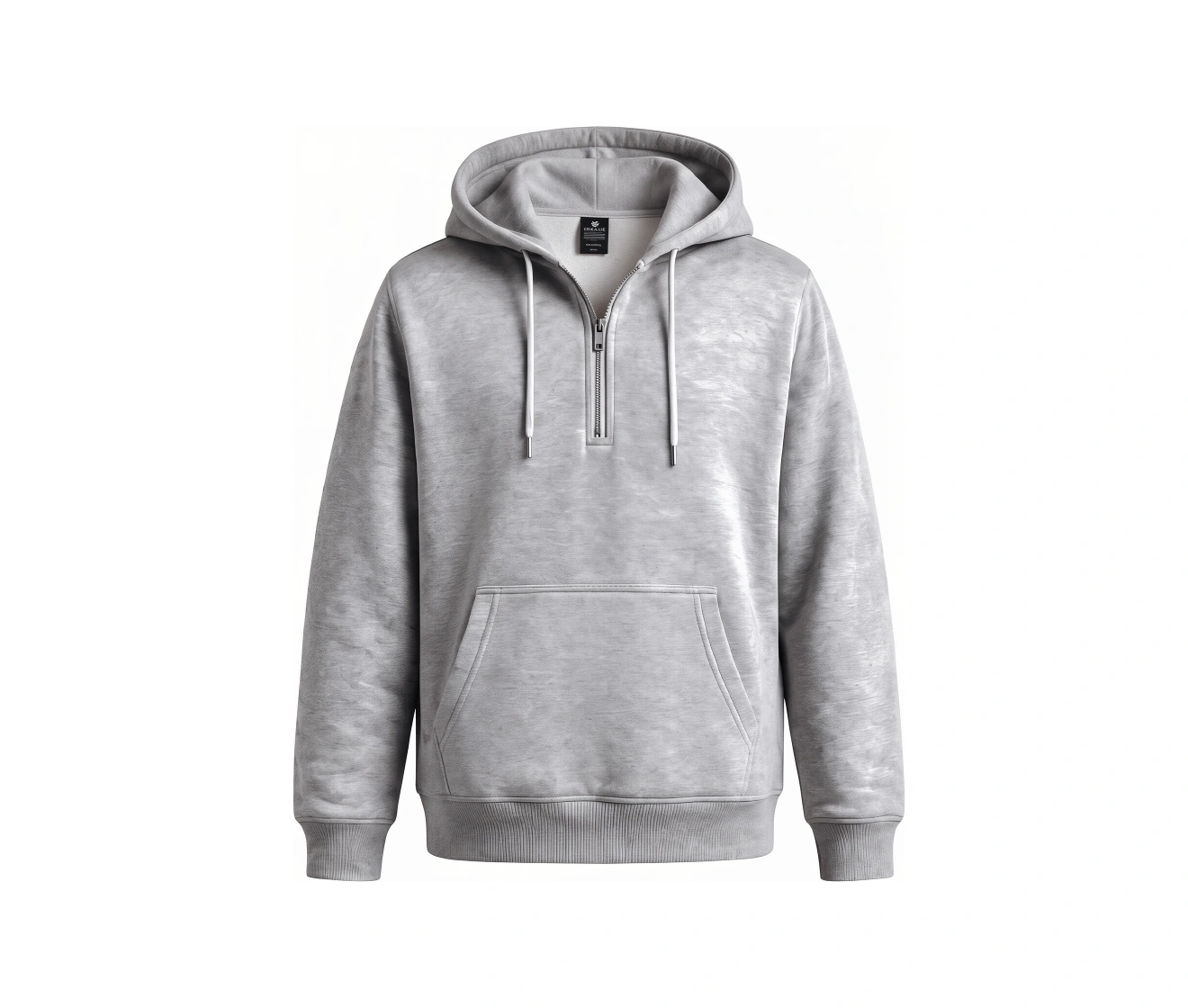
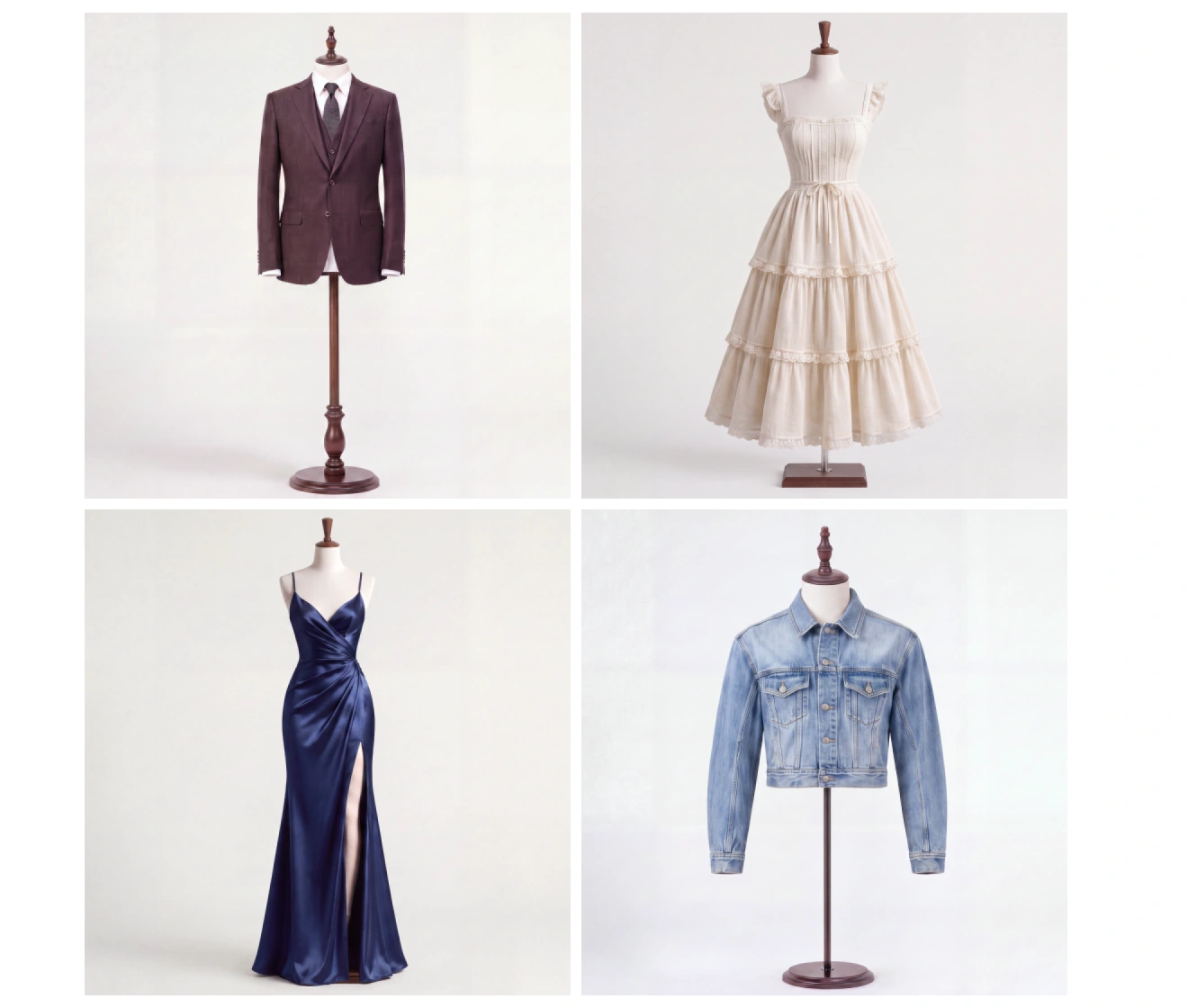
AI ghost mannequin effect for product photography: removing mannequins and restoring clothing details for e-commerce. Before
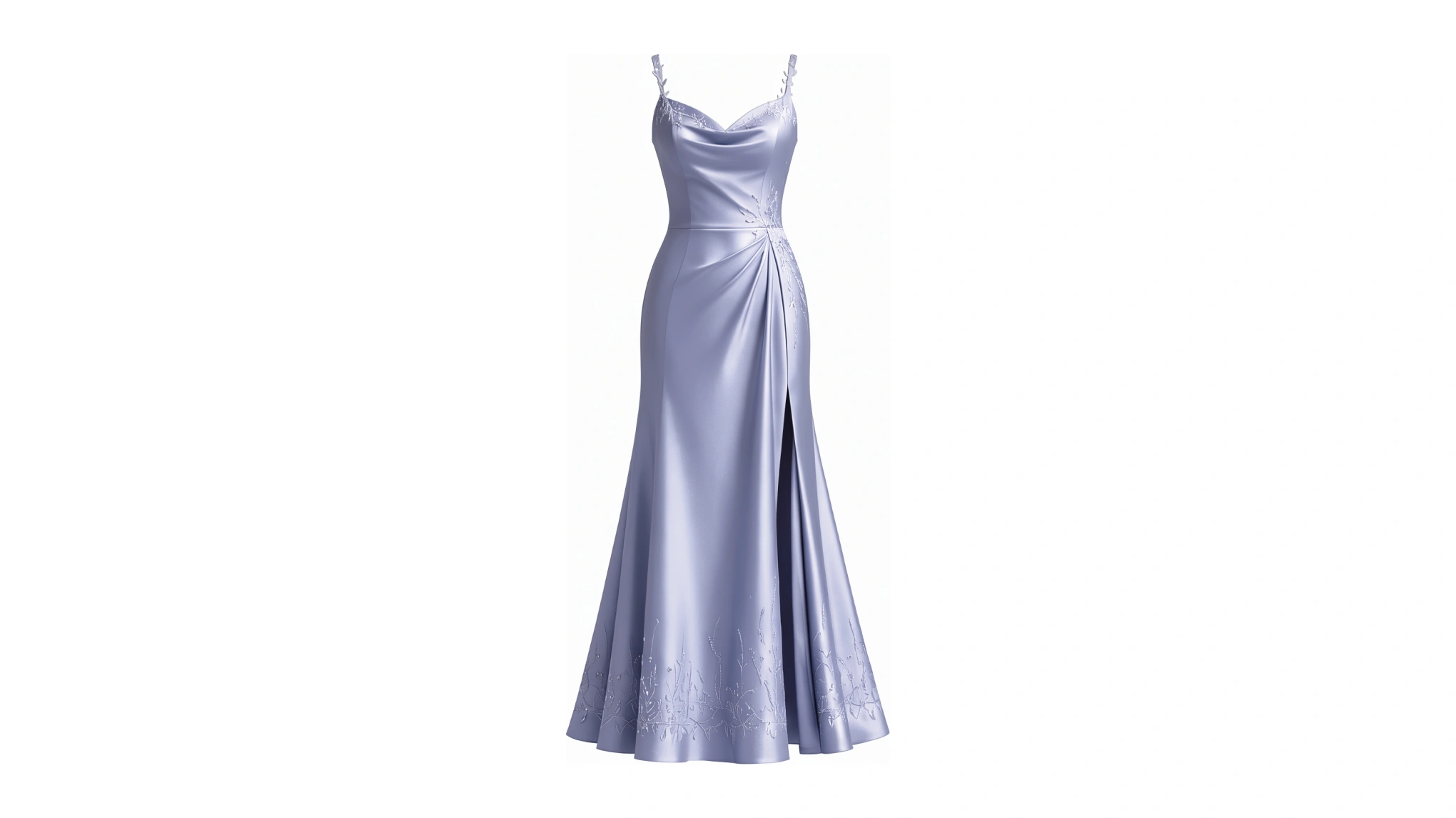
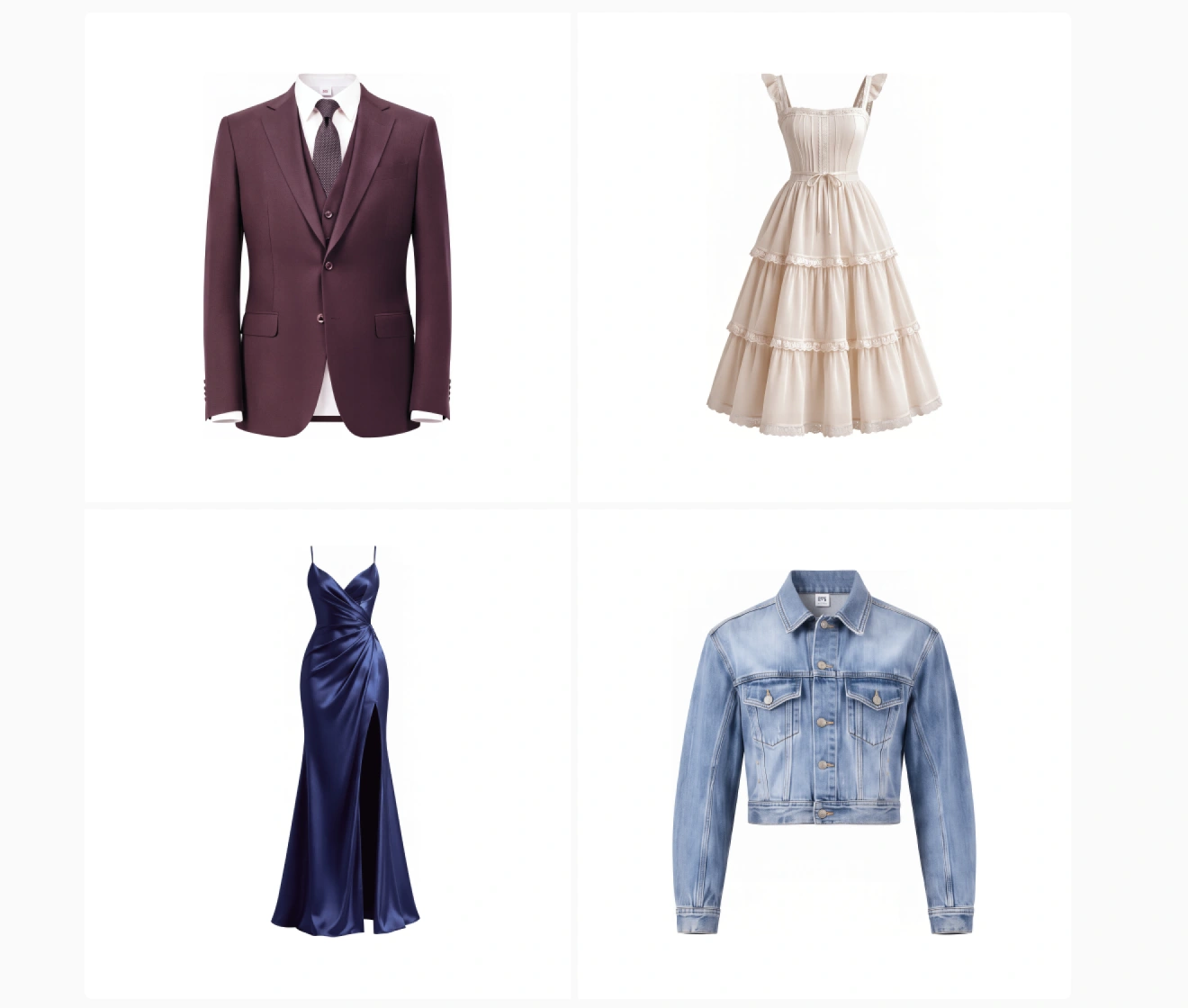
AI ghost mannequin effect for product photography: removing mannequins and restoring clothing details for e-commerce. After
Before
After
Upload Image
* JPEG, JPG, PNG or WebP image allowed.

Private processing · Preview without signing up

No image? Try one of these
AI ghost mannequin effect for product photography: removing mannequins and restoring clothing details for e-commerce.
Upload Image
Free to try. Pro Editing at Your Fingertips.
buy now
buy now

Professional AI Ghost Mannequin Solution for E-commerce

Elevate your catalog with high-fidelity, model-free imagery. Our AI restores hidden garment details and preserves textures, automating your workflow for a premium, studio-ready finish.

Seamless Mannequin Removal & Interior Restoration

Evoto’s AI intelligently removes mannequins while automatically filling in hidden collars and interior linings. Get a complete, hollow-mannequin effect with zero manual cloning required.

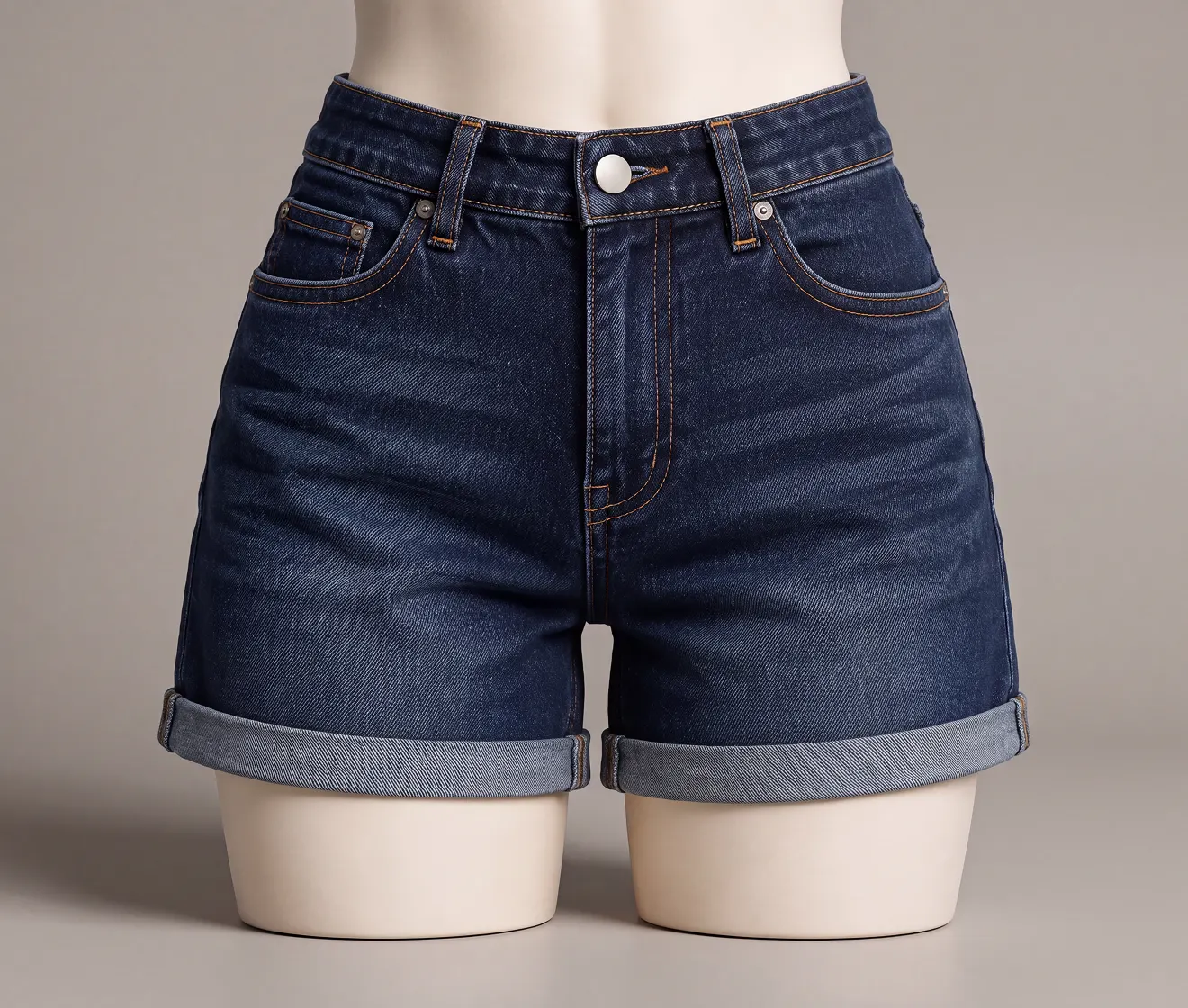
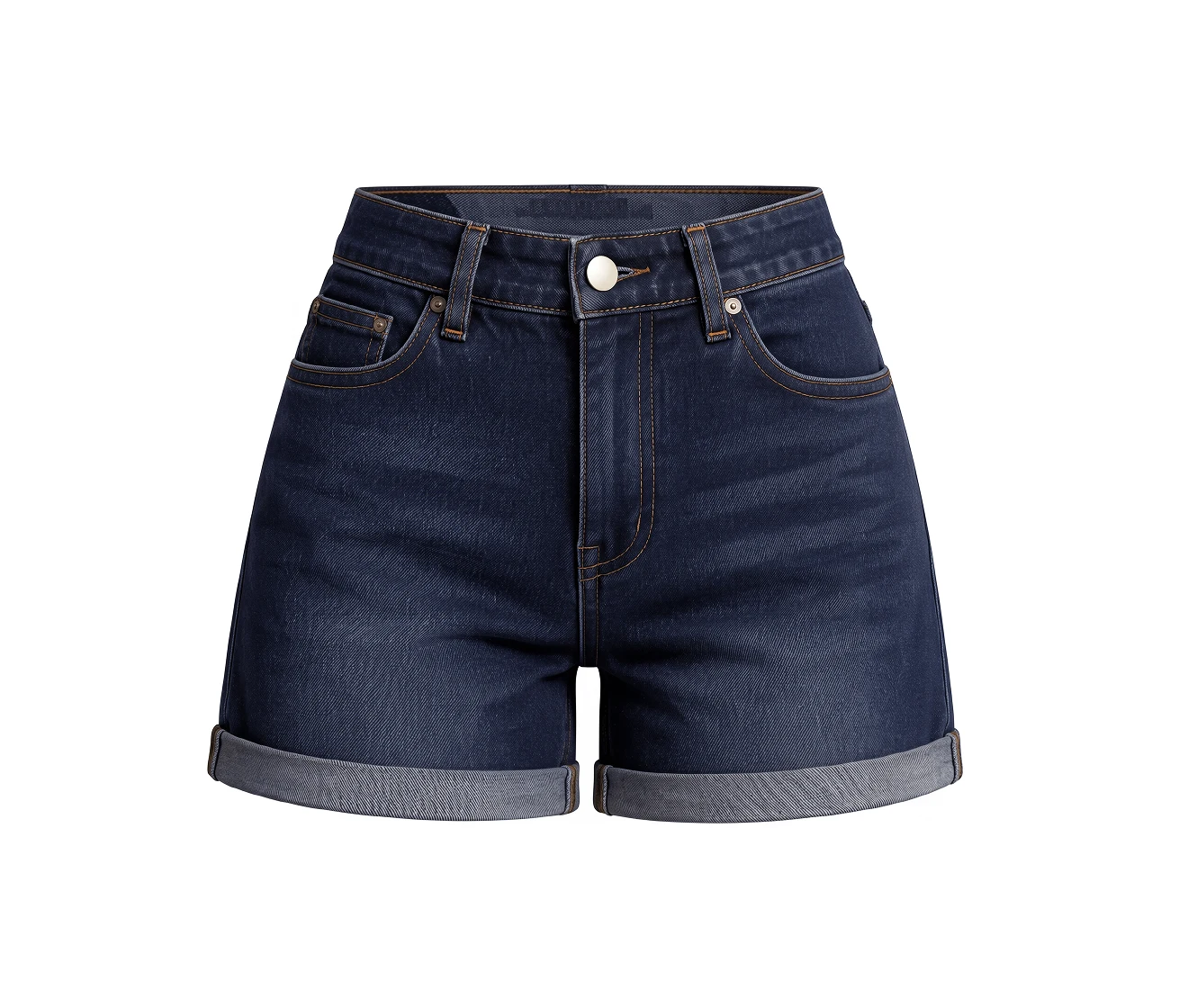
Before and after comparison of seamless mannequin removal and interior restoration using Evoto.
Before
After

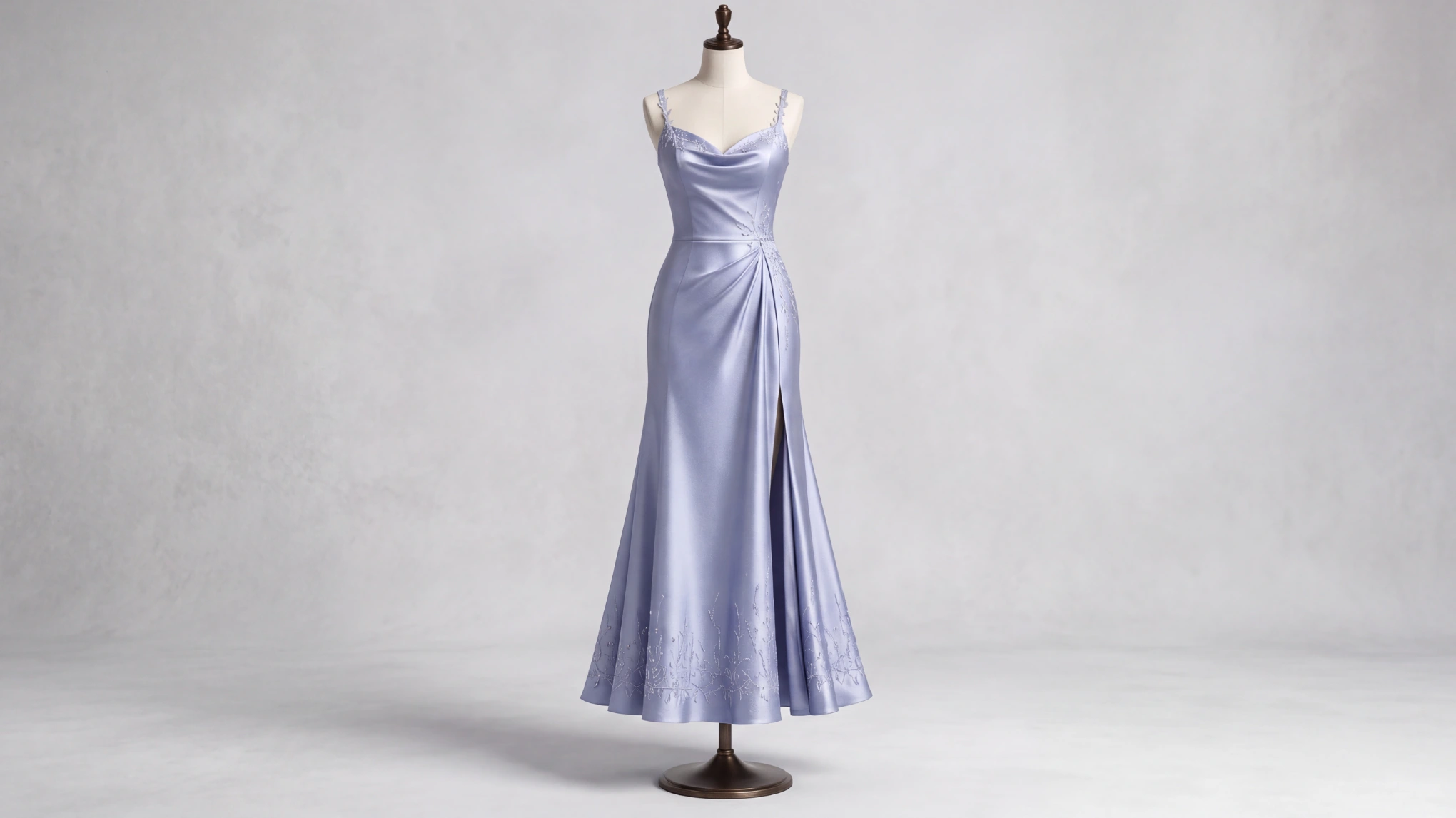
Professional Fabric Texture Preservation

Keep every fiber sharp and authentic. Evoto’s AI safeguards the original fabric texture and natural lighting shadows. Deliver high-end, flawless imagery that maintains the premium feel of your apparel brand.

High-fidelity AI fabric texture preservation: keeping clothing fibers sharp and natural lighting intact.
Before
After

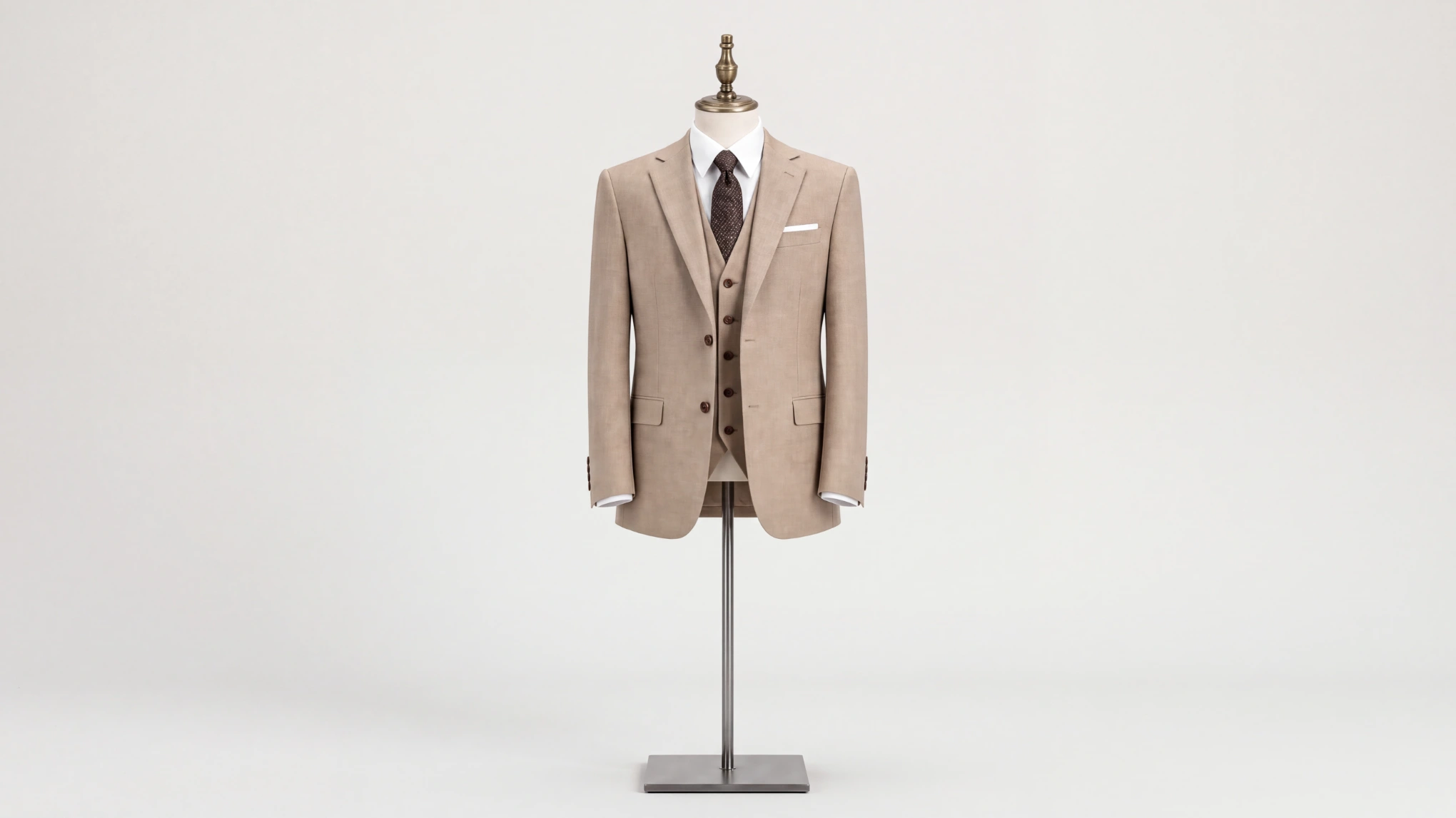
Works for Every Type of Clothing

From delicate lingerie and complex activewear to heavy winter coats, our AI adapts to any garment structure. Ensure a consistent, professional look across your entire product catalogue effortlessly.

AI ghost mannequin support for all apparel: from delicate lingerie and sportswear to heavy winter coats.
Before
After

Batch Edit for Multiple Photos

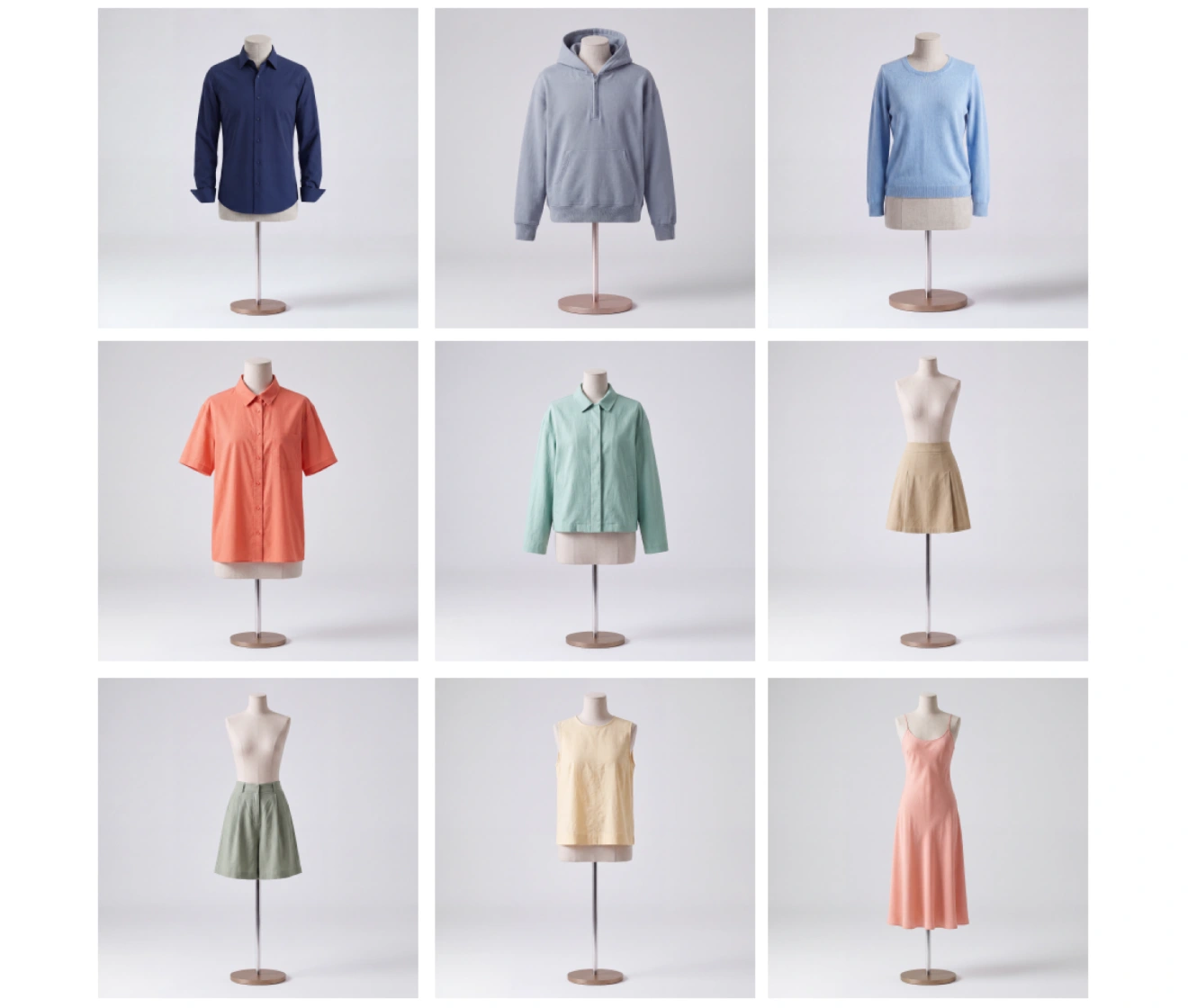
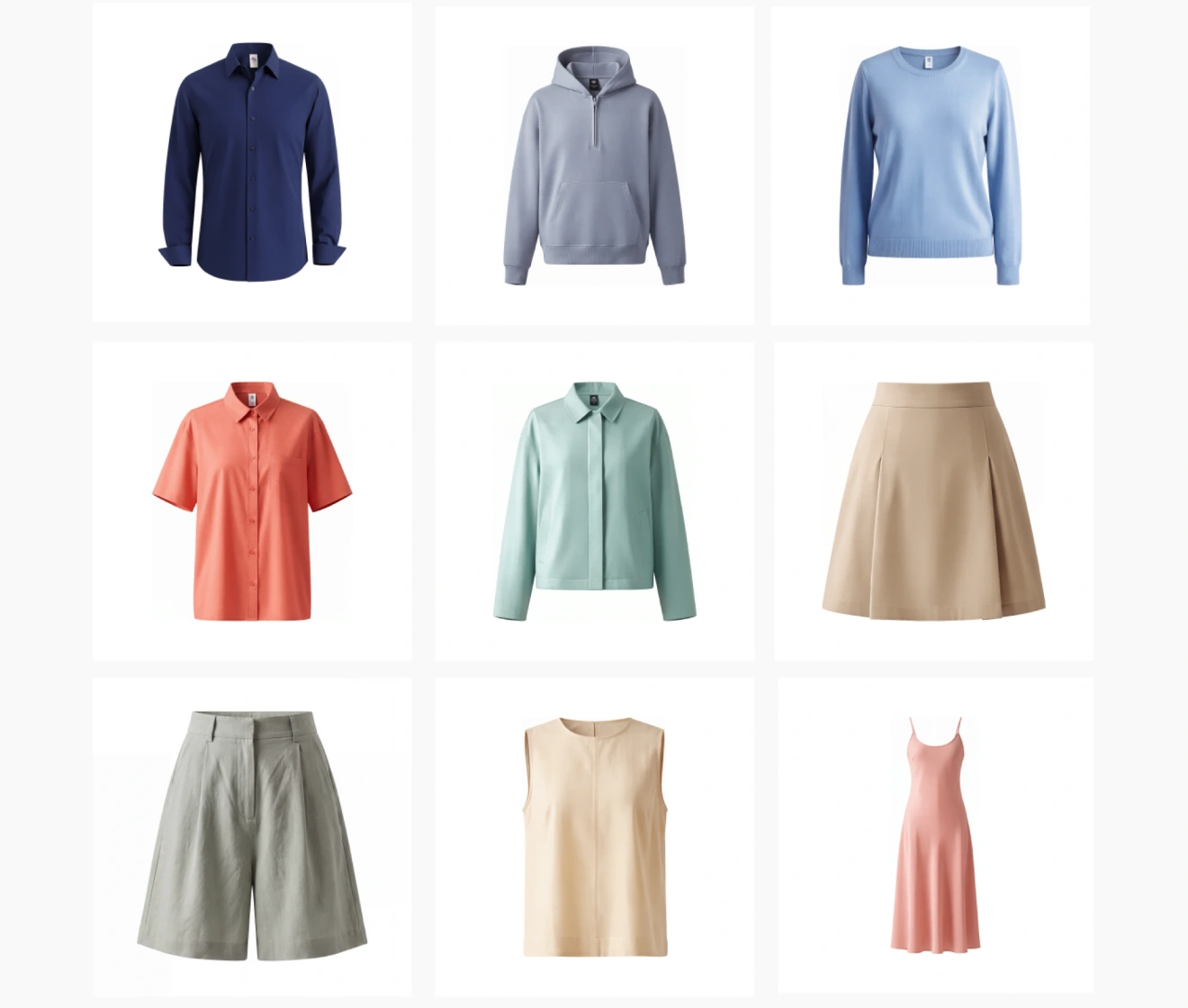
Apply professional ghost mannequin effects to hundreds of photos at once. Perfect for Shopify and Amazon sellers who need studio-quality results in a fraction of the time.

Batch Edit for Multiple Photos at once
Before
After

Why Choose Evoto AI Ghost Mannequin Generator

Intelligently restore hidden garment structures, preserve original fabric textures with precision, and achieve studio-quality results—fast, automated, and free to try.
  • AI garment reconstruction: automatically restoring hidden clothing details with natural lighting.

    Advanced AI Algorithms

    Our AI understands fabric, not just subjects. It automatically reconstructs missing sections and blends them with natural lighting, keeping your product the hero of every shot.
  • Professional e-commerce-ready apparel photography: high-resolution ghost mannequin results with studio-quality lighting.

    Studio-Quality Output

    Get professional, e-commerce-ready images in seconds. Our AI ensures high-resolution results with natural lighting and shadows, delivering a premium look that usually requires an entire photography team.
  • User-friendly AI interface showing a one-click ghost mannequin removal process without Photoshop skills.

    Easy to Use

    Zero learning curve. No Photoshop skills? No problem. With a single click, Evoto’s intuitive interface handles the complex mannequin removal for you. Get pro-level results without the manual struggle.
  • Generator Background Online Free

    Free Online Generator

    Evoto offers a free first trial of its AI Ghost Mannequin Generator with no upfront cost. Try the one-stop online solution to instantly make professional Ghost Mannequin!

Do More with Evoto AI Photo Editor

From professional skin retouching to color grading and more, we’ve got you covered.

How to Use Evoto AI Ghost Mannequin Generator

Upload Photo to AI Ghost Mannequin Generator
1.**Upload Your Photo**234
Upload or drop a photo to online Evoto AI Ghost Mannequin Generator.
  1. 1. Upload Your Photo

    Upload or drop a photo to online Evoto AI Ghost Mannequin Generator.
  2. 2. Choose the Correction Intensity and Quality

    Adjust the settings to fit your photo. Simply move the slider to control how much the AI restores, and select your desired image quality. Whether it’s a quick preview or a high-res masterpiece, you’re in full control.
  3. 3. Generate Your Ghost Mannequin Look

    Click “Generate”. Our advanced AI instantly reconstructs hidden layers and blends lighting to create a seamless, model-free effect in seconds.
  4. 4. Preview & Download

    Preview your ghost mannequin photo.Once satisfied, click ‘Download’ to save your high-resolution image instantly.

Faster Edits, Finer Control.

Transform your photos with Evoto AI Ghost Mannequin Generator today. Available for Windows, macOS, and iPadOS.

FAQs

  • What is a "Ghost Mannequin" effect?

  • How does AI ghost mannequin technology work?

  • Which types of clothing work best with the AI Ghost Mannequin tool?

  • Will the AI affect the original texture or color of my fabric?

  • How does the AI handle complex necklines or asymmetrical garments?

  • Is this suitable for ecommerce platforms?

  • Do I need any design skills to use it?

  • Can I process hundreds of product images at once?

  • Is Evoto AI Ghost Mannequin Generatorfree?

  • What file formats does Evoto AI support?

Last updated: 2026-11-04. Reviewed by: Evoto Product Team. Results may vary depending on image quality, lighting, subject pose, file format, and selected settings.