
AI Frequency Separation Retouching

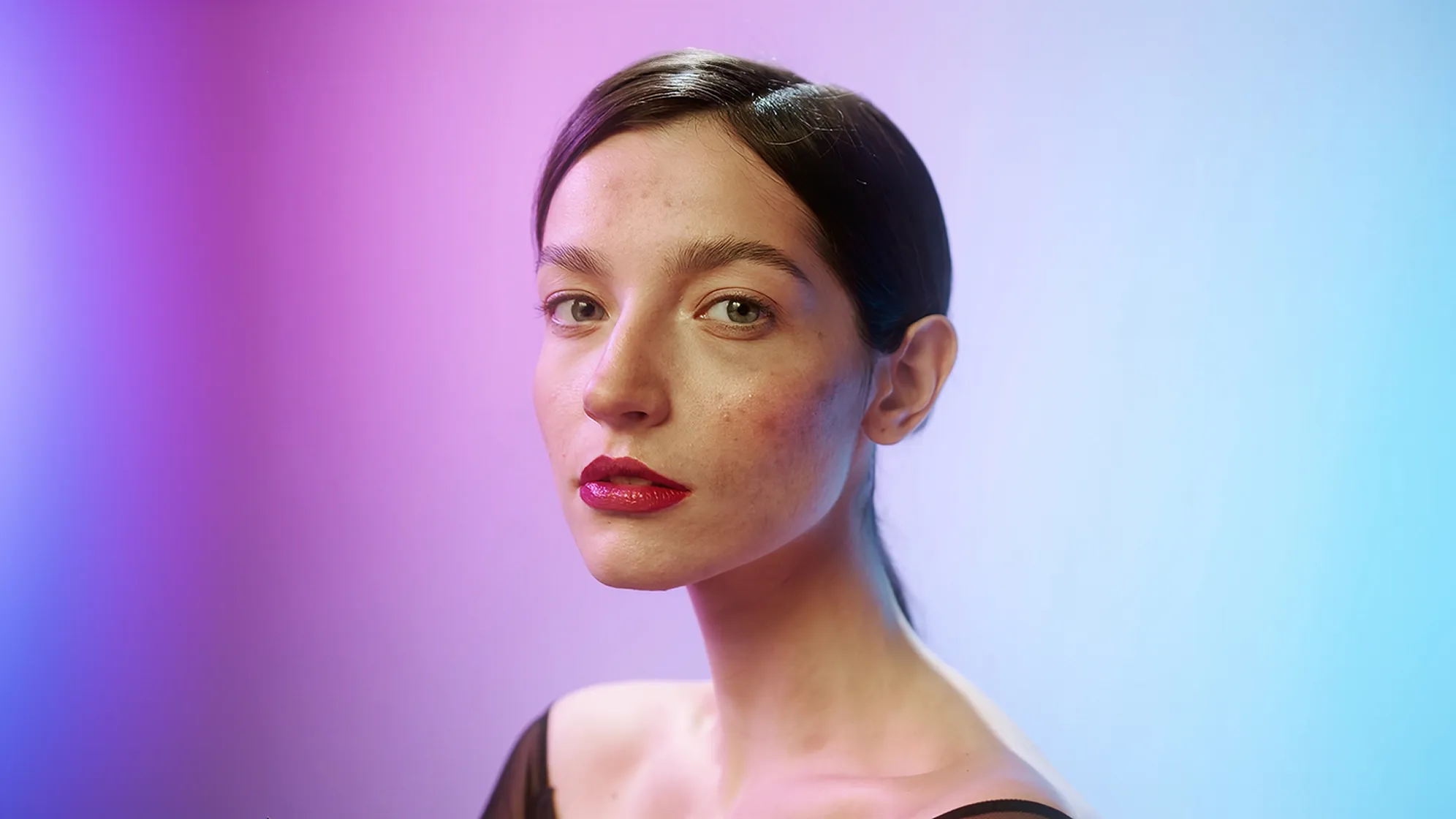
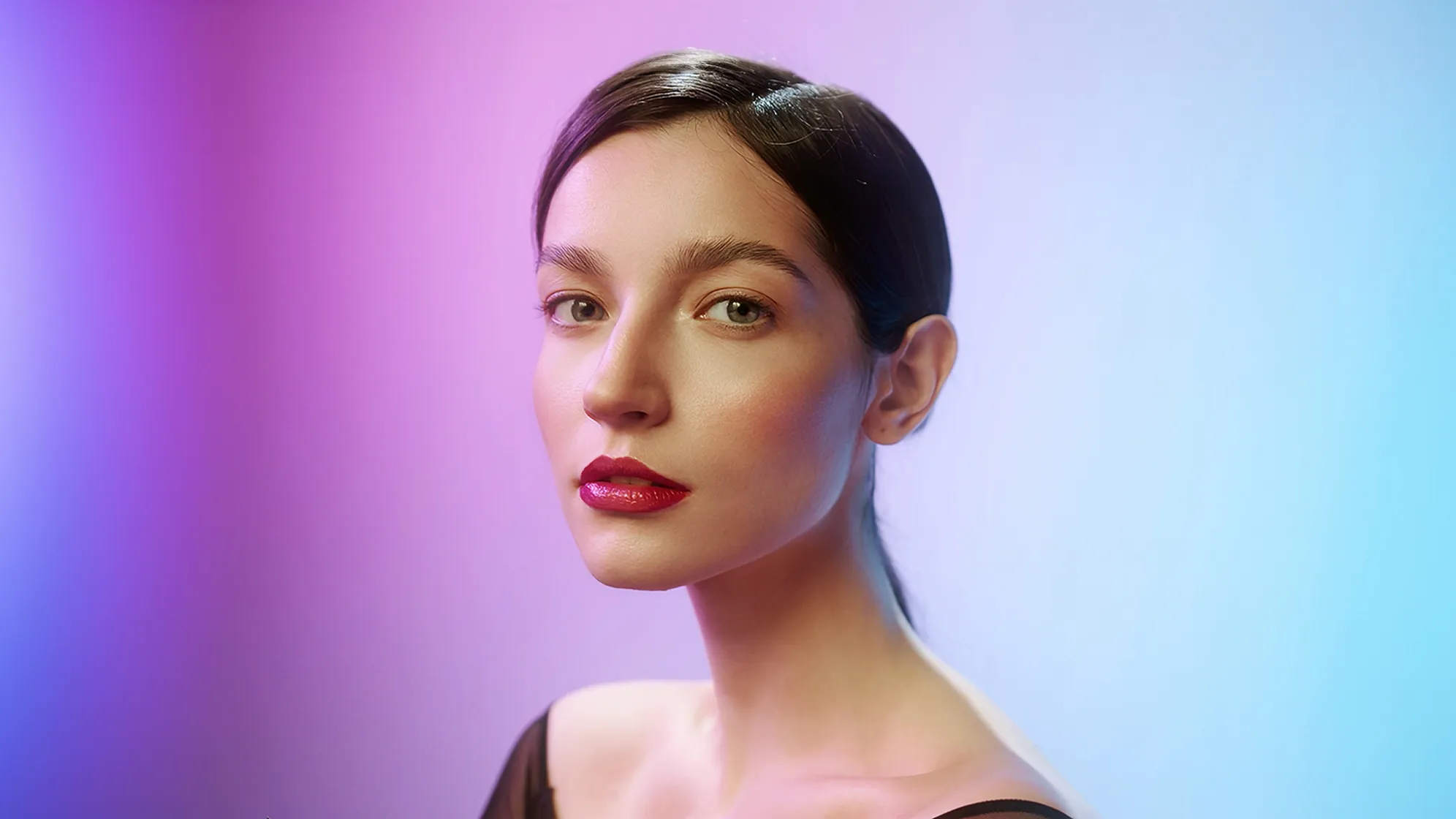
Smooth skin, even out skin tone, and subtly optimizes texture details, while perfectly retaining every natural detail. Fast, flawless, and effortlessly professional retouching.

frequency separation skin retouching
Before
After
Upload Image
* JPEG, JPG, PNG or WebP image allowed.
No image? Try one of these
frequency separation skin retouching
Upload Image
Free to try. Pro Editing at Your Fingertips.
Download Evoto
Buy Now
Buy Now

Frequency Separation: Advanced Precision Skin Retouching

Get professional-grade precision retouching for truly natural-looking perfection with Evoto AI's advanced frequency separation.

Smooth Skin, Real Texture: No Plastic Look

Achieve high-end skin smoothing that intelligently preserves fine detail without compromising realistic texture, avoiding the plastic, overly airbrushed look. Ensure your portraits maintain a natural and professional aesthetic, delivering consistently flawless results that are both refined and believable.

smoother skin with natural texture
Before
After

Even Tone, Natural Light: Sculpted Dimension

Evoto AI offers precise control over skin tone uniformity and light distribution, intelligently balancing highlights and shadows to preserve natural flow and authentic facial contours. Effortlessly smooth color casts and unevenness while enhancing natural light, ensuring smooth, realistic tonal gradations and sculpted dimension for high-end, natural-looking portraits.

even out skin tone naturally
Before
After

Pinpoint Optimizes Texture Details: Flawless, Real

Effectively eliminate minor texture-based blemishes and distractions without affecting the skin's natural radiance. Intelligently refine texture details, preserving natural texture and fine elements—like hair strands, eyelashes, and sharp edges—for a natural, flawless look that meets professional standards.

improve skin texture
Before
After

Designed for All Skin: Preserve True-to-Life Texture

Designed for All Skin Types and Conditions, Evoto AI faithfully preserves natural skin texture and realistic details. Say goodbye to over-smoothing and hello to natural, lifelike, unretouched portraits that highlight the beauty of every skin tone and texture.

advanced skin retouching
Before
After

Revolutionary AI Frequency Separation

Don’t hesitate—experience next-level skin retouching without the manual hassle.

Get pro results with no layers, no guesswork. Just smooth, natural edits powered by AI.

  • AI Frequency Separation

    AI-Powered Smart Frequency Separation

    Evoto AI intelligently analyzes your images for optimal high and low-frequency layers, automating the process and eliminating manual layering to save you time and effort.

  • Precise Frequency Control

    Effortless & Precise Frequency Control

    Fine-tune your high and low frequency layers with simple, visual sliders for flawless adjustments with ease and accuracy.

  • Perfect Frequency Separation Results

    Professional & Flawless Results

    Get smooth, natural, high-end, lifelike skin results with Evoto AI frequency separation – the choice of professionals.

  • Evoto AI Photo Editor

    All-in-One Photo Editing Solution

    Evoto AI is a Comprehensive Pro-Grade Photo Editor for a Simplified Workflow.You can enjoy powerful color adjustment, portrait retouching, and all essential tools in one platform, meeting all your photo editing demands.

Explore More Evoto AI Portrait Retouching Features

From professional skin retouching to color grading and more, we’ve got you covered.

How to Use Frequency Separation in Evoto AI

Import Photo to Evoto
1.Import Your Image234

Launch Evoto AI and upload your portrait photo. Supports RAW, TIFF, PNG, and JPG for quick compatibility.

  1. 1. Import Your Image

    Launch Evoto AI and upload your portrait photo. Supports RAW, TIFF, PNG, and JPG for quick compatibility.

  2. 2. Navigate to Skin Retouching

    Go to the Portrait Retouching > Skin Retouching section.Here, find the "Frequency Separation" block with 3 slider controls located within the "Facial Skin" and "Body Skin" sub-sections.

  3. 3. Personalize Frequency Separation

    To begin, slide the “Frequency Separation”  bar under “Facial Skin” or “Body Skin”  for the area you want to adjust. Next, use the “Frequency Separation” , “High Frequency” ,and “Low Frequency” sliders to edit your image and preview the effect.

  4. 4. Save and Export

    Once you're satisfied with the results, save and click the “Export”  button in the top right corner to export your edited image locally in JPG, JPEG, PNG, RAW, or TIFF format.

Faster Edits, Finer Control.

Retouch your photos with AI Frequency Separation today. Available for Windows, macOS, and iPadOS.

FAQs

  • What is Frequency Separation in Photo Editing?

  • How Does Frequency Separation Work?

  • What is Skin Retouching Using Frequency Separation?

  • What are the Benefits of Using Frequency Separation Compared to Traditional Retouching Methods?

  • What’s the difference between Evoto AI Frequency Separation and traditional Frequency Separation in Photoshop?

  • When is Frequency Separation Particularly Useful?

  • How Can I Make the Results Look Natural After Retouching with Frequency Separation?

  • Can you do frequency separation on an iPad?

  • How does Evoto AI frequency separation feature simplify the retouching process?

  • Is Frequency Separation available in Evoto is free to use?