Freckles Filter for Professional Portrait Retouching

From studio portraits to social-ready client deliverables,
Evoto helps photographers add natural-looking freckles while preserving skin texture, visual consistency, and editing speed across high-volume workflows.
Evoto freckles filter for professional portrait editing-1 Before
Evoto freckles filter for professional portrait editing-1 After
Before
After
Upload Image
* JPEG, JPG, PNG or WebP image allowed.
No image? Try one of these
Evoto freckles filter for professional portrait editing-1
Evoto freckles filter for professional portrait editing-2
Evoto freckles filter for professional portrait editing-3
Upload Image
Free to try. Pro Editing at Your Fingertips.
Desktop
Buy Now
Buy Now

Powerful Freckles Editing Tools for Professional Portrait Work

Built for professional photographers, Evoto lets you add, refine, or soften freckles
while preserving skin texture and keeping results consistent across high-volume portrait workflows.

Natural Freckle Enhancement for Commercial Portraits

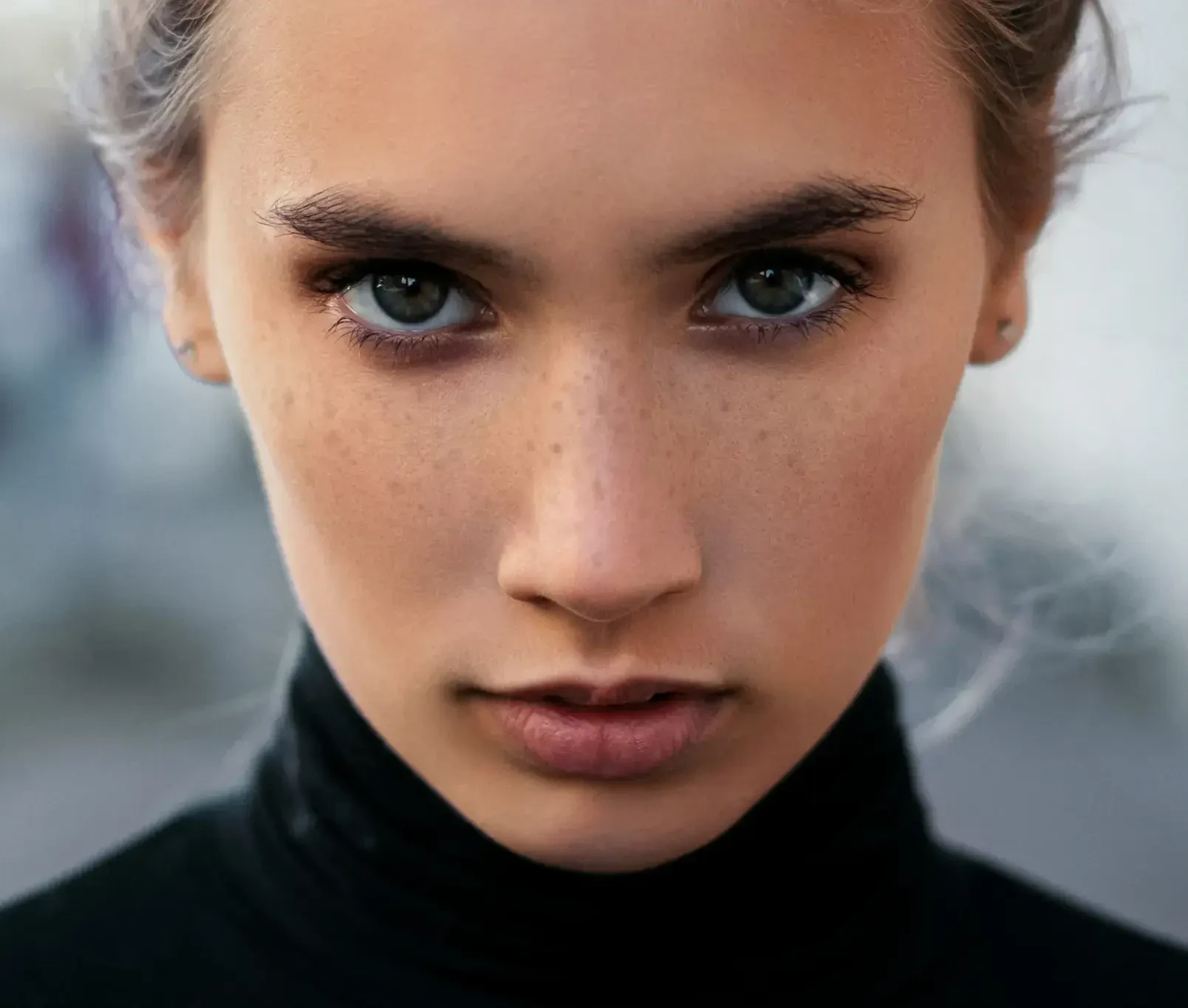
Add realistic freckles while preserving pore detail and skin texture. Ideal for fashion, beauty, and editorial portraits that need a polished yet authentic finish.

Natural freckles enhancement for commercial portraits-before
Natural freckles enhancement for commercial portraits-after
Before
After

Style-Consistent Looks for Wedding and Couple Galleries

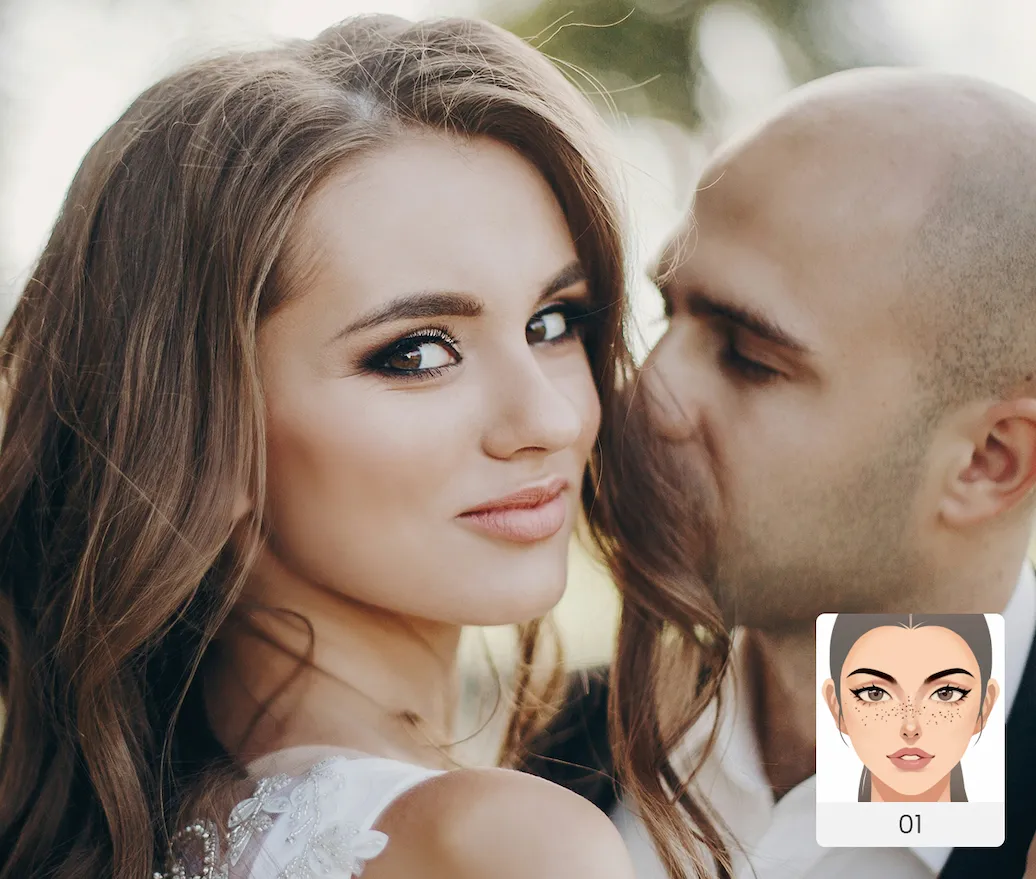
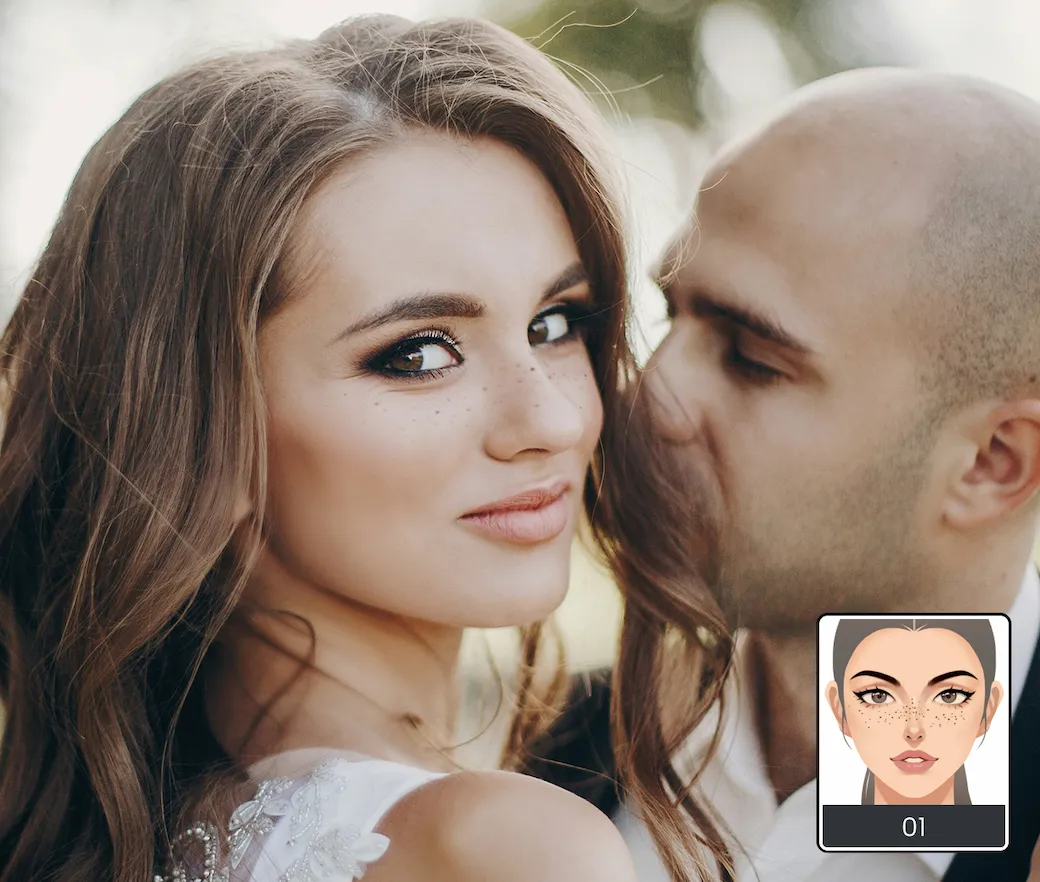
Apply subtle freckles and unified skin-tone styling across full wedding or couple sets to create a cohesive sun-kissed, film-like aesthetic from first image to final delivery.

Consistent freckles styling for wedding and couple galleries- before
Consistent freckles styling for wedding and couple galleries-after
Before
After

Distinctive Looks for Creator Branding and Social Media

Build recognizable portrait signatures for artists, influencers, and personal brands. Quickly produce cover-ready and avatar-ready images with a consistent editing style that cuts through crowded social feeds.

Freckles styling for creator branding and social media portraits

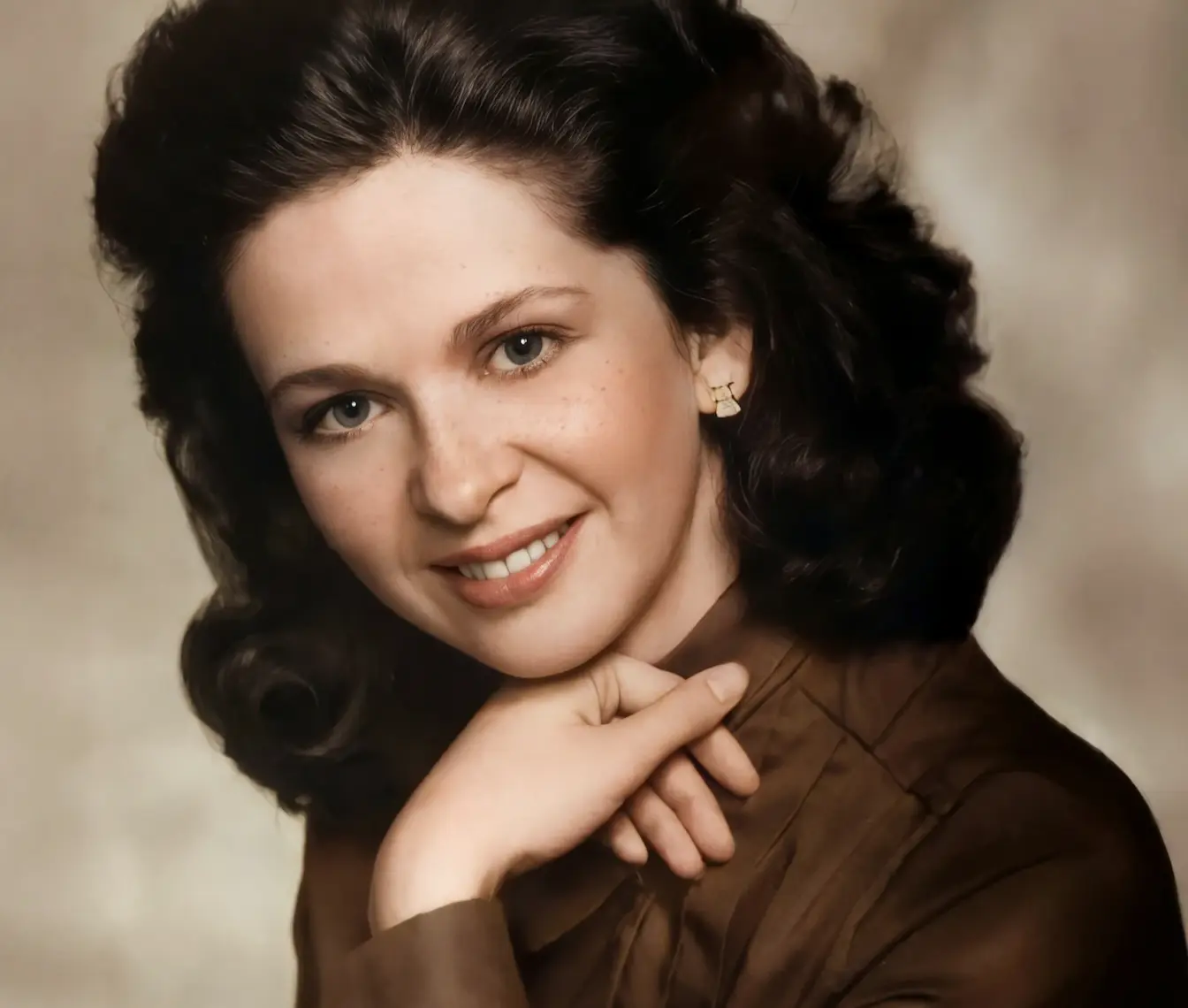
Revive Vintage Beauty with Freckles

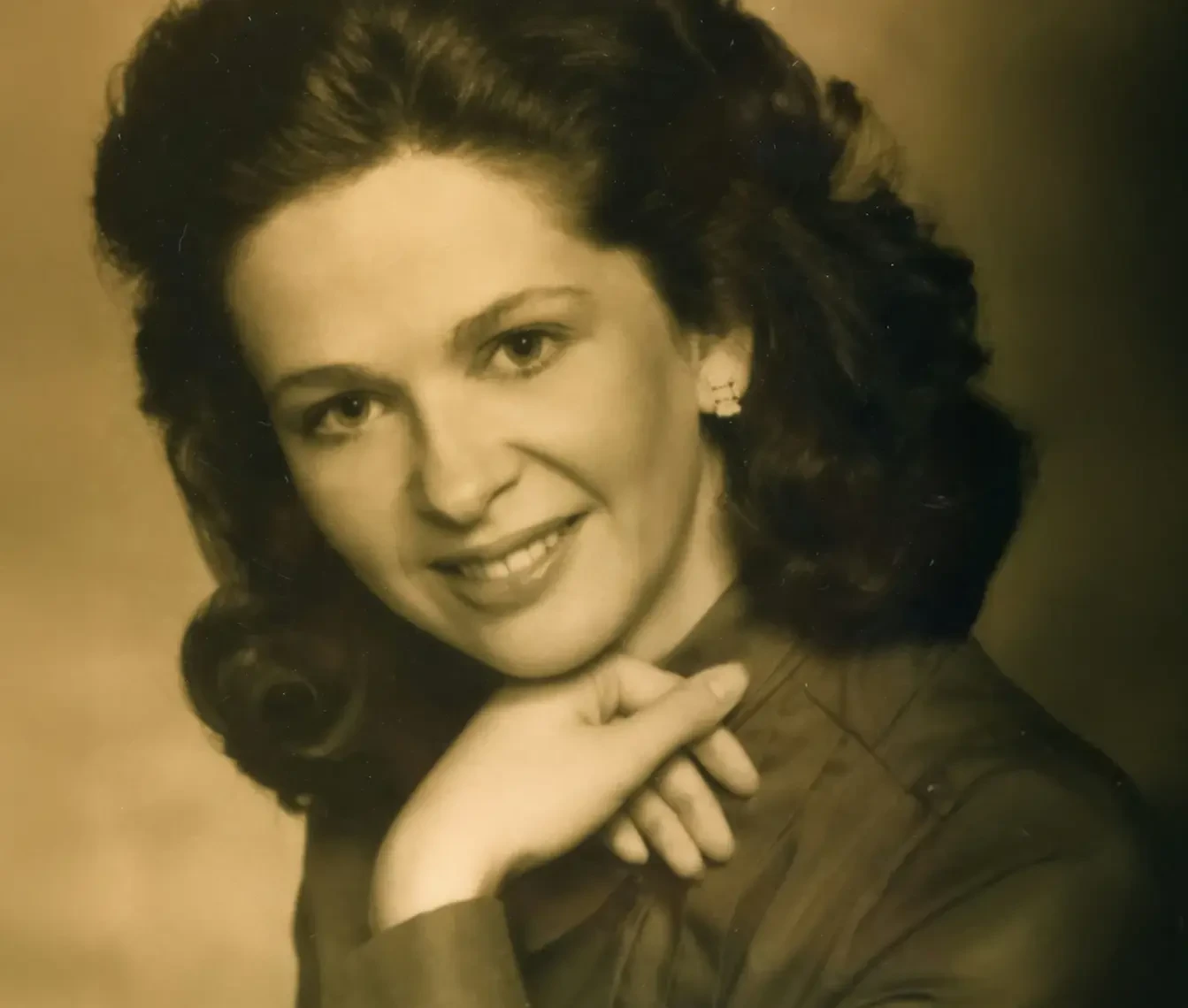
Start with old photo restoration, then apply a subtle freckle filter to bring back the photo's vintage charm.

Consistent freckles styling for wedding and couple galleries- before
Consistent freckles styling for wedding and couple galleries-after
Before
After

Why Choose Evoto Freckles Filter

AI-powered freckle adjustments that look natural on every skin tone.

  • Natural freckles retouching for realistic portrait results

    Natural Portrait Retouching

    Enhance freckles with skin-aware detail control so every portrait stays soft, natural, and true to the subject. Pair with Skin Retouch for a cleaner final look.
  • Freckles editor with intuitive controls

    Effortless Editing Experience

    No complex workflow needed. Apply freckles edits with intuitive controls and get polished portrait results in just a few steps.
  • Adjustable freckles style control for portrait editing

    Flexible Style Control

    Go subtle or bold with adjustable freckle intensity, so every image can match the creative brief.
  • Batch freckles editing for high-volume portrait workflows

    Batch Speed, Studio Quality

    Apply polished freckles edits across multiple images in one workflow and deliver faster without sacrificing quality.
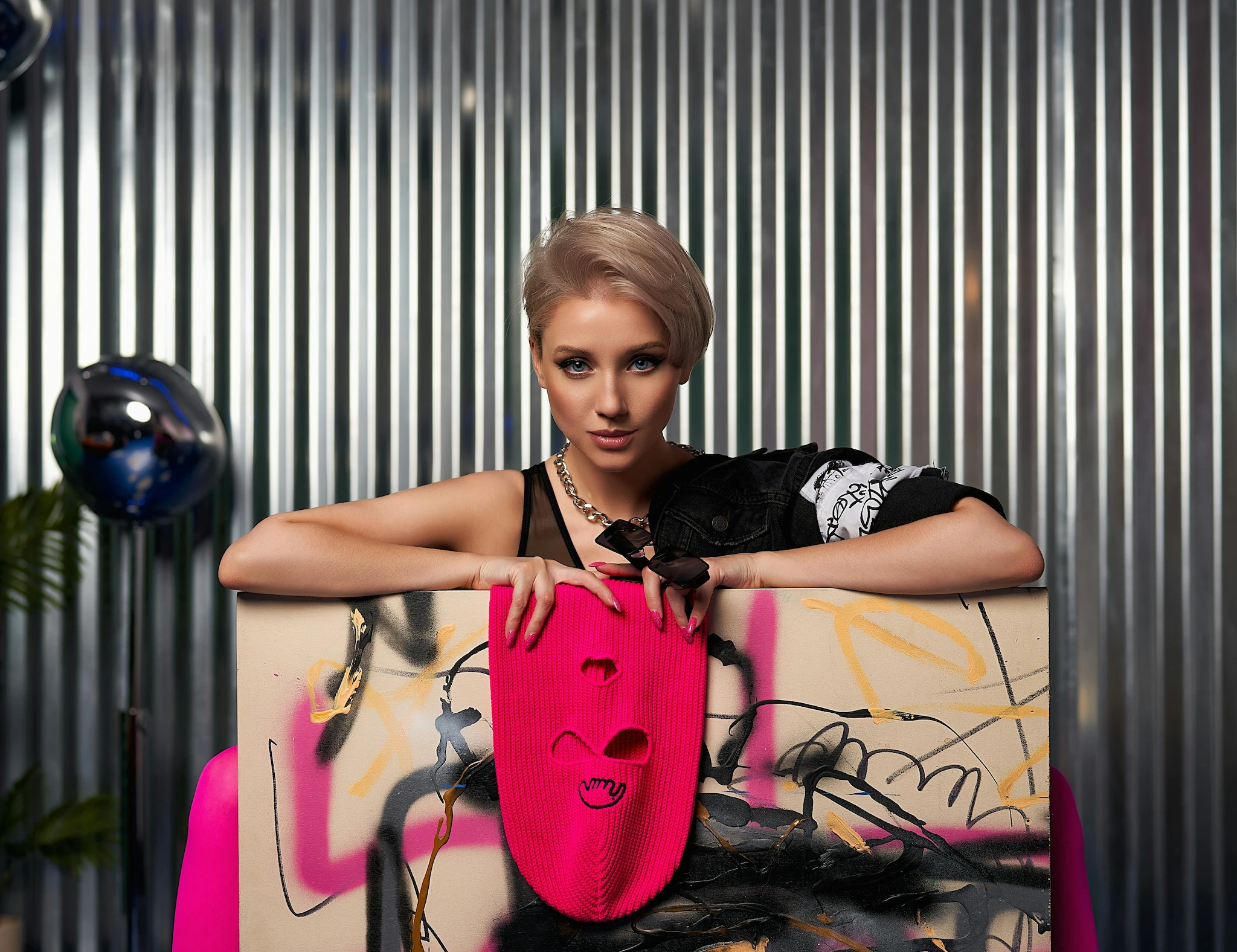
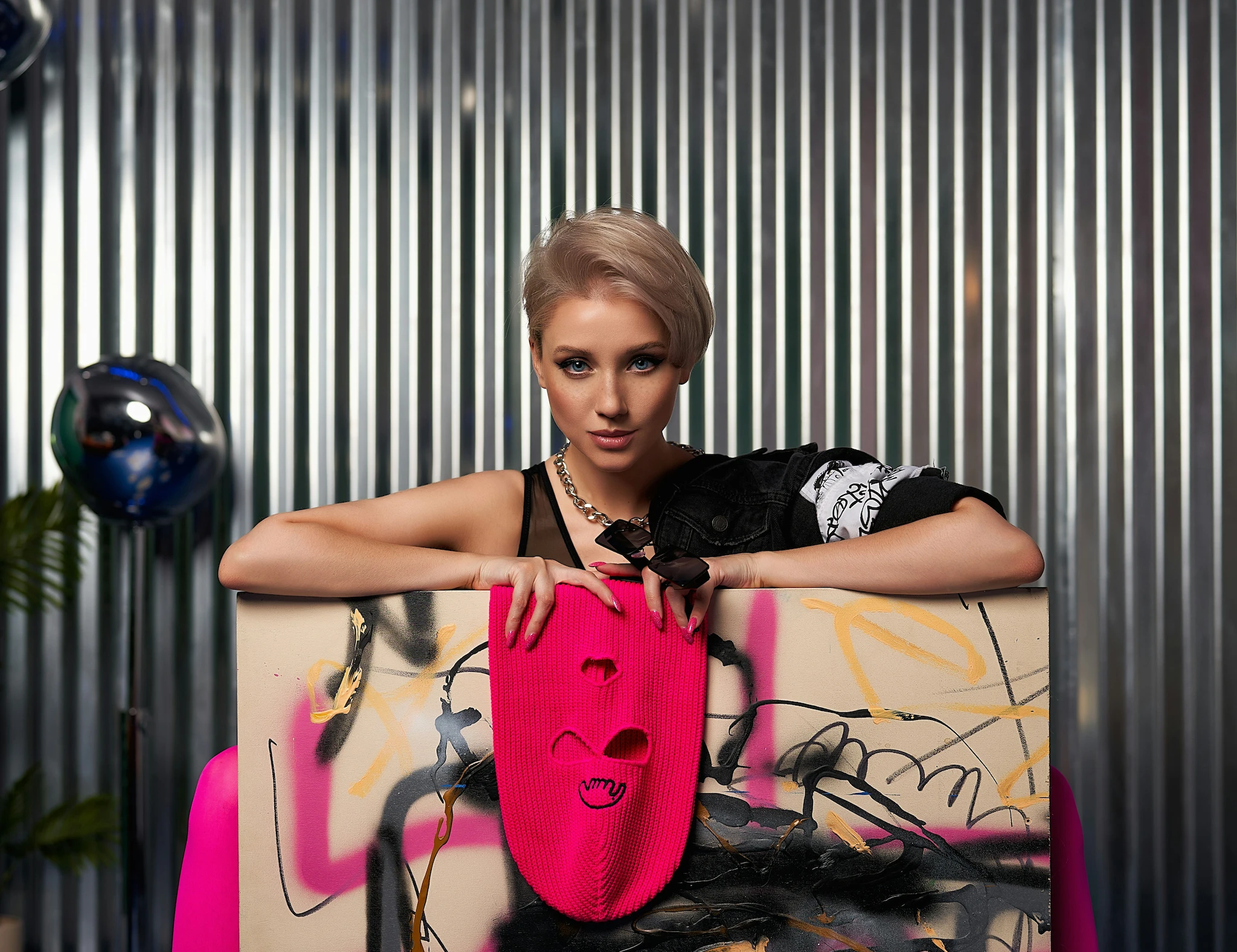
How to Use Evoto Freckles Filter

Upload a portrait photo to start AI freckles editing
1.Upload Your Photo23
Upload your portrait photo to add freckles and try different looks. Evoto supports various image formats, including PNG, JPG, TIFF, RAW, and more.
  1. 1. Upload Your Photo

    Upload your portrait photo to add freckles and try different looks. Evoto supports various image formats, including PNG, JPG, TIFF, RAW, and more.
  2. 2. Select the Freckles Adjustment Tool

    Go to the Face Decoration section and choose the freckles style and intensity that suit you best.
  3. 3. Refine and Export the Image

    Instantly preview different freckles styles, fine-tune details, then click Export to download your final portrait.

Faster Edits, Finer Control.

Transform your photos with Evoto Freckles Filter today.
Available for Windows, macOS, and iPadOS.

FAQs

  • What is the AI Freckles Filter?

  • Is the freckles filter free to use?

  • Do I need to download extra software?

  • Can I batch edit freckles on multiple photos?

  • Will freckles look natural on different skin tones?

  • Can I control how strong the freckles effect is?

  • Can I remove or redo freckles after applying them?

  • What kind of photos work best?

  • Can I use freckles-edited photos for client work?

  • Is my photo data kept private?