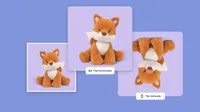
Stop editing one image at a time. Upload your full product catalog or photo set, apply the same flip and crop in one go, and save your settings as a preset for next time. Built for sellers, studios, and anyone working at volume.
Flip for Any Scene - from Selfies to E-commerce Shots
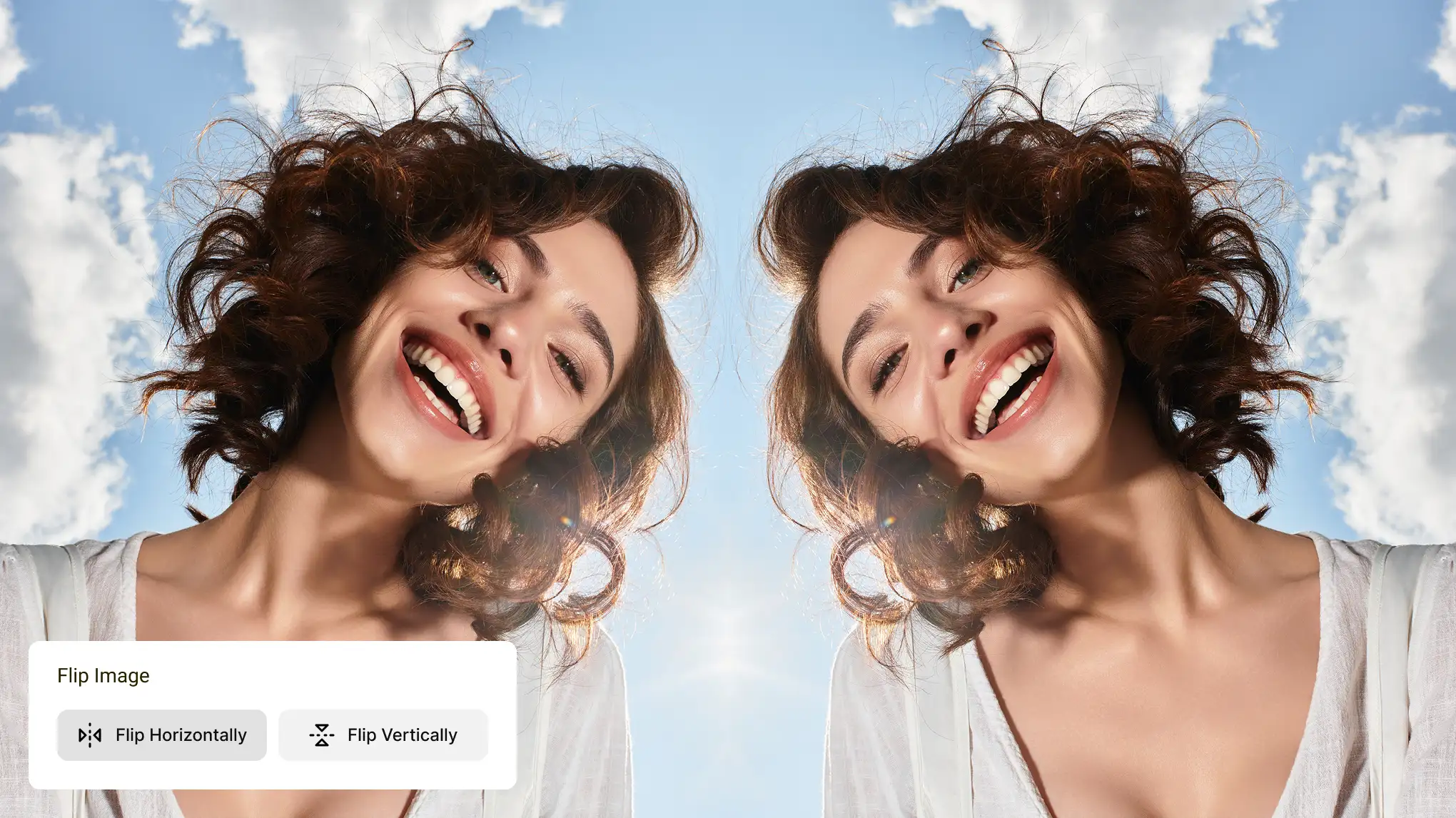
A horizontal flip creates a natural mirror image effect for symmetric portrait compositions and editorial headshots. E-commerce sellers use it to fix product photo direction without reshooting. Social media creators flip vertically for eye-catching upside-down content, while designers build reflected patterns and abstract visuals — all starting with a single flip.
Flipping is step one. Take your image further with Evoto's AI tools: swap or remove backgrounds in seconds with Background Changer, smooth skin and enhance lighting with AI Portrait Retouching, or fine-tune colors and exposure with Color Adjustment. Everything in one place.
Open Evoto's image flipper, upload your photo, choose Flip Horizontal or Flip Vertical, and download. No account, no software, no cost — done in seconds.
Q
How do I flip an image on iPhone or Android?
A
Evoto works directly in your mobile browser — no app needed. Open the page on Safari or Chrome, upload your photo, flip it, and save to your camera roll. Same experience as desktop.
Q
How do I flip an image in Photoshop?
A
Go to Image > Image Rotation > Flip Canvas Horizontal (or Vertical). To flip a single layer, use Edit > Transform > Flip Horizontal. For a faster no-install option, Evoto does the same in one click.
Q
Why do selfies look mirrored — and how do I fix it?
A
Front cameras preview your face as a mirror but save the photo flipped back. If the result looks off, a quick horizontal flip in Evoto restores the mirror view you're used to seeing.
Q
What's the difference between flipping and rotating an image?
A
Flipping mirrors the image along an axis — left-to-right or top-to-bottom — without changing its angle. Rotating turns it by degrees (90°, 180°, 270°). Different operations, though you can combine them.
Q
How do I create a mirror image effect?
A
Flip your image horizontally to get a mirrored version, then place it side by side with the original. This creates the symmetric mirror image effect popular in portraits, album covers, and product visuals.
Q
Will flipping a photo affect its quality?
A
No. Flipping is a lossless operation — your image downloads at the exact same resolution and quality as the original. No compression applied.
Q
How do I flip an image on Windows or Mac without Photoshop?
A
On Windows, open in Paint > Home > Flip. On Mac, open in Preview > Tools > Flip Horizontal or Vertical. Or use Evoto online — no software needed on either.
Q
Does flipping an image preserve EXIF data?
A
Yes, EXIF metadata is preserved by default. Before downloading, you can choose to strip EXIF data — useful when sharing photos publicly.
Q
Can I flip multiple photos at the same time?
A
Yes. In Evoto, batch flip works two ways: save your flip as a preset under Presets > My Presets and apply it to multiple photos at once, or multi-select images and use the Sync button after flipping a reference image. Export all when ready.
Last updated: 2026-03-01. Reviewed by: Evoto Product Team. Results may vary depending on image quality, lighting, subject pose, file format, and selected settings.