


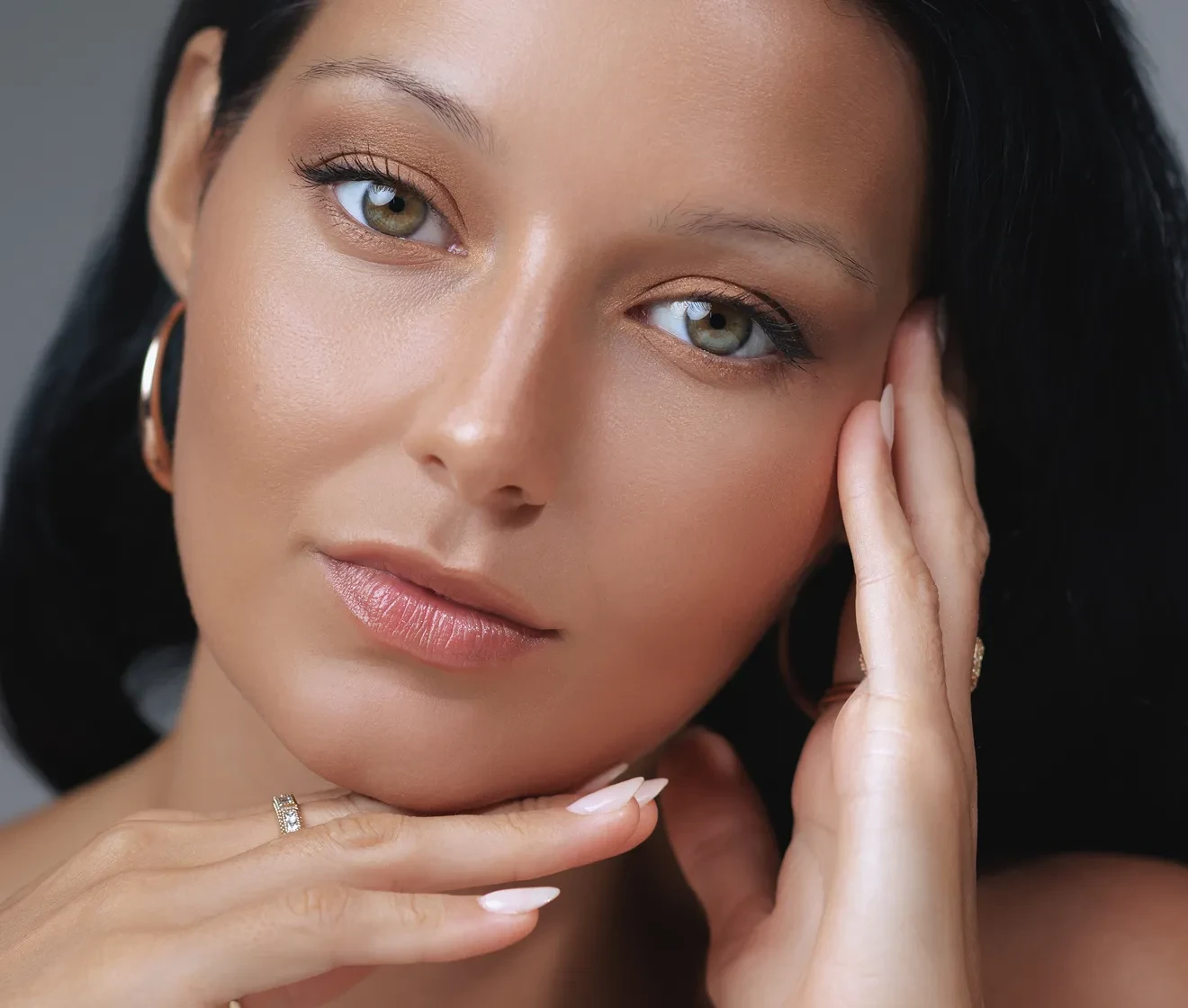



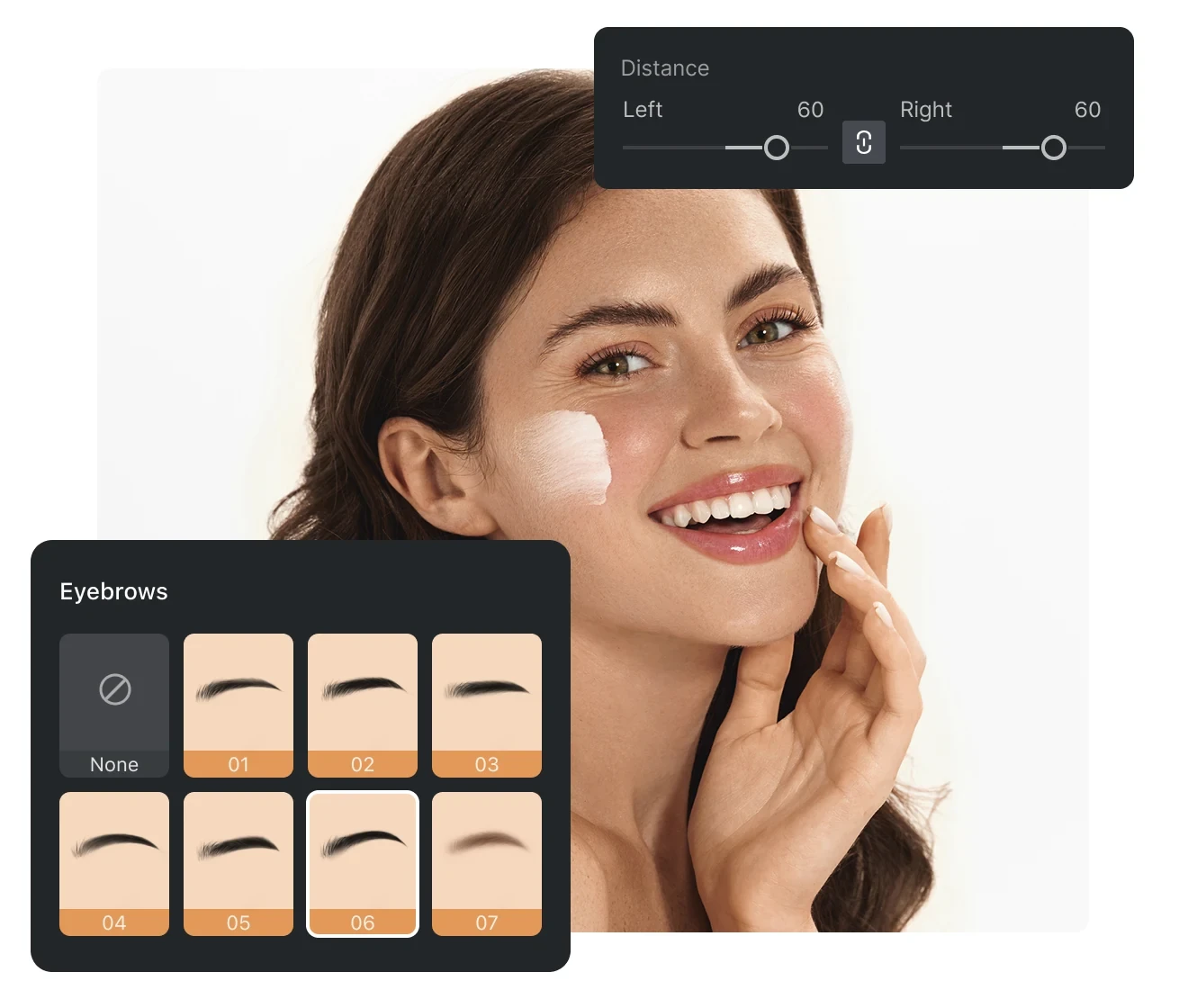
AI Eyebrow Shapes Filter Tool

Quickly test various eyebrow shapes with our AI eyebrow filter online. Discover natural-looking brow styles that enhance your facial balance.
AI Eyebrow Filter   Before
AI Eyebrow Filter   After
Before
After
Upload Image
* JPEG, JPG, PNG or WebP image allowed.
No image? Try one of these
AI Eyebrow Filter
AI Eyebrow Filter
AI Eyebrow Filter
Upload Image
Free to try. Pro Editing at Your Fingertips.
Evoto Download
Buy Now
Buy Now

AI Eyebrow Changer: Try New Brow Styles on Your Photo

Use AI to quickly try different eyebrow styles on your photo.
Adjust shape, thickness, and intensity to find the perfect brows that naturally complement your face.

Wide Range of Eyebrow Shapes

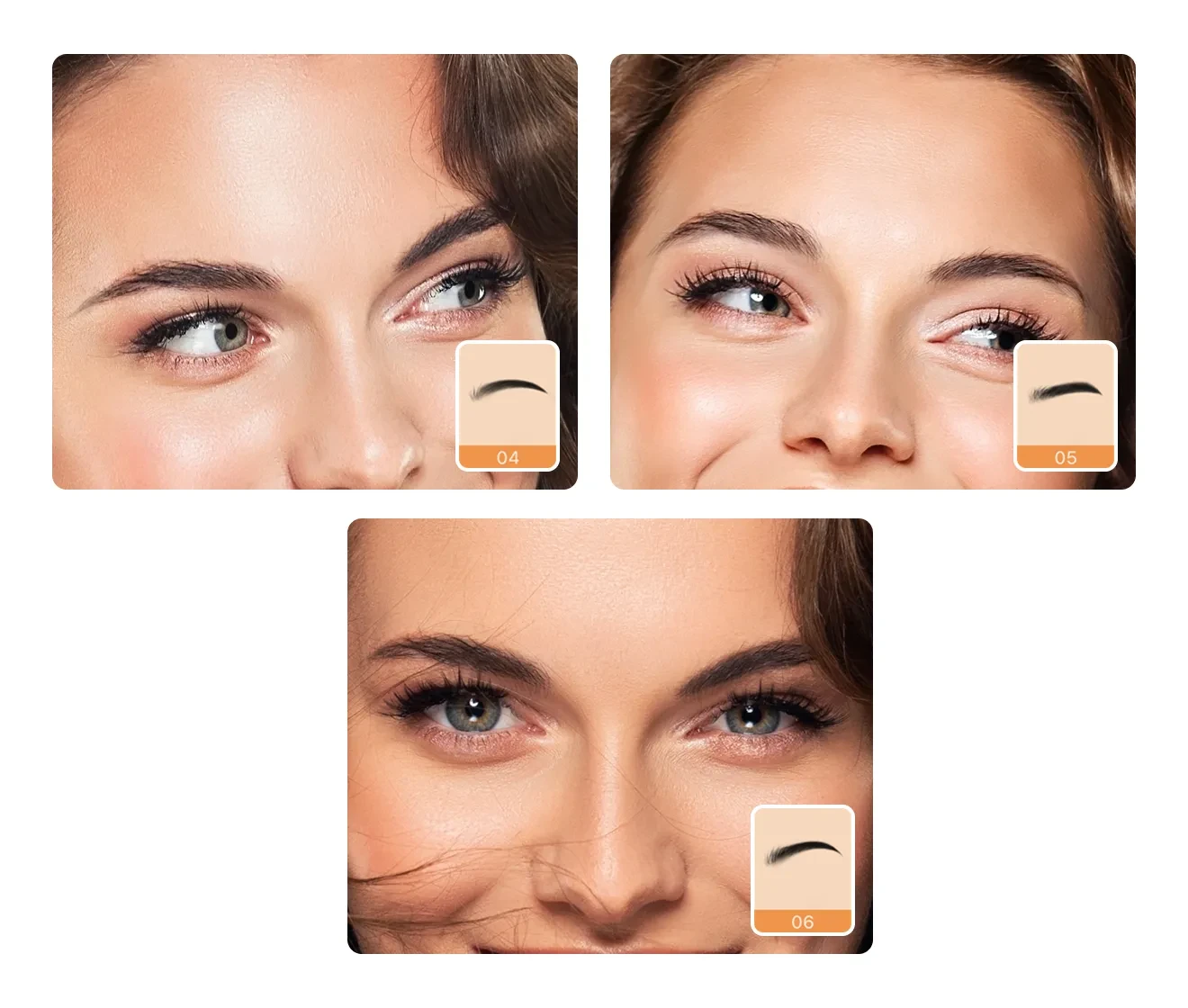
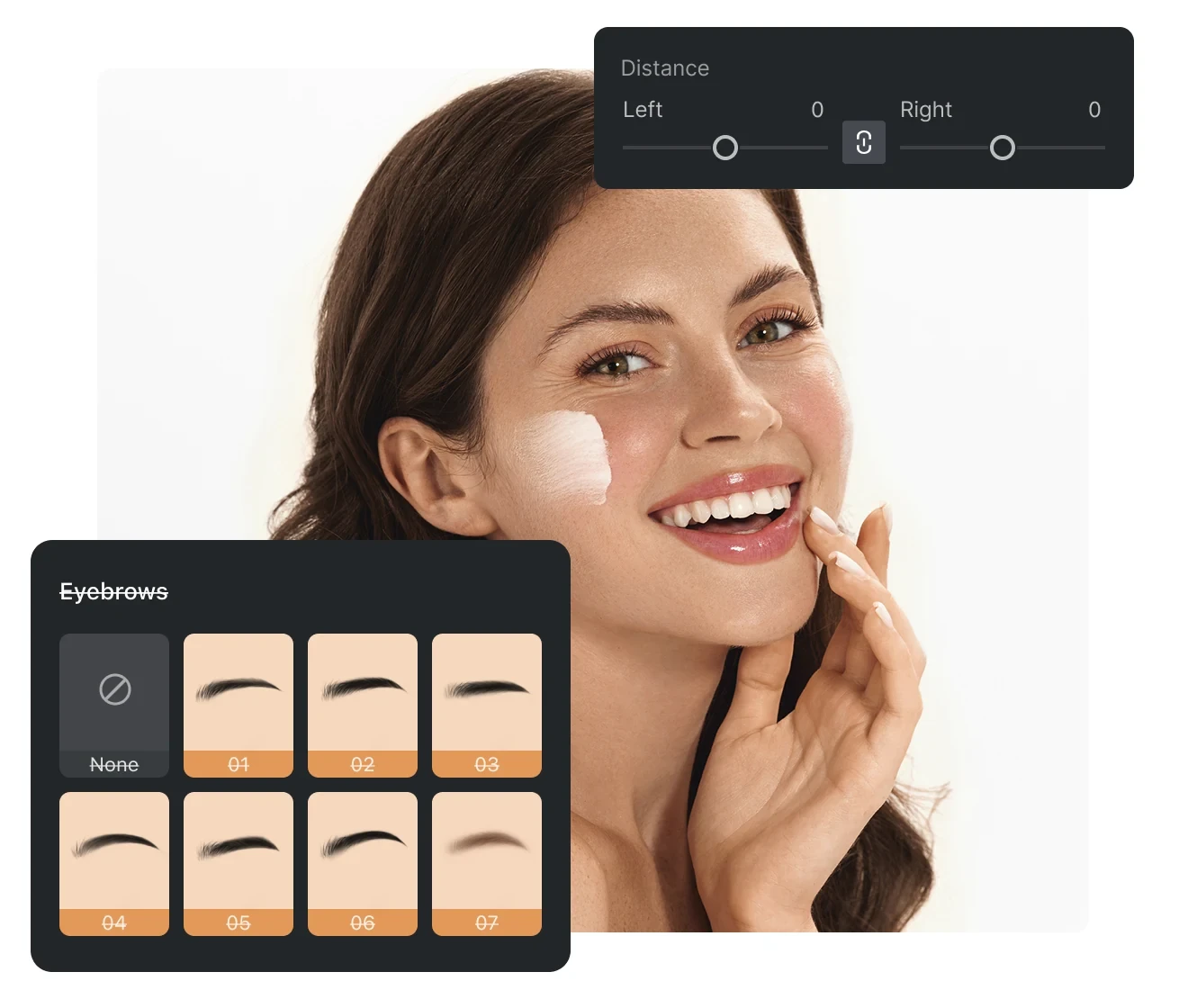
Choose from various eyebrow styles, including thin, thick, bleached, straight, arched, rounded, angular, and even creative or unique brow designs. Instantly preview different looks to find the one that best complements your face.

Desktop
AI eyebrow shapes preview
Before
After

Customizable Brow Intensity

Easily adjust the intensity and thickness of your brows. Whether you prefer a soft, natural appearance or a bold, defined style, the tool allows precise control for personalized results.

Desktop
Brow intensity slider
Before
After

Realistic Texture Preservation

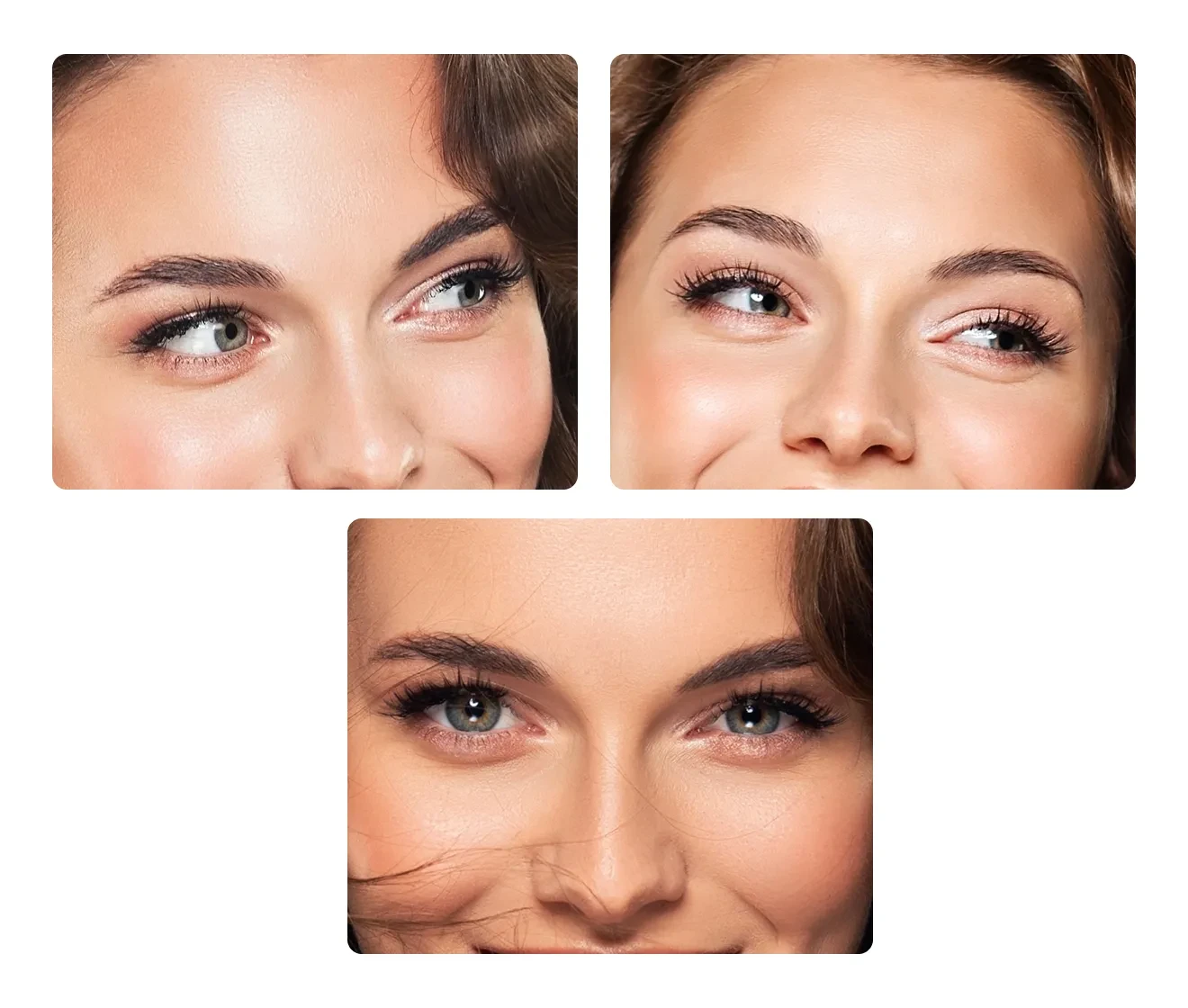
The AI maintains natural brow texture while applying modifications, preventing over-smoothed or artificial results. Even detailed, high-resolution portraits remain clean and realistic.

Natural brow texture close-up
Before
After

Advanced Eyebrow Adjustment & Precision Reshaping

With the facial retouching feature, you can make more precise adjustments to your eyebrows. Adjust the thickness, spacing, angle, and position to enhance your brows. Fine-tune the details of your desired brow shape to create a balanced, natural result that perfectly complements your face. From subtle tweaks to complete transformations, everything is possible.

Advanced Eyebrow Adjustment & Precision Reshaping
Before
After

Why Choose Evoto AI for Eyebrow Editing?

With Evoto's fast smart masking and precise editing tools, you can easily experiment with eyebrow styles and achieve natural results. Only the eyebrows are edited, and the rest of the original image remains unchanged.

  • AI eyebrow style preview

    Choose from a variety of eyebrow styles

    With the AI Eyebrow Filter, you can quickly try a wide range of eyebrow shapes before making real styling changes. Quickly explore thin, thick, straight, arched, or creative brows to discover the shape that best fits your face.
  • Natural AI eyebrow enhancement

    Natural and Precise AI Detection

    Evoto’s advanced AI technology refines eyebrow shape and position to create natural, well-balanced results. The adjustments enhance your appearance while keeping the edits subtle and realistic.
  • AI eyebrow editor interface

    Fast and Easy AI Eyebrow Editing

    The AI Eyebrow Editor smartly analyzes eyebrow areas and applies edits within seconds. With simple controls and an intuitive interface, even beginners can quickly experiment with different eyebrow styles online.
  • Online AI eyebrow filter

    Batch Edit Eyebrows with AI in Seconds

    Instantly detect eyebrow areas and apply consistent eyebrow styles across multiple photos. Perfect for quickly editing large photo sets while maintaining natural, uniform, and flawless eyebrows.
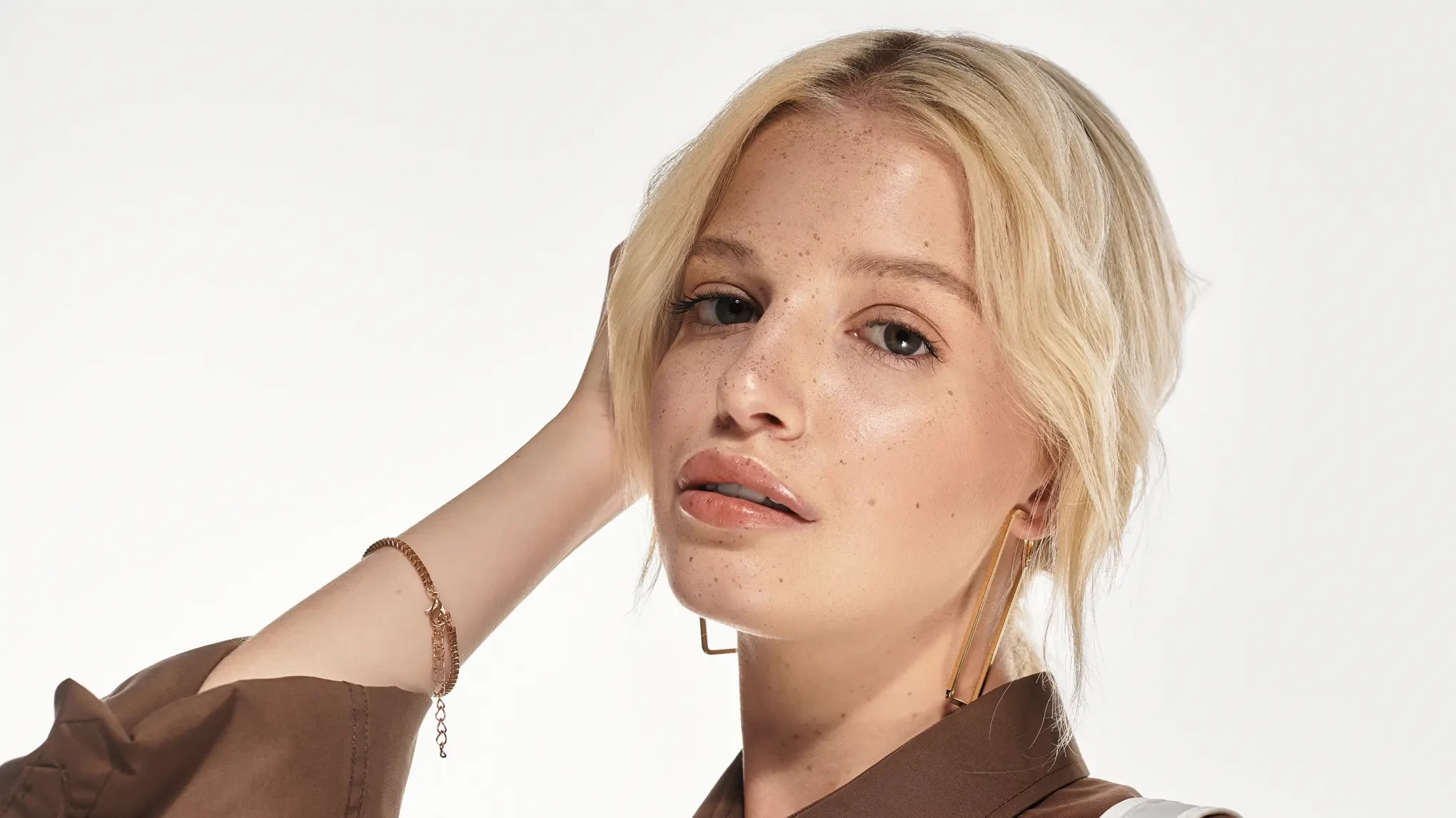
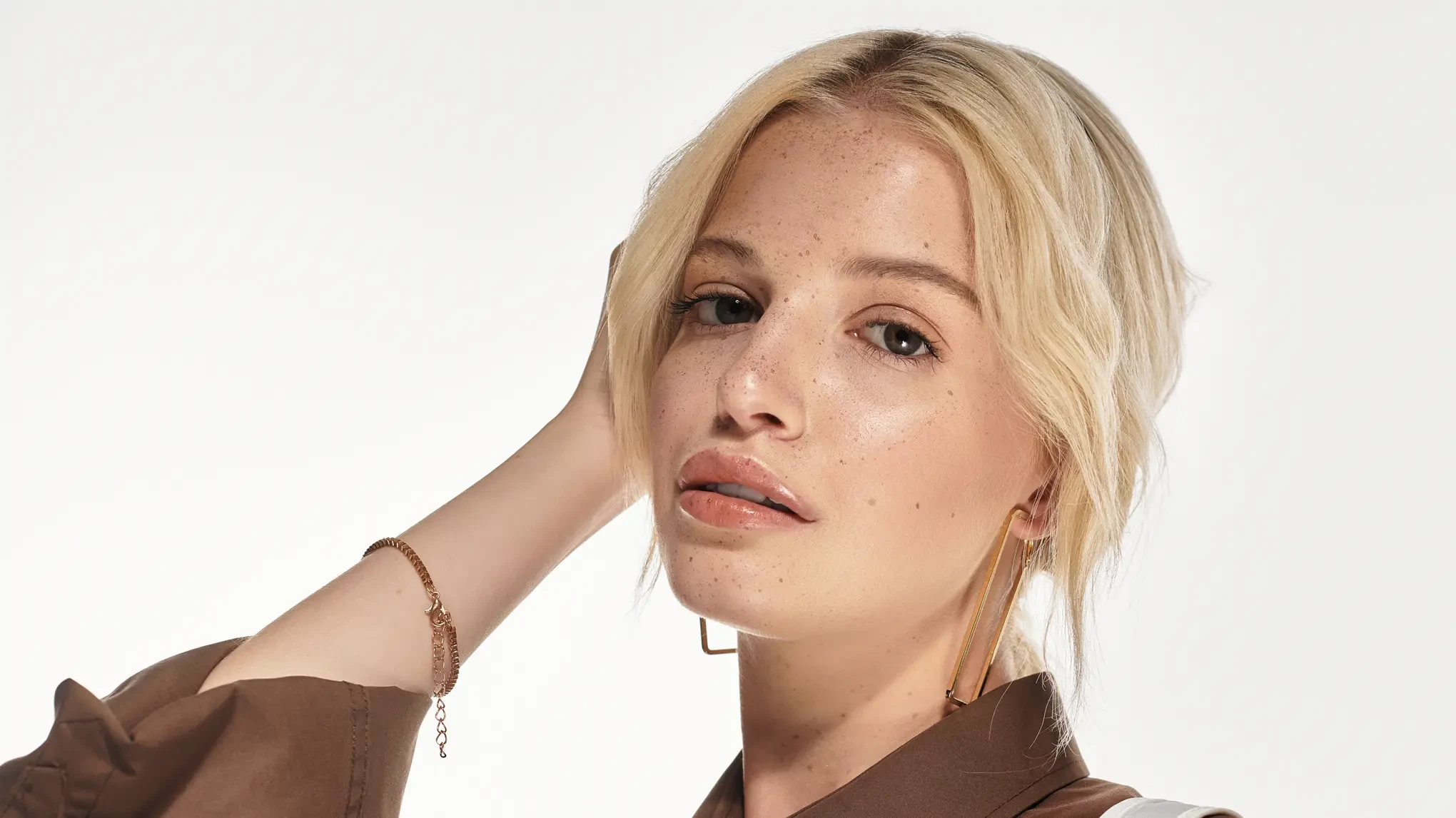
Do More with Evoto AI Photo Editor

From professional skin retouching to color grading and more, we’ve got you covered.

How to Use the AI Eyebrow Filter

Upload a portrait photo to start AI eyebrow editing
1.Upload Your Photo234
Upload your portrait photo to edit your eyebrows with AI and try on different styles. Evoto supports various image formats, including PNG, JPG, TIFF, RAW, and more.
  1. 1. Upload Your Photo

    Upload your portrait photo to edit your eyebrows with AI and try on different styles. Evoto supports various image formats, including PNG, JPG, TIFF, RAW, and more.
  2. 2. Select the Eyebrow Adjustment Tool

    Go to the eyebrow editing section and choose the AI Eyebrow Filter to start adjusting eyebrow shape and structure.
  3. 3. Adjust Eyebrow Shape and Details

    Instantly preview and compare different eyebrow styles to perfect the look you want.
  4. 4. Export the Image

    Click Export to download your edited image and keep the final look.

Discover More about Eyebrow

Faster Edits, Finer Control.

Transform your photos with Evoto eyebrow editor today.
Available for Windows, macOS, and iPadOS.iPadOS.

FAQs

  • How does the AI eyebrow filter work?

  • Can I instantly change eyebrow shapes in a photo?

  • Can I also change eyebrow color?

  • Will the results still look natural after using the AI eyebrow filter?

  • Can I preview multiple eyebrow styles before choosing one?

  • Can I use the AI eyebrow filter on photos taken with a mobile?

  • Is the AI eyebrow editor easy for beginners to use?

  • What image formats does the AI eyebrow filter support?

  • Can I edit multiple photos at once?

  • Is user privacy protected when using the AI Eyebrow Filter?