


Dehaze Photo Online — Clear Haze, Reveal Depth

Evoto's Dehaze tool lifts haze, fog, and mist from your shots so color, contrast, and distant detail come back into view. Free to use.
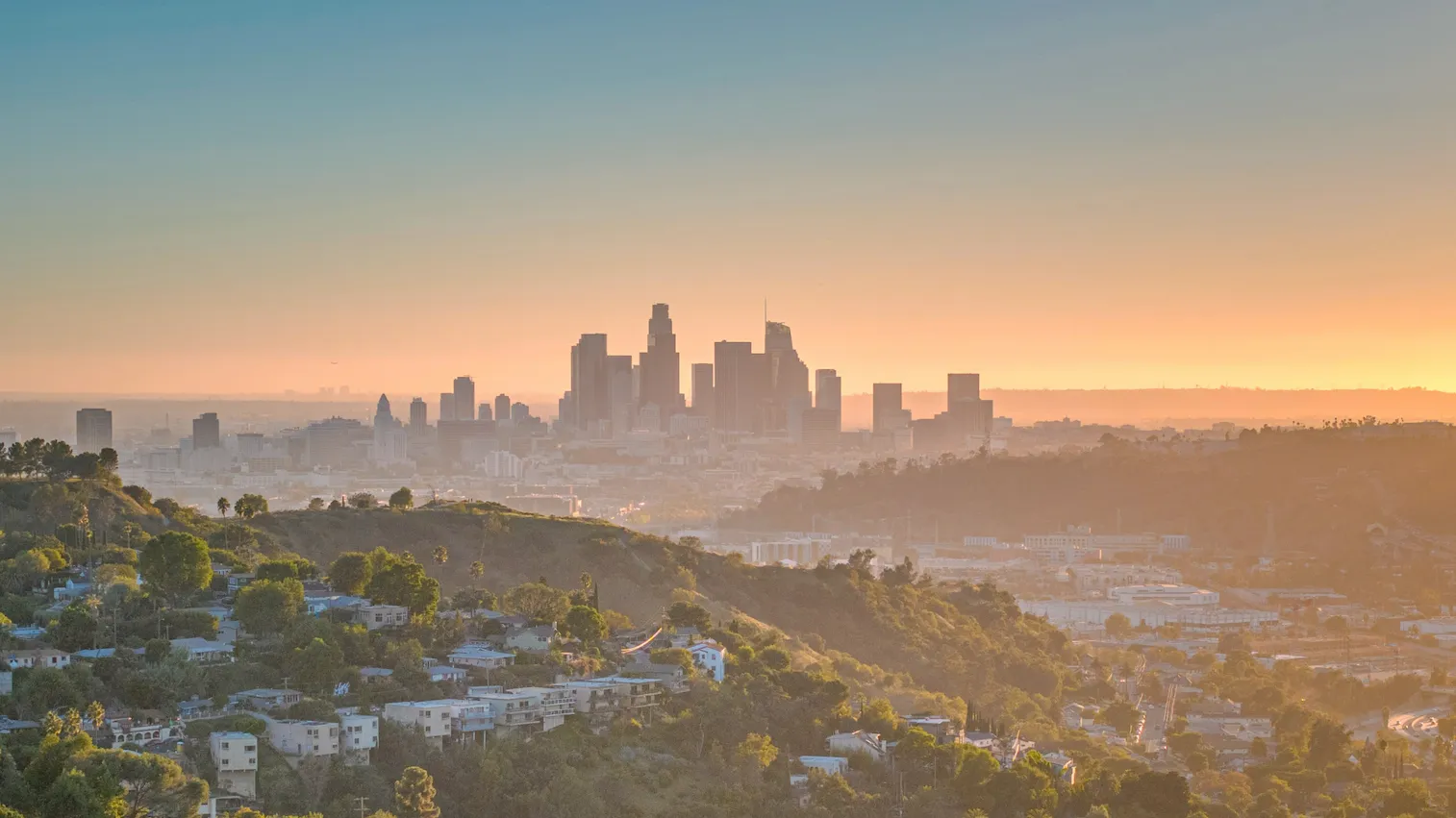
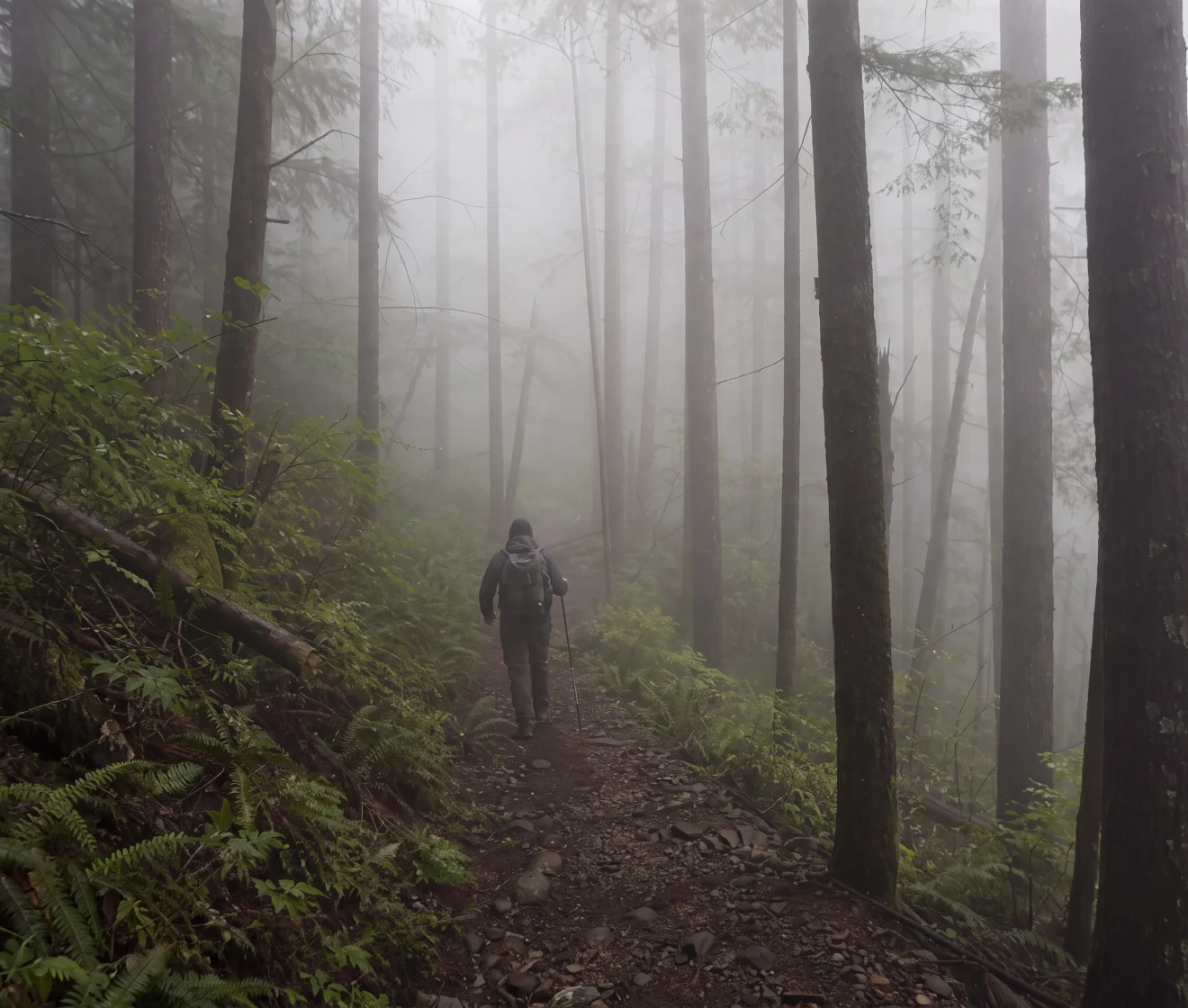
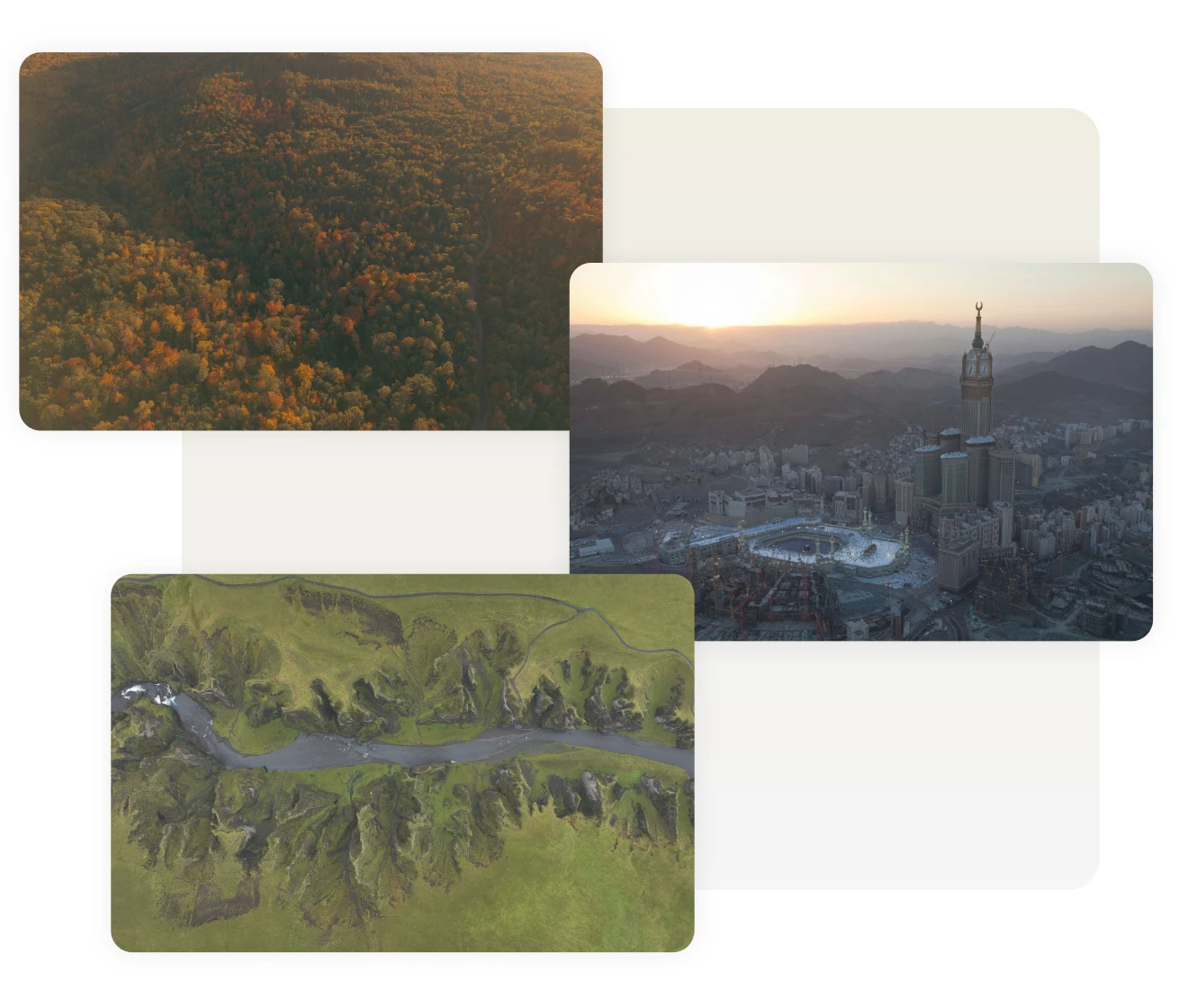
Dehaze Photo Online Before
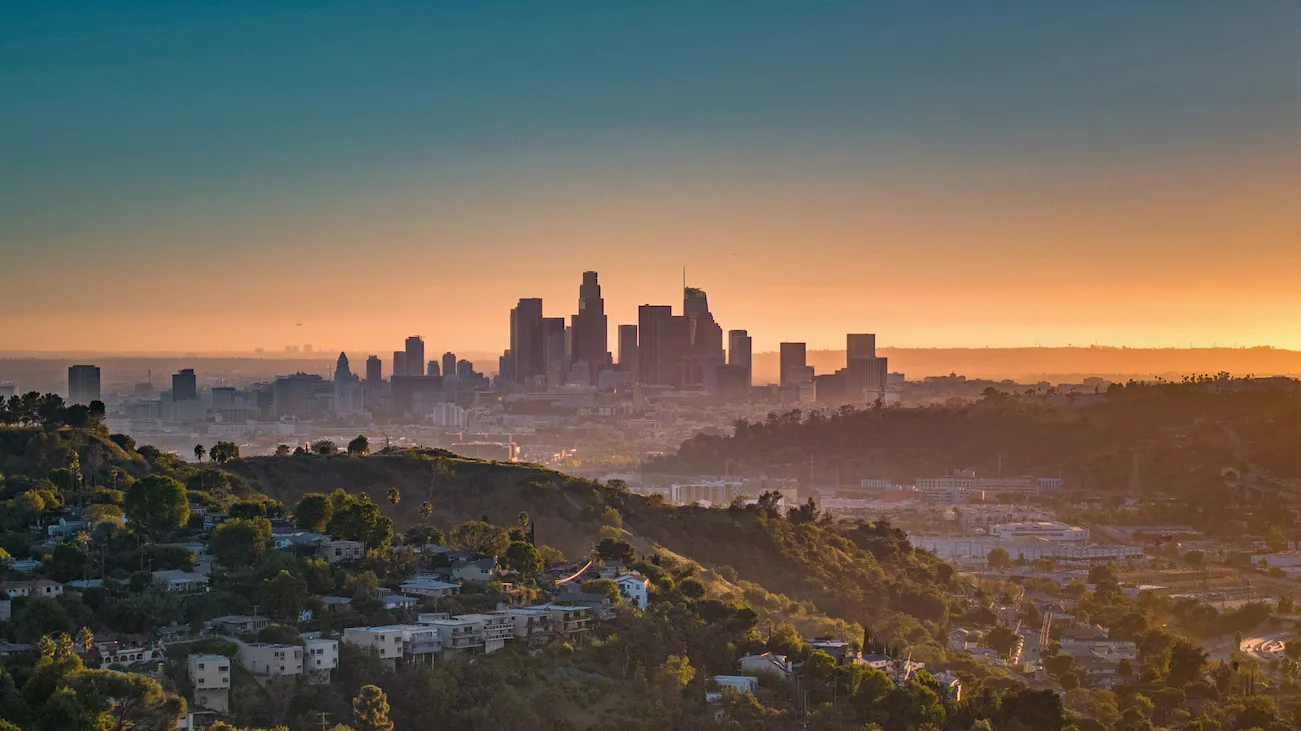
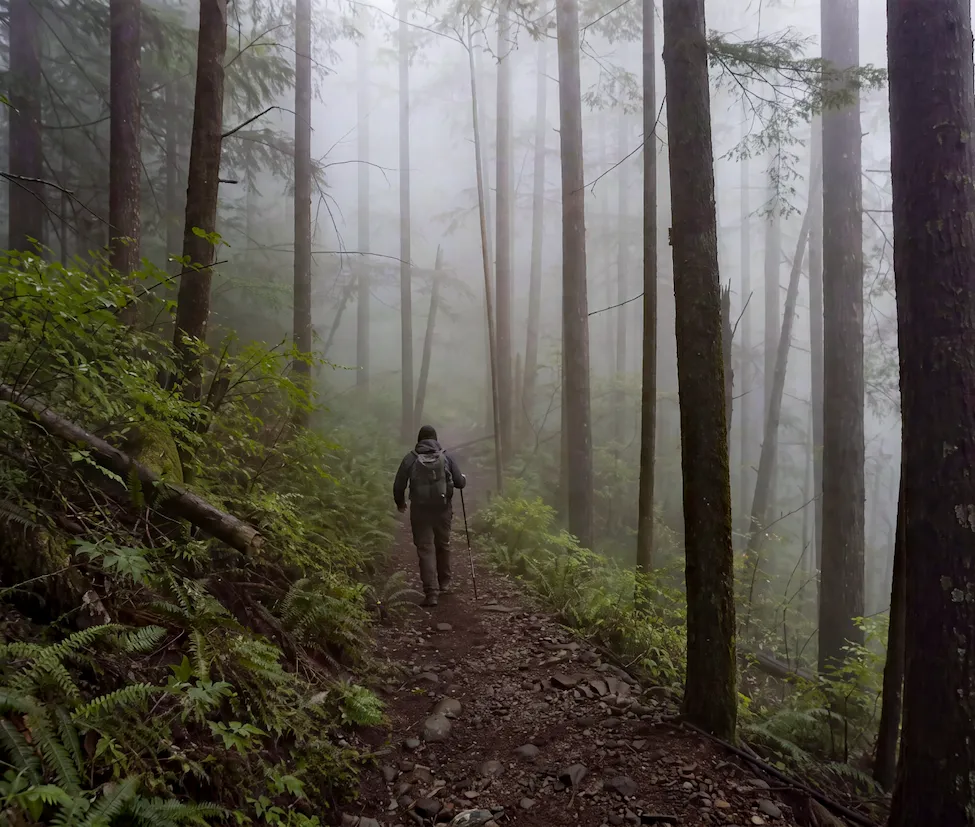
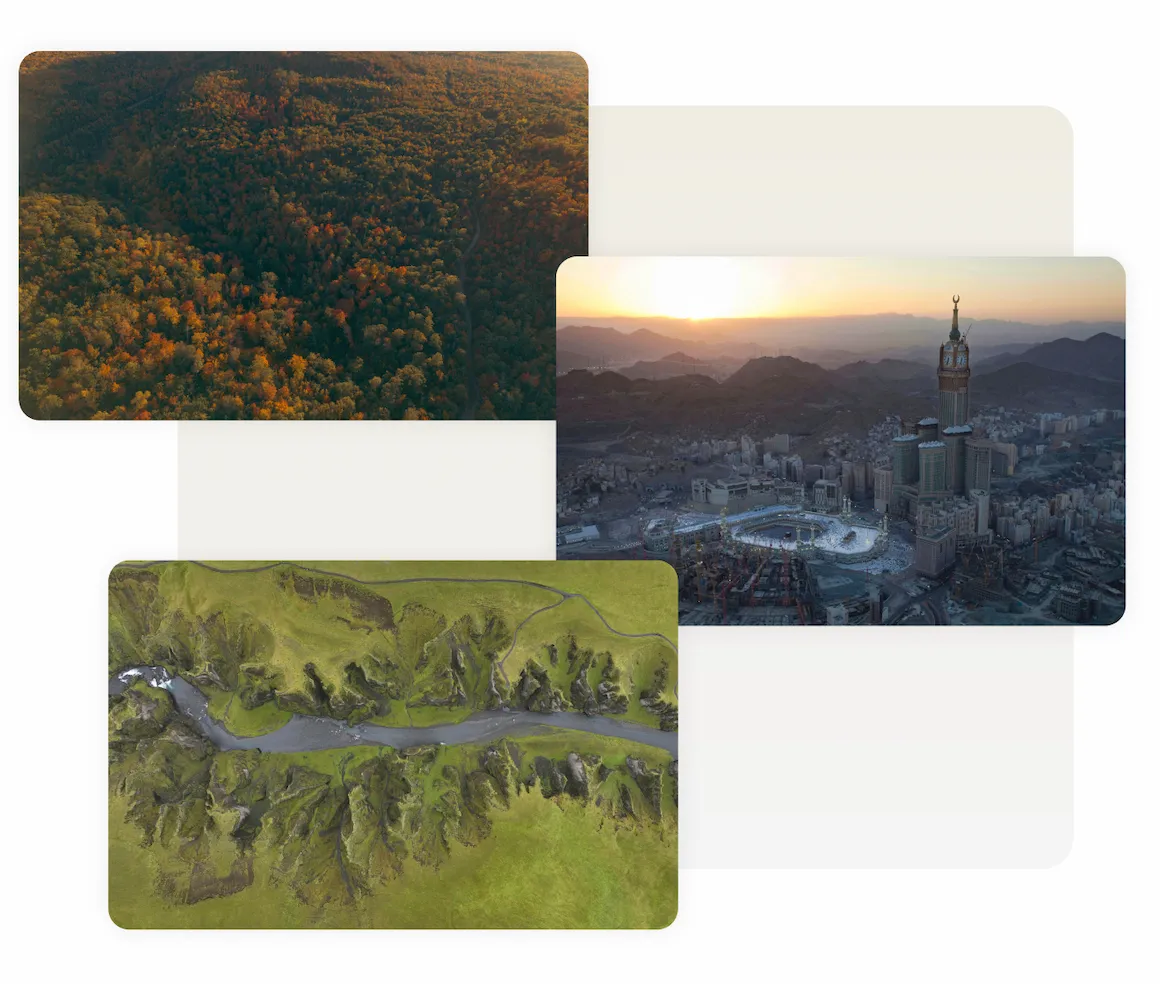
Dehaze Photo Online After
Before
After
Upload Image
* JPEG, JPG, PNG or WebP image allowed.
No image? Try one of these
Dehaze Photo Online
Dehaze Photo Online
AI Photo Editor
Try Online Free
Free to try. Pro Editing at Your Fingertips.
Desktop
Buy now
Buy now

How Dehaze Works and What It Changes

Dehaze removes the washed-out look from fog, smoke, or distance, restoring hidden color and depth—most visible around horizons, mountains, and pale backgrounds. It won't fix focus or exposure.

Clear Haze and Fog in a Single Click

Drop in a photo with a pale sky, a washed-out background, or a foggy view. Evoto's online dehaze tool applies a fixed dehaze correction automatically. Contrast returns, distant subjects sharpen, and washed-out tones regain their punch — a fast way to remove haze from a photo online without manual masking or layer work.

dehaze photo before and after — a foggy scene cleared to reveal sharp color
Before
After

Positive and Negative Dehaze on Desktop

The same dehaze slider runs both ways. Move the Dehaze slider right to cut haze and deepen the scene, or left to add mist for a softer look — handy for dreamy portraits, moody landscapes, and cinematic storytelling. Start low: a small move often does more than you expect.

Desktop
a portrait with a soft atmospheric fog added using Evoto's dehaze slider

Where Dehaze Helps Most

Haze creeps into more shots than you'd expect — and Evoto dehaze tool is ready for the range. Bring back mountains lost to atmospheric haze, punch through humidity over a city skyline, sharpen drone and aerial frames, rescue foggy-morning wedding photos, or refresh dull, faded travel pictures and old prints.

Desktop
hazy landscape, cityscape, and aerial photos cleared in Evoto
Before
After

Finish the Edit After the Air Clears

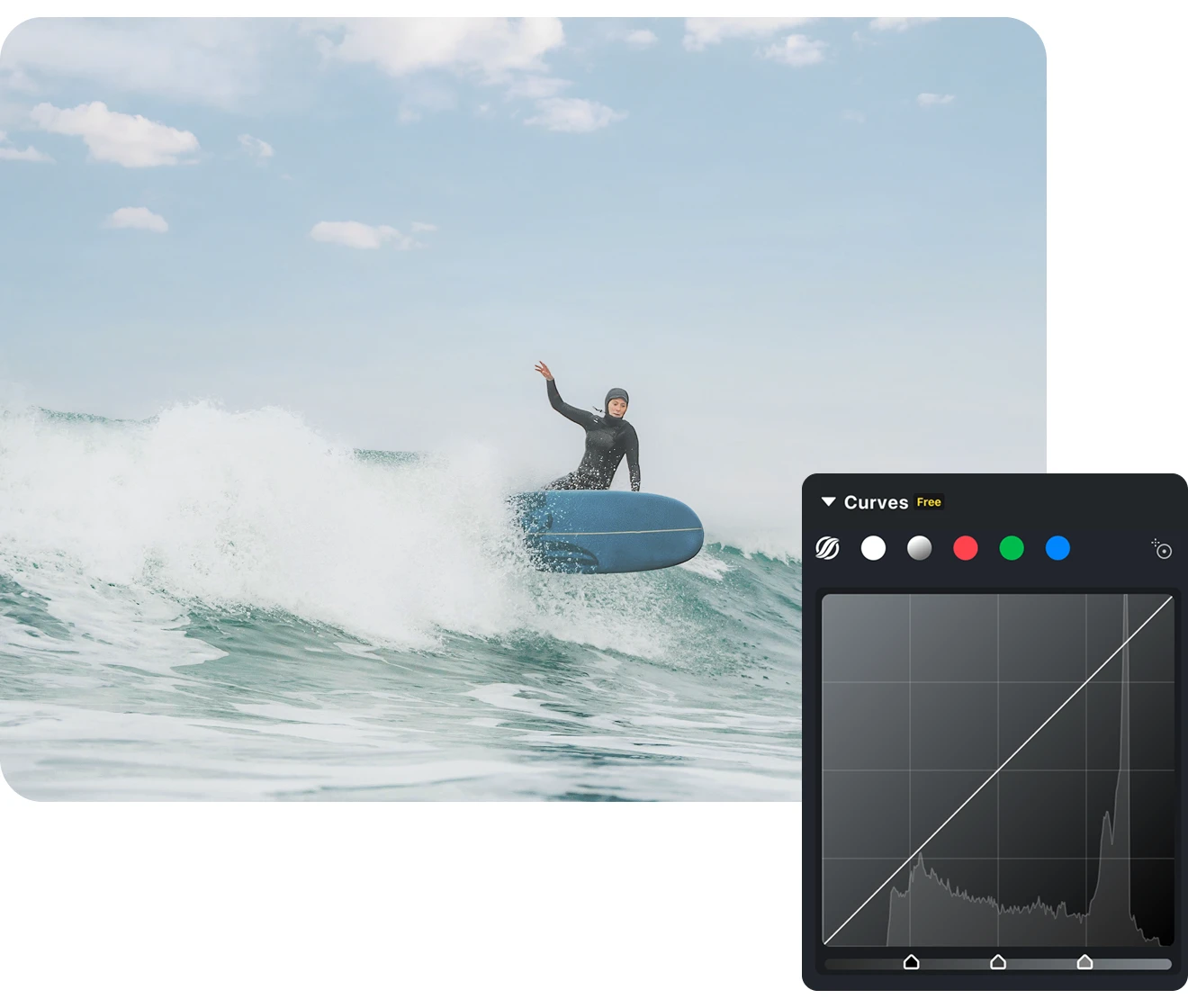
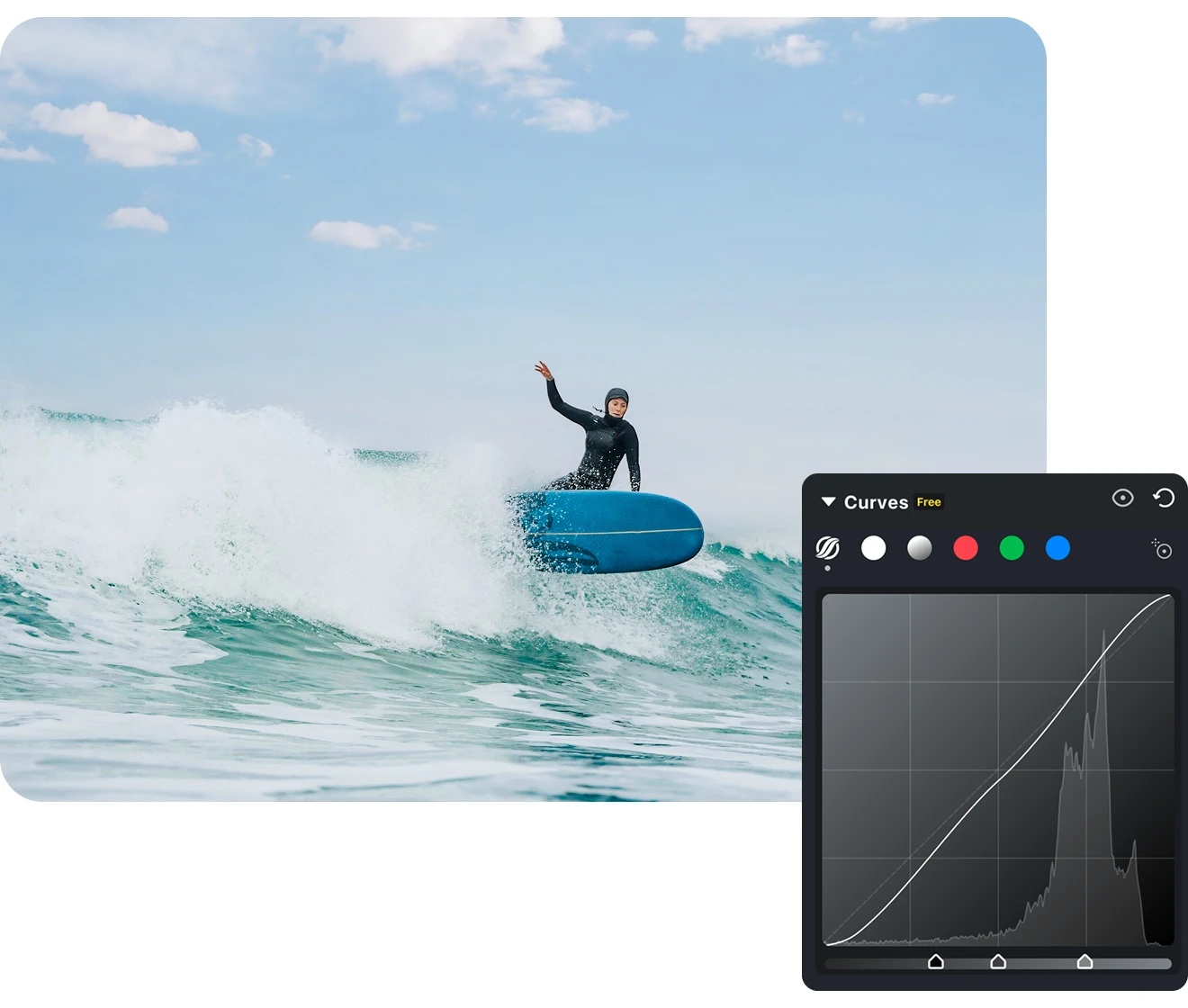
Clearing haze is usually step one. Right beside Dehaze you'll find Clarity and Texture for definition, plus white balance, HSL, curves, and color grading to warm up skies, balance tones, and refine the frame. Take a shot from corrected to polished without leaving the editor.

Desktop
Evoto color panel showing clarity, texture, HSL, and curves applied after dehazing
Before
After

Why Photographers Reach Evoto for Dehaze

Plenty of tools can wipe out haze. Evoto is built for the photographers who care how the result looks — and how fast they can get through a full shoot.
  • Evoto dehaze slider set to a subtle level on a landscape photo

    Avoid the Heavy-Handed Look

    Too much Dehaze can turn skies dark, pull noise out of shadows, and leave halos around a distant roofline or ridge. The Evoto desktop dehaze slider lets you stop before that happens and compare the edit with the original. It is especially useful when a clean sky sits beside a darker foreground.
  • Evoto workspace showing a dehazed photo moving into color grading and retouching

    The Tools to Finish the Edit, in One Place

    Dehazing rarely stands alone. Because Evoto pairs haze removal with clarity, color grading, retouching, and export under one roof, you skip the round-trips between apps and keep a single, consistent workflow from import to delivery.
  • Evoto desktop syncing one dehaze setting across a gallery of photos

    Clear a Whole Gallery at Once

    Shot a series in the same murky light? On Evoto Desktop, correct one frame and sync the setting across the rest — hundreds of images matched in minutes. It's a real time-saver for landscape sets, events, and property shoots that one-at-a-time web tools can't keep up with.
  • a dehazed RAW photo exported at full resolution from Evoto Desktop

    Work From RAW Without Losing Your Original

    Evoto Desktop works on RAW files and edits non-destructively, so haze correction draws on the full color data in your capture and leaves the original untouched. Export at full resolution when you're ready — clean enough for print, client galleries, and large displays.

How to Dehaze a Photo Properly

Desktop
importing hazy RAW photos into Evoto for dehazing
1.**Import Your Photos**234
Launch Evoto and click Import, then drag in a single hazy shot or a whole folder from your shoot. RAW, TIFF, JPG, and PNG are supported, and you can tether straight from your camera for live sessions.
  1. 1. Import Your Photos

    Launch Evoto and click Import, then drag in a single hazy shot or a whole folder from your shoot. RAW, TIFF, JPG, and PNG are supported, and you can tether straight from your camera for live sessions.
  2. 2. Find Dehaze in the Presence Panel

    Head to Color Adjustments → Basic → Presence and reach for the Dehaze slider. Drag it right to cut through the haze and deepen contrast, or left for a softer, foggier mood. Keep the value moderate — the effect leans strong.
  3. 3. Sync the Fix Across Your Shoot

    Shot the series in the same murky light? Select the rest of the gallery and hit Sync to carry the same dehaze setting across the whole selection at once. Save it as a preset to reuse on future foggy sessions.
  4. 4. Export at Full Resolution

    When the look is right, click Export and save to your Mac, Windows, or iPad at full resolution. Choose JPG, TIFF, or PNG — non-destructive editing keeps your original untouched, so files land print- and client-ready.
Desktop

Ready to Clear the Haze?

Lift haze and fog in a click, tune it to the exact look you want, or add a little atmosphere for mood. When it's time to scale up, take it to batch and RAW on Evoto Desktop.

Desktop

FAQs

  • What is the Dehaze tool?

  • How does Dehaze work?

  • What is the difference between Contrast, Dehaze, and Clarity?

  • Will dehazing make my photo look noisy or unnatural?

  • What's the difference between dehaze and defog?

  • Which photo editing software or app has a Dehaze tool?

  • Does dehaze work on RAW files?

  • Can I remove haze from several photos at once?

  • Can I dehaze a photo on my phone?

  • Do I need Photoshop or Lightroom to dehaze a photo?

Last updated: 2026-07-29. Reviewed by: Evoto Product Team. Results may vary depending on image quality, lighting, subject pose, file format, and selected settings.