Darken Image Online: Lower Brightness in One Click
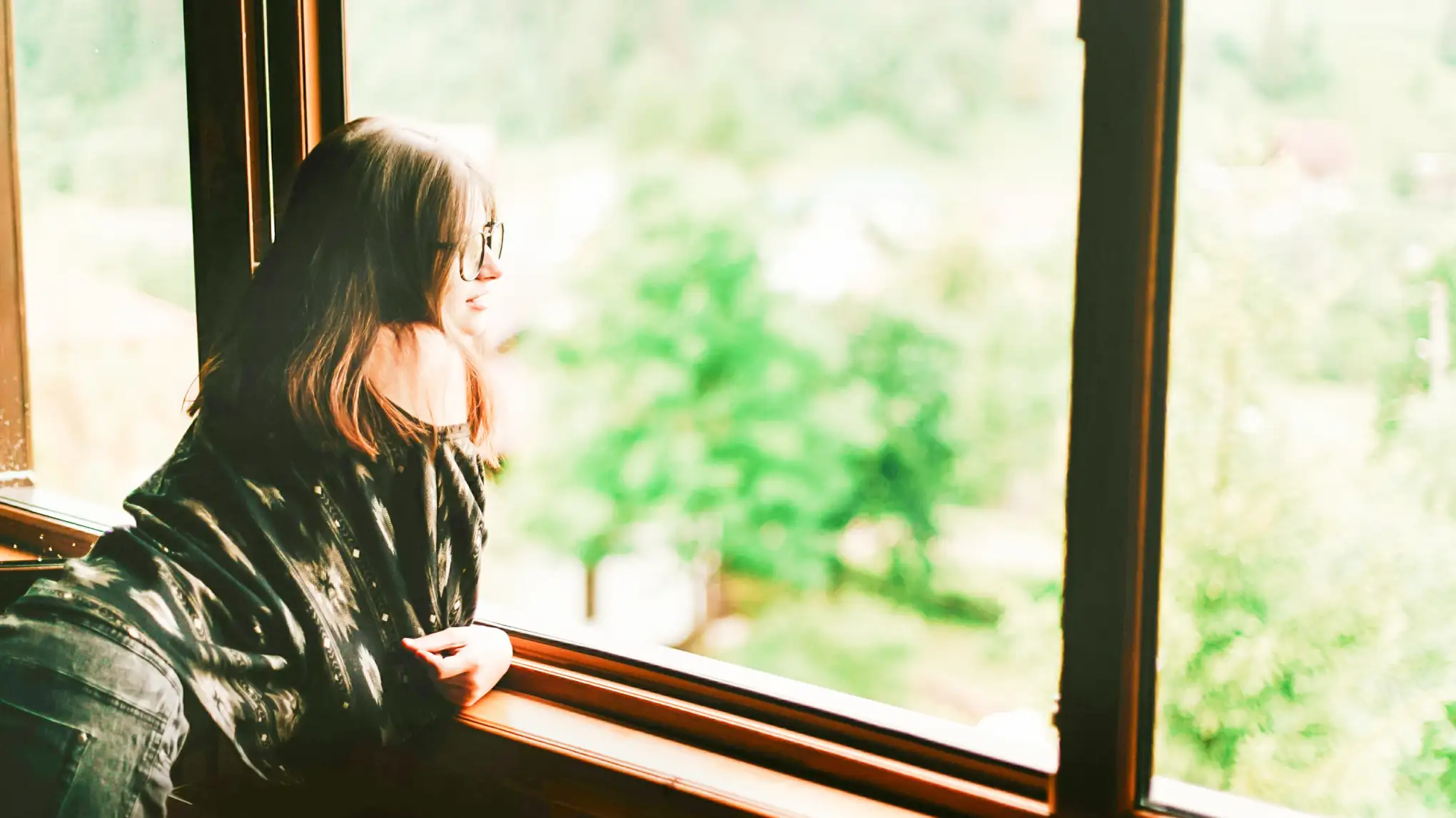
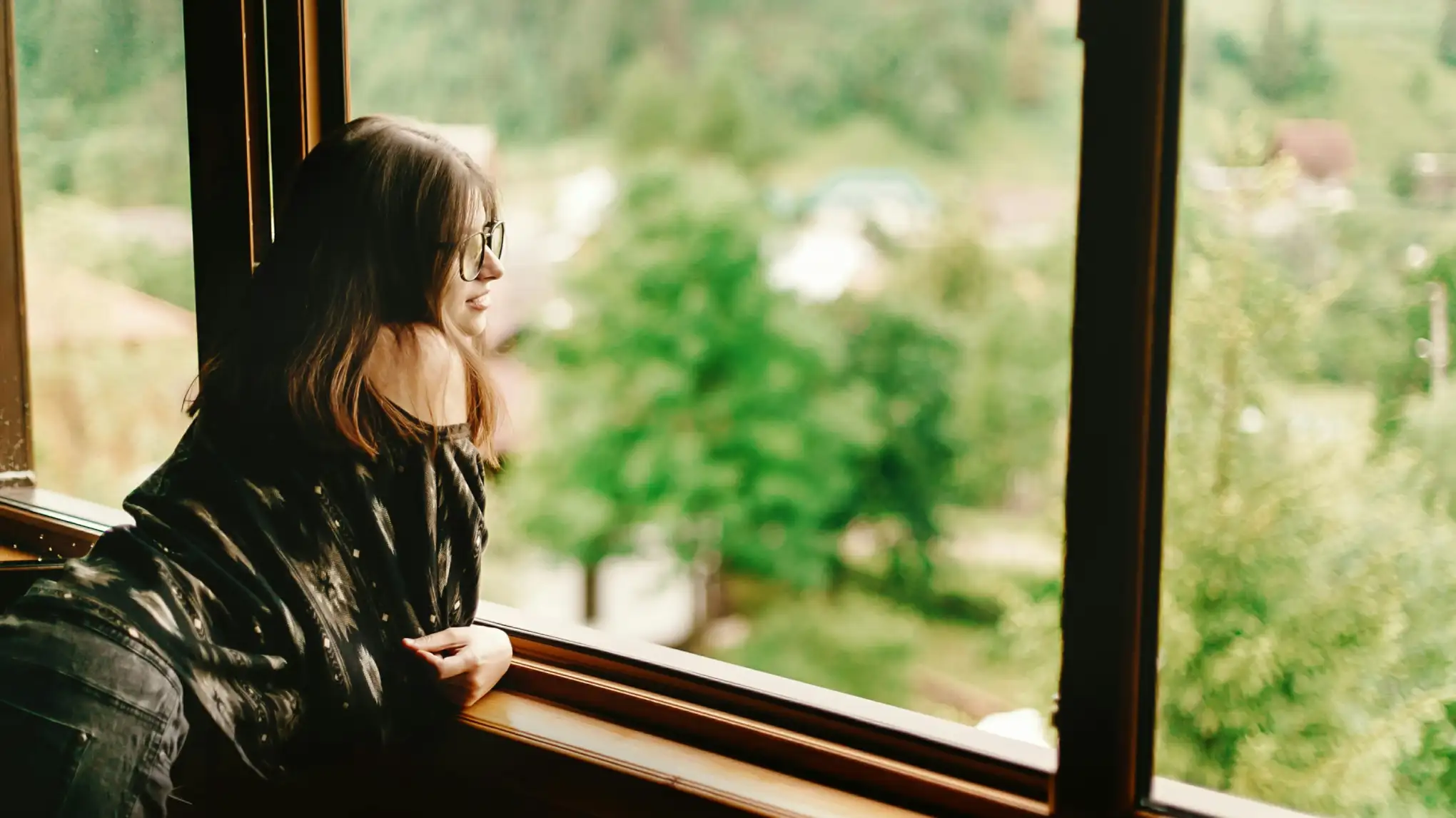
Darken any photo in seconds. Evoto lowers brightness, tames overexposed highlights, and works across portraits, products, real estate, and landscapes alike—no complicated editing, just upload, adjust, and download.
Everything You Need to Lower Brightness and Darken Photos
From lowering brightness in one click to taming washed-out highlights across every kind of photo, Evoto gives you full control over how dark your image looks.
Lower Overall Brightness
Drag the darkness slider to darken the whole image evenly. Perfect for photos shot too bright or washed out by harsh sunlight.
One slide brings the whole image back into a balanced exposure range. Perfect for photos shot in harsh midday sun, against glaring snow or sand, or under bright open sky — so you don't lose the shot you almost got.
Portraits, products, landscapes, real estate, food, and more—Evoto darkens any kind of photo while keeping skin tones, colors, and fine detail looking natural.
Evoto darkens tones without crushing detail or adding noise, so shadows stay rich and textures stay clear.
Precise Slider Control
Fine-tune exactly how dark the image looks, from a subtle dip to a deep, dramatic finish.
Full-Resolution, No Watermark
Export your darkened photo at original resolution with no watermark and no quality loss—ready for print or social.
Free and Easy to Use
Darken images right in your browser for free. No software install—just upload, adjust, and download. Sign in to unlock max-resolution, watermark-free exports.
Do More with Evoto AI Photo Editor
From professional skin retouching to color grading and more, we've got you covered.
Click the upload button or drag and drop your photo into the editor. Evoto supports JPG, PNG, and WebP formats.
Fine-tune your image by dragging the darkness slider to your preferred level. Watch the whole image darken smoothly in real time, with overexposed areas easing back into a balanced range.
Click the Download button to save your result. Standard-quality downloads are free; sign in to your Evoto account to export at original resolution with no watermark or compression—JPG, PNG, or WebP.
1. Upload Your Photo
Click the upload button or drag and drop your photo into the editor. Evoto supports JPG, PNG, and WebP formats.
2. Adjust Darkness with a Simple Slider
Fine-tune your image by dragging the darkness slider to your preferred level. Watch the whole image darken smoothly in real time, with overexposed areas easing back into a balanced range.
3. Download at Full Resolution
Click the Download button to save your result. Standard-quality downloads are free; sign in to your Evoto account to export at original resolution with no watermark or compression—JPG, PNG, or WebP.
Upload your photo to Evoto's Darken Image tool, then drag the darkness slider until the image looks as dark as you want. The preview updates in real time, and you can download the result instantly. Sign in to your Evoto account for max-resolution, watermark-free export.
Q
Is the Darken Image tool free?
A
Yes. You can darken images and download them for free in your browser—no sign-up needed for standard-quality downloads. Sign in to your Evoto account to unlock max-resolution, watermark-free export.
Q
What image formats are supported?
A
Evoto supports common formats like JPG, PNG, and WebP. Standard-quality downloads are free; sign in to your Evoto account to export at full resolution for print or client delivery.
Q
Can I fix an overexposed photo by darkening it?
A
Yes. Darkening tones down blown-out highlights—like bright skies or windows—and rebalances exposure so the photo looks natural rather than washed out.
Q
Will darkening reduce my photo's quality or distort the colors?
A
No. Evoto darkens tones without crushing detail or adding noise, and skin tones, sky blues, and product colors stay true rather than turning muddy or oversaturated.
Q
Can I brighten a photo instead of darkening it?
A
Sure. For underexposed or too-dark photos, try Evoto's Image Brightener — same one-slider simplicity, but for lifting brightness, recovering shadow detail, and balancing dim shots.
Q
Does it work on portraits and product photos?
A
Absolutely. The Darken Image tool works on any photo—portraits, products, landscapes, real estate, food, and lifestyle shots. The real-time preview lets you fine-tune the darkness level until it looks right for your subject.
Q
Does the Darken Image tool work on my phone?
A
Yes. The tool runs in the mobile browser—just open the page on your phone, upload a photo, and drag the darkness slider. For a smoother experience and the full Evoto editing suite on the go, you can also download the free Evoto App for iOS and Android.
Q
Can I darken many photos at once?
A
You can upload up to 3 images in the browser per session. For an entire shoot, the free Evoto desktop app supports true batch processing, so you can darken hundreds of images with one consistent setting.
Q
Are my photos kept private?
A
Yes. Photos uploaded to the Darken Image tool are processed over a secure connection, used only to generate your edit, and removed after your session. Your images are never used to train AI models or shared with third parties.
Last updated: 2026-06-11. Reviewed by: Evoto Product Team. Results may vary depending on image quality, lighting, subject pose, file format, and selected settings.