


Cinematic Looks for Your Photos

Apply authentic film stock presets or AI-matched cinematic grades to any photo — in one click, in bulk, on RAW.
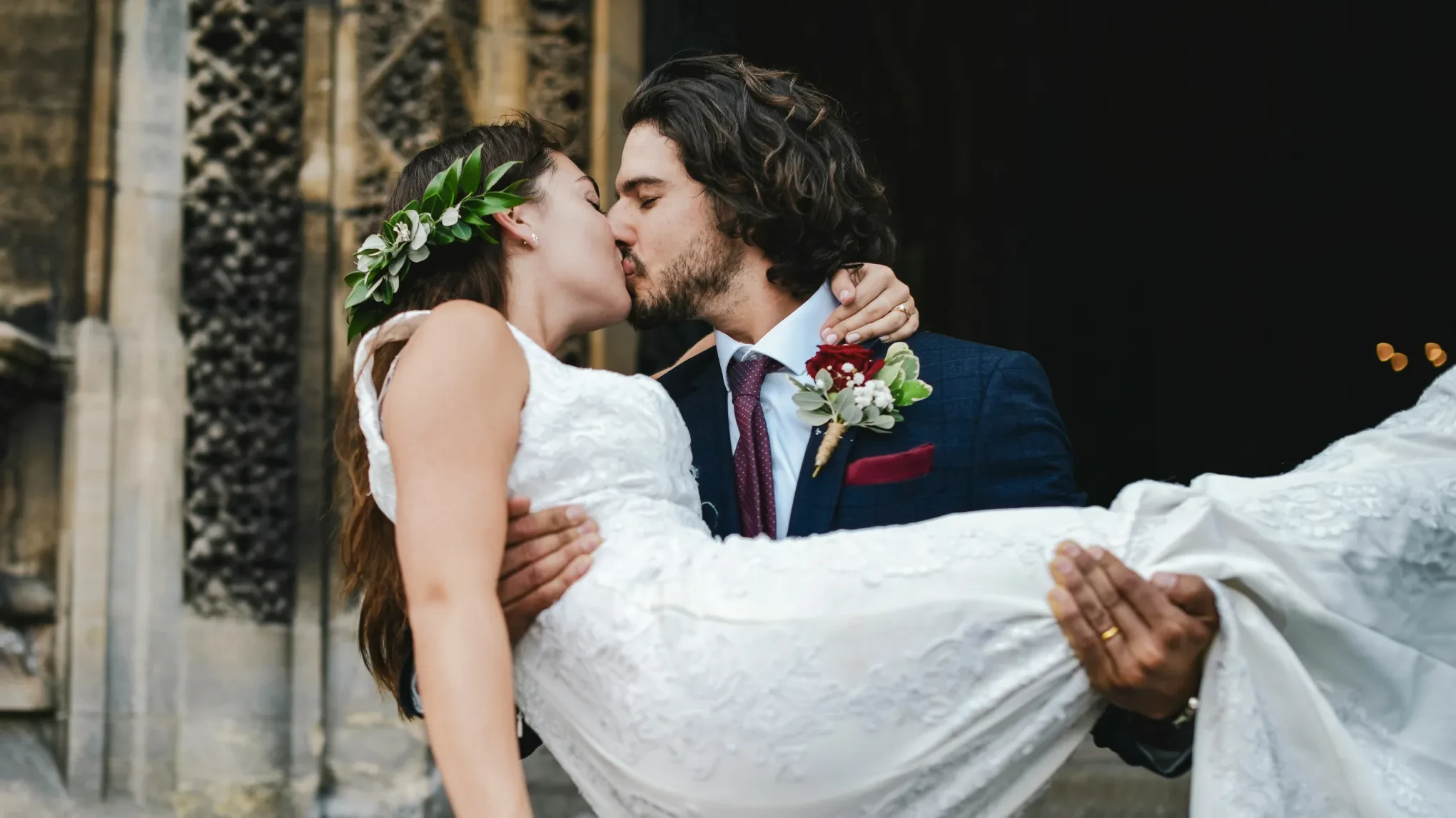
free cinematic filters for wedding photos Before
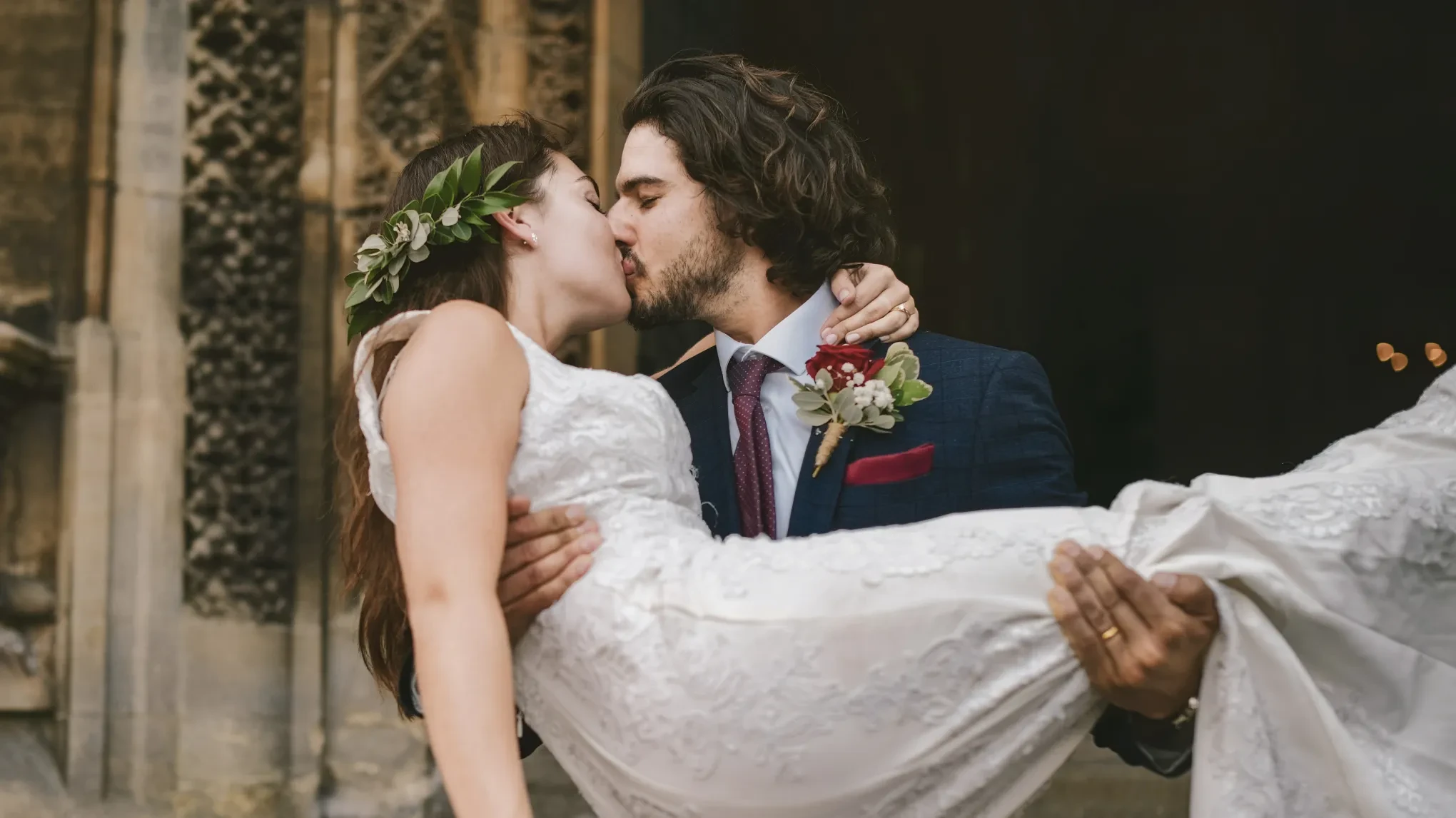
free cinematic filters for wedding photos After
Before
After
Upload Image
* JPEG, JPG, PNG or WebP image allowed.
No image? Try one of these
free cinematic filters for wedding photos
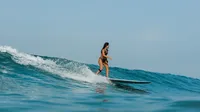
film filters for sports photography
film effect for newborn photos
Try Free
Free to try. Pro Editing at Your Fingertips.
Desktop
Buy Now
Buy Now

Cinematic Photography, Simplified for Every Shoot

Everything you need to master cinematic photography — from instant free filters to AI-powered color grades, all in one place.

Free Cinematic Filters — One Click, Any Style

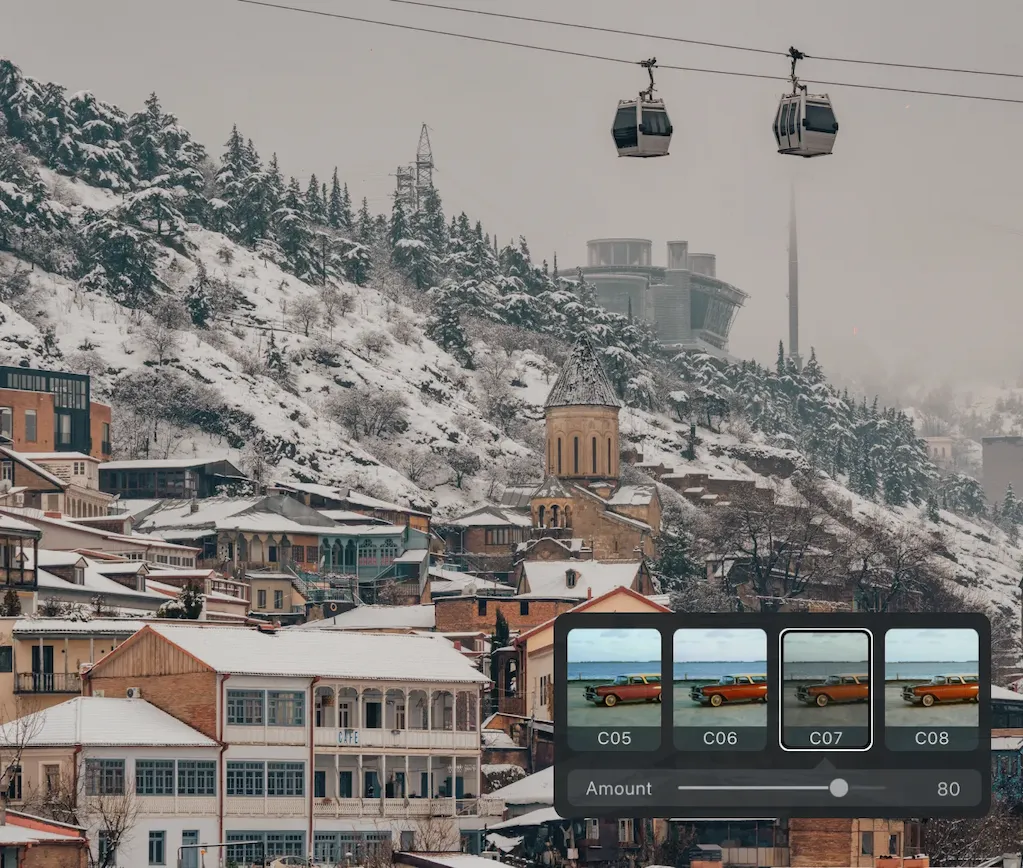
Evoto comes with a built-in collection of cinematic filters you can apply in one click. Browse styles ranging from moody film noir to warm golden-hour looks, adjust the intensity to taste, and combine with any other color tool in your workflow. All filters are free.

free cinematic filters
Before
After

Film-inspired Looks, Ready to Use

Go beyond basic filters with AI-powered style presets — 35mm Film, Prague Holiday, Story of Dunkirk, Fuji NC, Kodak Ultramax 400, and more. Each AI Color Look delivers a distinct cinematic photo effect, intelligently adapted to your image's actual tones — so the same preset looks right on different photos without manual tweaking.

Desktop
cinematic presets for photos

Match Any Cinematic Reference

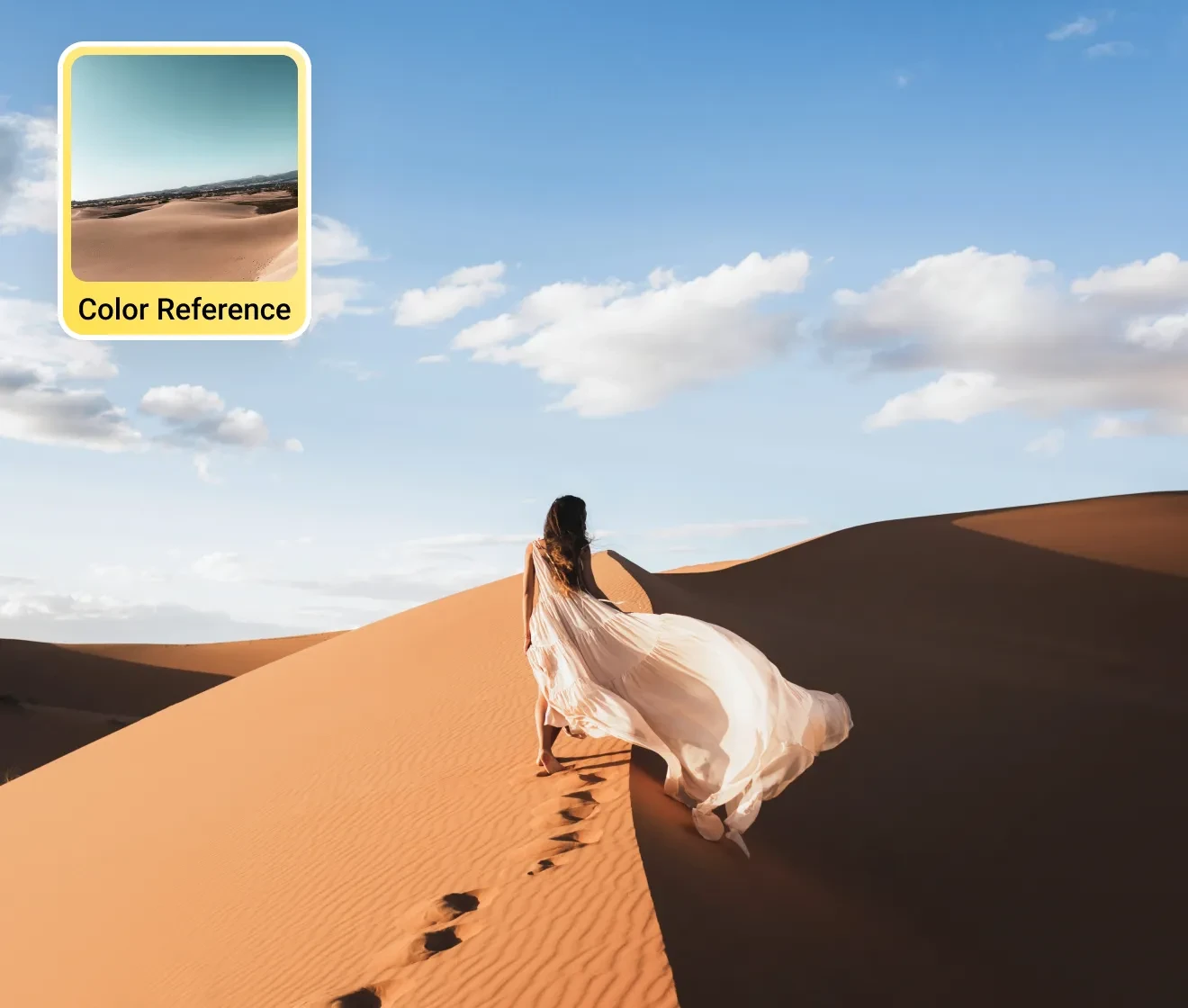
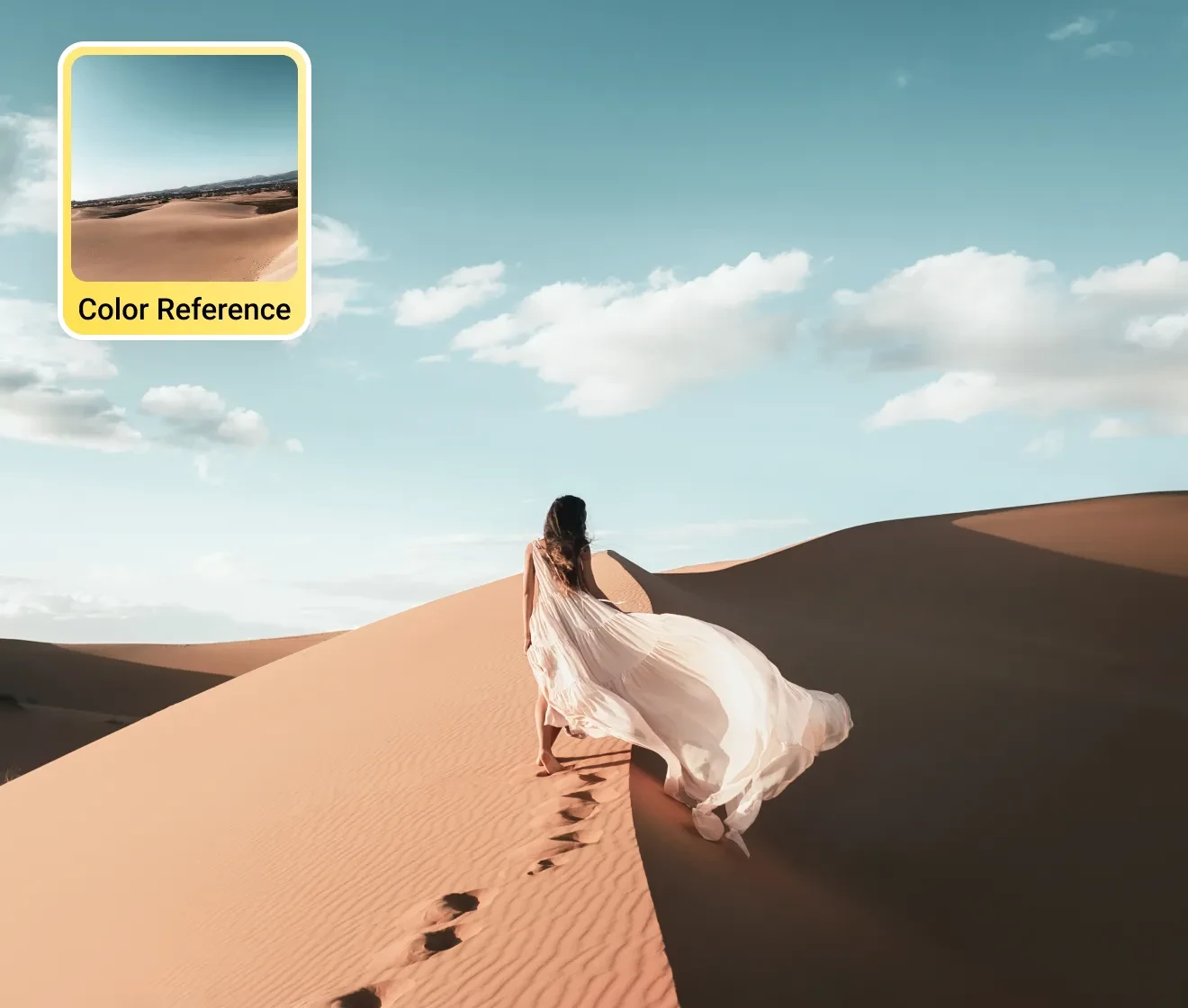
Have a movie still, editorial photo, or client reference you love? Upload it and Evoto's AI analyzes the exact shadow tints, highlight roll-off, and skin tone balance — then replicates that cinematic grade across your entire shoot in seconds. Your reference, your grade, zero manual work.

Desktop
Reference image color matched to photo
Before
After

Consistent Cinematic Style Across Your Shoot

Apply any filter, AI Color Look, or matched grade to hundreds of photos in one click. Then fine-tune with HSL, tone curves, and white balance to make the look entirely yours — and save it as a custom preset to reuse on every future project.

Desktop

Why Photographers Choose Evoto for Cinematic Filters

Whether you're a professional photographer, content creator, or photography enthusiast, Evoto gives you the tools to achieve cinematic results without the complexity.

  • Evoto online editor open in browser with a cinematic filter applied

    Free to Try — Start Online

    Open Evoto Online, upload your photo, and apply cinematic filters right away. No credit card, no watermark. See the results before you commit.
  • RAW file editing

    RAW-Native Quality

    Evoto grades directly on RAW files, so full dynamic range is preserved. Shadows stay rich, highlights don't blow out, results hold up at any export size.
  • Batch photos graded

    10x Faster Color Grading

    One-click presets and AI Color Match cut hours of manual work. Apply a consistent cinematic look across 1,000 photos in minutes.
  • Professional Photographers Toolkit

    Built for Pro Photographers

    Designed for volume. Batch thousands of images, save presets per client, and keep your team's grades consistent across every shoot.
Do More with Evoto AI Photo Editor

From professional skin retouching to color grading and more, we’ve got you covered.

How to Apply Cinematic Filters to Your Photos

Desktop
Evoto import interface with a RAW photo being dragged into the editor
1.Import Your Photos234
Click "Import" or drag and drop your photos into Evoto. Supports RAW (CR2, CR3, NEF, ARW, DNG), JPG, PNG, and TIFF. High-resolution RAW files give you the best cinematic results.
  1. 1. Import Your Photos

    Click "Import" or drag and drop your photos into Evoto. Supports RAW (CR2, CR3, NEF, ARW, DNG), JPG, PNG, and TIFF. High-resolution RAW files give you the best cinematic results.
  2. 2. Choose Your Cinematic Filter

    Open the "Color Adjustments" panel and select "Filter." Browse the cinematic collection and click any style to instantly preview it on your photo. Adjust the filter intensity with the strength slider to blend the look precisely as you envision.
  3. 3. Fine-Tune & Sync Across Your Gallery

    Stack any additional adjustments — white balance, HSL, tone curve — directly on top of your cinematic filter. Then select all photos in your shoot and hit "Sync" to apply the exact same look to every image simultaneously. Save your combination as a preset for future use.
  4. 4. Export at Full Resolution

    When your cinematic edit is ready, click "Export" to save your photos to your Mac, Windows, or iPad device at full original resolution. Choose your output format (JPG, TIFF, PNG) and deliver straight to your client — no quality loss, no compression surprises.
Desktop

Discover More about Cinematic Filter

Give Your Photos a Cinematic Look.

Free to try. Works on RAW. Batch-ready. No watermarks. No quality loss.

Desktop

FAQs

  • What are cinematic filters for photos?

  • How do I add a cinematic photo effect to my photos?

  • Can I apply cinematic filters to RAW photos?

  • Can I batch apply cinematic filters to multiple photos at once?

  • Is there a free cinematic photo filter?

  • How do I create cinematic photos?

  • What's the difference between cinematic photo filters and pro mist / cinebloom lens filters?

  • Can I customize a cinematic filter after applying it?

  • What cinematic filter styles are available in Evoto?

  • Are Evoto cinematic filters good for Instagram and social media?