

Instantly Change Image Color Online for Free

Evoto photo color changer features an intuitive HSL panel for instant color transformation. Effortlessly adjust hue, saturation, and lightness to create flawless variants while fully preserving natural lighting and intricate textures.
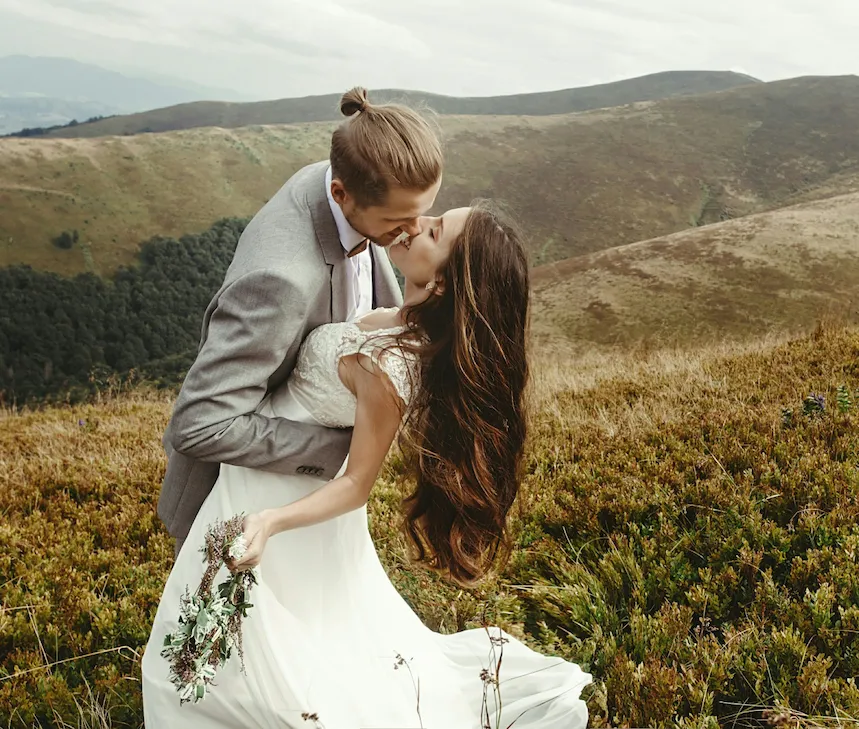
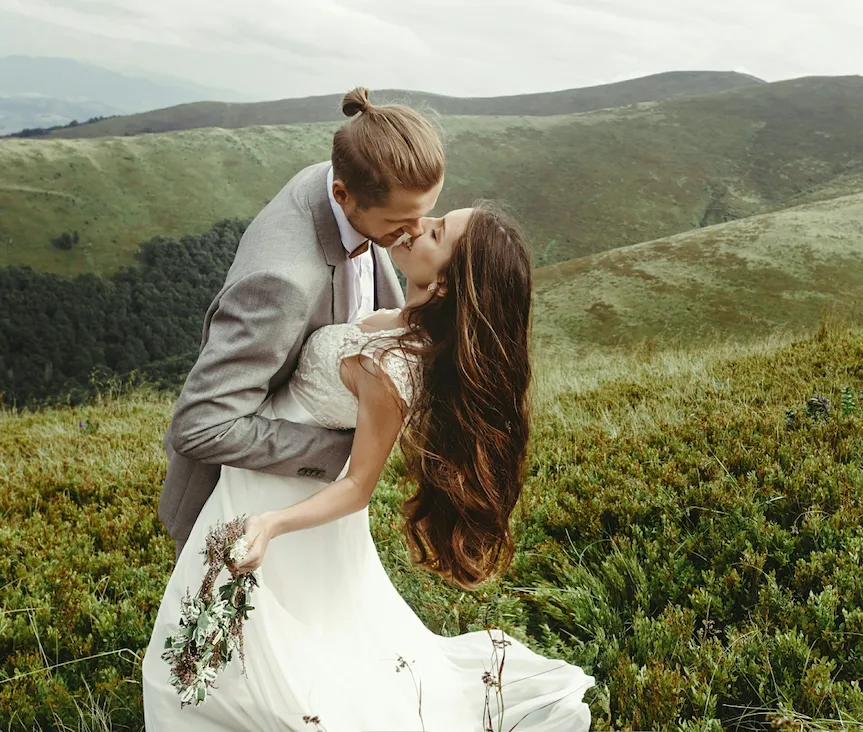
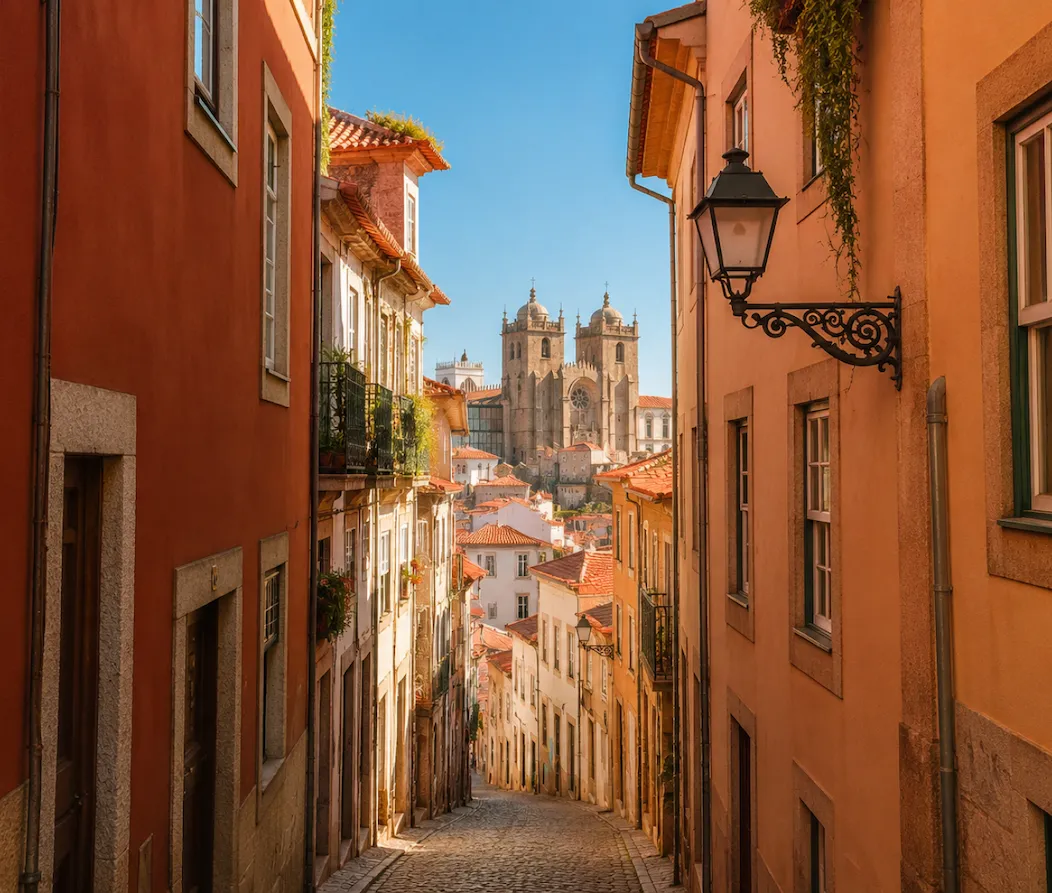
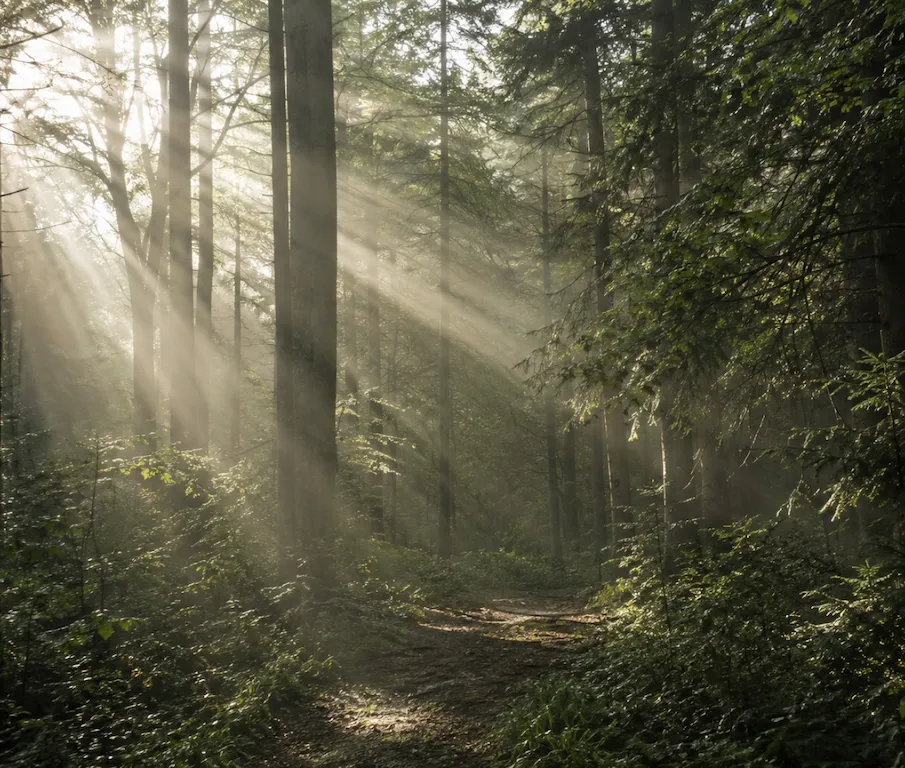
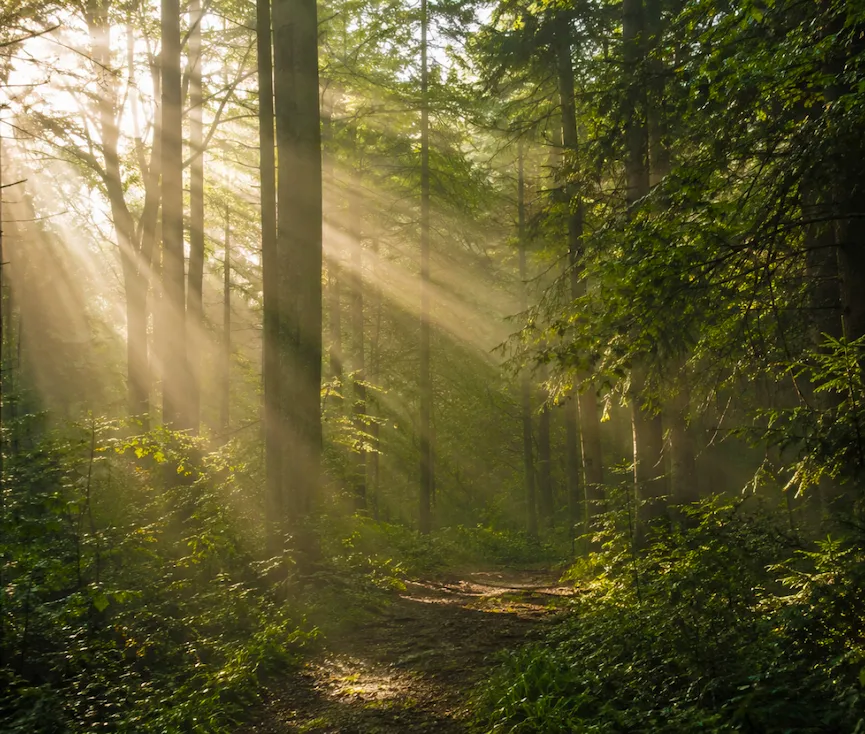
Before and after comparison of an image color transformation using Evoto's free online color changer. Before
Before and after comparison of an image color transformation using Evoto's free online color changer. After
Before
After
Upload Image
* JPEG, JPG, PNG or WebP image allowed.
No image? Try one of these
Before and after comparison of an image color transformation using Evoto's free online color changer.
Try Online Free
Free to try. Pro Editing at Your Fingertips.
Desktop
Buy Now
Buy Now

Image Color Changer with Pixel-Level Precision

Evoto lets you replace color in image files instantly with pro-grade accuracy. Easily adjust HSL channels and batch-sync multiple photos with zero quality loss, while perfectly keeping your original textures and lighting.

Flexible Image Recoloring

Break free from rigid filters. Evoto gives you the ultimate freedom to shift tones, overhaul palettes, or completely transform the color of any image to match your creative vision perfectly.

Before and after of flexible image recoloring with custom tones
Before
After

Precision HSL Color Control

Target and refine specific color channels with our intuitive HSL panel. Effortlessly adjust the hue, saturation, and lightness of individual colors to achieve professional-grade color accuracy without a complex learning curve.

Precise color adjustments using the intuitive HSL control panel.
Before
After

Protect Natural Light & Textures

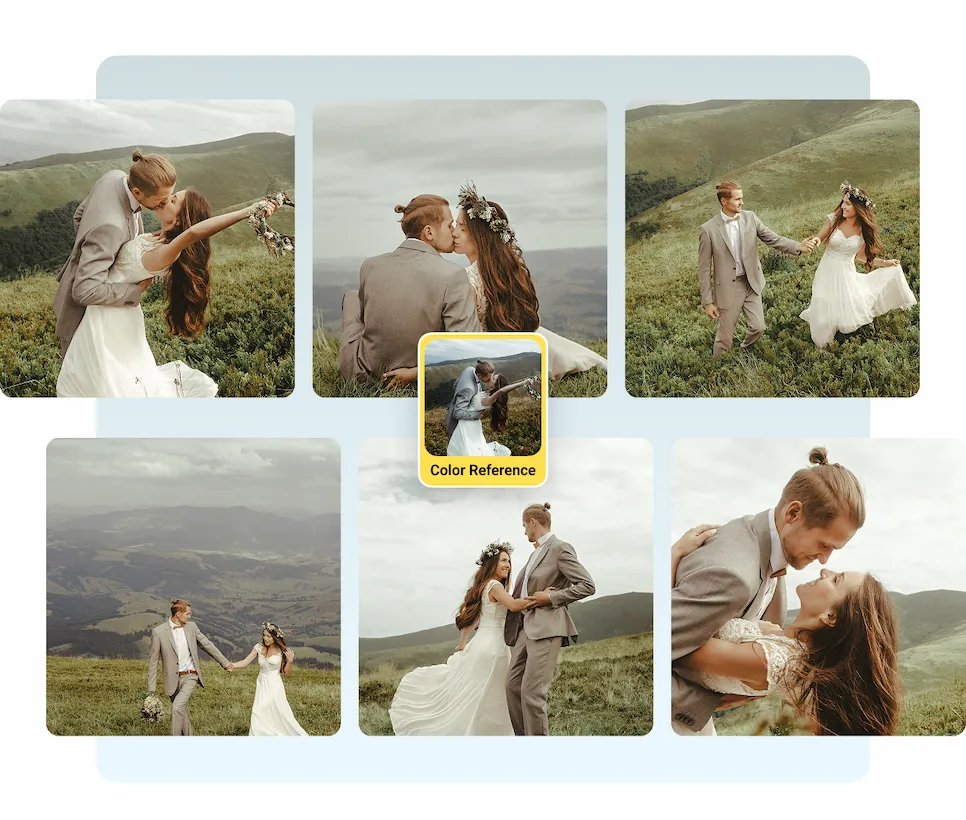
Change the color, keep the realism. Evoto’s intelligent technology modifies shades while fully protecting intricate textures, natural lighting, and original shadows, ensuring your results look authentic and never artificial.

Change image colors while preserving natural lighting and textures.
Before
After

Effortlessly Batch Color Editing

Edit once, apply everywhere. Perfect the color, exposure, and tone on your first image, then instantly synchronize all settings across the rest of your files to achieve a flawless, consistent look in one click.

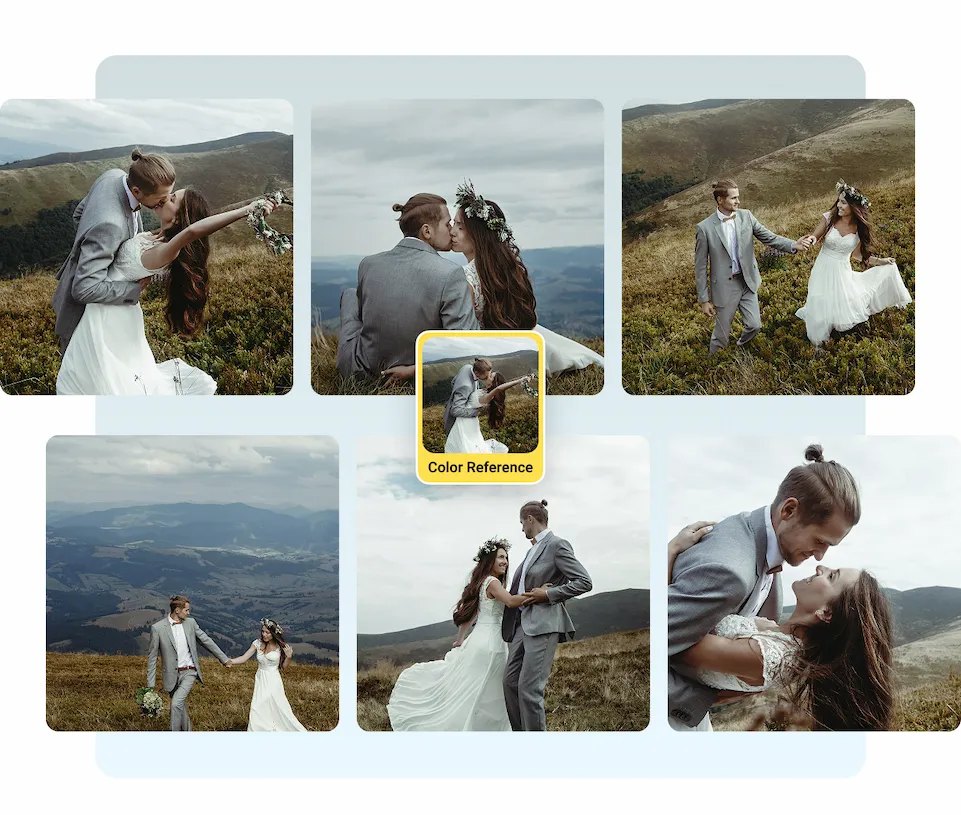
Batch color editing and one-click setting synchronization on Evoto.
Before
After

Why Choose Evoto Photo Color Changer?

Evoto empowers you to change image colors faster with absolute precision and consistency. Perfectly balancing flexible control and professional quality, it delivers flawless, studio-grade transformations every time.

Desktop
  • Free photo color changing with full-resolution export

    Always Free

    The image color changer is a free feature in Evoto Online. Open the page, import your photo, apply the new color, and export at full resolution — no subscription, no watermark.
  • Simple photo editor to easily change image colors with realistic results.

    Easy to Use

    Professional editing made simple. With our intuitive interface, you can achieve complex color transformations smoothly and effortlessly—no steep learning curve or technical skills required.
  • A full-resolution photo export with color changer

    Full-Resolution Output

    Export your color-transformed photos at full pixel resolution with EXIF metadata intact. Evoto ensures professional-grade accuracy with zero compression artifacts or lost details in the modified areas.
  • Evoto processing photos locally

    Photos Stay Private

    Your images never leave your device. Evoto processes everything locally, ensuring 100% cloud-free privacy. No data is ever uploaded or processed remotely, keeping your valuable work entirely confidential and under your complete control.
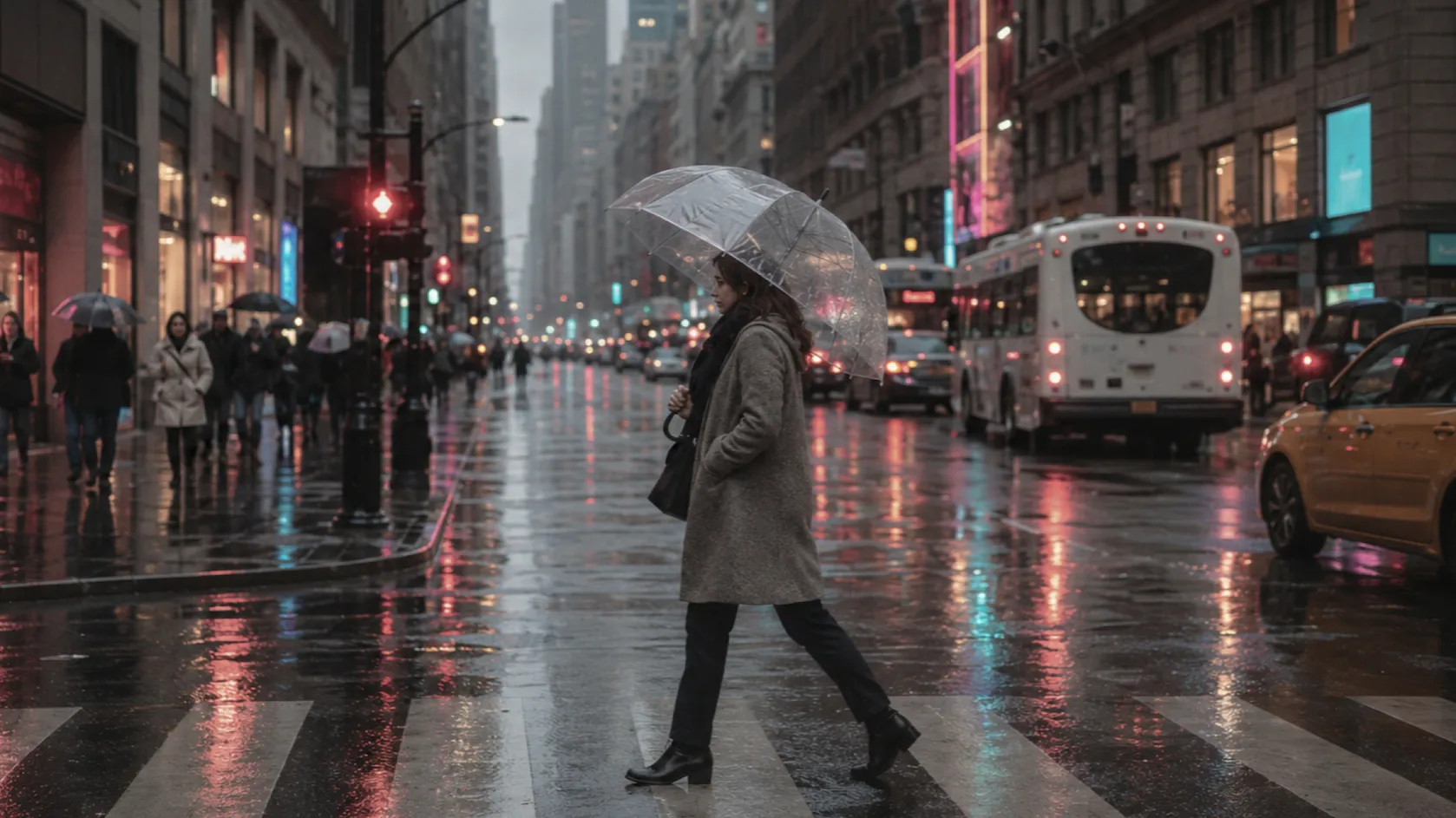
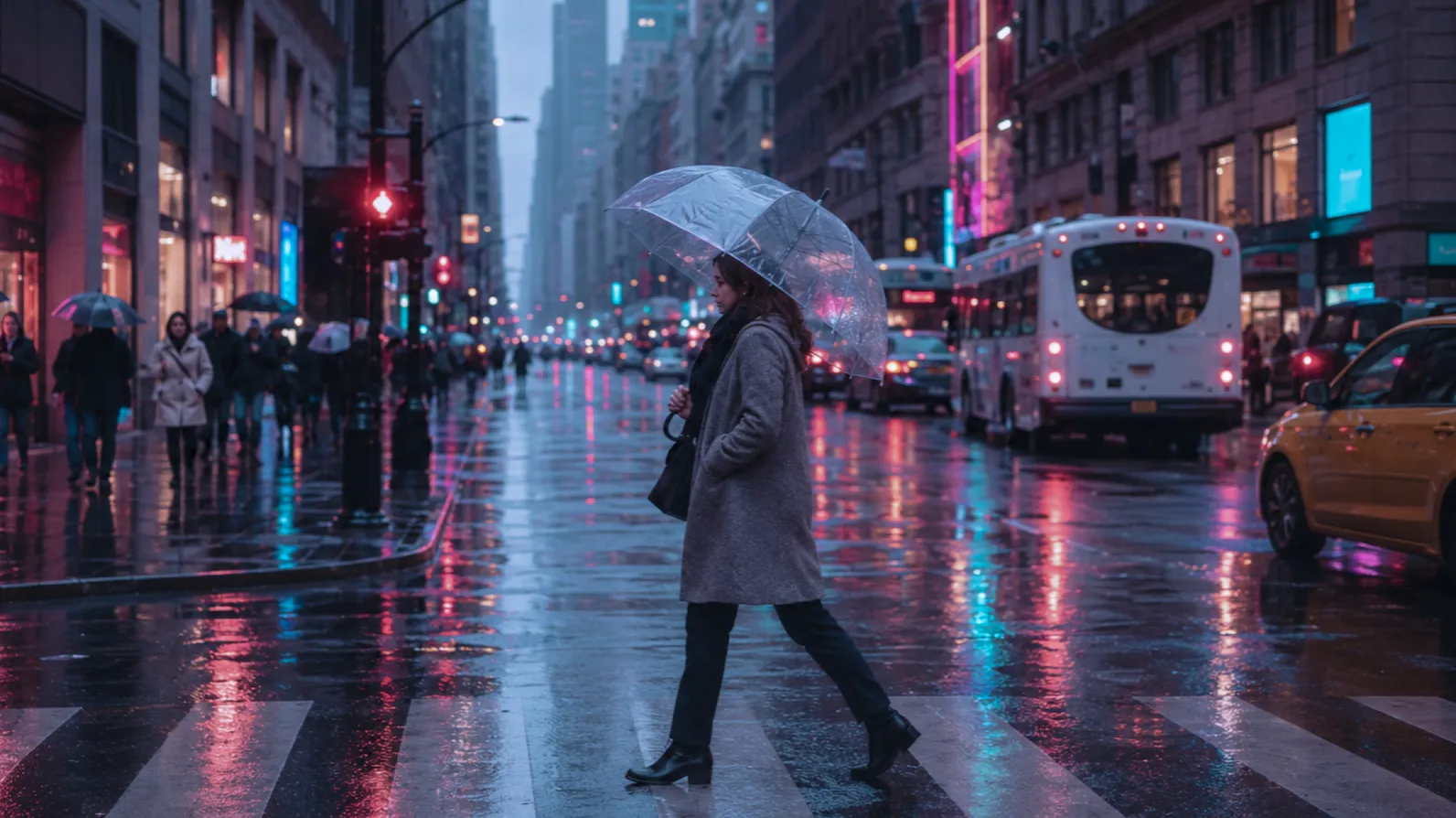
Do More with Evoto AI Photo Editor

From professional skin retouching to color grading and more, we’ve got you covered.

How to Change Color of Image

Upload image for photo color editing.
1.Upload Your Photo23
Open the Evoto photo color changer page and drag your photo in — or click to browse. Supports JPG, WebP, and PNG.
  1. 1. Upload Your Photo

    Open the Evoto photo color changer page and drag your photo in — or click to browse. Supports JPG, WebP, and PNG.
  2. 2. Edit the Colors of Your Image

    Use our intuitive panels and sliders to shift tones, adjust HSL channels, or completely transform specific colors to match your creative vision perfectly. You can also fine-tune essential properties like white balance, exposure, contrast, and warmth with straightforward, responsive sliders to perfect the overall look.
  3. 3. Preview and Download

    Review your color transformations instantly with our real-time preview. Once you are satisfied with the look, click download to export your high-resolution image in JPG or PNG format, with all details and EXIF metadata perfectly preserved.

Discover More About Photo Color Changer

Faster Edits, Finer Control.

Change image colors in seconds with precise control and high-quality results, without losing details.

Desktop

FAQs

  • Can I adjust specific colors without affecting the rest of the image?

  • What should I do if changing a color makes the transition look unnatural or "fake"?

  • Can I use this tool to change the color of products or clothes?

  • Can I use the color changer to create stylized aesthetics like Cyberpunk or Vintage film looks?

  • Will changing the colors reduce the quality or resolution of my photo?

  • Do you support batch color changing for multiple photos at once?

  • If I use the batch sync feature, can I still tweak individual photos afterward?

  • Is the online color changer really free? Are there any watermarks?

  • What image formats are supported for uploading and exporting?

  • Is my data safe?

Last updated: 2026-06-25. Reviewed by: Evoto Product Team. Results may vary depending on image quality, lighting, subject pose, file format, and selected settings.