Edit RAW photos, batch-process images, and streamline your workflow.Download Evoto

Free Online AI Blue Eye Filter

Get the trending blue eye filter for Instagram online for free with Evoto. Easily add realistic blue eyes to your portraits, customize shades and iris texture, and export high-quality photos for social media.
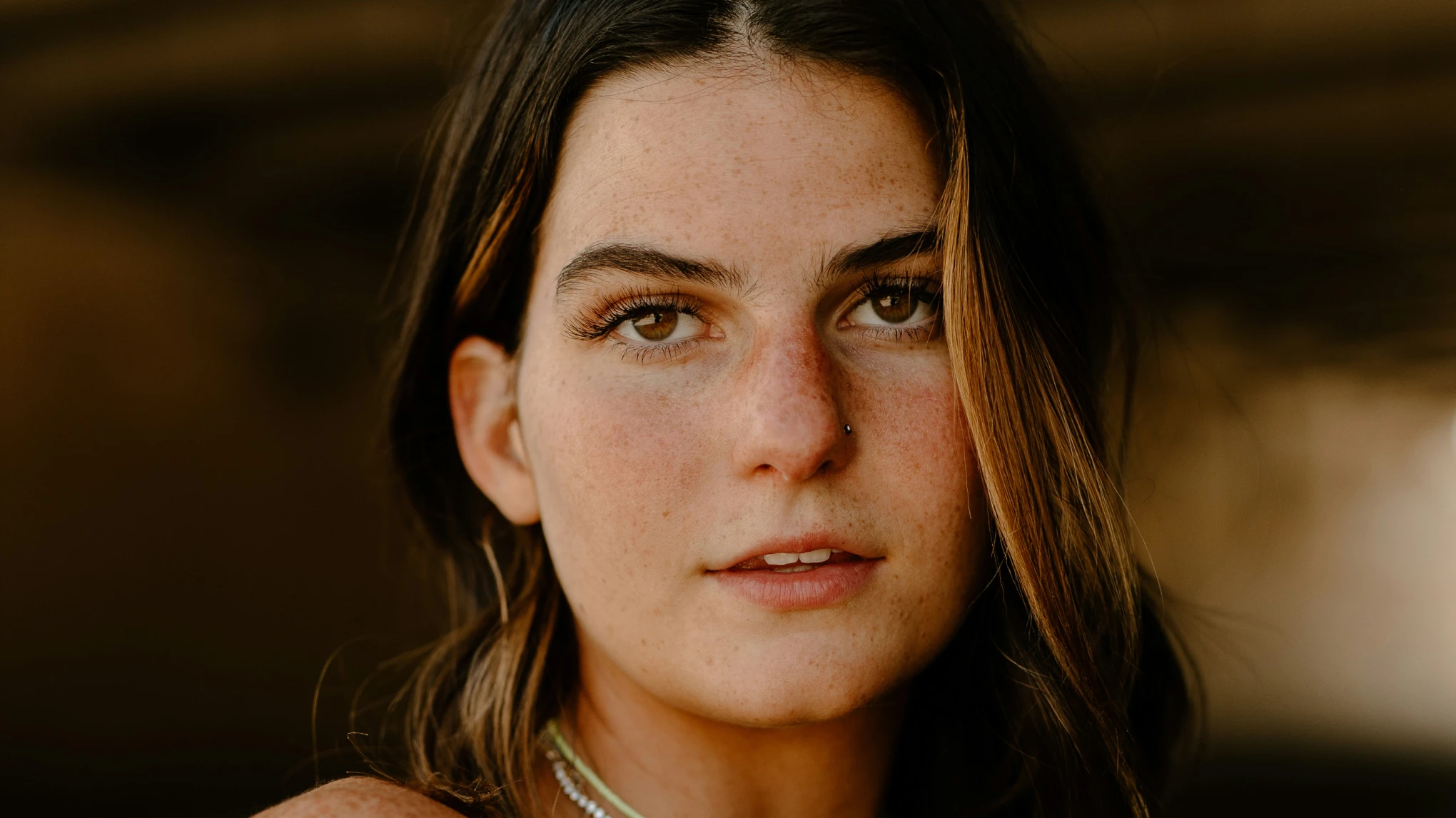
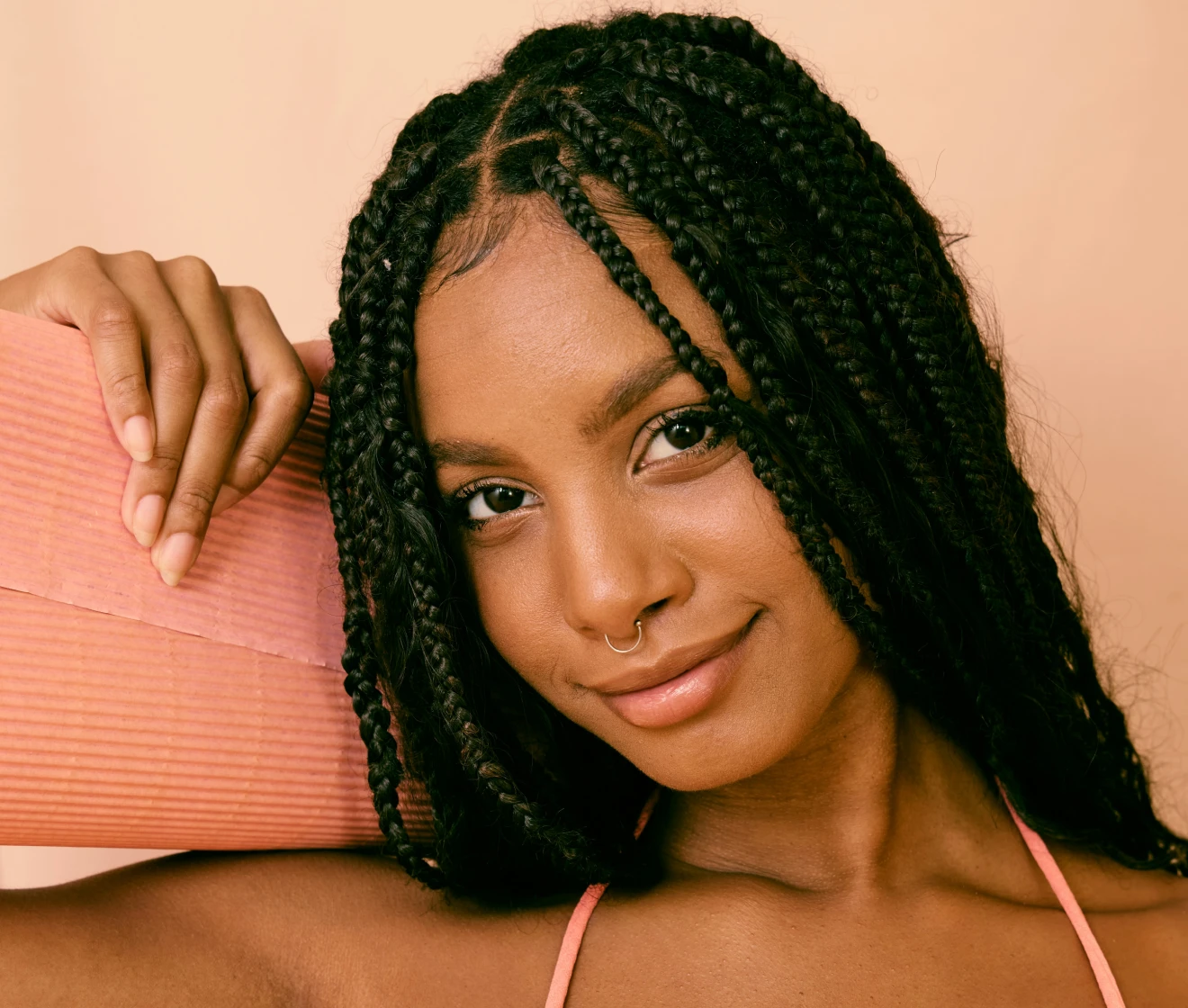
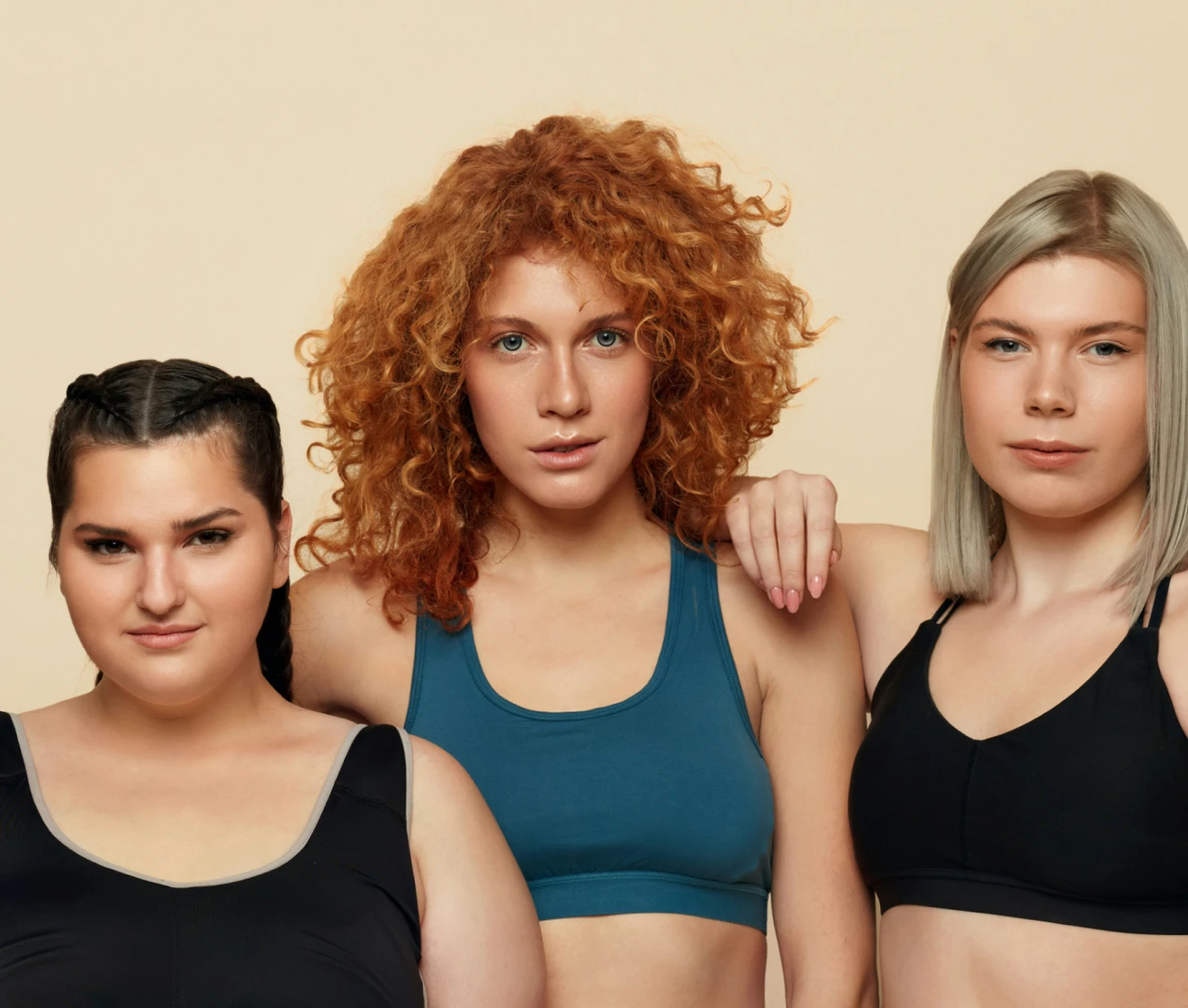
Free online AI blue eye filter by Evoto adding realistic blue iris textures to a portrait photo Before
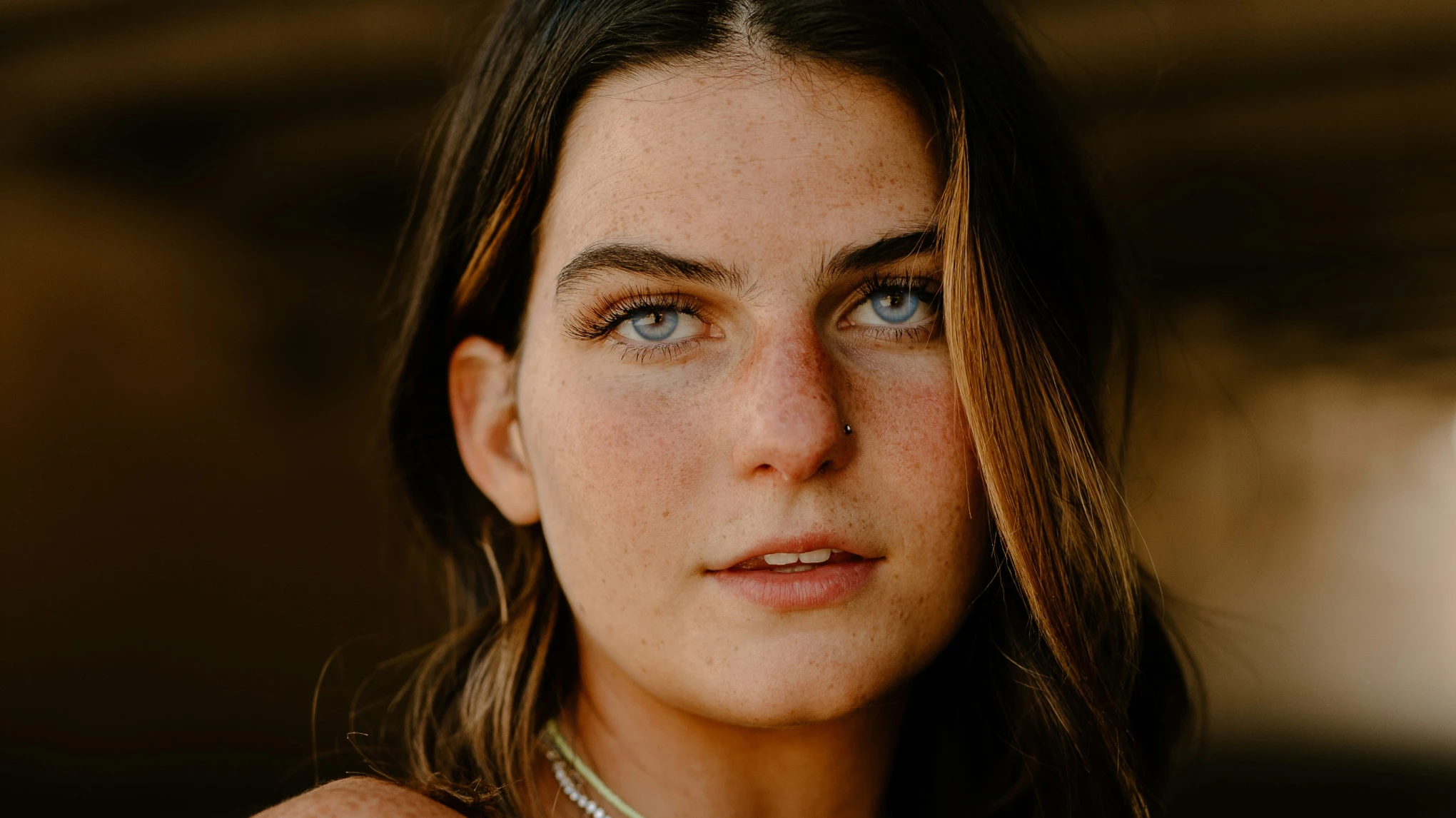
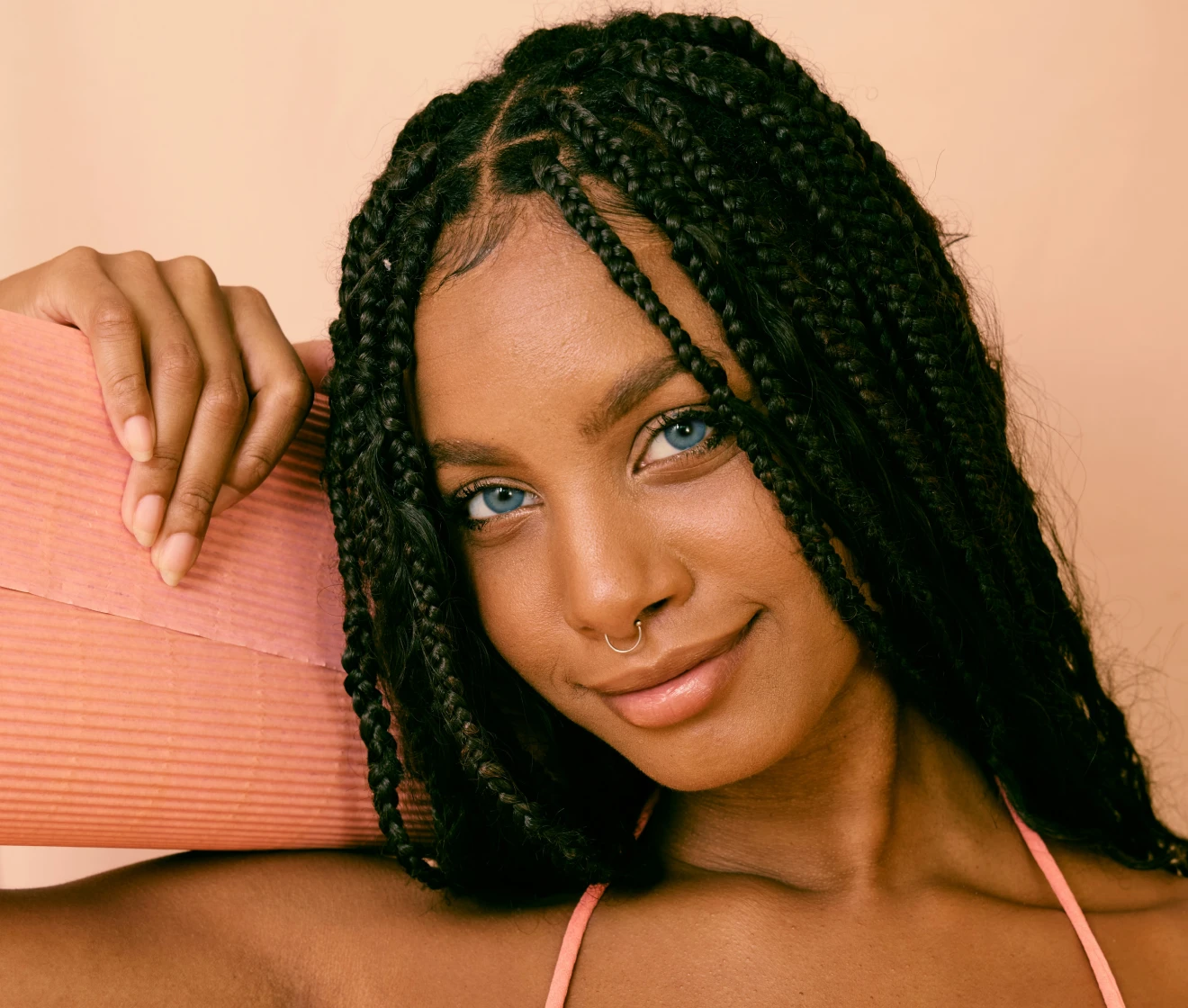
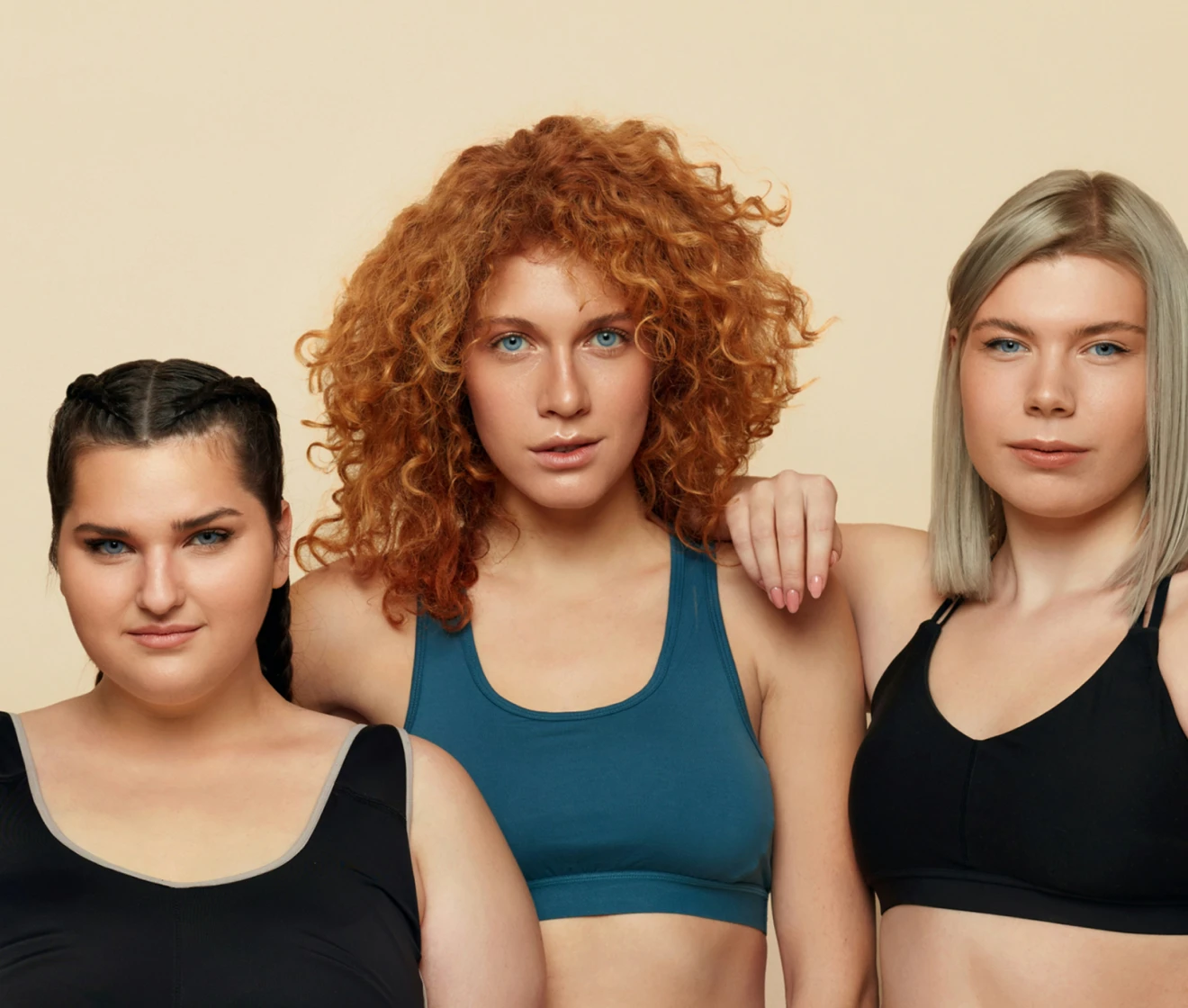
Free online AI blue eye filter by Evoto adding realistic blue iris textures to a portrait photo After
Before
After
Upload Image
* JPEG, JPG, PNG or WebP image allowed.

Private processing · Preview without signing up

No image? Try one of these
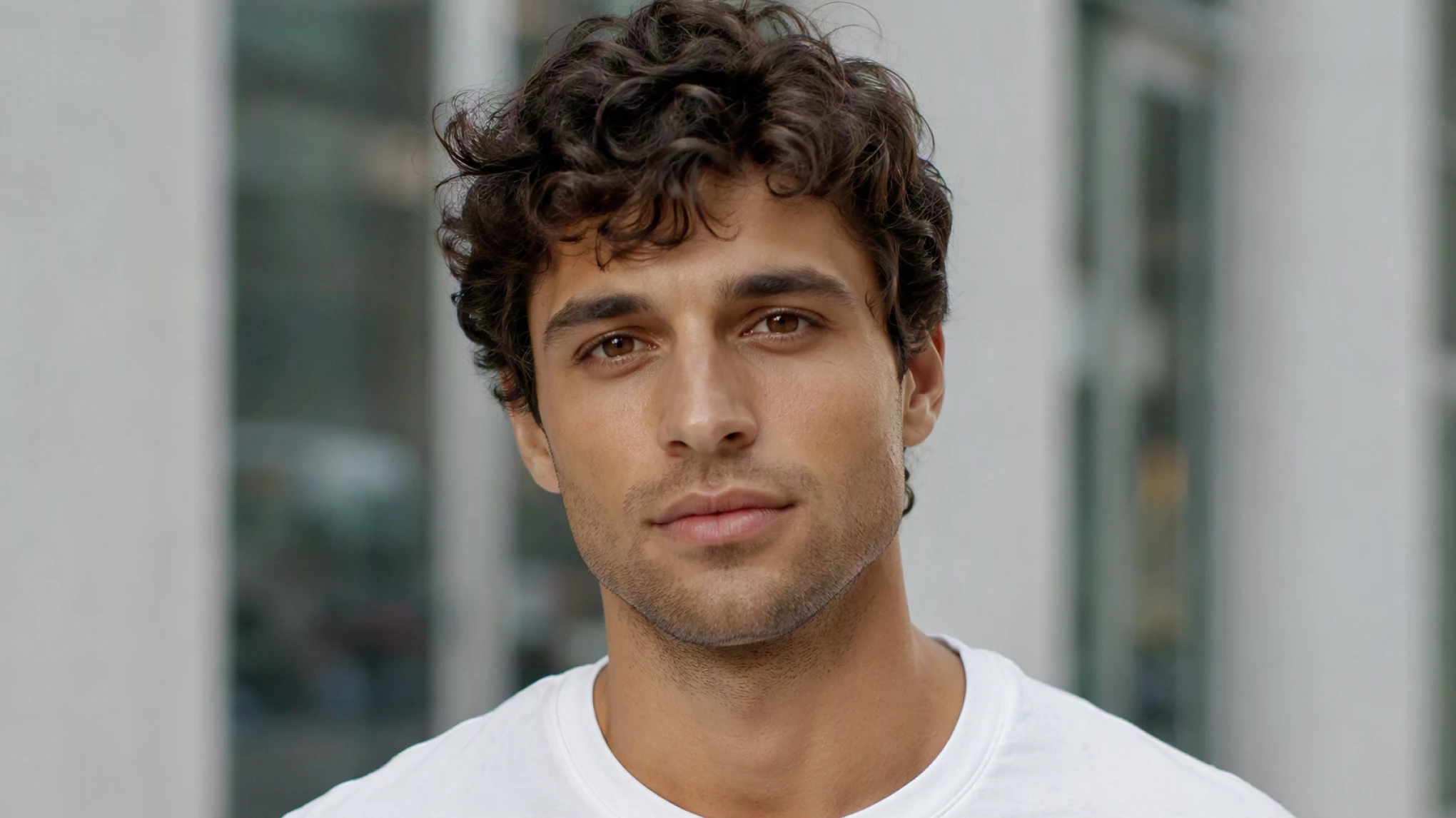
Free online AI blue eye filter by Evoto adding realistic blue iris textures to a portrait photo
Upload Image
New users get 3 free HD exports
buy now
buy now

Transform Your Portraits with Evoto’s AI Blue Eye Filter

Effortlessly change eye color while preserving authentic portrait details. From instant quick fixes to detailed multi-face group photo editing, discover how Evoto helps you achieve perfect blue eyes with professional-grade realism.

Instant Blue Eye Filter with One Click

With Evoto, changing eye color is effortless. A single click applies a realistic blue eye filter with detailed iris textures, giving your portraits a clean, vibrant look in seconds.

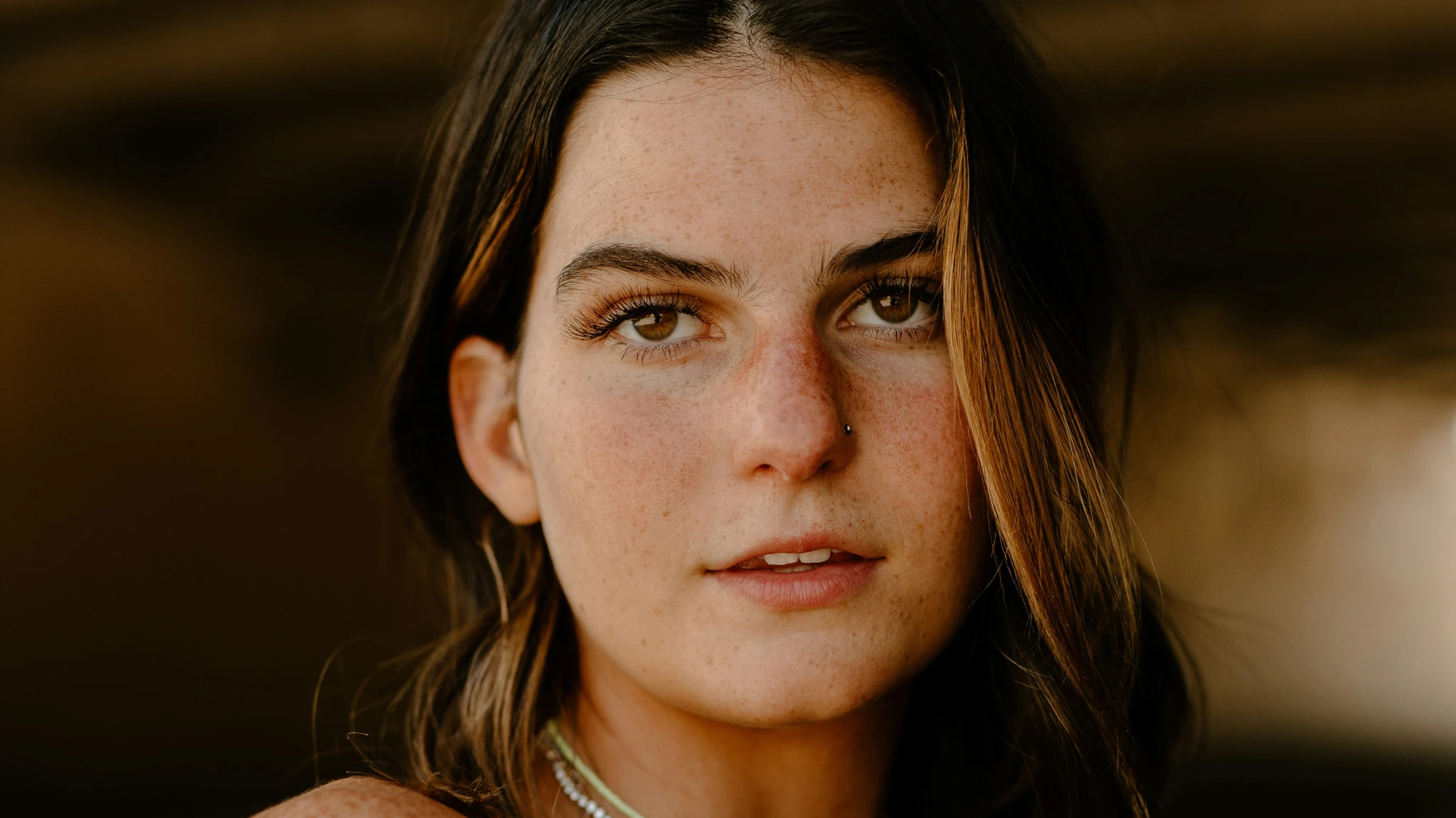
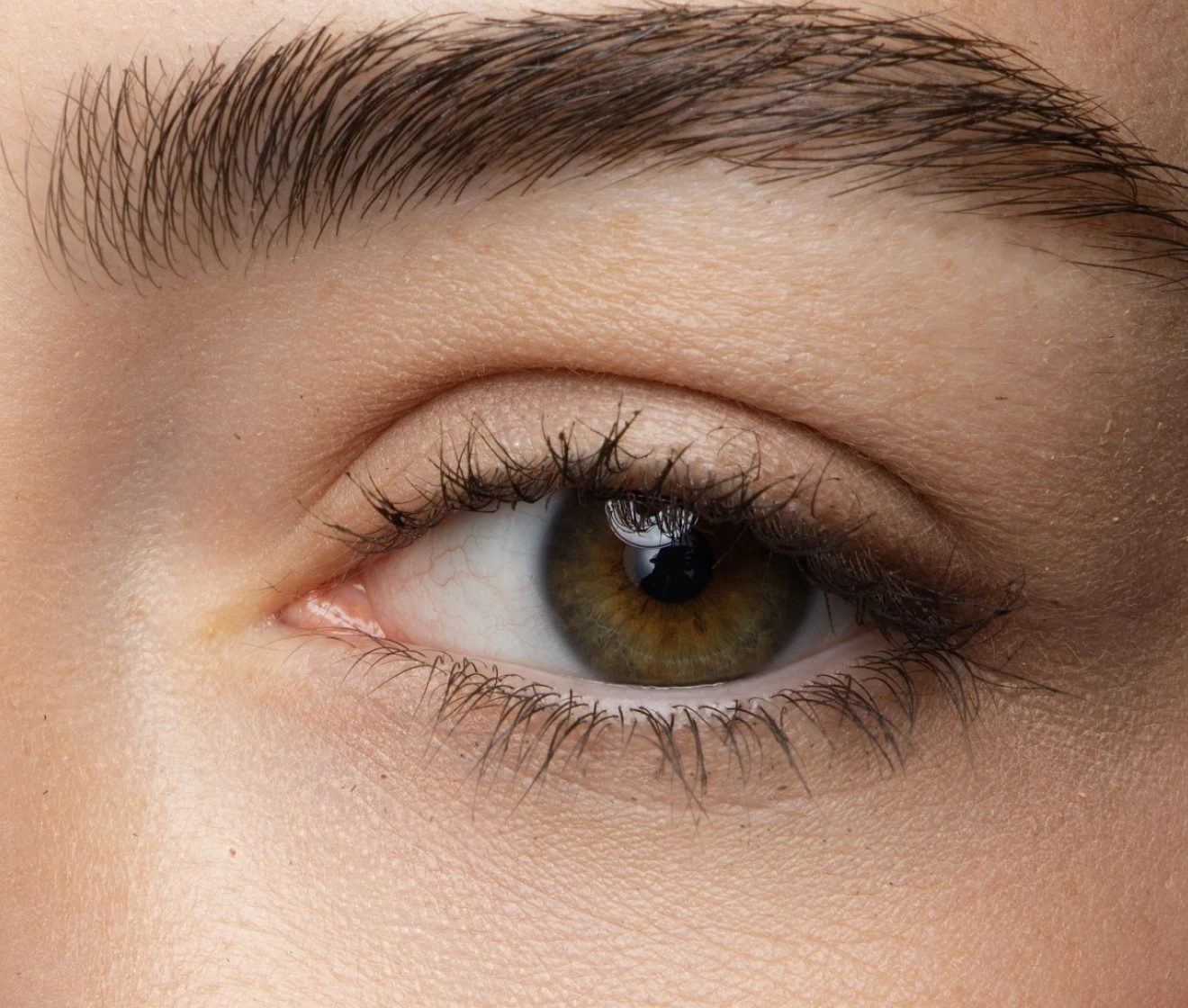
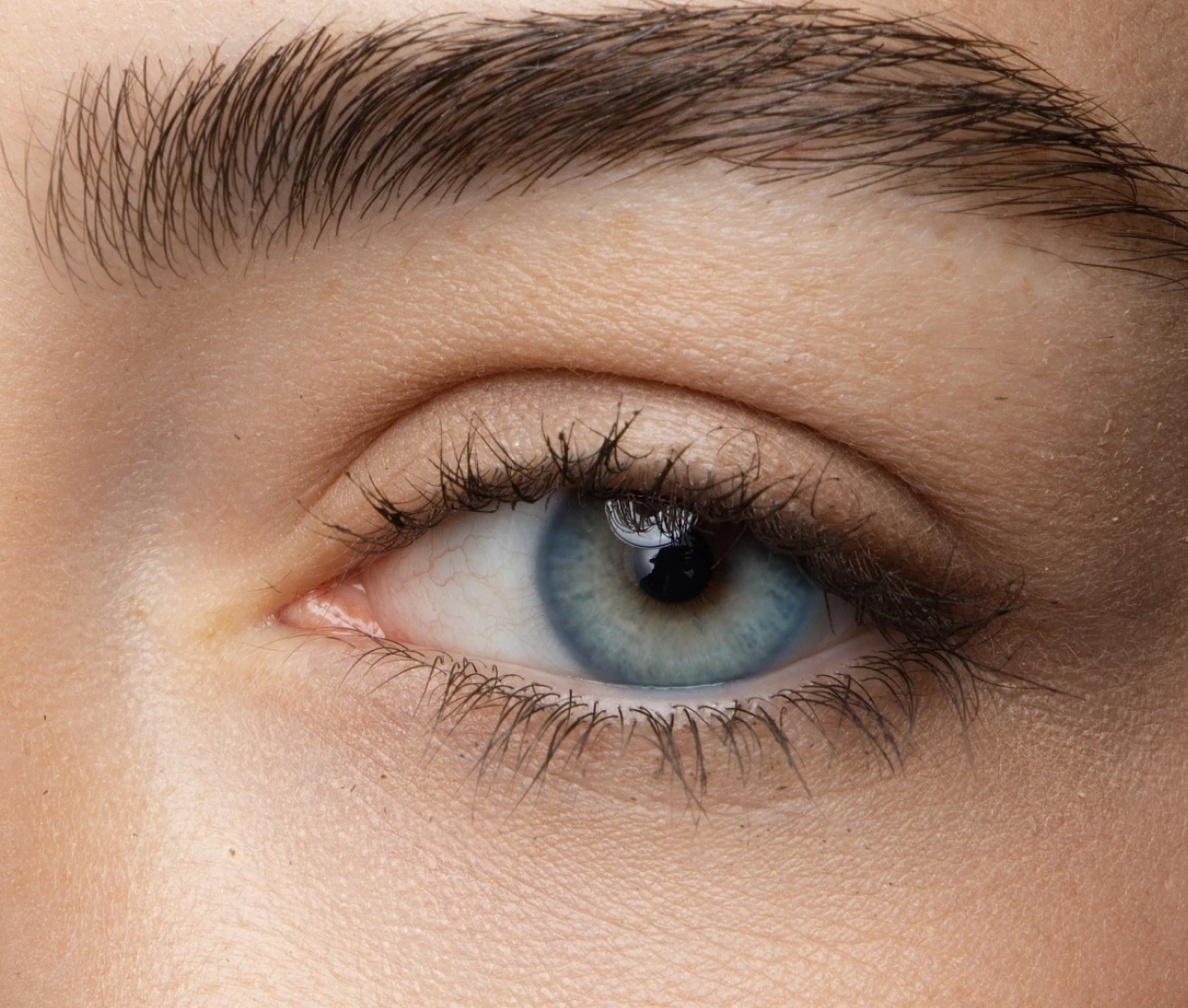
Before and after portrait showing instant AI blue eye filter with detailed iris textures
Before
After

Seamless Blend for Ultra-Natural Results

Forget fake, harsh edits. Evoto’s AI intelligently detects lighting and reflection, blending vibrant blue tones with natural eye contours for a look that feels completely authentic.

Before and after portrait showing natural blue eye filter blending with light and reflection
Before
After

Perfect Blue Eyes for Group Portraits

Editing a group photo? Evoto’s AI automatically detects multiple faces and applies the blue eye filter to everyone at once, ensuring consistent, vibrant eye color across the entire shot.

Group photo showing multiple faces with natural blue eye filter applied by Evoto AI
Before
After

Fine-Tune Intensity for Complete Control

Want subtle hints of blue or vibrant coverage? Adjust the opacity and color intensity seamlessly to match your creative vision.

Adjusting blue eye filter intensity and opacity control in Evoto

Why Creators Choose Evoto's AI Blue Eye Filter

Precise iris edge detection, lifelike color blending, and non-destructive output—here's how Evoto's AI Blue Eye Filter seamlessly integrates into any creative workflow.
  • Free online AI blue eye filter showing clean high-resolution export without watermark

    100% Free to Use

    Experience powerful AI blue eye transformations for free—no subscription required. Easily enhance your portraits with vibrant, realistic blue eyes and export your photos in high resolution without any mandatory watermarks.
  • Intuitive user interface showing one-click AI blue eye filter application

    No Learning Curve

    Pro-level eye color editing made simple. Skip the tedious brushwork, complex layer masks, and precise manual selection—apply a vivid, realistic blue eye filter to any portrait with just one click.
  • AI blue eye filter editor supporting multi-format image upload including JPG, PNG, and WEBP

    Universal Format Support

    Seamlessly process photos in any standard format—JPG, PNG, or WEBP. Export high-resolution, vibrant portrait results ready for social sharing, digital portfolios, or high-quality printing.
  • Encrypted cloud photo processing guaranteeing complete image privacy and data protection

    Photos Stay Private

    Your portraits are processed securely via encrypted cloud servers. Once your blue eye filter edit is finalized, your images are automatically purged—never stored, shared, or used for AI model training.

Do More with Evoto AI Photo Editor

From smart facial isolation and precision eye refinement to vibrant, print-ready exports, we’ve got you covered.

How to Apply Blue Eye Filter with Evoto

Upload photo or portrait to Evoto AI blue eye filter tool
1.**Upload Your Image**23
Drag and drop your photo or portrait into our online editor. Supports JPG, PNG, and WEBP formats.
  1. 1. Upload Your Image

    Drag and drop your photo or portrait into our online editor. Supports JPG, PNG, and WEBP formats.
  2. 2. Apply Blue Eye Filter

    Choose your preferred blue eye style or shade, and let Evoto’s AI automatically detect eyes and apply a realistic blend in seconds.
  3. 3. Preview & Download

    Preview your realistic blue eye enhancement in high resolution and export your vibrant, studio-quality portrait in seconds.

Faster Edits, Finer Control.

Retouch your photos with Evoto AI Blue Eye Filter today. Available for Windows, macOS, and Web.

FAQs

  • What is Evoto’s AI Blue Eye Filter?

  • What can I use the AI Blue Eye Filter for?

  • How does the AI Blue Eye Filter work?

  • Can I change dark brown or black eyes to blue?

  • Will the blue eye filter look natural on my photo?

  • Can I apply the blue eye filter to group portraits?

  • How can I adjust the intensity or shade of the blue eye filter?

  • Is the online AI blue eye filter free to use?

  • What image formats can I upload and export?

  • Are my uploaded photos safe and private?

Last updated: 2026-11-11. Reviewed by: Evoto Product Team. Results may vary depending on image quality, lighting, subject pose, file format, and selected settings.