

How to Open Eyes in Photos with Evoto AI
1.Upload Your Photo234
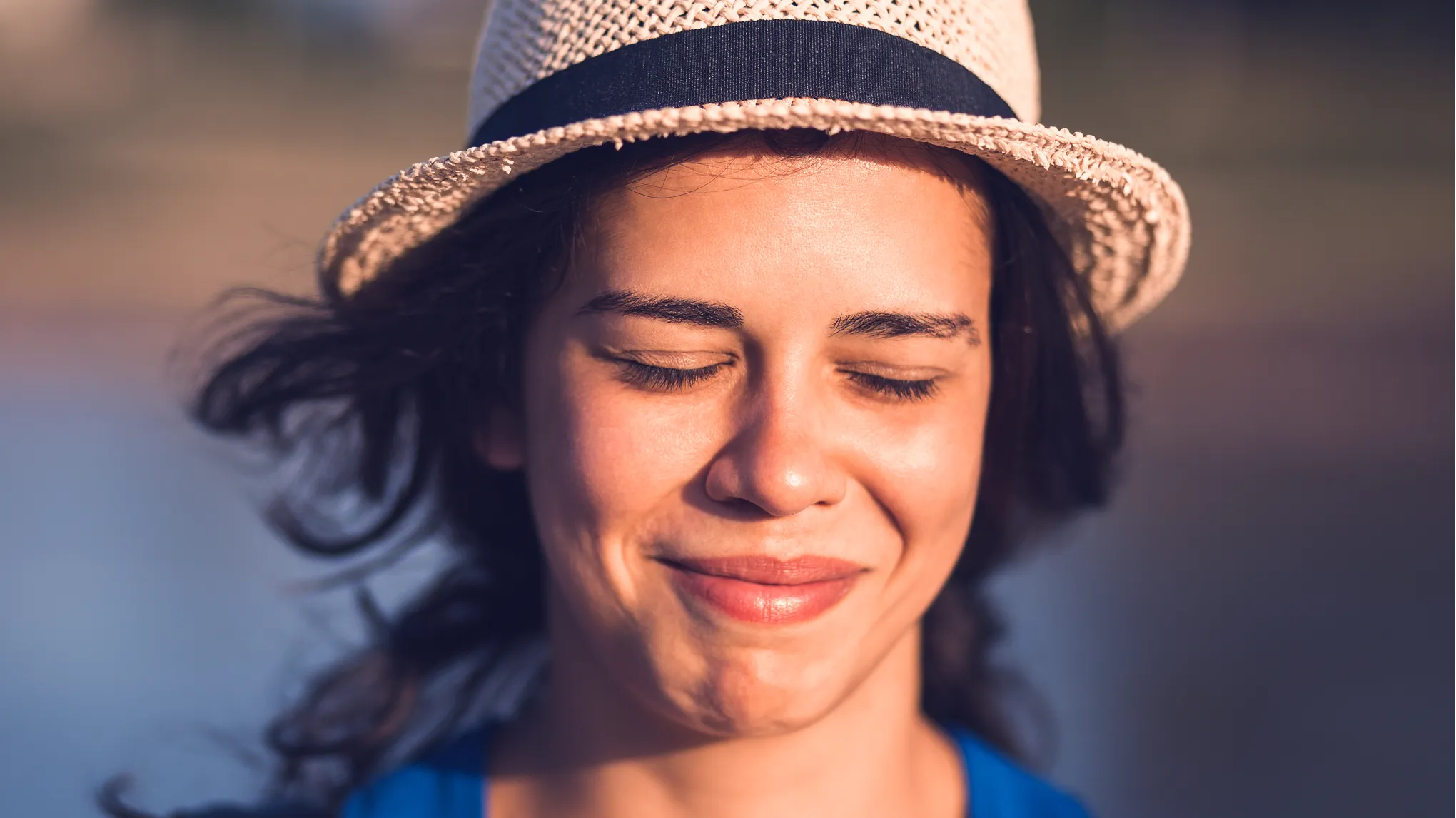
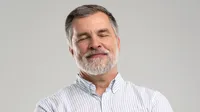
Import the photo with closed eyes into Evoto AI Eye Opener. The tool supports high-resolution formats like JPG, JPEG, PNG, WebP.
For the most natural result, upload 0-3 optional photos of the person with open eyes. You don’t need to select faces manually. The AI automatically identifies the subject and binds the reference to the correct person.
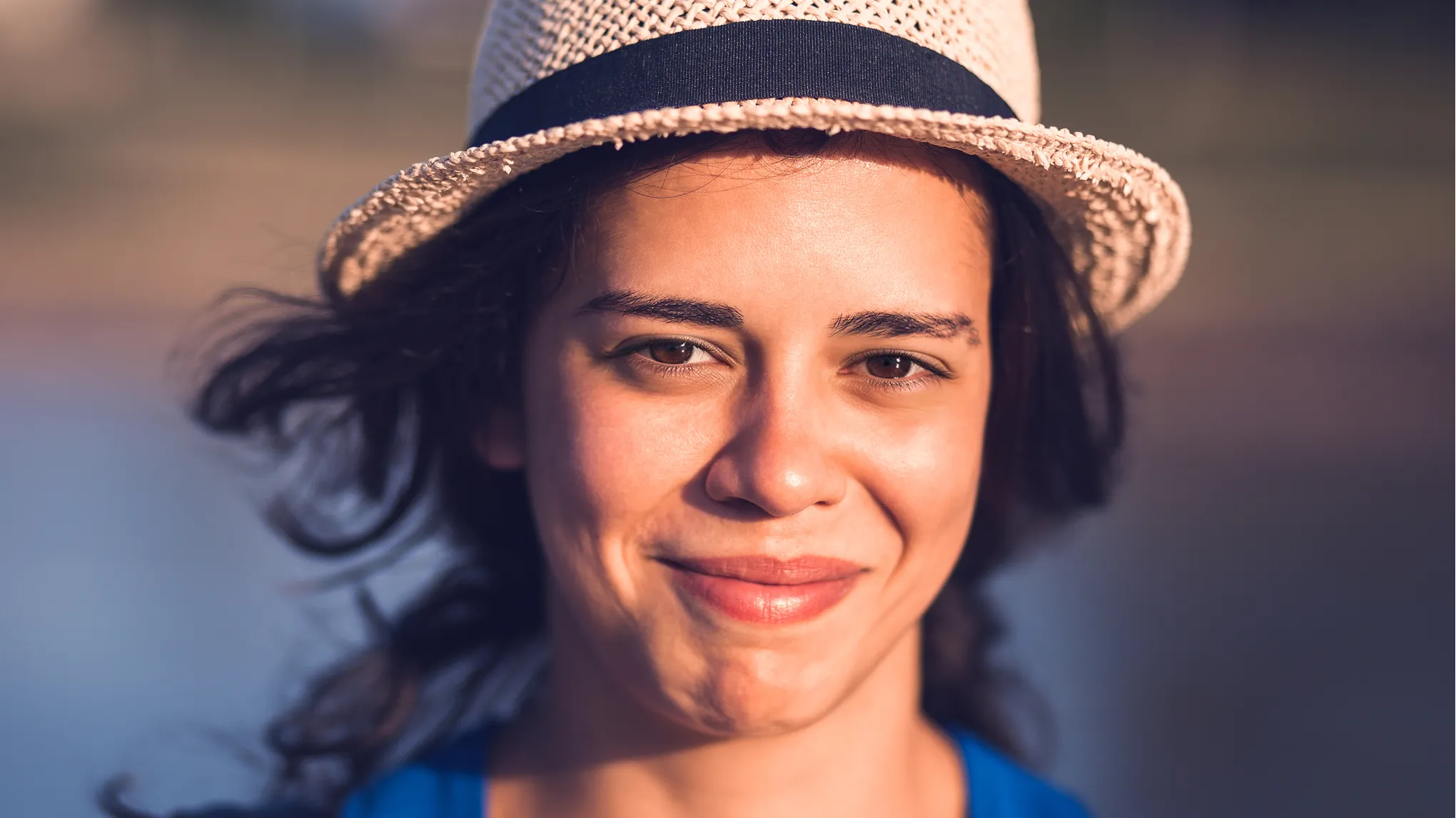
Evoto processes the image automatically. It uses the reference to generate natural, open eyes that match the person’s expression and eye color perfectly.
Preview the authentic result. Click "Export" to download your fixed photo in high quality, ready for sharing or printing.
1. Upload Your Photo
Import the photo with closed eyes into Evoto AI Eye Opener. The tool supports high-resolution formats like JPG, JPEG, PNG, WebP.2. Add Reference Photos (Optional)
For the most natural result, upload 0-3 optional photos of the person with open eyes. You don’t need to select faces manually. The AI automatically identifies the subject and binds the reference to the correct person.3. Let AI Work
Evoto processes the image automatically. It uses the reference to generate natural, open eyes that match the person’s expression and eye color perfectly.4. Preview & Download
Preview the authentic result. Click "Export" to download your fixed photo in high quality, ready for sharing or printing.