Unlock More Creative Possibilities
Break free from fixed framing. Expand images in any direction and unlock new layouts—no reshoot, no redesign.High-Quality, Natural-Looking Results
Evoto delivers high-quality AI outpainting, matching background light, texture, and color for seamless image extension.Faster, More Efficient Workflow
Skip complex tools and time-consuming edits. AI image expansion generates clean results in seconds.Works Across Many Scenes
AI image extender is ideal for portraits, product photos, social media images,etc. One tool for every use case.

AI Image Extender Online
Expand photos naturally with Evoto’s AI image extender, adding realistic background to fit any layout, no cropping required.
Rate this result
Upload Image
* JPEG, JPG, PNG or WebP image allowed.
Private processing · Preview without signing up
No image? Try one of these

Expand Images Further with AI Image Extender
Extend image backgrounds automatically with AI that adapts to any layout, while matching the original scene and lighting.
Extend Photos in One Click
Upload your photo, choose a target size, and let AI expand the canvas beyond the original frame. In seconds, it fills in missing areas naturally—so you can fix tight crops without stretching faces, products, or important details.
Aspect Ratio Freedom for Any Platform
Expand images to 1:1, 4:5, 16:9, 9:16, or any custom ratio in seconds. Turn square photos into wide headers or extend images for Stories and Reels—while keeping your subject centered. No more awkward cropping for every platform.
Natural Background Expansion (Texture, Light, Color)
Evoto analyzes your original image and extends the background with matched textures, lighting, and color tones. The result looks smooth and realistic—with fewer obvious seams, repeats, or 'AI pasted' artifacts.
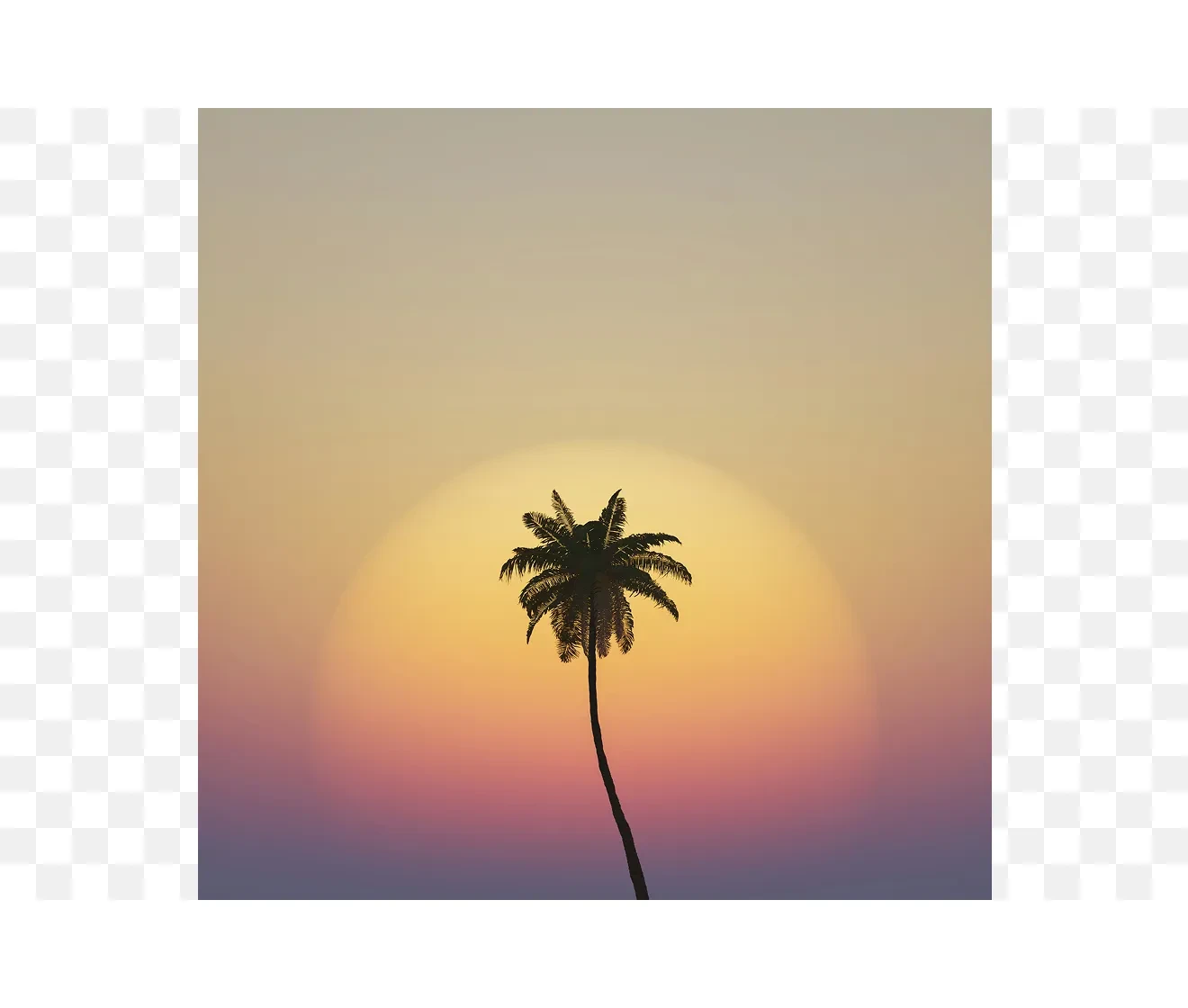
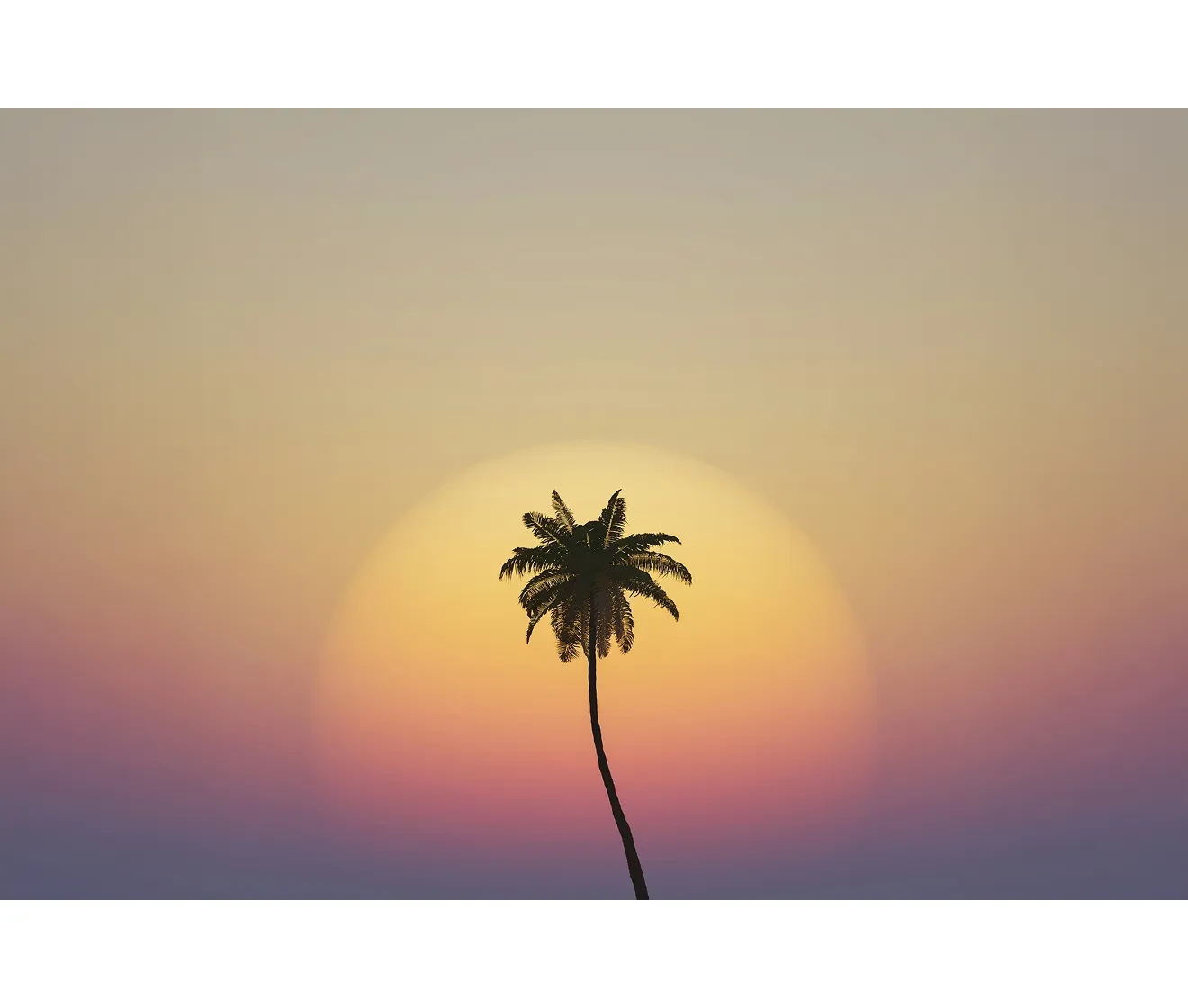
Generate Variations to Get the Best Result
Need a cleaner background or different composition? Regenerate to explore options quickly. This makes it easy to land a publishable result—especially for complex scenes like crowds, architecture, or textured surfaces.
AI Image Expander for Natural Image Extension
With an AI image extender, you keep the subject, add breathing room, and make one photo fit every channel.
Do More with Evoto AI Photo Editor
From professional skin retouching to color grading and more, we’ve got you covered.
How to Expand Image Online
1.Upload Your Photo234
Upload your photo to Evoto Image Extender. It supports JPEG, JPG, PNG, and WebP files. Choose an image with a clear subject so the AI can extend the background smoothly.
Discover More about AI Image Extender
FAQs
How do I expand an image online without cropping?
Is Evoto’s AI image extender free to use?
What’s the difference between an image expander and an image upscaler?
Can I use Evoto image extender to uncrop a photo?
What image formats are supported?
Will the expanded area look realistic?
How do I get better results from AI outpainting?
Can I expand images for social media sizes like 9:16?
Can I use expanded images for commercial projects?
Does expanding an image change the original photo?
Last updated: 2026-07-29. Reviewed by: Evoto Product Team. Results may vary depending on image quality, lighting, subject pose, file format, and selected settings.