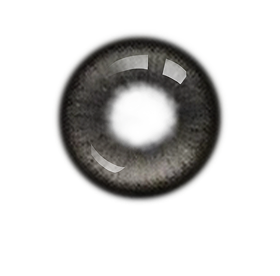
AI Eyes Color Editor with Natural Hues & Creative Flair
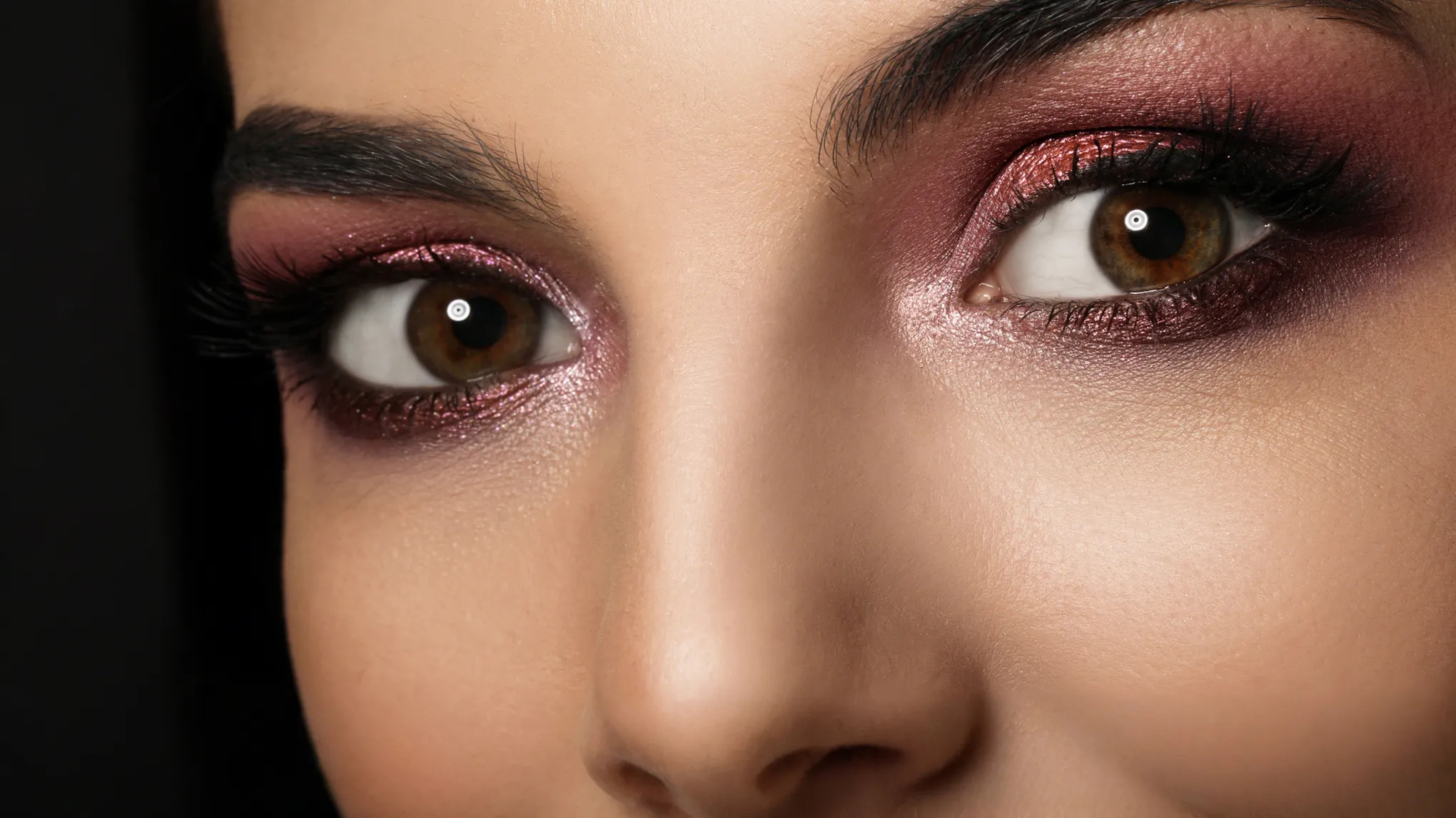
Easily change eye color from natural-looking hues to bold, creative shades, with an eye color changer designed for seamless, professional results.
Preset Contact Color Filters
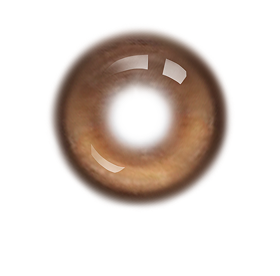
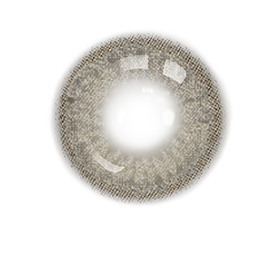
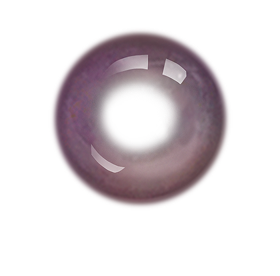
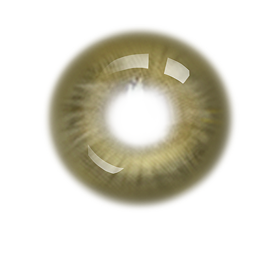
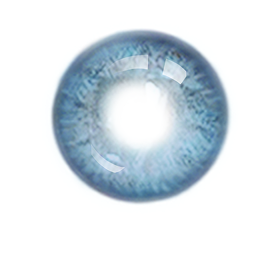
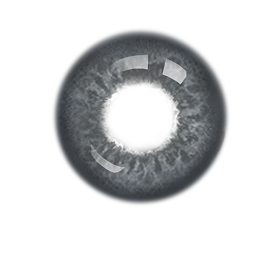
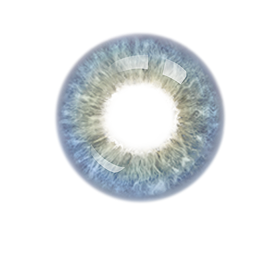
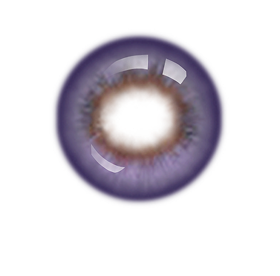
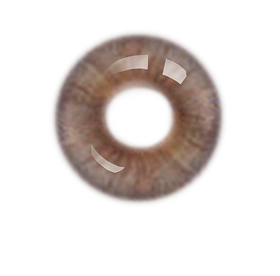
Apply one-click eye color filters for brown, blue, purple, or more tones, mimicking the natural appearance of colored contacts. Use sliders to adjust intensity, ensuring a seamless blend. Ideal for virtual colored lenses try-on or makeup photoshoots!
AI identifies individuals in group photos, letting you change specific eyes color without affecting others. Great for family portraits, party photos, or prom events where personalized edits matter.
Smart pupil or iris detection adds an editable color mask for vibrant, custom iris shades. Craft unique makeup looks for Halloween or cosplay-themed shoots, making bold iris colors look authentic and striking.
Reduce red veins, fix red eyes, erase wrinkles, or remove glasses glare with Evoto all-in-one eye editor. Ensures crisp, clear eyes in weddings, headshots, or any photo needing eye retouching.
Our AI matches contact colors to all kinds of photoshoots, elevating your profile photos, social posts, cosplay shots, prom portraits, colored lenses testing, and more.
Pro-Grade Eye Color Filters
Choose from various contacts color filters that blend with skin tone and lighting, delivering natural, flattering photo editing results worthy of your photography.
Precise AI Detection on Eyes
Pinpoint eyes or irises with accuracy, preserving details like highlights while changing iris colors. It’s easy to use, even for beginners, with no steep learning curve.
Batch Photo Editing Efficiency
Customize a color for eyes once, then apply it to all photos with one click, saving time while keeping consistency across your volume photography session.
Add a photo to Evoto Eye Color Changer, with portrait eyes needing to be change.
Go to the “Portrait” panel and find “Makeup” section. Choose a color from the “Contacts” option and move the slider to adjust iris color to the intensity you need.
Use shortcut “Ctrl/ Command + C” to copy the edits. Select multiple photos in the project and batch edit the contacts color with shortcut “Ctrl/ Command + V”.
Click “Export” to save the edited photo to your Windows, Mac OS or iPad OS device.
1. Import a Photo
Add a photo to Evoto Eye Color Changer, with portrait eyes needing to be change.
2. Change Eye Color
Go to the “Portrait” panel and find “Makeup” section. Choose a color from the “Contacts” option and move the slider to adjust iris color to the intensity you need.
3. Sync Eye Color Changes (Optional)
Use shortcut “Ctrl/ Command + C” to copy the edits. Select multiple photos in the project and batch edit the contacts color with shortcut “Ctrl/ Command + V”.
4. Save the Photo
Click “Export” to save the edited photo to your Windows, Mac OS or iPad OS device.
Can it replace dark brown eyes with naturally blue?
A
Yes. Our eye color changer uses advanced color-matching technology to layer blue tones over your natural iris in the photo, blending with existing shades and preserving subtle details like highlights. The result mimics real blue eye contacts, avoiding a flat or artificial look, even on darker eyes.
Q
How does it handle group photos when I edit just one person’s eyes?
A
The eye color changer uses AI algorithms to detect individual faces in group shots, letting you target specific people. For example, in a prom photo, you can change one friend’s iris color to green without affecting others. This precision also makes it ideal for family portraits or event photos.
Q
Can I save my favorite iris color settings for later?
A
Yes. You can save custom contacts color presets to reuse on future photo projects. This saves time when editing a series of shots from the same session.
Q
Can I use this eye color filter online, or do I need to download software?
A
Both options are available. Edit online via a web browser for quick eye color changes, or download the software for PC or iPad, great for editing on the go, like at a photoshoot or event.
Q
Is this eye editor easy for someone with no editing experience?
A
Absolutely. It’s designed for beginners. There’s no need to learn complex tools and you’ll get professional results in seconds.
Q
Can I use it to test out colored lenses before buying?
A
Definitely. Our AI Eye Color Changer offers a range of preset iris shades that mimic popular contact lens colors. Adjust the intensity to see how subtle or bold the lenses would look on your photo, helping you decide before purchasing.
Q
Does it work on animal eyes?
A
No. You can edit as many portrait eye photos as you want, and batch editing lets you apply the same iris color to an entire photoshoot.
Q
Can I create bold, anime-inspired iris colors for cosplay?
A
Absolutely. Beyond natural shades, it offers vibrant, custom color options. Think neon pink or electric blue? Smart masking tools focus on the iris, ensuring the bold hue stays within the eye and looks realistic, even for dramatic cosplay characters.
Q
Does this eye editor fix red eyes from camera flash?
A
Yes. Along with changing colors, it includes a red eye remover. It detects flash-induced redness, neutralizes it, and restores natural white in the eyes, great for fixing quick snapshots or formal portraits.
Q
Is there a free version, or do I need to pay?
A
There’s a free version online with basic eye colors and limited edits. Premium features, like custom iris colors, batch editing, and advanced eye editing, are built in the Evoto Eye Color Changer software.
Last updated: 2025-09-03. Reviewed by: Evoto Product Team. Results may vary depending on image quality, lighting, subject pose, file format, and selected settings.